
- 4.4star5 reviews
- 500K+Downloads
- 2 MBAPK size
- EveryoneRated for Everyone
- API 14+Android
check_circleOriginal APK from Gustavo Maciel · Updated Nov 10, 2026
No threats found
0 / — antivirus engines flagged this file
Original signature
First seen — Gustavo Maciel
Unmodified APK
Same file the developer published — no mods
Pixly - Pixel Art Editor screenshots
8 images · tap to enlarge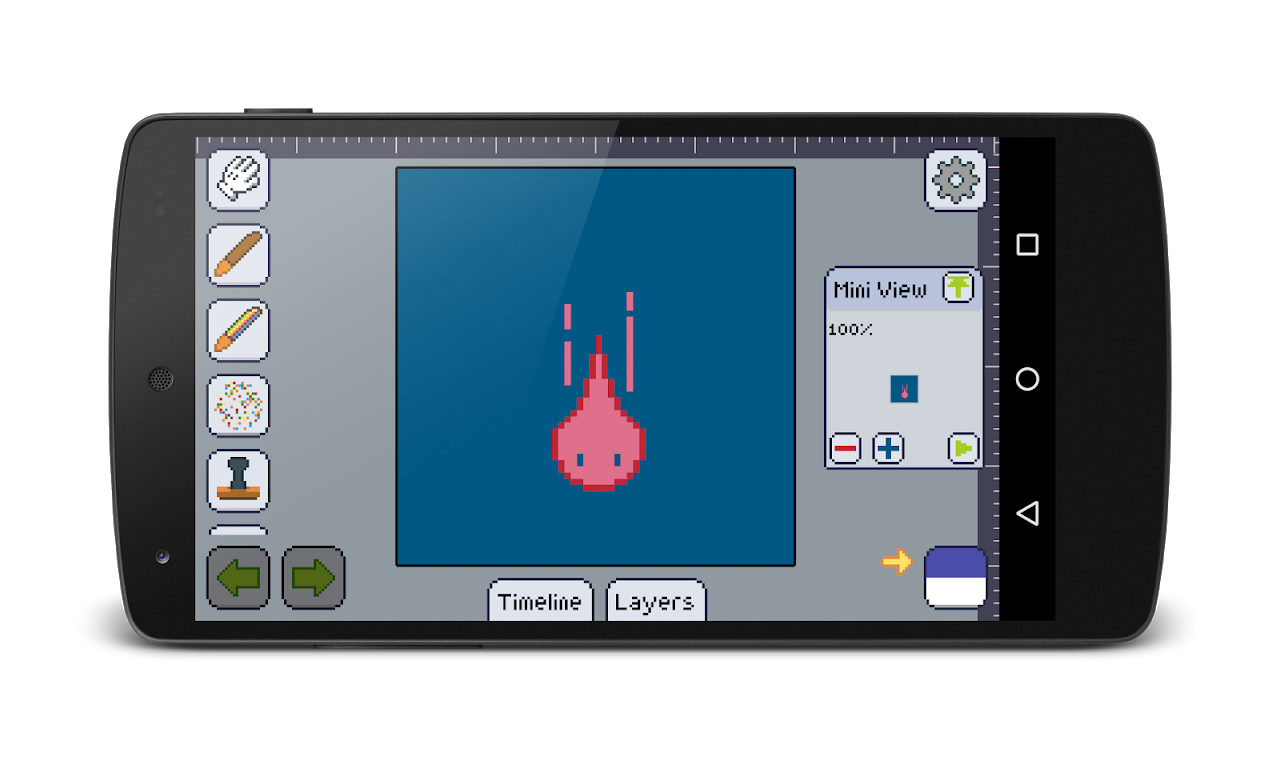
About this app
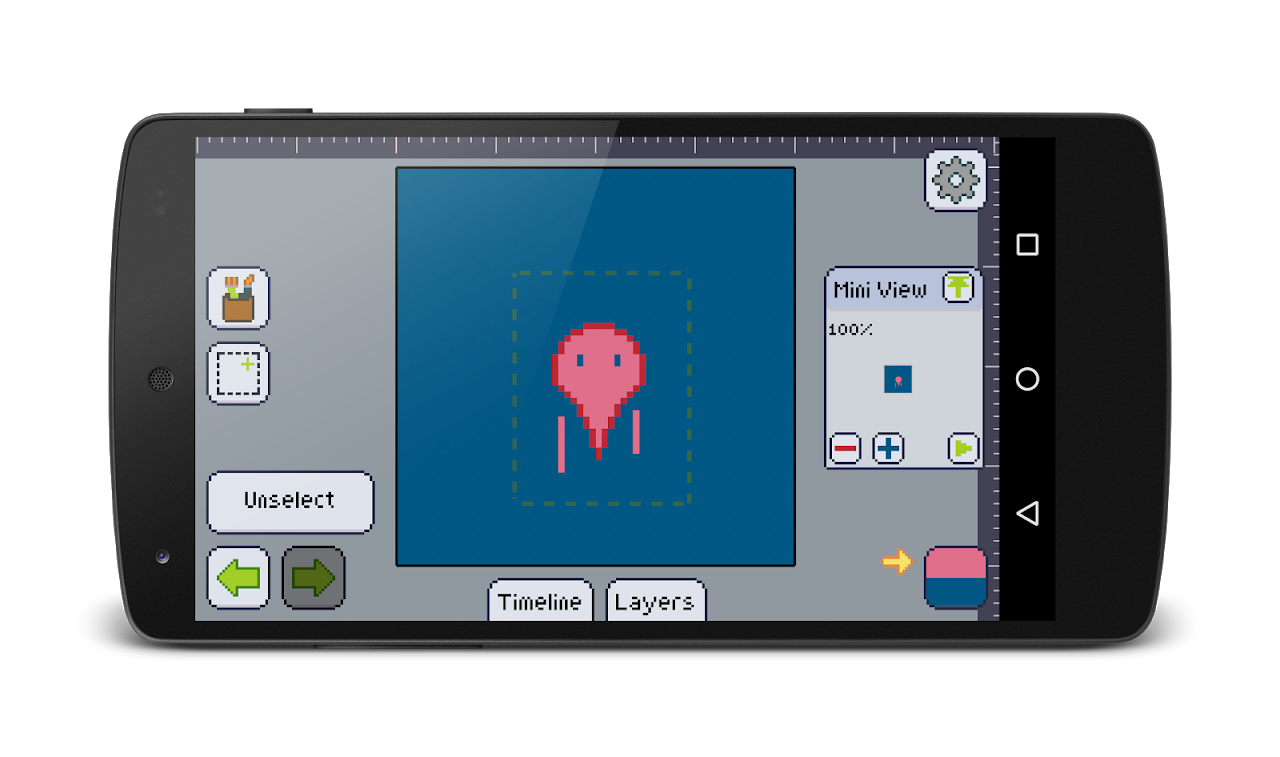
Pixly - Pixel Art Editor helps you draw pixel art on a phone or tablet with tools made for small screens. It includes layers, onion-skin animation, grids, symmetry, and a mini view for quick preview, so you can build sprites and frame-by-frame scenes without fighting the interface.
- Layer-based editing — Work on separate layers to keep parts of your pixel art organized.
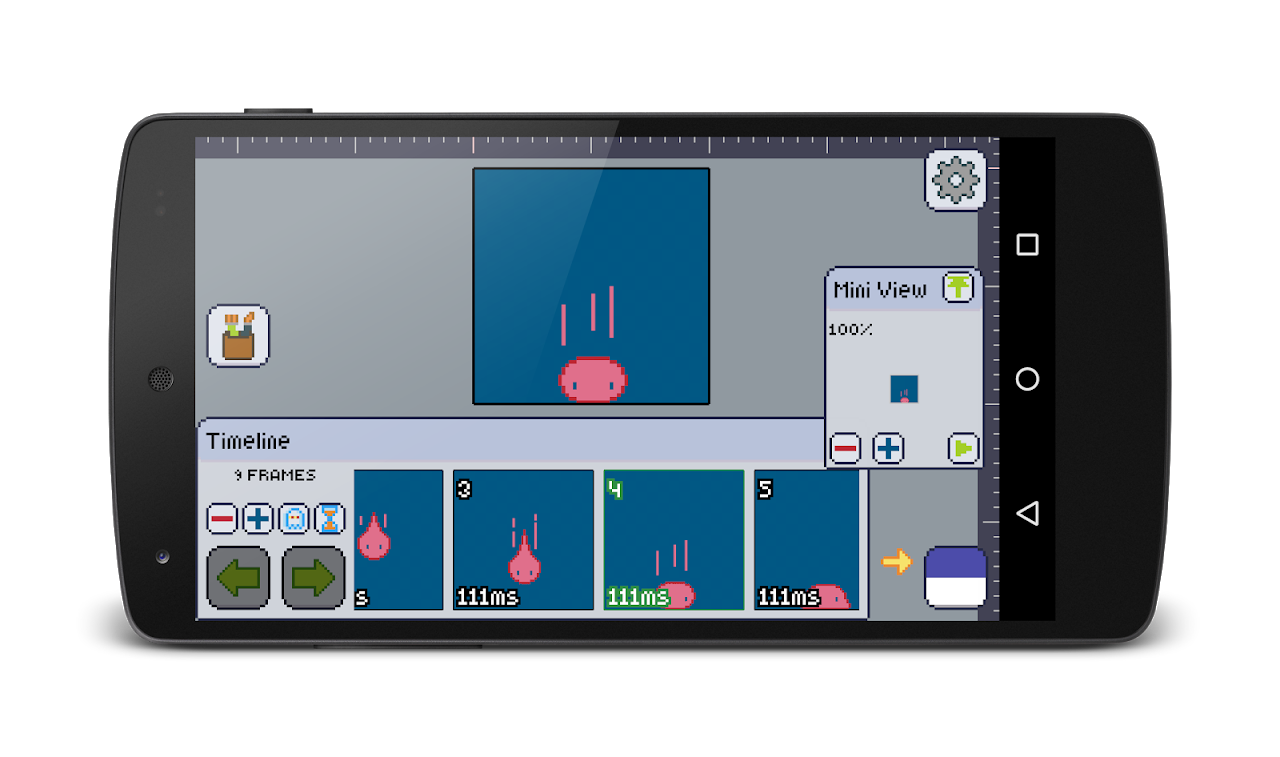
- Onion-skin animation — Use onion skinning to compare frames while drawing animations.
- Touchscreen controls — Pinch with two fingers to move and zoom, or use three fingers to change brush size.
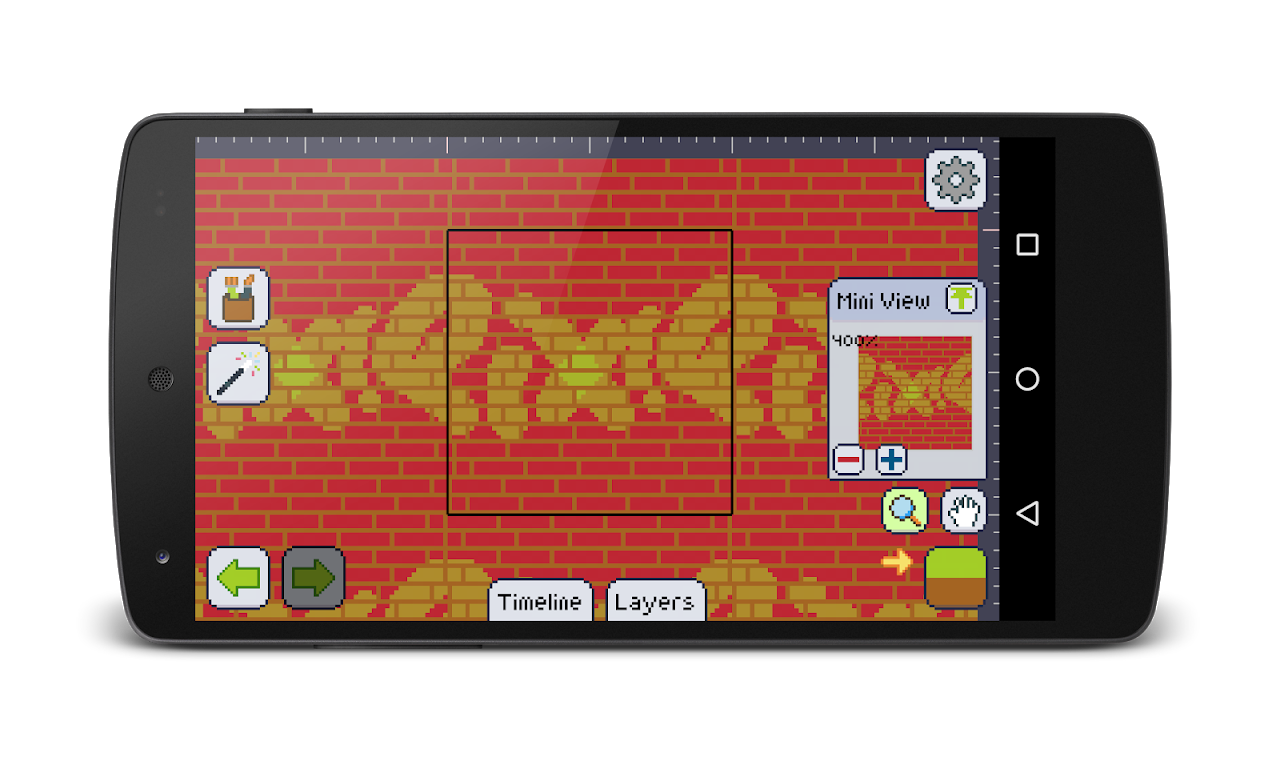
- Preview and zoom — A mini view with adjustable zoom helps you check your art while you work.
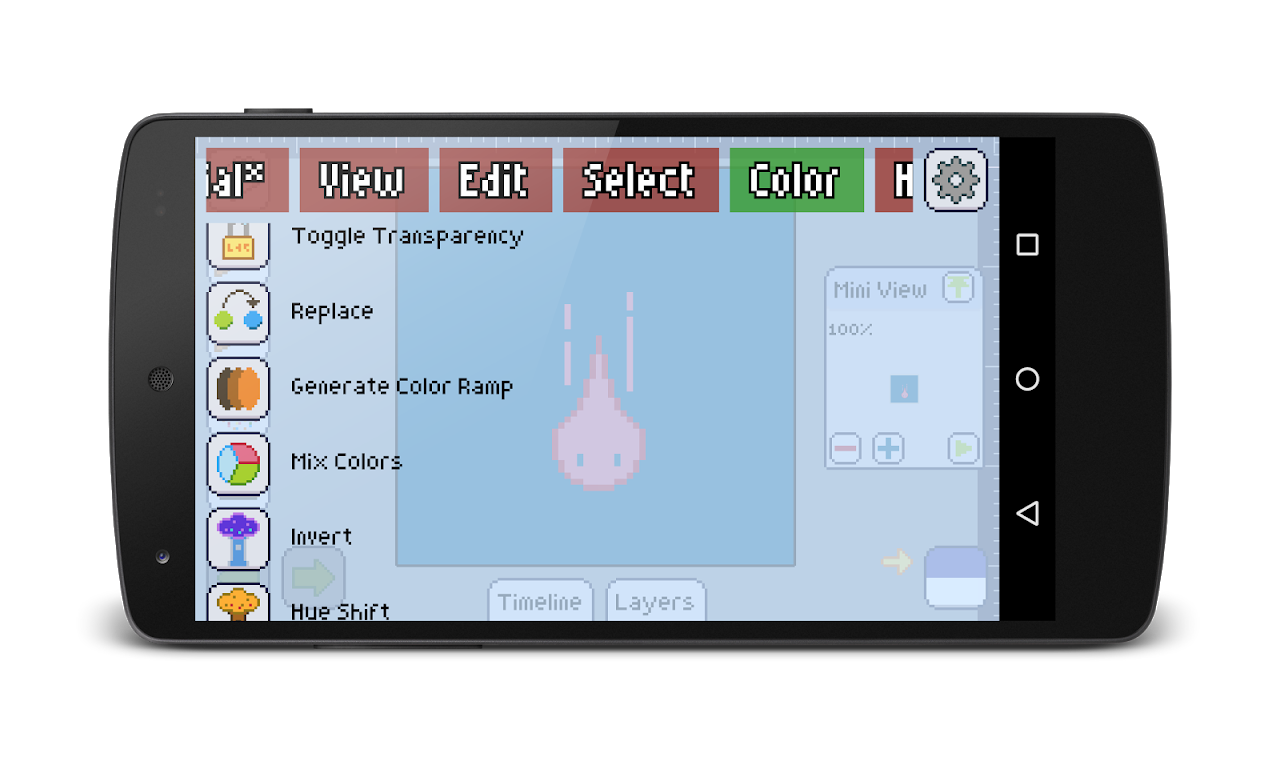
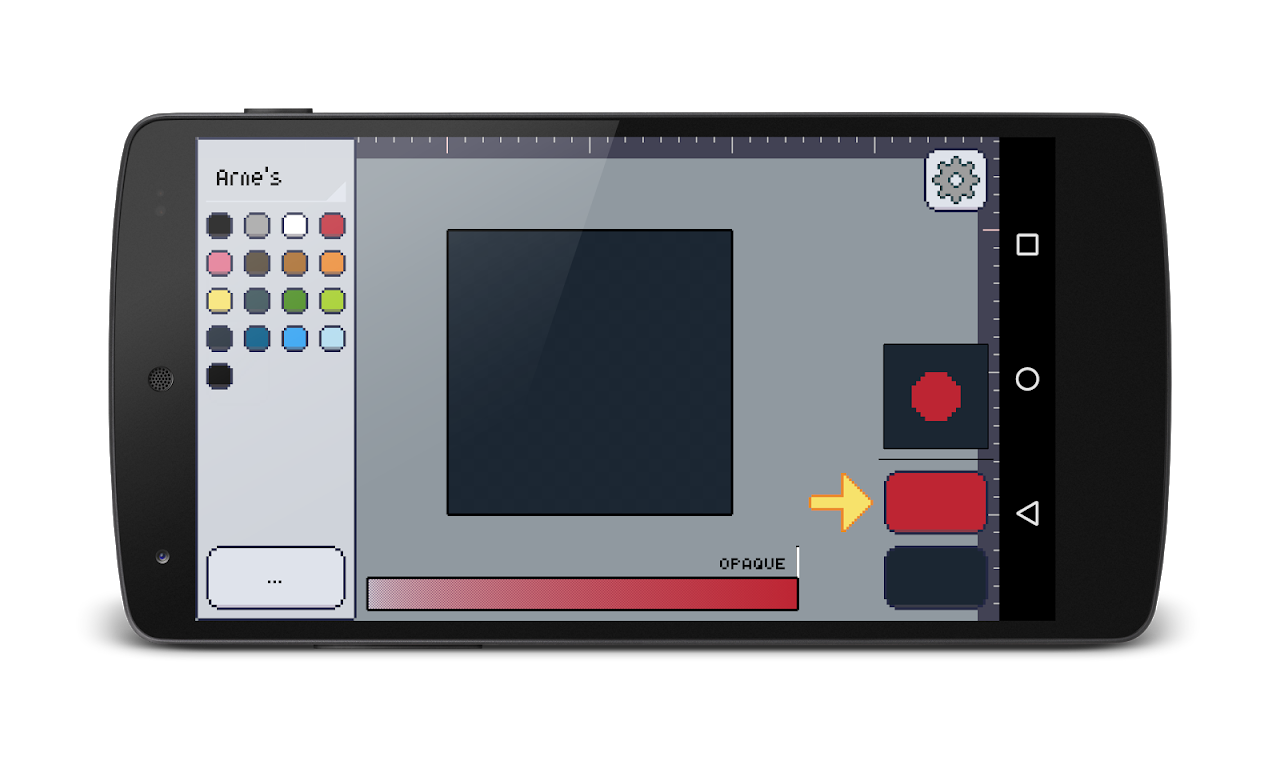
- Color and shape tools — Use palettes, color ramps, opacity, arcs, curves, patterns, and symmetry.
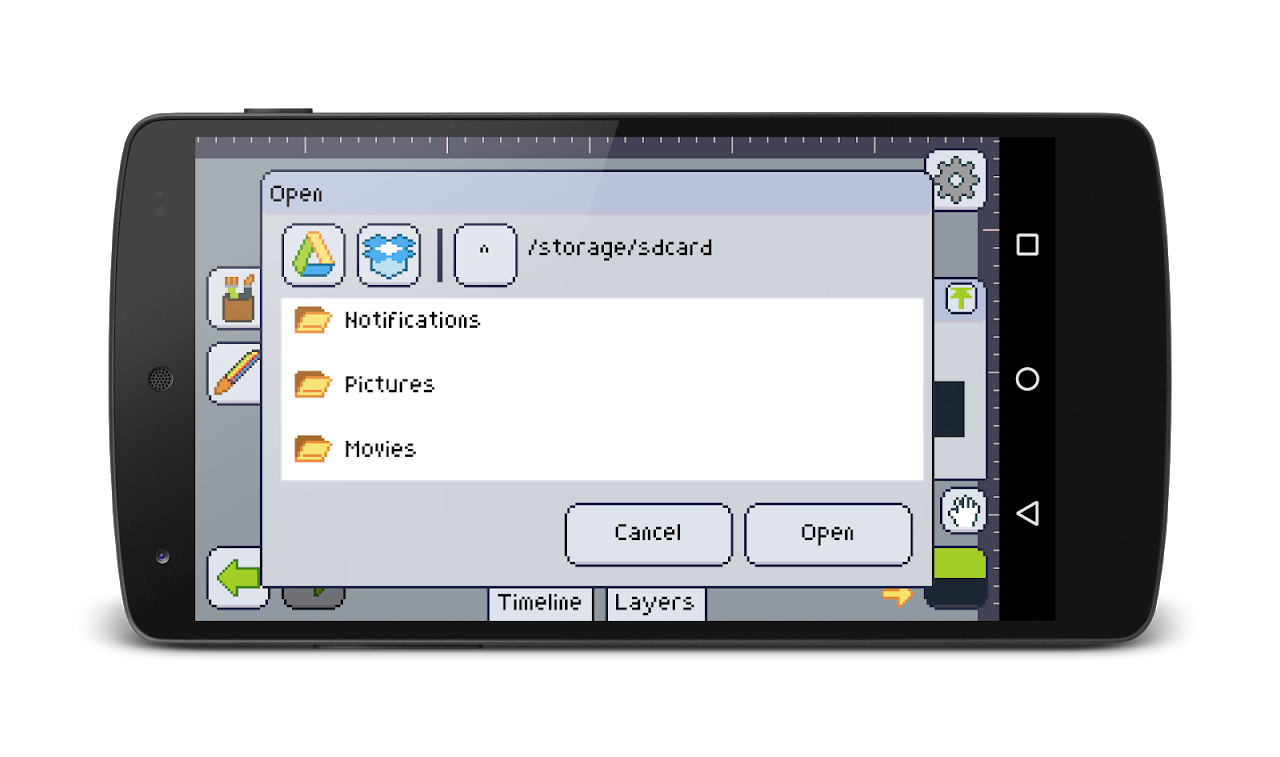
- Sharing and cloud options — Connect Dropbox or Google Drive and use the social sharing tools included in the app.
Drawing sprites on a phone or tablet
Pixly is built for people who want to make pixel art on Android without using a desktop editor. If you sketch characters, icons, or game assets, the app gives you layers, grids, copy-paste, and contextual tools that keep the workflow focused on small, precise edits.
It also includes undo, redo, and history, which helps when you are trying different shapes or colors and want to step back easily.
Animation frames with onion skinning
If you want to animate a walking character, blinking face, or looping effect, Pixly includes onion skinning so you can see nearby frames while you draw. That makes it easier to keep motion consistent from one frame to the next.
The app also supports real-time image tiling, symmetry with customizable mirrors, and transparent or non-transparent backgrounds, which are useful when building repeating patterns or clean sprite sheets.
Color setup and finishing touches
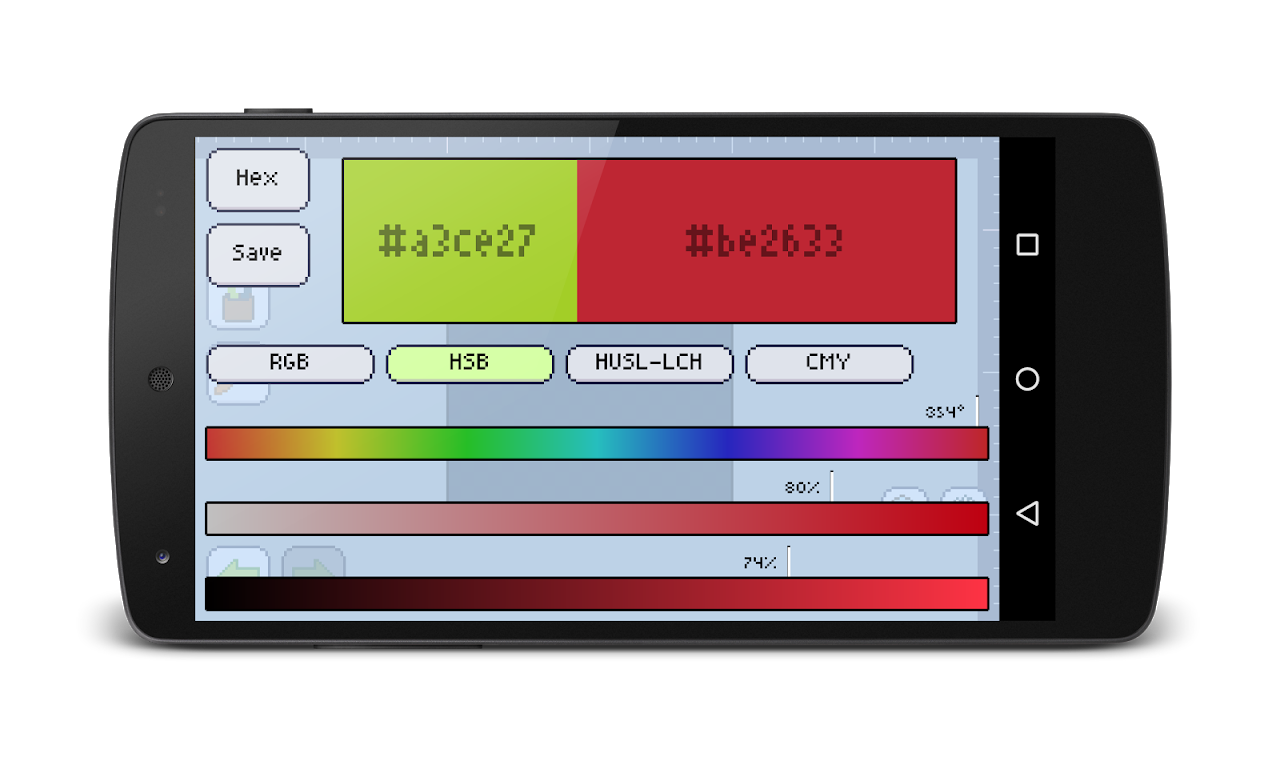
For users who care about color control, Pixly offers palettes, color ramps, opacity, and lots of color effects. It also supports text drawing, references, arcs and curves, and patterns, so you can add labels, shape details, or decorative elements without switching apps.
- You get: layers, animation tools, grids, symmetry, and cloud integration.
- Watch for: it is a pixel art editor, so it is aimed at pixel-style work rather than general photo editing.
- Install note: the app is free, comes as an APK, is 2.2 MB, and requires Android 14 or later.
Free to use, with no ads
Pixly is free, with no ads and no in-app purchases. It does not list any permissions, so there is nothing shown here to approve at install time. The app supports Dropbox and Google Drive integration, which may be useful if you want to move work between devices or keep files backed up.
Released on 2021-08-03 and last updated on the same date in the details shown here, Pixly is an option for beginners who want a compact pixel editor and for regular sprite artists who need animation and layer tools on Android.
What's new
Version 1.702 · Nov 10, 2026
- If you have any problems, contact me at [email protected]
- Version 1.702
- Fixed some crashes
- Version 1.7
- PIXLY IS FREE NOW! NO ADS! NO IN-APP-PURCHASES!
- Undo now has a RAM limit, avoiding crashes (you can change it on the preferences menu if necessary)
APK information
- Version
- 1.702
- Package
- com.meltinglogic.pixly
- Category
- Art & Design
- Size
- 2 MB
- Min Android
- API 14
- Architecture
- universal
Older versions
-
Pixly - Pixel Art Editor 1.702Nov 10, 2026Latest downloadAPK
Pixly - Pixel Art Editor FAQ
Can Pixly - Pixel Art Editor edit RAW photos?expand_more
Pixly is described as a pixel art editor, not a photo editor, so RAW photo editing is not listed among its tools.
Does Pixly - Pixel Art Editor work offline?expand_more
The app description does not say whether it works offline.
Who develops Pixly - Pixel Art Editor?expand_more
Pixly - Pixel Art Editor is developed by Gustavo Maciel.
What permissions does Pixly - Pixel Art Editor ask for?expand_more
No permissions are listed for this app.
Does Pixly include animation tools?expand_more
Yes. It includes animations with onion skinning, which helps when drawing frame by frame.