- 4.5star711,551 reviews
- 100M+Downloads
- 22 MBAPK size
- EveryoneRated for Everyone
- 13+Android
check_circleOriginal APK from Xiaomi Inc. · Updated Nov 12, 2026
No threats found
0 / — antivirus engines flagged this file
Original signature
First seen — Xiaomi Inc.
Unmodified APK
Same file the developer published — no mods
POCO Launcher 2.0 - Customize, screenshots
8 images · tap to enlarge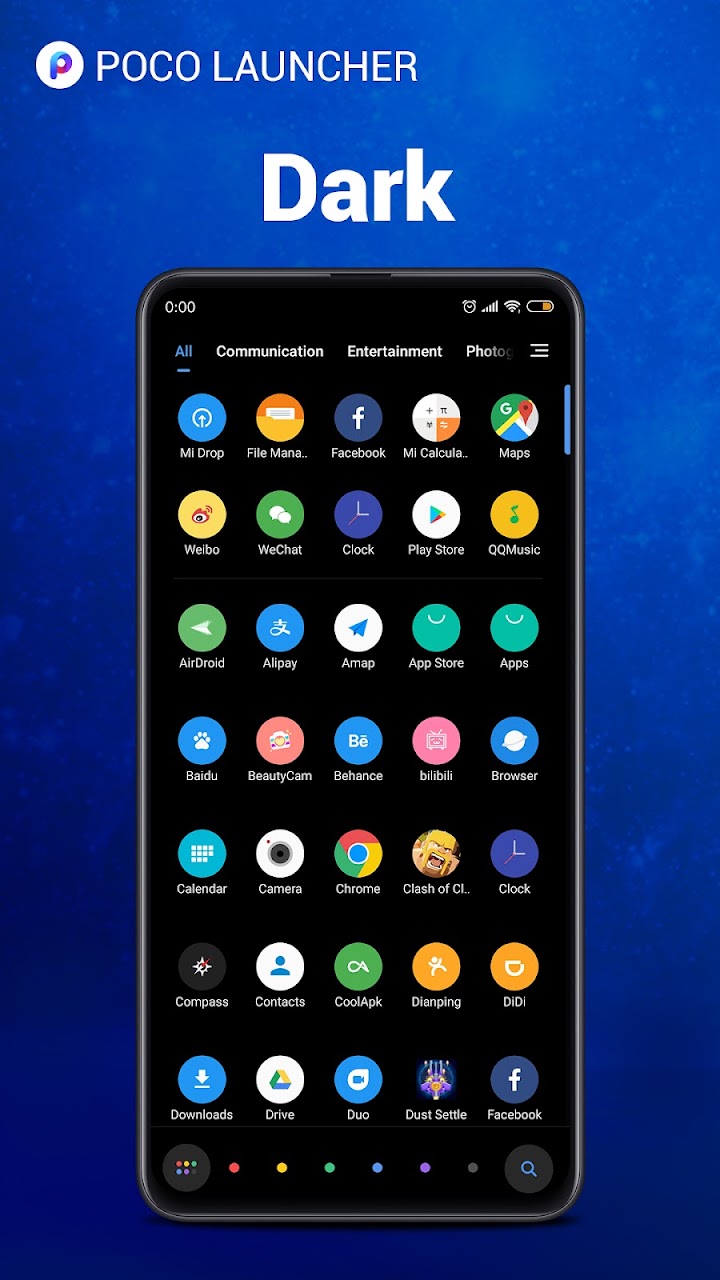
About this app
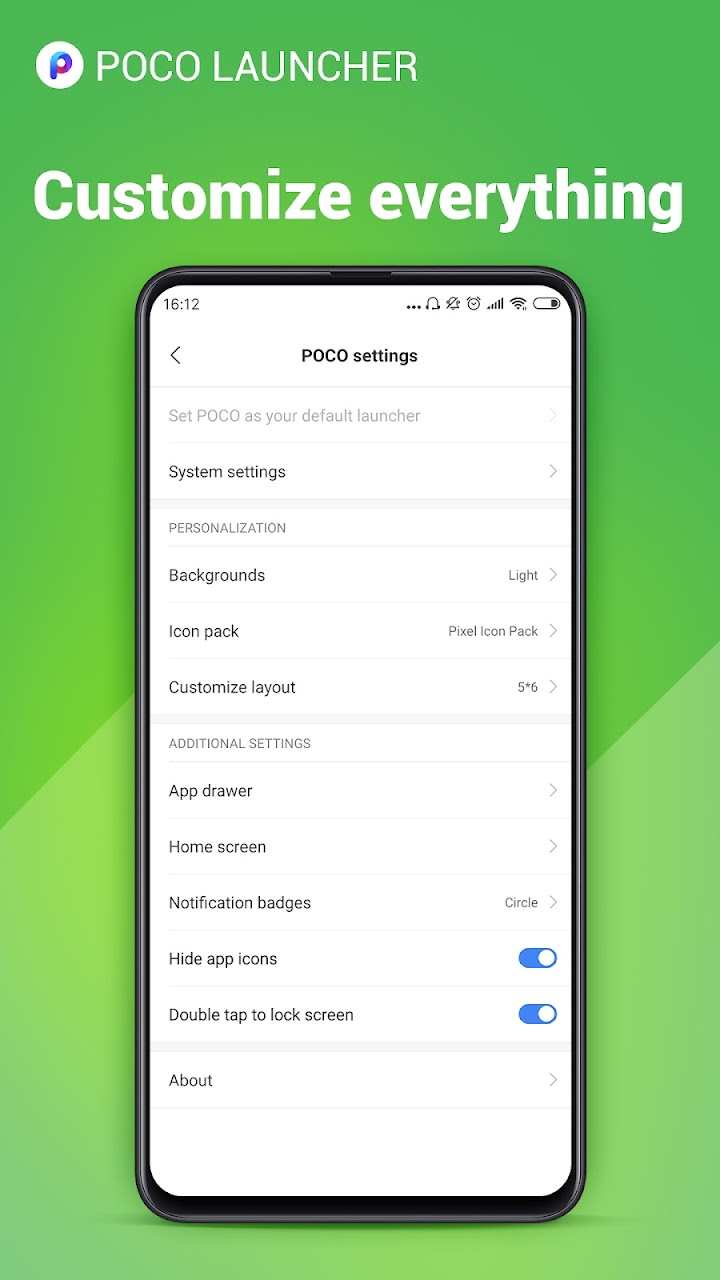
If your home screen feels crowded and hard to use, POCO Launcher 2.0 - Customize, gives you a cleaner layout and more ways to adjust how Android looks. It keeps apps in the app drawer, lets you resize icons and layouts, and adds options like wallpapers, themes, animations, and hidden app icons. It is free, includes ads, and has no in-app purchases.
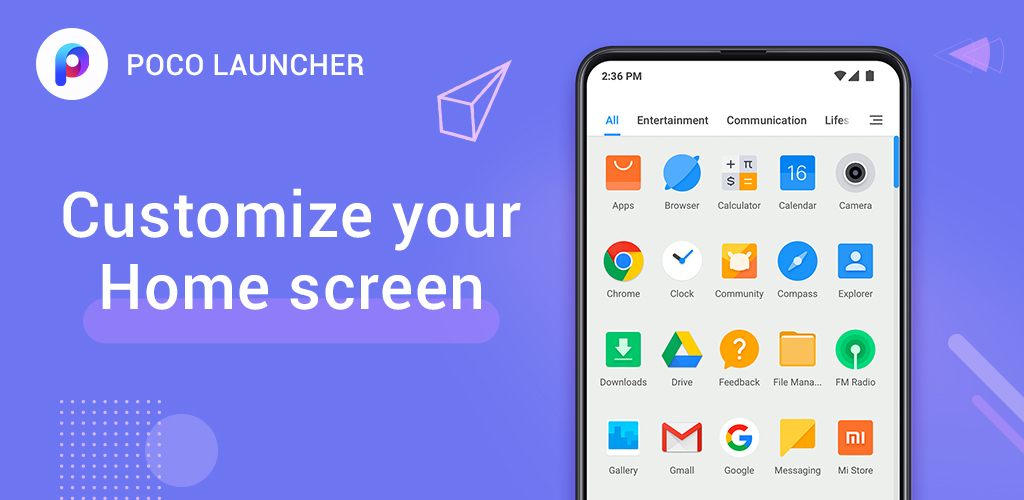
- Clean home screen — Apps stay in the app drawer, so the home screen can stay neat and simple.
- Resize layouts — Adjust the home screen layout and app icon size to suit your screen.
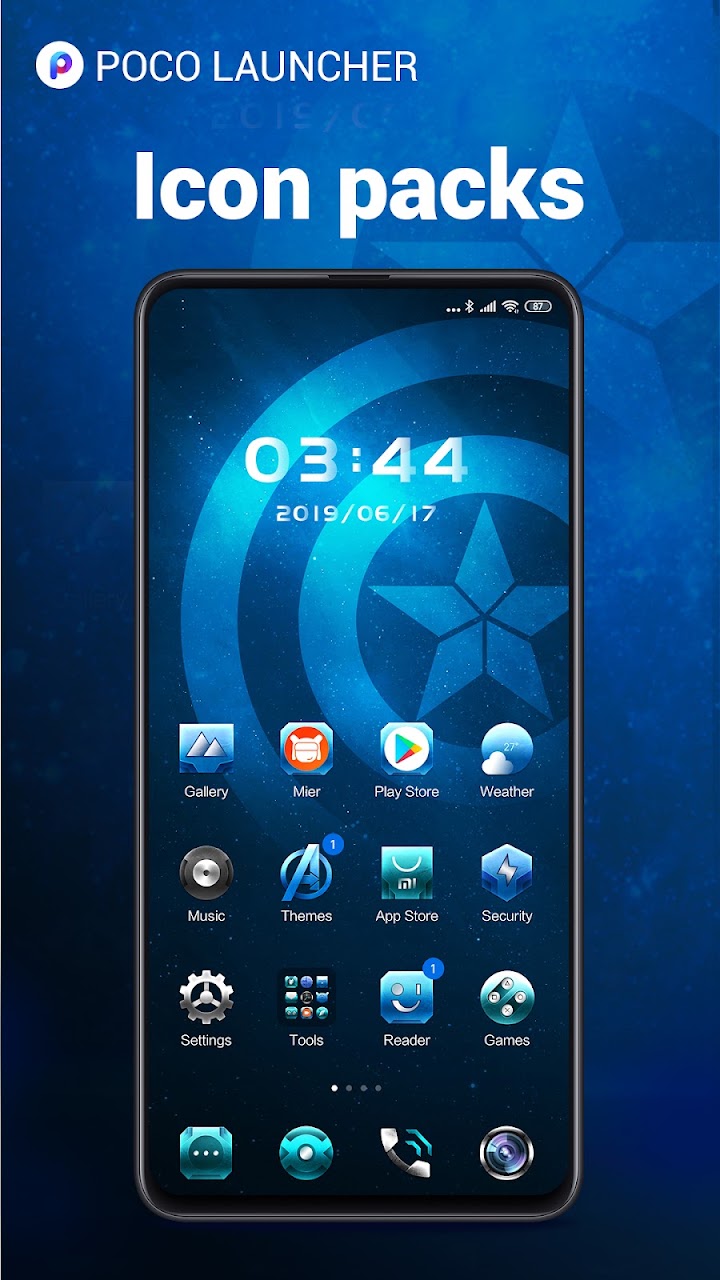
- Custom themes — Use wallpapers, themes, animations, and third-party icon packs to change the look.
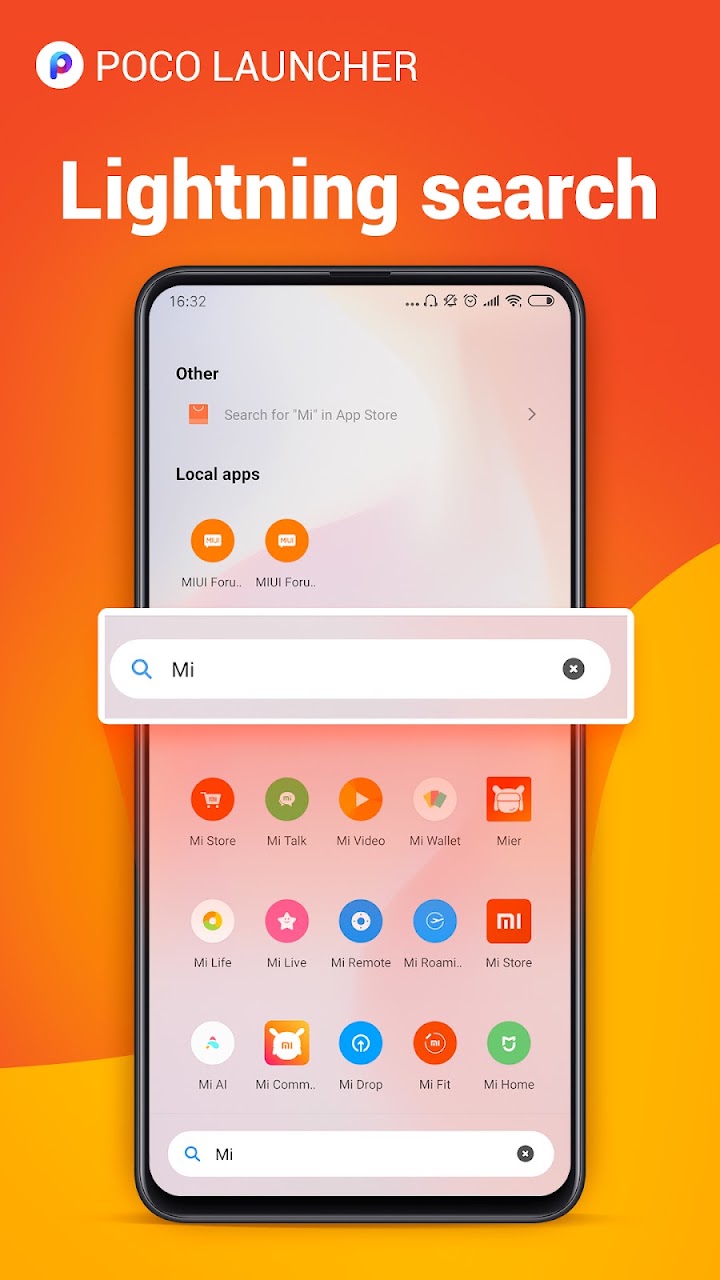
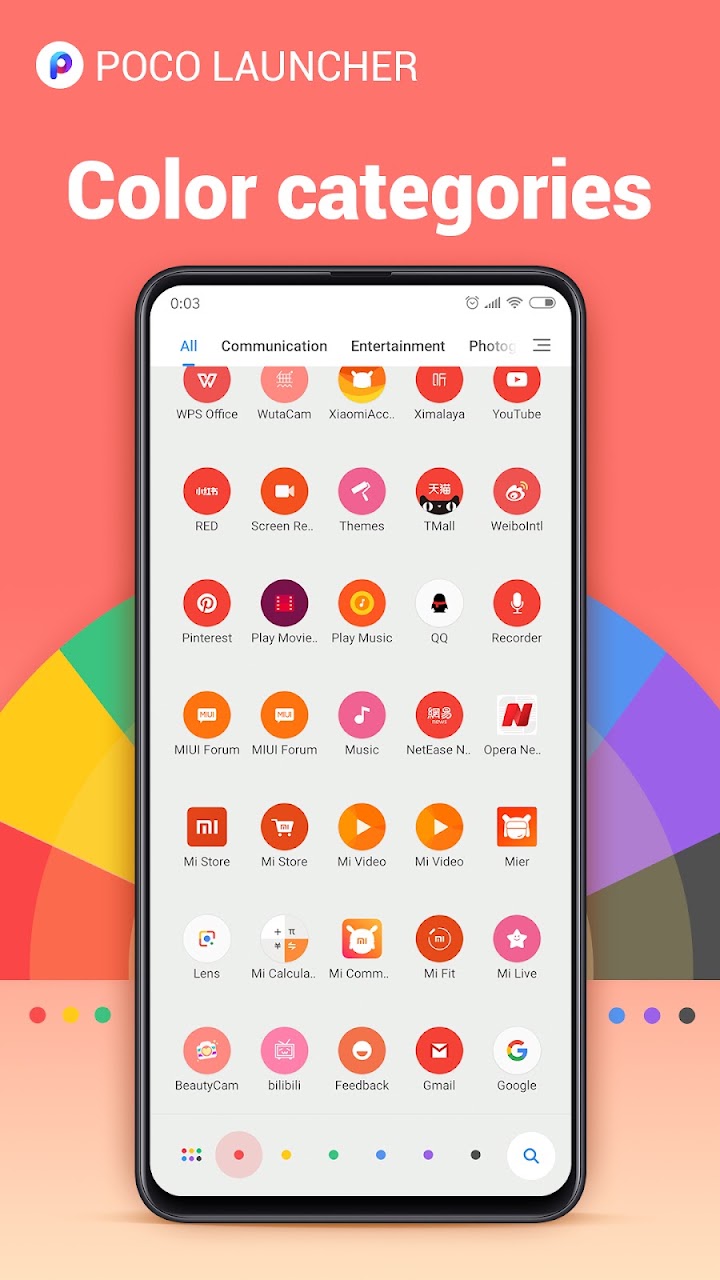
- Faster search — Search tools include app suggestions and icon colour categories.
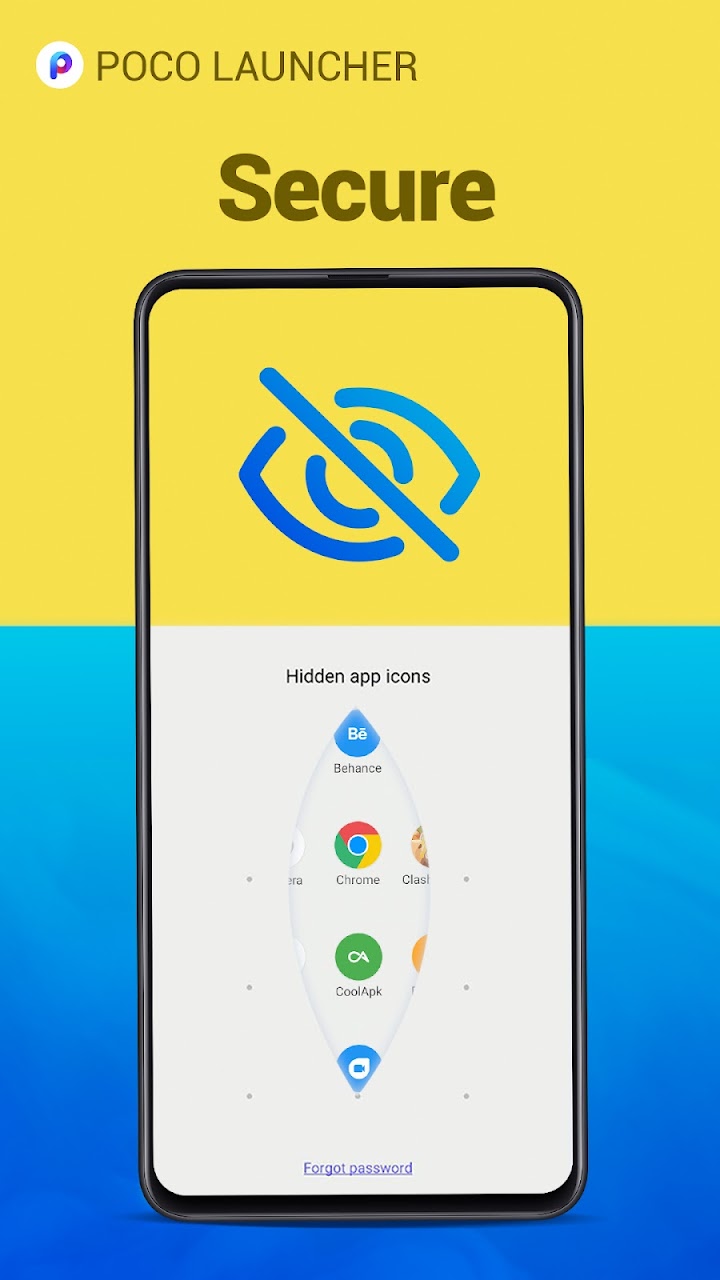
- Hide apps — Hide app icons when you want certain apps kept out of sight.
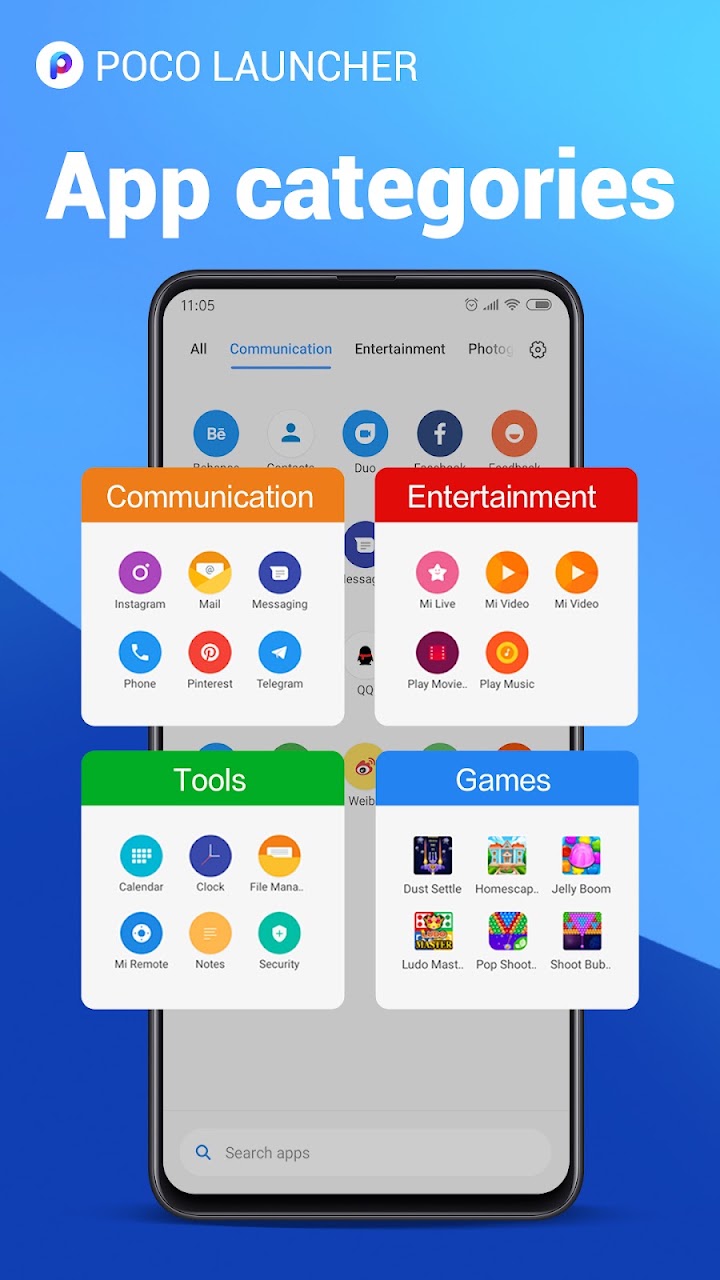
- Auto app groups — Apps can be grouped by category automatically or sorted into custom groups.
Built around a tidy home screen
POCO Launcher 2.0 - Customize, is a launcher, which means it changes the Android home screen and app drawer rather than replacing your apps themselves. Its layout keeps apps in the drawer so the home screen can stay uncluttered, while still giving you quick ways to find and organise what you use most.
This app is free to install, includes ads, and does not offer in-app purchases. The APK is 22.2 MB, uses the universal ABI format, and needs Android 13 or later.
Custom look and organisation
Compared with launchers such as Samsung One UI Home, XOS Launcher, and HiOS Launcher, POCO Launcher focuses on a simple layout with strong personalisation options. You can resize the home screen layout and app icons, apply wallpapers, themes, and animations, and use third-party icon packs.
It also adds practical tools for everyday use: app suggestions, icon colour categories, automatic app grouping, and custom groups. If you want a launcher that keeps things orderly while still letting you change the look, that is the app’s main strength.
Privacy and compatibility notes
POCO Launcher can hide app icons, and the recent changelog says it now supports locking home screen icons. It also mentions dark mode, different notification badge styles on Android 8.0 and later, and better compatibility with more phone models.
- What you get: app drawer organisation, custom wallpapers, themes, animations, icon packs, search tools, and hidden app icons.
- What to watch for: ads are included, and there are no in-app purchases.
- Install details: APK format, 22.2 MB, universal ABI, Android 13+.
If you want a launcher that stays close to a clean, lightweight setup instead of a heavily customised system, POCO Launcher is built around that idea. If you prefer a launcher tied closely to a phone maker’s own interface, Samsung One UI Home may feel more familiar. If your priority is wallpapers and ringtones rather than home-screen layout, Zedge is a different kind of choice.
What's new
Version RELEASE-5.39.35.11203-05301911 · Nov 12, 2026
- 1. We fixed some bugs in this version
- 2. Optimize performance and improve the fluency
APK information
- Version
- RELEASE-5.39.35.11203-05301911
- Package
- com.mi.android.globallauncher
- Category
- Personalization
- Size
- 22 MB
- Min Android
- 13
- Architecture
- universal
Older versions
-
POCO Launcher 2.0 - Customize, RELEASE-5.39.35.11203-05301911Nov 12, 2026Latest downloadAPK
POCO Launcher 2.0 - Customize, FAQ
Does POCO Launcher 2.0 - Customize, slow down my phone?expand_more
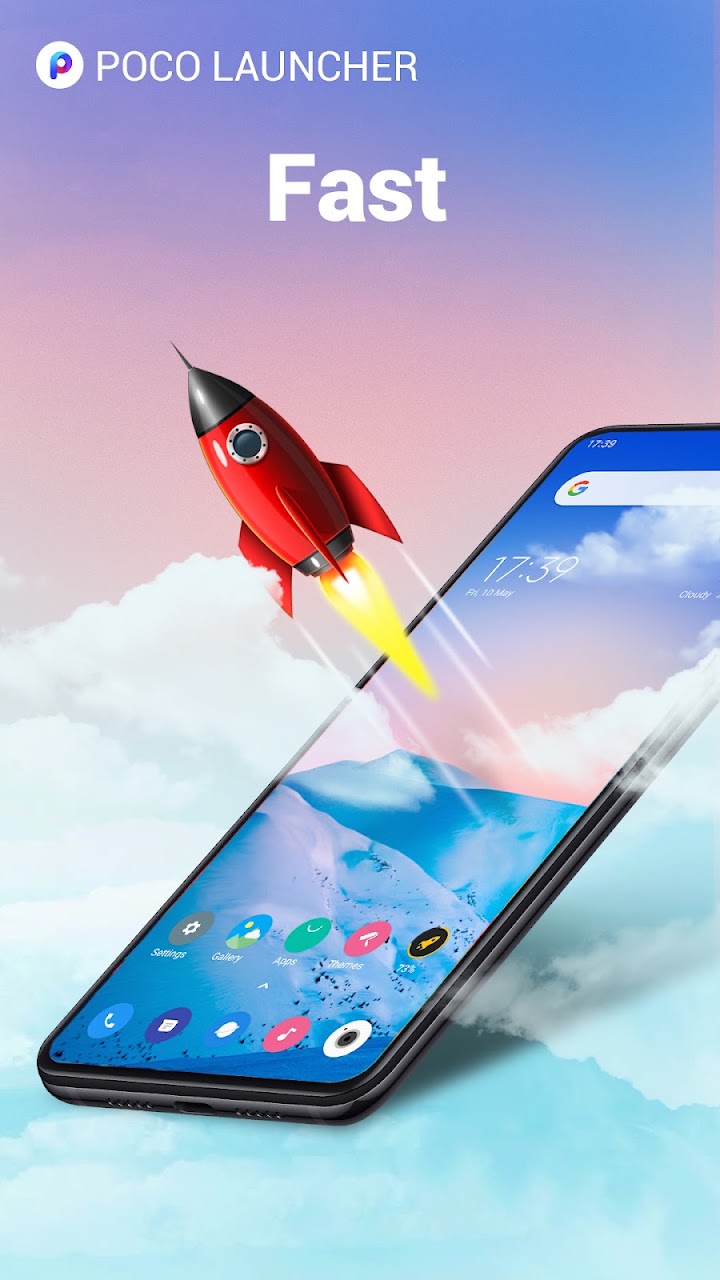
The app is described as fast, lightweight, and optimised for smooth performance. The recent update also says it fixed bugs and improved fluency.
Which launchers does POCO Launcher 2.0 - Customize, support?expand_more
It is a launcher for Android phones, so it works as the home-screen app on supported devices. The update notes say it extended support for various phone models and is fully compatible with Android Q in the earlier description.
What permissions does POCO Launcher 2.0 - Customize, ask for?expand_more
No permissions are listed for this APK, so there are none shown in the app details provided here.
Which processors (ABIs) does this POCO Launcher 2.0 - Customize, APK support?expand_more
It supports the universal ABI.
Can I hide apps in POCO Launcher 2.0 - Customize,?expand_more
Yes. The launcher includes a privacy option that lets you hide app icons.