- 4.2star2,277 reviews
- 500K+Downloads
- 13 MBAPK size
- EveryoneRated for Everyone
- API 14+Android
check_circleOriginal APK from FreeSharpApps · Updated Nov 10, 2026
No threats found
0 / — antivirus engines flagged this file
Original signature
First seen — FreeSharpApps
Unmodified APK
Same file the developer published — no mods
Post Maker - Fancy Text Art screenshots
8 images · tap to enlarge

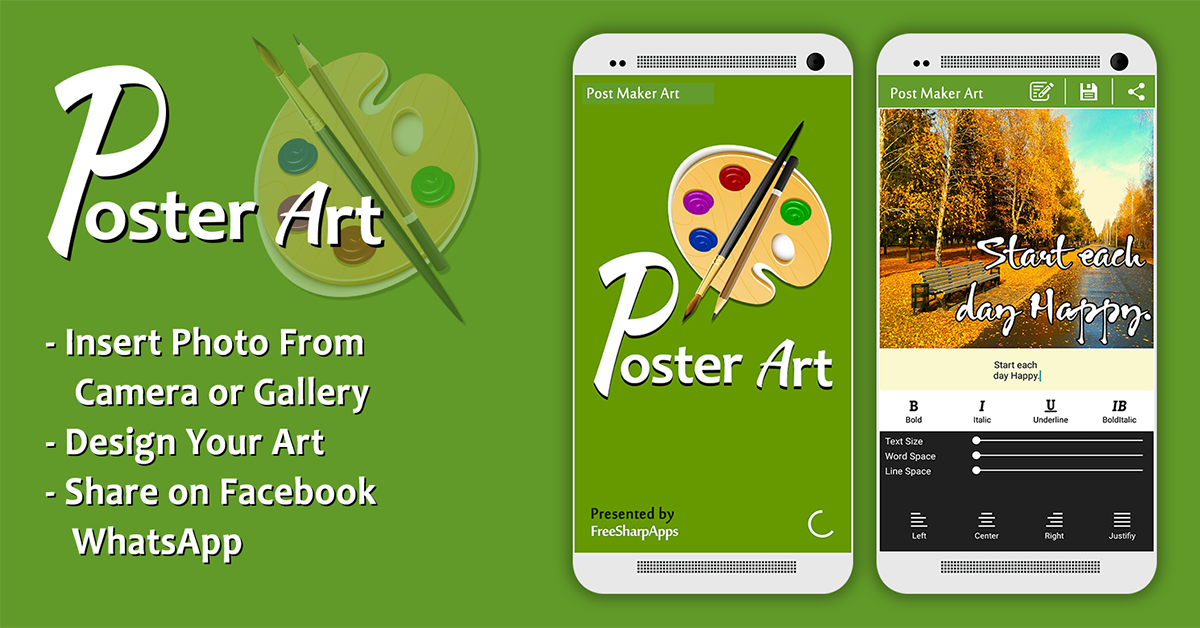
About this app
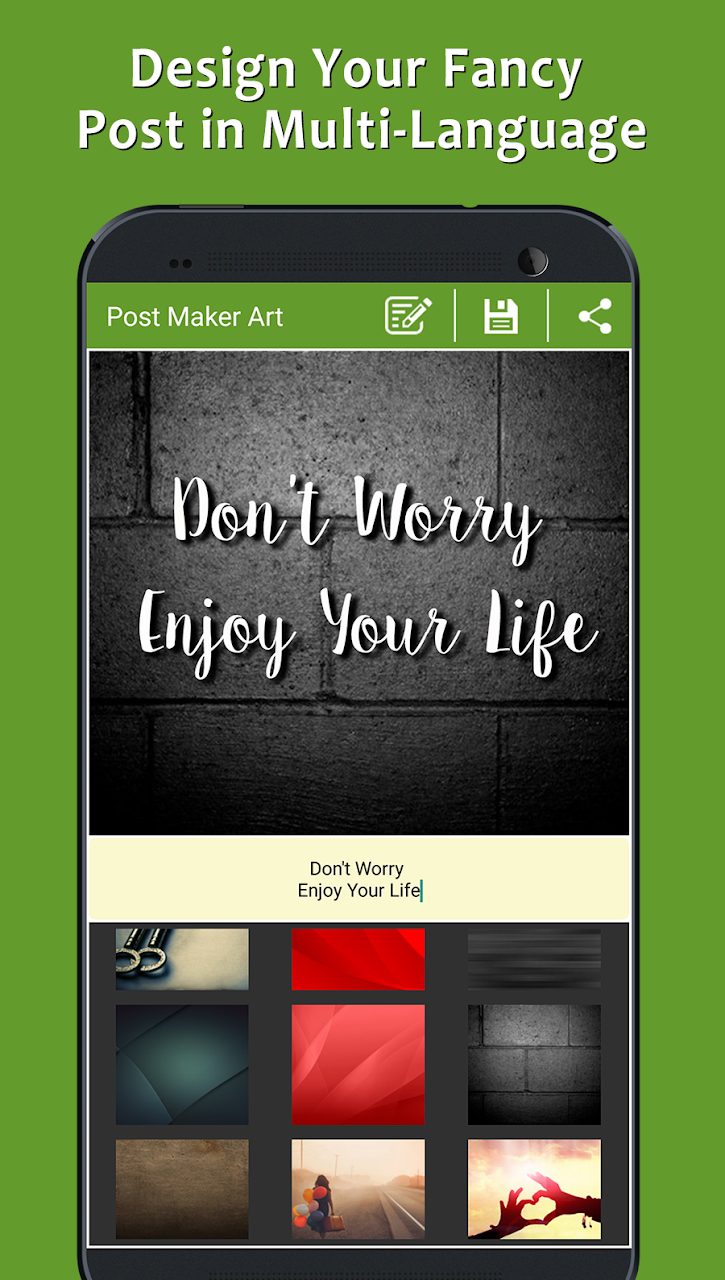
500K+ installs and a 4.2 rating point to an app people use for quick poster and text-on-photo edits. Post Maker - Fancy Text Art centers on adding styled text, choosing backgrounds, cropping images, and saving or sharing the result. There are no permissions listed, but ads are part of the free app.
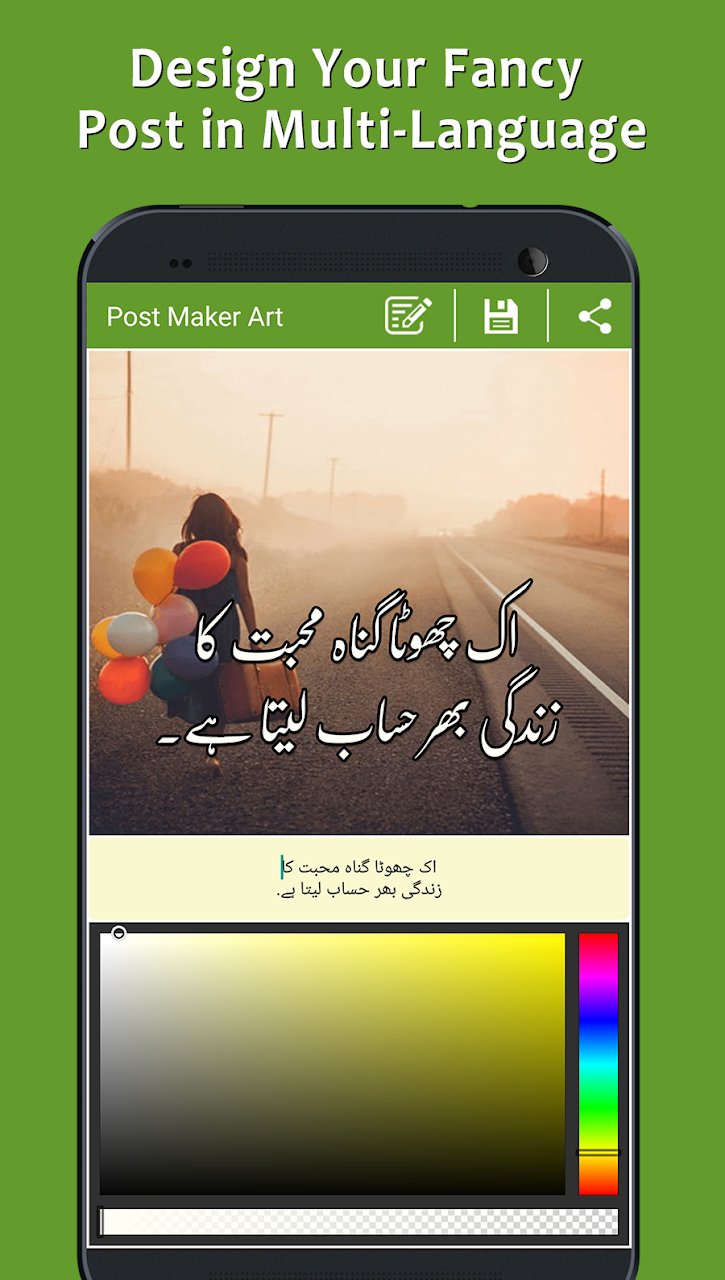
- Text on photos — Add and style text directly on a photo, image, or plain background.
- Background choices — Use built-in textures, solid colors, templates, or your own gallery image.
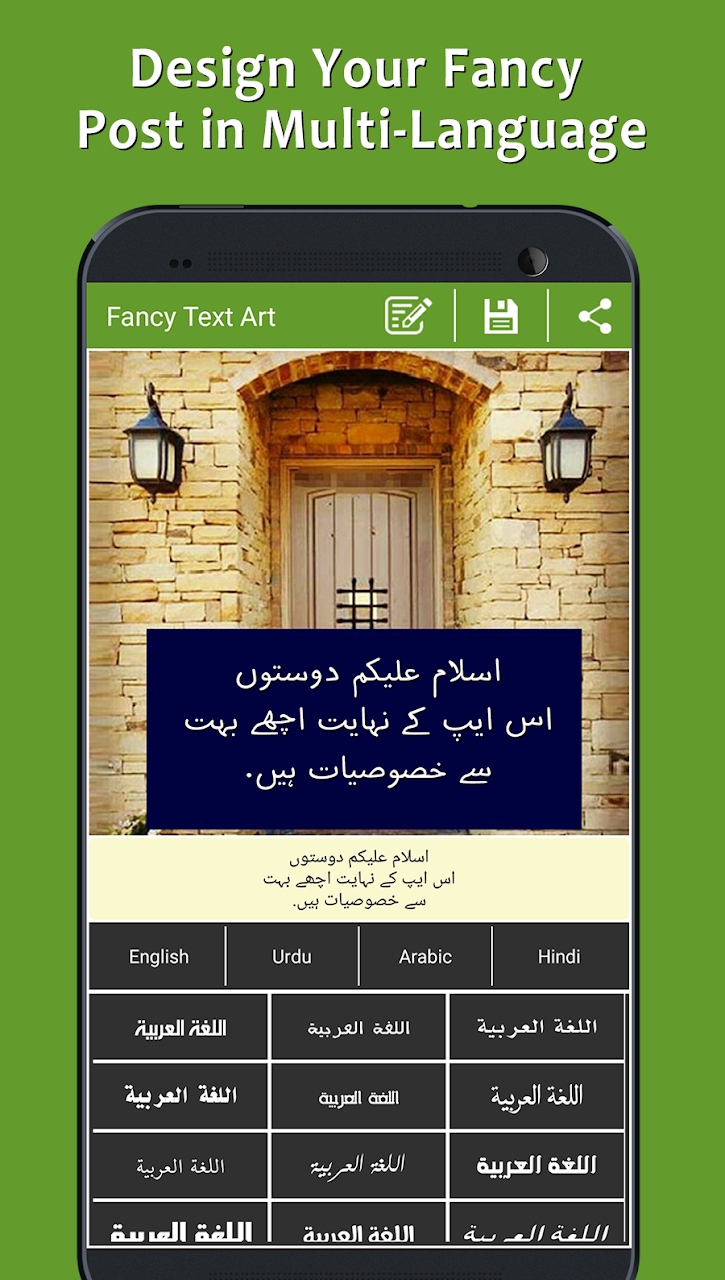
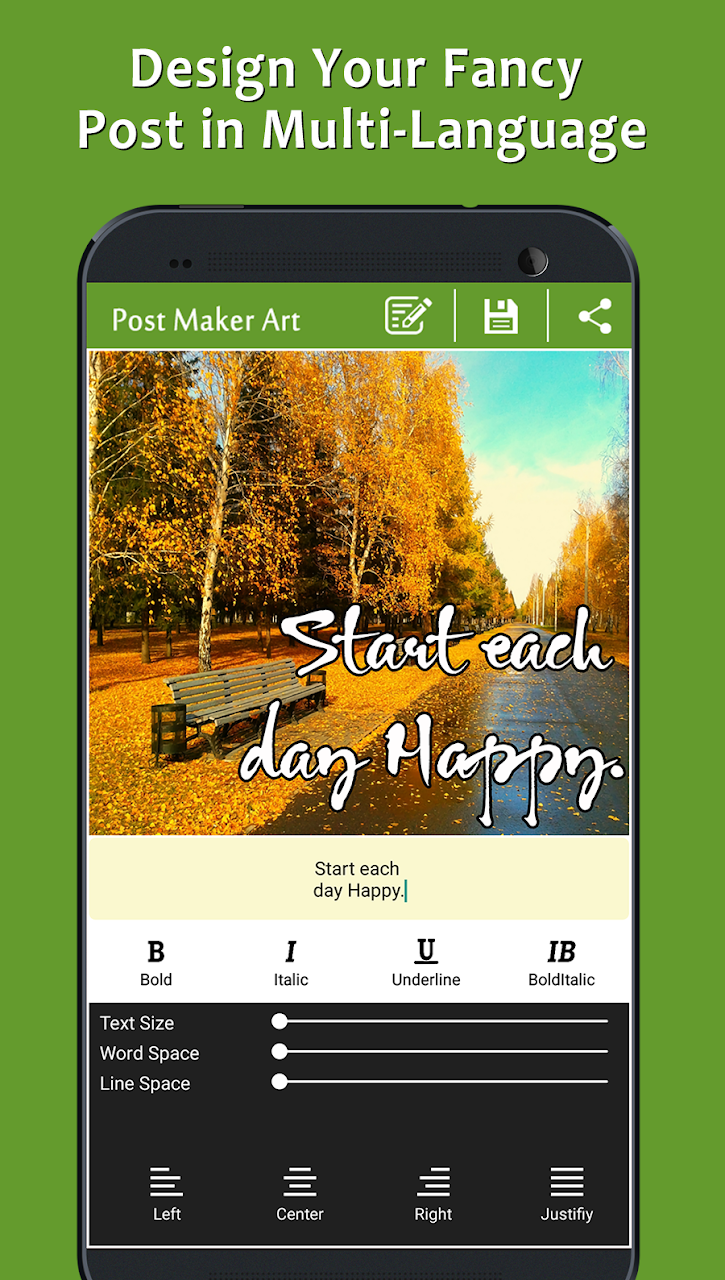
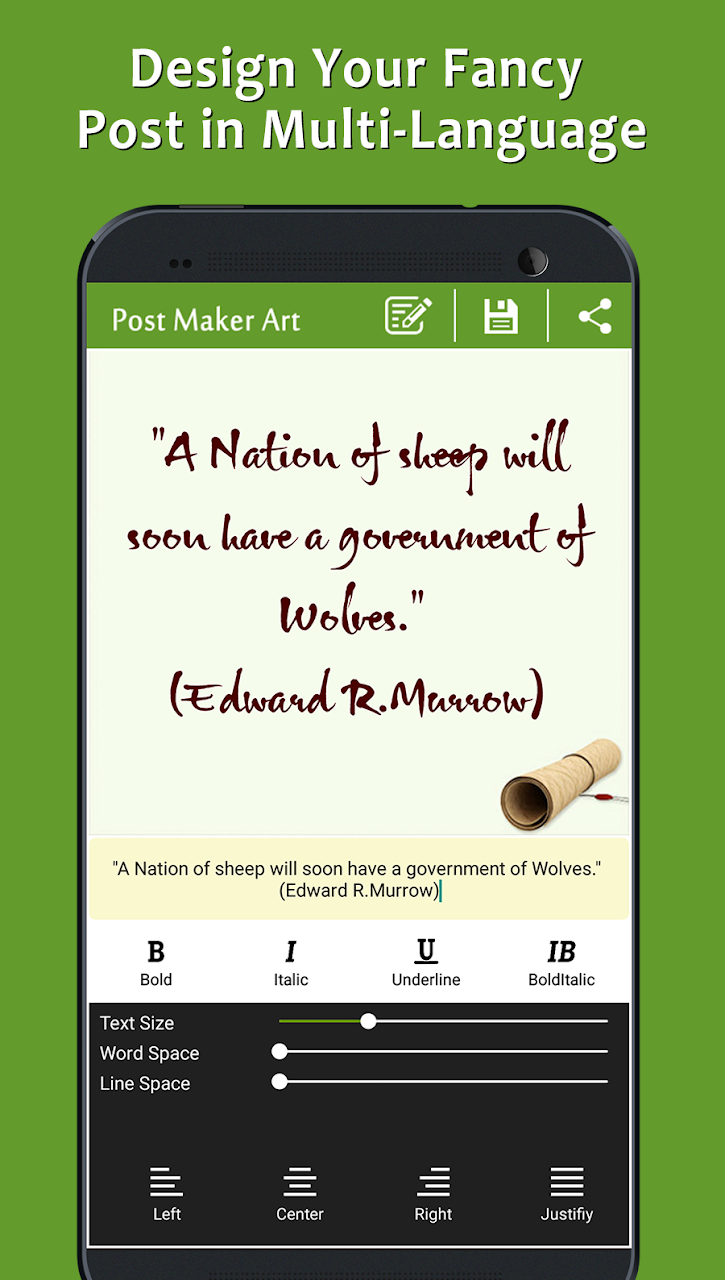
- Text controls — Adjust font, size, color, shade, stroke, line spacing, letter spacing, and alignment.
- Rotate and arrange — Rotate text on multiple axes and place it left, right, or centered.
- Save and share — Save designed posts to the PosterArt folder or share them from the app.
- No watermark — Created images are saved without a watermark or app logo.
Current version and what it offers
Post Maker - Fancy Text Art is on version 1.10, with no changelog listed for this release. The app is a 13.2 MB APK for Android 14 and up, and it uses the universal build. That makes the current release easy to place on a device, while the free model means ads are part of the experience.
Make a poster from a photo
The main flow is built around a simple edit screen: type your message, pick a built-in design, then adjust the look until it fits the image. You can start with a photo from your gallery, crop it, or work from a background only. The app also supports square images for profile photos on Facebook, WhatsApp, or posts.
- Choose from backgrounds and templates.
- Use custom art from your gallery.
- Save the finished design or share it.
Text styling and layout controls
This app spends most of its effort on text settings. It includes multiple fonts, including calligraphic styles, plus color controls for text and backgrounds. You can change shade, stroke, outline color, text size, line spacing, letter spacing, and alignment. Text can also be rotated across x, y, and 360-degree z axes.
Everyday uses in one editor
People can use it for quotes, greeting cards, invitation cards, poetry posts, funny posts, love letters, wallpapers, signature-style text, memes, and ad-style graphics. The app also lists Quranic verses and Al-hadith posts among its uses, so it covers both personal and message-based designs.
Sharing, storage, and limits
Designed posts are saved in an SD card folder called PosterArt, and the app includes a smart gallery for your saved work. There are no permissions listed, which keeps setup simple. On the downside, ads are present, and the app does not list in-app purchases or RAW photo support.
APK information
- Version
- 1.10
- Package
- com.fsapps.post.maker.fancy.textart
- Category
- Art & Design
- Size
- 13 MB
- Min Android
- API 14
- Architecture
- universal
Older versions
-
Post Maker - Fancy Text Art 1.10Nov 10, 2026Latest downloadAPK
Post Maker - Fancy Text Art FAQ
Does Post Maker - Fancy Text Art add a watermark?expand_more
No. The app says designed images are saved without watermarks or a logo during creation.
Can Post Maker - Fancy Text Art edit RAW photos?expand_more
RAW photo support is not listed. The app focuses on photos, gallery images, cropping, and text styling.
Which Android version does Post Maker - Fancy Text Art need?expand_more
It needs Android 14 or higher.
Does Post Maker - Fancy Text Art work offline?expand_more
Offline use is not stated. The app does support saving designs locally to the PosterArt folder.
Can I make square posts for social media?expand_more
Yes. The app includes square images made to fit profile photos for Facebook, WhatsApp, or posts.