- 5.0star2 reviews
- 50K+Downloads
- 34 MBAPK size
- EveryoneRated for Everyone
- 6.0+Android
check_circleOriginal APK from ifocusapps · Updated Nov 12, 2026
No threats found
0 / — antivirus engines flagged this file
Original signature
First seen — ifocusapps
Unmodified APK
Same file the developer published — no mods
Poster Maker And Designer screenshots
7 images · tap to enlarge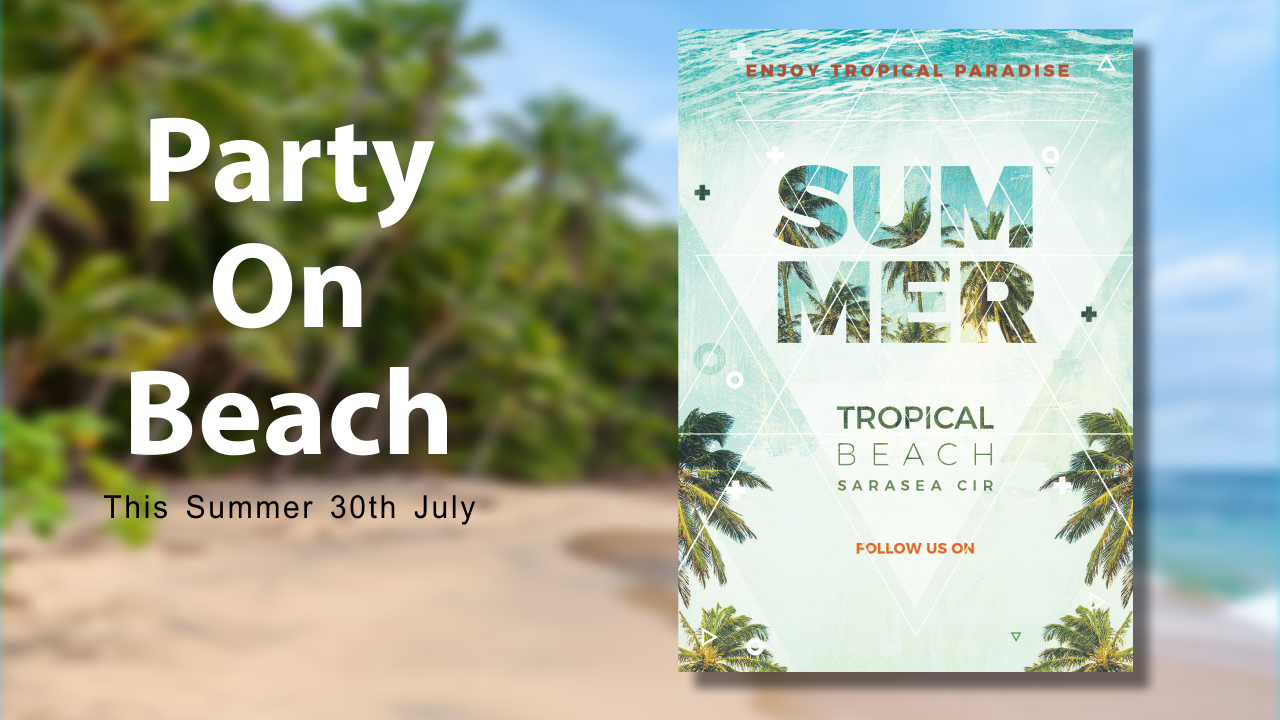


About this app
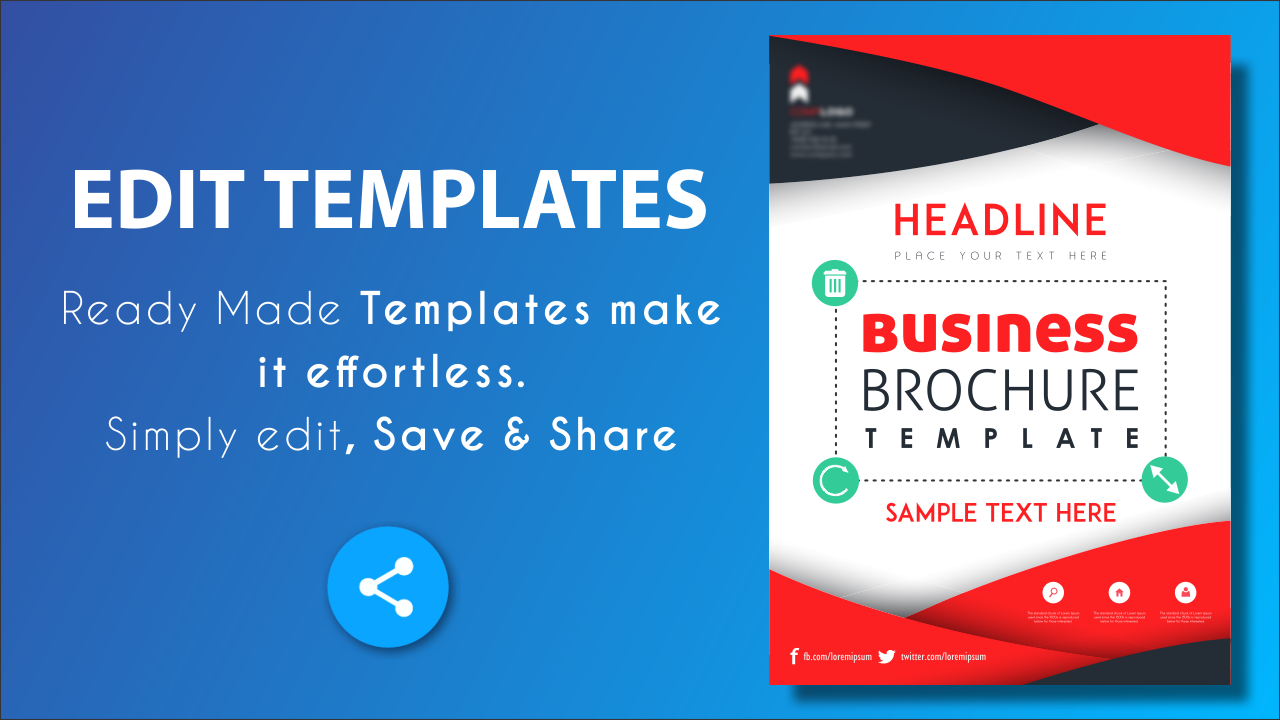
When you need a poster for a sale, birthday, or social post, Poster Maker And Designer gives you a quick place to build it. You can start from a ready-made template or a blank HD background, add text in different fonts, place stickers, and lock items while you adjust the layout. Finished designs can be saved as images or kept as templates for later edits.
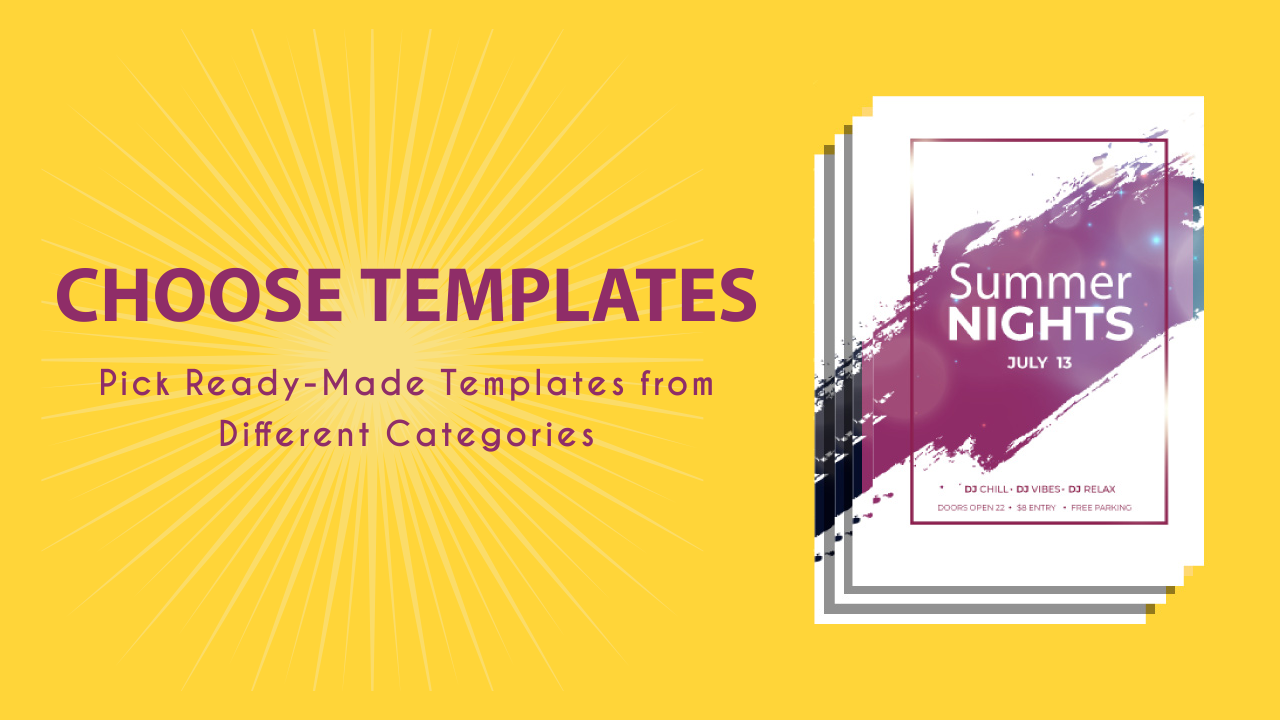
- Ready-made templates — Start with a template and edit it instead of building every layout from scratch.
- HD backgrounds — Choose from HD background images or set a color for the poster base.
- Text and fonts — Add text in your preferred fonts and pick font colors from an image.
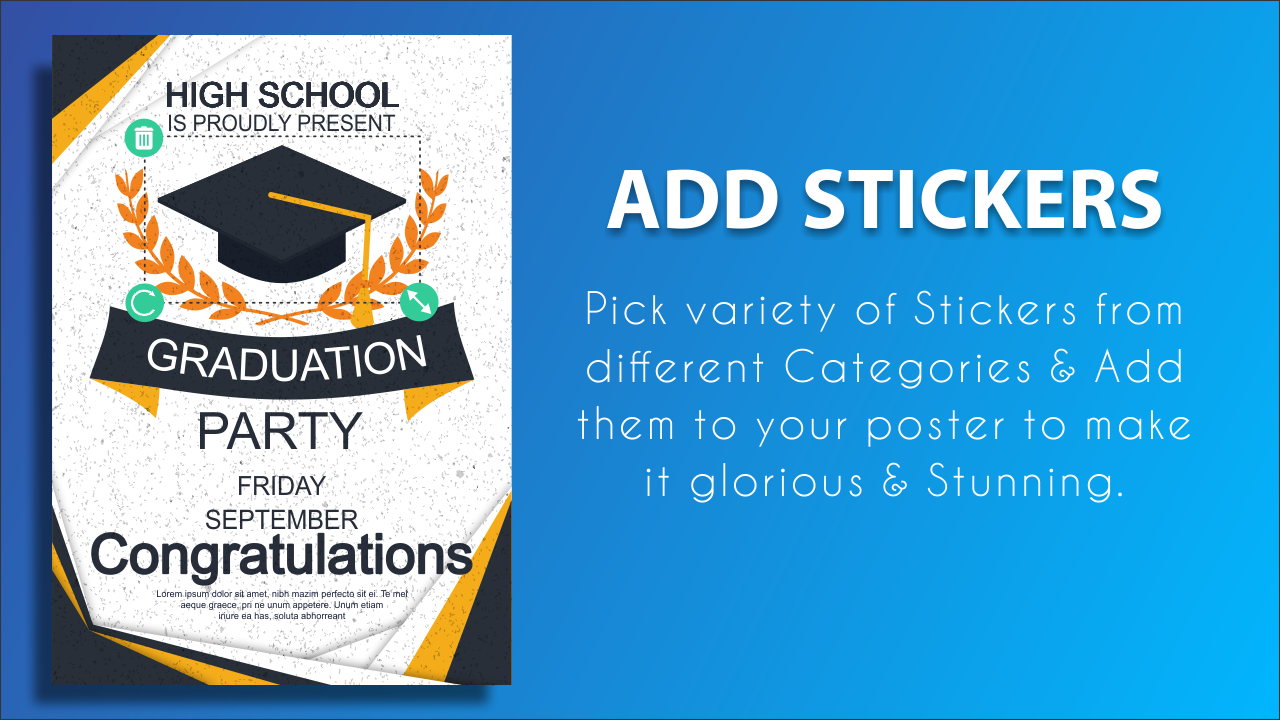
- Sticker controls — Resize, rotate, flip, change hue, and adjust opacity on stickers.
- Save for later — Save a design as an image or store it as a template for future editing.
- Simple interface — The app is set up for both experienced and first-time poster creators.
Quick poster work for busy days
Poster Maker And Designer fits into the moments when you need something finished fast: a shop promotion, a social post, or a notice for an event. You can choose a template or begin with an HD background, then add text, stickers, and colors until the layout feels right. The app also supports different languages, which helps when you are designing for different audiences.
Promotions, flyers, and print-style layouts
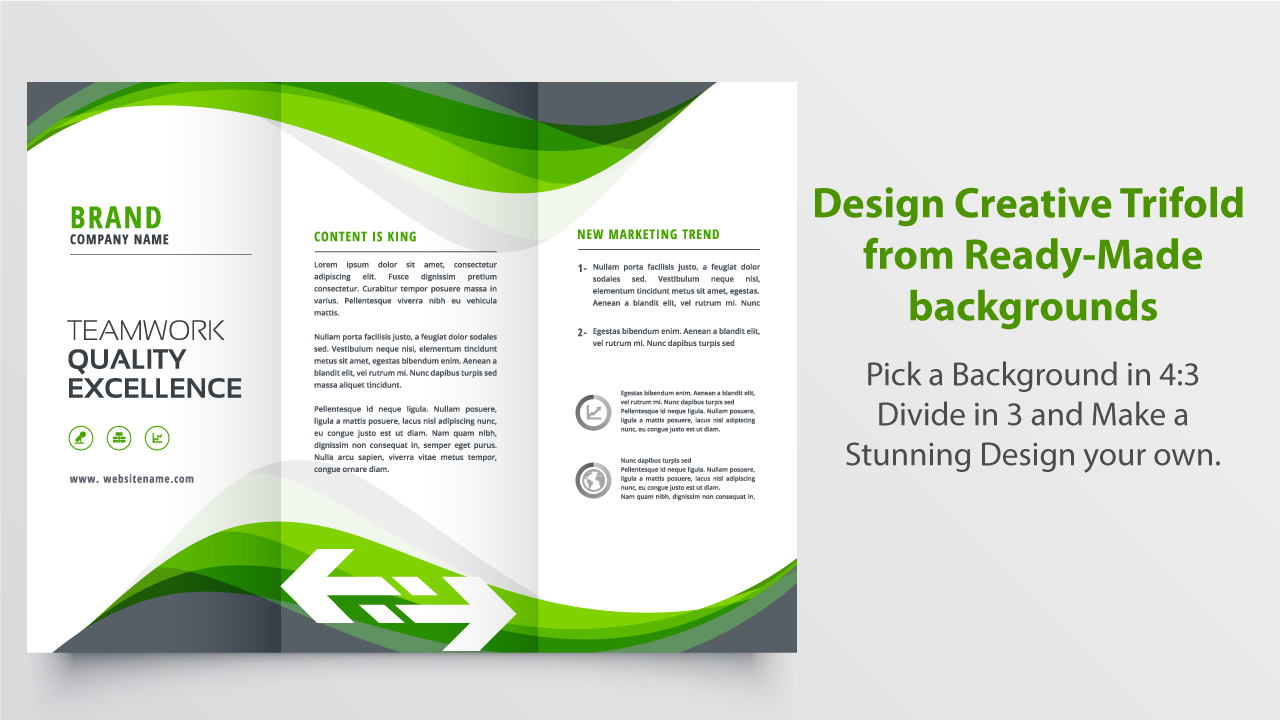
If you are making marketing material, this app covers a wide range of poster-style uses, including brochures, flyers, postcards, magazines, book covers, catalogs, T-shirt design, annual reports, and other advertisement layouts. The workflow is straightforward: pick a size, place your content, and save the result for sharing. It is also possible to lock parts of the design so they do not move while you edit the rest.
- Export and share: save your poster as an image for Facebook, Instagram, WhatsApp, Twitter, and other social sites.
- Template reuse: keep a design as a template and return to it later.
- Size options: choose predefined dimensions for the poster background.
Event posters and personal occasions
For birthdays, weddings, festivals, yoga events, sales, and seasonal themes like summer or winter, the app provides ready-made starting points and decorative assets. You can move through the design screen by adding text, changing colors, and adjusting stickers until the poster matches the occasion. The layout tools are simple enough for quick edits, but still give you control over the final look.
What to expect on install
The app is free, has no ads, and does not include in-app purchases. It installs as an APK, is 34.1 MB, and needs Android 6.0 or later. The current version is 1.2.3, and the latest update fixed a minor issue and improved compatibility with newer Android versions.
What's new
Version 1.2.3 · Nov 12, 2026
- Fixed minor issue and compatible for latest version
APK information
- Version
- 1.2.3
- Package
- com.ifocusapps.postermaker.free
- Category
- Art & Design
- Size
- 34 MB
- Min Android
- 6.0
- Architecture
- universal
Older versions
-
Poster Maker And Designer 1.2.3Nov 12, 2026Latest downloadAPK
Poster Maker And Designer FAQ
Does Poster Maker And Designer work offline?expand_more
The app description does not say whether it works offline.
Can Poster Maker And Designer edit RAW photos?expand_more
RAW photo editing is not mentioned. The listed tools focus on posters, templates, text, stickers, and backgrounds.
How big is the Poster Maker And Designer download?expand_more
The APK size is 34.1 MB.
Does Poster Maker And Designer need an account?expand_more
No account is mentioned in the app details provided.
Can I save posters as templates?expand_more
Yes. You can save your work as a template for later editing.