- 5.0star1 reviews
- 5K+Downloads
- 37 MBAPK size
- EveryoneRated for Everyone
- API 16+Android
check_circleOriginal APK from Satria Tama · Updated Nov 11, 2026
No threats found
0 / — antivirus engines flagged this file
Original signature
First seen — Satria Tama
Unmodified APK
Same file the developer published — no mods
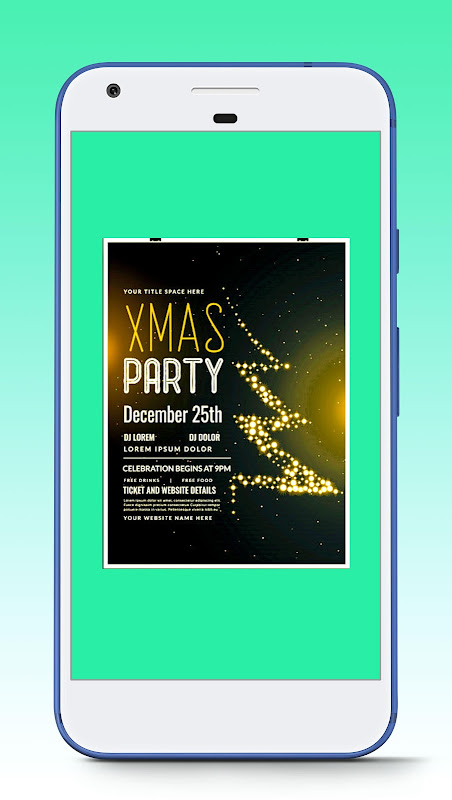
Poster Maker Pro screenshots
4 images · tap to enlarge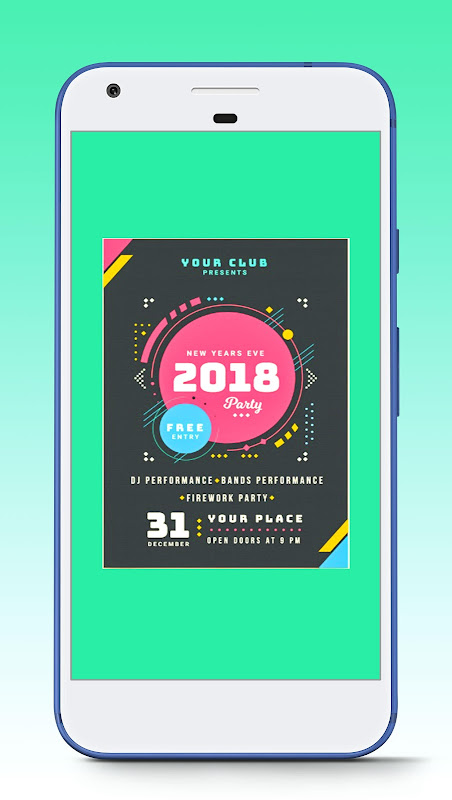
About this app
Satria Tama’s Poster Maker Pro is an Art & Design app for making posters, flyers, ads, welcome cards, and cover pages on Android. It opens into a template-driven editor with backgrounds, stickers, fonts, and photo collage tools, so you can build a design from a blank canvas or edit a preset layout. The app is free, has no ads, and runs on Android 16 and up.
- Poster editing tools — Add text, stickers, photos, and backgrounds to build posters and flyers from scratch or from predesigned layouts.
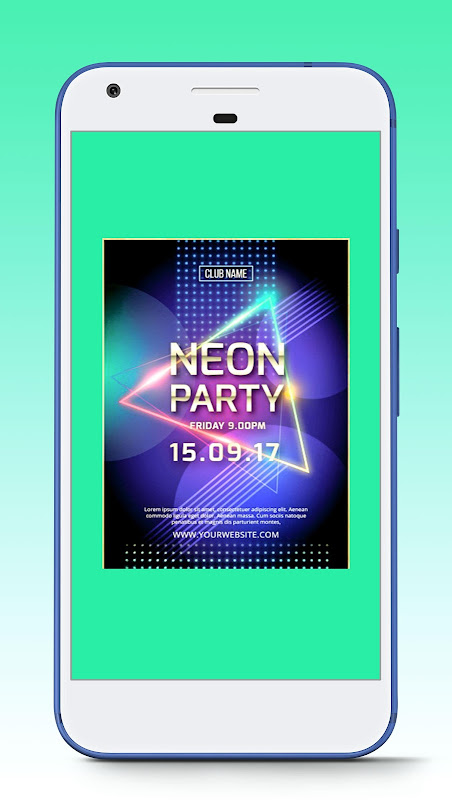
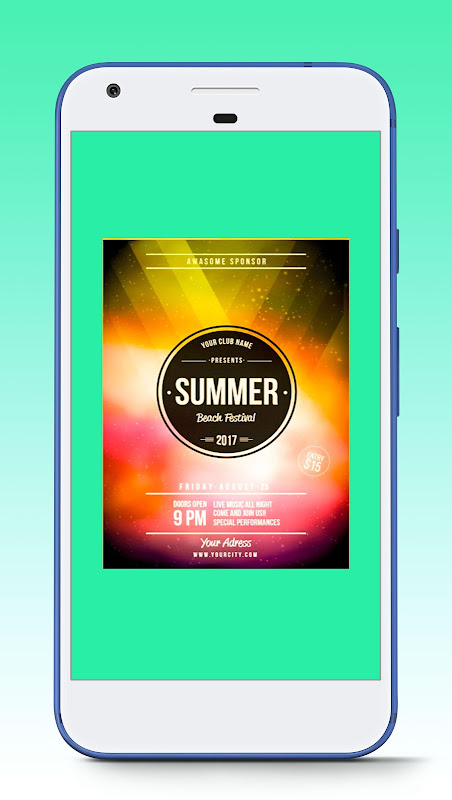
- Preset design styles — Work with magazine covers, movie posters, travel layouts, social posts, promotional pages, and cover photos.
- Background choices — Use 40+ background options and change the size with 5+ aspect ratios.
- Photo collage mode — Place a photo into a poster frame, then add text, stickers, filters, and borders for a collage-style result.
- Simple sharing flow — Create a design and share it to social media apps from the editor.
First look at Poster Maker Pro
Poster Maker Pro opens as a straightforward poster editor with ready-made styles and hand-picked backgrounds, stickers, and fonts. The app is free, shows no ads, and asks for no permissions, so the setup stays light. It is an APK file, 36.8 MB in size, and supports Android 16 and up.
Make posters, flyers, and ads
The main workflow is simple: choose a background, pick a size, type your text, and add stickers or photos. It handles posters, flyers, advertisements, invitation cards, promotional pages, cover photos, and poster-style social posts. The editor also includes predesigned poster layouts that you can customize by changing the text.
- Choose from 40+ backgrounds.
- Use 5+ aspect ratios for different poster sizes.
- Add photos from the gallery.
- Apply fonts, stickers, effects, and borders.
Photo collage and frame editing
One of the more practical screens is the PIP poster collage area, where you select a photo and place it into a poster frame. From there, you can turn normal photos into collage-style designs and scrapbook layouts, then finish them with text and stickers. The app focuses on quick edits rather than complex layer management, which keeps the process easy to follow.
What feels smooth, and what to expect
The app is easy to use if you want to make something fast without setting up an account. Its 5.0 rating is based on 1 rating, so there is not much public feedback yet. Export format details are not listed, but the app does support sharing finished work to social media apps. For users who want a lightweight poster editor on older Android devices, it stays simple and direct.
APK information
- Version
- 2.4
- Package
- com.postermaker.tips
- Category
- Art & Design
- Size
- 37 MB
- Min Android
- API 16
- Architecture
- universal
Older versions
-
Poster Maker Pro 2.4Nov 11, 2026Latest downloadAPK
Poster Maker Pro FAQ
Does Poster Maker Pro add a watermark?expand_more
That is not stated here.
Does Poster Maker Pro work offline?expand_more
That is not stated here.
Is Poster Maker Pro free to use?expand_more
Yes. It is listed as free.
Does Poster Maker Pro show ads?expand_more
No. It is listed as not containing ads.
What Android version does Poster Maker Pro require?expand_more
It supports Android 16 and up.