- 0.0star0 reviews
- 500Downloads
- 4 MBAPK size
- EveryoneRated for Everyone
- 5.0+Android
check_circleOriginal APK from codehouse five · Updated Nov 12, 2026

No threats found
0 / — antivirus engines flagged this file
Original signature
First seen — codehouse five
Unmodified APK
Same file the developer published — no mods
Quanto: Material Palettes screenshots
6 images · tap to enlarge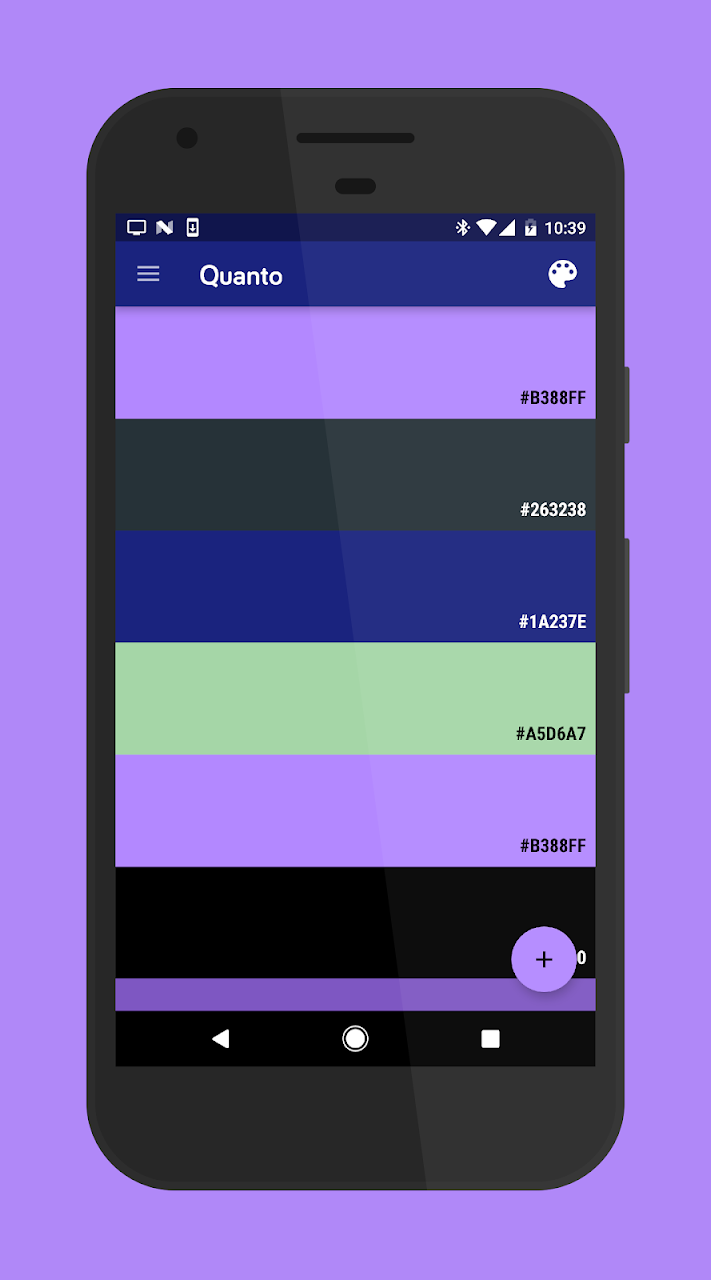
About this app
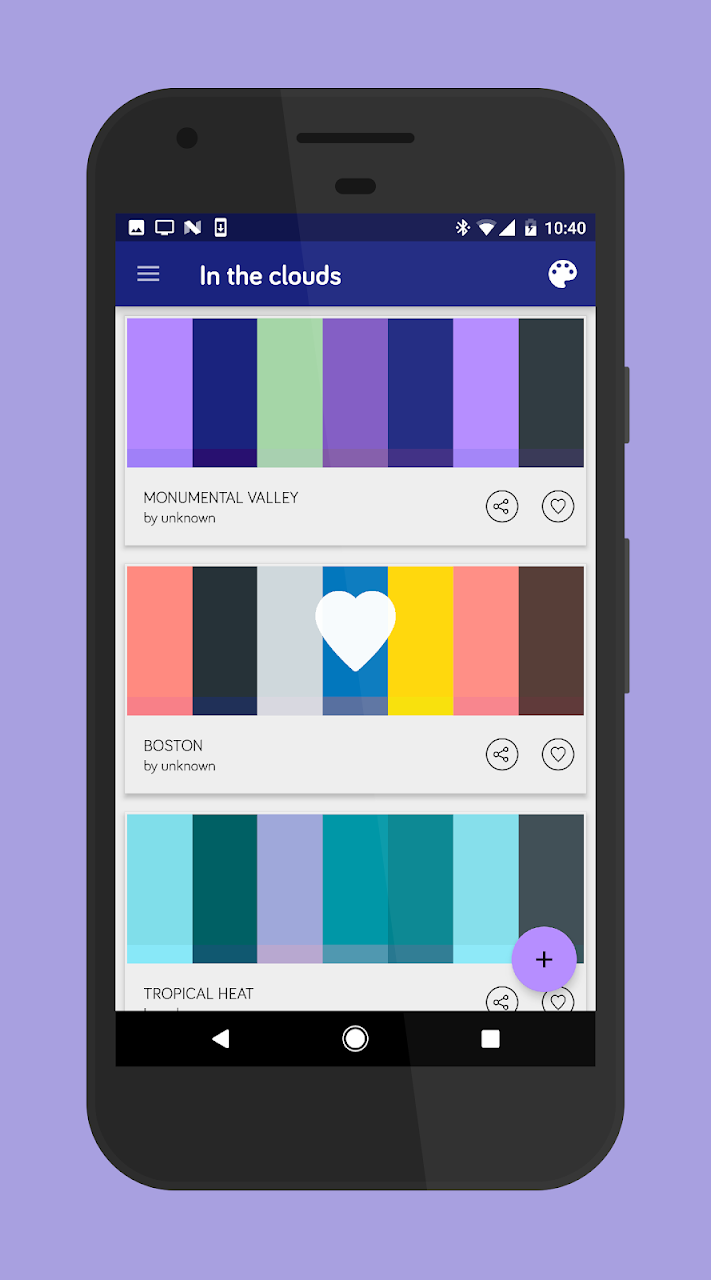
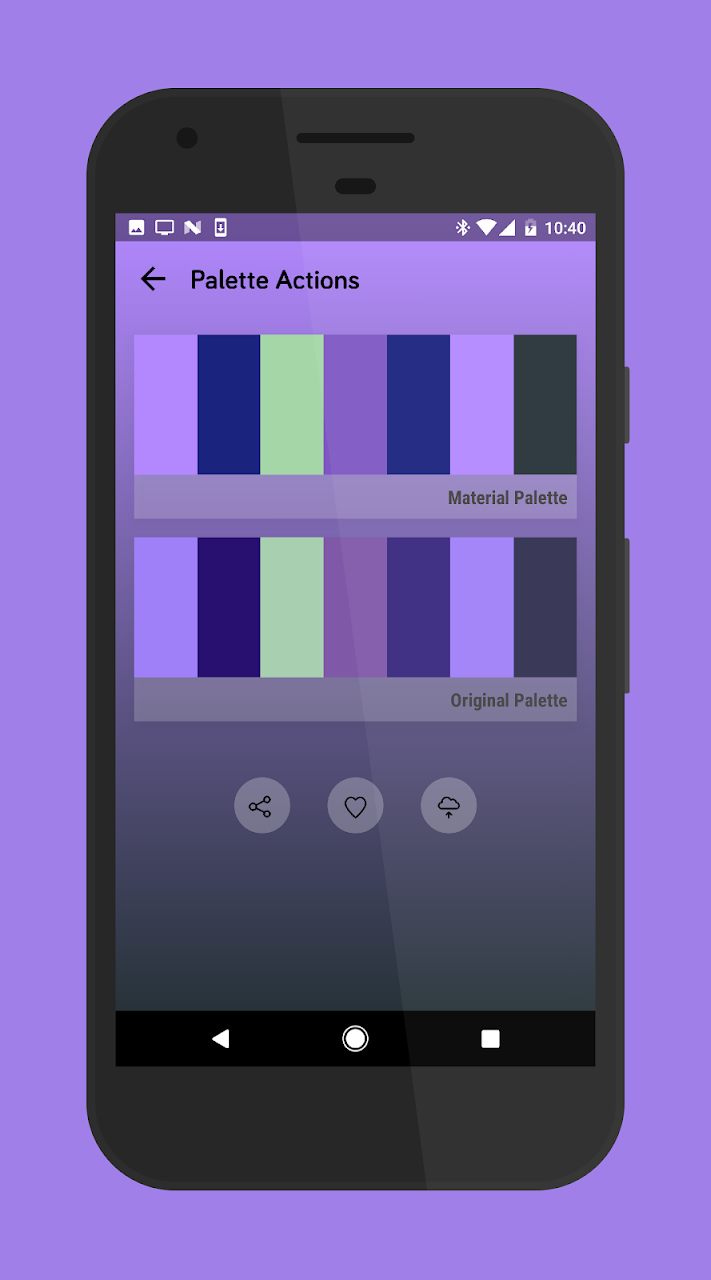
Extracting a palette from a photo is quick here, then the app maps those colors to the closest Material Design shades. Open a gallery image, review the quantized palette, copy colors to the clipboard, or share it out. The interface also shifts to match the palette you’re working with.
- Photo palette extraction — Pull colors from any picture in your gallery and turn them into a palette.
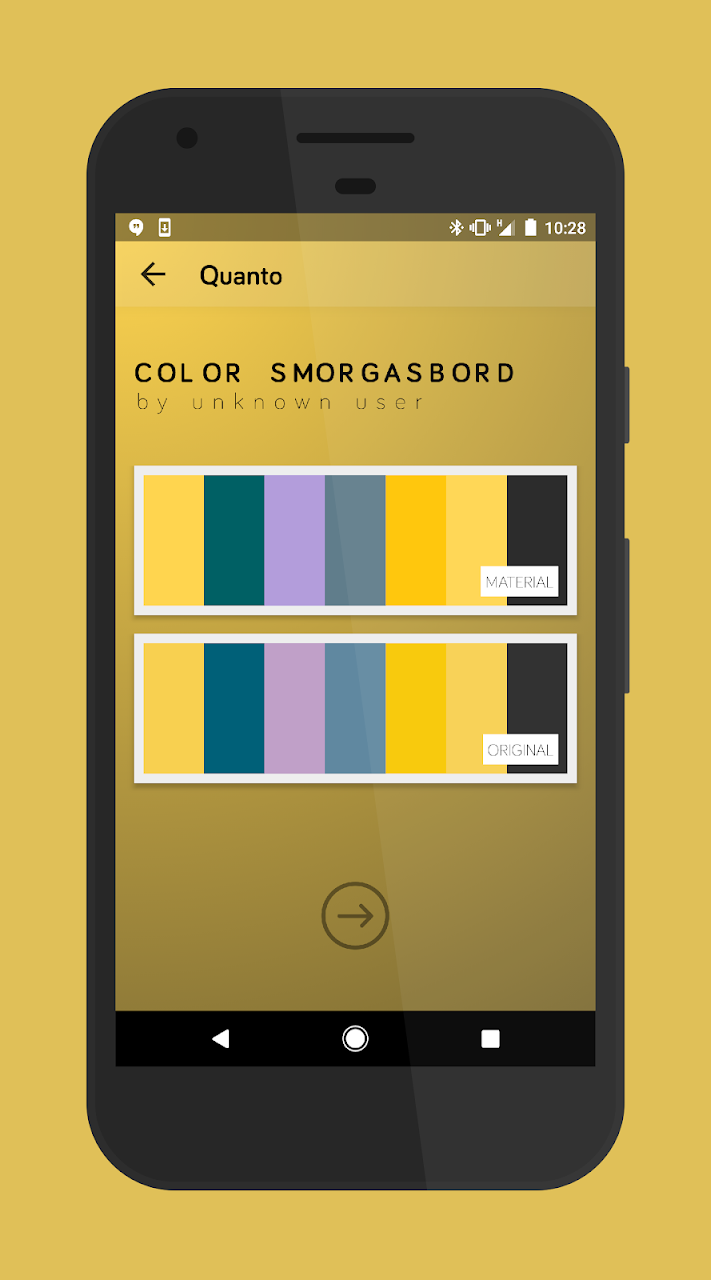
- Material quantization — Each color is mapped to its closest Material Design counterpart.
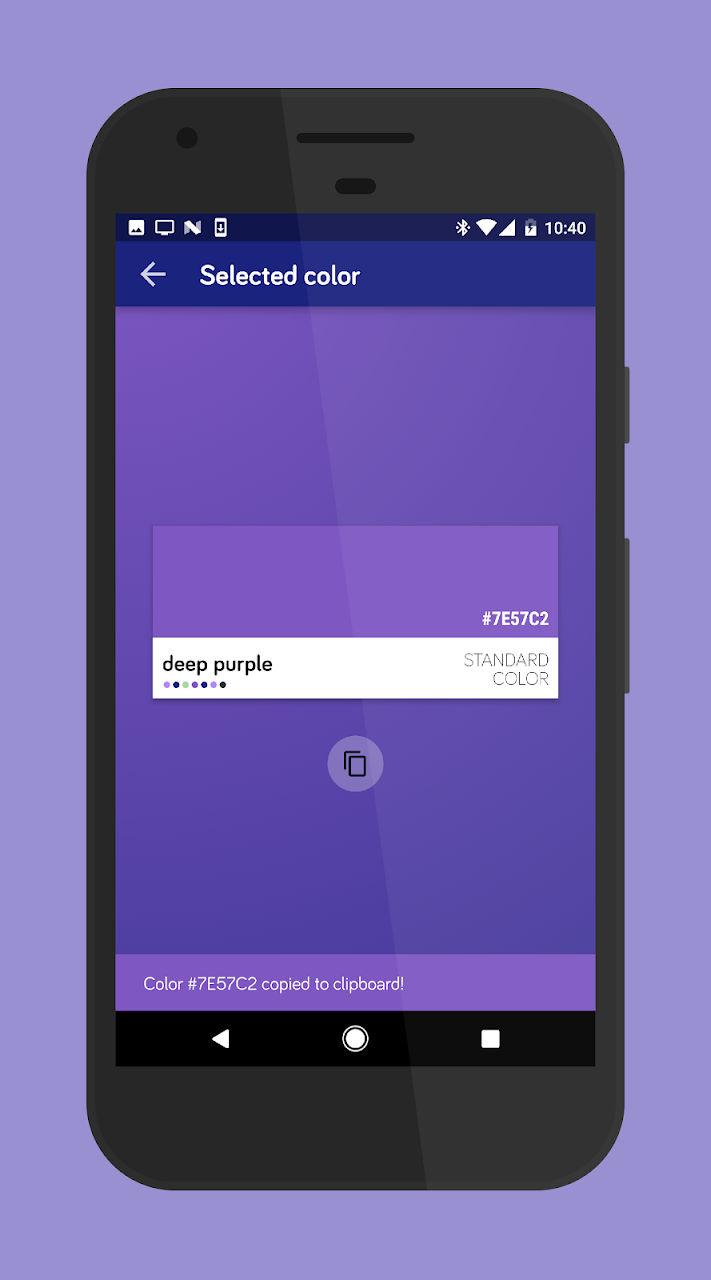
- Clipboard copying — Copy favorite colors directly to the clipboard for use elsewhere.
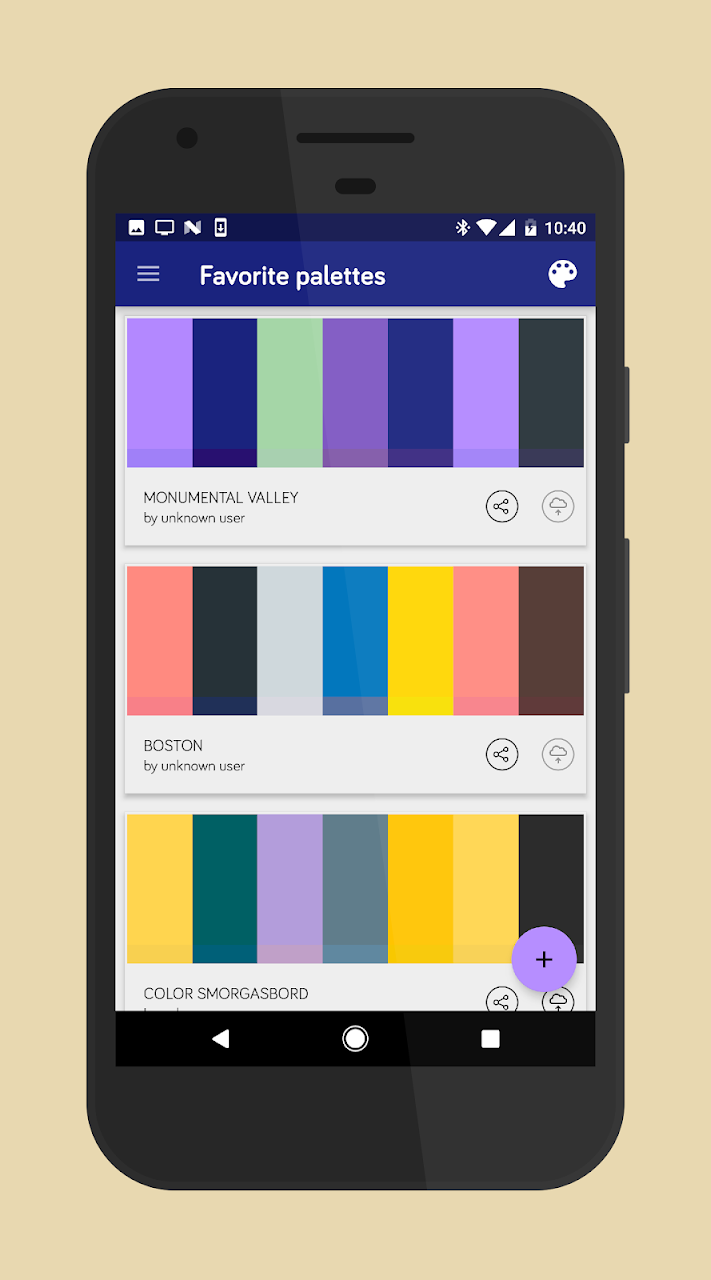
- Palette sharing — Upload and share palettes with others from inside the app.
- Themed interface — The app theme follows the palette you extracted or applied.
Bug fixes in version 1.3
The current release focuses on cleaning up problems from earlier builds. The changelog says some nasty bugs were fixed, which matters most when you’re opening the app to pull colors from a photo and want the palette workflow to stay smooth.
There are no permission prompts to sort through, so the app does not add extra setup before you start working with images. It is a small APK at 3.9 MB, supports Android 5.0 and up, and ships as a universal build.
Extract colors from gallery photos
Quanto: Material Palettes is built around a simple task: pick an image from your gallery and extract its colors. That makes it easy to use during a normal design check, whether you are testing a screenshot, a reference image, or a photo with a specific color mood.
After extraction, the app quantizes those colors to the closest Material Design values. That gives the palette a defined structure instead of leaving you with raw sampled colors.
Copy, share, and keep working
Once a palette is ready, you can copy colors to the clipboard for use in other apps. You can also upload and share palettes. For someone moving between a design tool, notes, and messaging, those two actions cover the most obvious handoff points.
The app also themes itself around the palette you extracted or applied. That means the screen you are using reflects the colors you are handling, which makes the workflow feel tied to the palette rather than separated from it.
What daily use feels like
In practice, this is the kind of app you open when you spot a color combination you want to reuse. There is no account requirement mentioned, and there are no in-app purchases. It is also listed without ads, so the experience stays focused on palette extraction and sharing.
For designers, developers, and color-focused users, the main tools are clear: choose an image, extract the colors, view the Material-mapped palette, then copy or share what you need.
What's new
Version 1.3 · Nov 12, 2026
- Some nasty bugs fixed. And, trust me, they were super nasty.
APK information
- Version
- 1.3
- Package
- com.codehousefive.quantumpalette
- Category
- Art & Design
- Size
- 4 MB
- Min Android
- 5.0
- Architecture
- universal
Older versions
-
Quanto: Material Palettes 1.3Nov 12, 2026Latest downloadAPK
Quanto: Material Palettes FAQ
Can Quanto: Material Palettes edit RAW photos?expand_more
The app description only says it extracts colors from pictures in your gallery. It does not mention RAW editing.
Does Quanto: Material Palettes add a watermark?expand_more
No watermark is mentioned in the app details or description.
Which processors does this APK support?expand_more
The APK is listed as universal, so it is not tied to a specific ABI.
Does Quanto: Material Palettes need an account?expand_more
No account requirement is mentioned. The app description only refers to uploading and sharing palettes.
How do I get a palette from a photo?expand_more
Open an image from your gallery and let the app extract its colors. It then quantizes them to the Material Design color spec.