- 4.7star69 reviews
- 1K+Downloads
- 4 MBAPK size
- EveryoneRated for Everyone
- API 16+Android
check_circleOriginal APK from Alexander Zolotov · Updated Nov 10, 2026
No threats found
0 / — antivirus engines flagged this file
Original signature
First seen — Alexander Zolotov
Unmodified APK
Same file the developer published — no mods
Quantum VJ HD screenshots
6 images · tap to enlarge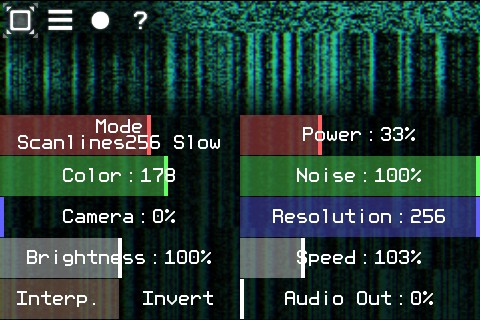
About this app
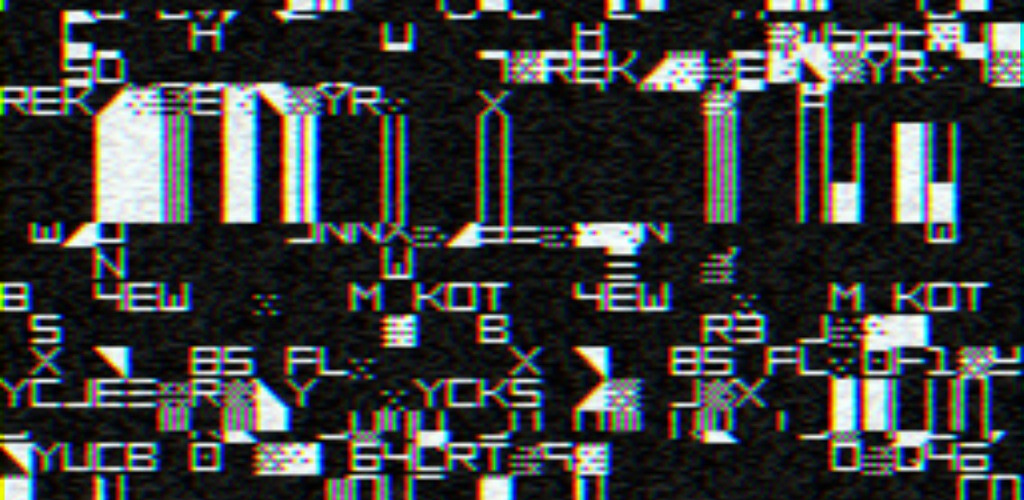
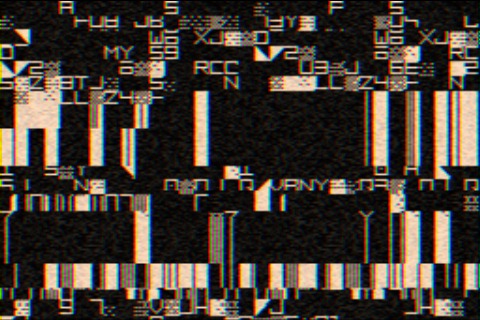
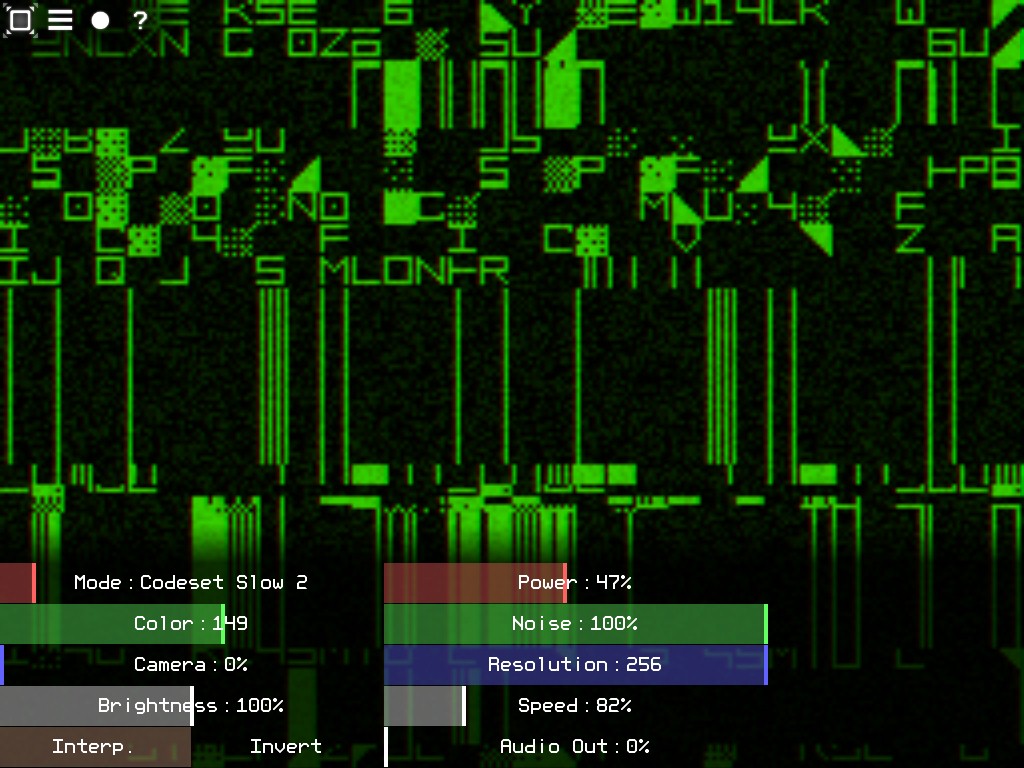
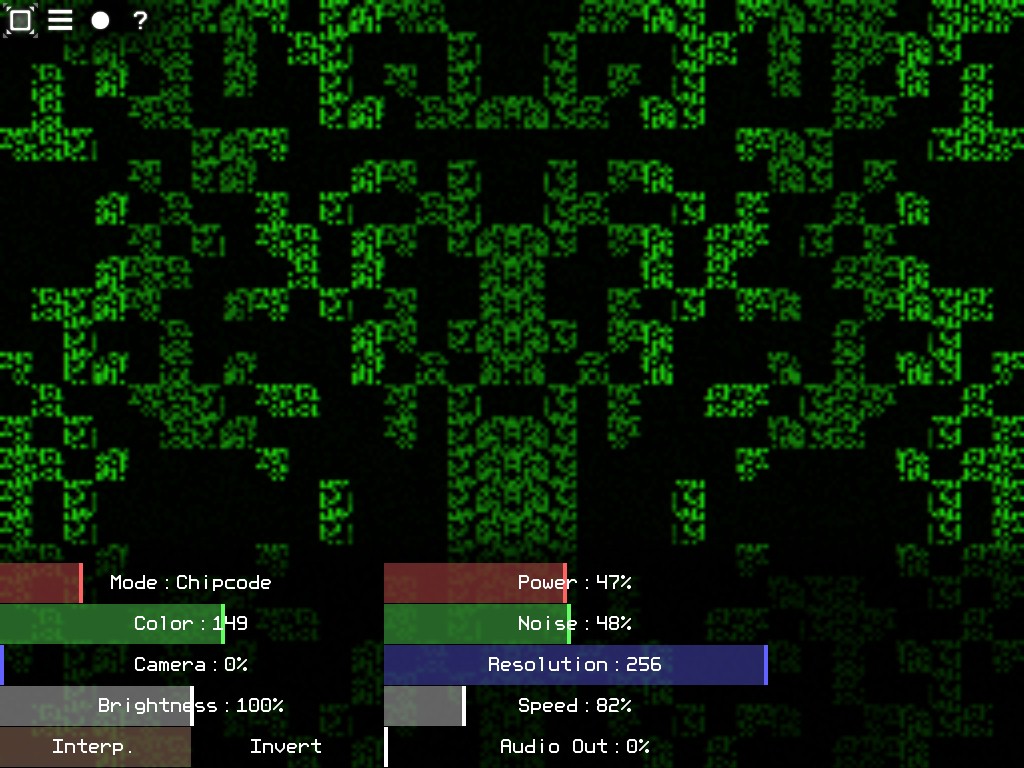
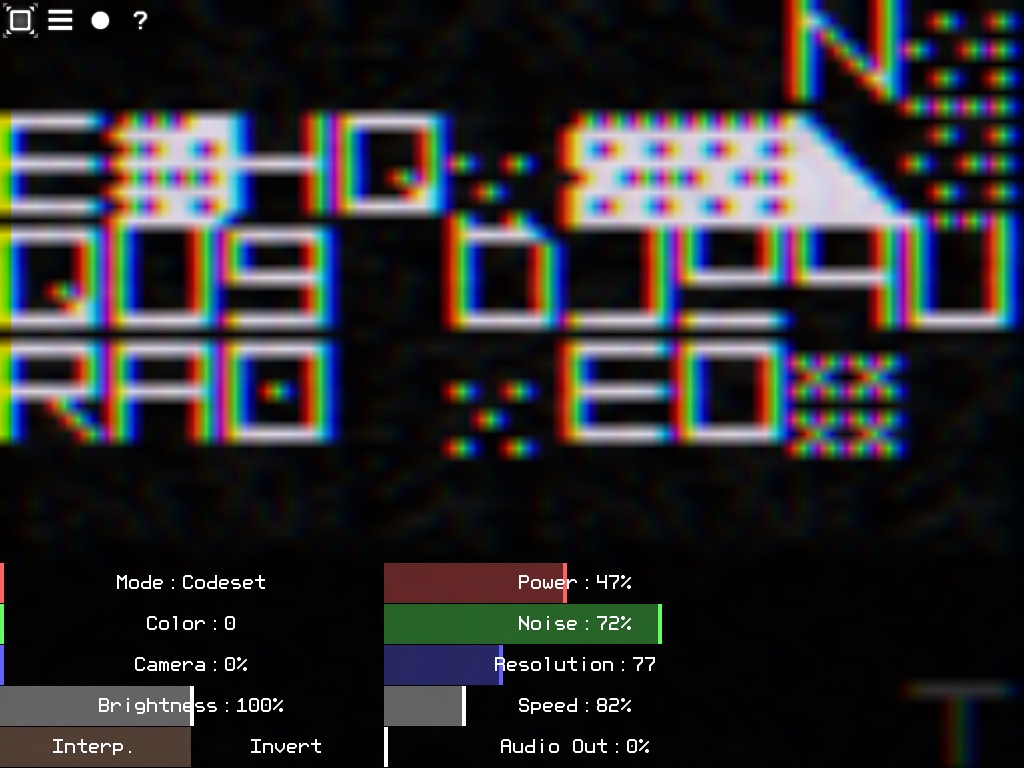
Looking for a live audio visualizer? Quantum VJ HD turns incoming sound into graphic elements and can blend the result with your camera feed in real time. It is a free, ad-free app with no in-app purchases, aimed at simple audiovisual playback rather than photo editing or AI effects.
- Sound-to-visual output — Audio from the microphone or line-in is transformed into glitch-style graphics.
- Live camera mixing — The visual output can be combined with the camera stream in real time.
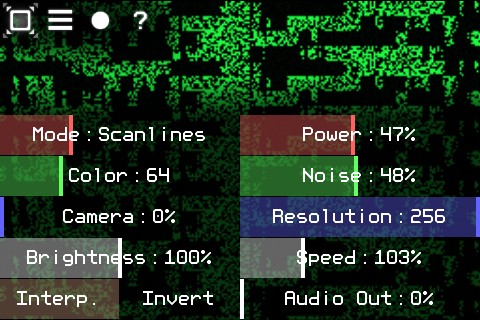
- Multitouch controls — Each touch adjusts a pair of parameters, including mode, power, color, noise, camera, resolution, brightness, and speed.
- Fullscreen toggle — Tapping the top-left corner hides or shows the control panel.
- Free and ad-free — The app is free to install and does not include ads or in-app purchases.
Glitch visuals from audio input
Quantum VJ HD is a simple audio visualizer built around sound input, not editing tools. It listens through the microphone or the Line-in port, depending on system settings, and turns sound into graphic elements. The result is designed for live visual playback rather than still-image work or photo retouching.
Live camera stream mixing
The app can mix its video output with the camera stream in real time. That makes it more of a performance tool than a standard media app. There is no mention of AI features, filters, RAW editing, or export presets, so if those are part of your use case, this app does not present them as core functions.
Touch controls and layout
Control is handled with multitouch gestures. One touch changes mode and power, a second adjusts color and noise, a third changes camera and resolution, and a fourth controls brightness and speed. The top-left corner hides or shows the control panel, which helps when you want a fullscreen view.
- Gets: glitch-style visuals, live camera mixing, multitouch parameter control
- Gets: free install, no ads, no in-app purchases
- Watch for: no listed permissions, so storage access is not requested here
- Watch for: no photo editing, RAW support, or AI tools are described
Install size and compatibility
This APK is 4.1 MB, uses the universal build, and requires Android API 16 or later. The app has no permissions listed, so it does not ask for access in the usual Android permission prompts. That keeps the setup light, though the description notes that some behavior depends on system settings for sound input.
Cost and release notes
Quantum VJ HD is free, contains no ads, and has no in-app purchases. It was released in 2016 and was last updated on 2025-12-17. The latest change fixed a bug involving incorrect handling of the BACK button or gesture.
What's new
Version 1.0.1e · Nov 10, 2026
- fixed a bug with incorrect handling of the BACK button/gesture
APK information
- Version
- 1.0.1e
- Package
- nightradio.qvjhd
- Category
- Art & Design
- Size
- 4 MB
- Min Android
- API 16
- Architecture
- universal
Older versions
-
Quantum VJ HD 1.0.1eNov 10, 2026Latest downloadAPK
Quantum VJ HD FAQ
Does Quantum VJ HD work offline?expand_more
The app description does not mention any network feature, and no internet permission is listed. Its core functions are local audio input and camera mixing.
Can Quantum VJ HD edit RAW photos?expand_more
No. Quantum VJ HD is described as a glitch-style audio visualizer, not a photo editor, and RAW editing is not mentioned.
Is this Quantum VJ HD APK the original file?expand_more
The app package listed here is the APK for Quantum VJ HD version 1.0.1e. It is shown as the app’s APK file, with no extra purchases or ads included.
What permissions does Quantum VJ HD ask for?expand_more
No permissions are listed for this app. That means there are no declared Android permission requests in the package details provided.
Can Quantum VJ HD mix visuals with a camera feed?expand_more
Yes. The app description says the final video can be mixed with the camera stream in real time.