
- 3.7star171,680 reviews
- 10M+Downloads
- 8 MBAPK size
- EveryoneRated for Everyone
- API 19+Android
check_circleOriginal APK from SoftSoluLabs · Updated Nov 12, 2026
No threats found
0 / — antivirus engines flagged this file
Original signature
First seen — SoftSoluLabs
Unmodified APK
Same file the developer published — no mods
Recover Deleted Photos screenshots
6 images · tap to enlarge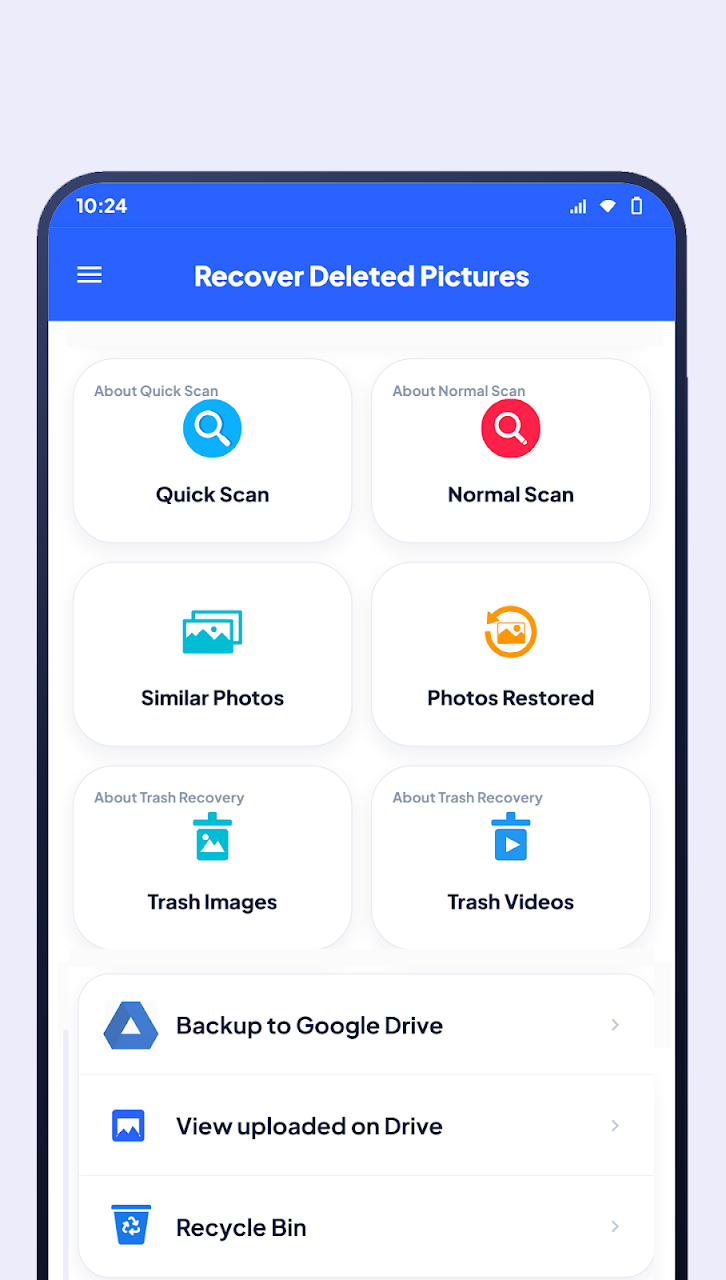

About this app
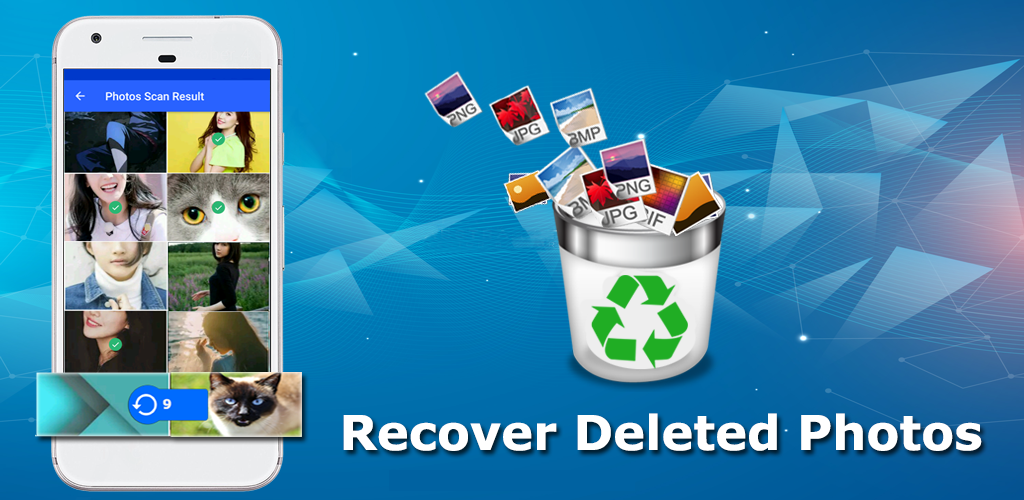
SoftSoluLabs made Recover Deleted Photos for restoring deleted pictures on Android. It scans device folders for cached versions and thumbnails, then lets you select images and restore them. The app also offers Google Drive backup, similar photos, and a simple gallery for managing restored pictures.
- Scan device folders — It scans the PICTURES and DCIM folders to look for cached versions and thumbnails.
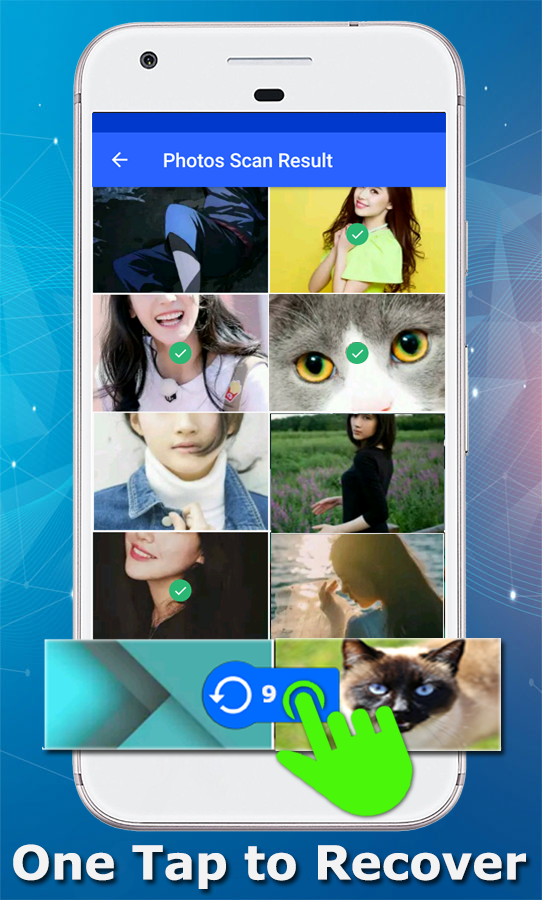
- Restore selected images — After the scan, you can choose the photos you want and tap restore.
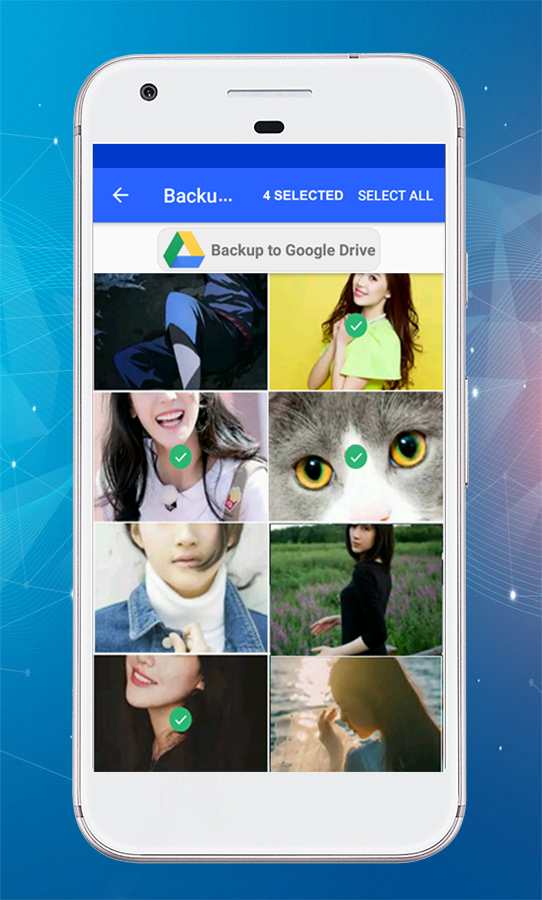
- Google Drive backup — The app includes backup to Google Drive for saved photos.
- No root needed — It works without root access on supported phones.
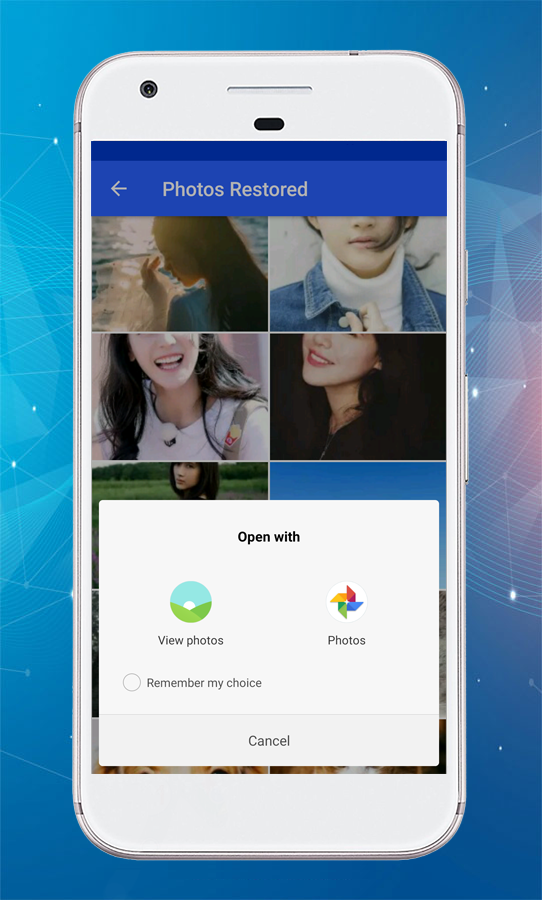
- Manage restored photos — Restored images are grouped in a gallery on the device.
When photos disappear
Deleting a photo by mistake can leave you with a long search through folders and galleries. Recover Deleted Photos is built for that job. It scans the phone for cached versions and thumbnails, then shows the images it finds so you can restore the ones you want.
Scan PICTURES and DCIM
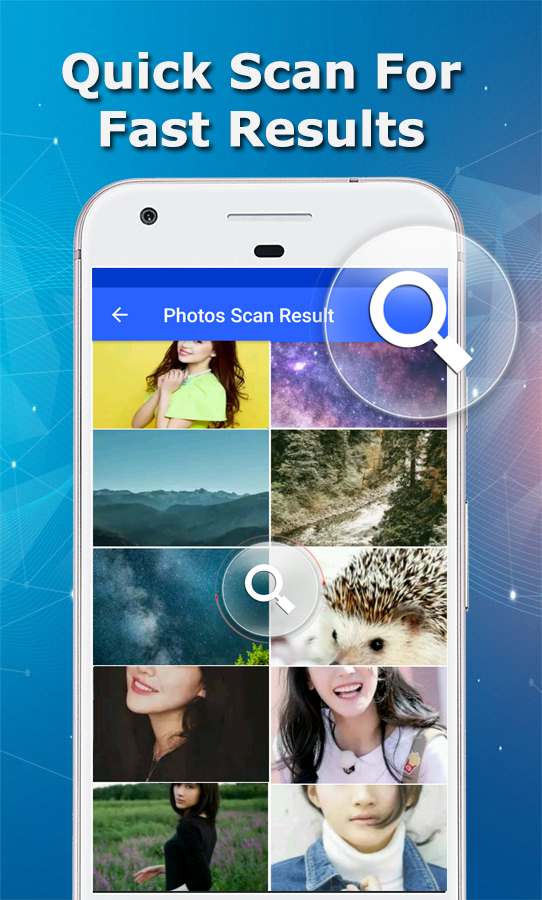
The core workflow is simple: start a scan, wait for it to finish, and review the results. The app checks the PICTURES folder and the DCIM folder, and it can also search mobile storage for deleted images. That makes the recovery process quicker than searching by hand.
- One-tap scan starts the search for deleted photos.
- Restore button brings selected images back to the device.
- Grouped gallery keeps restored pictures together.
Backup and image tools
Recover Deleted Photos includes backup to Google Drive, plus similar photos and a photo enhancer. It is a free app with ads, and it does not need root access. The APK is 7.9 MB, uses the universal build, and supports Android API 19 and above.
Limits to keep in mind
The app works by finding cached copies and thumbnails, so results can vary. It may also show images that are not deleted, and some recovered images can be lower resolution. On some phones, the scan can take time depending on memory size and the number of deleted pictures.
Best fit for quick recovery
This app suits people who want a direct way to look for deleted photos, restore selected images, and keep them backed up. It is practical for users who want a simple recovery flow without root access.
APK information
- Version
- 6.3.0
- Package
- kdev.restore.deleted.photos
- Category
- Productivity
- Size
- 8 MB
- Min Android
- API 19
- Architecture
- universal
Older versions
-
Recover Deleted Photos 6.3.0Nov 12, 2026Latest downloadAPK
Recover Deleted Photos FAQ
Can Recover Deleted Photos be used by teams?expand_more
The app is built for individual photo recovery on Android. The available details do not mention team features.
Can Recover Deleted Photos be used offline?expand_more
The app scans photos on the device and does not list any network requirement for recovery. Google Drive backup is included, but the scan itself is device-based.
Does Recover Deleted Photos need an account?expand_more
No account requirement is listed. The app description only mentions Google Drive backup as a feature.
How big is the Recover Deleted Photos download?expand_more
The APK size is 7.9 MB.
What folders does Recover Deleted Photos scan?expand_more
It scans the PICTURES folder and the DCIM folder. It also looks for cached versions and thumbnails of photos.