- 3.9star353,771 reviews
- 5B+Downloads
- 59 MBAPK size
- EveryoneRated for Everyone
- API 37+Android
check_circleOriginal APK from Samsung Electronics Co., Ltd. · Updated Nov 11, 2026
No threats found
0 / — antivirus engines flagged this file
Original signature
First seen — Samsung Electronics Co., Ltd.
Unmodified APK
Same file the developer published — no mods
Clock screenshots
8 images · tap to enlarge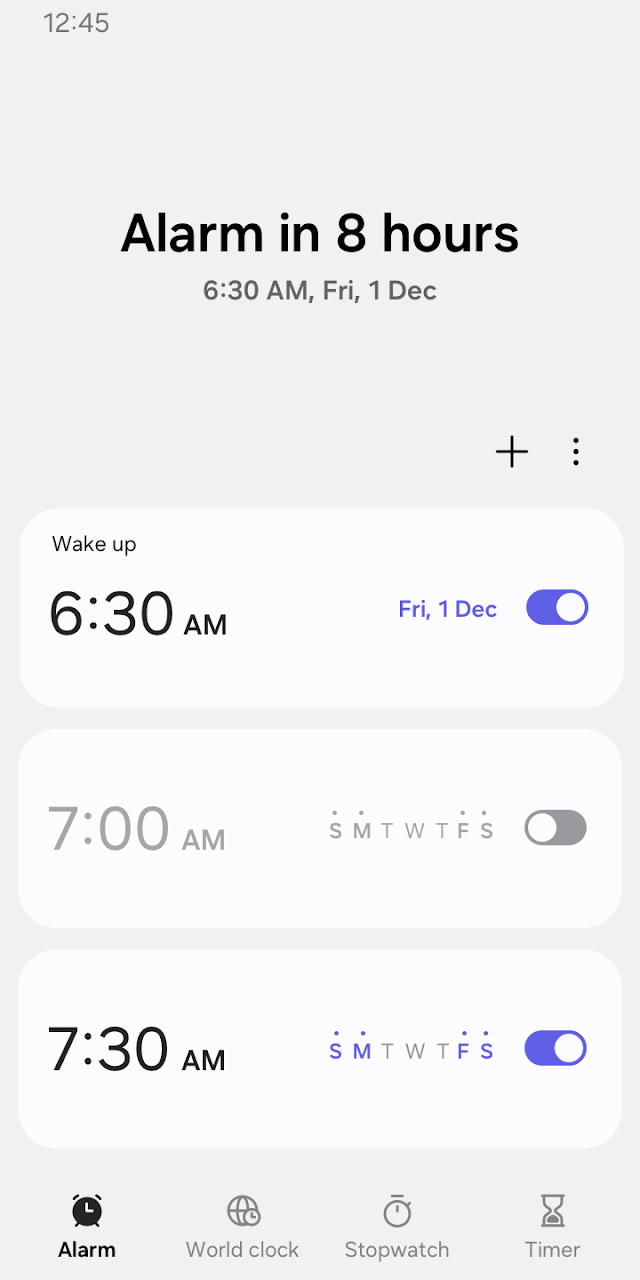
About this app
Clock stands out in the Tools category by combining alarms, world time, stopwatch, and timer functions in one Samsung app. It also shows weather by city in World Clock and supports practical alarm options like repeat days, snooze, and alarm backgrounds. The app is free, with no ads or in-app purchases listed.
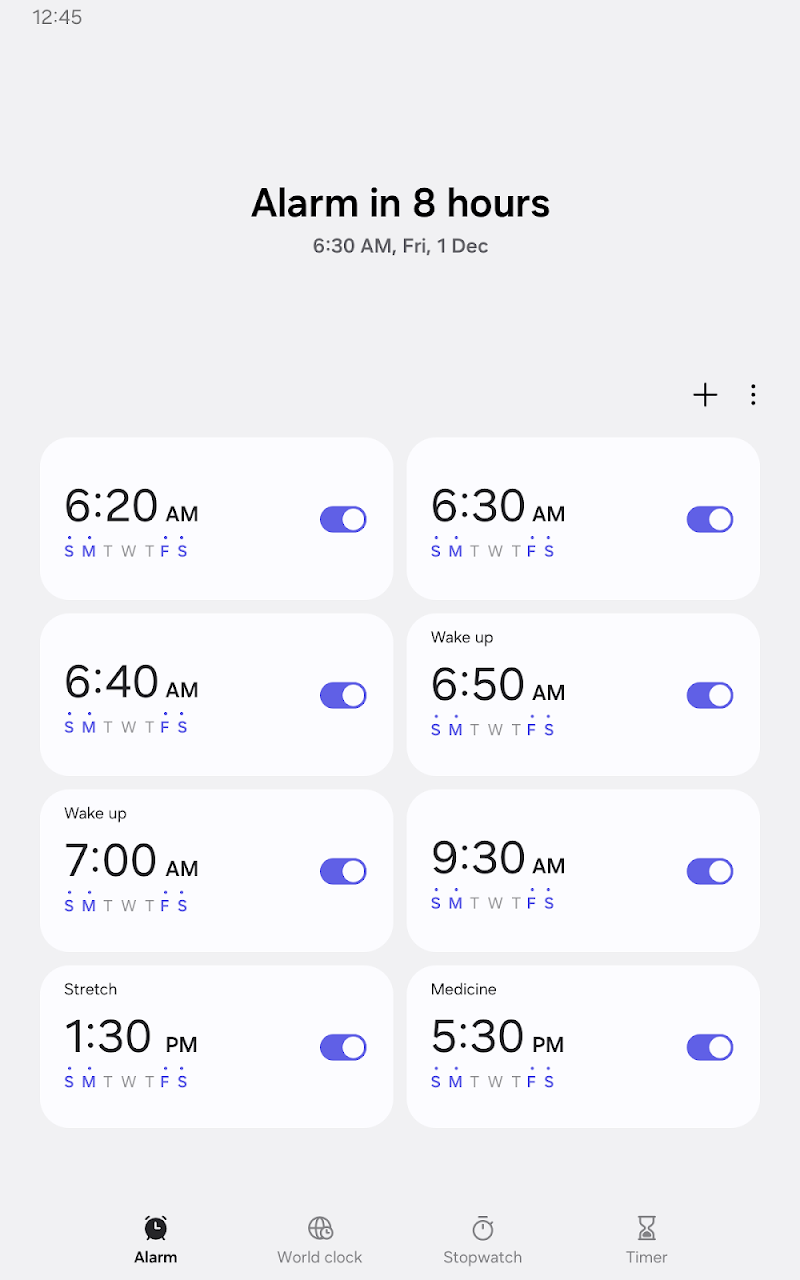
- Alarm controls — Set alarms with dates, repeat them, and use snooze for the same effect as multiple alarms.
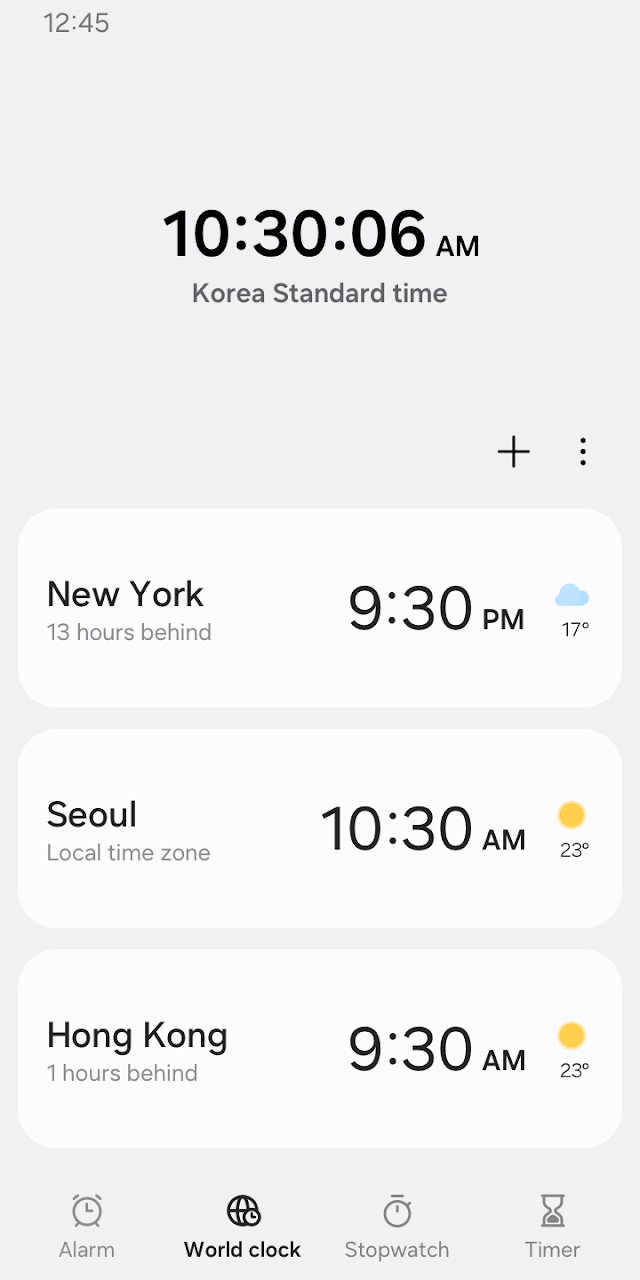
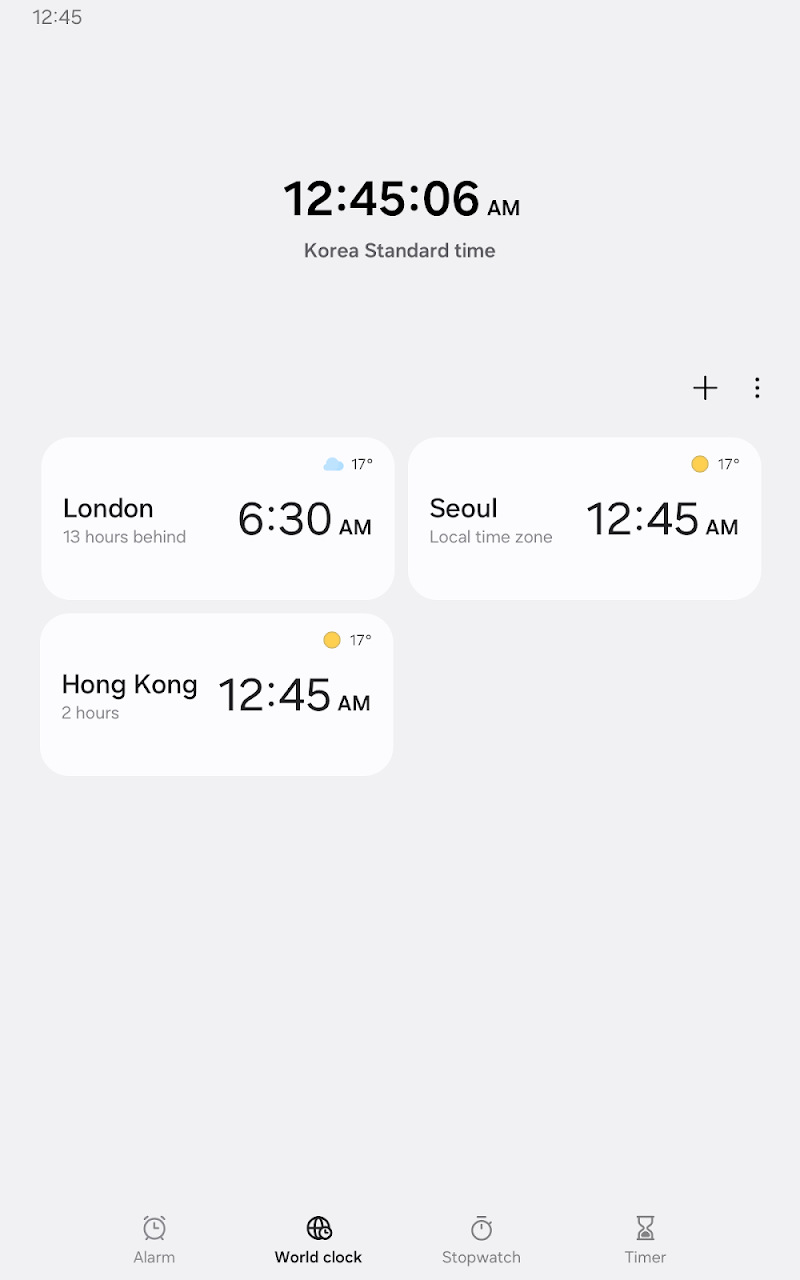
- World clock view — Check the time and weather by city and use the globe to find locations quickly.
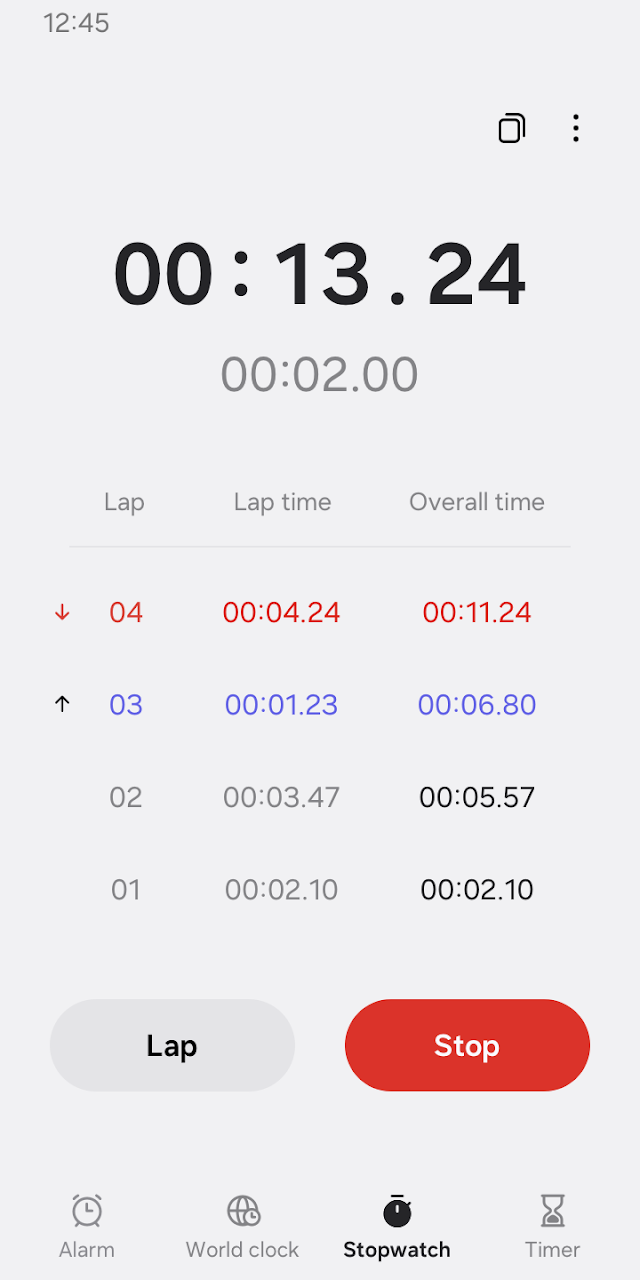
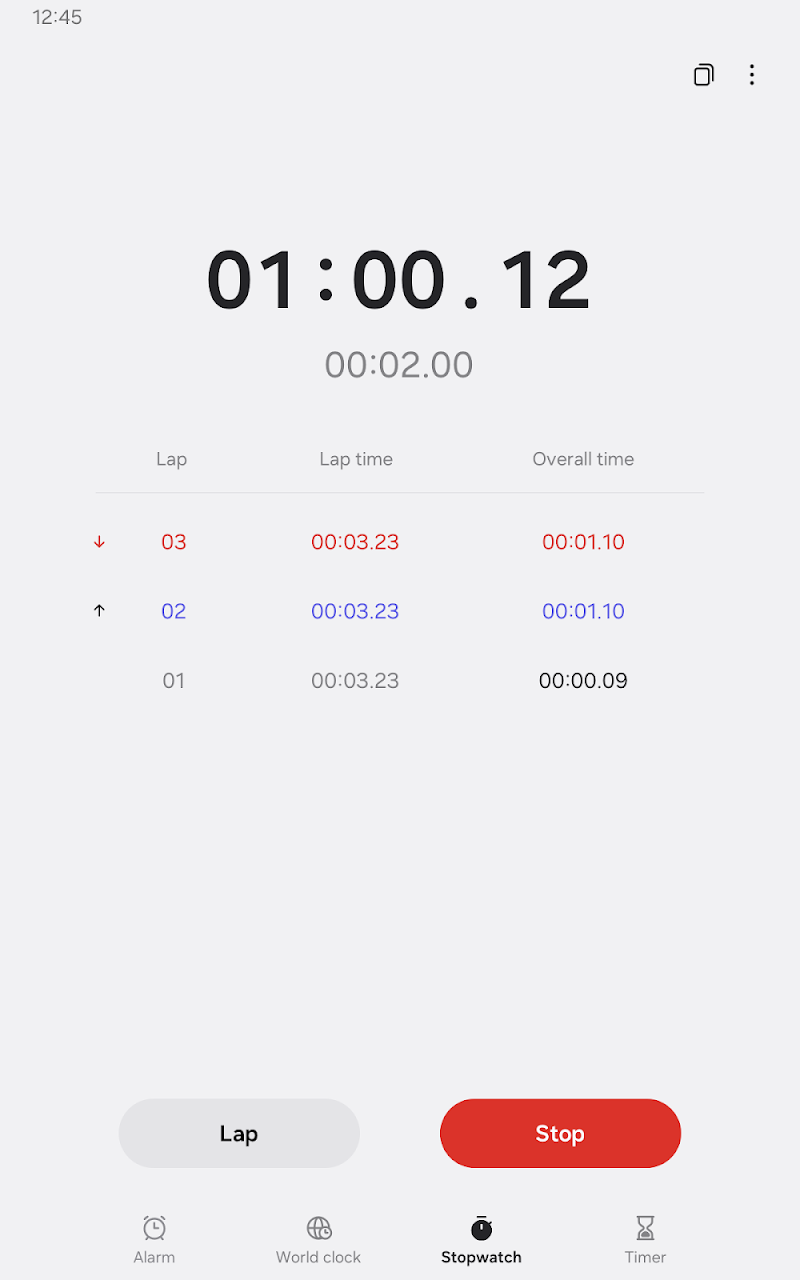
- Stopwatch sections — Record elapsed time for each section and copy the recorded values.
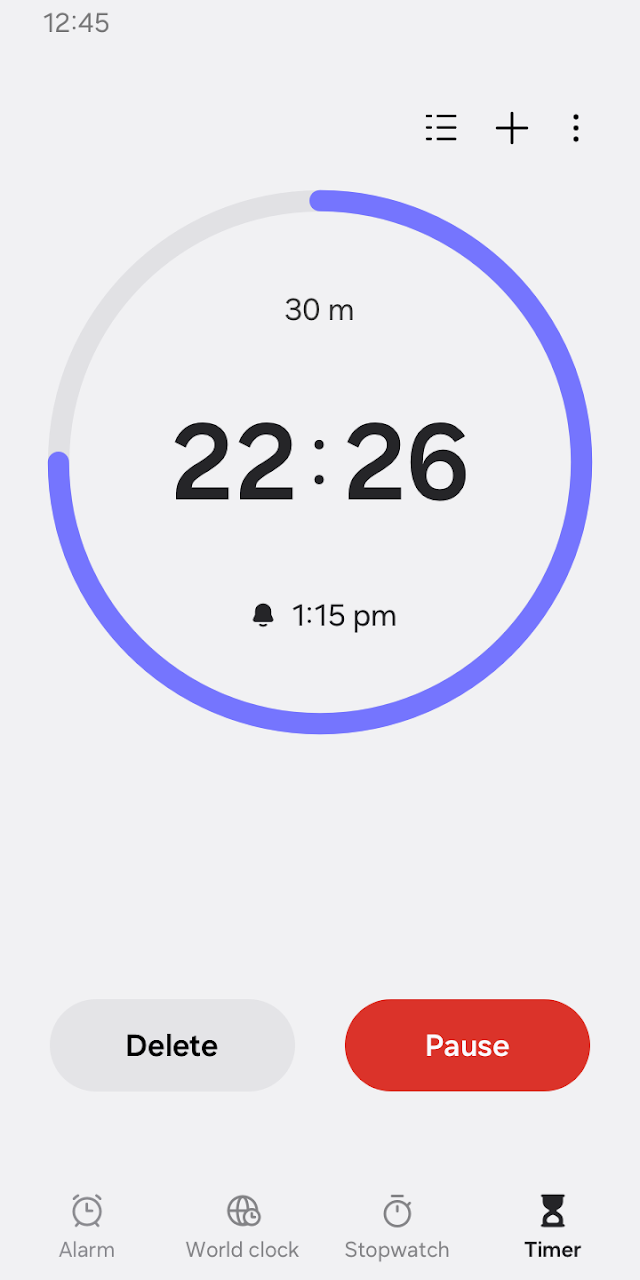
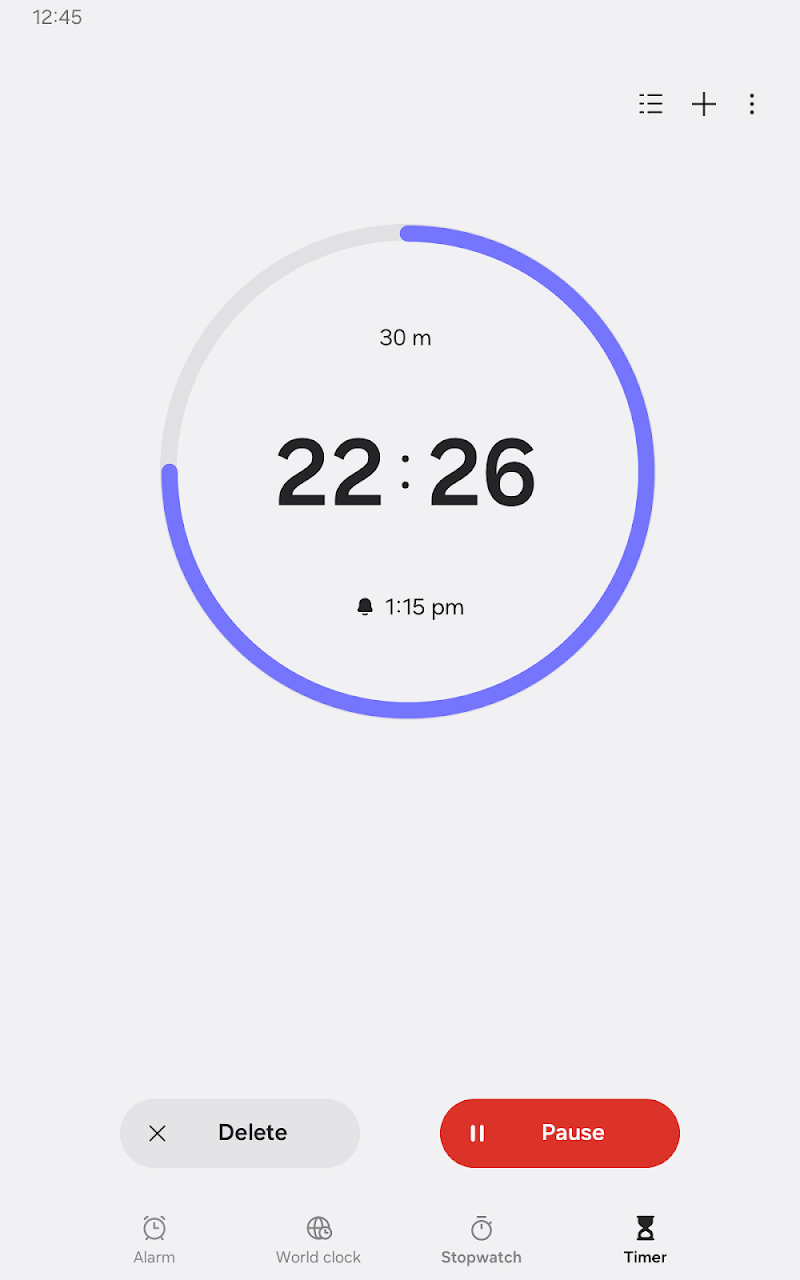
- Timer presets — Save timer times as presets and run multiple timers at the same time.
- Optional access — The app can work with basic features without granting its optional permissions.
Time tools from Samsung
Clock is Samsung Electronics Co., Ltd.'s time utility for everyday scheduling and checking time across cities. It brings Alarm, World Clock, Stopwatch, and Timer into one app, with city weather shown in the World Clock view. The app is free, does not include ads, and does not offer in-app purchases.
Alarms, world time, and timers
The alarm section supports dated alarms, repeat alarms that can skip a day and be turned back on, and Snooze for a similar result to setting several alarms. World Clock lets you check the time and weather by city, while the globe helps you confirm a city’s location. Stopwatch can record elapsed time for each section and copy the recorded value. Timer supports preset times and multiple timers running at once.
Permissions and access
Clock lists optional permissions rather than required ones for its basic use. Music and audio is used to open sounds stored on your phone or tablet for alarm and timer alerts. Notifications are used to show ongoing timers and to alert you about upcoming and missed alarms. Photos and videos can be used for alarm backgrounds on Android 14 and higher, and Calendar can show an upcoming event when using the Weather alarm background.
The app’s basic features remain available without allowing those permissions, so the core tools are not tied to extra access. Version 12.6.05.23 comes as a universal APK, sized at 58.8 MB, and requires Android API 37.
Update notes
The latest release says some features were improved and stabilized. That keeps the app focused on the same core timekeeping tasks while refining how they behave.
- Free to use: no ads and no in-app purchases.
- Samsung app: made by Samsung Electronics Co., Ltd.
- Content rating: Everyone.
What's new
Version 12.6.05.23 · Nov 11, 2026
- Improved and stabilized some features
APK information
- Version
- 12.6.05.23
- Package
- com.sec.android.app.clockpackage
- Category
- Tools
- Size
- 59 MB
- Min Android
- API 37
- Architecture
- universal
Older versions
-
Clock 12.6.05.23Nov 11, 2026Latest downloadAPK
Clock FAQ
Does Clock need root?expand_more
No root requirement is listed for Clock.
Why does Clock need these permissions?expand_more
The listed optional permissions are used for alarm sounds, notifications for timers and alarms, alarm backgrounds on Android 14 and higher, and showing an upcoming calendar event with the Weather alarm background.
Does Clock work offline?expand_more
The app’s basic features can be used without allowing the optional permissions, but no offline mode is specifically stated.
Can I install Clock without Google Play?expand_more
This page provides the APK file, so it can be installed as an APK rather than through Google Play.
What features are included in Clock?expand_more
Clock includes Alarm, World Clock, Stopwatch, and Timer features, plus weather by city in World Clock.