- 4.5star991,577 reviews
- 1B+Downloads
- 7 MBAPK size
- EveryoneRated for Everyone
- API 36+Android
check_circleOriginal APK from Samsung Electronics Co., Ltd. · Updated Nov 10, 2026
No threats found
0 / — antivirus engines flagged this file
Original signature
First seen — Samsung Electronics Co., Ltd.
Unmodified APK
Same file the developer published — no mods
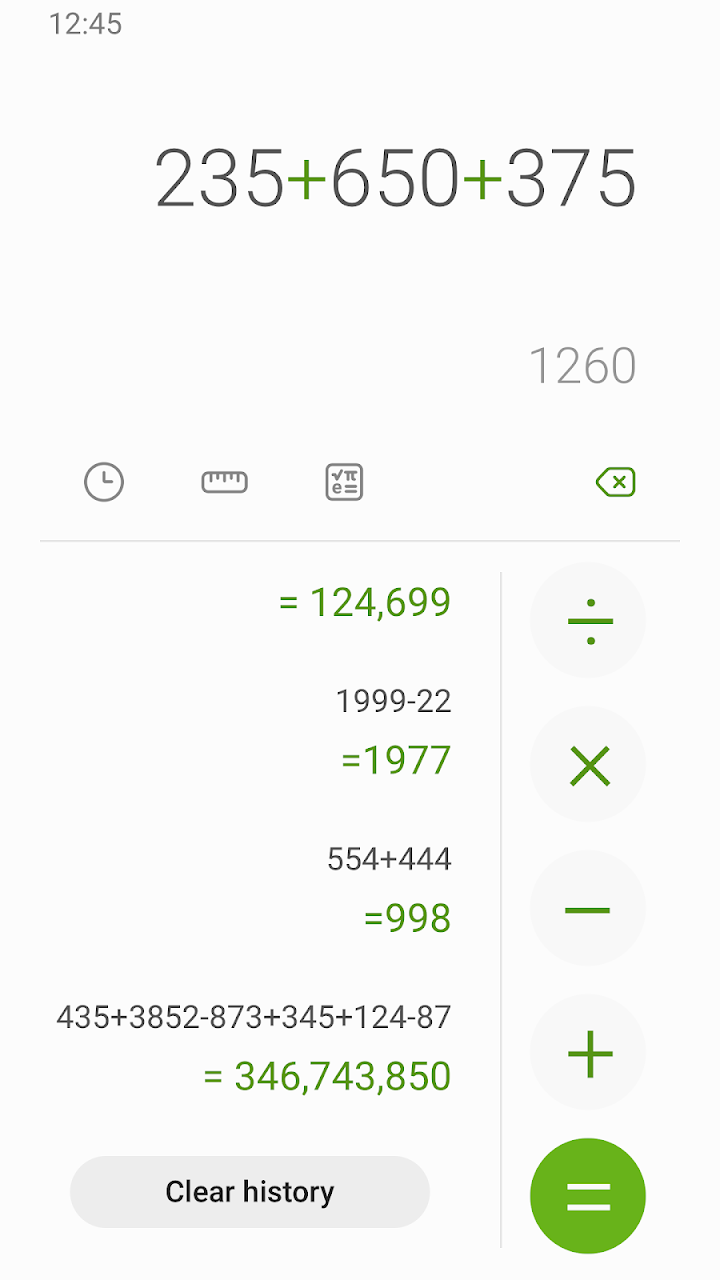
Samsung Calculator screenshots
5 images · tap to enlarge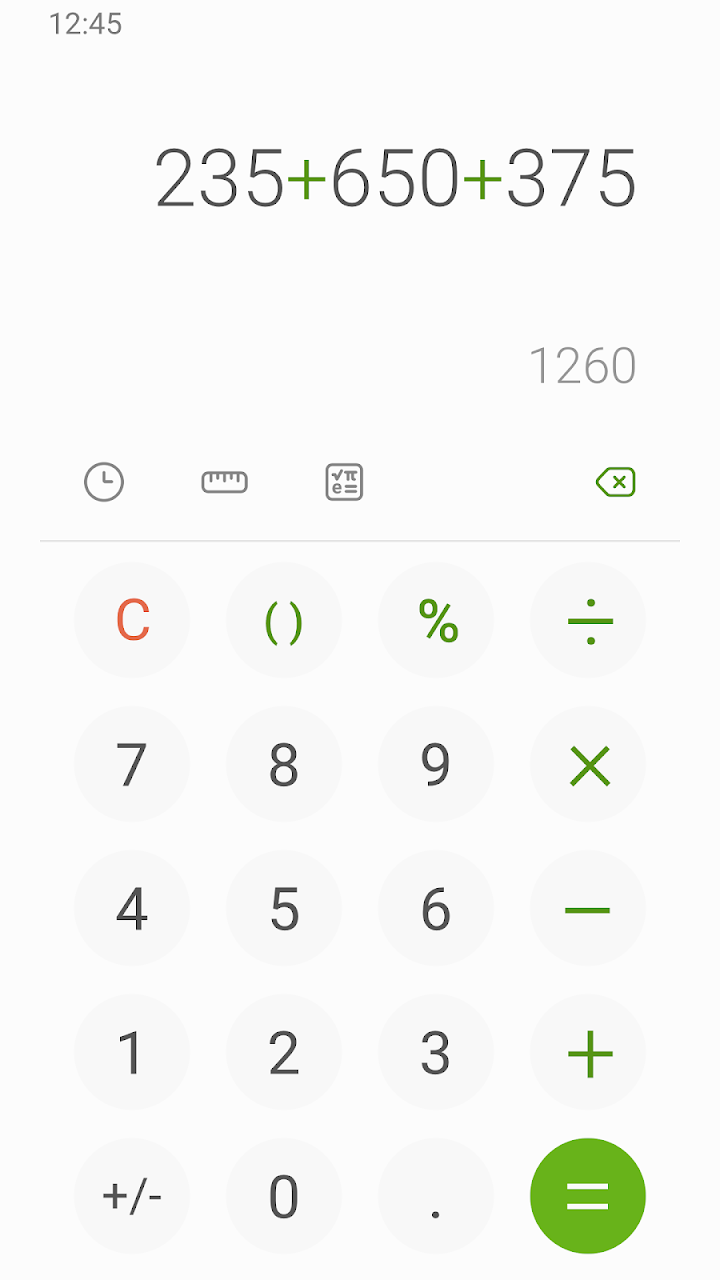
About this app
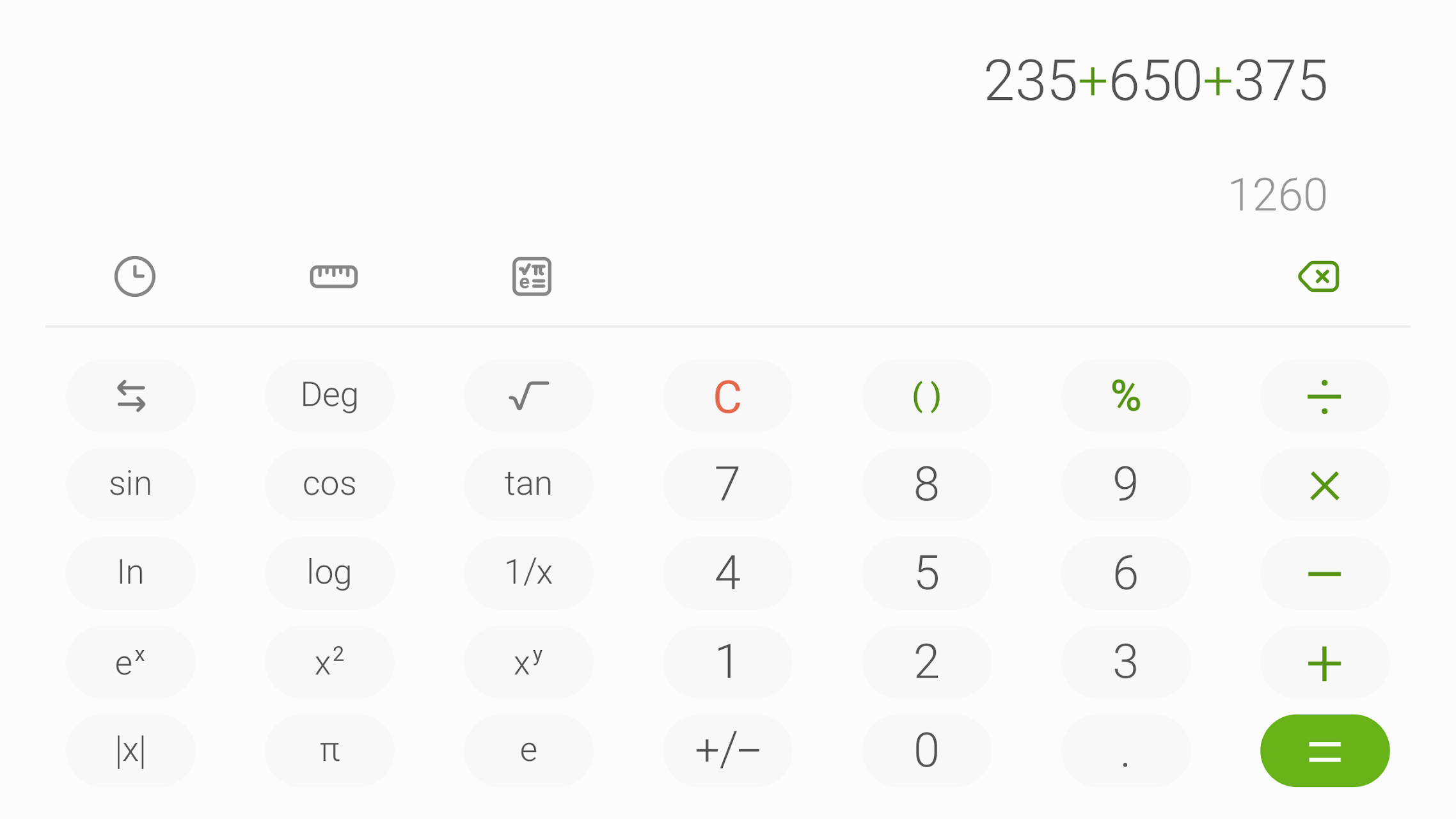
Samsung Electronics Co., Ltd. makes Samsung Calculator, a Tools app for everyday sums and more detailed engineering work. It opens straight into a keypad, with a separate engineering mode, calculation history, and unit conversion. There are no ads or in-app purchases, so the main friction is simply learning where each panel lives.
- Basic operations — Use it for the four fundamental arithmetic operations on a simple keypad.
- Engineering mode — Switch to the engineering calculator when you need more advanced calculations.
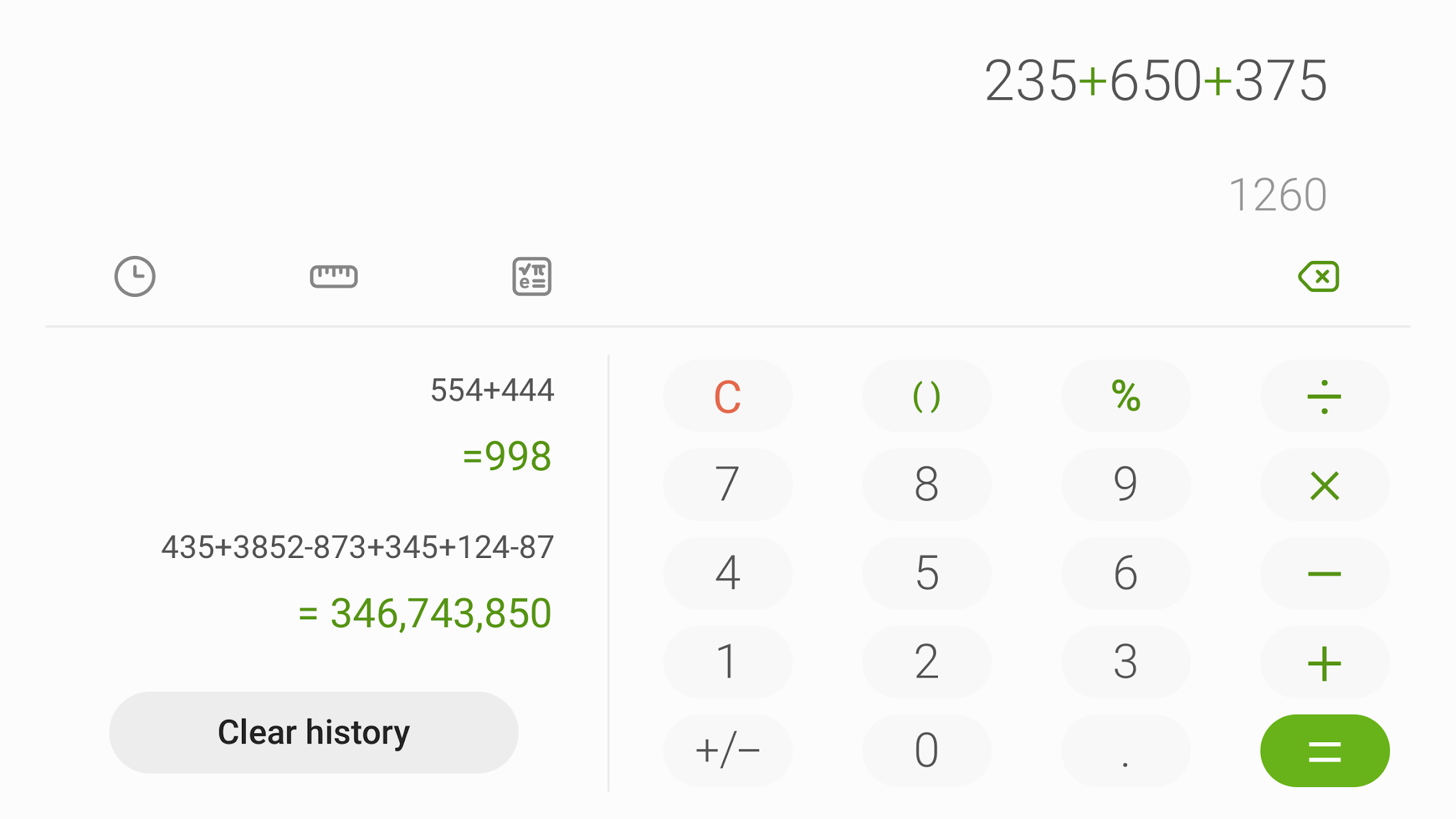
- Calculation history — Open the history panel to reuse formulas you entered earlier.
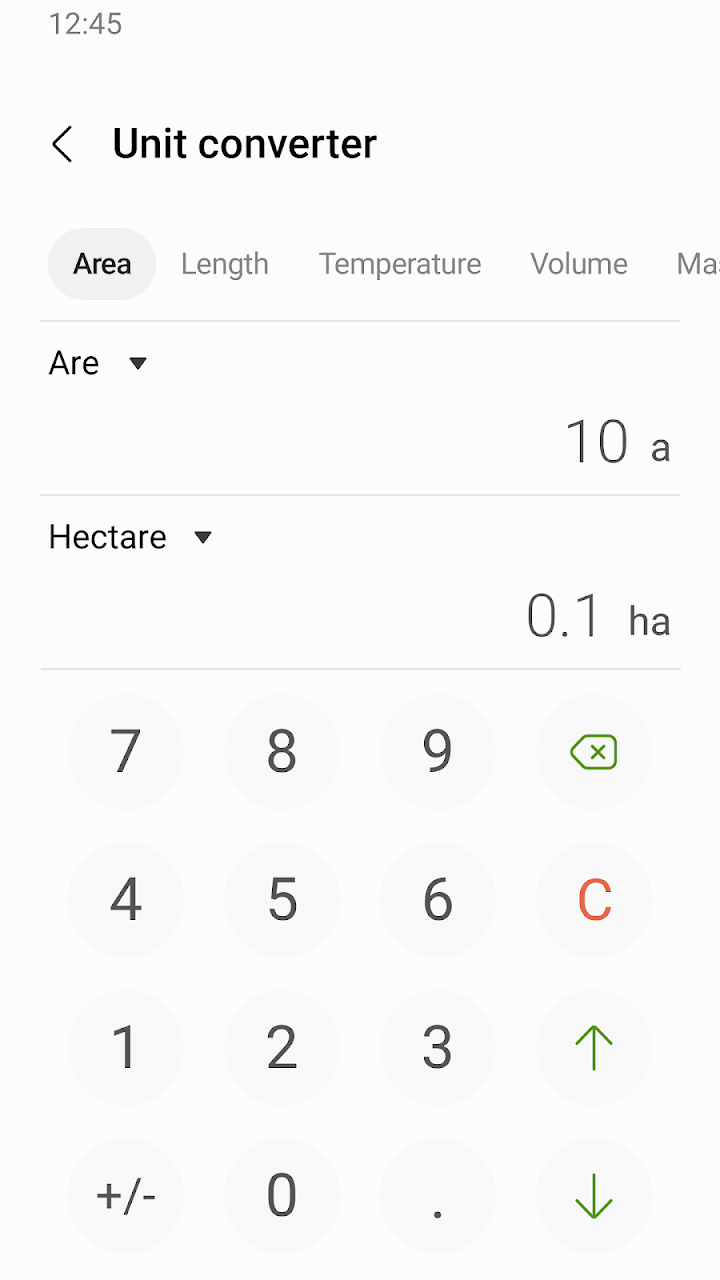
- Unit conversion — Convert units like area, length, and temperature from the unit calculator.
- No ads — The app is free and does not include ads or in-app purchases.
Start with the keypad
On first launch, Samsung Calculator opens as a straightforward calculator rather than a setup-heavy app. You can begin with the standard keypad for basic arithmetic, then move to engineering calculations when a problem needs more than the four fundamental operations. The app is light at 7.4 MB, comes as an APK, and supports Android 16 and up.
Engineering calculations and history
The engineering calculator is one tap away from the main screen, so it fits into quick checks during a commute, at work, or while comparing numbers at home. If you need to repeat a formula, open the calculation history panel and tap a previous entry instead of retyping it. When you want to return to the keypad, use the keypad icon to close that panel.
Convert units when the numbers change
Samsung Calculator also includes a unit calculator for common conversions. It can handle units such as area, length, and temperature, which makes it useful when you are switching between measurements in recipes, notes, or planning tasks. That keeps the app useful even when the job is not a plain calculation.
- Free use: The app is free, with no in-app purchases.
- No ads: You do not have to work around advertising screens.
- Permissions: No permissions are listed, so there is nothing to approve at install time.
- Compatibility: It is rated for Everyone and works on Android 16 or later.
Practical tips for daily use
If you switch between simple sums and engineering work often, learn the icons for the engineering calculator, history, and unit conversion first. That makes the app faster to use than hunting through menus each time. The history panel is especially useful when you need to verify or reuse a previous formula without starting over.
Requirements and permissions
Samsung Calculator is distributed as an APK and is available for universal Android devices. It is free, contains no ads, and does not list any permissions, so you should not expect account sign-in or permission prompts before using it. The app is designed as a small utility rather than a full-featured workspace.
What's new
Version 12.6.00.35 · Nov 10, 2026
- A few bugs have been fixed.
APK information
- Version
- 12.6.00.35
- Package
- com.sec.android.app.popupcalculator
- Category
- Tools
- Size
- 7 MB
- Min Android
- API 36
- Architecture
- universal
Older versions
-
Samsung Calculator 12.6.00.35Nov 10, 2026Latest downloadAPK
Samsung Calculator FAQ
Does Samsung Calculator drain the battery?expand_more
No battery-related behavior is listed. The app does not list any special permissions, and it is a small 7.4 MB utility.
Does Samsung Calculator need root?expand_more
No. Nothing in the app listing suggests root access is needed.
What is the difference between the APK and the Play Store version of Samsung Calculator?expand_more
The listing provides Samsung Calculator as an APK for Android devices. No separate Play Store version differences are listed.
Is Samsung Calculator free to use?expand_more
Yes. It is marked free, and it does not include in-app purchases.
Can Samsung Calculator convert units?expand_more
Yes. It includes a unit calculator for conversions such as area, length, and temperature.