- 4.1star556,068 reviews
- 5B+Downloads
- 56 MBAPK size
- EveryoneRated for Everyone
- API 36+Android
check_circleOriginal APK from Samsung Electronics Co., Ltd. · Updated Nov 11, 2026
No threats found
0 / — antivirus engines flagged this file
Original signature
First seen — Samsung Electronics Co., Ltd.
Unmodified APK
Same file the developer published — no mods
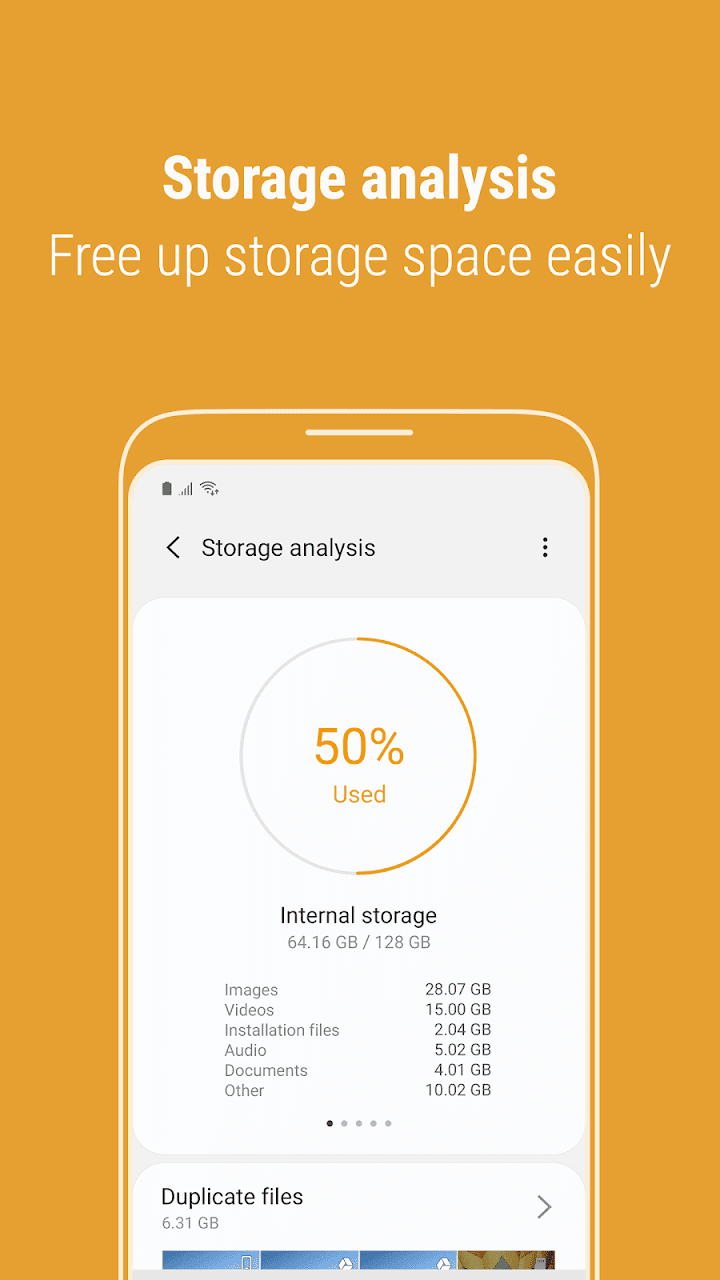
Samsung My Files screenshots
3 images · tap to enlarge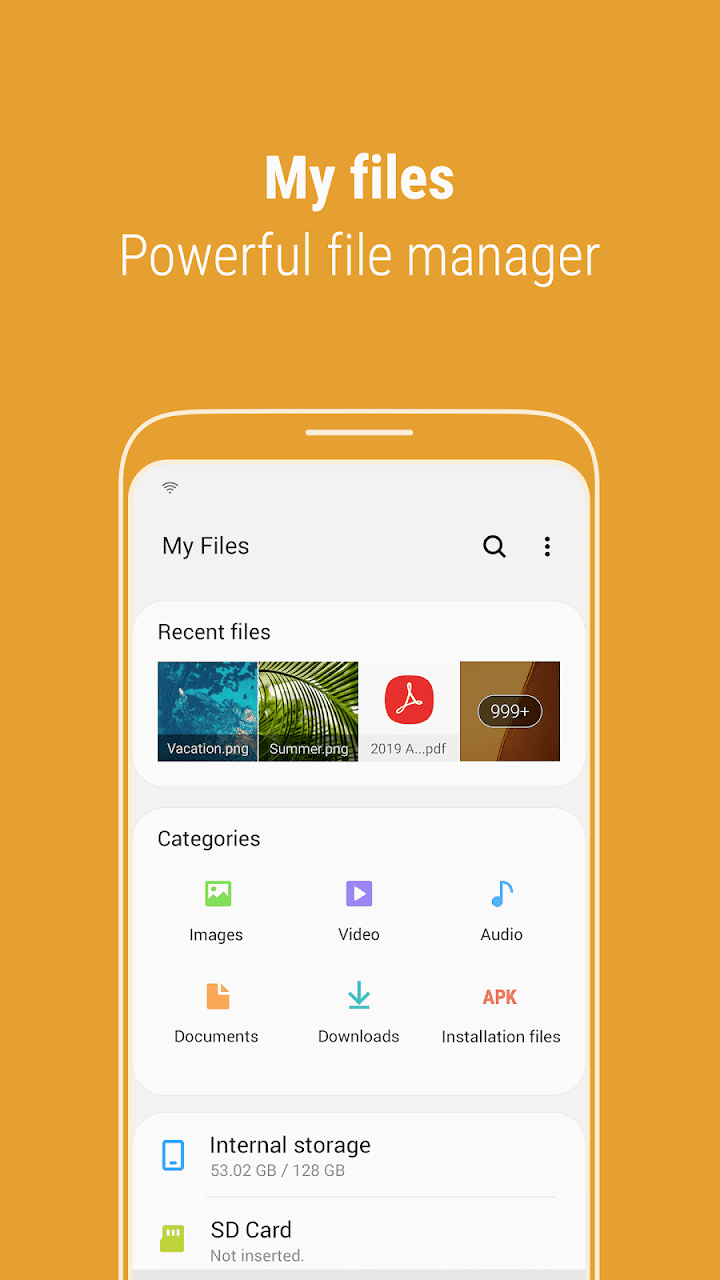
About this app
With 5B+ installs and a 4.1 rating from 556,068 reviews, Samsung My Files is Samsung’s file manager for browsing and organizing files on your device. It handles internal storage, SD cards, USB drives, and connected cloud services in one place. The app is free, has no ads or in-app purchases, and needs Android 16 or later.
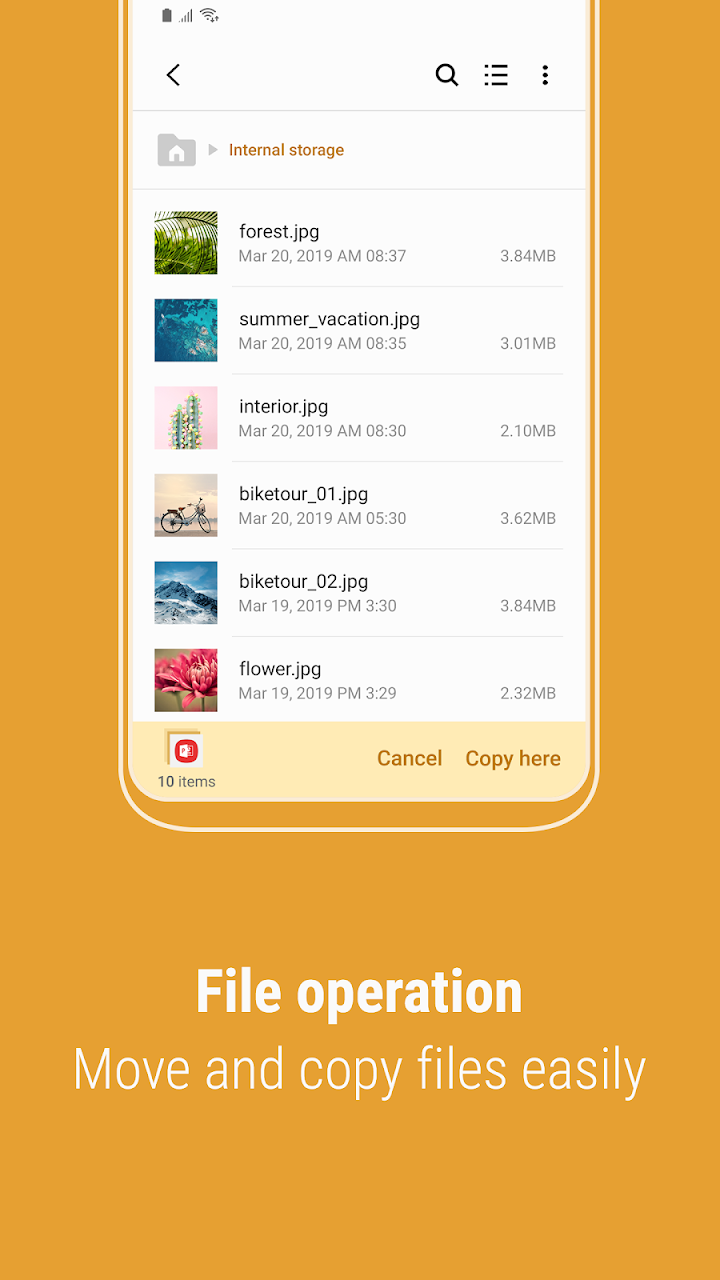
- Phone file browsing — Open, move, copy, share, compress, decompress, and inspect files and folders on your device.
- Storage analysis — Use the storage analysis tool to see what is taking up space and free storage from the main screen.
- Cloud access — Work with files stored in Google Drive and OneDrive alongside local storage.
- Recent and categories — Jump into recent files or sort by type, including documents, images, audio, video, downloads, and APKs.
- Shortcuts support — Create folder and file shortcuts on the device home screen or inside My Files.
Built for everyday file cleanup
Samsung My Files is a straightforward file manager for people who want one place to browse phone storage and connected locations. It covers the basics clearly: folders, file details, copy and move actions, sharing, compression, and decompression. The app also surfaces recent files and file categories, which makes it easier to find downloads or media without digging through directories.
Local storage, cloud, and storage analysis
What stands out is how much it tries to gather in one view. You can manage files on internal storage, SD cards, USB drives, and connected cloud storage through Google Drive or OneDrive. The storage analysis tool is useful when space runs low, and the home screen can hide storage areas you do not use often.
- Gets: local, USB, SD card, and cloud file management.
- Gets: recent files, category browsing, and shortcuts.
- Watch for: Android 16 or later is required.
- Watch for: the APK is 56.5 MB.
Permissions and trade-offs
The app asks for storage permission to open, delete, edit, and search files and folders on internal or external memory on supported devices, and notifications to show progress during actions like moving or copying. It does not list in-app purchases, and it does not contain ads. For a Samsung-made utility, that keeps the experience focused on file work rather than extras.
Rating signals and fit
Its 4.1 rating is backed by a large review base, but the distribution shows more five-star than any other score, with a noticeable number of one-star ratings as well. That mix suggests a practical app that works well for many users, while not being perfect for everyone. If you want a simple file manager with cloud support and storage tools, it fits that job closely.
What's new
Version 15.6.03.3 · Nov 11, 2026
- When searching the internal storage, you can immediately add or delete Favorites while checking the folder route.
- When compressing files, you can strengthen the security by entering a password. Compressed files with passwords can also be unzipped.
- “Analyze storage” now shows you how much storage is being used by file type on OneDrive/Google Drive.
Samsung My Files in the news
APK information
- Version
- 15.6.03.3
- Package
- com.sec.android.app.myfiles
- Category
- Tools
- Size
- 56 MB
- Min Android
- API 36
- Architecture
- universal
Older versions
-
Samsung My Files 15.6.03.3Nov 11, 2026Latest downloadAPK
Samsung My Files FAQ
Why does Samsung My Files need these permissions?expand_more
Storage permission is used to open, delete, edit, and search files and folders on internal or external memory on supported devices. Notifications show progress for actions such as moving or copying files and folders.
Does Samsung My Files need root?expand_more
No root requirement is listed. The app is presented as a standard file manager for managing files on your device and connected storage.
Does Samsung My Files work offline?expand_more
It can manage files stored on your phone, SD card, and USB drive without mentioning any network requirement. Cloud services such as Google Drive and OneDrive are also supported when connected.
Does Samsung My Files need an account?expand_more
No account is required by the app listing. Cloud access is supported for Google Drive and OneDrive, which may use those services separately.
What file types can Samsung My Files organize?expand_more
The Categories list includes downloaded files, documents, images, audio, video, and installation files such as APKs.