- 4.0star29 reviews
- 5K+Downloads
- 3 MBAPK size
- EveryoneRated for Everyone
- 5.0+Android
check_circleOriginal APK from Robert Strauss · Updated Nov 10, 2026
No threats found
0 / — antivirus engines flagged this file
Original signature
First seen — Robert Strauss
Unmodified APK
Same file the developer published — no mods
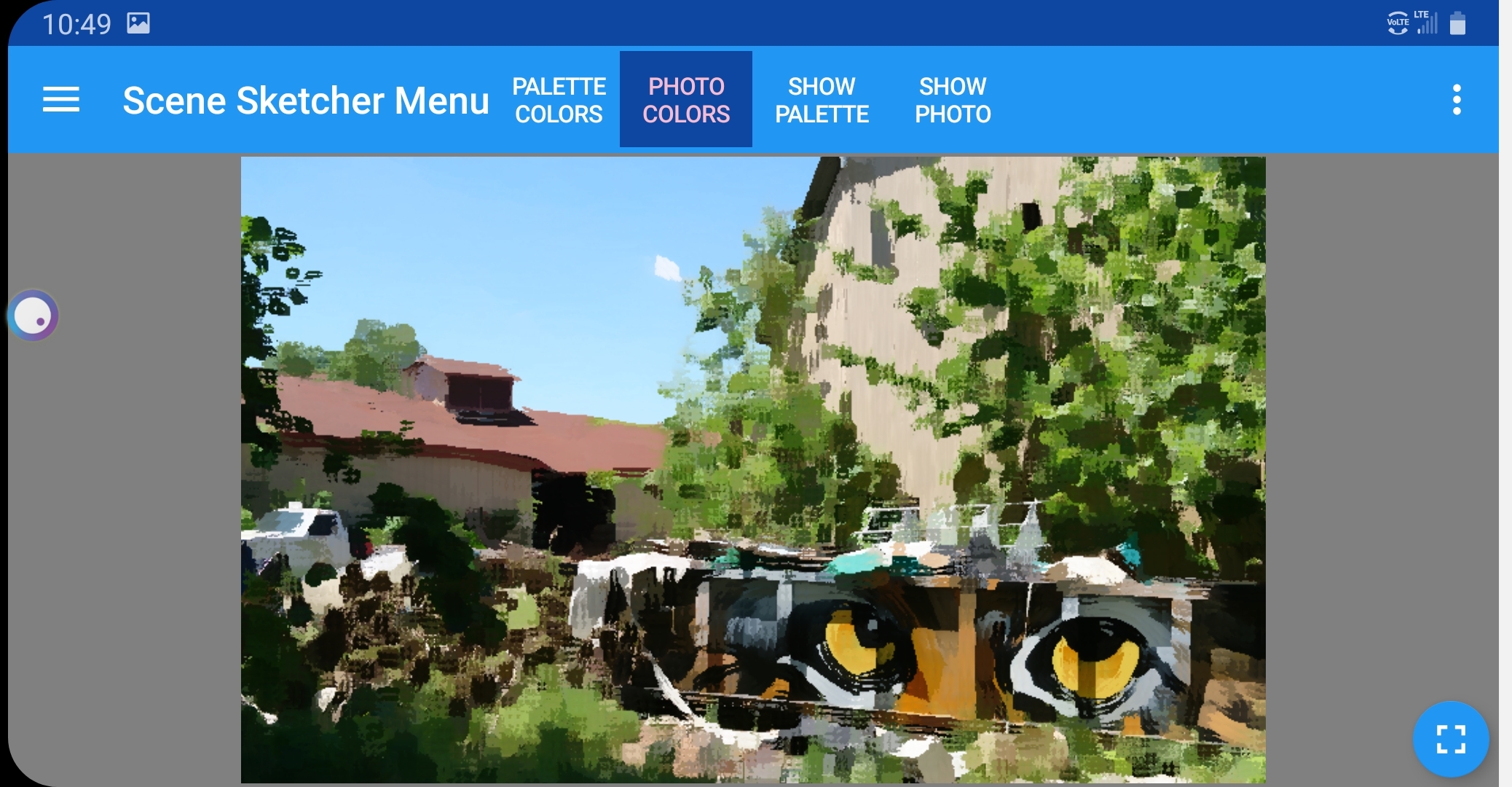
Scene Sketcher screenshots
8 images · tap to enlarge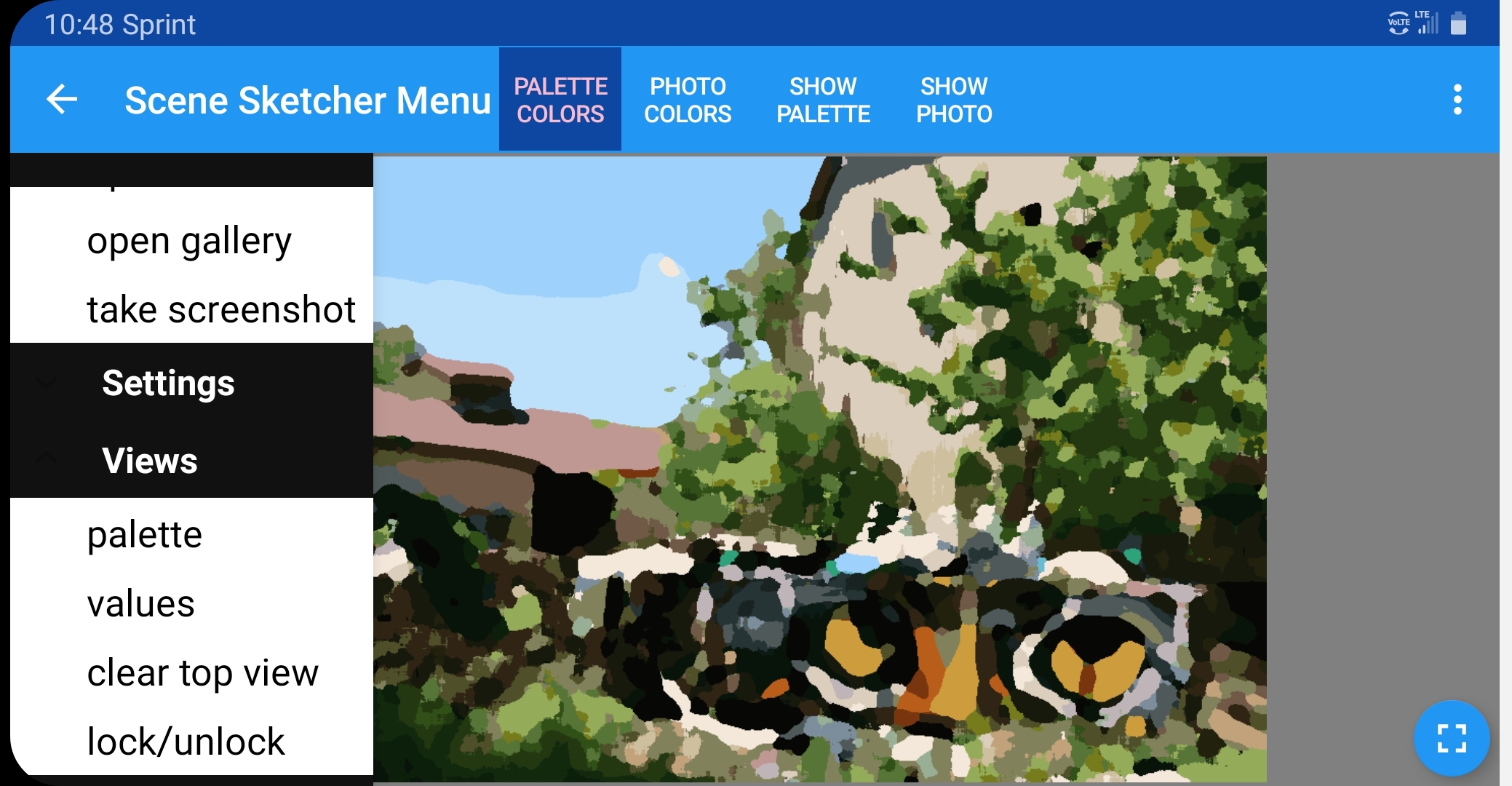
About this app
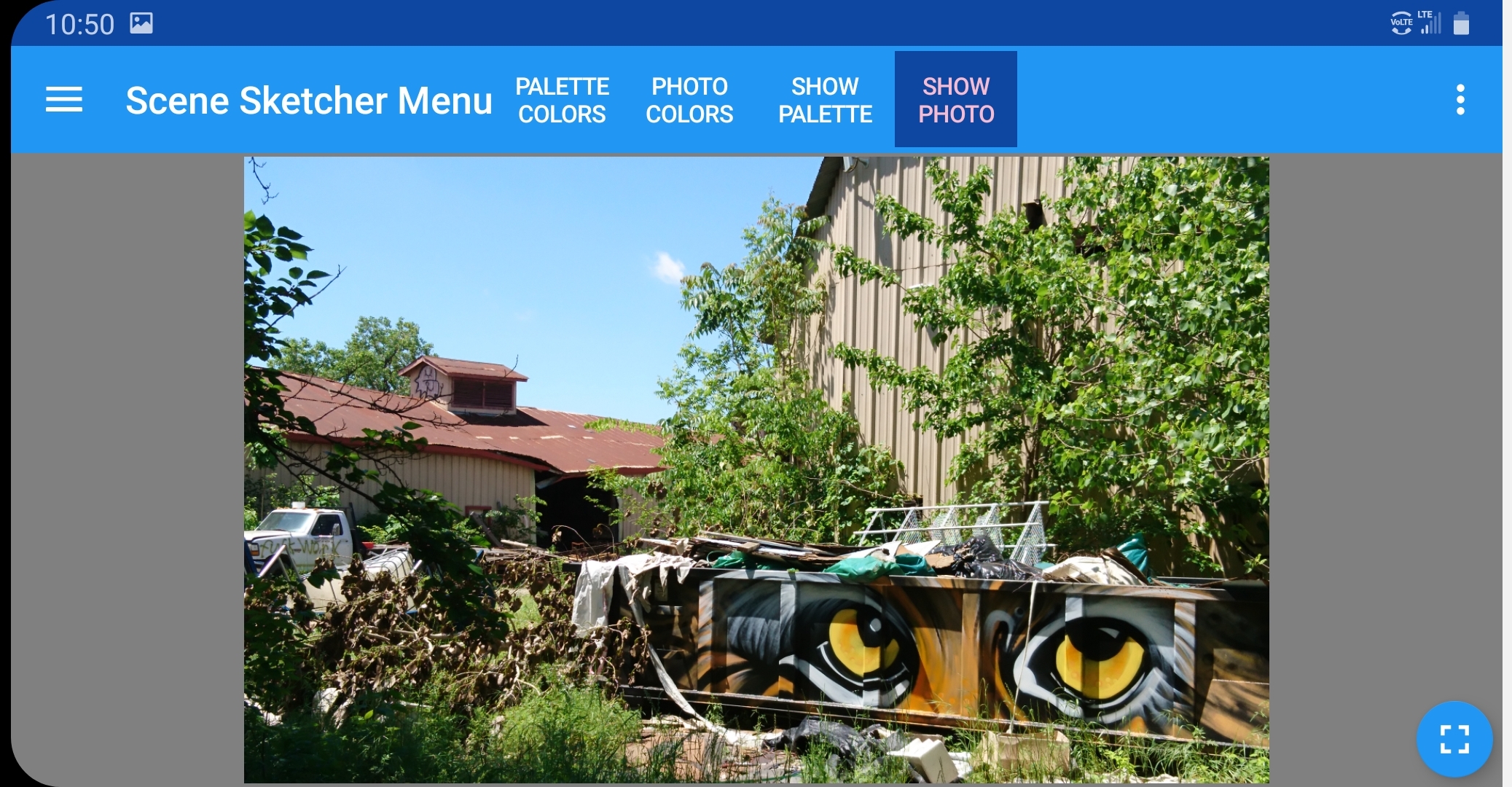
When you are working from a photo and need a clearer drawing reference, Scene Sketcher helps you break the image into values, colors, and proportions. It can crop, zoom, and pan photos from your camera, gallery, USB drive, or cloud accounts, then add gridding, palette tools, and touchscreen measurement aids for sketching on location or in the studio.
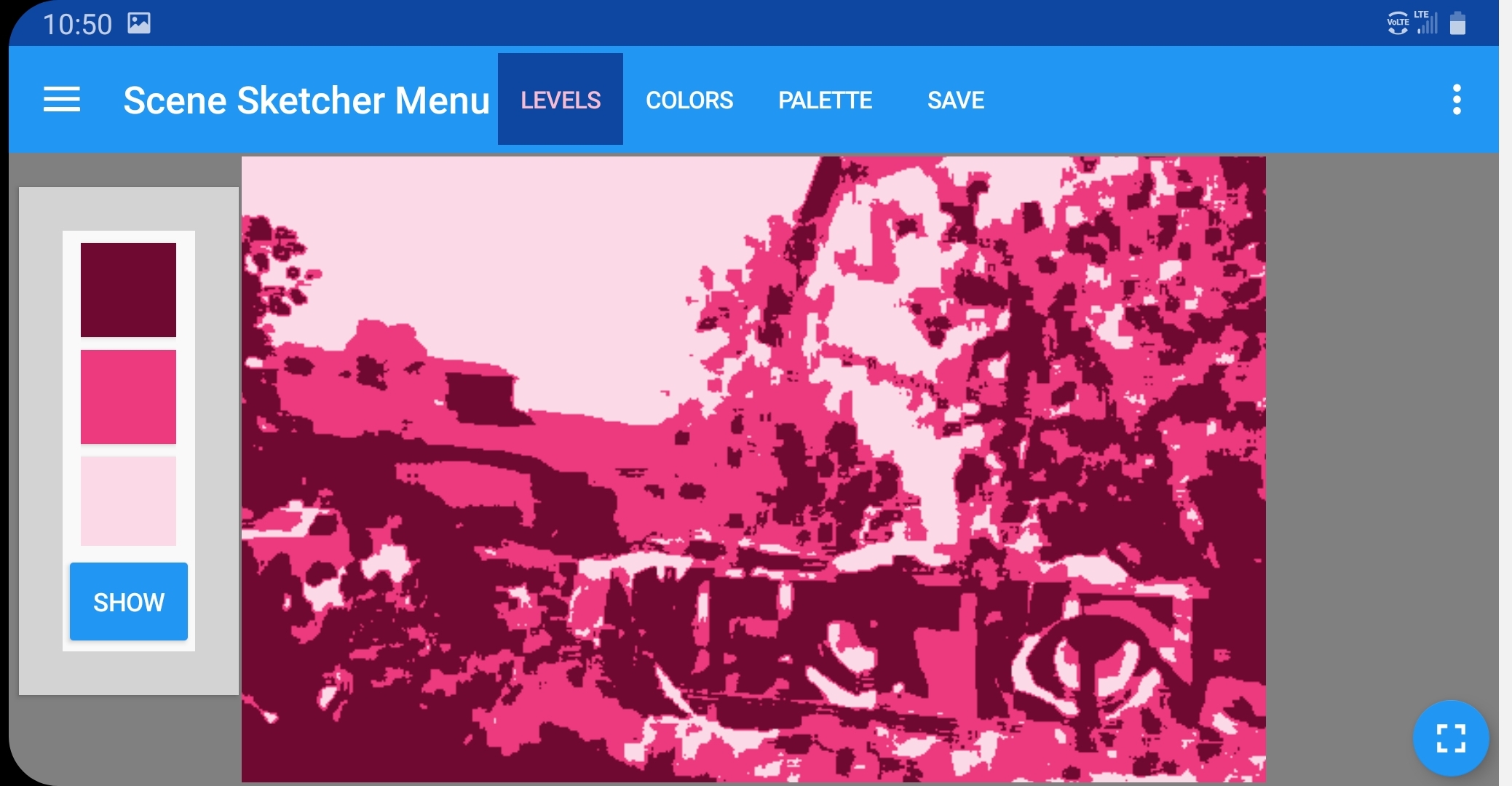
- Photo value simplifier — Use grayscale, half-tone, and blur controls to reduce a photo to its main value patterns.
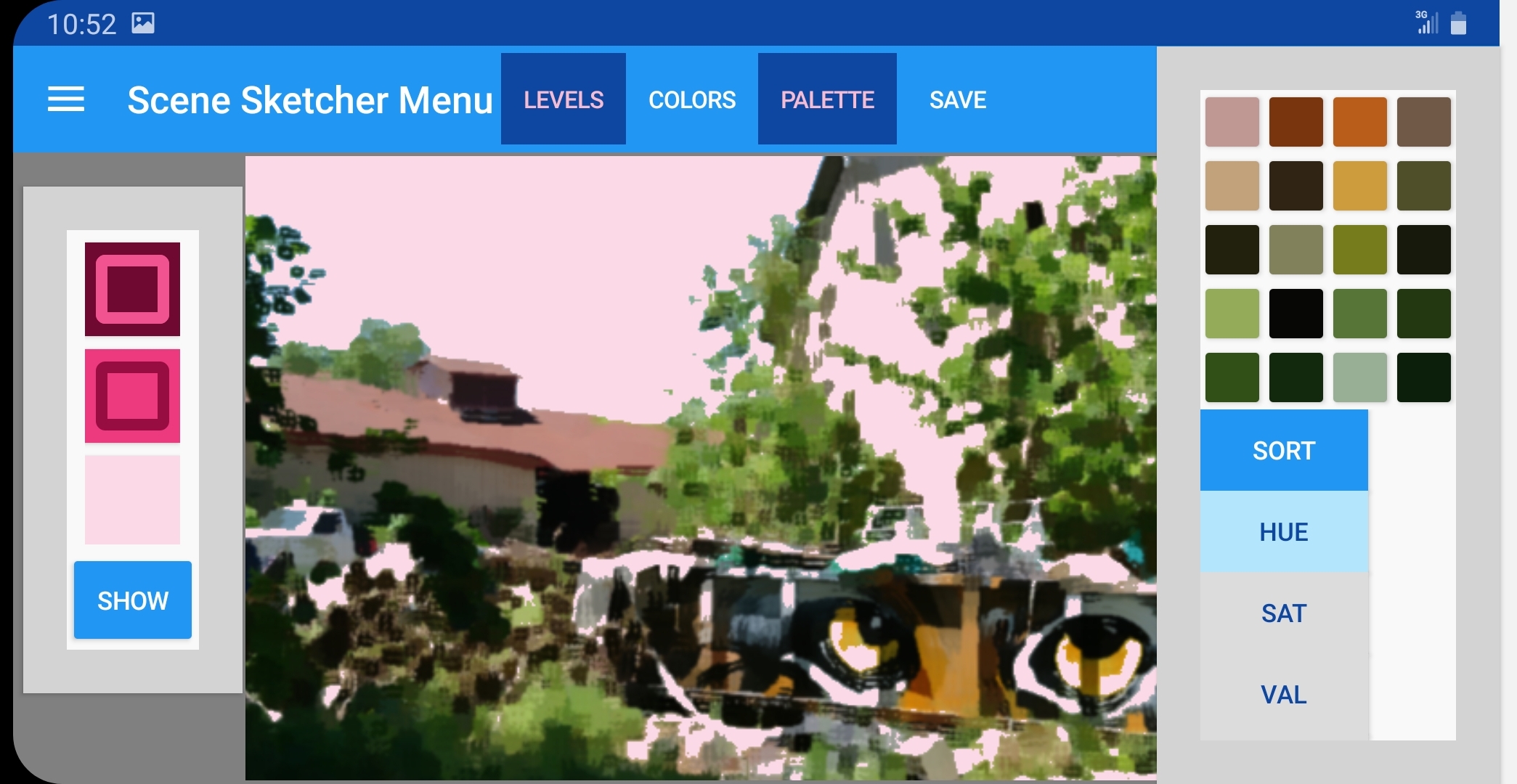
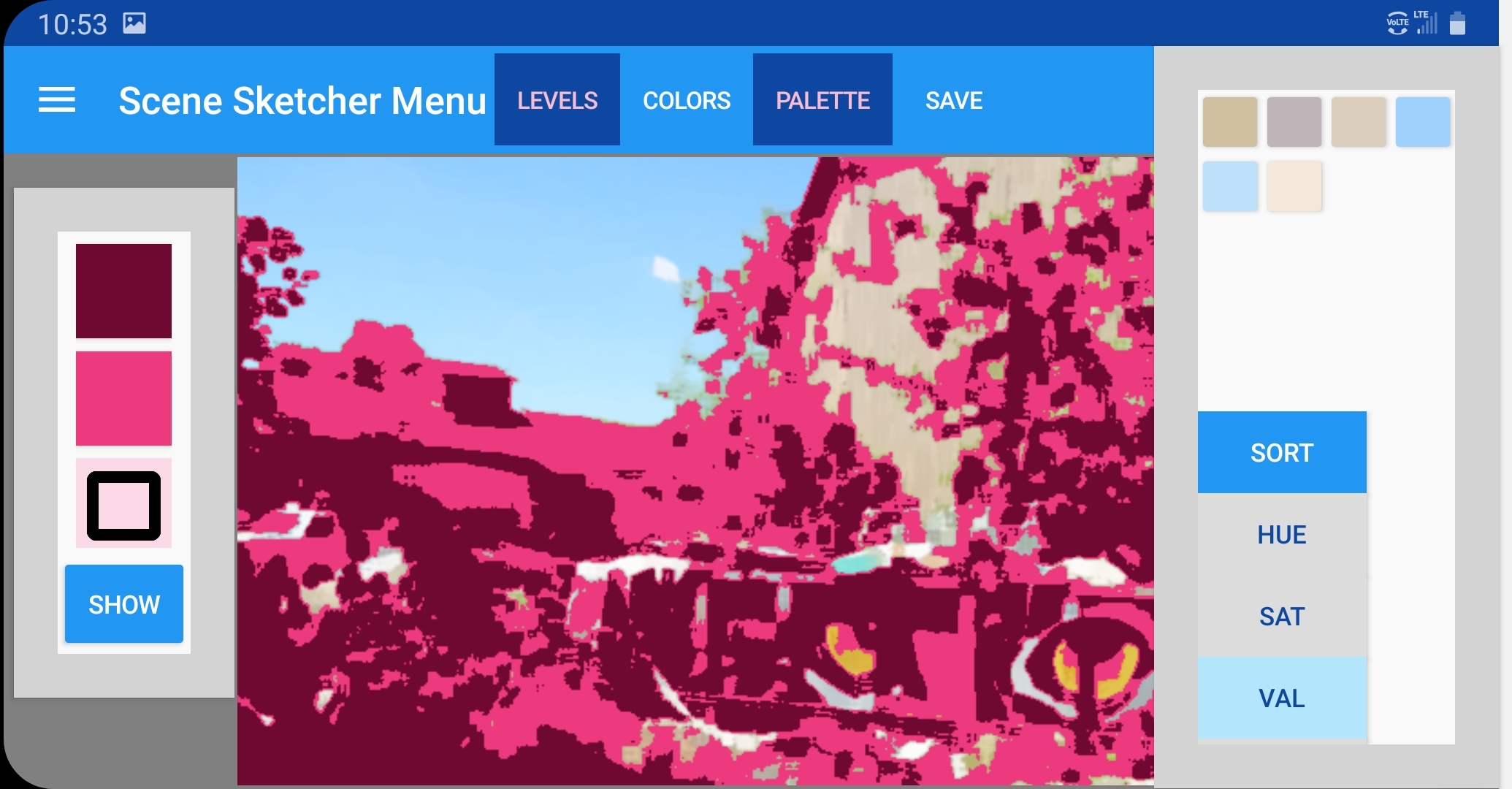
- Custom color palette — Pick colors automatically or by touch points and build a palette from the photo.
- Touch value toggle — Tap parts of an image to switch areas between grayscale and color based on point value.
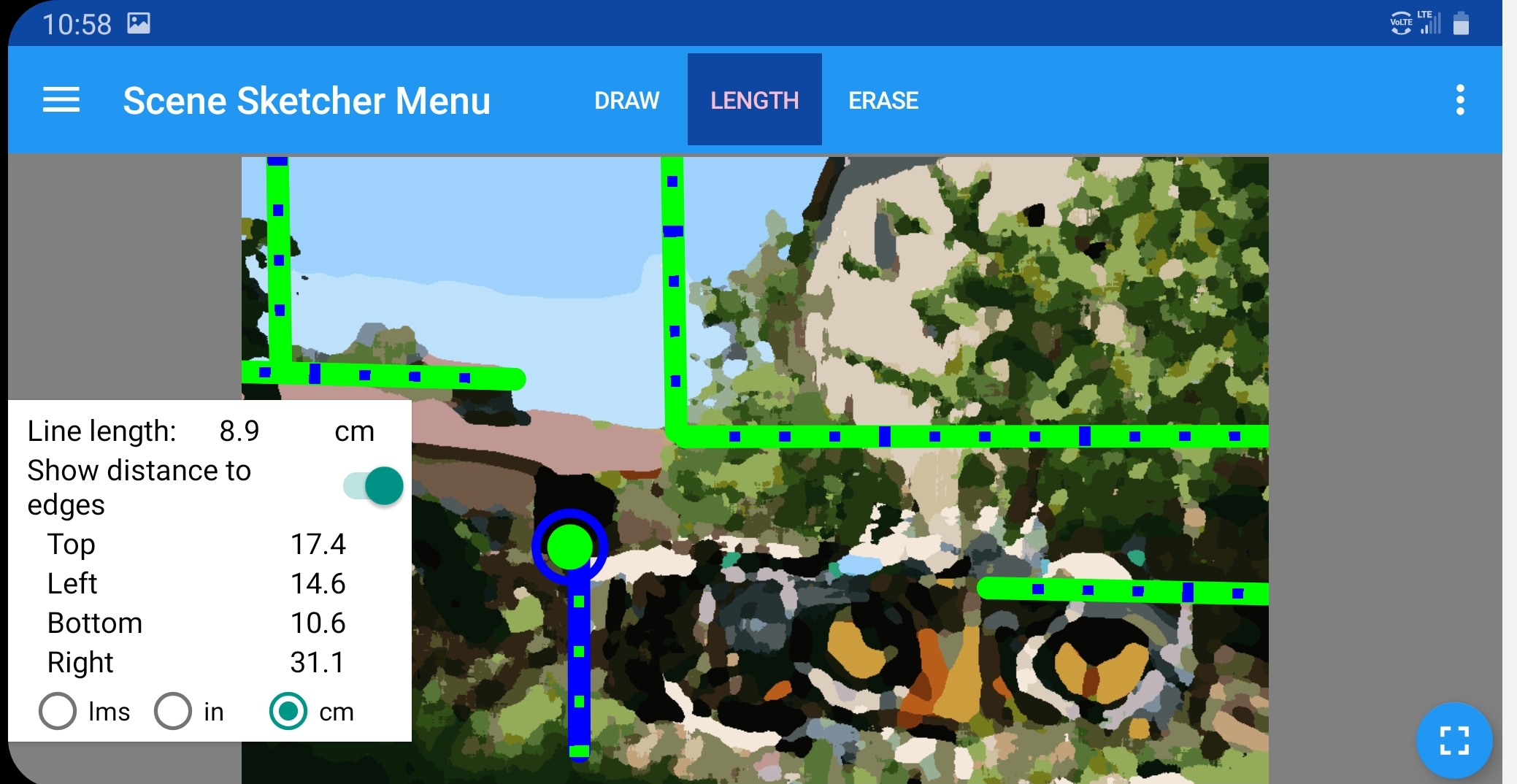
- Grid and measuring tools — Add customizable grids and use the sighting tool to compare proportions or measure in inches and centimeters.
- Reference exports — Capture screen images for studio reference or export your palette as a photo.
- Layout saving — The in-app upgrade adds saved layouts that preserve view settings, including the measurement landmark.
Working from photo references
Scene Sketcher is an artist toolkit for simplifying photo references before you draw. It starts from images on your device camera, USB drive, gallery, or cloud accounts, then lets you crop, zoom, and pan them to match your canvas proportions. That makes it easier to set up a drawing from a photo without leaving the app.
Value studies and palette control
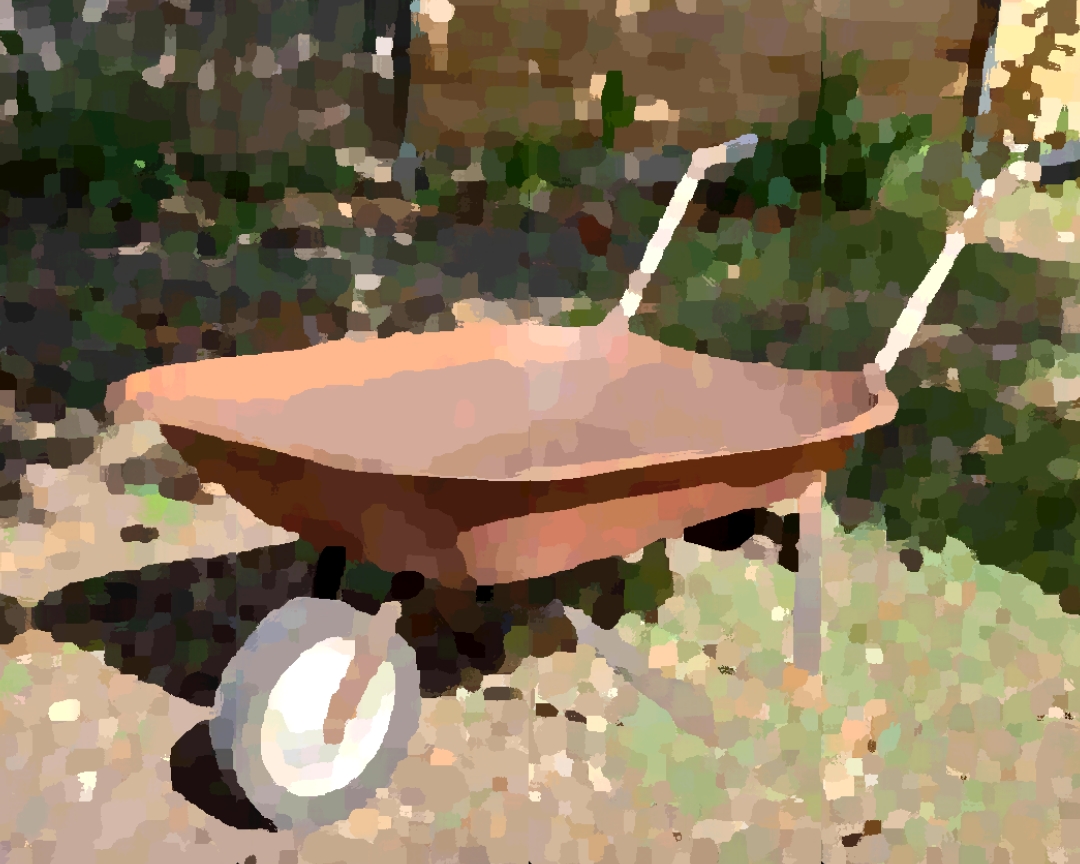
The app includes grayscale, half-tone, and blur settings for reducing a scene to its main value structure. You can also generate a palette automatically or choose colors by touch point, then filter the palette to show only colors in selected value ranges. A touchscreen mode can toggle parts of an image between grayscale and color based on the value where you tap.
Those tools are aimed at simplifying a scene into color groups and making it easier to see which colors share similar value. The app also supports filtering the image to show areas of similar color from palette selections or touched colors.
Grids, sighting, and capture tools
Scene Sketcher includes customizable gridding and a touchscreen measuring tool that emulates traditional arm-length sighting against a landmark. You can use it to compare relationships between elements in a scene or to get measurements in inches or centimeters for transfer to canvas. Screen capture photos can be made at any point, and the palette can be exported as a photo for later use in a digital painting app.
Android requirements and app access
The APK is 3.4 MB, in universal format, and requires Android 5.0 or later. The listing does not show any requested permissions, and it says there are no ads. In-app purchases are available for an upgrade that adds two palette views and layout controls for saving view settings and resuming a working setup later.
Version notes and support
Scene Sketcher is developed by Robert Strauss and is rated 4.0 from 29 ratings. It was released on 2015-09-23 and was last updated on 2023-08-20. The app description points users to scenesketcher.com for more usage details.
What's new
Version 3.1.6 · Nov 10, 2026
- Updates permission and billing libraries.
- Update to Android 13.
- Bug fixes.
APK information
- Version
- 3.1.6
- Package
- com.scenesketcher
- Category
- Art & Design
- Size
- 3 MB
- Min Android
- 5.0
- Architecture
- universal
Older versions
-
Scene Sketcher 3.1.6Nov 10, 2026Latest downloadAPK
Scene Sketcher FAQ
Can Scene Sketcher edit RAW photos?expand_more
The listing does not say that it supports RAW photo editing. It describes working with photos from the camera, gallery, USB drive, and cloud accounts.
Does Scene Sketcher add a watermark?expand_more
No watermark is mentioned in the listing or description.
What is the difference between the APK and the Play Store version of Scene Sketcher?expand_more
This page is for the APK download of the same app listed on Google Play. The app details shown here are the same release information, version 3.1.6, and Android 5.0 requirement.
What permissions does Scene Sketcher ask for?expand_more
No permissions are listed for this app in the provided details.
How does Scene Sketcher help with sketching from photos?expand_more
It simplifies photos into values and color groups, adds grids and measurement tools, and lets you save screen captures or export palettes for reference.