Screen Recorder Video Recorder
VIDEOSHOW Video Editor & Maker & AI Chat Generator- 4.4star1,674,722 reviews
- 100M+Downloads
- 23 MBAPK size
- EveryoneRated for Everyone
- 5.0+Android
check_circleOriginal APK from VIDEOSHOW Video Editor & Maker & AI Chat Generator · Updated Nov 12, 2026
No threats found
0 / — antivirus engines flagged this file
Original signature
First seen — VIDEOSHOW Video Editor & Maker & AI Chat Generator
Unmodified APK
Same file the developer published — no mods
Screen Recorder Video Recorder screenshots
8 images · tap to enlarge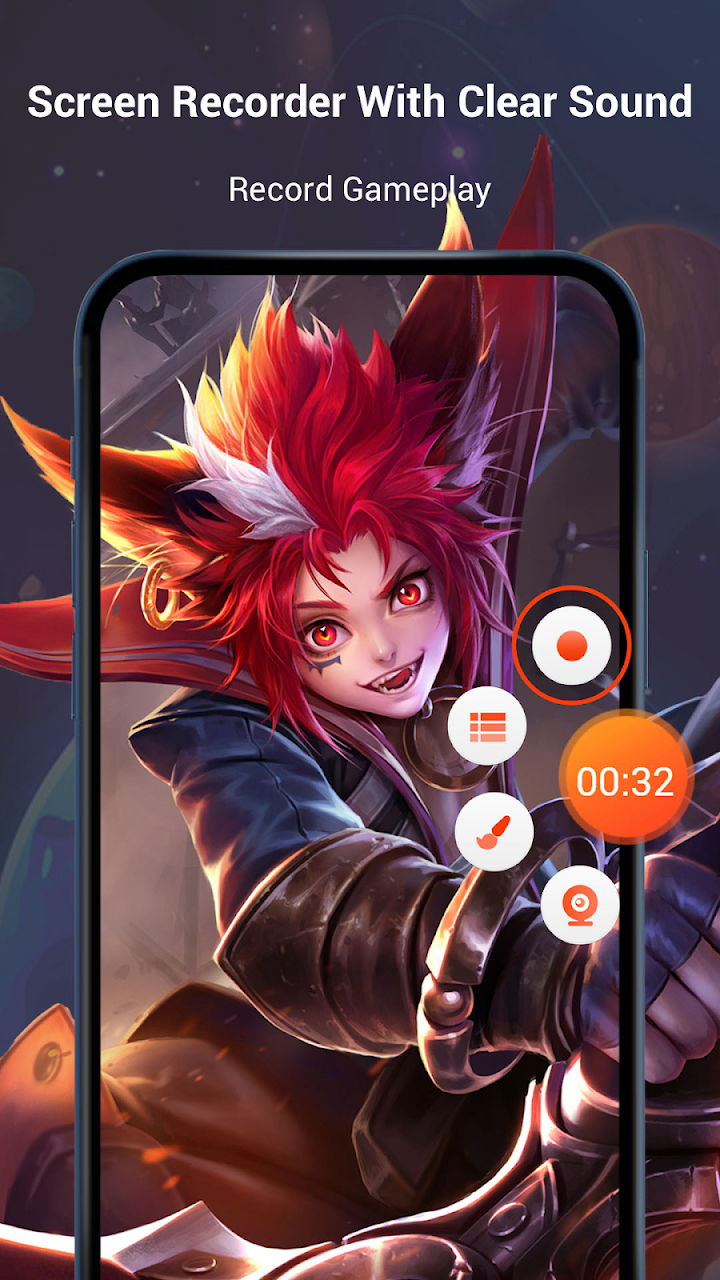
About this app
With 100M+ installs and a 4.4 rating from over 1.6 million reviews, Screen Recorder Video Recorder focuses on recording your screen with sound and editing the result right away. It is free to install, but it includes ads and in-app purchases. On the first launch, expect a recorder that also folds in screenshot tools, basic video editing, and AI features for screenshots.
- Record with sound — Capture screen video with internal or external audio, plus mic recording for narrated clips.
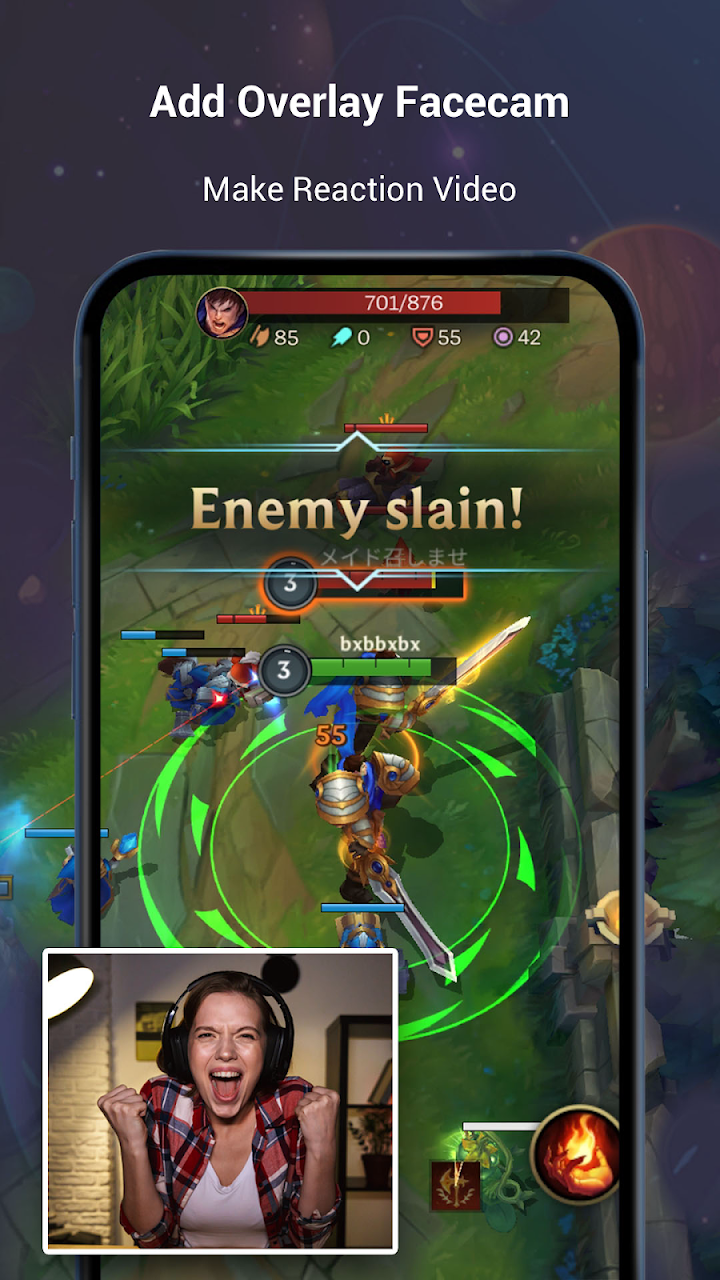
- Facecam support — Turn on the camera while recording to show reactions alongside what is on screen.
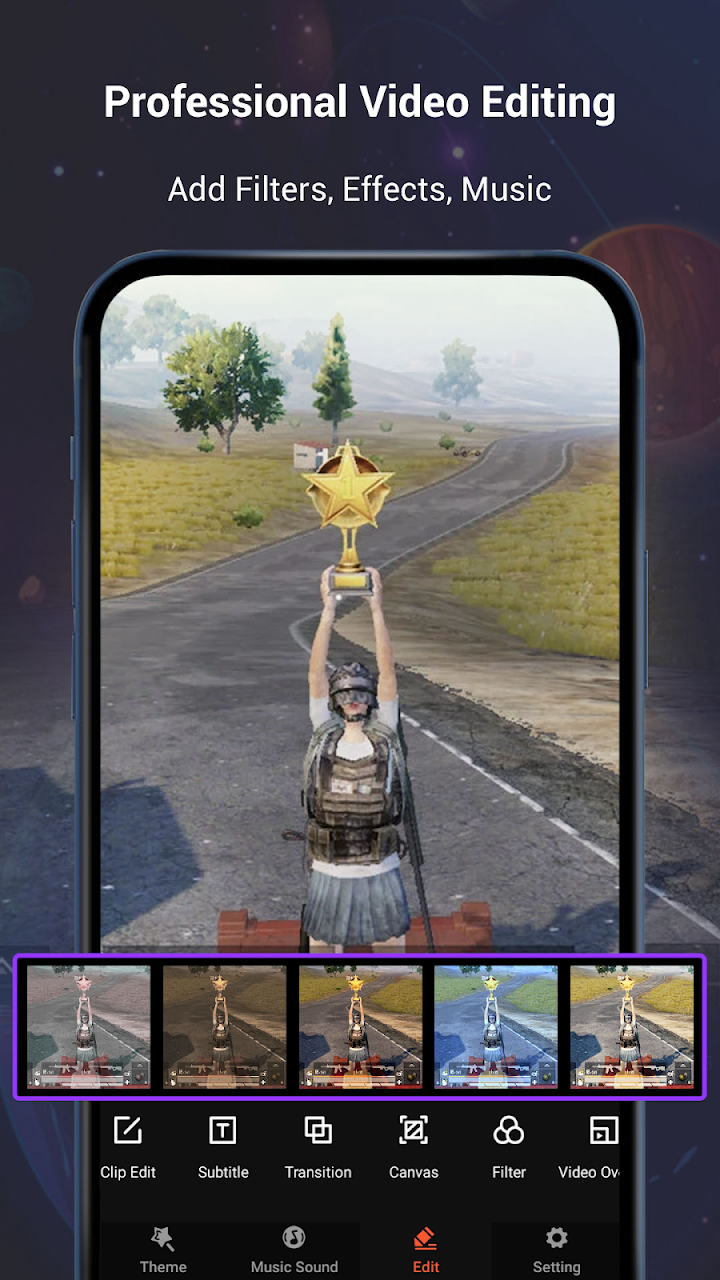
- Quick editing tools — Trim, rotate, crop, compress, and change playback speed after recording.
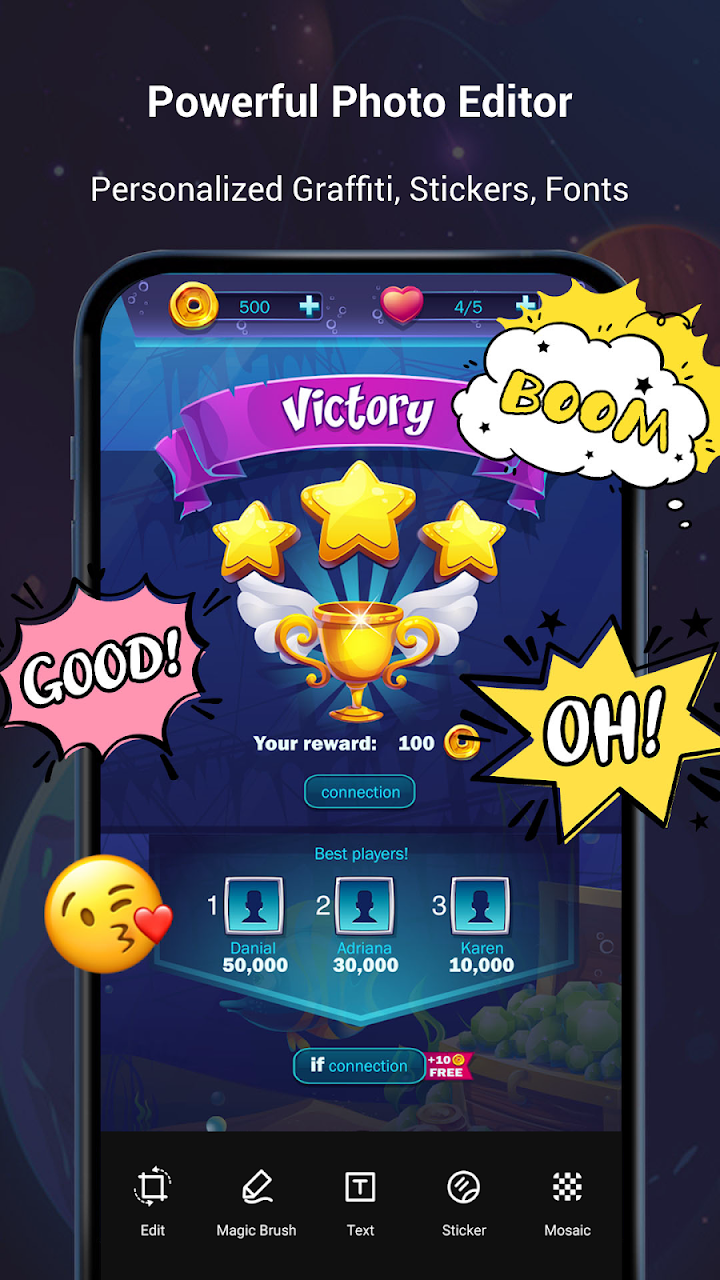
- Screenshot editing — Add text, stickers, filters, brush marks, blur, and mosaic effects to screenshots.
- AI screenshot tools — Summarize, analyze, extract text, and answer questions from screenshots.
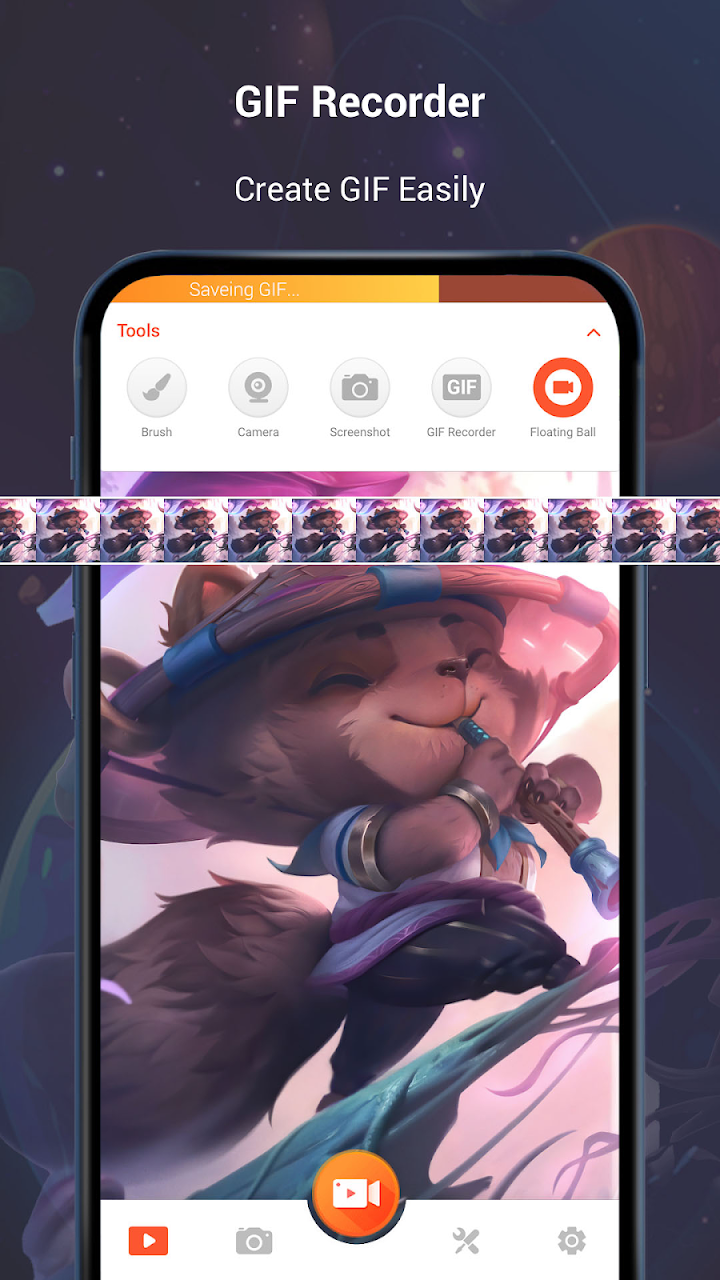
- GIF creation — Record GIFs and use the built-in GIF editor for short animated clips.
First launch: recorder plus editor
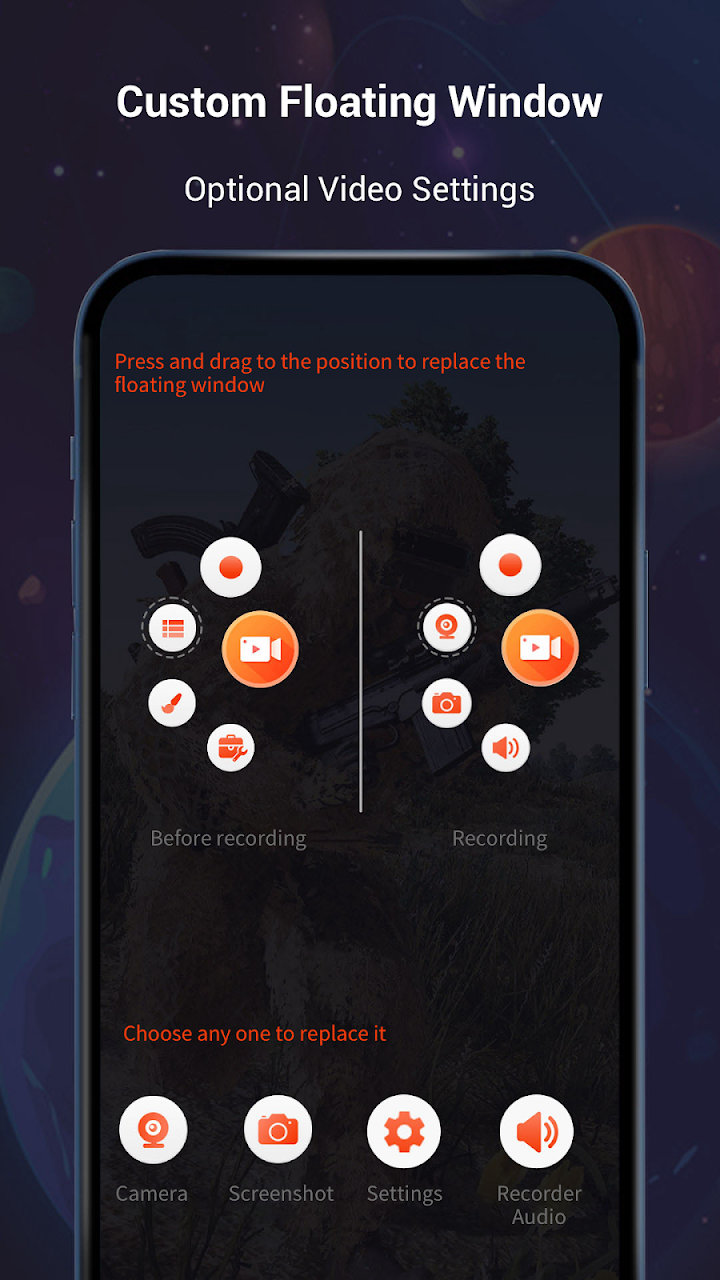
Screen Recorder Video Recorder opens as a combined screen recorder, game recorder, and video editor. The main job is simple: start a capture, pause or resume when needed, and save the result without a recording time limit. It also offers a frameless mode by hiding the recording window, so the screen area stays clear while you record.
It is built for Android 5.0 and up, comes as a 23.2 MB APK, and installs as a universal build. That makes it easy to try on older devices, though you should expect ads and optional purchases.
- You get: screen recording, screenshots, editing tools, GIF recording, and AI screenshot helpers.
- Watch for: ads, in-app purchases, and a feature set centered on recording and editing rather than media playback.
Set up audio, ratio, and camera
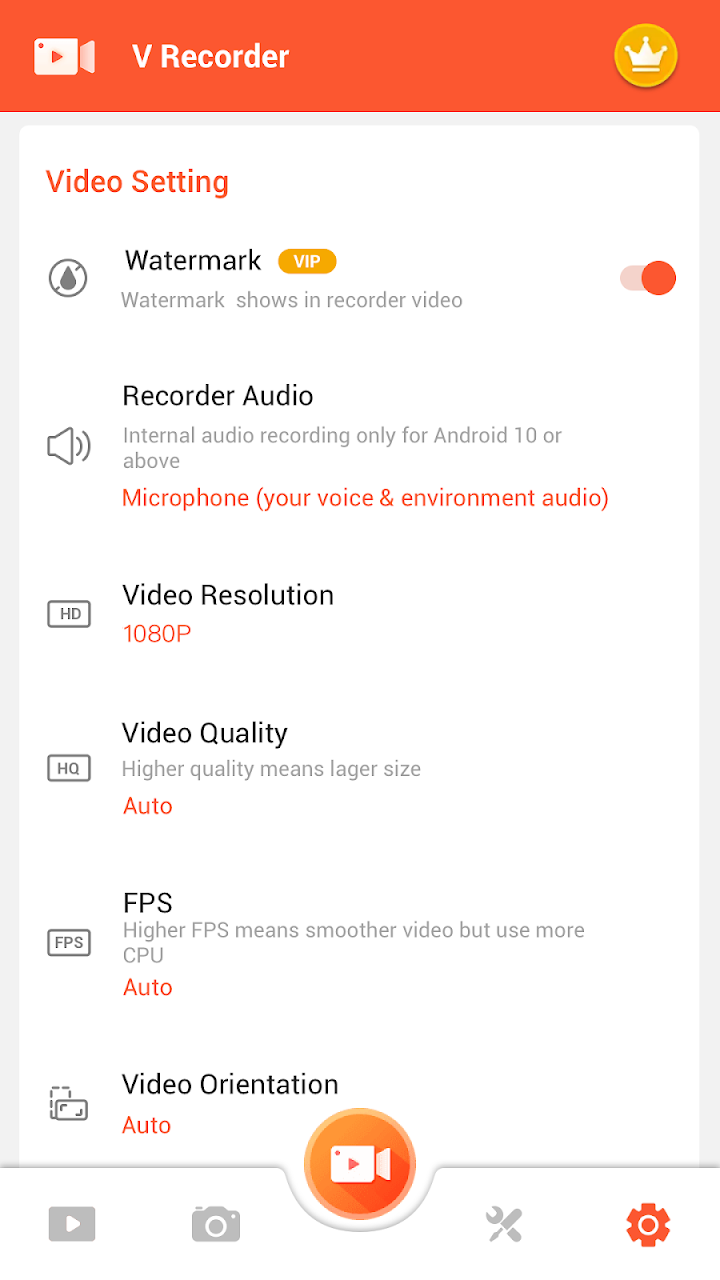
The most useful first settings are audio source, aspect ratio, and whether to use the facecam. The app can record internal sound, external sound, or mic audio, and it supports widescreen, vertical, and square layouts. If you make tutorials or reaction clips, the facecam option is the one to check first.
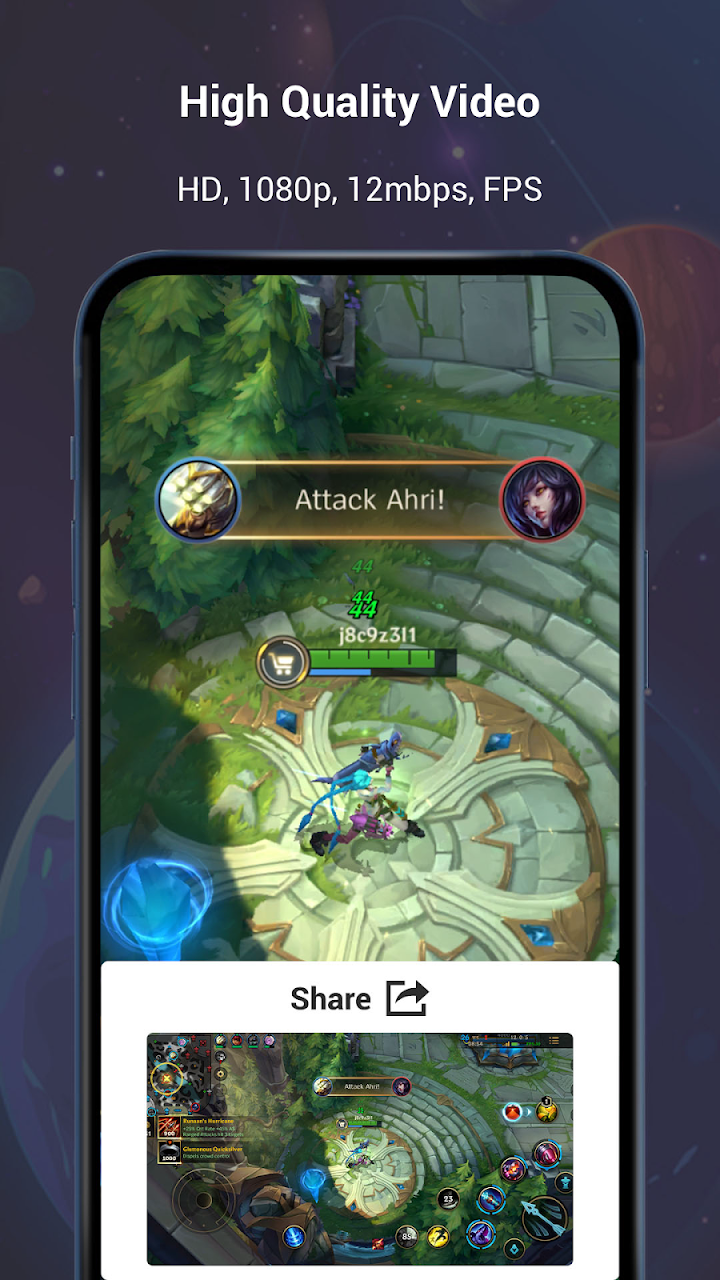
For games and live content, the app is designed to start recording with one touch and let you pause or resume at any time. It also supports HD recording and no-root capture, which removes a common setup hurdle on Android.
Practical editing after capture
Once a clip is saved, the editor gives you the basics most people need: trim, reverse, rotate, compress, and adjust speed. For screenshots, you can add text with custom fonts, crop to social sizes, draw with the brush tool, and hide parts of an image with blur or mosaic. Music can come from local files, online downloads, or voice-over recording.
That mix makes it more flexible than a plain recorder, but it is still focused on quick edits rather than a full desktop-style timeline.
Permissions and account notes
The app lists no required permissions in the package details shown here. No account requirement is mentioned, so you can expect to begin using it without signing in. Before recording, keep copyright and platform rules in mind, especially if you plan to capture content from other services.
The app description also says it is not related to YouTube and is meant as a recording tool.
APK information
- Version
- 4.5.6
- Package
- screenrecorder.recorder.editor
- Category
- Video Players & Editors
- Size
- 23 MB
- Min Android
- 5.0
- Architecture
- universal
Older versions
-
Screen Recorder Video Recorder 4.5.6Nov 12, 2026Latest downloadAPK
Screen Recorder Video Recorder FAQ
Can Screen Recorder Video Recorder play offline?expand_more
The app description focuses on recording and editing, not video playback, so offline playback is not described here.
Does Screen Recorder Video Recorder support Chromecast?expand_more
Chromecast support is not mentioned. The listed features focus on screen capture, audio recording, and editing.
Which Android version does Screen Recorder Video Recorder need?expand_more
It needs Android 5.0 or higher.
How do I update Screen Recorder Video Recorder from an APK?expand_more
Install the newer APK version over the existing app package. The current file shown is version 4.5.6.
Can I record internal audio with this app?expand_more
Yes. The app says it supports recording internal sound as well as external audio and mic input.