
Video Editor & Maker VideoShow
VIDEOSHOW Video Editor & Maker & AI Chat Generator- 4.5star5,935,042 reviews
- 100M+Downloads
- 126 MBAPK size
- TeenRated for Teen
- 7.0+Android
check_circleOriginal APK from VIDEOSHOW Video Editor & Maker & AI Chat Generator · Updated Nov 12, 2026
No threats found
0 / — antivirus engines flagged this file
Original signature
First seen — VIDEOSHOW Video Editor & Maker & AI Chat Generator
Unmodified APK
Same file the developer published — no mods
Video Editor & Maker VideoShow screenshots
8 images · tap to enlarge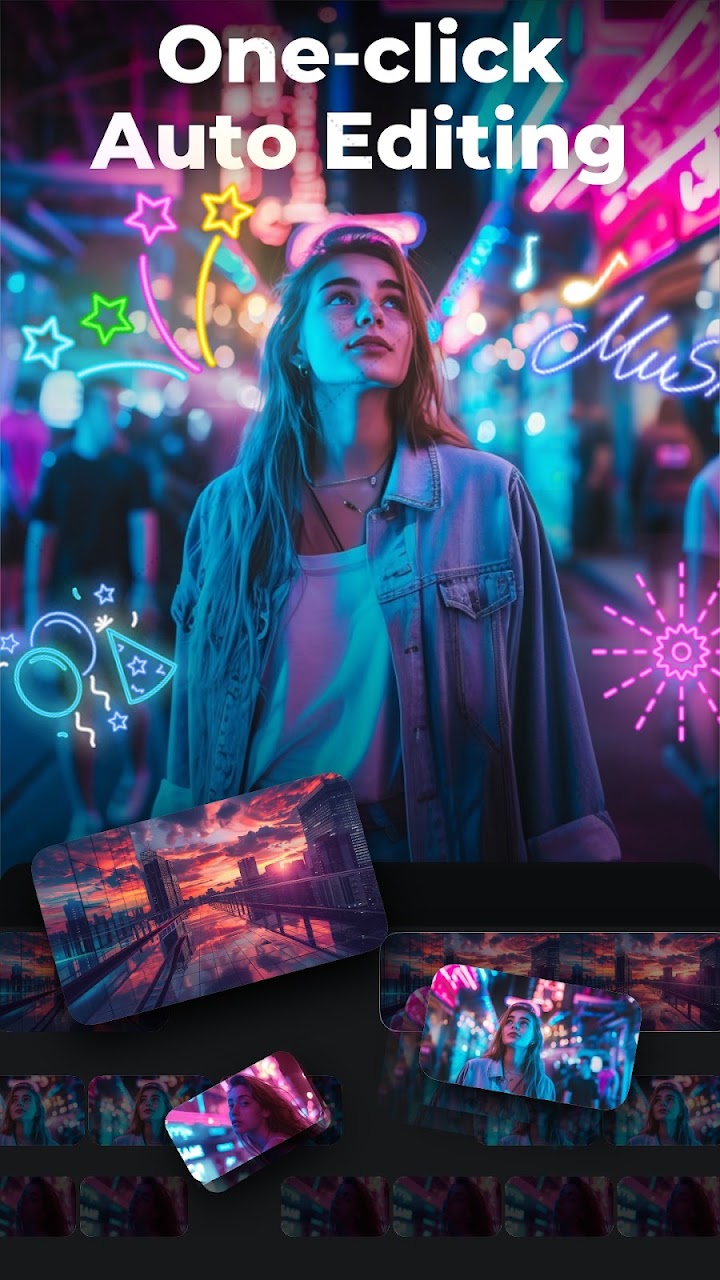
About this app
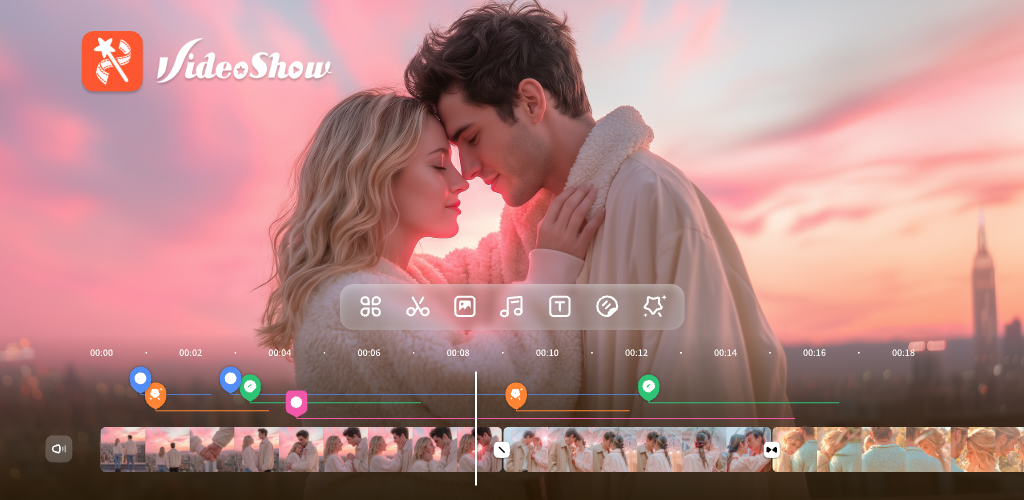
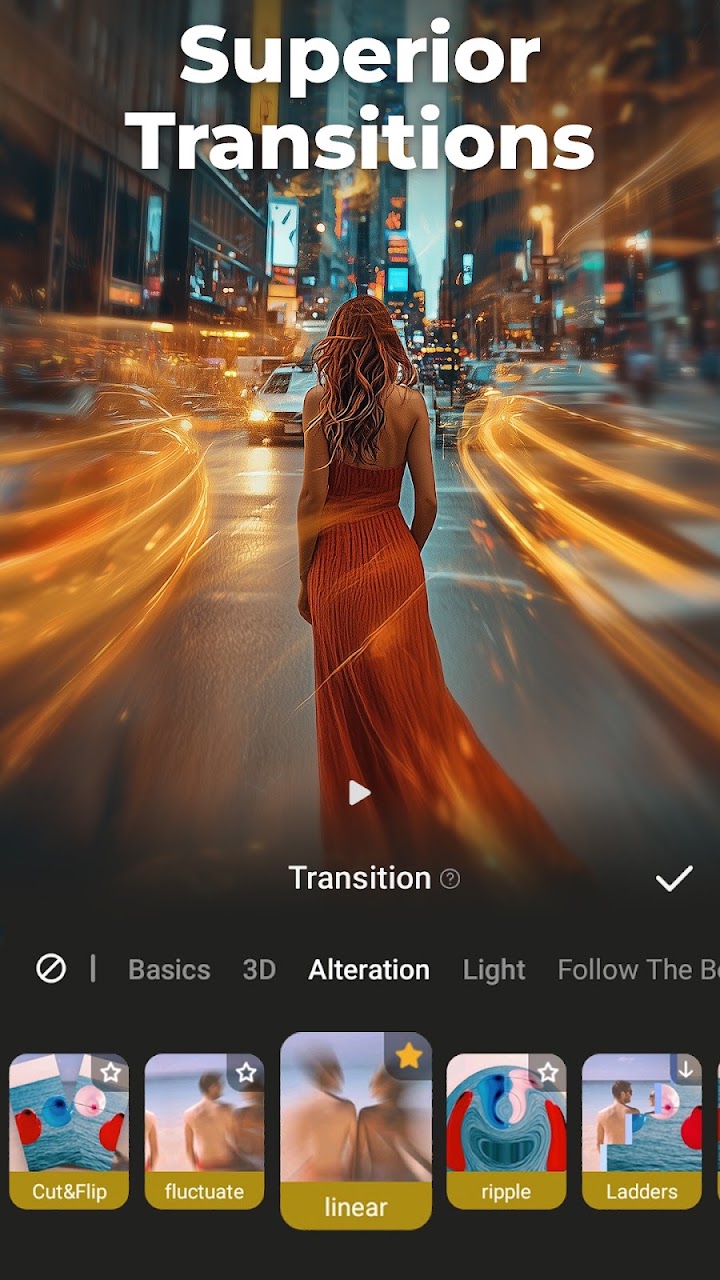
With 100M+ installs and a 4.5 rating from 5,935,042 reviews, Video Editor & Maker VideoShow is a long-running video editor for Android. It combines AI editing tools, templates, filters, transitions, and music with social-ready export options. The app is free to download, but it includes ads and in-app purchases.
- AI Editing Tools — Use AI cutout, auto editing, noise reduction, subtitles, voice changing, and mosaic effects.
- Export Up to 4K — Save edited videos in Full HD 1080p or up to 4K resolution.
- Templates and Themes — Start from ready-made templates and elaborate themes for vlogs, slideshows, and music videos.
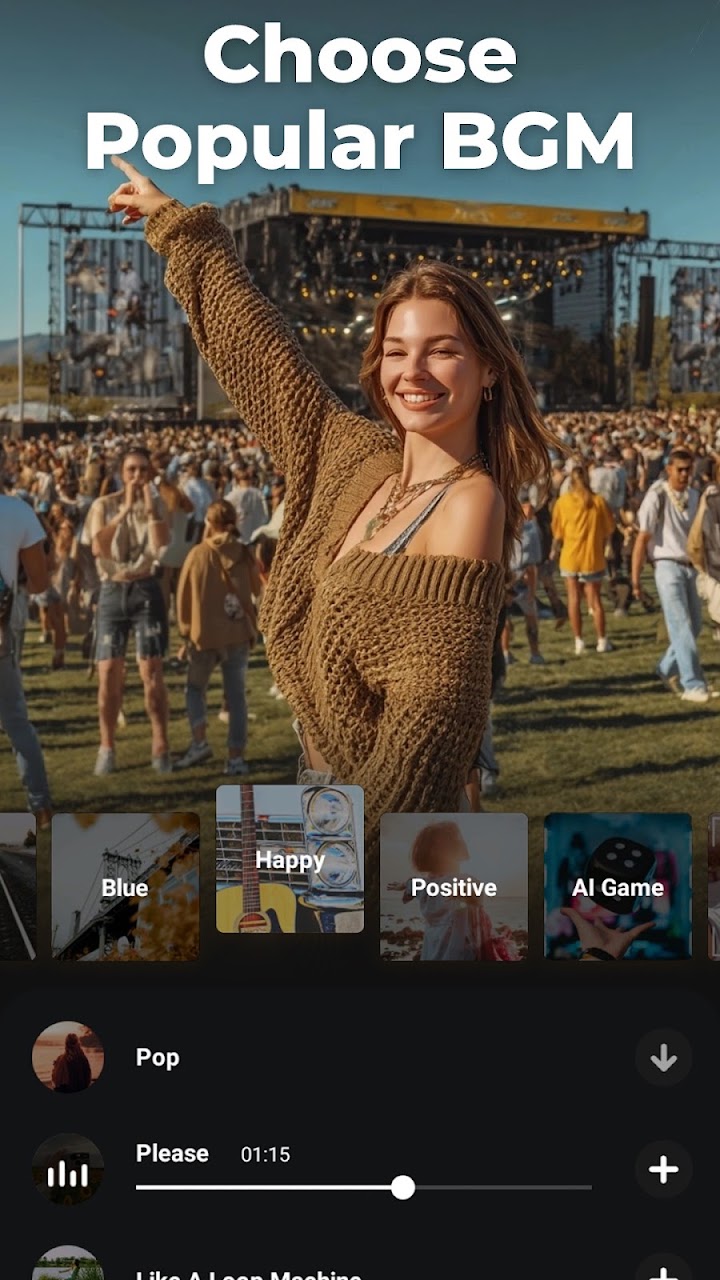
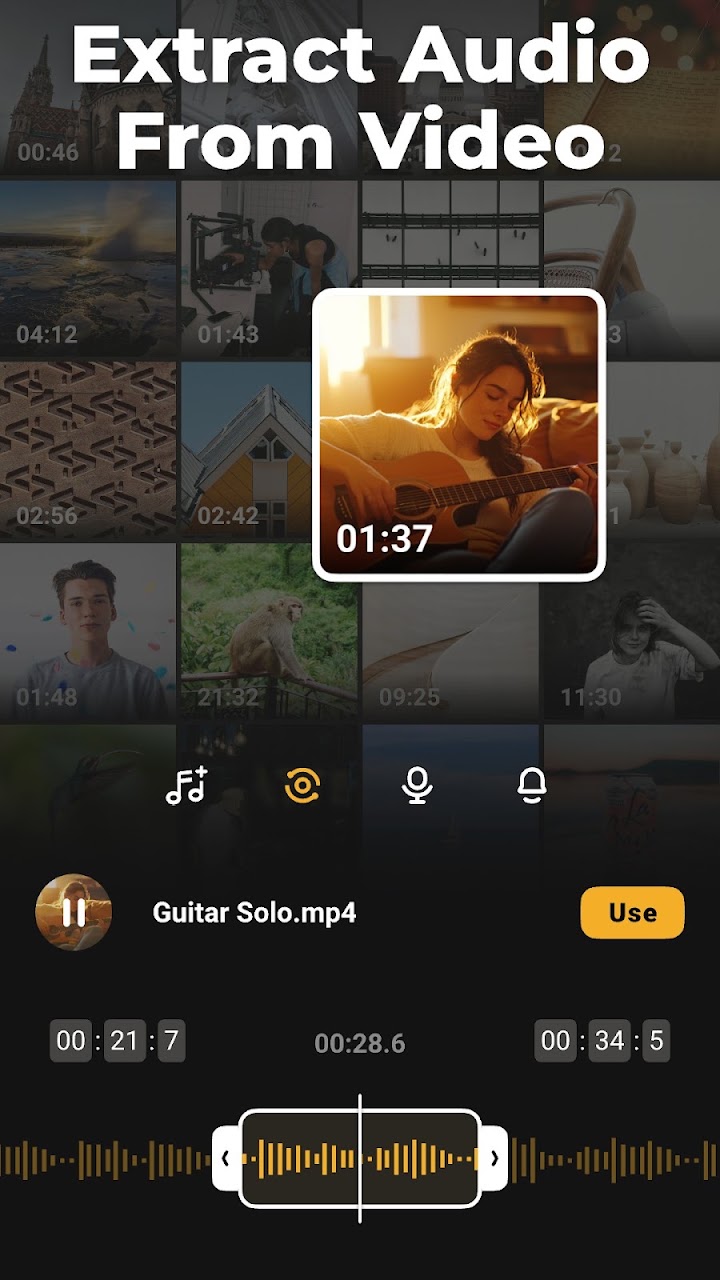
- Audio Controls — Extract audio, add voice-overs, use licensed music, and adjust volume and fade effects.
- Social Format Support — Adjust video ratios for Instagram and TikTok posts and export GIFs for sharing.
- Android APK Details — The APK is 125.5 MB, supports Android 7.0 and up, and uses a universal build.
First look at the editor
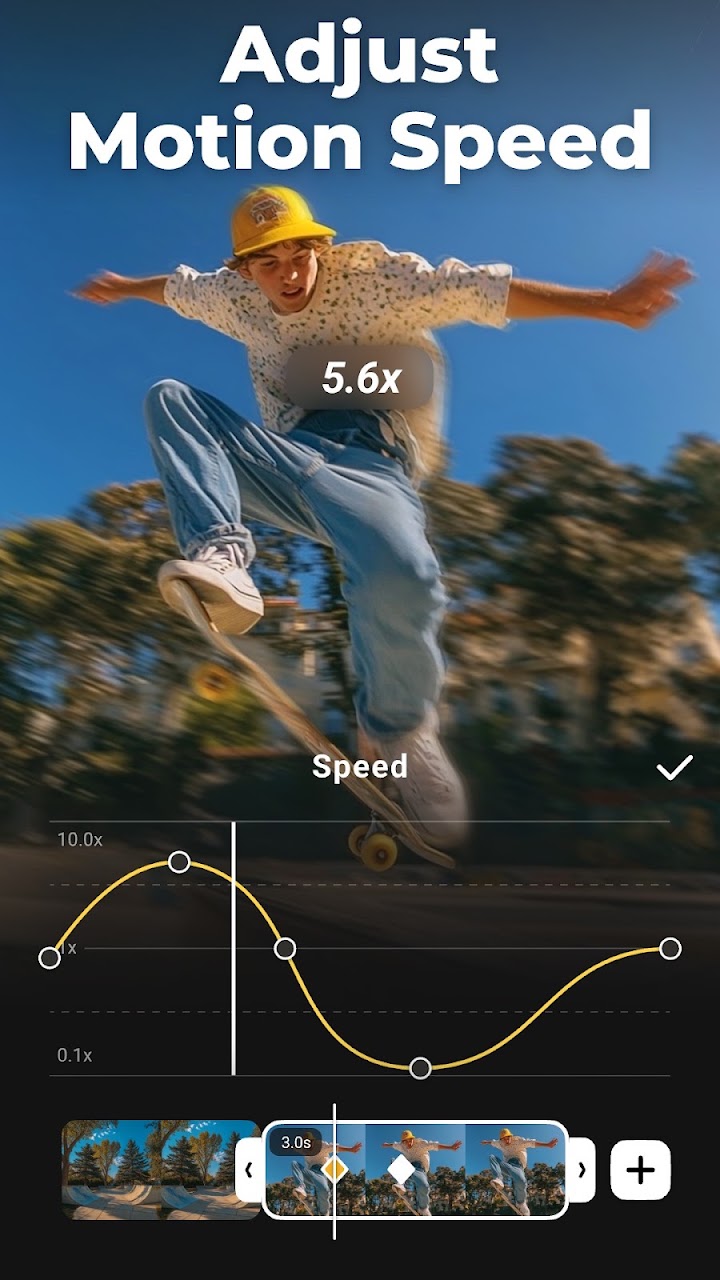
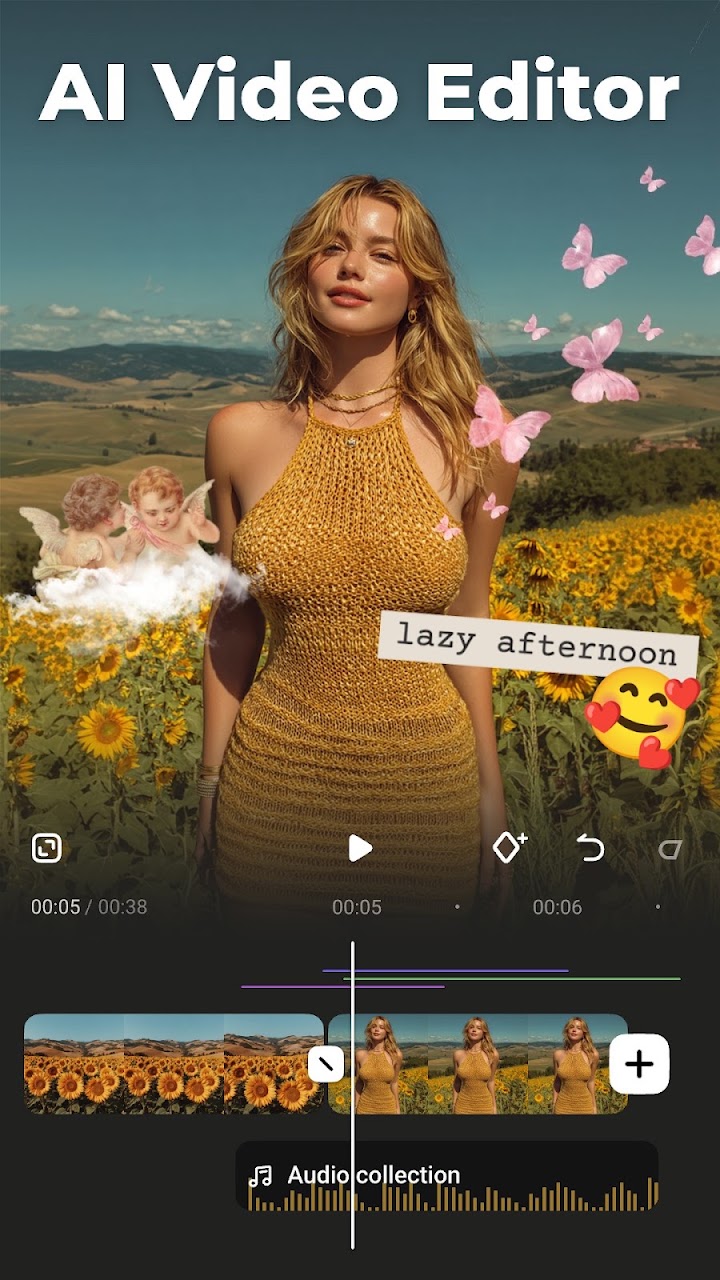
Video Editor & Maker VideoShow opens with a broad set of tools rather than a single narrow workflow. The app is built around AI-assisted editing, but it still offers manual controls such as keyframes, masking, overlays, trimming, reversing, and speed changes. That mix makes it useful for quick social clips as well as more detailed edits.
AI tools and creative controls
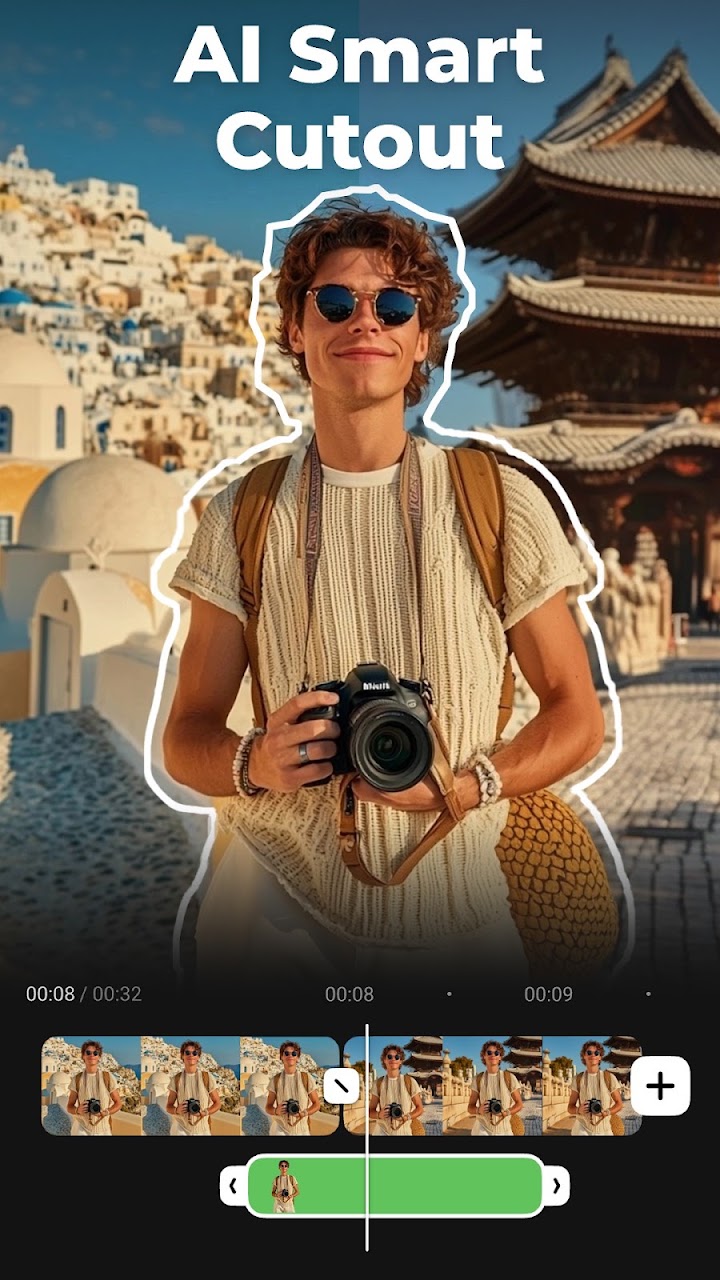
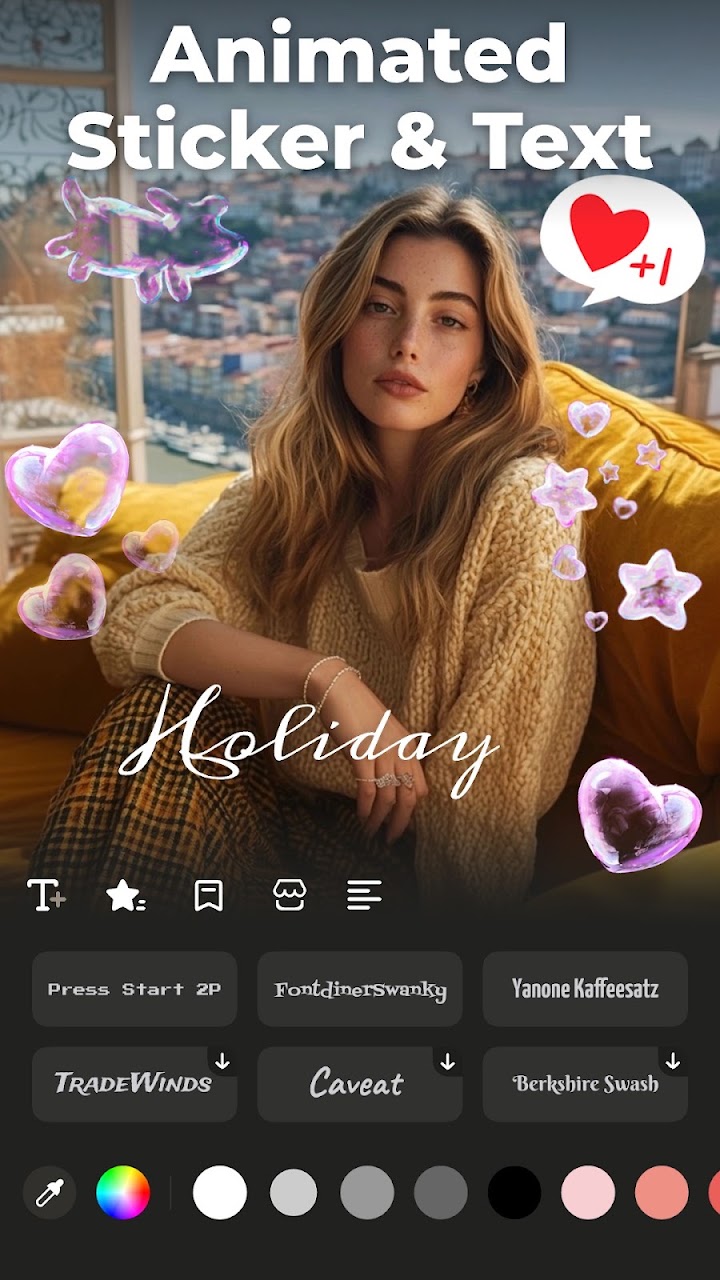
The strongest part of the app is its AI toolset. You can remove backgrounds without a green screen, reduce noise, generate subtitles from speech, change voices, and apply AI effects such as auto-blur and stroke. It also includes stickers, emojis, GIFs, fonts, memes, and a materials center for extra assets.
- AI Cutout removes backgrounds from photos and videos in one tap.
- AI Subtitles helps replace manual caption typing.
- Keyframe Animation and Mask Editing add more precise control.
Formats, exports, and sharing
The app supports music videos, slideshows, vlogs, memes, loop videos, and GIFs. It can splice clips, merge them, create collages, convert video to MP3, and export in Full HD 1080p or up to 4K. Sharing targets include TikTok, REDnote, Instagram, Facebook, WhatsApp, Kwai, and Weibo.
What to expect before installing
This is a free app, but it contains ads and in-app purchases. The APK is 125.5 MB, comes in a universal format, and requires Android 7.0 or later. There are no permissions listed in the package details provided here.
Rating and trade-offs
The user rating is strong at 4.5, and the distribution shows many more 5-star reviews than any other score. Still, the app’s size is not small, and the free version includes ads. If you want a video editor with a wide feature set and social export options, it is an easy one to consider.
APK information
- Version
- 10.2.4.6
- Package
- com.xvideostudio.videoeditor
- Category
- Video Players & Editors
- Size
- 126 MB
- Min Android
- 7.0
- Architecture
- universal
Older versions
-
Video Editor & Maker VideoShow 10.2.4.6Nov 12, 2026Latest downloadAPK
Video Editor & Maker VideoShow FAQ
Can Video Editor & Maker VideoShow play offline?expand_more
The app description does not state offline playback or offline editing support. It does include local music, voice-overs, and file-based editing tools.
Does Video Editor & Maker VideoShow need a subscription?expand_more
The app is free to download, but it contains ads and in-app purchases. A VIP upgrade is mentioned for removing the watermark and ads.
How do I install the Video Editor & Maker VideoShow APK file?expand_more
Download the APK file and install it on an Android device running Android 7.0 or later. The package is a universal APK.
Who develops Video Editor & Maker VideoShow?expand_more
It is developed by VIDEOSHOW Video Editor & Maker & AI Chat Generator.
What export quality does Video Editor & Maker VideoShow support?expand_more
It can export videos in Full HD 1080p and up to 4K resolution. It also supports GIF export.