- 0.0star0 reviews
- 10K+Downloads
- 2 MBAPK size
- EveryoneRated for Everyone
- API 15+Android
check_circleOriginal APK from Anastasios Mitropoulos · Updated Nov 10, 2026
No threats found
0 / — antivirus engines flagged this file
Original signature
First seen — Anastasios Mitropoulos
Unmodified APK
Same file the developer published — no mods
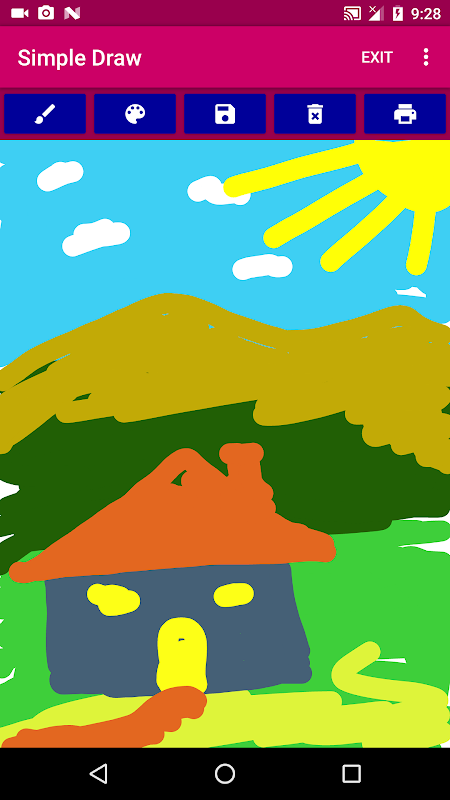
Simple Draw screenshots
5 images · tap to enlarge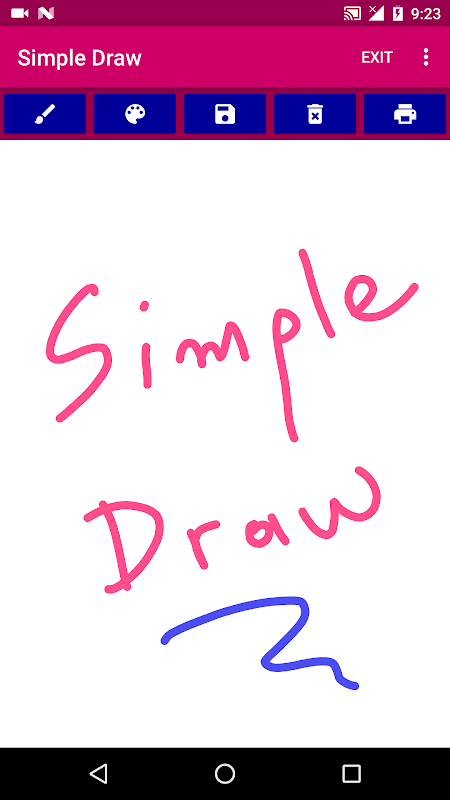
About this app
10K+ installs and a lightweight build define Simple Draw’s current release. Version 7.0 is now compatible with Android 10, which matters if you want a basic drawing app that still runs on older devices. It keeps the experience focused on hand-drawn sketches, with saving, PDF export, and direct printing built in.
- Simple drawing tools — Draw with a straightforward setup built around hand-drawing rather than a complex editor.
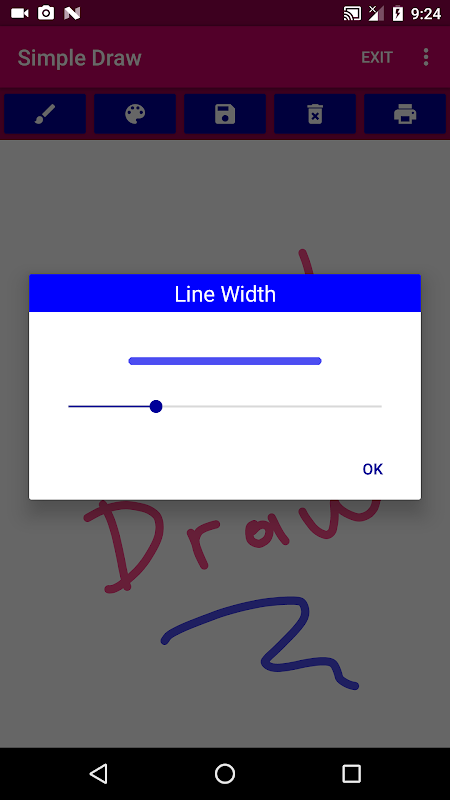
- Brush width choice — Adjust brush width to match different sketching styles and line needs.
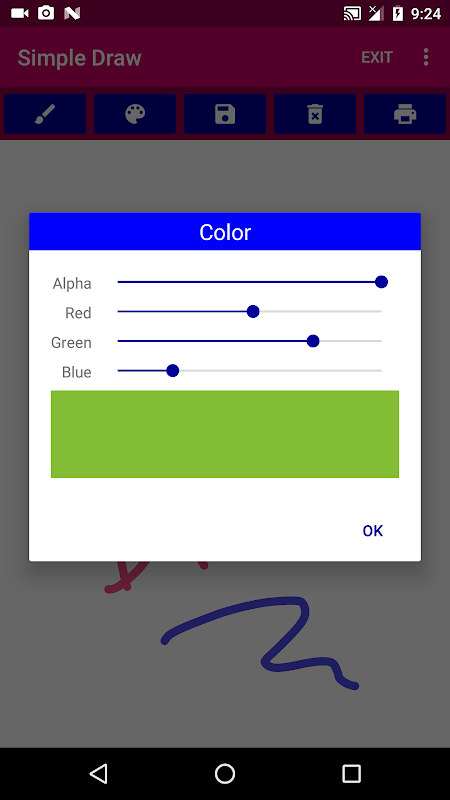
- Unlimited colors — Pick from unlimited colors while creating drawings.
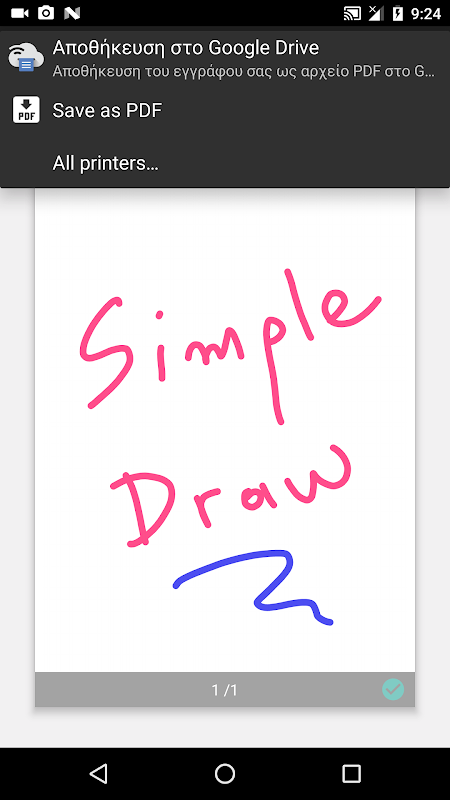
- Save or export — Save drawings as pictures or export them as PDF files.
- Print directly — Print your drawings from inside the app without extra steps.
- Low-resource design — The app is small and aims to use less battery, CPU, and memory.
Android 10 compatibility in version 7.0
The current release updates Simple Draw for Android 10. That makes the app easier to keep using on newer phones while staying in the same lightweight package: a 2.3 MB APK that installs on devices running API 15 and up. It is a universal build, free to install, and it does not list ads or in-app purchases.
Focused on hand-drawn sketches
Simple Draw keeps the drawing experience narrow in scope. You get brush width choice and unlimited colors, which is enough for quick sketches, notes, or casual art. The app is aimed at people who want to make drawings without dealing with layers, filters, or a crowded toolset.
What you get, and what to watch for:
- Get: a lightweight drawing app with simple controls.
- Get: picture saving, PDF export, and direct printing.
- Watch for: no account-based workflow is described.
- Watch for: no permissions are listed.
Saving, PDF export, and printing
Finished drawings are saved in your gallery under the pictures folder. From there, you can keep them as images, save them as PDFs, or print them directly from the app. That makes Simple Draw more practical than a sketch pad that only stores work inside the app itself.
Light on device resources
The app is described as one of the smallest drawing apps you can own, with lower battery use and less pressure on CPU and memory. For older or modest devices, that small footprint may matter more than extra features.
File details: APK format, 2.3 MB, free, Everyone rating, no ads, no in-app purchases.
What's new
Version 7.0 · Nov 10, 2026
- Compatible with Android 10
APK information
- Version
- 7.0
- Package
- com.anastasios.paint
- Category
- Art & Design
- Size
- 2 MB
- Min Android
- API 15
- Architecture
- universal
Older versions
-
Simple Draw 7.0Nov 10, 2026Latest downloadAPK
Simple Draw FAQ
Does Simple Draw work offline?expand_more
The app description does not mention an internet requirement, so offline use is not stated either way.
Can Simple Draw edit RAW photos?expand_more
No. Simple Draw is a drawing app, not a photo editor, and RAW editing is not listed.
Is Simple Draw available for older phones?expand_more
Yes. It supports devices from API 15 and up, and the current version is compatible with Android 10.
Does Simple Draw have in-app purchases?expand_more
No. The app is listed as free with no in-app purchases.
Can I print drawings from Simple Draw?expand_more
Yes. The app includes an option to print drawings directly from inside the app.