
- 3.4star27,929 reviews
- 1M+Downloads
- 5 MBAPK size
- EveryoneRated for Everyone
- API 19+Android
check_circleOriginal APK from BariLab · Updated Nov 10, 2026
No threats found
0 / — antivirus engines flagged this file
Original signature
First seen — BariLab
Unmodified APK
Same file the developer published — no mods
Sketch Master: Draw & Paint screenshots
8 images · tap to enlarge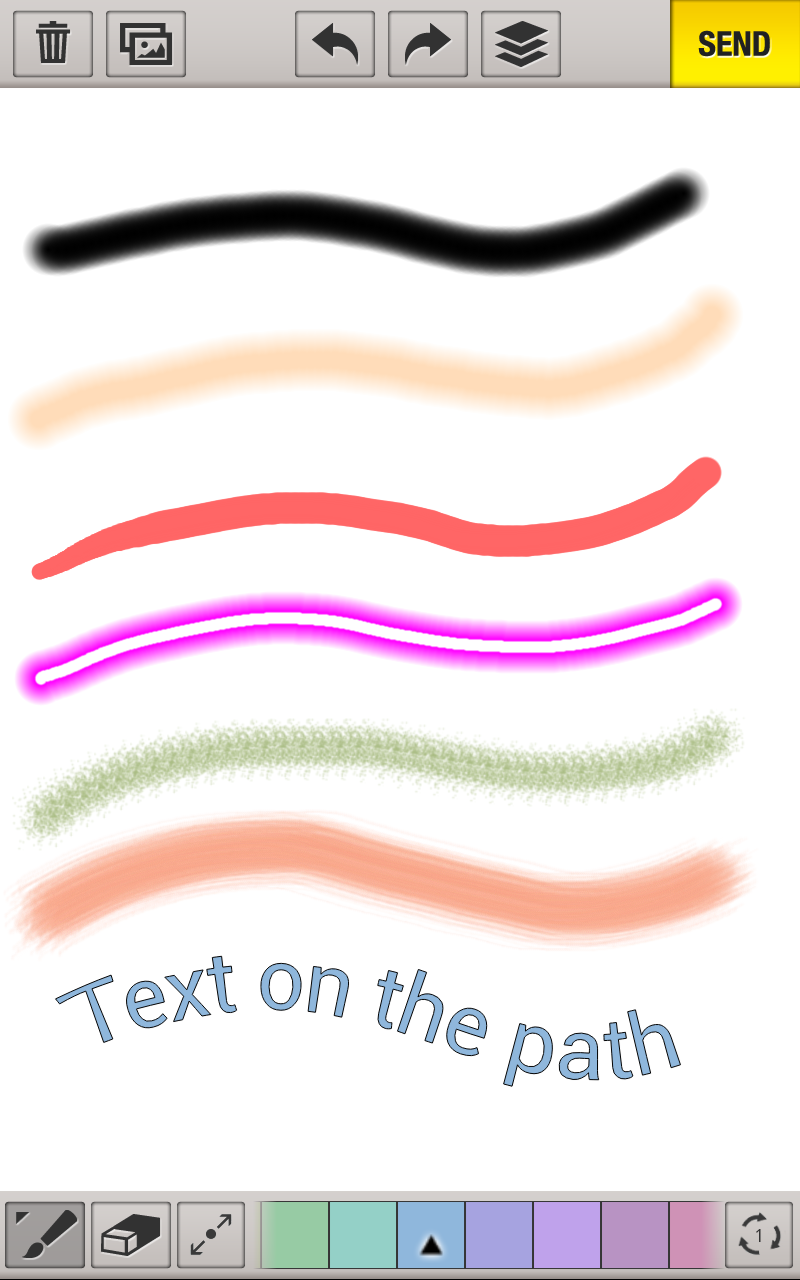
About this app
If you want to sketch on your phone without digging through menus, Sketch Master: Draw & Paint keeps things simple. You can open a canvas quickly, then use brushes, layers, zoom, and photo import for doodles, line art, tracing, or coloring. It is free to install, shows ads, and does not offer in-app purchases.
- Simple canvas start — Open a canvas and begin drawing without needing an account or tutorial.
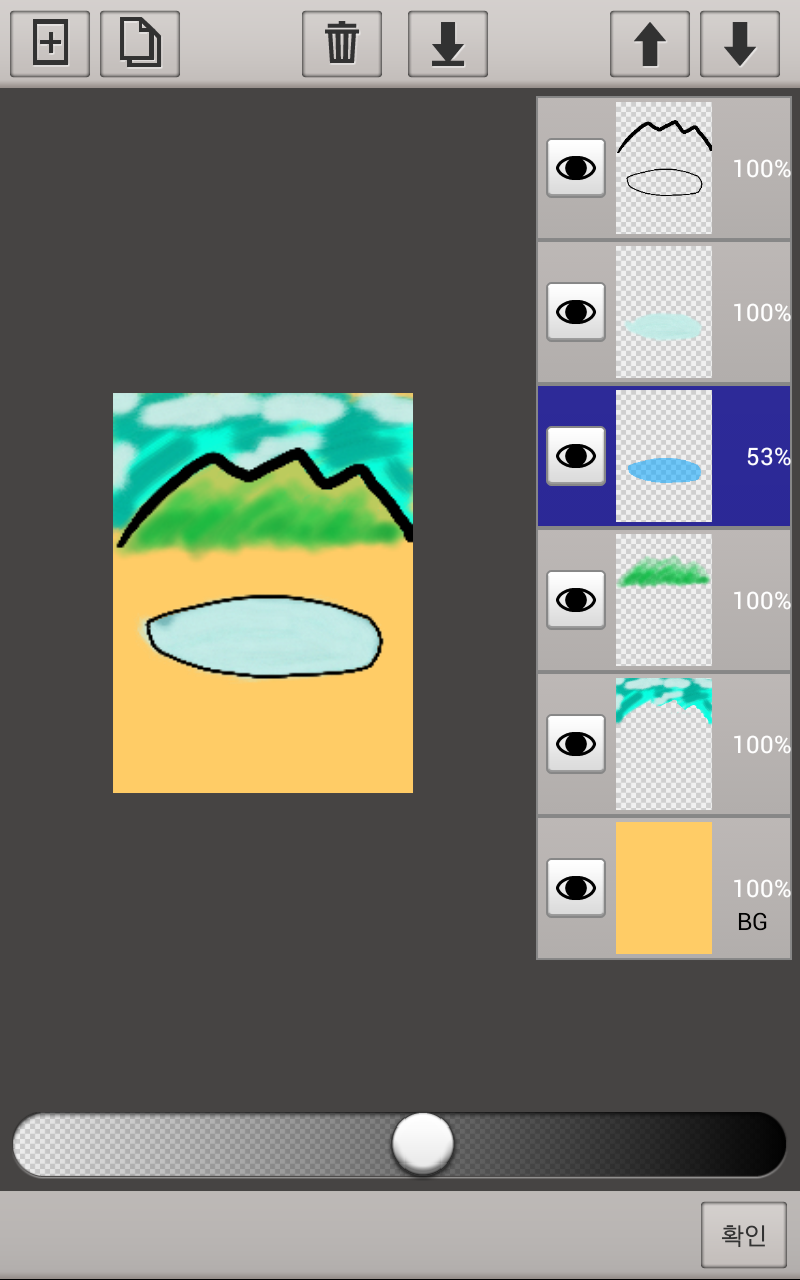
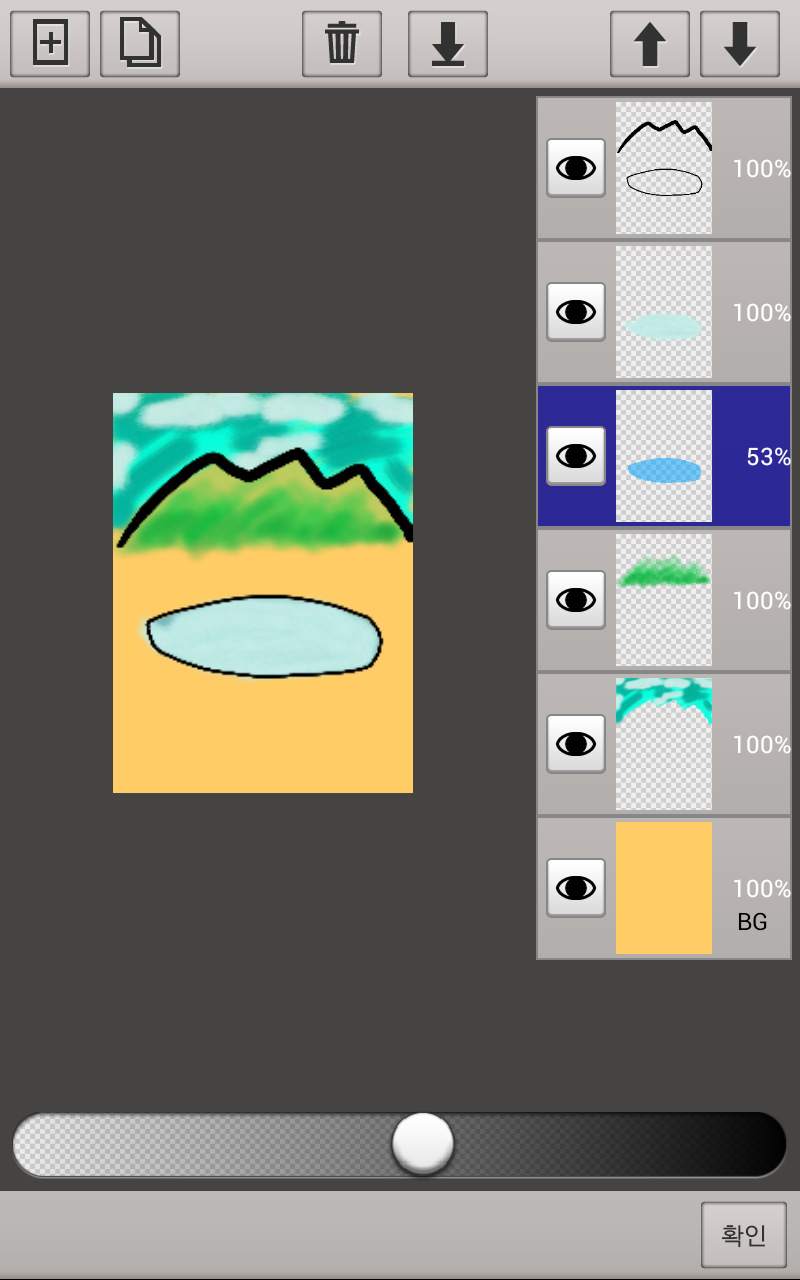
- Unlimited layers — Create, duplicate, merge, reorder, hide, and adjust layer opacity for multi-step artwork.
- Smooth stroke help — Hand correction can turn shaky lines into cleaner strokes for sketching and line art.
- Deep zoom control — Zoom up to 3000% and pan with two fingers to work on tiny details.
- Photo import tools — Bring in a picture from your gallery or camera to trace, annotate, or sketch over it.
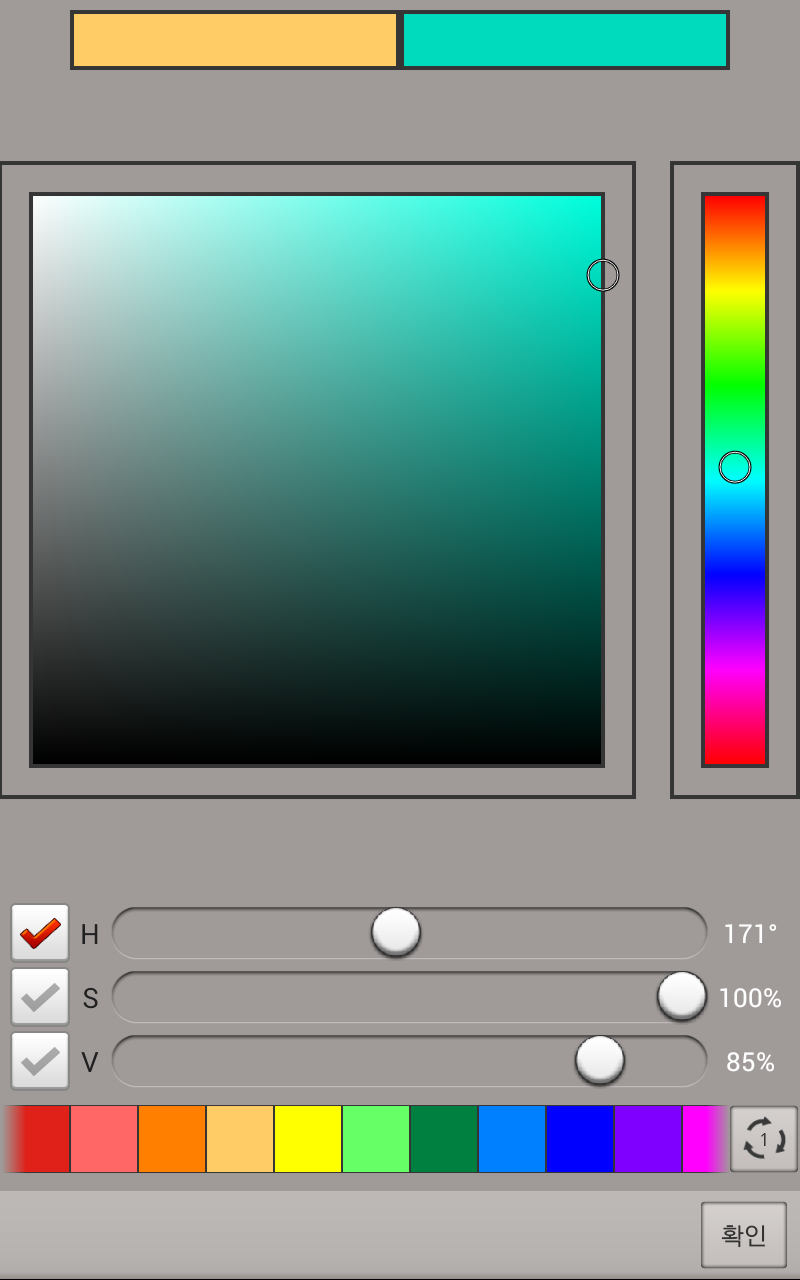
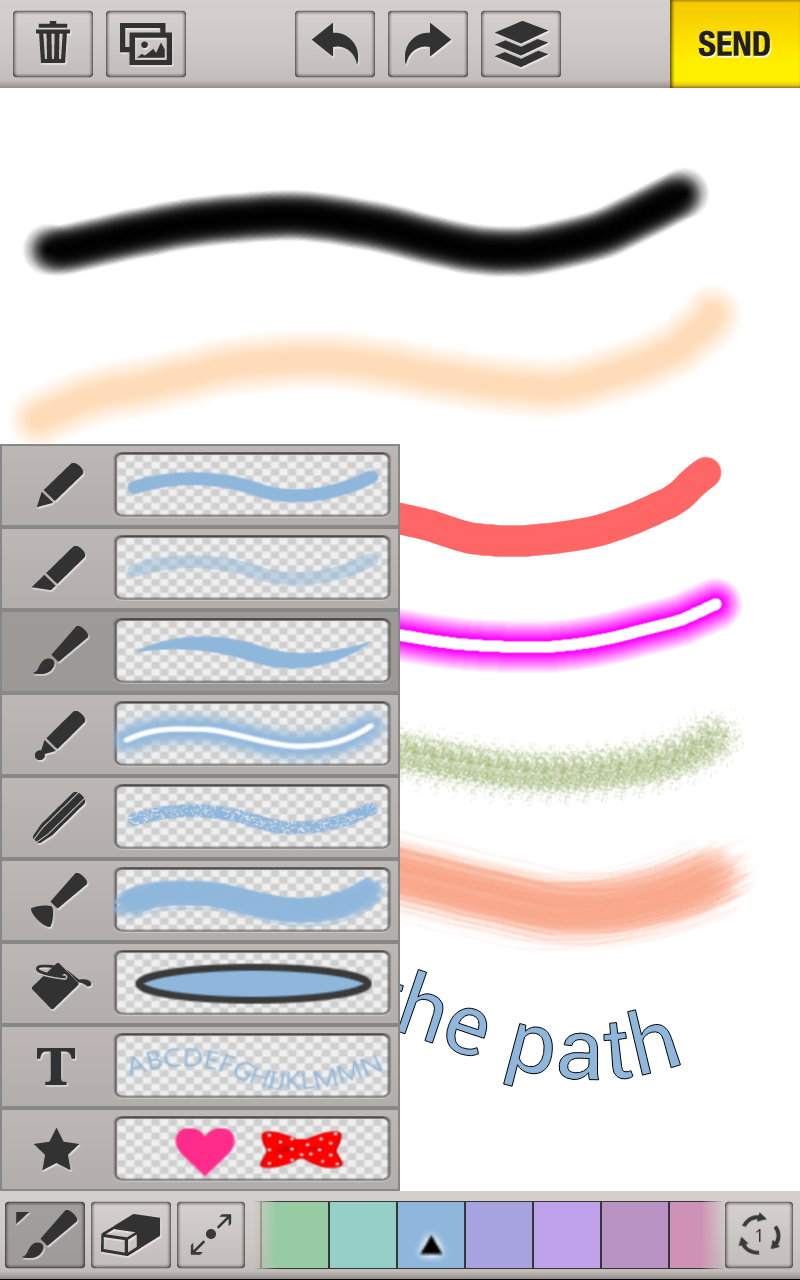
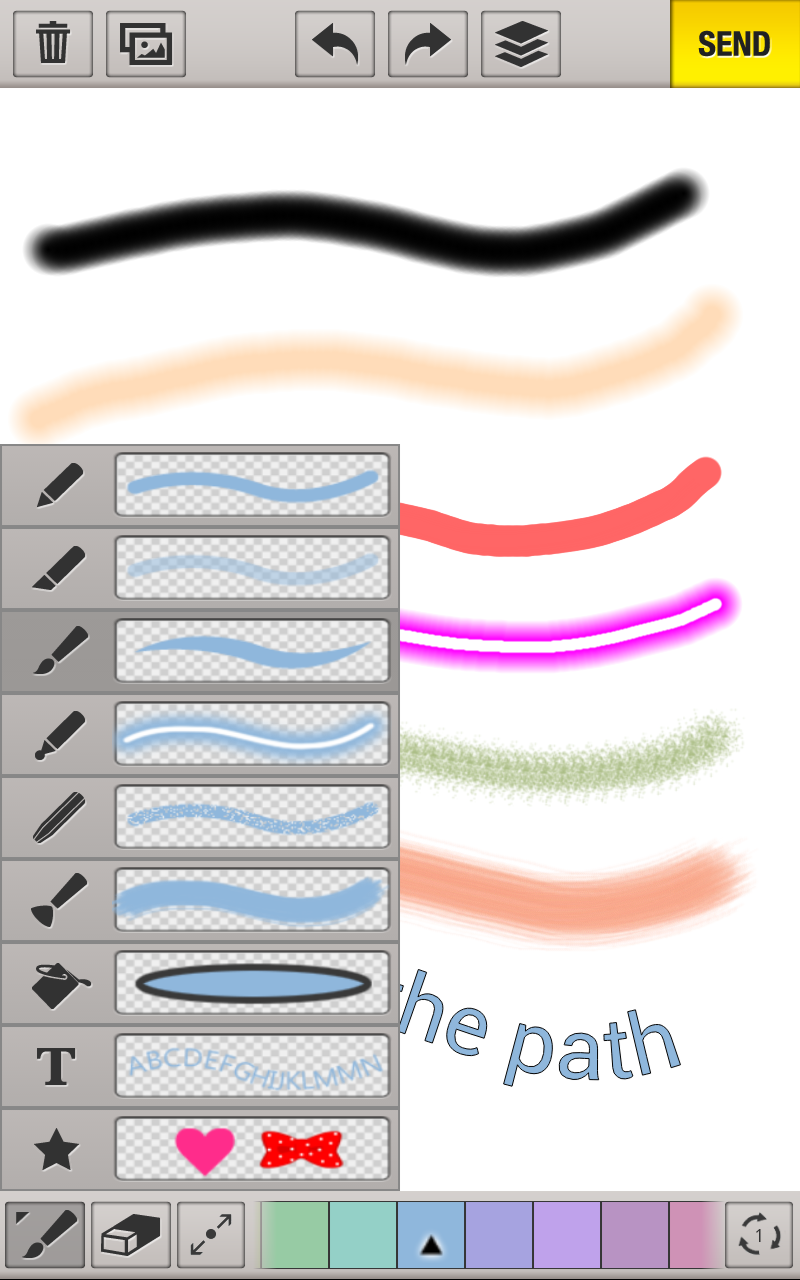
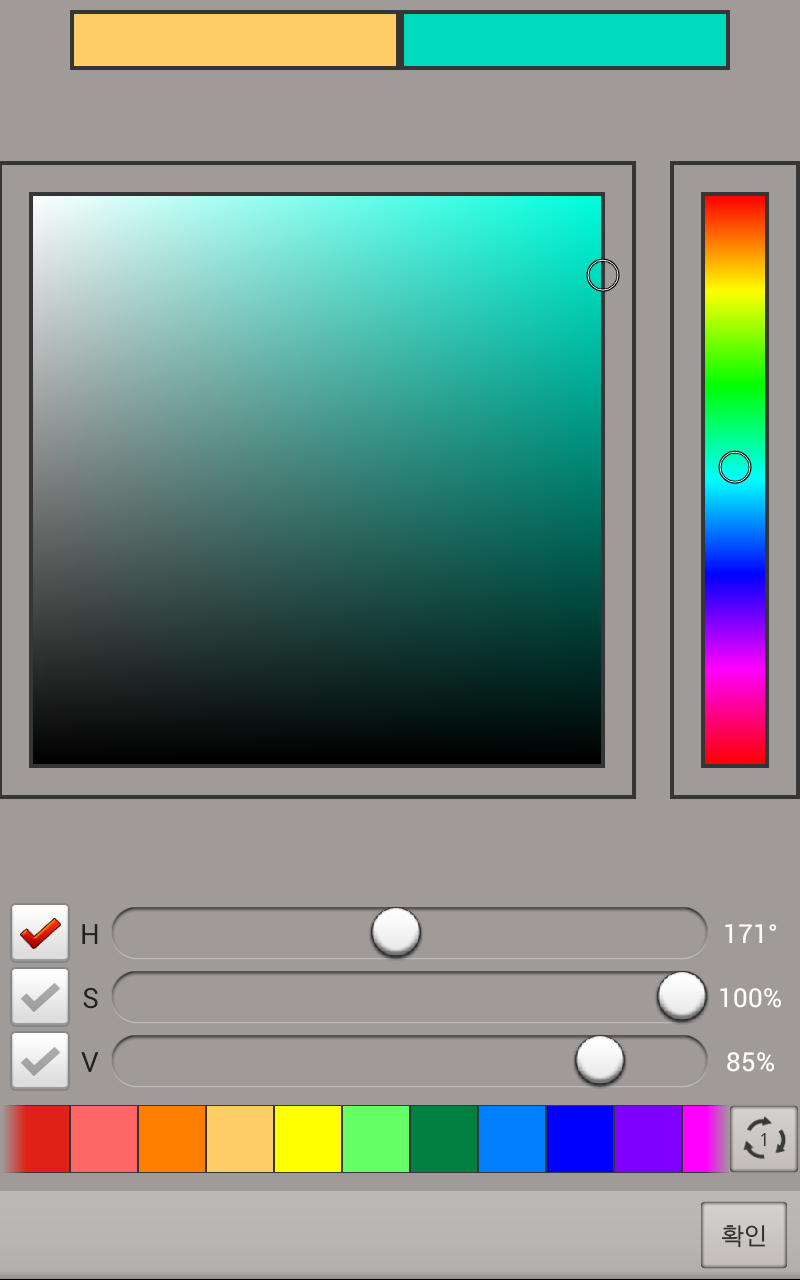
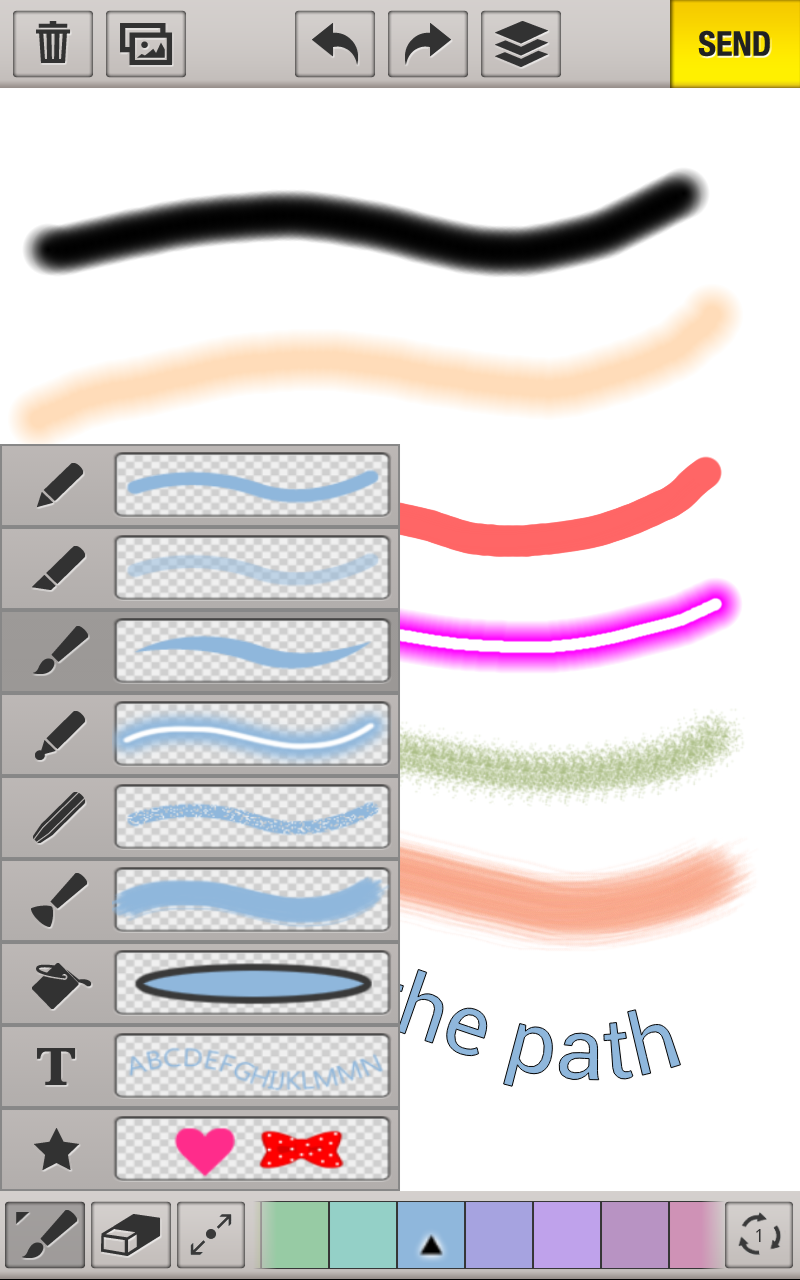
- Color and text options — Use HSB color tools, swatches, a picker, stickers, and text on a path for custom designs.
Fast start, no setup
Sketch Master: Draw & Paint is built for people who want to start drawing right away. The interface stays familiar, so you can open the app, choose a tool, and begin without creating an account or learning a new workflow first. That makes it useful for quick doodles, practice sketches, and notes with simple drawings.
Layers for real editing
Unlimited layers are the main step up from a basic sketchpad. You can duplicate, merge, reorder, hide, and change opacity, which helps when you want to separate outlines, color, and details. For example, you might keep a rough sketch on one layer and add clean line art on another.
Brushes, fill, and smooth lines
The app includes 7 brushes plus flood fill, so you can switch between drawing, coloring, and filling shapes. Hand correction helps smooth out shaky strokes, which is useful if you are learning to draw or want cleaner lines for lettering and illustrations.
Zoom, tracing, and color tools
With zoom up to 3000%, you can work on small details that would be hard to handle on a phone screen. Photo import lets you load an image from your gallery or camera and draw over it. You also get HSB color tools, swatches, a color picker, text on a path, and stickers for custom layouts.
What to check before installing
Sketch Master: Draw & Paint is free, shows ads, and does not include in-app purchases. It comes as an APK, is 4.5 MB, and needs Android 19 or later. It is designed for phones, tablets, and foldables, and the canvas matches your screen resolution. Get: layers, zoom, brushes, photo import. Watch for: ads, no in-app purchases, and no listed permissions.
- Free app with ads
- No account required
- Works on phones, tablets, and foldables
- Minimum Android: API 19
- APK size: 4.5 MB
APK information
- Version
- 2.44
- Package
- com.barilab.katalksketch.googlemarket
- Category
- Art & Design
- Size
- 5 MB
- Min Android
- API 19
- Architecture
- universal
Older versions
-
Sketch Master: Draw & Paint 2.44Nov 10, 2026Latest downloadAPK
Sketch Master: Draw & Paint FAQ
Does Sketch Master: Draw & Paint work offline?expand_more
The app description does not say whether it works offline, so that is something to check after installing.
Does Sketch Master: Draw & Paint add a watermark?expand_more
No watermark is mentioned in the app details provided.
Is Sketch Master: Draw & Paint available for older phones?expand_more
It requires Android API 19 or later, so older phones below that version are not supported.
Who develops Sketch Master: Draw & Paint?expand_more
BariLab develops Sketch Master: Draw & Paint.
Can I trace photos in Sketch Master: Draw & Paint?expand_more
Yes. The app includes photo import from your gallery or camera, and you can draw over the image for tracing or annotation.