- 4.3star510 reviews
- 50K+Downloads
- 7 MBAPK size
- EveryoneRated for Everyone
- 5.0+Android
check_circleOriginal APK from +HOME by Ateam Entertainment · Updated Nov 10, 2026
No threats found
0 / — antivirus engines flagged this file
Original signature
First seen — +HOME by Ateam Entertainment
Unmodified APK
Same file the developer published — no mods
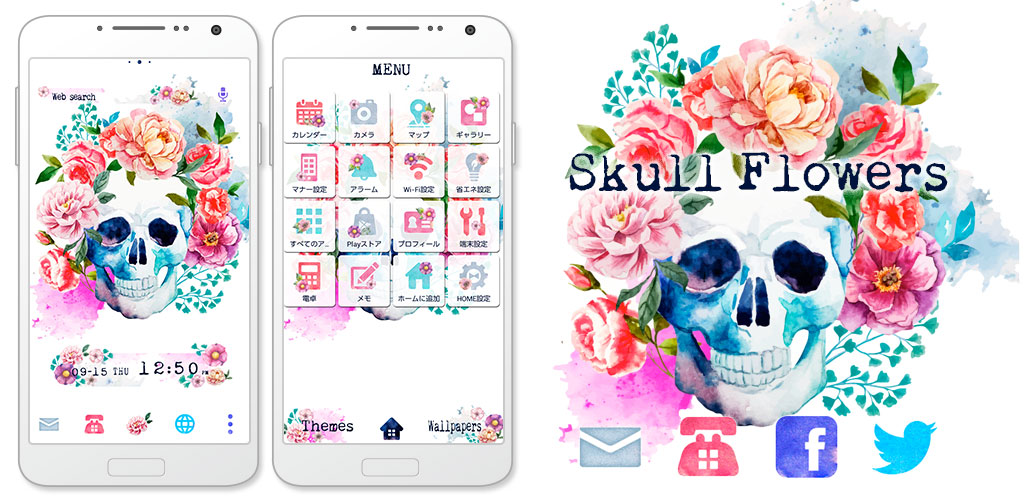
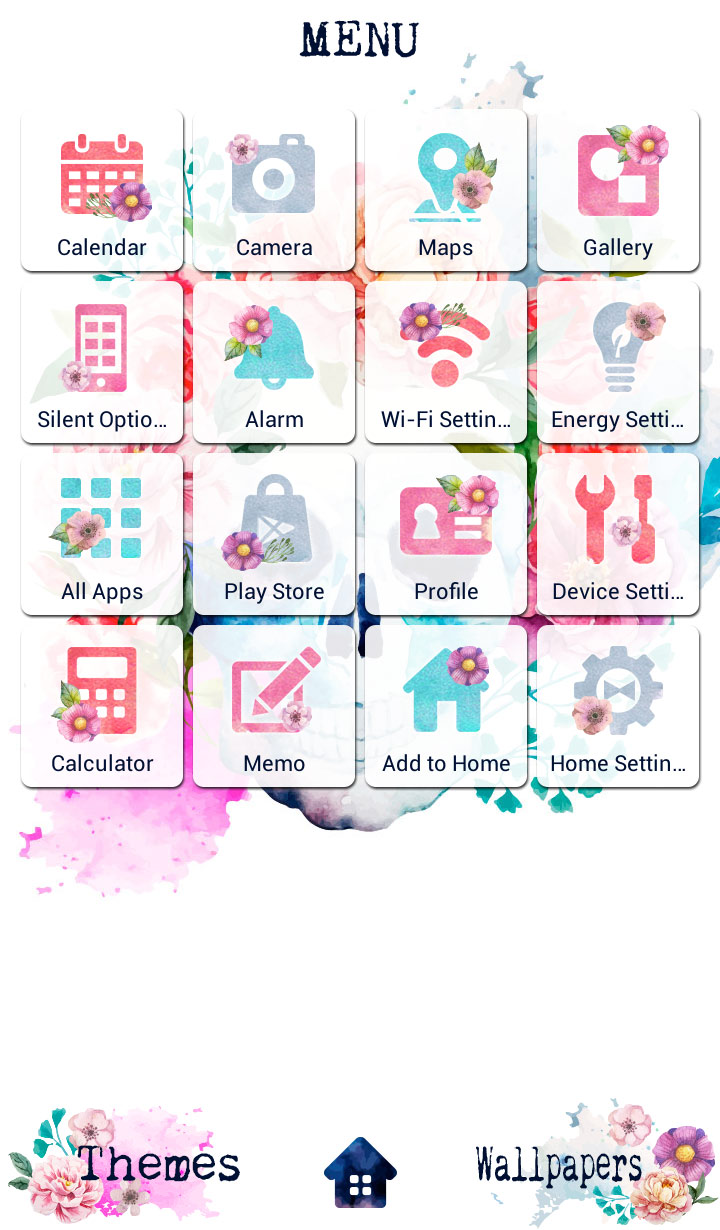
Skull Flowers Theme +HOME screenshots
4 images · tap to enlarge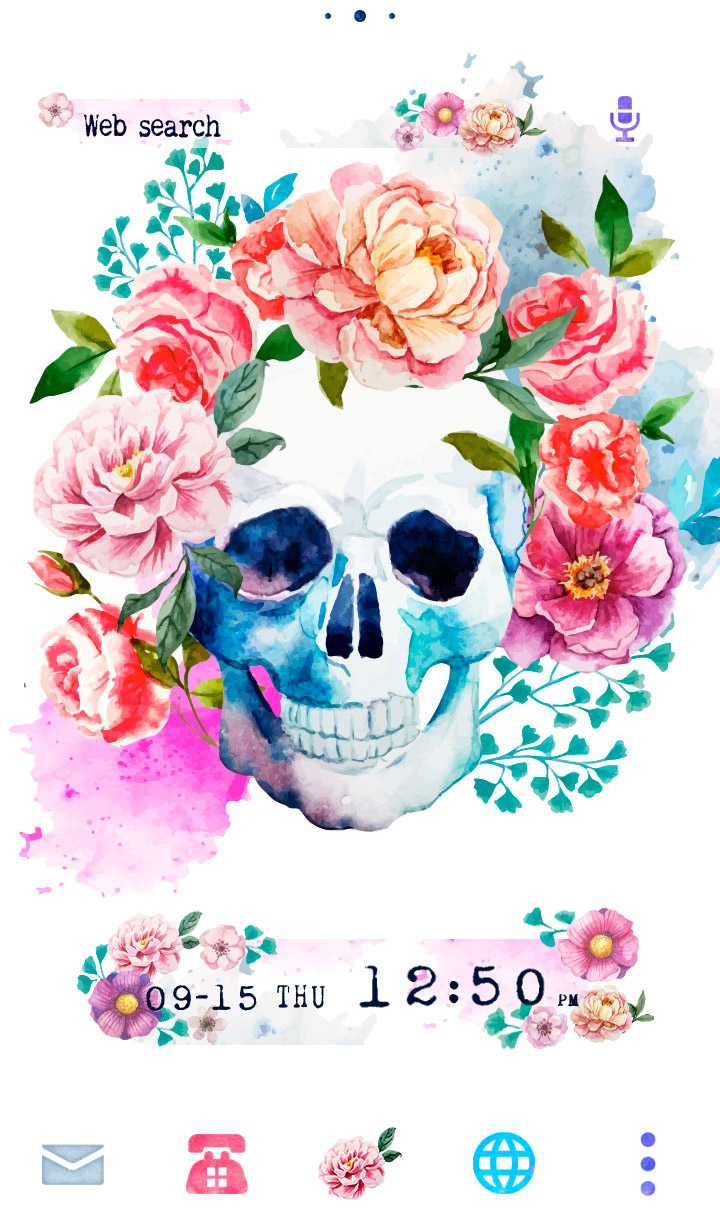
About this app
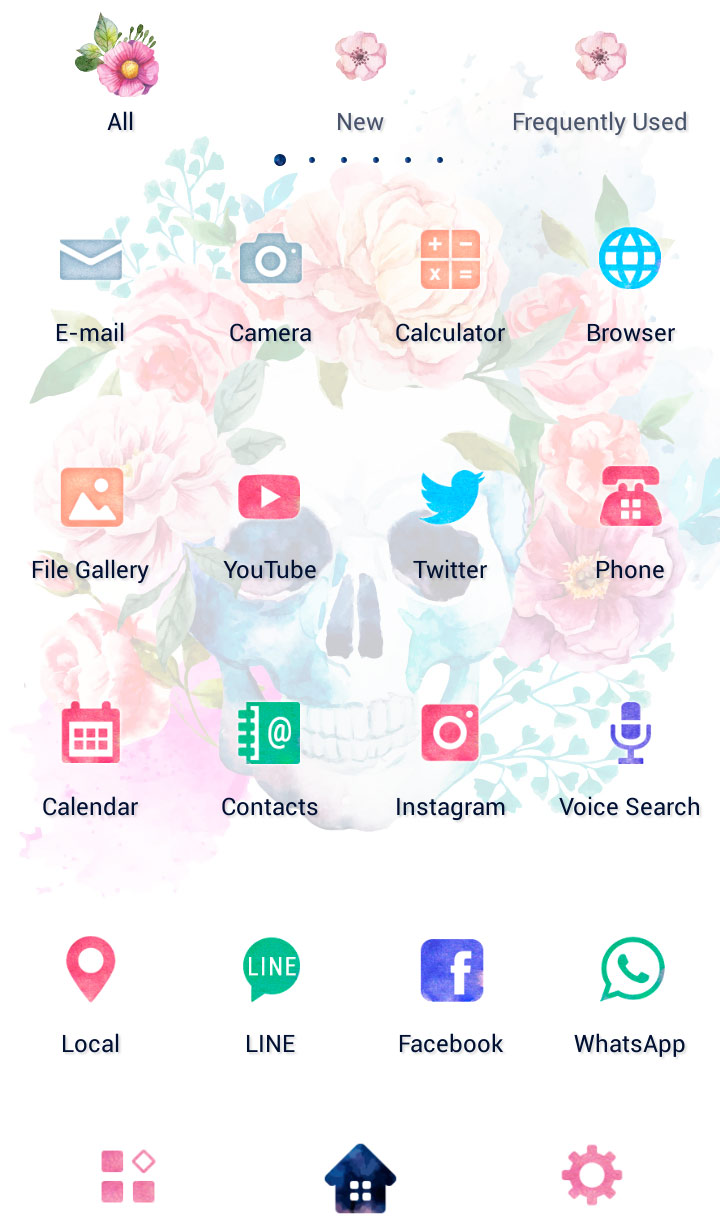
On a quiet commute, you can open +HOME and switch your phone to Skull Flowers Theme in a few taps. It focuses on wallpaper and icons, so the change is immediate and visual rather than something you edit by hand. The theme needs the +HOME launcher first, and ads are part of the app.
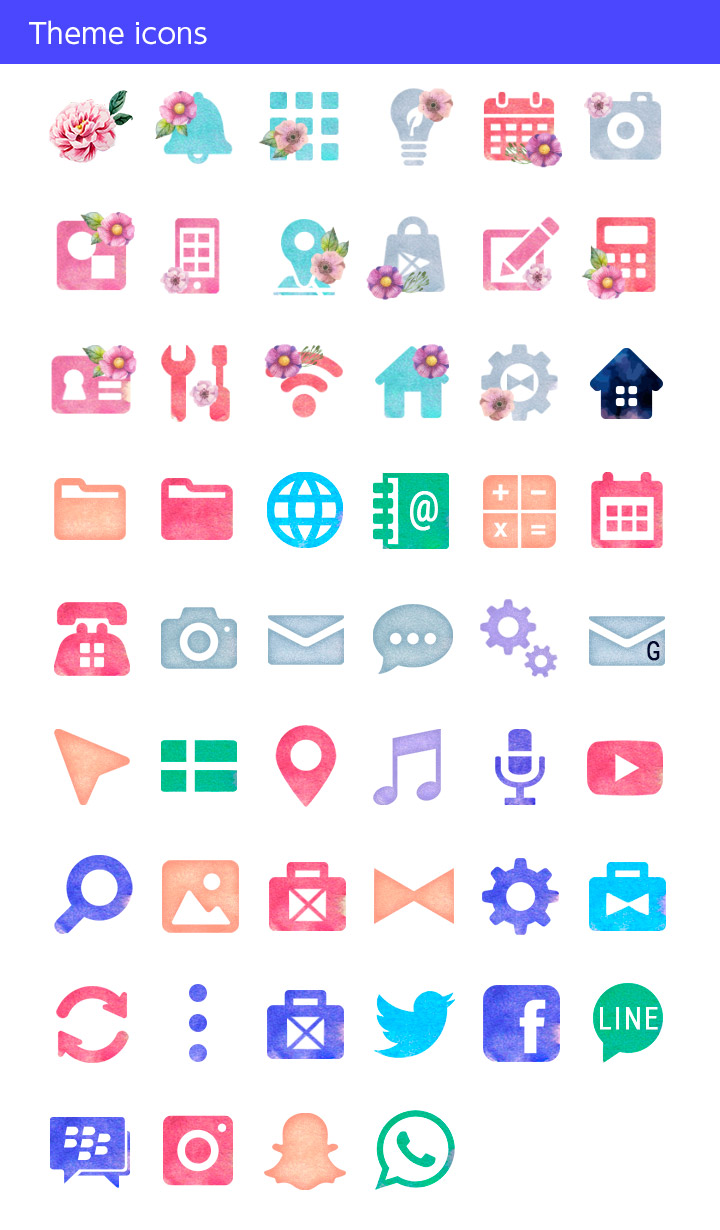
- Skull flower design — Sets a skull-and-flowers look across your wallpaper and icons.
- Works through +HOME — You need the +HOME launcher installed before this theme can be used.
- Simple personalization — Use it to change the look of your phone without manual icon editing.
- Free to install — The app is free, with ads included.
- Lightweight APK — The APK is 7.0 MB and supports Android 5.0 and up.
Apply a skull-and-flowers look in +HOME
When you want your phone to match a darker style, Skull Flowers Theme +HOME gives you a ready-made design instead of a blank editor. It is built for changing wallpaper and icons inside the +HOME launcher, so the main action is applying the theme and seeing the home screen update. The theme is free, but you will notice ads while using the app.
Wallpaper and icons, not photo editing
This app is about personalization, not editing images. It does not offer capture tools, RAW photo editing, or export settings. If you want drawing or photo work, the similar apps list points more toward tools like ibis Paint X, Sketchbook, PaperColor, or Adobe Express. Skull Flowers Theme +HOME stays focused on the home screen look.
What you need before installing
To use the theme, install +HOME first. The APK format is 7.0 MB, and it works on Android 5.0 and up. There are no permissions listed, so there is no visible storage or camera access request to manage during setup. Once +HOME is in place, you can apply the theme and keep using the launcher day to day.
How it compares with drawing apps
Compared with the apps in the similar list, this one does a different job. ibis Paint X, PENUP, Sketchbook, Adobe Express, and PaperColor are for creating or editing visuals, while Skull Flowers Theme +HOME changes the phone interface itself. If you want to draw, paint, or export artwork, those tools fit better. If you want a skull-and-flower home screen, this theme is the direct choice.
- Rating: 4.4 from 513 ratings
- Install base: 50K+ installs
- Content rating: Everyone
APK information
- Version
- 1.0.11
- Package
- jp.co.a_tm.android.plus_skull_flowers
- Category
- Art & Design
- Size
- 7 MB
- Min Android
- 5.0
- Architecture
- universal
Older versions
-
Skull Flowers Theme +HOME 1.0.11Nov 10, 2026Latest downloadAPK
Skull Flowers Theme +HOME FAQ
Can Skull Flowers Theme +HOME edit RAW photos?expand_more
No. It is a theme for changing wallpaper and icons through +HOME, not a photo editor.
Does Skull Flowers Theme +HOME work offline?expand_more
The listing does not say whether it works offline. It is a launcher theme that you use after installing +HOME.
How do I install the Skull Flowers Theme +HOME APK file?expand_more
Install the APK on an Android device running 5.0 or later, then install +HOME first so the theme can be used.
How do I update Skull Flowers Theme +HOME from an APK?expand_more
Install the newer APK version over the current one on your device. The current version shown is 1.0.11.
What does Skull Flowers Theme +HOME change on my phone?expand_more
It changes your wallpaper and icons inside the +HOME launcher with a skull-and-flowers design.