- 4.5star37,605 reviews
- 5M+Downloads
- 11 MBAPK size
- EveryoneRated for Everyone
- 6.0+Android
check_circleOriginal APK from SmartSense Inc. · Updated Nov 12, 2026
No threats found
0 / — antivirus engines flagged this file
Original signature
First seen — SmartSense Inc.
Unmodified APK
Same file the developer published — no mods
Smart Alarm - Alarm Clock screenshots
8 images · tap to enlarge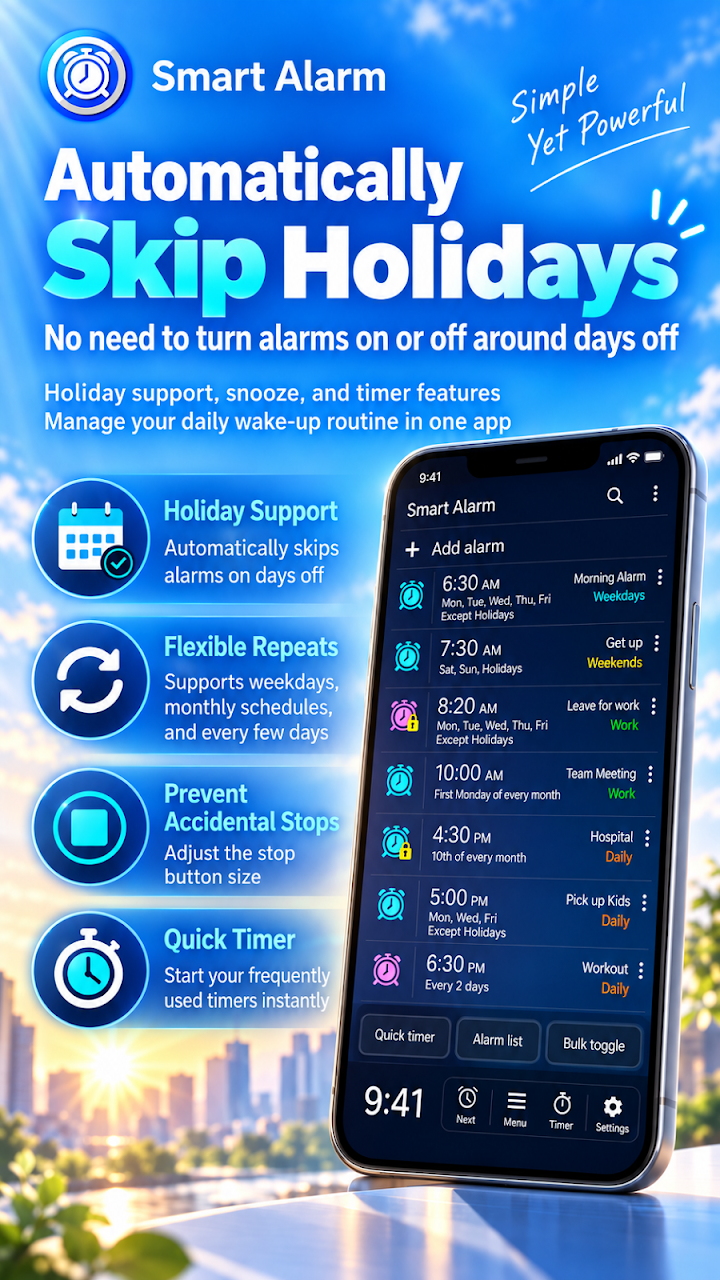
About this app
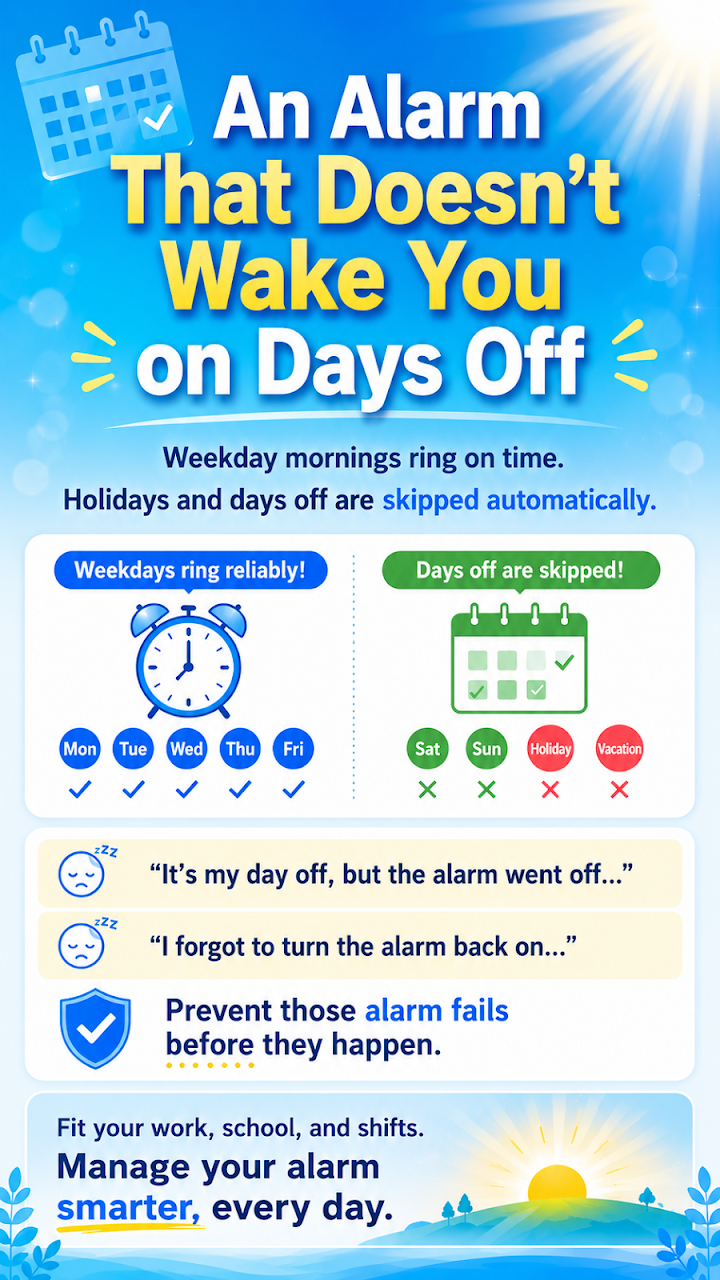
Need an alarm that fits real schedules? Smart Alarm - Alarm Clock lets you set repeating alarms, skip U.S. federal holidays, and make alarms harder to dismiss. It also supports custom sounds, snooze, and date-based alarms for work, school, and changing routines.
- Holiday skips — Repeating alarms can skip selected U.S. federal holidays, and the holiday list can be customized.
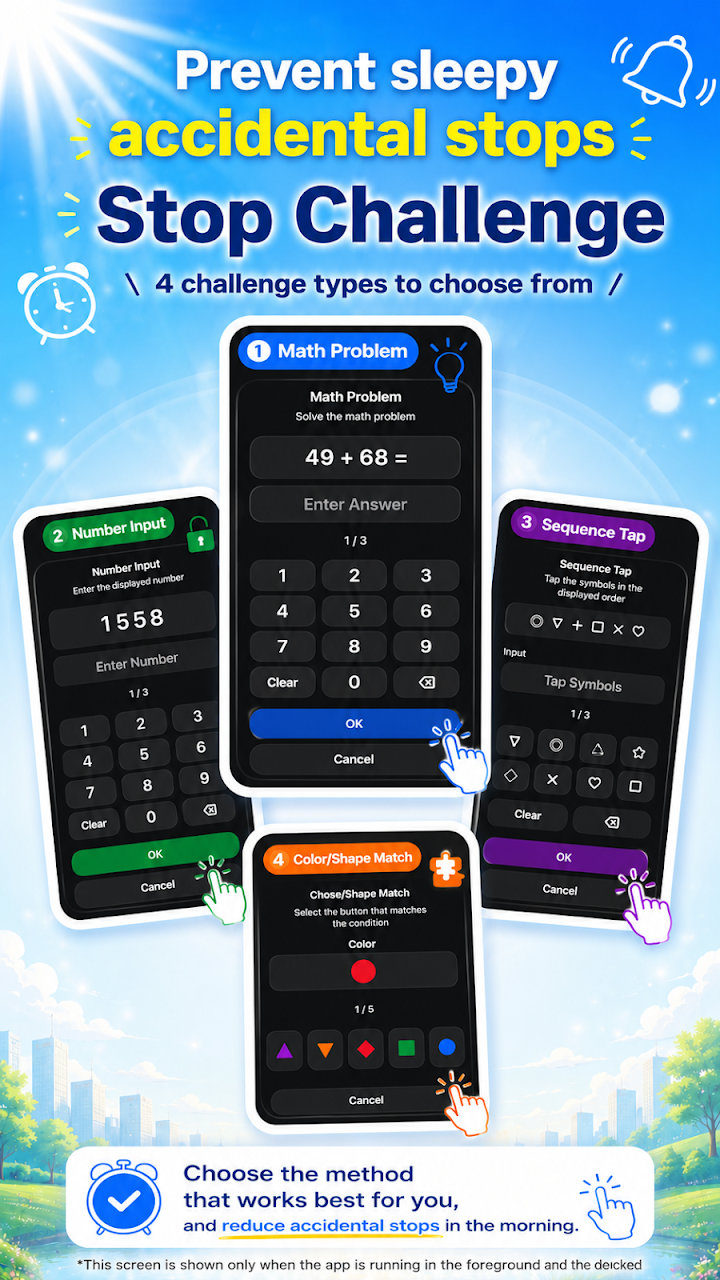
- Harder stop checks — Use number entry or a math problem before an alarm can be stopped.
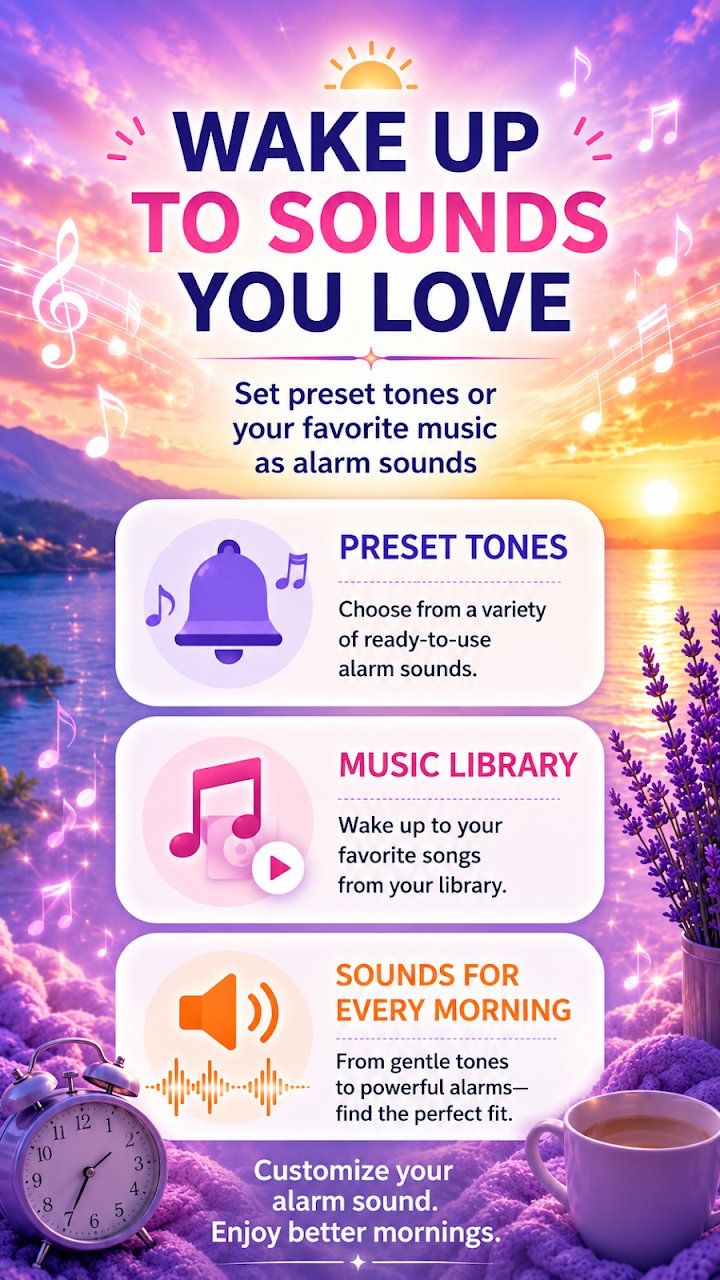
- Custom alarm sounds — Choose music files on your device as alarm sounds.
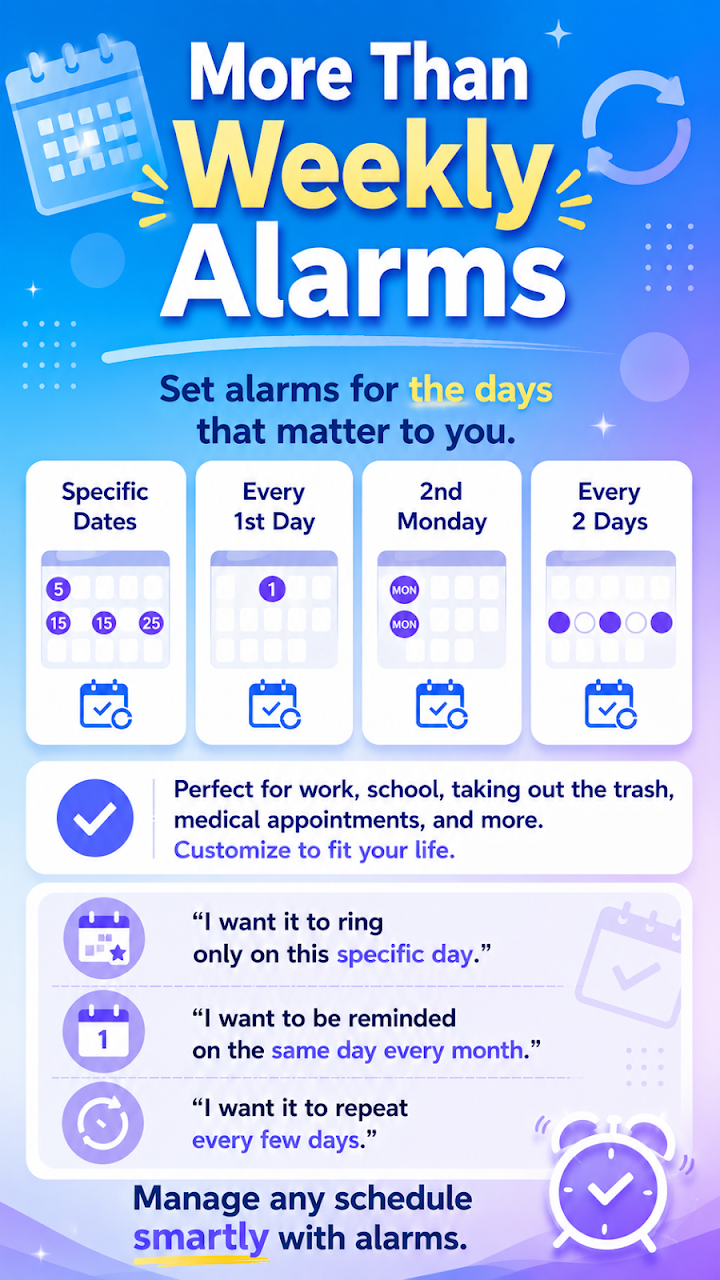
- Flexible repeat rules — Set alarms for specific weekdays, days of the month, every few days, or custom patterns.
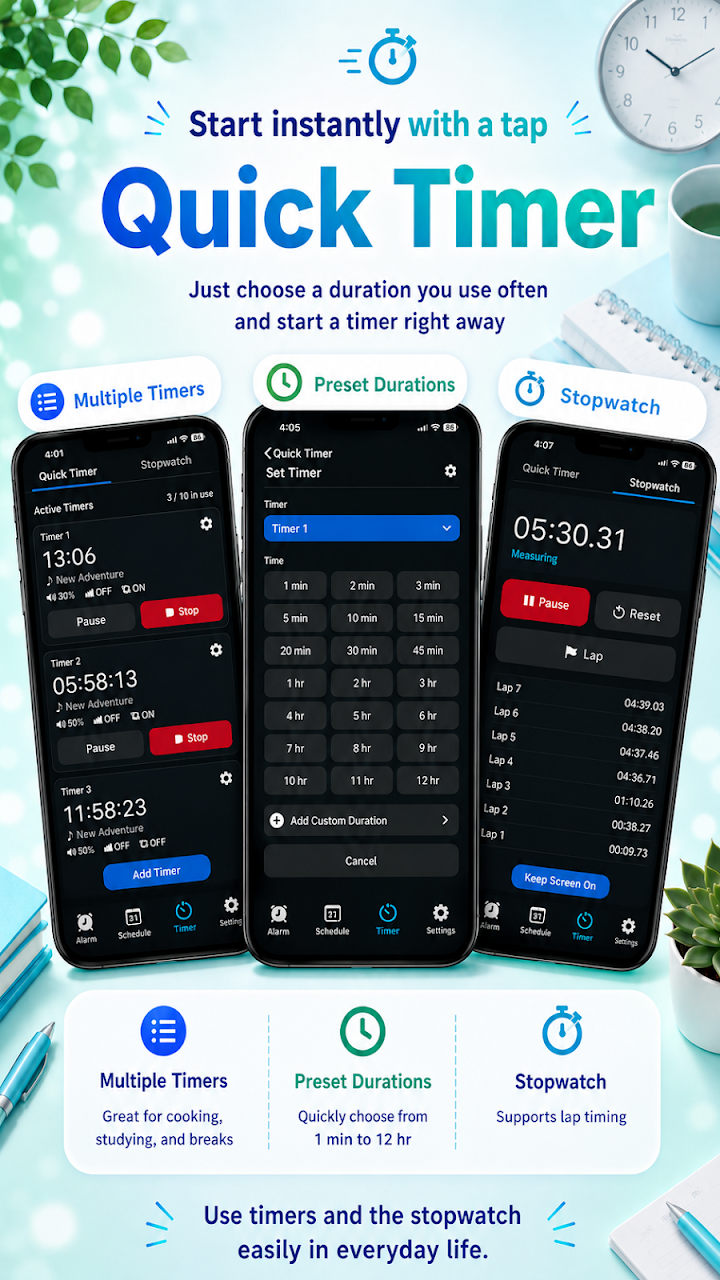
- Snooze and timer — Use snooze, or open Quick Timer with 21 preset durations and up to three custom ones.
- Simple install details — The APK is 11.2 MB, works on Android 6.0 and up, and is a universal build.
Alarms that match changing schedules
Smart Alarm - Alarm Clock is for people who need more than one daily alarm. You can set alarms for specific dates, repeat them on custom patterns, and skip selected U.S. federal holidays. That helps when work, school, and time off do not follow the same routine.
Stop alarms with checks, not guesswork
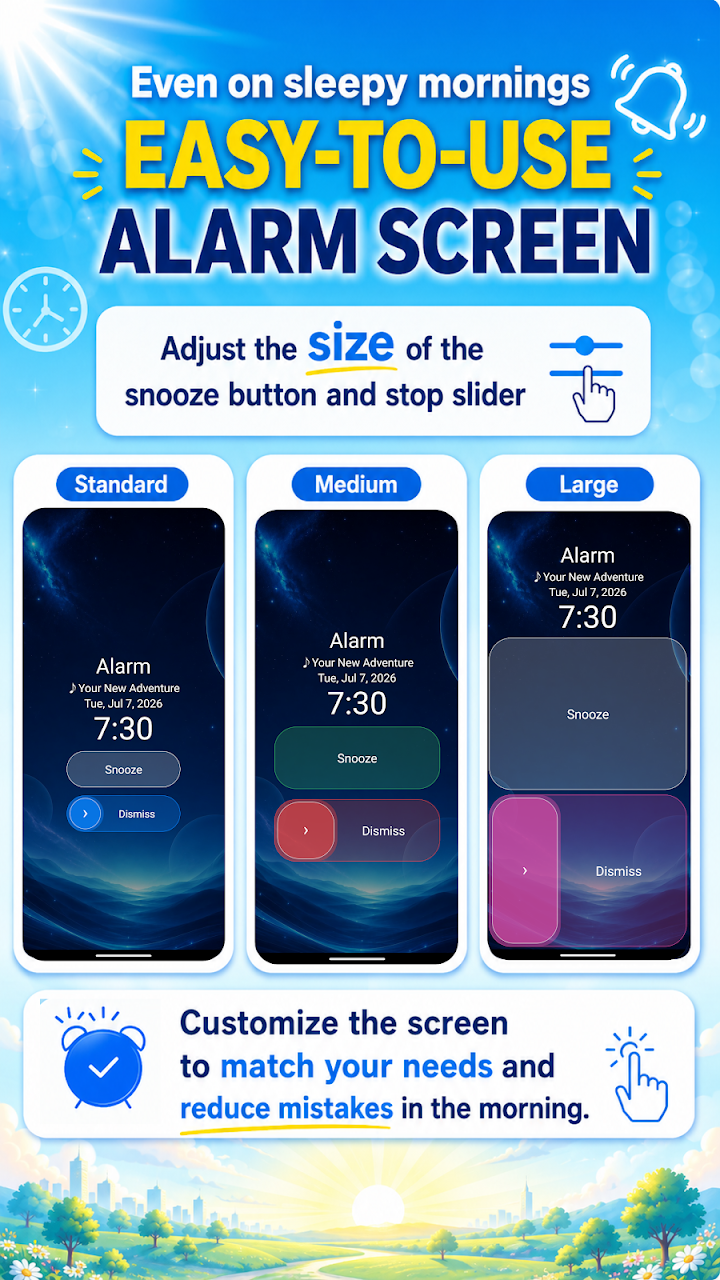
The app can make alarms harder to dismiss while you are half asleep. You can require number entry or a math problem before the alarm stops. You can also adjust the size of the Stop and Snooze buttons to reduce accidental taps.
Other controls let you decide how the alarm behaves. You can change the volume buttons and Back button, lock the On/Off switch, and choose whether sound and vibration work in silent mode or vibrate mode.
Sounds, vibration, and repeat options
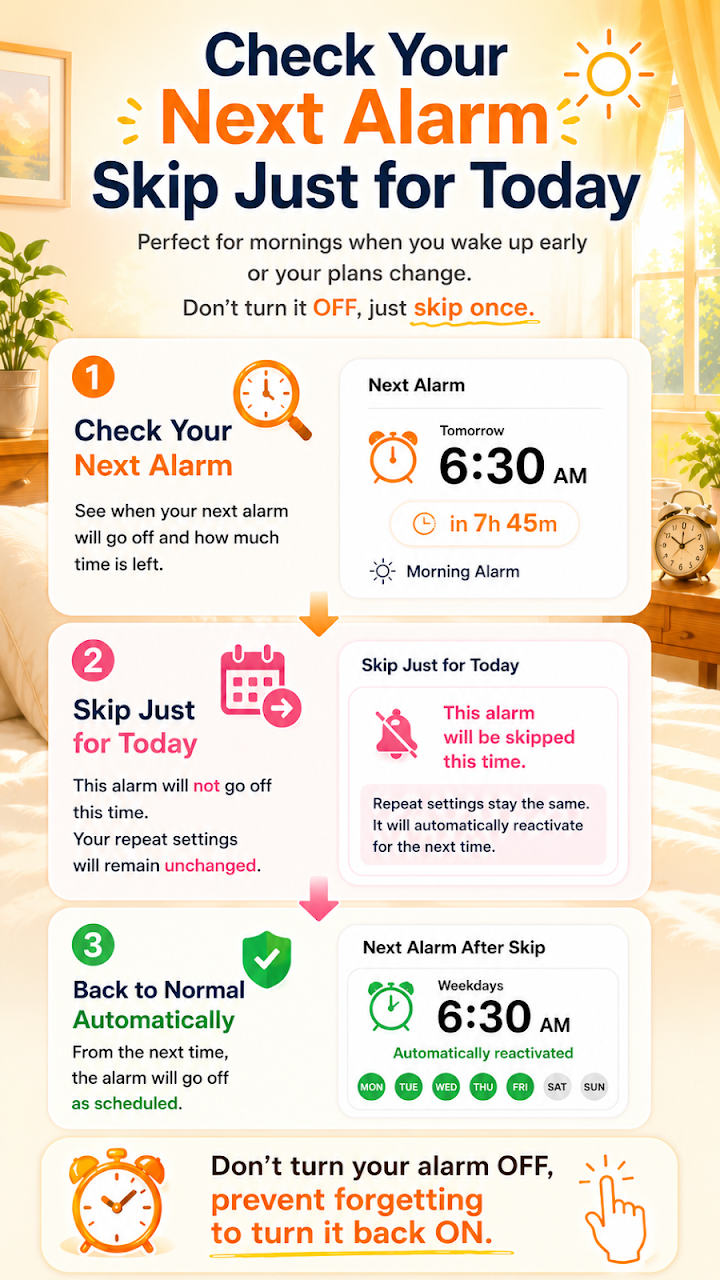
Use your own music files as alarm sounds. The app also offers three vibration levels and gradually increasing alarm volume. If earphones are connected, you can choose whether the alarm plays through the device speaker. Repeating alarms can use specific weekdays, specific days of the month, every few days, or custom patterns. Tap “Next” to check the next alarm date, time, remaining time, sound, volume, and vibration settings.
Limits, permissions, and install details
The free version shows ads and supports up to 30 alarms. Alarms will not work if the device is powered off at the scheduled time, and battery-saving features or task-killer apps may interfere. The app asks for access such as internet, vibration, startup, audio, notifications, alarms, and display over other apps so it can ring, notify, and reschedule alarms. This APK file is 11.2 MB and requires Android 6.0 or later.
Who gets the most from it
Smart Alarm - Alarm Clock suits users who want a plain alarm app with detailed scheduling, holiday skips, and controls that help prevent missed or accidental dismissals.
- Set alarms around real calendars and routines.
- Use your own music and custom repeat rules.
- Keep alarms active with clear stop and snooze controls.
APK information
- Version
- 2.7.6
- Package
- jp.tanyu.SmartAlarmFree
- Category
- Lifestyle
- Size
- 11 MB
- Min Android
- 6.0
- Architecture
- universal
Older versions
-
Smart Alarm - Alarm Clock 2.7.6Nov 12, 2026Latest downloadAPK
Smart Alarm - Alarm Clock FAQ
Do I need an account for Smart Alarm - Alarm Clock?expand_more
The app description does not mention any account requirement. It focuses on alarm setup and device permissions.
Can I make my Smart Alarm - Alarm Clock profile private?expand_more
There is no profile feature described for this app, so privacy settings for a profile are not mentioned.
Is this Smart Alarm - Alarm Clock APK the original file?expand_more
This page describes the APK for Smart Alarm - Alarm Clock by SmartSense Inc. It is listed as a universal APK file.
Does Smart Alarm - Alarm Clock have in-app purchases?expand_more
No. The app is listed as free and does not include in-app purchases.
Can Smart Alarm - Alarm Clock skip holidays?expand_more
Yes. Repeating alarms can skip selected U.S. federal holidays, and the holiday list can be customized.