
SmartLife: Smart Living
Volcano Technology Limited- 4.6star1,391,059 reviews
- 50M+Downloads
- 150 MBAPK size
- EveryoneRated for Everyone
- 6.0+Android
check_circleOriginal APK from Volcano Technology Limited · Updated Nov 11, 2026
No threats found
0 / — antivirus engines flagged this file
Original signature
First seen — Volcano Technology Limited
Unmodified APK
Same file the developer published — no mods
SmartLife: Smart Living screenshots
8 images · tap to enlarge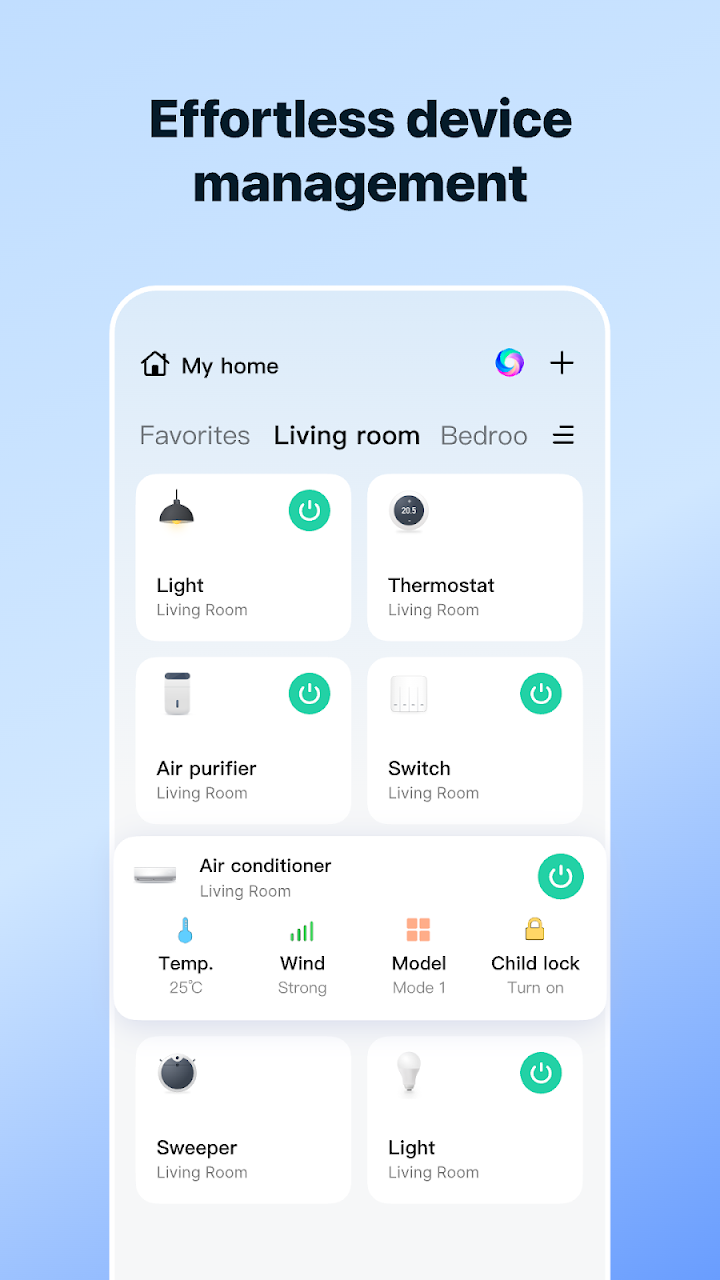
About this app
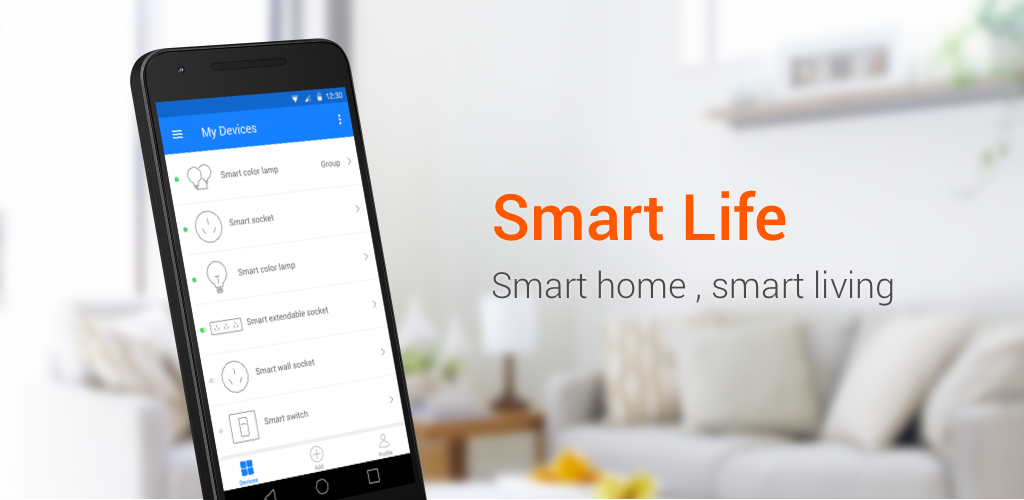
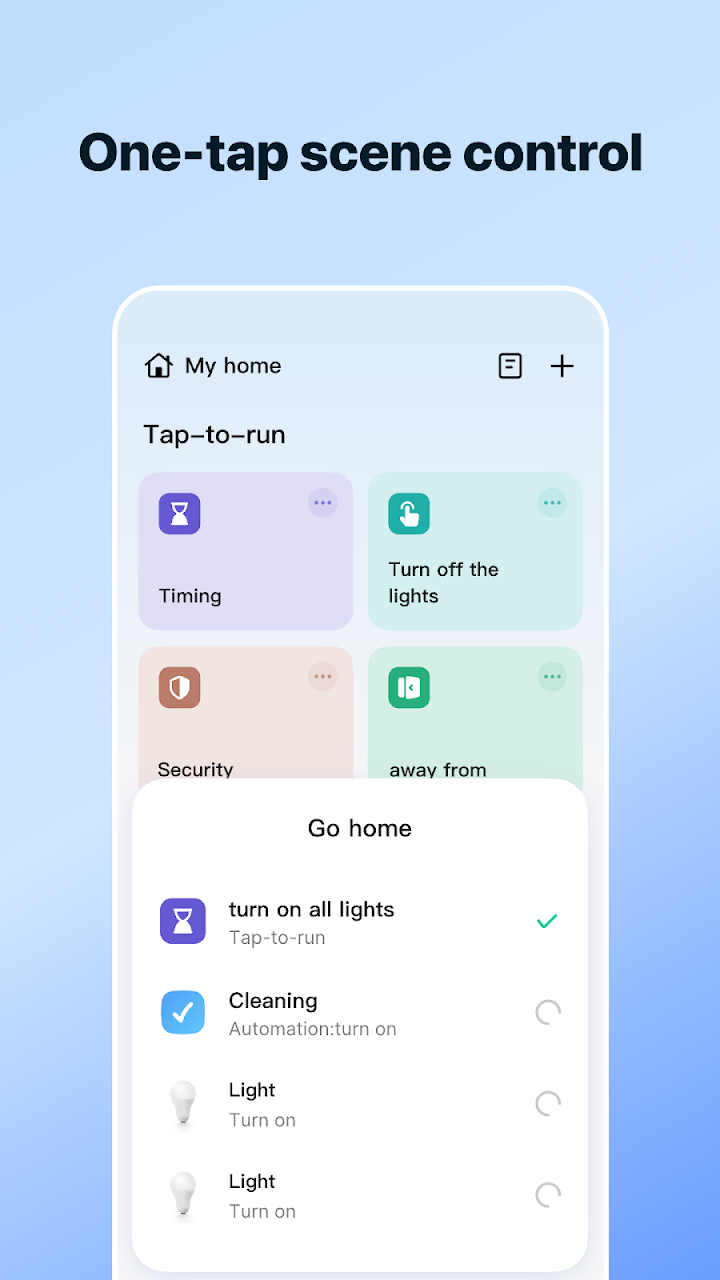
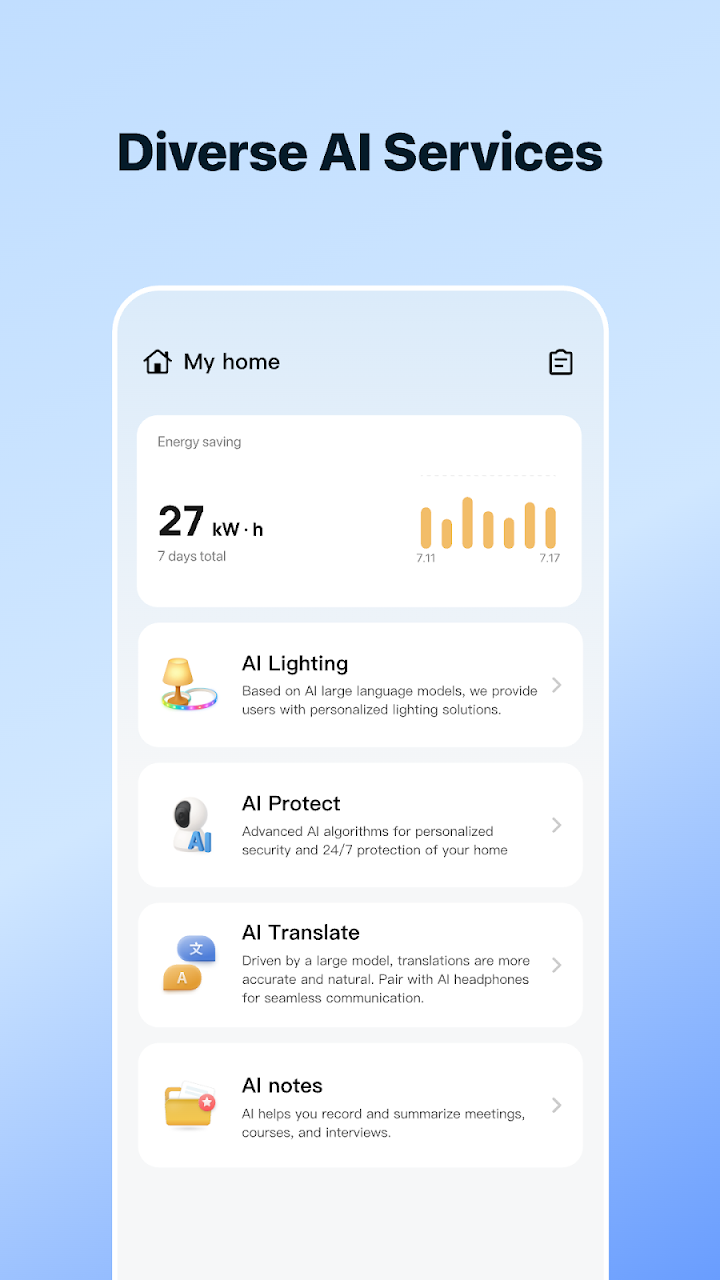
With 50M+ installs and a 4.6 rating, SmartLife: Smart Living brings device control, home monitoring, energy tracking, and shared reminders into one app. It is built for everyday use: open it to switch things on, check alerts, or keep the household schedule in sync without needing to jump between different tools.
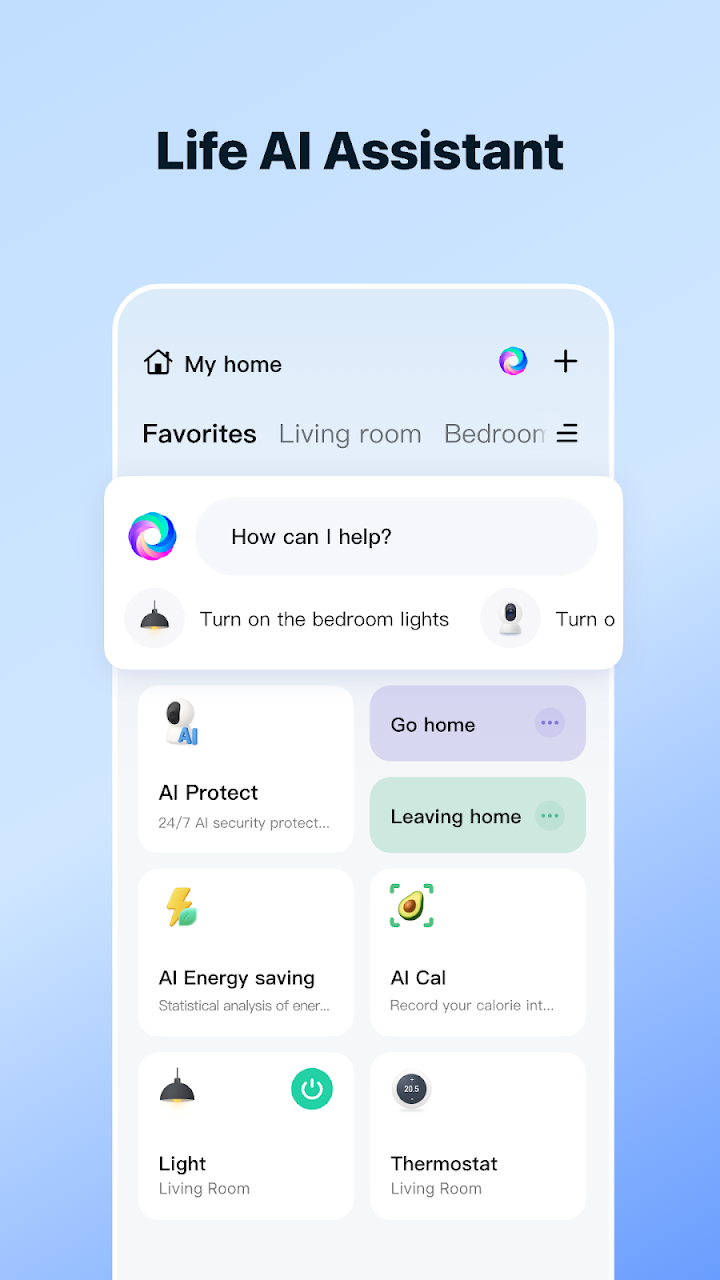
- Device Control — Manage connected devices from one place, or use simple voice-style requests when you want a quicker way to act.
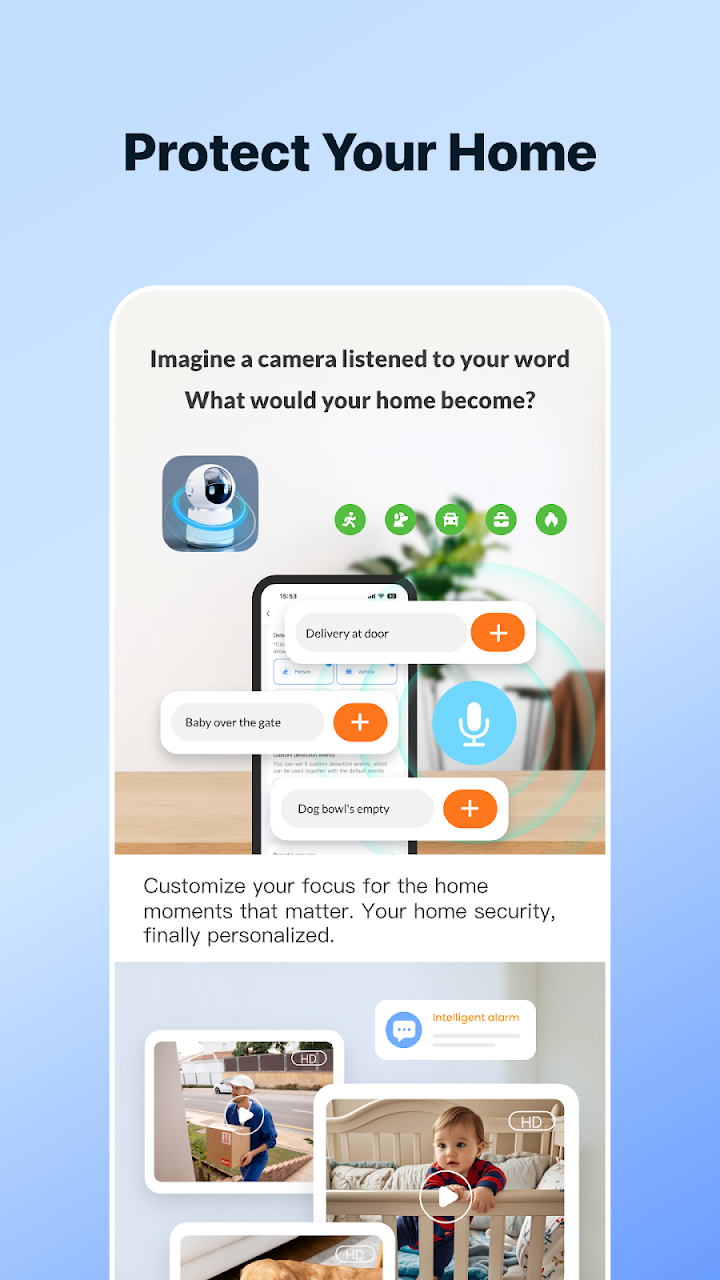
- Home Monitoring — Check real-time monitoring and smart alerts so you can keep an eye on your home throughout the day.
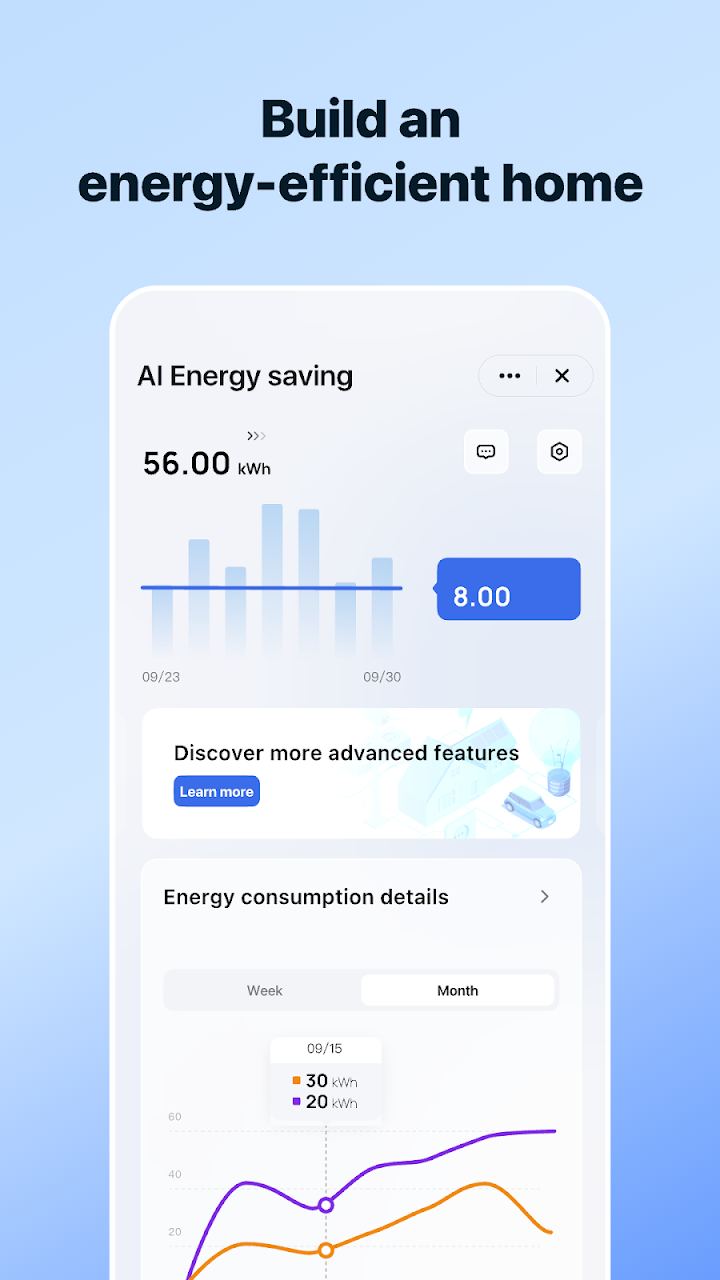
- Energy Tracking — See how energy is being used and use the app’s insights to help spot ways to save on bills.
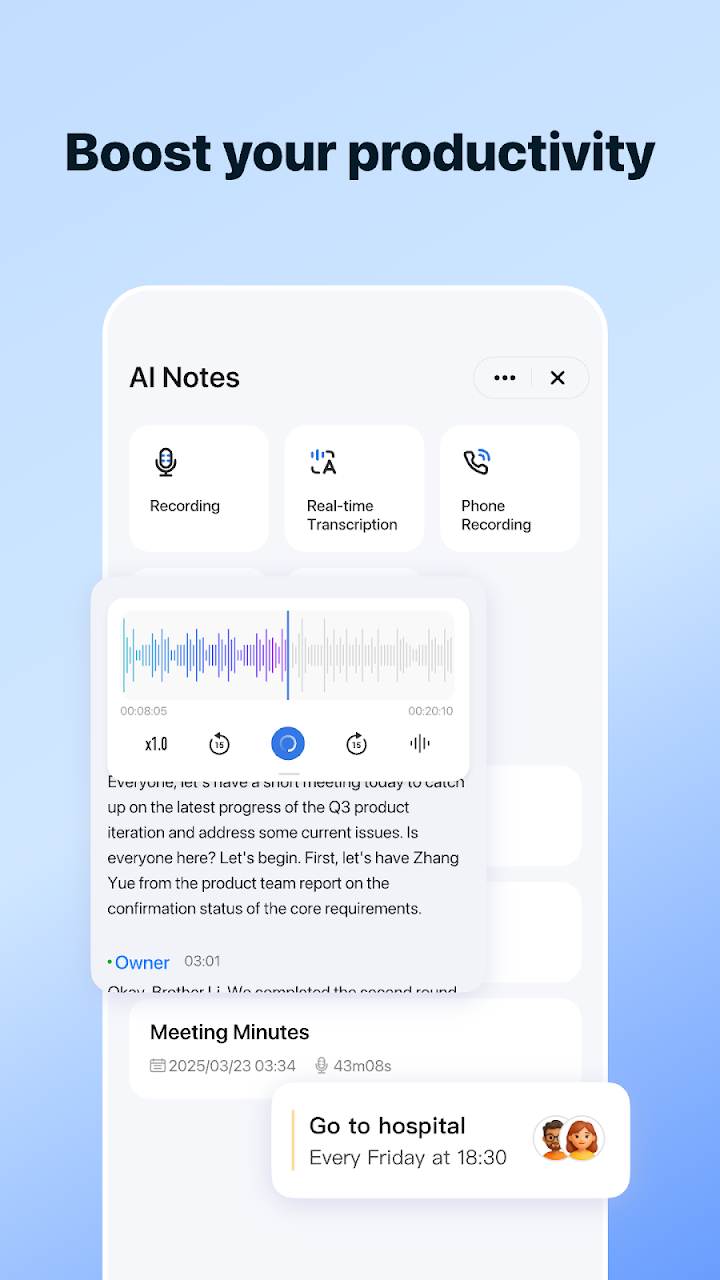
- Shared Reminders — Create shared to-dos and reminders so everyone in the family can stay on the same schedule.
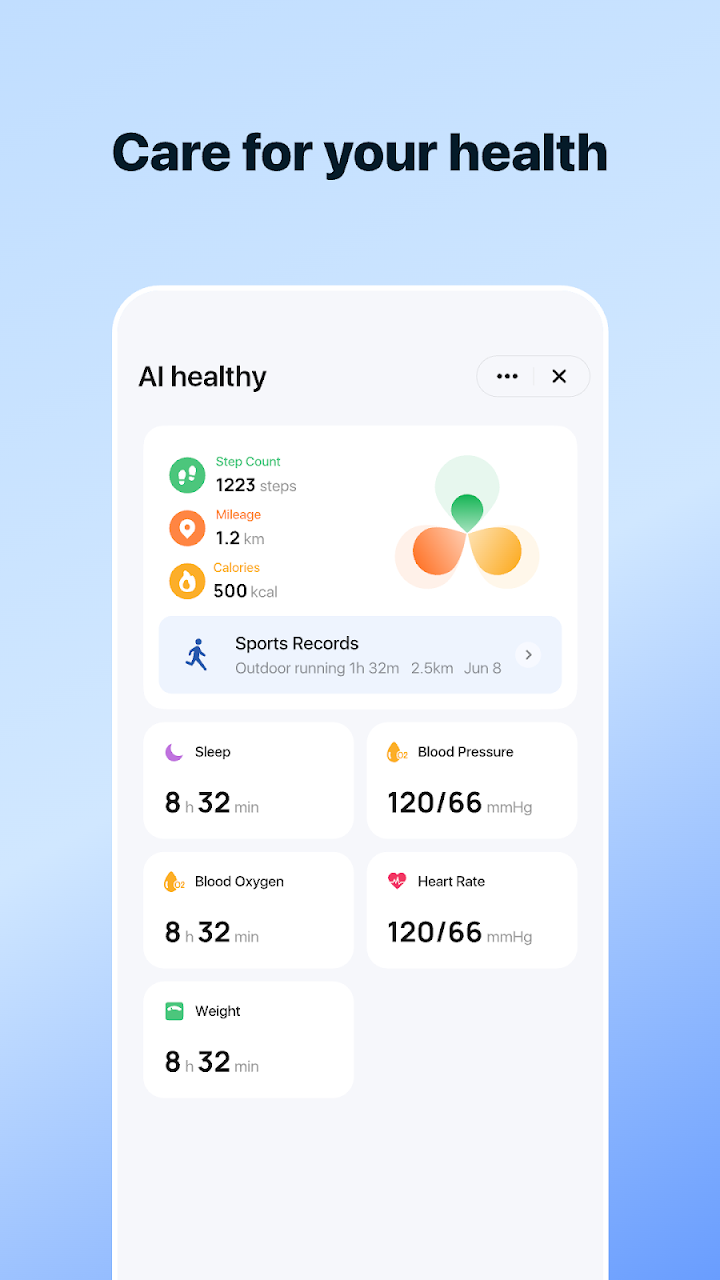
- AI Life Tools — Use built-in tools for fitness, nutrition, meeting summaries, pet care, translation, and more.
Opening SmartLife for the day
SmartLife: Smart Living feels like a central dashboard for routine home tasks. In a normal day, someone might open it to check whether devices are on, look at home alerts, or update a family reminder before heading out. The app is aimed at making those small checks feel quicker, with control, security, and planning in one place.
Control devices from one screen
The app’s control tools are the part most people will use first. You can manage connected devices with a tap, and the app also says you can ask for actions directly. That makes it easier for beginners who do not want to dig through separate menus for each device.
- Tap to manage devices
- Use simple asking to trigger actions
- Keep household controls together
Watch alerts and energy use
For home awareness, SmartLife includes real-time monitoring and smart alerts. That means you can check what is happening and get notified when something needs attention. It also offers energy tracking, so you can review usage and look for ways to cut bills. The app does not mention ads, and there are no listed permissions here.
Shared reminders for family life
Beyond home control, the app also handles shared to-dos and timely reminders. That makes it useful for everyday coordination, like keeping chores, plans, and small tasks visible to the whole family. It is a practical touch for people who want one place for both smart home actions and household organization.
Install size and setup
SmartLife: Smart Living is free, includes in-app purchases, and runs on Android 6.0 and up. The APK is 149.9 MB, and the app format is APK. With a 4.6 rating from 1,383,112 ratings, it has a lot of long-term use behind it, though the rating spread still shows some mixed experiences alongside many strong reviews.
What could feel less simple
The biggest thing to expect is that this is a broad app, not a tiny single-purpose tool. It brings together home control, security, energy, scheduling, and AI life tools, so first-time users may need a little time to find the section they want. Account details are not listed here, so that part is not clear from the app listing alone.
APK information
- Version
- 7.2.3
- Package
- com.tuya.smartlife
- Category
- Lifestyle
- Size
- 150 MB
- Min Android
- 6.0
- Architecture
- universal
Older versions
-
SmartLife: Smart Living 7.2.3Nov 11, 2026Latest downloadAPK
SmartLife: Smart Living FAQ
Do I need an account for SmartLife: Smart Living?expand_more
The listing does not say whether an account is required. It only describes the app’s control, security, energy, scheduling, and AI tools.
Can I make my SmartLife: Smart Living profile private?expand_more
Privacy settings are not described in the app listing. No profile controls are listed there.
What changed in the latest SmartLife: Smart Living version?expand_more
No recent changes are listed for version 7.2.3. The update notes are empty.
Does SmartLife: Smart Living show ads?expand_more
The listing says it does not contain ads. It does include in-app purchases.
What can I do with SmartLife: Smart Living?expand_more
You can manage devices, check real-time home monitoring, review energy use, and set shared reminders. It also includes AI life tools like fitness, nutrition, translation, and pet care.