Speedometer: GPS Speed Meter
Eccentrica Technologies- 3.7star10,250 reviews
- 1M+Downloads
- 9 MBAPK size
- EveryoneRated for Everyone
- 6.0+Android
check_circleOriginal APK from Eccentrica Technologies · Updated Nov 12, 2026
No threats found
0 / — antivirus engines flagged this file
Original signature
First seen — Eccentrica Technologies
Unmodified APK
Same file the developer published — no mods
Speedometer: GPS Speed Meter screenshots
8 images · tap to enlarge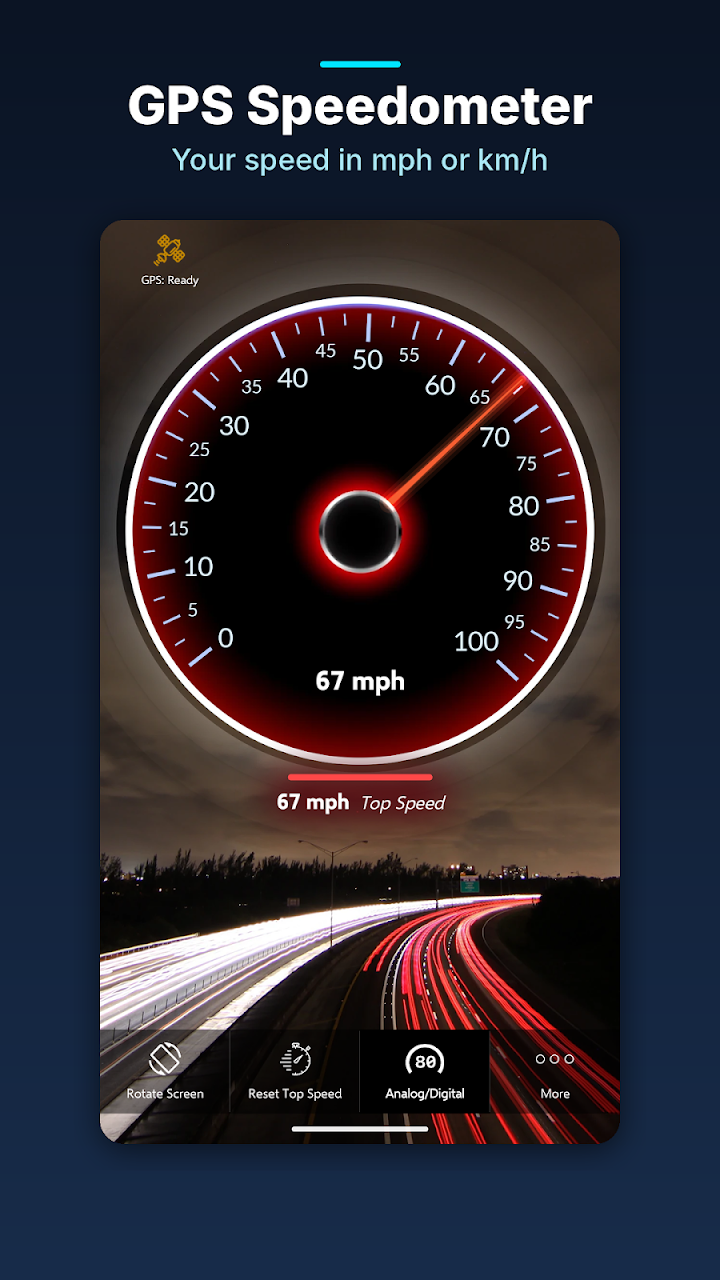
About this app
Track your speed from your phone with an analog or digital GPS speedometer and a speed alarm that warns you when you pass a limit. Speedometer: GPS Speed Meter supports km/h, m/s, mph, and knots, and it can be useful on buses, trains, and other trips where you want a quick speed reading.
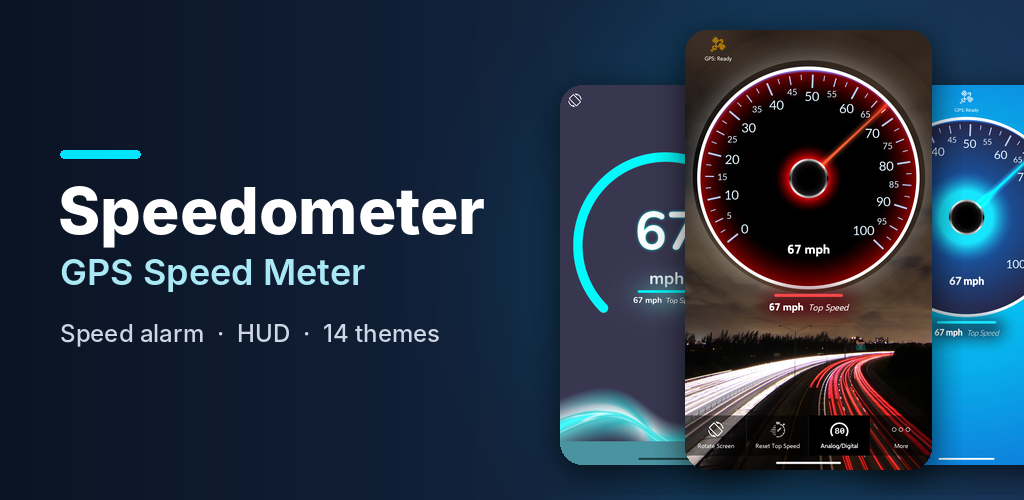
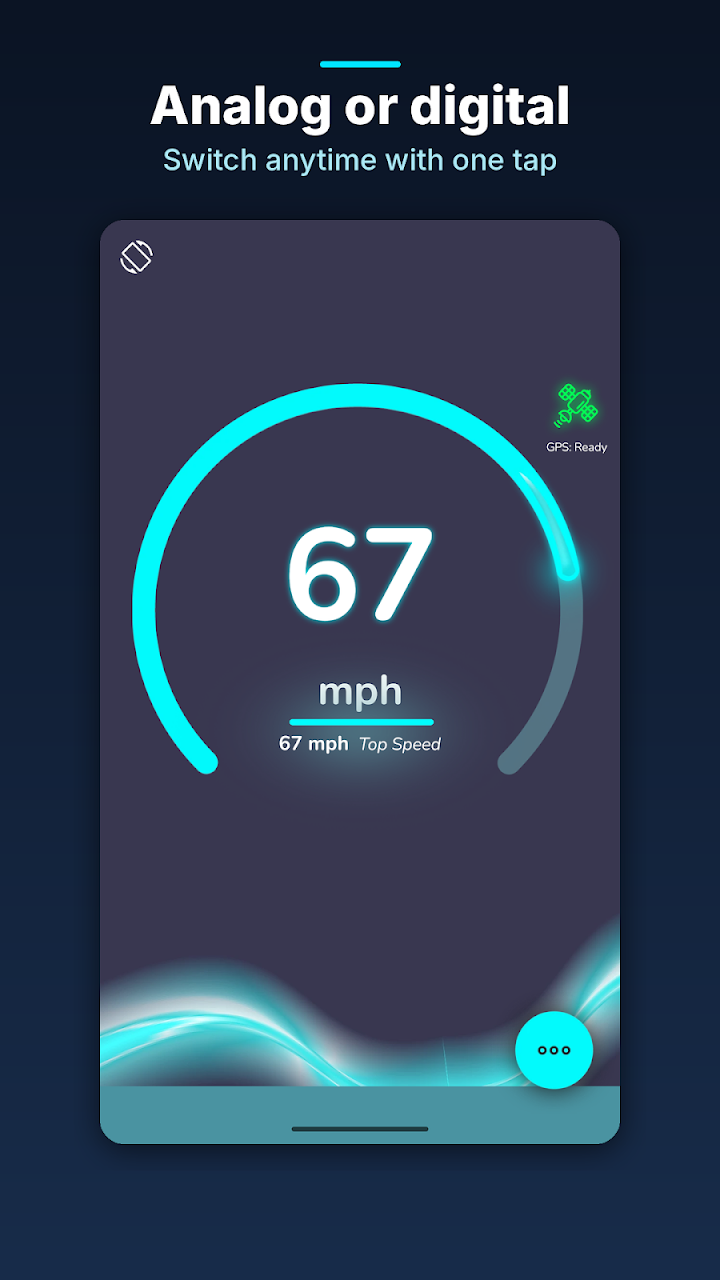
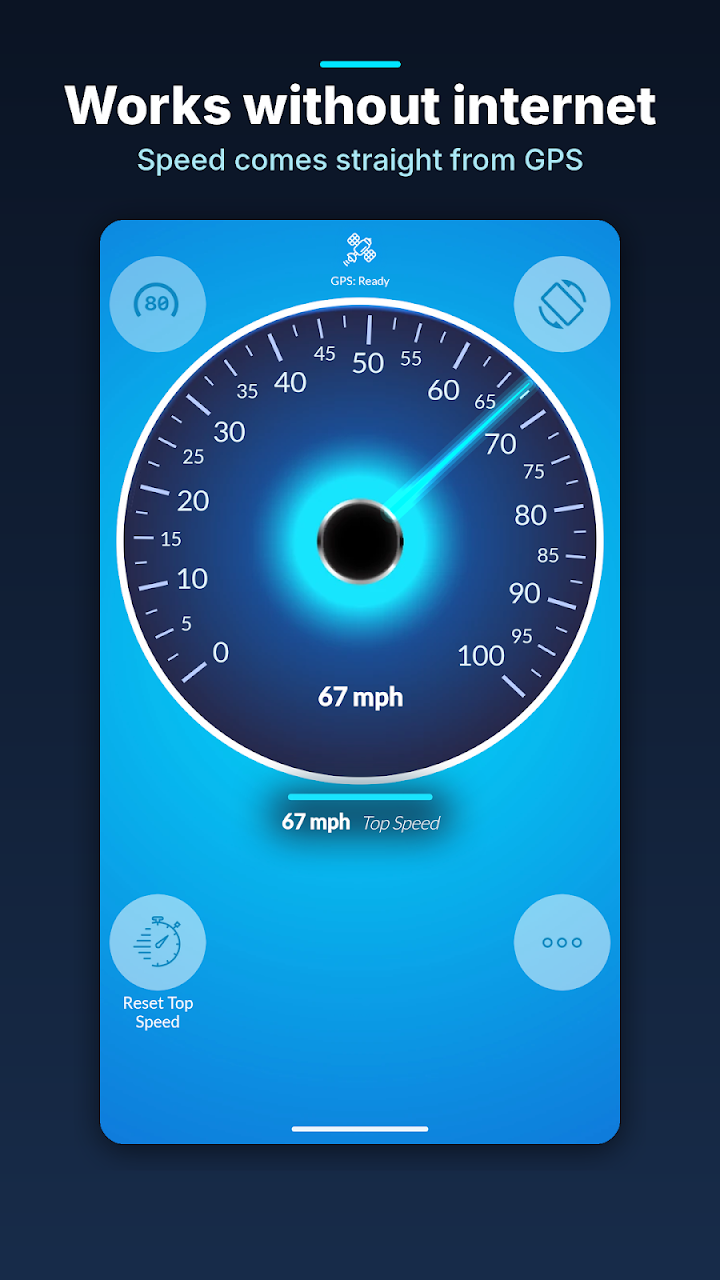
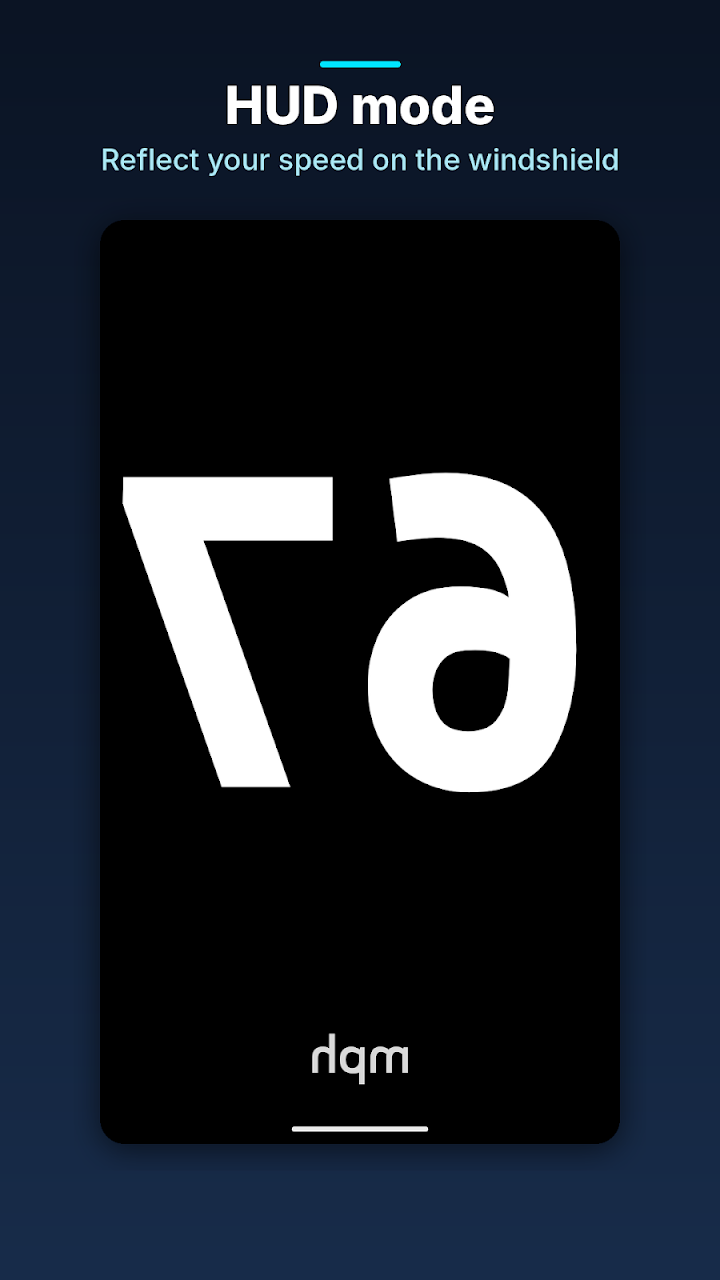
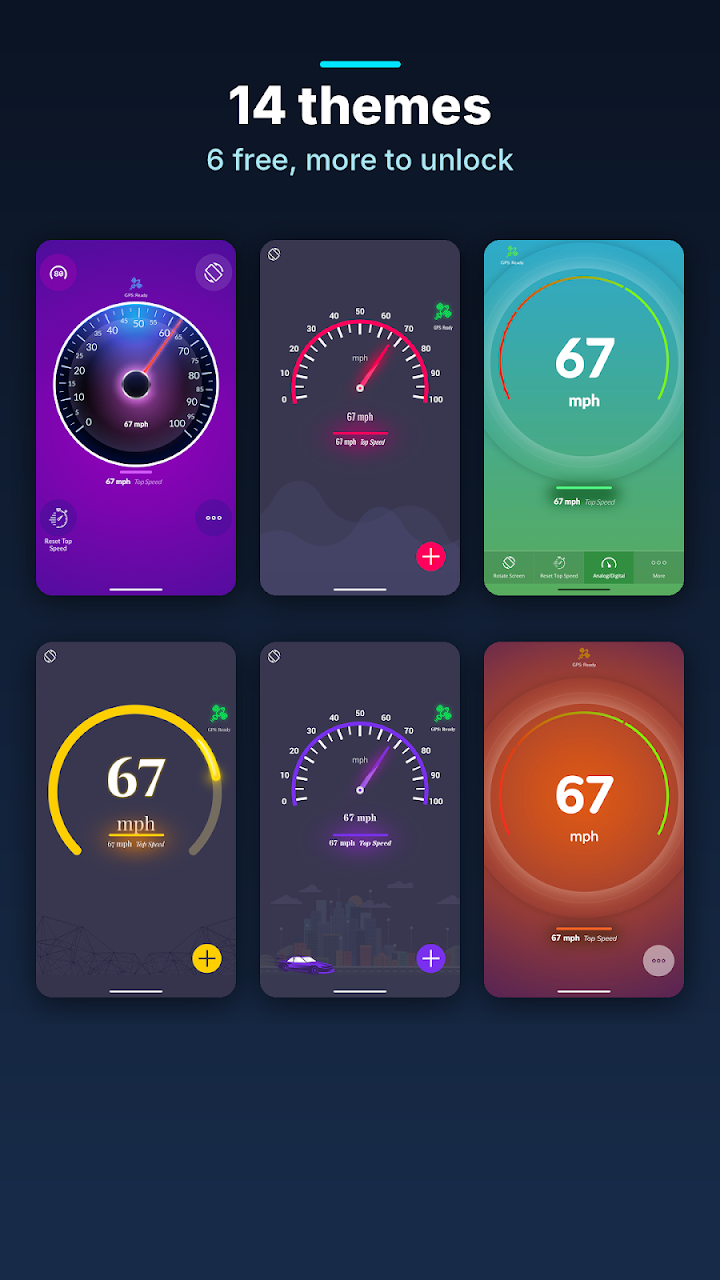
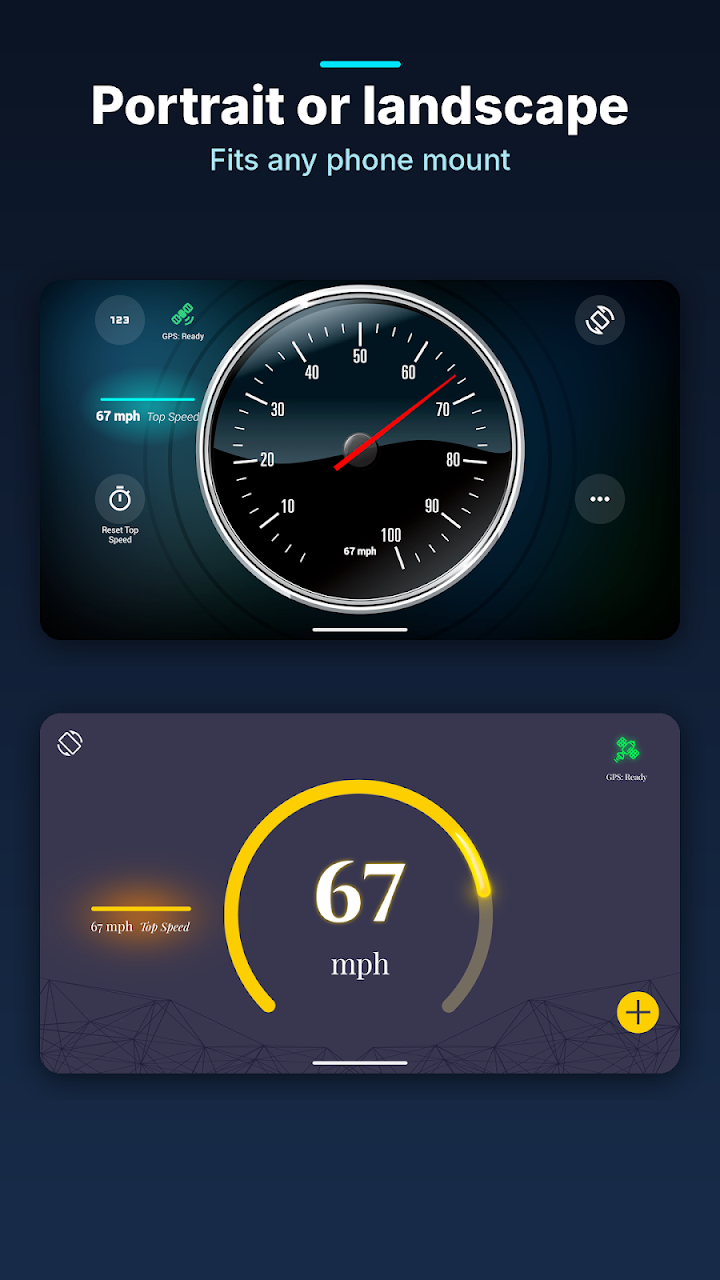
- Analog and digital display — View your speed as a dial with a needle or as digital numbers.
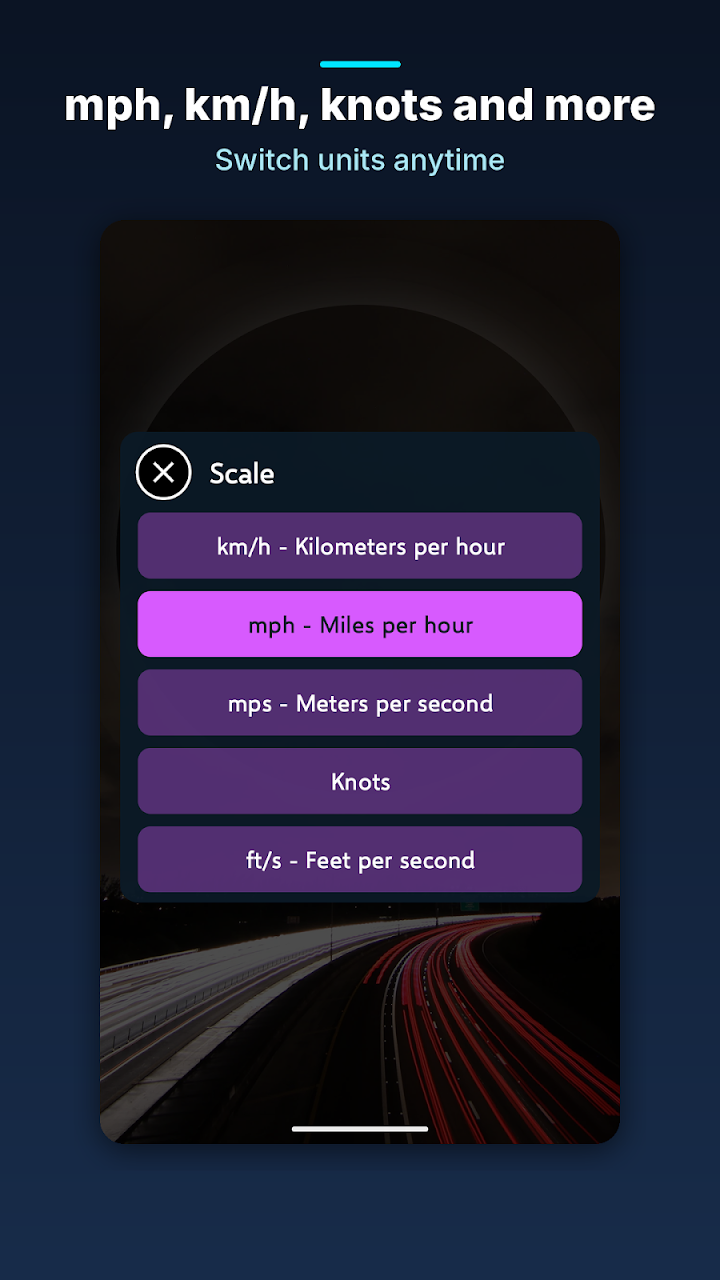
- Four speed units — Switch between km/h, m/s, mph, and knots whenever you need to.
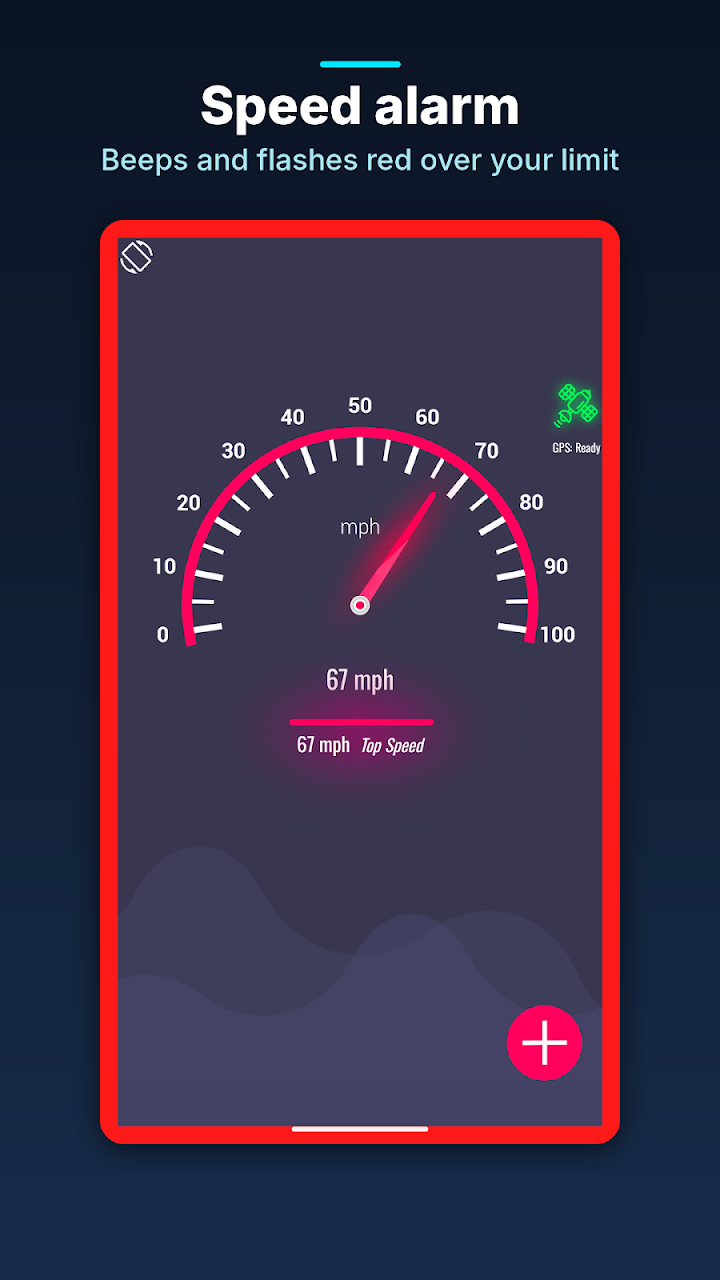
- Speed alarm — Set a cap and the app will warn you when you go beyond it.
- GPS-based reading — The app uses your phone’s built-in GPS to measure speed.
- Simple trip use — Launch it, wait for GPS lock, and check the speed of a bus, train, or other ride.
Check speed without a vehicle display
Speedometer: GPS Speed Meter is for times when you want a speed reading from your phone instead of a dashboard. It shows your current pace with both analog and digital layouts, so you can read it in the style you prefer. The app is free, includes ads, and offers in-app purchases.
Switch units and set a limit
You can change the scale on the move between km/h, m/s, mph, and knots. That makes it easier to compare different trips or match the unit you use most. The speed alarm adds a second layer: set a cap, and the phone warns you when you go past it.
Useful on public transport
The app is not limited to car use. It can be handy on a bus, train, or other public transport when you want to see how fast the vehicle is moving. It uses GPS, so you need a moment for the signal to lock before the readings are ready. The app is an APK, needs Android 6.0 or later, and takes 9.4 MB.
- Gets: analog and digital speed display, unit switching, speed alarm.
- Gets: free install with ads and in-app purchases.
- Watch for: a short GPS lock wait before use.
- Watch for: no listed permissions, and no account requirement is stated.
Limits to keep in mind
The app’s own warning says not to use it while driving. If you want to change settings or adjust the alarm, park first and then operate your phone. That is the main trade-off: it can help you monitor speed, but it still relies on you to use it safely.
Verdict for practical speed checks
If you want a simple GPS speedometer with a warning for set limits, this app fits that job. It is more focused than broader home or device apps, and it is aimed at speed reading rather than navigation or trip logging. For people who only need a quick speed check, that narrow approach can be enough.
What's new
Version 7.1.2 · Nov 12, 2026
- Improved purchase reliability and bug fixes.
APK information
- Version
- 7.1.2
- Package
- com.valueapps.utilities.speedometer
- Category
- Lifestyle
- Size
- 9 MB
- Min Android
- 6.0
- Architecture
- universal
Older versions
-
Speedometer: GPS Speed Meter 7.1.2Nov 12, 2026Latest downloadAPK
Speedometer: GPS Speed Meter FAQ
Do I need an account for Speedometer: GPS Speed Meter?expand_more
No account requirement is listed.
Can I make my Speedometer: GPS Speed Meter profile private?expand_more
There is no profile feature described, so privacy controls for a profile are not listed.
What permissions does Speedometer: GPS Speed Meter ask for?expand_more
No permissions are listed.
Which Android version does Speedometer: GPS Speed Meter need?expand_more
It requires Android 6.0 or later.
Can I switch between speed units in the app?expand_more
Yes. It supports km/h, m/s, mph, and knots, and you can change the scale while moving.