
- 4.0star1,273 reviews
- 100K+Downloads
- 1 MBAPK size
- EveryoneRated for Everyone
- API 14+Android
check_circleOriginal APK from Ninvus Apps · Updated Nov 12, 2026

No threats found
0 / — antivirus engines flagged this file
Original signature
First seen — Ninvus Apps
Unmodified APK
Same file the developer published — no mods
Spiro. Little Big Tools screenshots
6 images · tap to enlarge

About this app
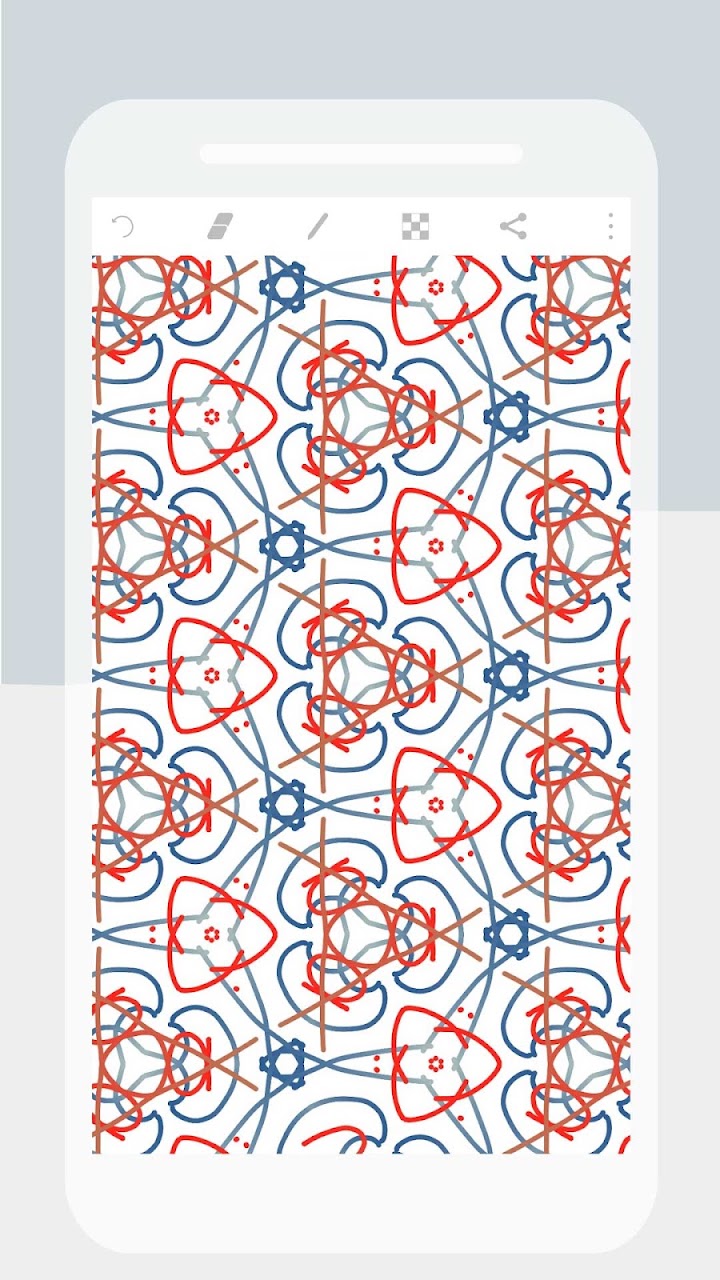
Spiro. Little Big Tools focuses on pattern, fractal, and mandala drawing in a lightweight Android app. It gives you a simple set of tools for symmetric designs, branching fractals, and pattern creation. There are no ads, no in-app purchases, and no permissions listed, so the app stays centered on drawing.
- Fractals — Choose the number of branches and build fractal drawings with the main tool.
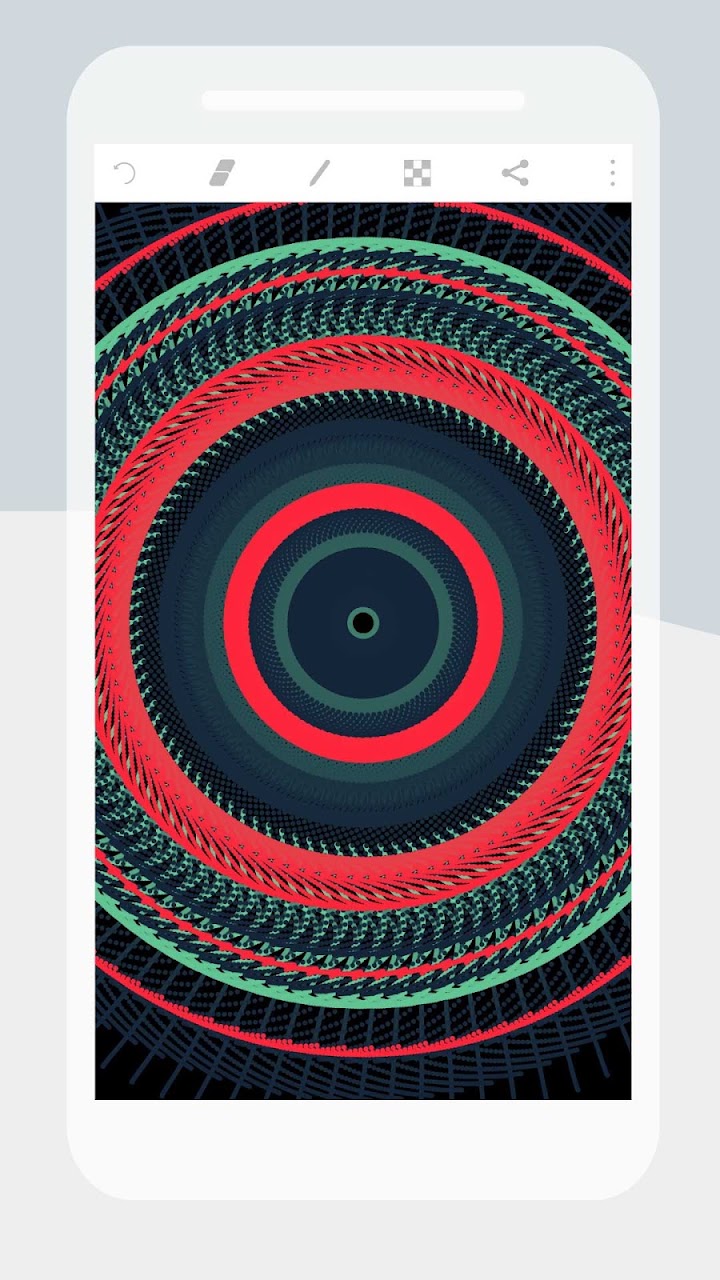
- Mandalas — Use the symmetric drawing option to make mandala-style designs.
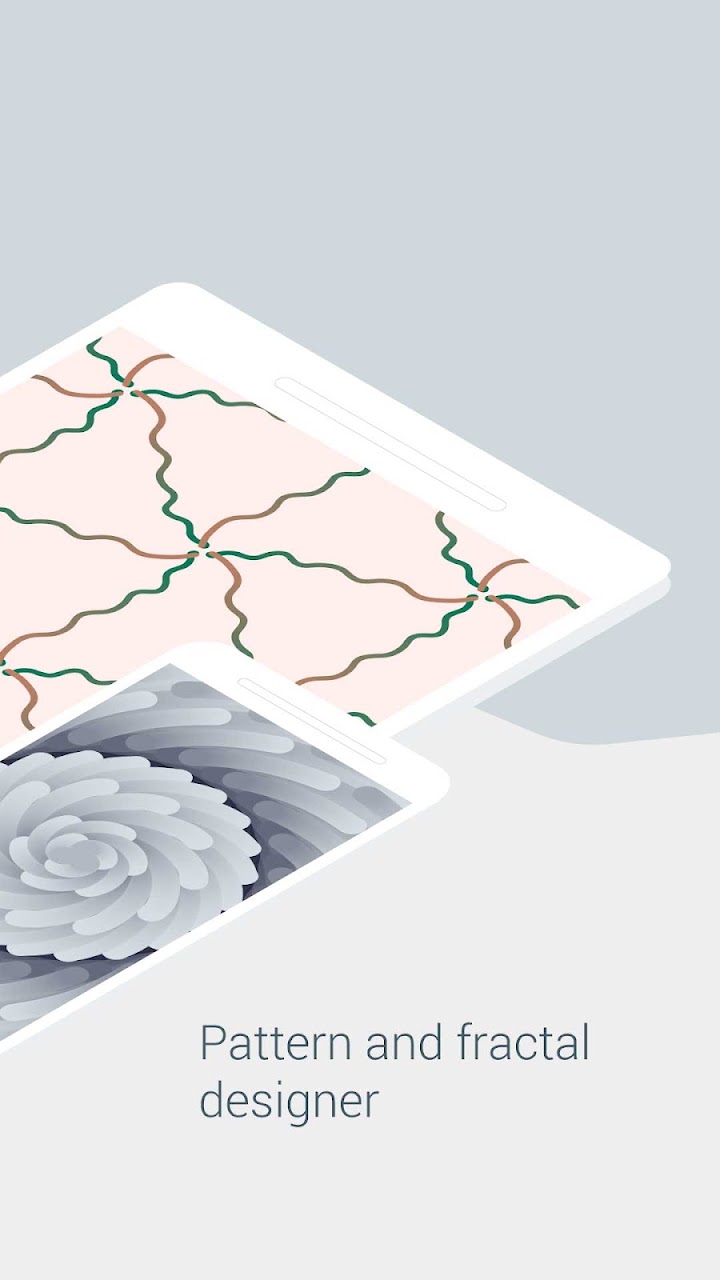
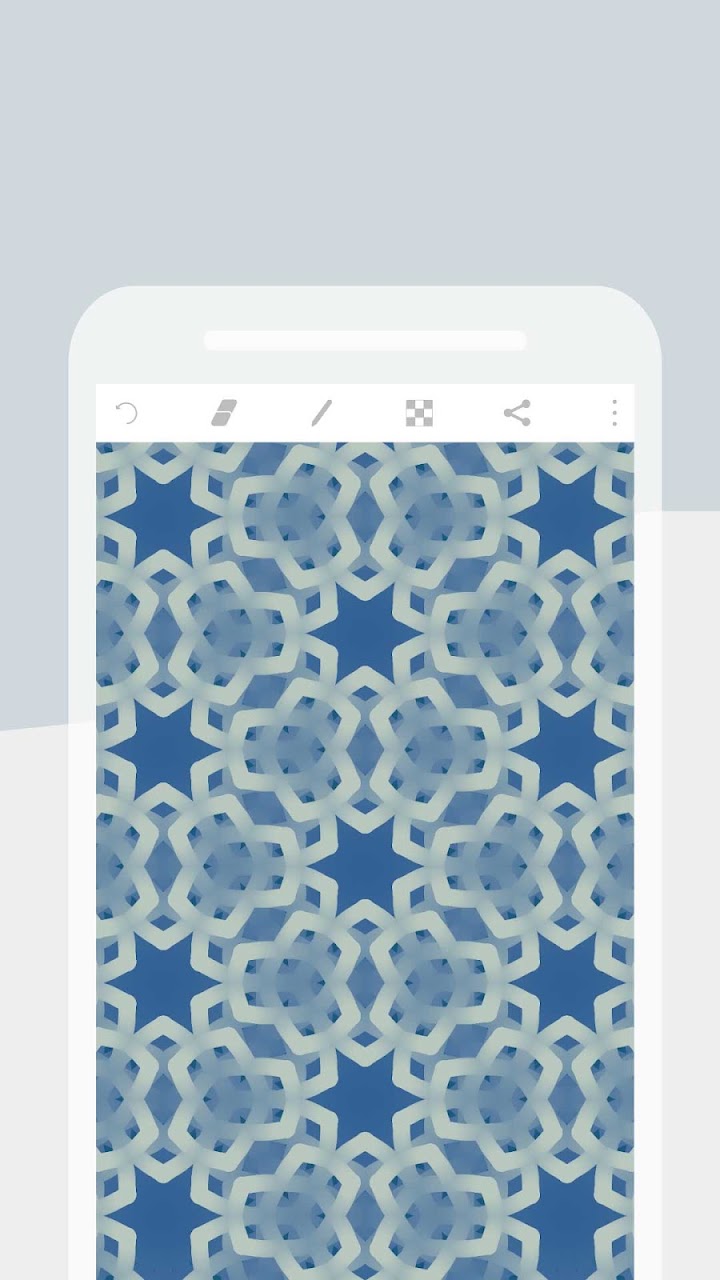
- Patterns — Switch to the pattern creator for repeated designs and custom layouts.
- Free to use — The app is free, with no ads and no in-app purchases.
- Light install — It comes as a 1.5 MB universal APK for Android API 14 and up.
Current release details
This version does not list any recent changes, so the app’s current release is about the core drawing tools already in place. Spiro. Little Big Tools stays focused on fractals, mandalas, and patterns, with no added permissions to review before install.
Drawing tools for repeating designs
Spiro gives you three clear paths for geometric art. The fractal tool lets you set branch count and draw from there. The mandala option uses symmetry to shape balanced designs. The pattern creator is there for repeated forms when you want to build something more regular.
What you get:
- Fractal drawing with branch control
- Symmetric mandala creation
- Pattern design tools
- Free app with no ads
Simple setup, small download
The app is free and does not include in-app purchases. It also lists no permissions, which keeps the install straightforward. The download is an APK file, sized at 1.5 MB, and it works on Android API 14 and up. The app is universal, so it is not tied to a single device type.
What to expect from the experience
Spiro is aimed at people who want to draw decorative shapes without a heavy toolset. It is not a full photo editor or a general art studio. Instead, it concentrates on one kind of work: building fractals, mandalas, and patterns with a few direct tools.
What to watch for:
- No listed permissions
- No ads or in-app purchases
- No RAW photo editing tools
- No account details are listed
Version and device fit
Spiro. Little Big Tools was released on 2018-02-05 and was last updated on 2023-03-15. It has a 4.0 rating from 1,273 ratings and 100K+ installs. If you want a compact Android app for geometric drawing, this one keeps its scope narrow and clear.
APK information
- Version
- 1.0
- Package
- com.ninvus.spiro
- Category
- Art & Design
- Size
- 1 MB
- Min Android
- API 14
- Architecture
- universal
Older versions
-
Spiro. Little Big Tools 1.0Nov 12, 2026Latest downloadAPK
Spiro. Little Big Tools FAQ
Does Spiro. Little Big Tools add a watermark?expand_more
The listing does not mention watermarks. It also says the app has no ads and no in-app purchases.
Can Spiro. Little Big Tools edit RAW photos?expand_more
No. The app is for drawing fractals, mandalas, and patterns, not photo editing.
Which Android version does Spiro. Little Big Tools need?expand_more
It needs Android API 14 or higher.
How big is the Spiro. Little Big Tools download?expand_more
The APK size is 1.5 MB.
What can I draw with Spiro. Little Big Tools?expand_more
You can make fractals, mandalas, and patterns using the app’s drawing tools.