- 4.2star50,865 reviews
- 10M+Downloads
- 23 MBAPK size
- TeenRated for Teen
- API 16+Android
check_circleOriginal APK from iDroid Solution · Updated Nov 10, 2026
No threats found
0 / — antivirus engines flagged this file
Original signature
First seen — iDroid Solution
Unmodified APK
Same file the developer published — no mods
AI Tattoo Maker: Name on Photo screenshots
7 images · tap to enlarge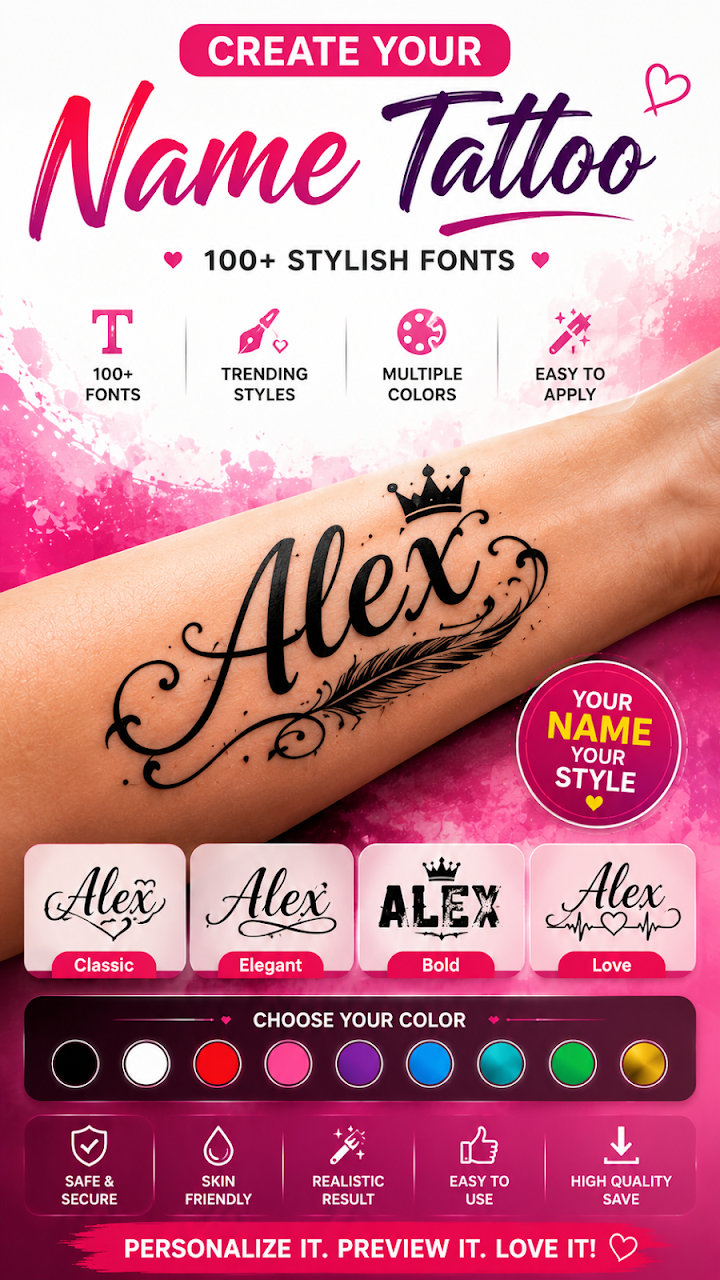
About this app
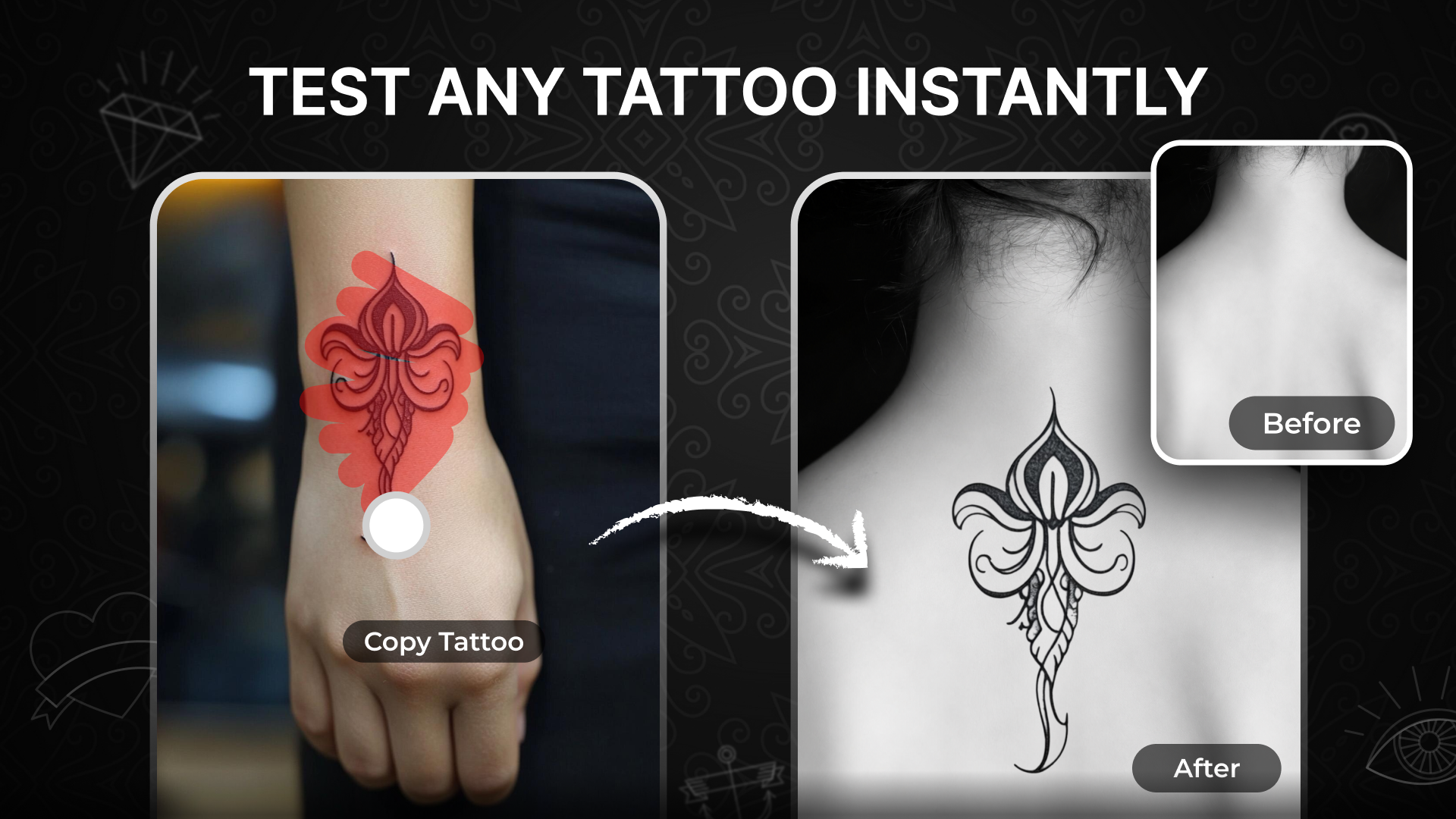
iDroid Solution’s Tattoo Maker - Name on Photo is an Art & Design app for previewing tattoos on your photos. It is built for quick testing of placement, size, and style before getting inked. Open it when you want to try a name tattoo, compare designs, or save a mockup to show someone later.
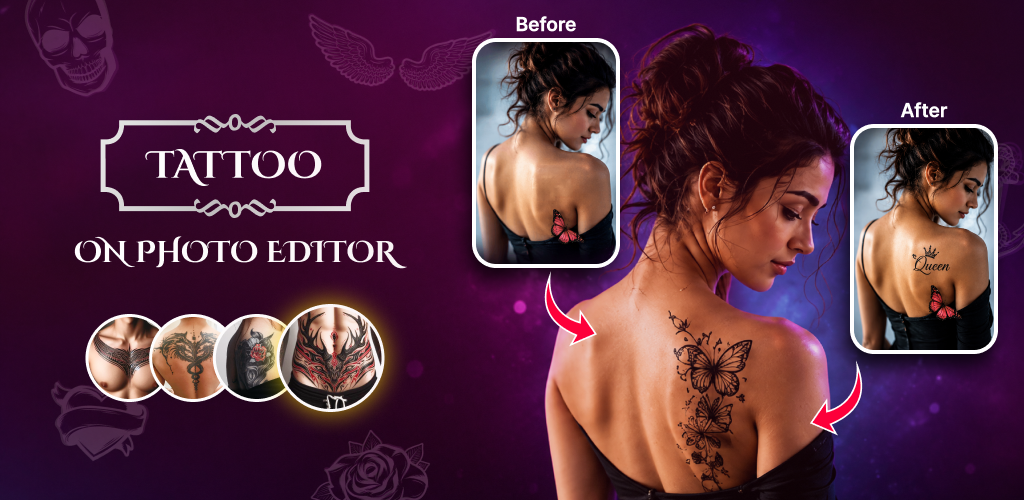
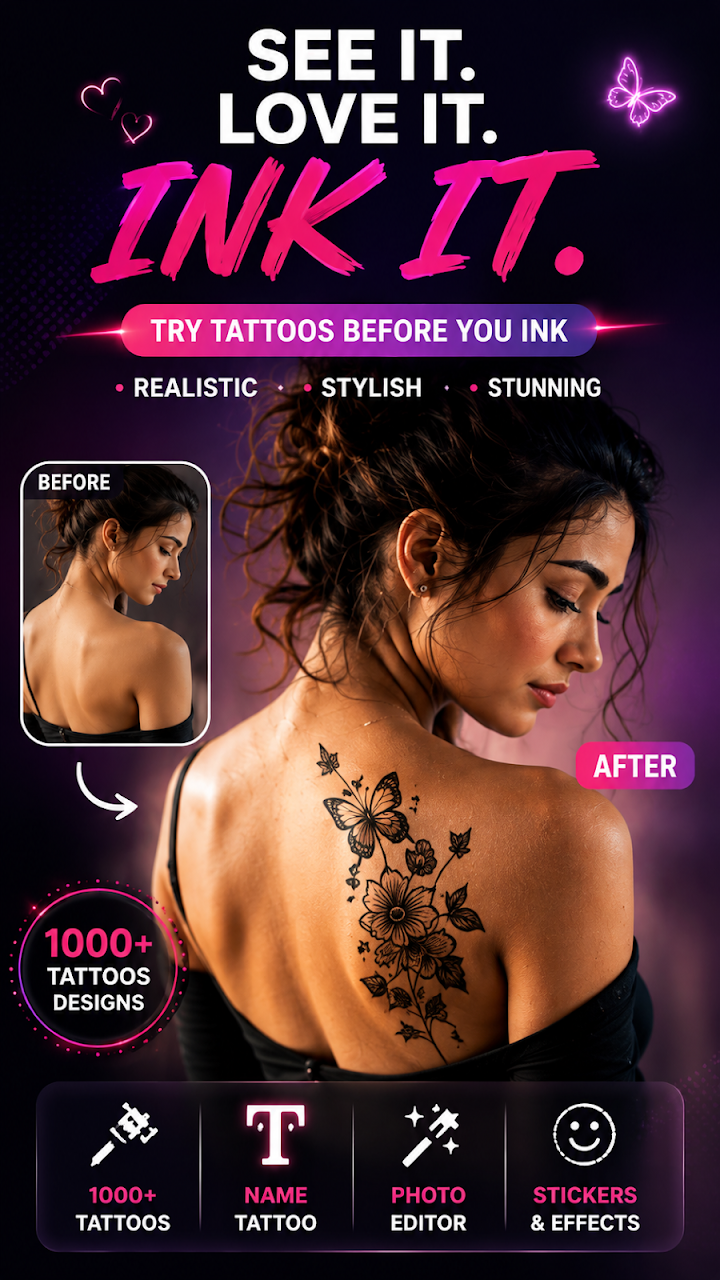
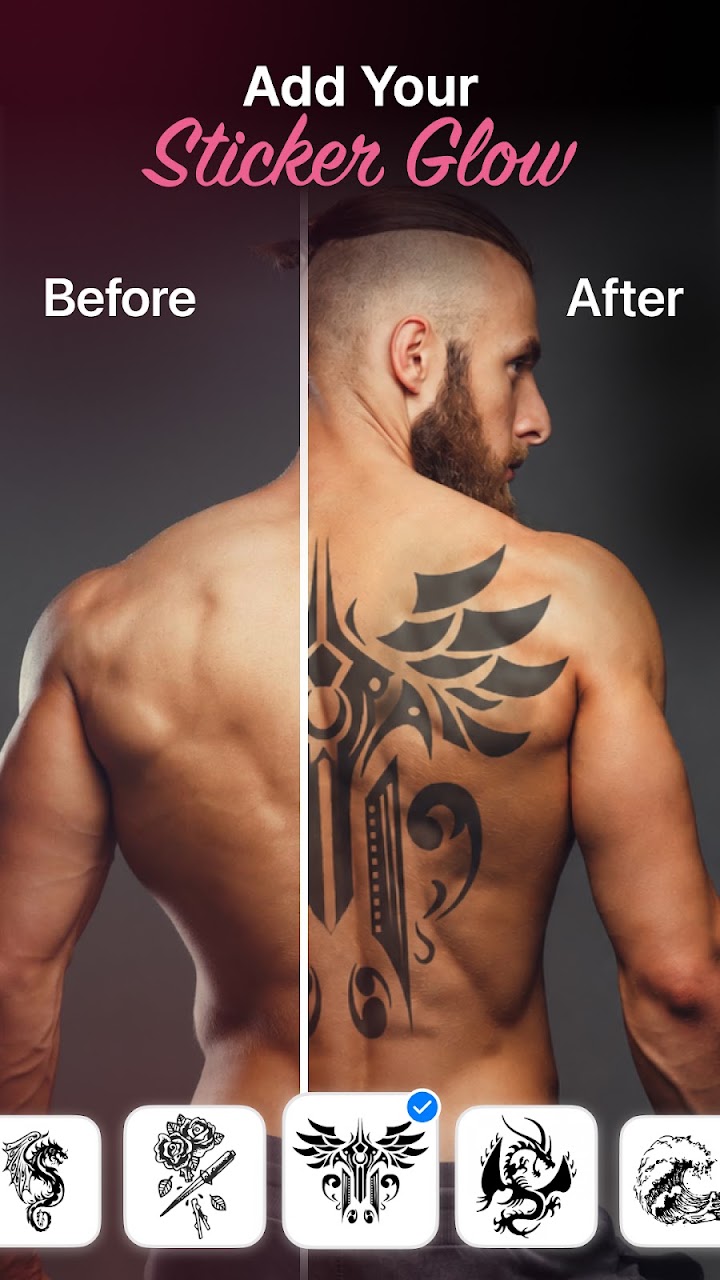
- Photo tattoo previews — Place tattoo designs on your own photo and adjust size, rotation, flip, and position.
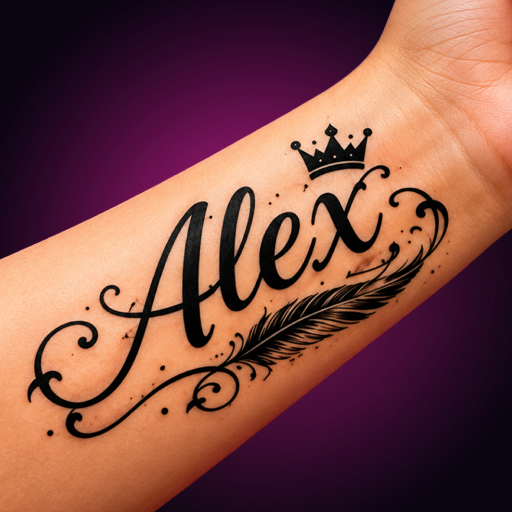
- Name tattoo tool — Add names, words, or quotes with tattoo fonts and change the text size and placement.
- Placement options — Try tattoos on the arm, hand, wrist, chest, neck, back, shoulder, or leg.
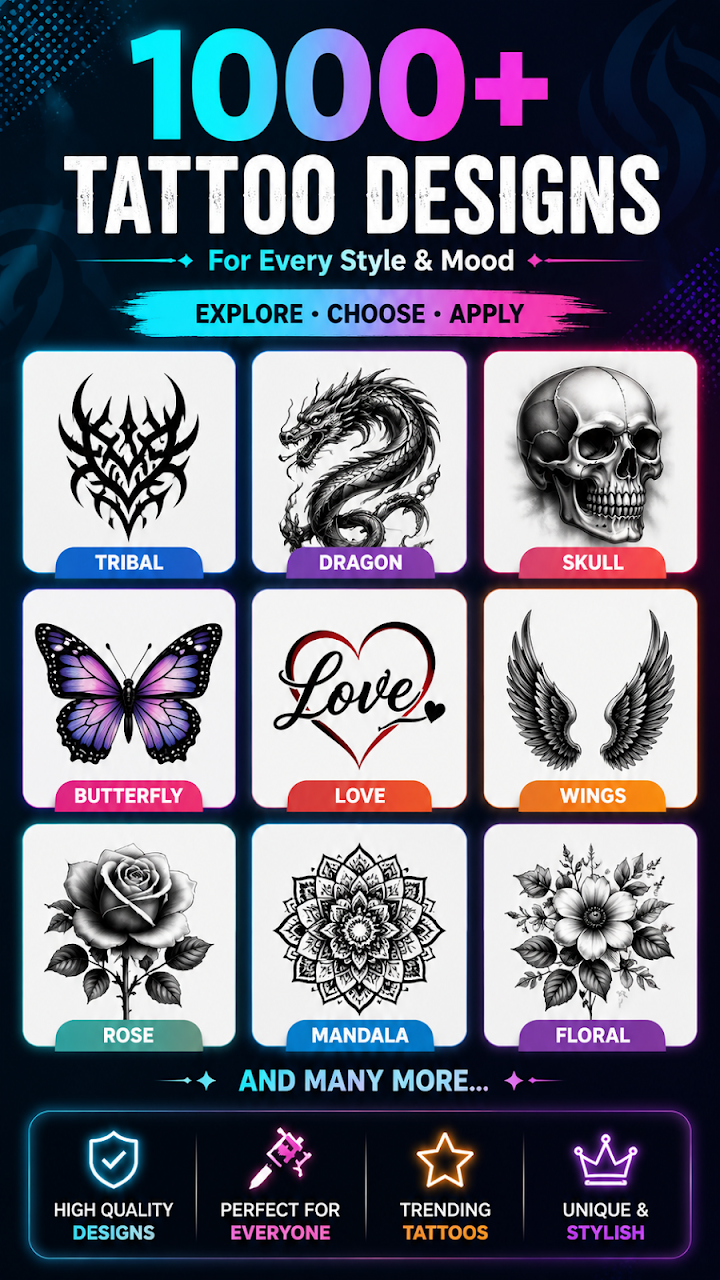
- Design ideas — Browse tattoo ideas for men, women, boys, girls, and different style themes.
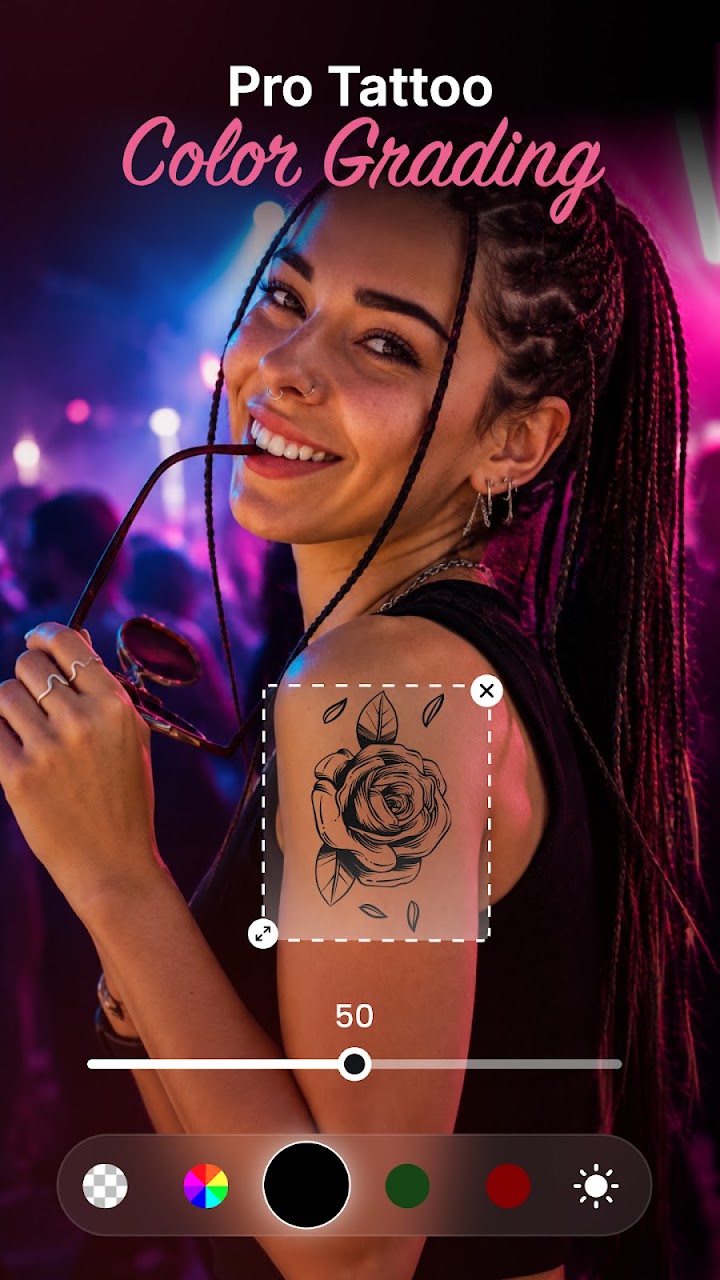
- Natural effect controls — Use transparency adjustment to make the tattoo look more natural on the photo.
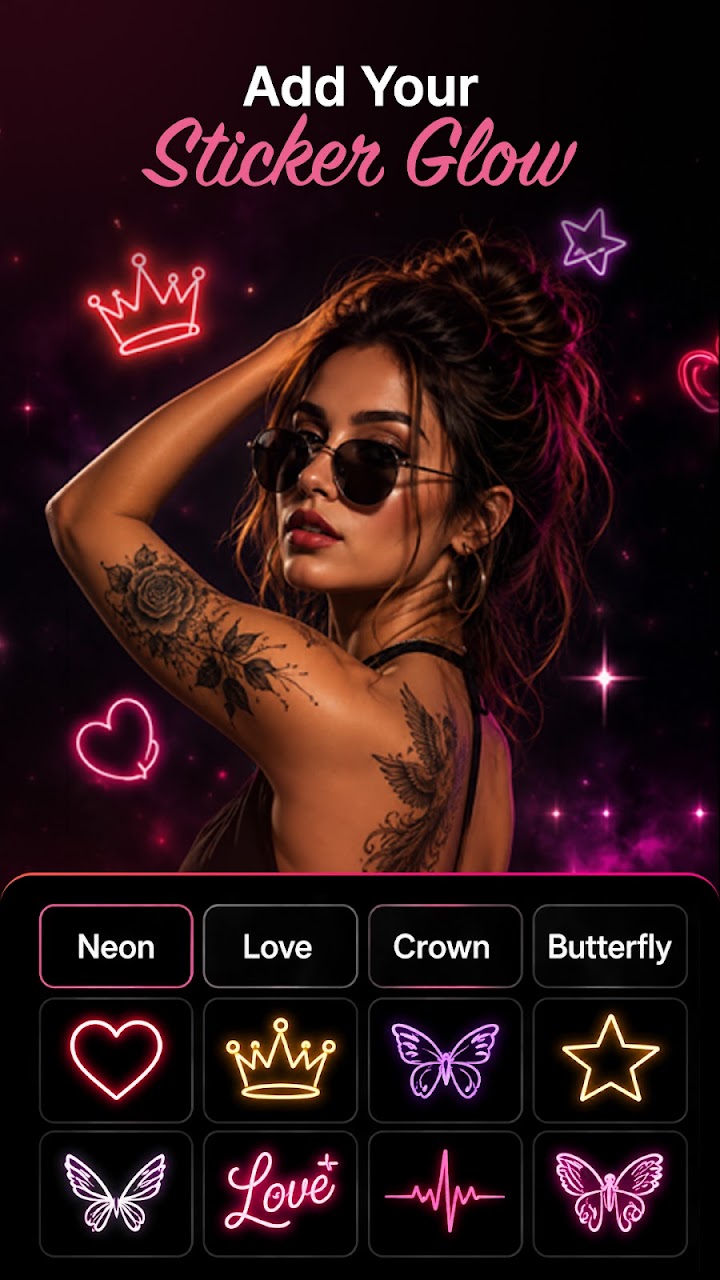
- Save and share — Save finished tattoo photos and share them with friends and family.
Try a tattoo on your photo
People usually open this app when they are thinking about a tattoo but are not ready to commit. It gives a simple way to test how a design looks on a real photo. You can place a tattoo on the arm, hand, wrist, chest, neck, back, shoulder, or leg, then move it until it sits where you want.
The editing controls are direct. Resize, rotate, flip, and reposition the design until it matches the photo. Transparency adjustment helps the tattoo sit into the image instead of looking pasted on.
Create a name tattoo
If you want text instead of an image, the app has a name tattoo tool. Add a name, word, or quote, then choose from tattoo-style fonts and adjust the text size and placement. This is useful for checking whether a lettering style works before you use it for real.
- Custom names and quotes
- Tattoo fonts and decorative text
- Simple controls for placement
Browse tattoo ideas and styles
The app also works as a place to look for tattoo inspiration. It includes ideas for small tattoos, minimalist tattoos, meaningful designs, love and couple tattoos, butterfly designs, dragon designs, flower designs, animal designs, tribal designs, and letter tattoos. There are also sections for tattoo designs for men, women, boys, and girls.
This makes it useful on days when you are still deciding. You can compare styles, then save the one that fits your plan.
Save the mockup and note the limits
When the design looks right, you can save the finished tattoo photo and share it. The app is free and contains ads. It does not list in-app purchases. It installs as an APK file, needs Android 16 or higher, and the file size is 22.6 MB.
It is a practical tool for people who want a quick tattoo preview or a simple name tattoo editor. It is less about drawing from scratch and more about testing designs on a photo and keeping the result easy to share.
APK information
- Version
- 4.0
- Package
- com.fashion.tattoo.name.my.photo.editor
- Category
- Art & Design
- Size
- 23 MB
- Min Android
- API 16
- Architecture
- universal
Older versions
-
AI Tattoo Maker: Name on Photo 4.0Nov 10, 2026Latest downloadAPK
AI Tattoo Maker: Name on Photo FAQ
Does Tattoo Maker - Name on Photo work offline?expand_more
The app description does not say whether it works offline.
Can Tattoo Maker - Name on Photo edit RAW photos?expand_more
RAW photo editing is not listed. The app is described as a tattoo photo editor for placing designs on photos.
Which Android version does Tattoo Maker - Name on Photo need?expand_more
It needs Android 16 or higher.
Does Tattoo Maker - Name on Photo have in-app purchases?expand_more
No in-app purchases are listed.
Can I save and share my tattoo mockups?expand_more
Yes. The app lets you save finished tattoo photos and share them with friends and family.