
- 3.8star822 reviews
- 100K+Downloads
- 61 MBAPK size
- EveryoneRated for Everyone
- 8.0+Android
check_circleOriginal APK from troii Software · Updated Nov 11, 2026
No threats found
0 / — antivirus engines flagged this file
Original signature
First seen — troii Software
Unmodified APK
Same file the developer published — no mods
timr – time tracking with GPS screenshots
8 images · tap to enlarge
About this app
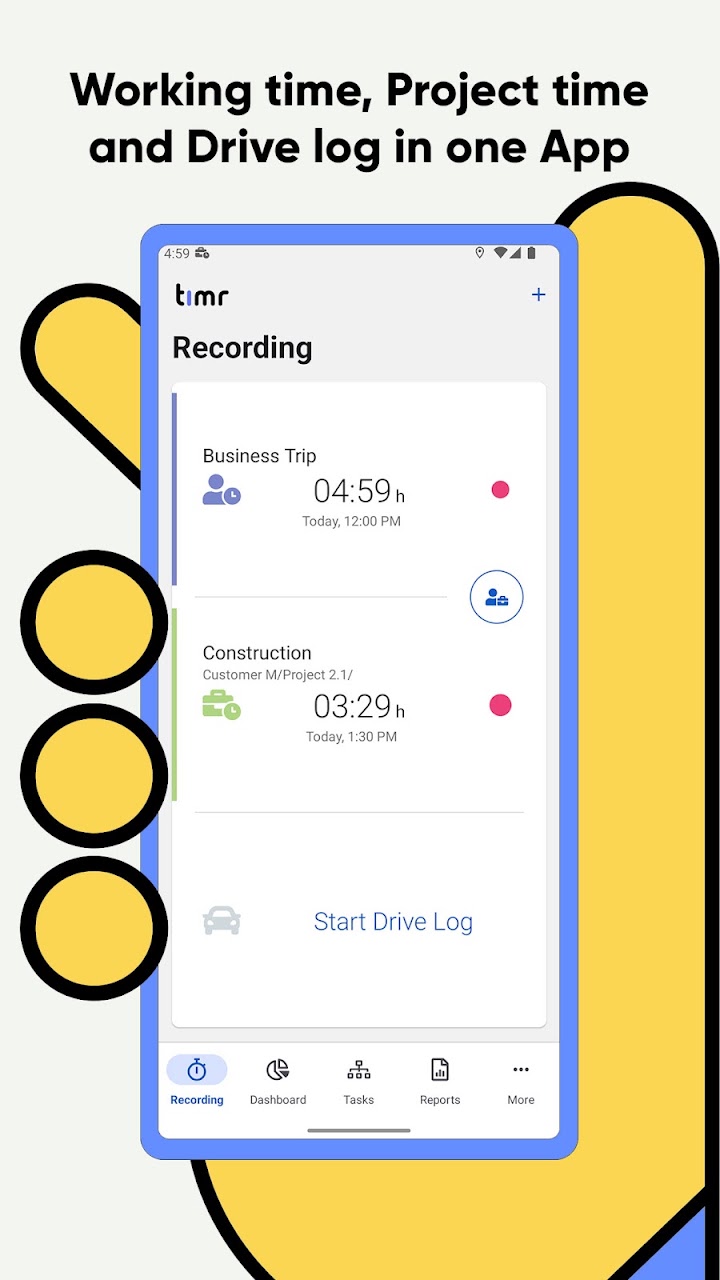
With 100K+ installs, timr – time tracking with GPS is a productivity app for recording working time, project time, business trips, and mileage. It combines start/stop tracking, GPS position detection, cloud sync, and web access so employees and managers can keep timesheets, budgets, and travel logs in one place.
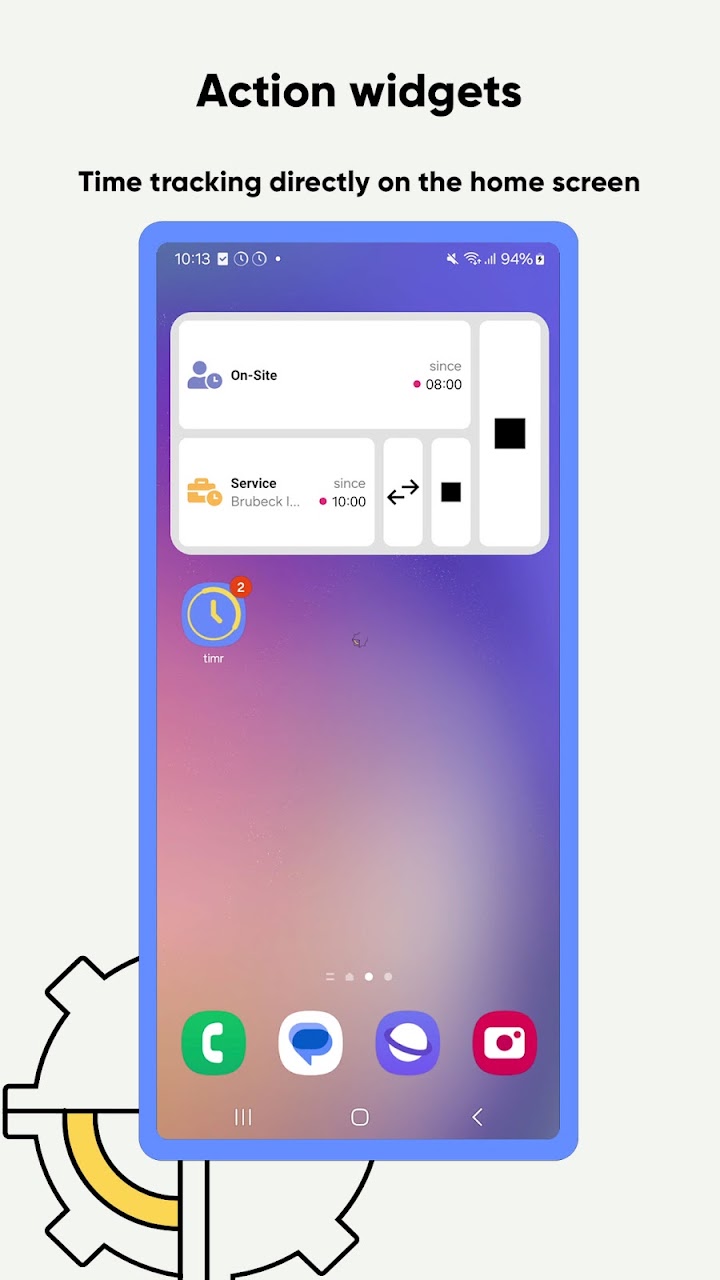
- Start/stop tracking — Record working time and project time with a simple start/stop flow, even when offline.
- GPS logging — Capture GPS position when starting and stopping to document work and travel activity.
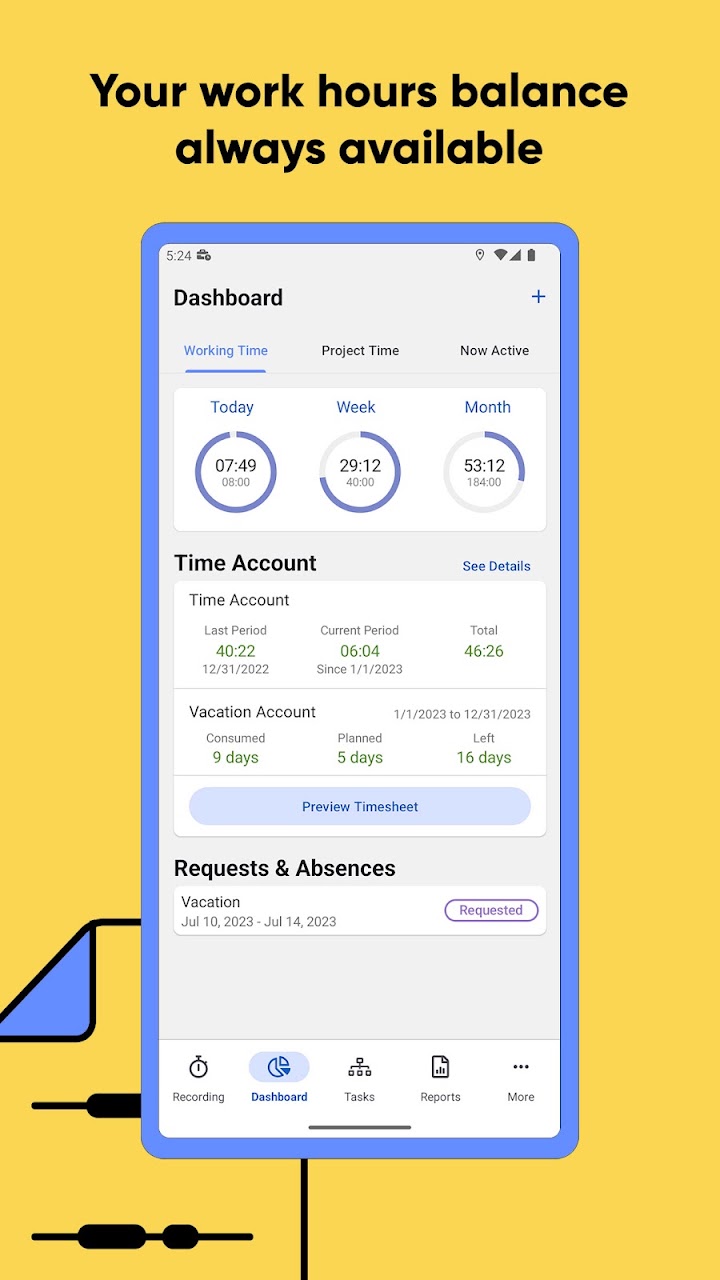
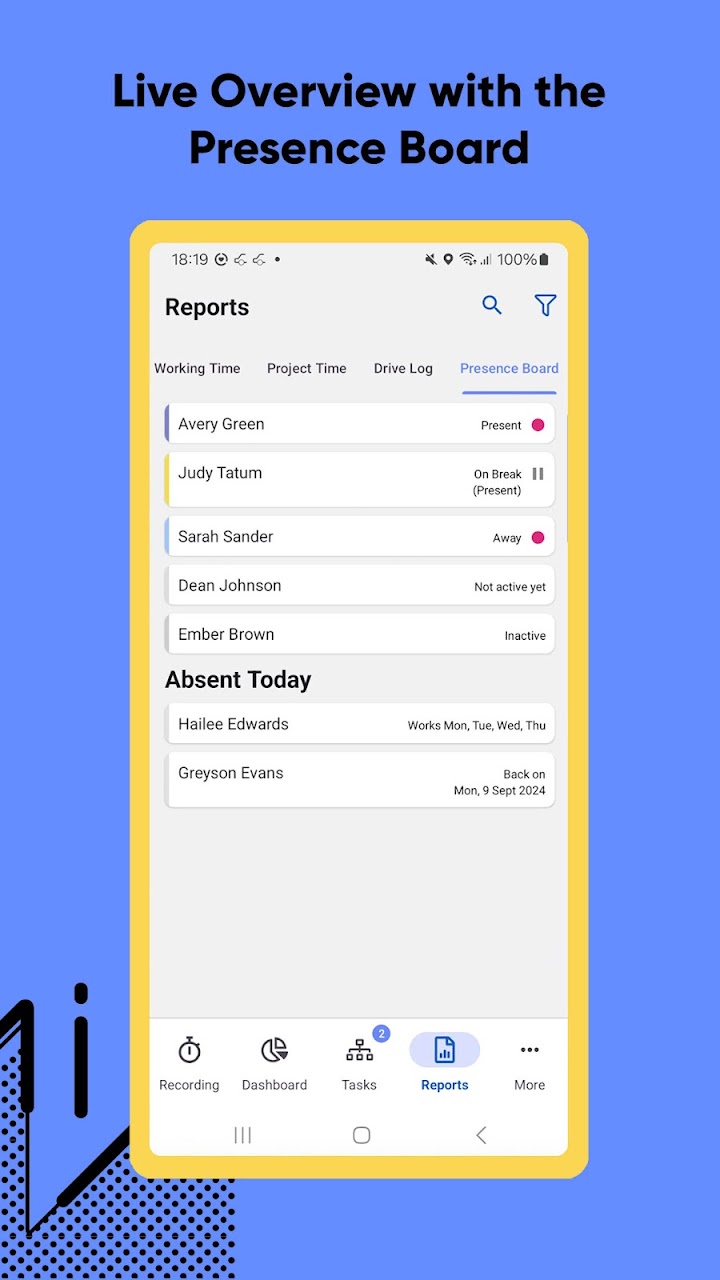
- Team oversight — View employees’ digital timesheets and keep an overview of work time, absences, and leave.
- Project budgets — Set budgets and hourly rates, then compare target and actual hours in real time.
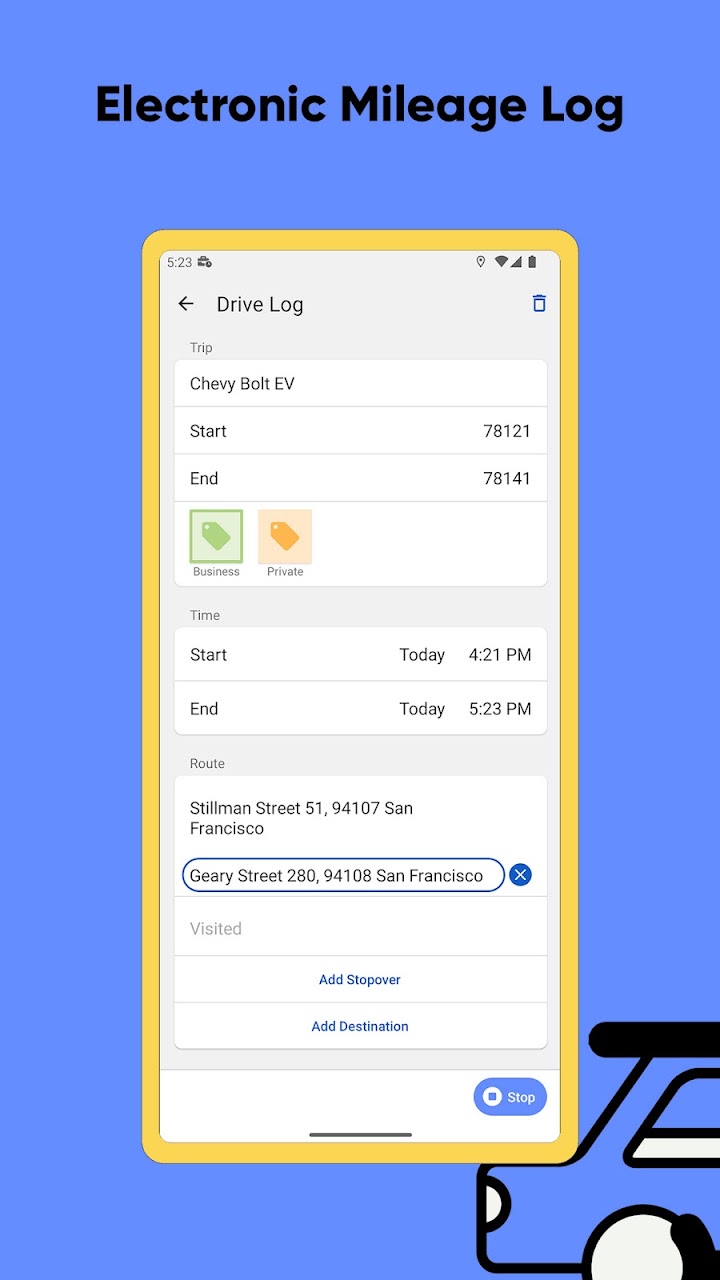
- Mileage log — Log business trips electronically, sync them to the cloud, and access them on phone and web.
- Cloud backup — Keep data synchronized with timr.com with encrypted transmission and automatic backups.
First launch and account setup
After installing timr – time tracking with GPS, you are asked to sign up for unlimited 14-day trial access. No credit card is required. During the trial, you can choose a Free or Premium account, so the first step is deciding whether you mainly need basic time tracking or the full cloud-based workflow.
The app is built around three linked jobs: recording working hours, tracking project time, and logging mileage. That means you do not have to switch between separate tools for timesheets, customer work, and travel records.
Working hours, breaks, and leave
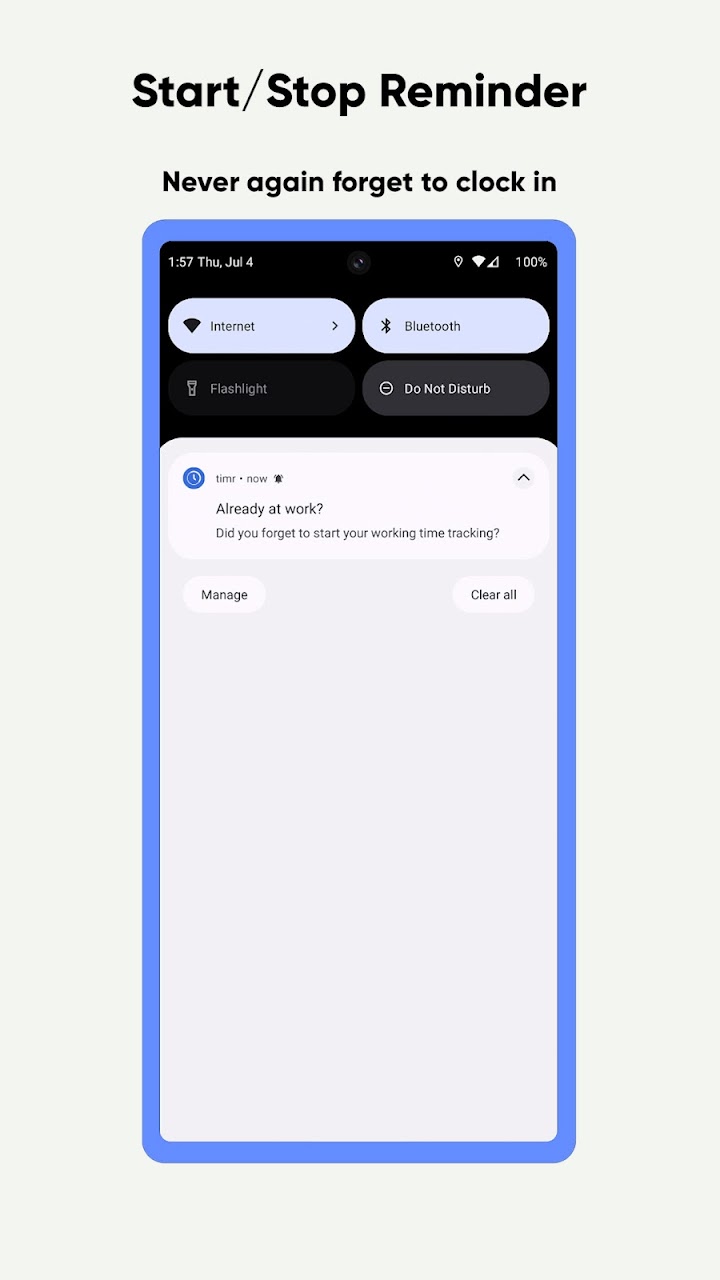
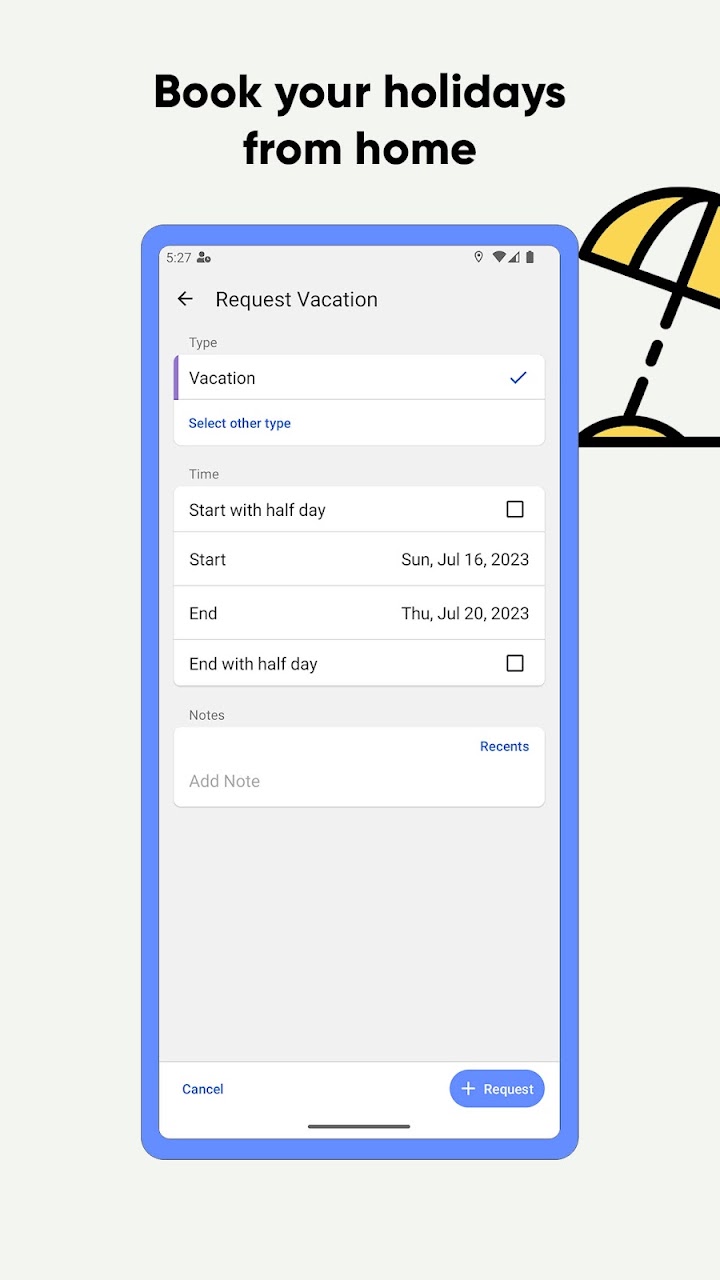
On day one, set up employee time tracking if you need simple clock-in and clock-out records. The app supports office time, business trips, absences, vacation, sick leave, and comp time. It also handles automatic breaks, reminders, notes for individual workdays, and public holidays on timesheets.
If you manage a team, the digital timesheets are meant to give constant oversight without manual spreadsheet work. Employees can record time on mobile, and the app can resume working time, project time, or absences from the last used entry more reliably after breaks.
Project time and mileage on the move
For project work, timr lets you define structures for customers, projects, orders, and tasks. GPS position detection can be used when starting and stopping, which helps when you want location-backed records for customers or internal checks. The cloud side at timr.com provides live views of project hours, employees, and budgets.
For travel, the mileage log stores trips electronically and can use GPS to enter start and destination addresses automatically. Travel log data stays synchronized with the cloud and is available on smartphone and web.
- You get: offline start/stop tracking, GPS-based logging, cloud sync, team timesheets, project budgets, and mileage records.
- Watch for: a required sign-up after install, and a choice between Free and Premium during the trial.
Practical setup tips
Start by deciding whether your main use is employee time, project billing, or mileage. Then create your customers, projects, and hourly rates before your team begins recording time. If you need budget control, enter budgets early so target-to-actual comparisons and email alerts can work from the start.
Security is handled with server location in Germany, encrypted transmission, and automatic hourly and daily backups. The app is free to install, contains no ads, and has no in-app purchases listed. It comes as a 61.2 MB universal APK and requires Android 8.0 or newer.
What's new
Version 13.4.0 · Nov 11, 2026
- New in 13.2:
- + Improved resume suggestions after breaks ensure that working times, project times and absences are resumed more reliably based on the last used entries.
- For any questions or feedback we are always glad to hear from you at [email protected]
- Have a great working day!
APK information
- Version
- 13.4.0
- Package
- com.troii.timr
- Category
- Productivity
- Size
- 61 MB
- Min Android
- 8.0
- Architecture
- universal
Older versions
-
timr – time tracking with GPS 13.4.0Nov 11, 2026Latest downloadAPK
timr – time tracking with GPS FAQ
Does timr – time tracking with GPS support teams?expand_more
Yes. It includes employee time tracking, digital timesheets, and a live overview of employees in the cloud application.
Can timr – time tracking with GPS be used offline?expand_more
Yes. The app supports start/stop time tracking offline for working time and project time.
Which Android version does timr – time tracking with GPS need?expand_more
It requires Android 8.0 or newer.
Does timr – time tracking with GPS work on tablets?expand_more
The app is listed as universal, so it is packaged to run across Android devices that meet the system requirement.
Can timr – time tracking with GPS log mileage automatically?expand_more
Yes. Its mileage log can use GPS to automatically enter the start and destination address.