- 3.0star3,027 reviews
- 500K+Downloads
- 68 MBAPK size
- TeenRated for Teen
- API 17+Android
check_circleOriginal APK from Ducky apps · Updated Nov 12, 2026
No threats found
0 / — antivirus engines flagged this file
Original signature
First seen — Ducky apps
Unmodified APK
Same file the developer published — no mods
ToonHive - Cartoon animator screenshots
8 images · tap to enlarge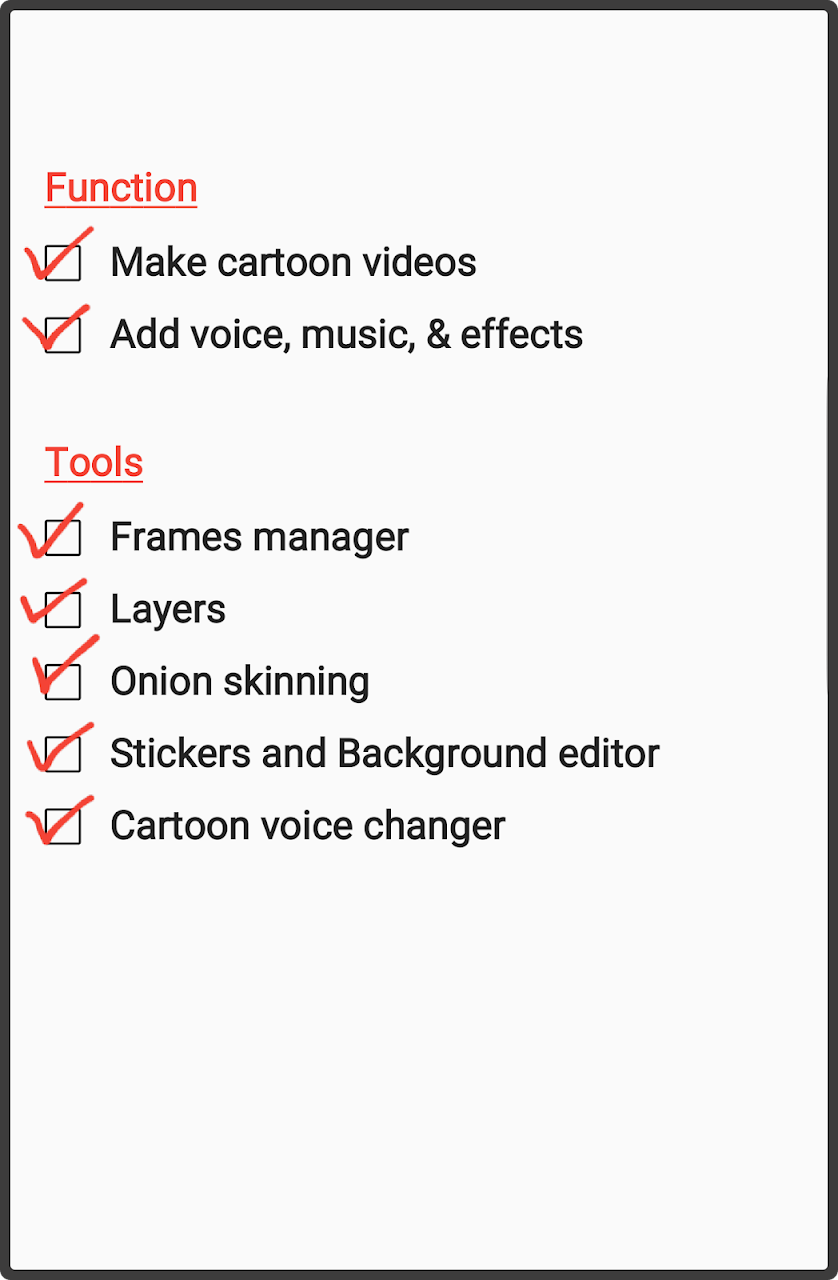
About this app
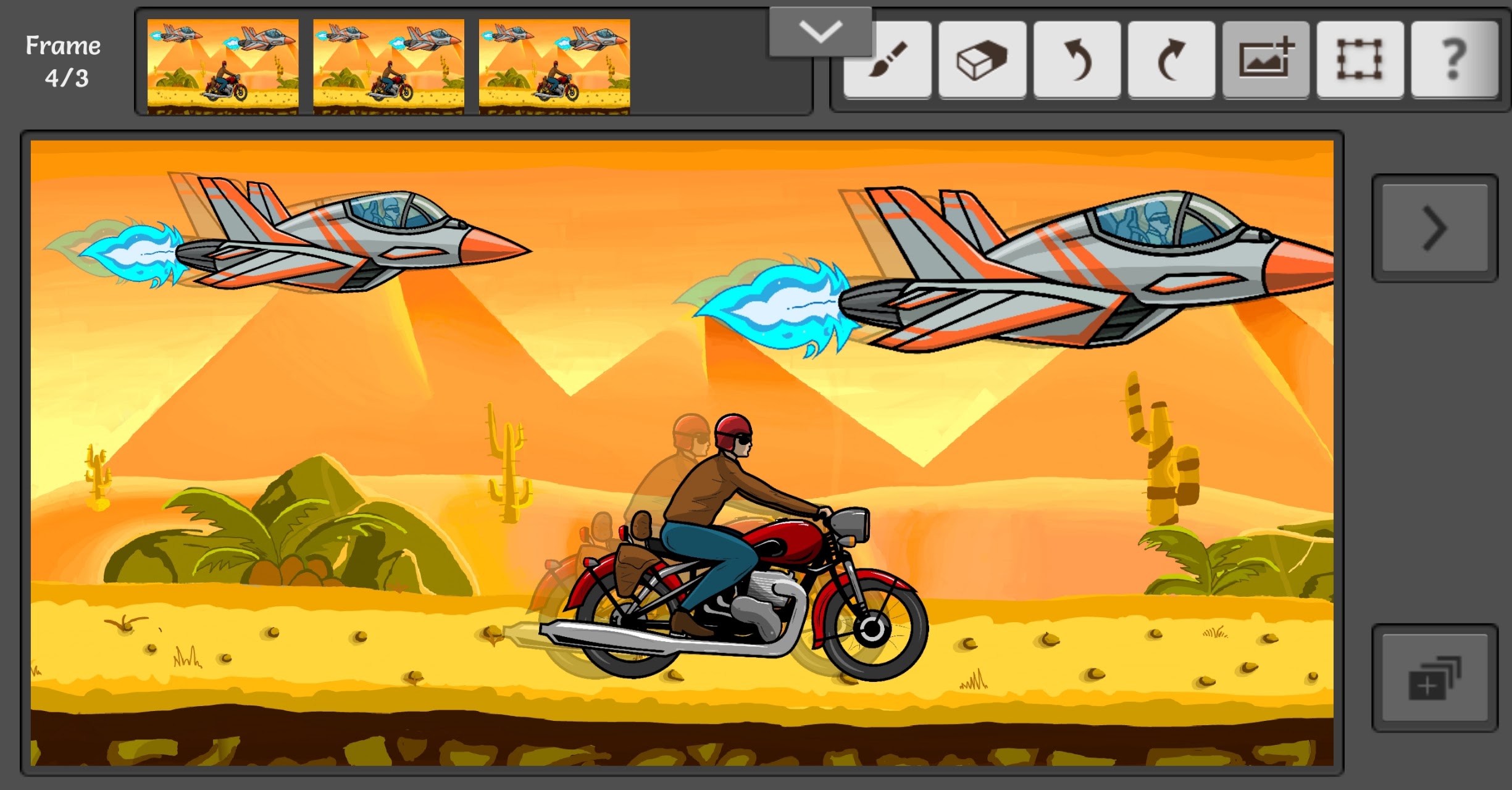
Make frame-by-frame cartoon clips on your phone, then layer in your own voice, sound effects, and voice changes before sharing. ToonHive - Cartoon animator is built around drawing animation and audio in the same project, so you can sketch, record, and export from one place during a commute, a break, or a quiet evening at home.
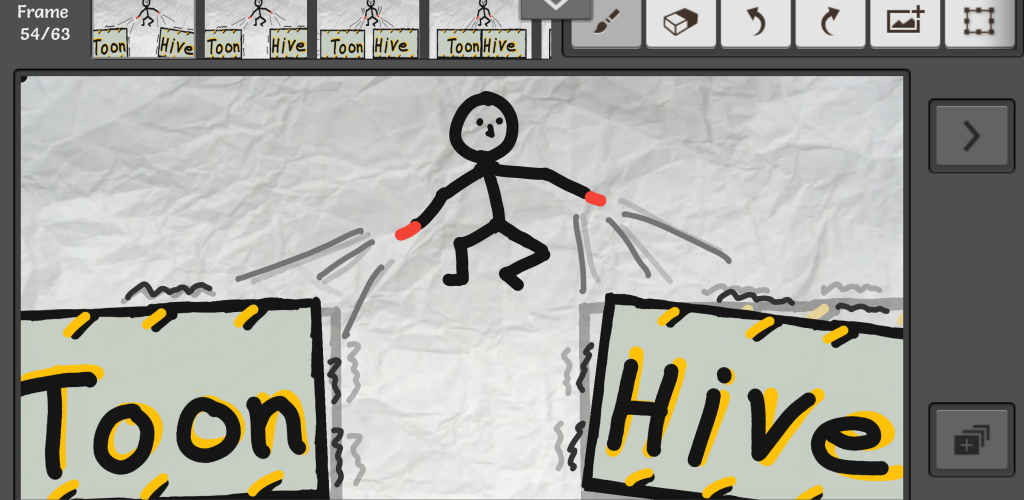
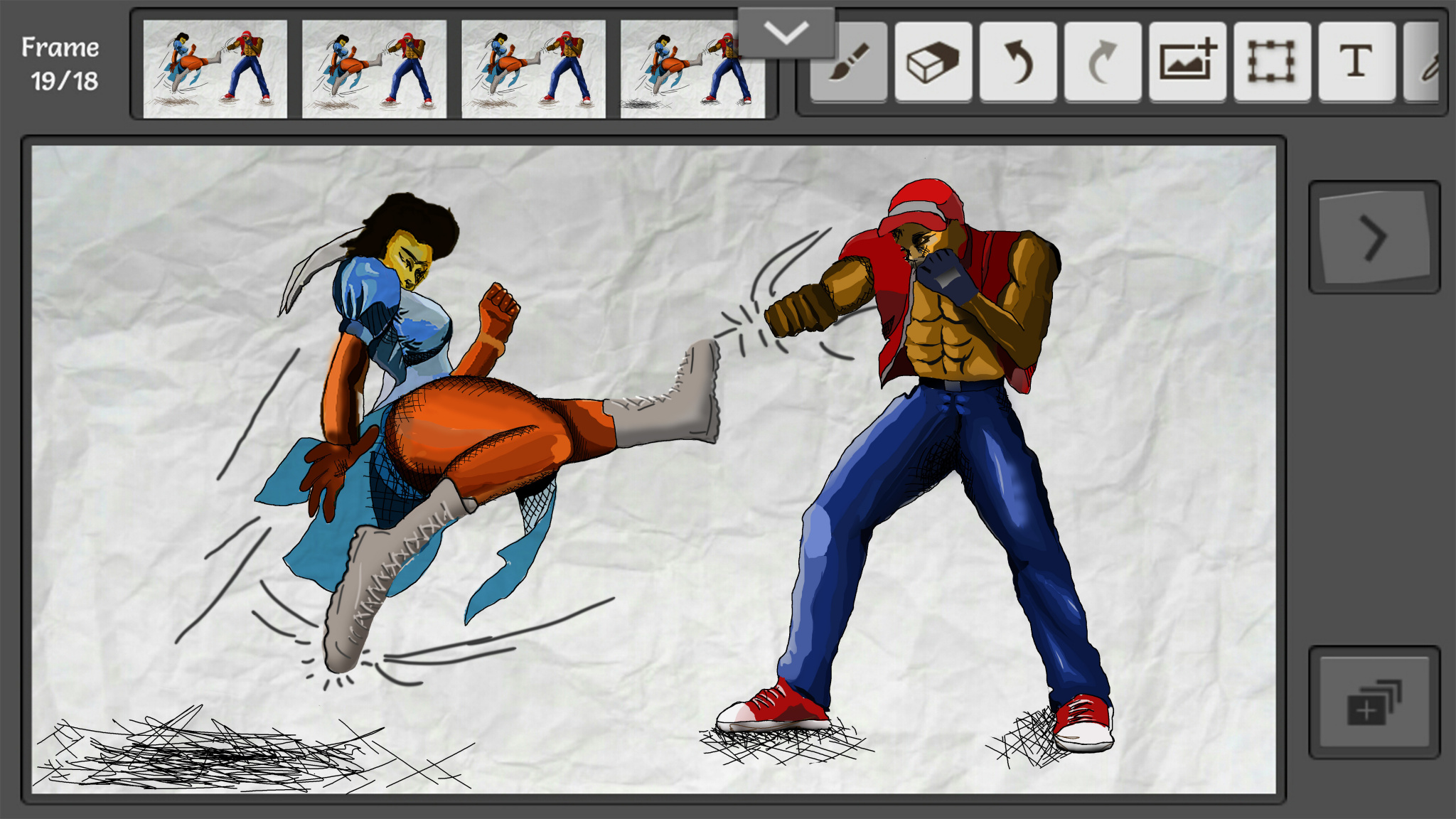
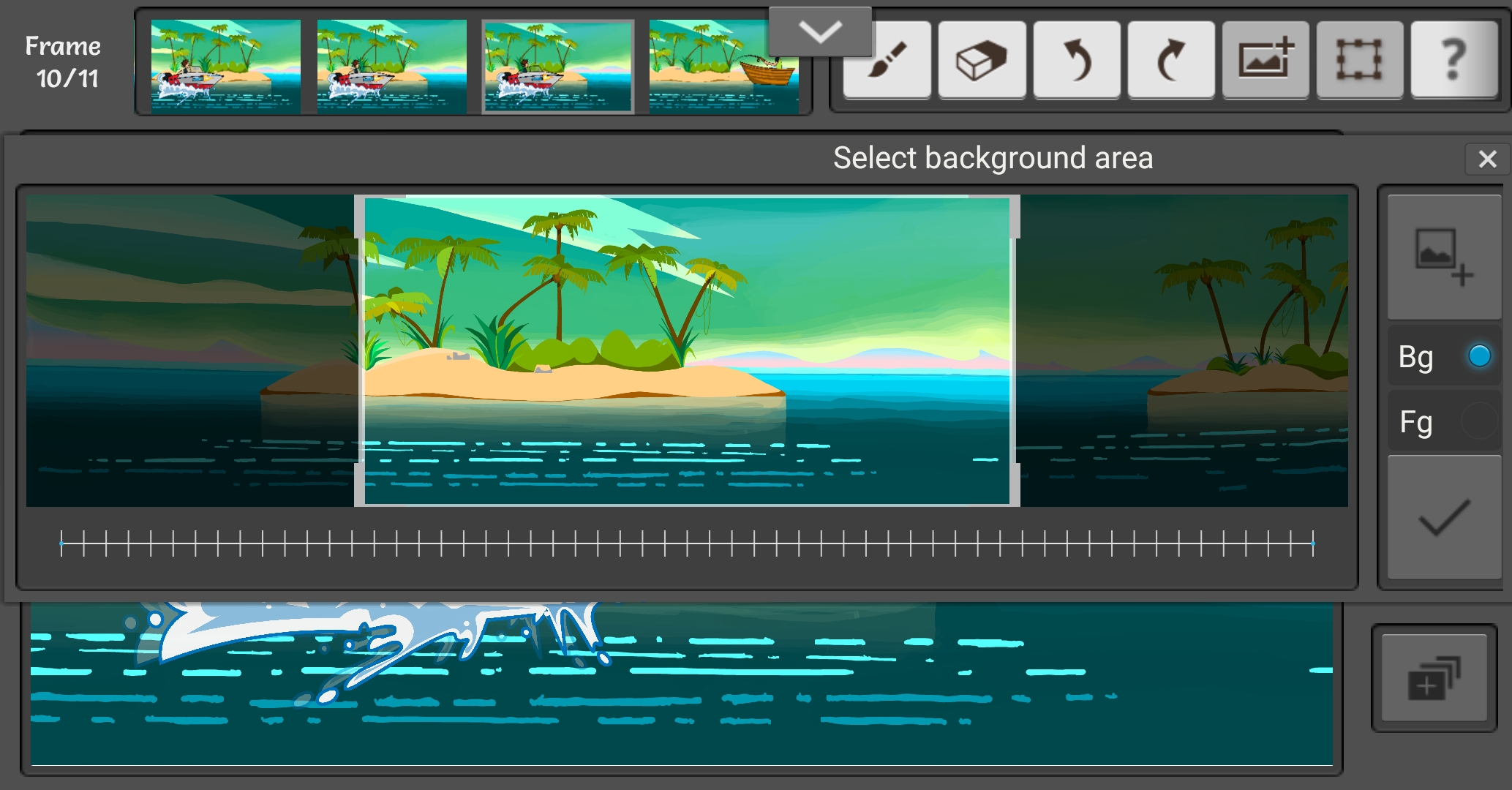
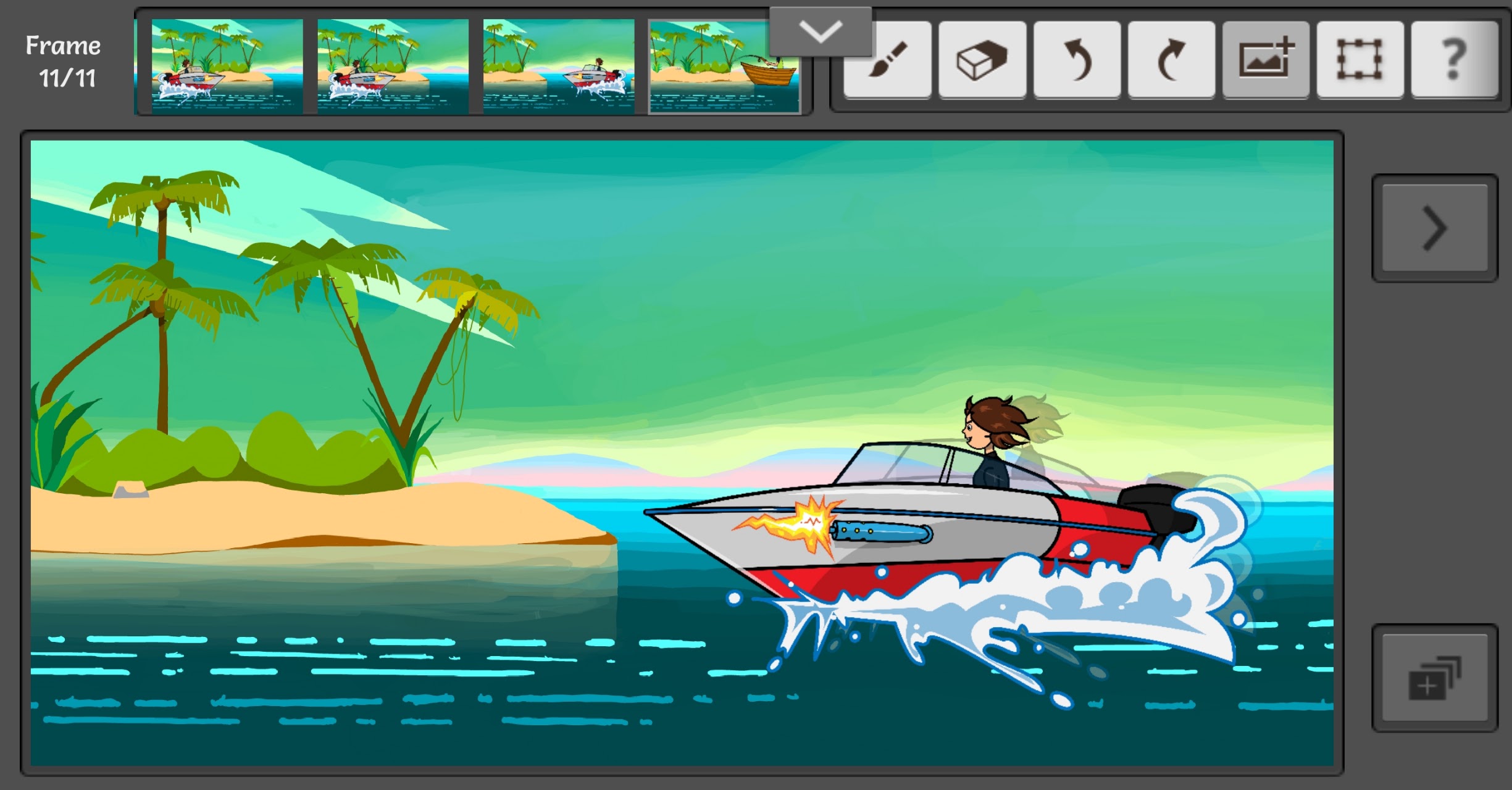
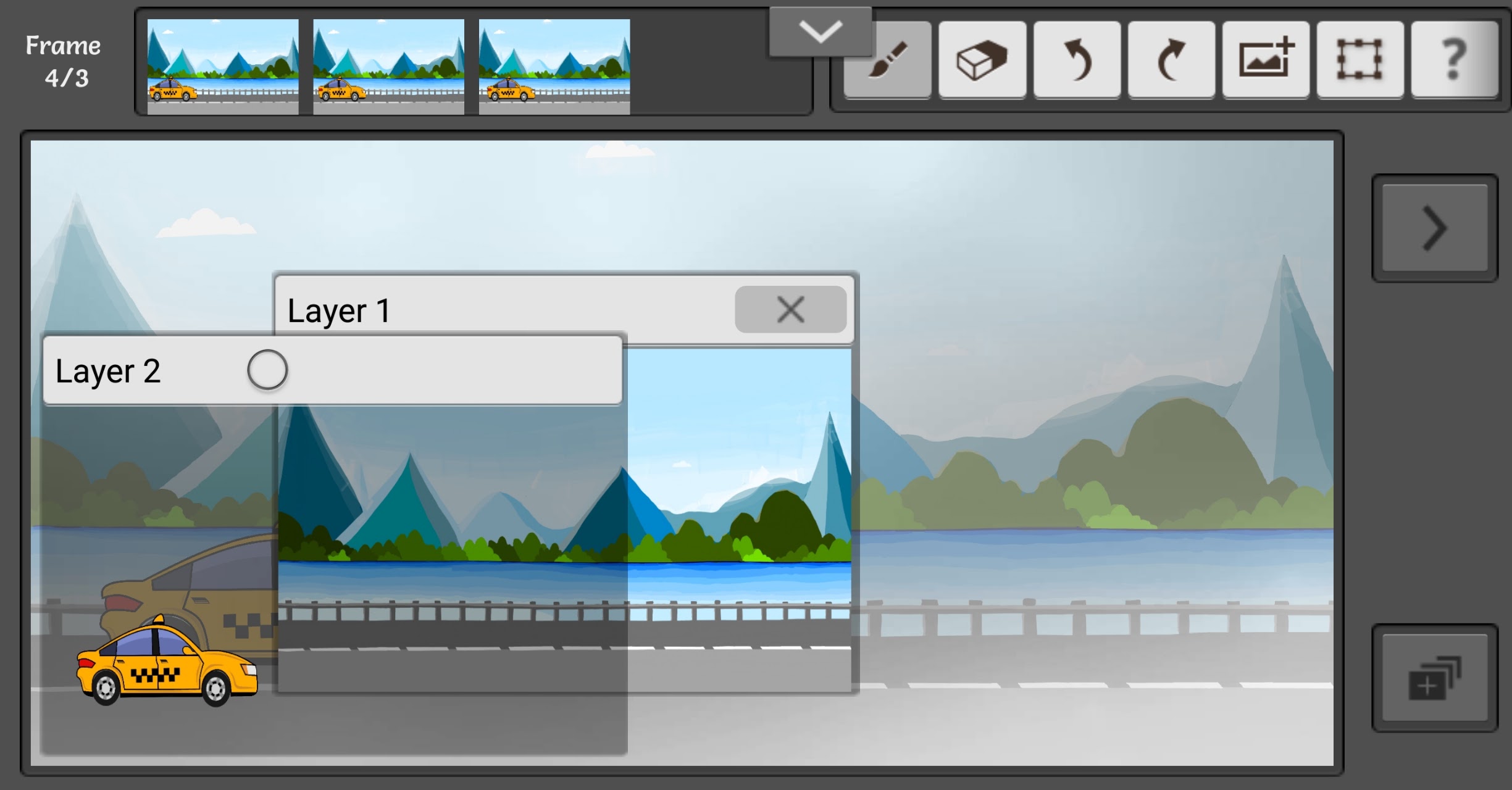
- Frame-by-frame drawing — Build 2D cartoon animations with a tool set made for drawing each frame by hand.
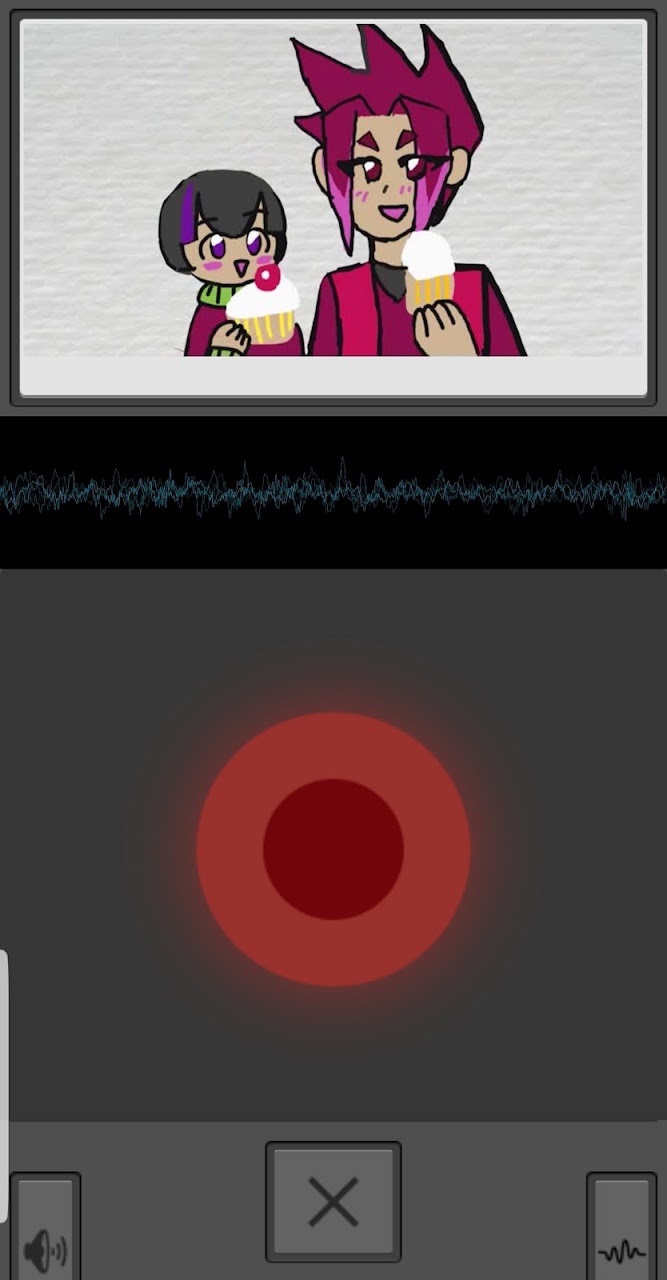
- Voice recording tools — Record your voice directly into the animation and add background sound while you work.
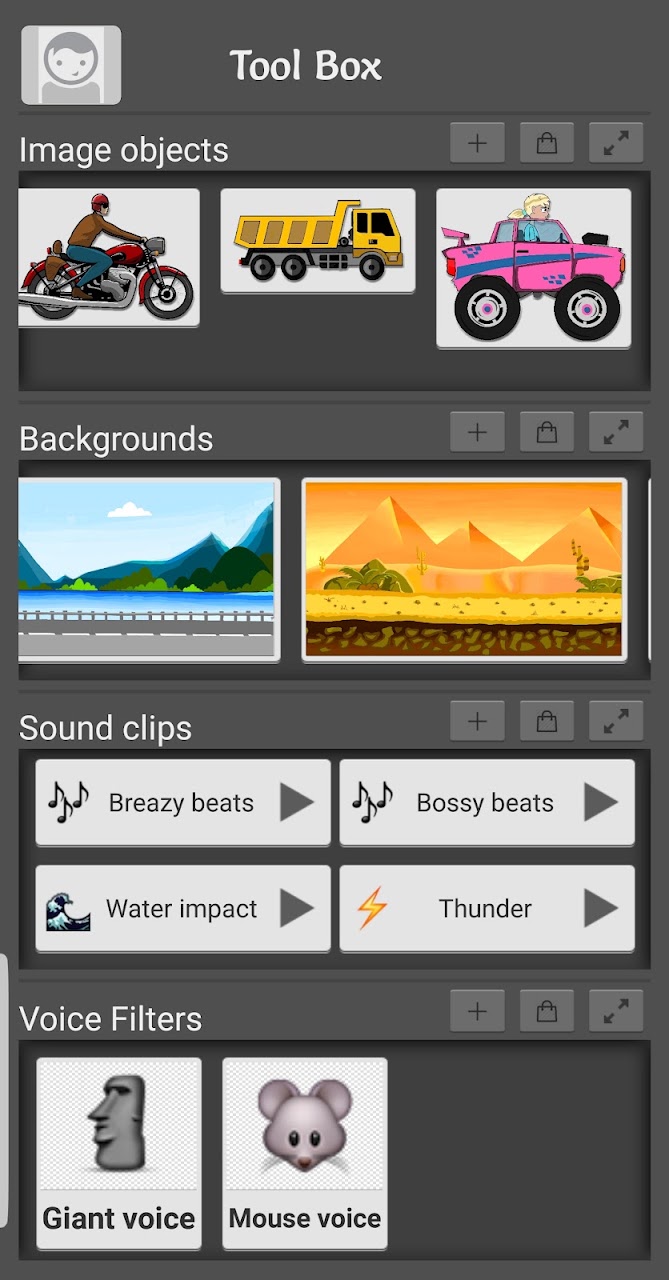
- Voice effects — Change how your voice sounds as you record, with voice filters available in the app.
- Sound effects — Add FX and other audio touches to match the motion in your cartoon or stickman scene.
- Share-ready videos — Create a cartoon video in the app and share it when the scene is finished.
- S Pen support — Samsung Galaxy Note users can draw with S Pen support built into the app.
Draw and animate on a spare moment
ToonHive - Cartoon animator fits into the kind of day where you sketch between other tasks. Open it on a train ride or after work, draw a frame, adjust the next one, and keep building a 2D cartoon or stickman scene step by step. The app is available as an APK, needs Android API 17 or higher, and the file is 68.4 MB.
Record voice inside the scene
The audio side is part of the same workflow, so you do not need to move between separate tools just to finish a clip. Record your voice into the animation, add background sounds, and use voice effects while you are recording. The app also includes sound effects so the cartoon can feel more complete once the motion is in place.
Frame-by-frame work with S Pen
The drawing tools are aimed at frame-by-frame 2D animation, which makes ToonHive feel closer to a flipbook-style workflow than a simple sketch app. Samsung Galaxy Note users get support for S Pen, which can make repeated drawing and edits easier when you are working through multiple frames.
How it compares with drawing apps
Compared with apps like ibis Paint X, Sketchbook, or PaperColor, ToonHive is more focused on animation and audio in the same project. If you mainly want drawing or painting tools, those apps may suit you better. If you want to animate, add voice, and share the result as a video, ToonHive keeps those steps together.
- Free to install with ads and in-app purchases.
- Teen rating and over 500K installs.
- Permissions are not listed.
- Voice filters are temporarily disabled in the current version.
What's new
Version 39 · Nov 12, 2026
- Improvements and bug fixes.
- New background for you to play with.
- Also this version comes with voice filters temporarily disabled, while it undergoes maintenance.
APK information
- Version
- 39
- Package
- com.ducky.toonhive
- Category
- Art & Design
- Size
- 68 MB
- Min Android
- API 17
- Architecture
- universal
Older versions
-
ToonHive - Cartoon animator 39Nov 12, 2026Latest downloadAPK
ToonHive - Cartoon animator FAQ
Can ToonHive - Cartoon animator edit RAW photos?expand_more
No RAW photo editing is listed. The app is focused on cartoon animation, drawing, voice recording, and sound effects.
Does ToonHive - Cartoon animator add a watermark?expand_more
Watermark behavior is not listed. The app description only says you can share the cartoon video you make.
What permissions does ToonHive - Cartoon animator ask for?expand_more
No permissions are listed for this app.
How big is the ToonHive - Cartoon animator download?expand_more
The APK size is 68.4 MB.
Does ToonHive - Cartoon animator support Samsung S Pen?expand_more
Yes. The app says it has full support for Samsung Galaxy Note devices with S Pen.