- 4.4star49,150 reviews
- 1M+Downloads
- 5 MBAPK size
- EveryoneRated for Everyone
- 5.0+Android
check_circleOriginal APK from Treconite Apps · Updated Nov 12, 2026
No threats found
0 / — antivirus engines flagged this file
Original signature
First seen — Treconite Apps
Unmodified APK
Same file the developer published — no mods
Traffic Monitor & 4G/5G Speed screenshots
8 images · tap to enlarge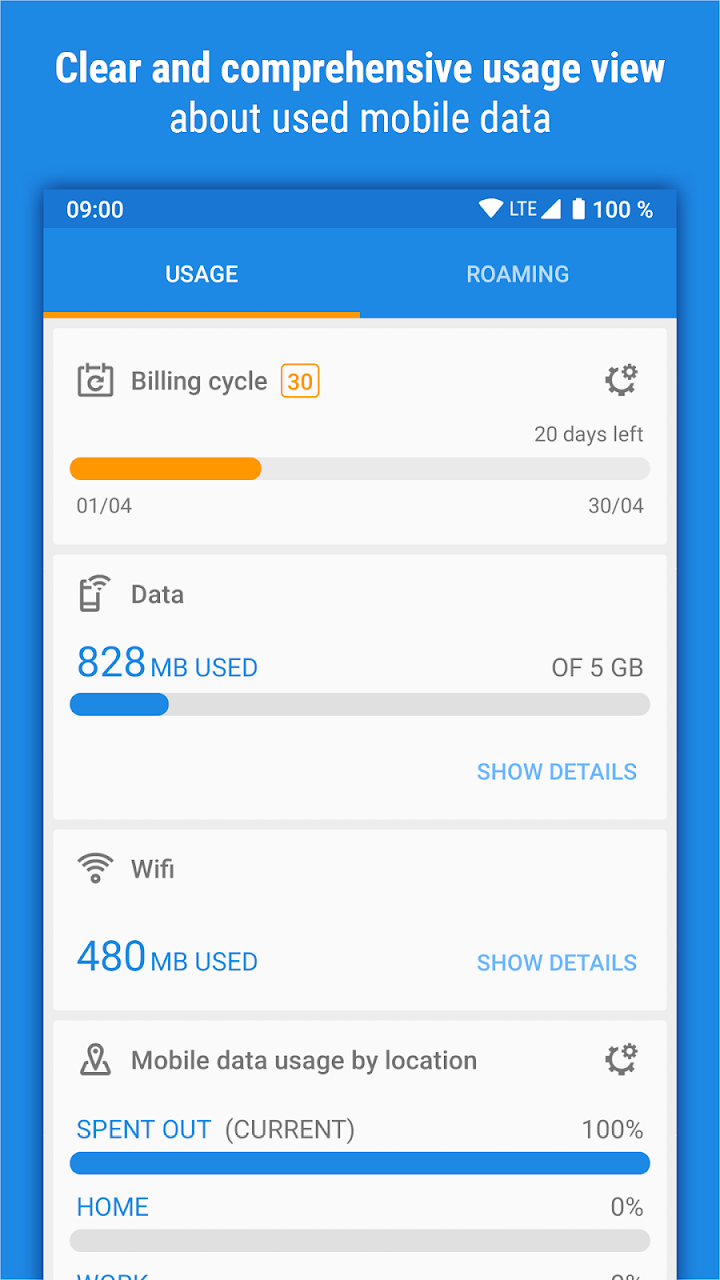
About this app
If your mobile connection feels slow or your data bill keeps creeping up, Traffic Monitor & 4G/5G Speed gives you a way to check what is happening. It measures network speed and latency, shows coverage by location, and tracks data use by billing period and by app, all in one free Android app.
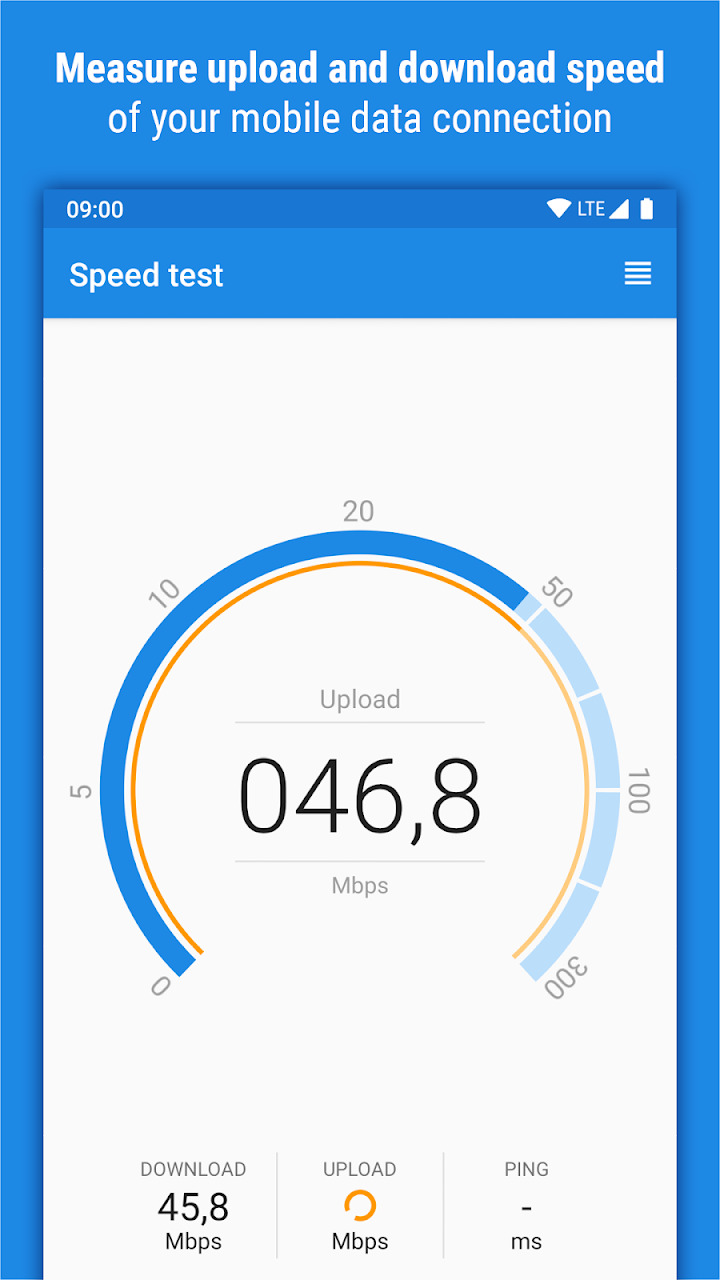
- Speed tests — Measure upload, download, ping, and latency on UMTS, LTE, 5G, and Wi‑Fi networks.
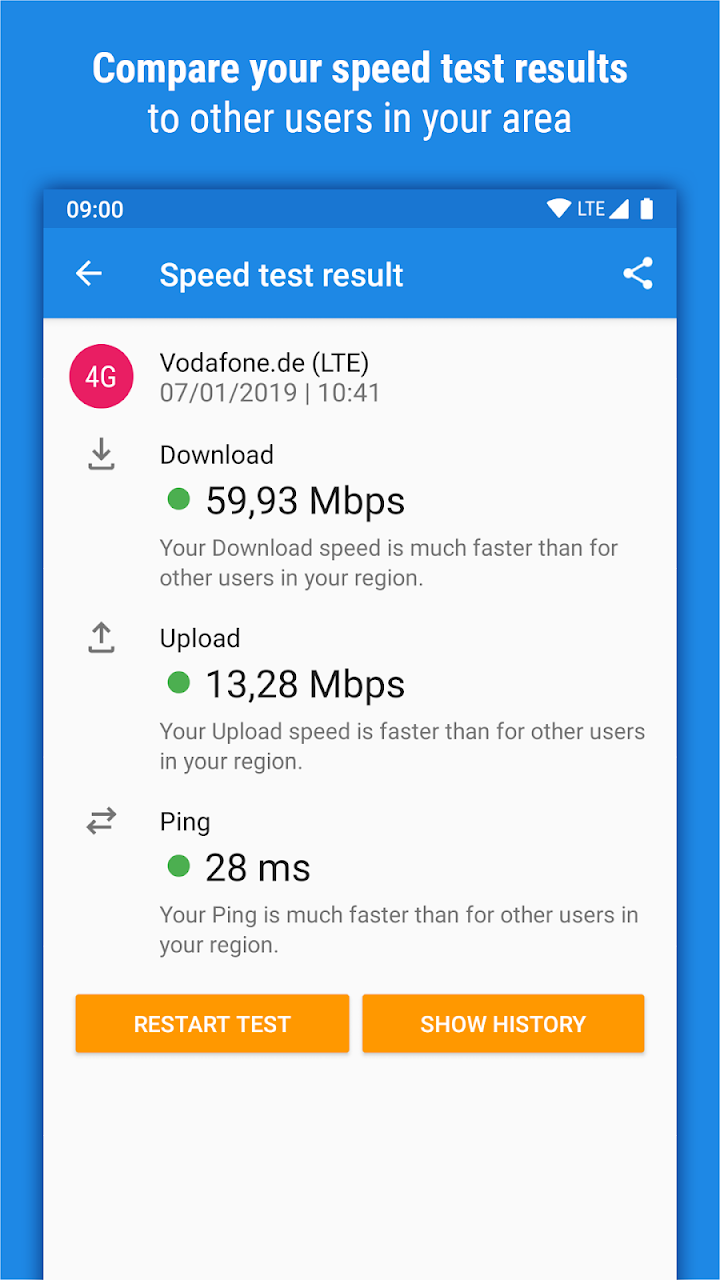
- Archived results — Keep past tests with details and view them later on the built-in map.
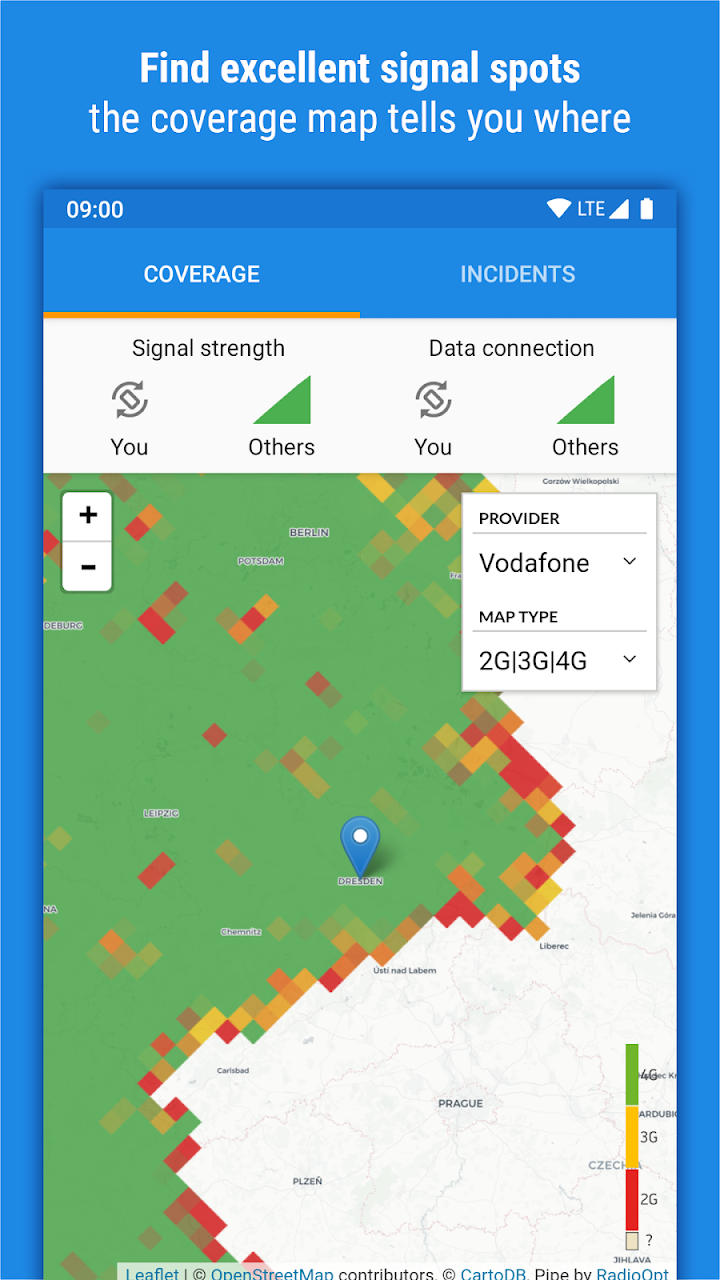
- Coverage map — See network availability for your current position and check provider coverage in select countries.
- Roaming counters — Detect foreign networks while abroad and track roaming usage separately.
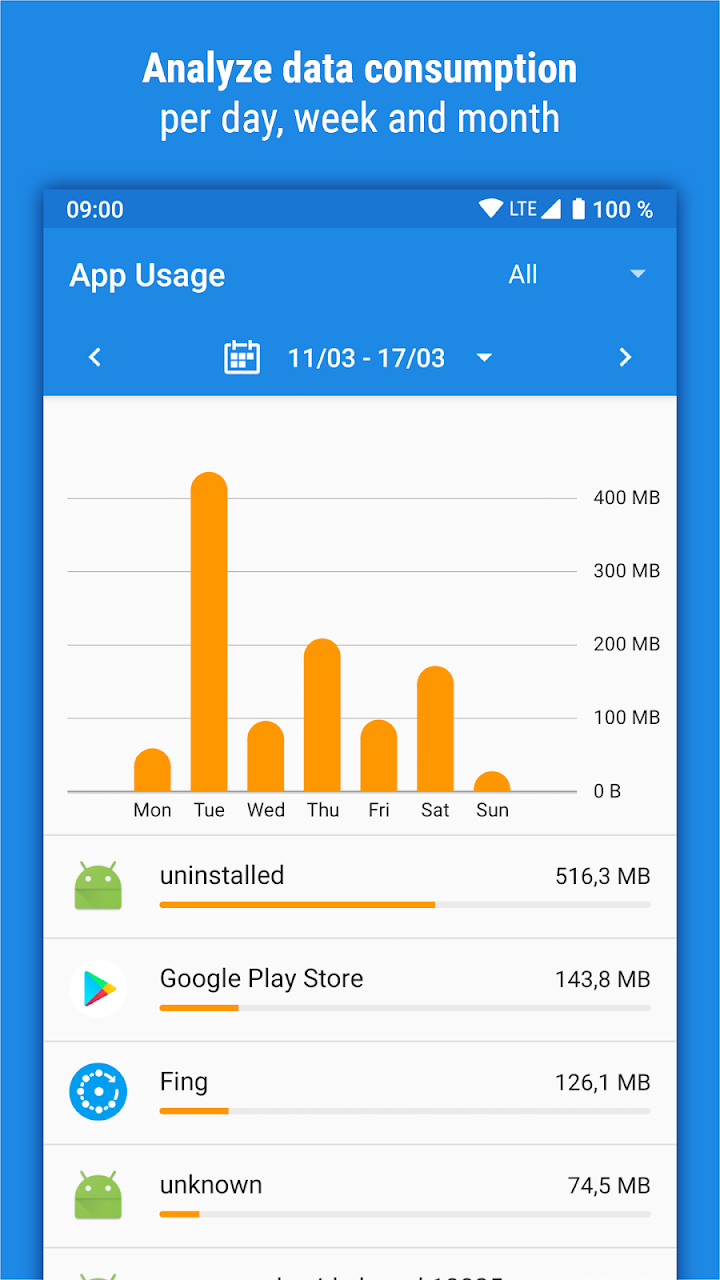
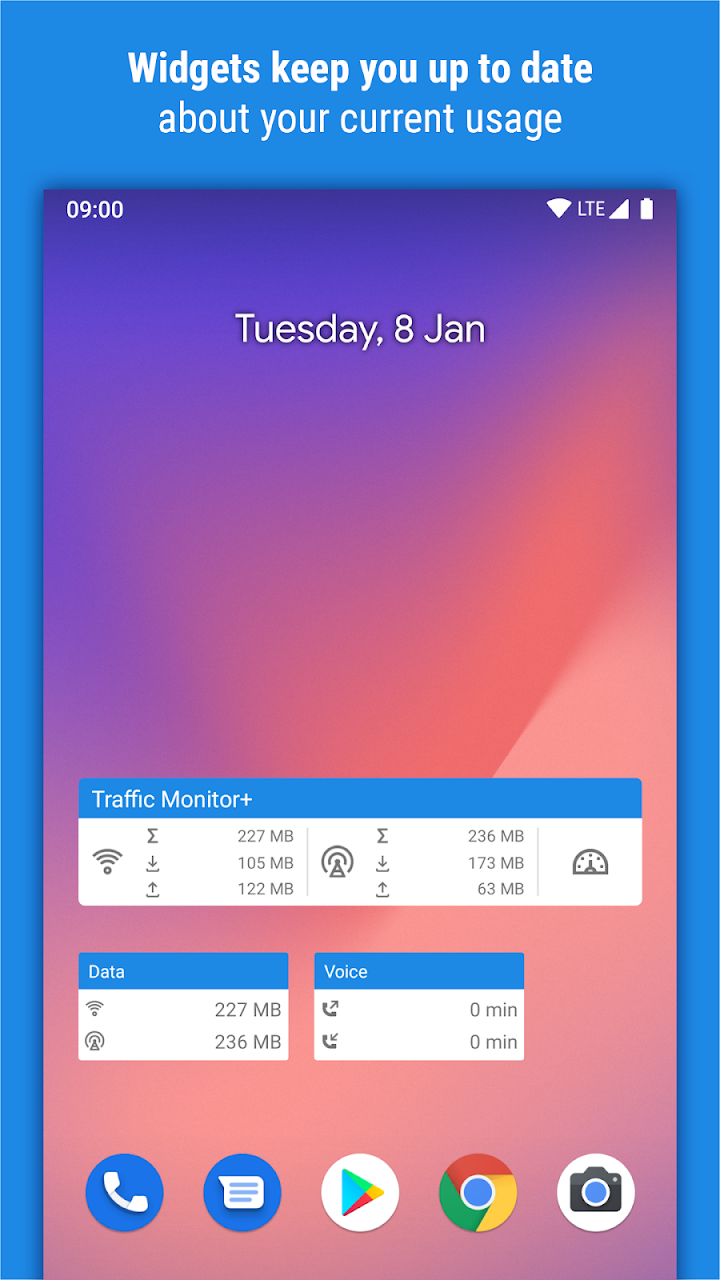
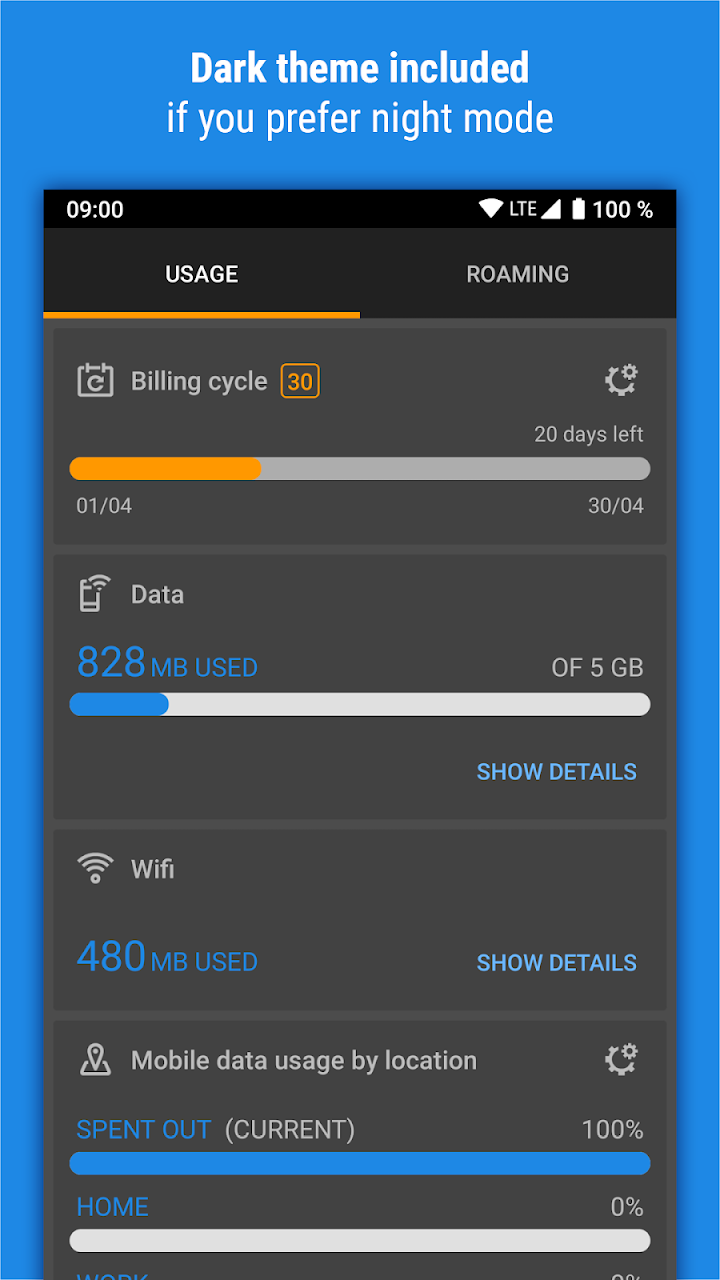
- Data tracking — Set billing dates and limits, then monitor total usage and per-app usage.
- Ad-free free app — Use the app without ads or in-app purchases on Android 5.0 and up; the APK is 5.2 MB and universal.
When mobile data feels unreliable
Traffic Monitor & 4G/5G Speed is for the moments when you want to know whether slow browsing comes from your network, your location, or your data plan. It combines speed testing, coverage checks, and usage tracking so you can inspect one phone instead of switching between separate tools. The app is free, ad-free, and has no in-app purchases.
Speed tests with history
The built-in speed test covers UMTS, LTE, 5G, and Wi‑Fi, with separate readings for upload, download, and ping. After each test, the app compares your result with other users in your region, and every test is saved with details for later review in the integrated map view.
Coverage and roaming checks
Network problems are easier to interpret when you can see coverage alongside performance. The coverage map shows network availability based on your current position, with provider coverage available for select countries and more added over time. If you travel, the app can detect foreign networks and show roaming counters so usage abroad stays visible.
Data limits and app usage
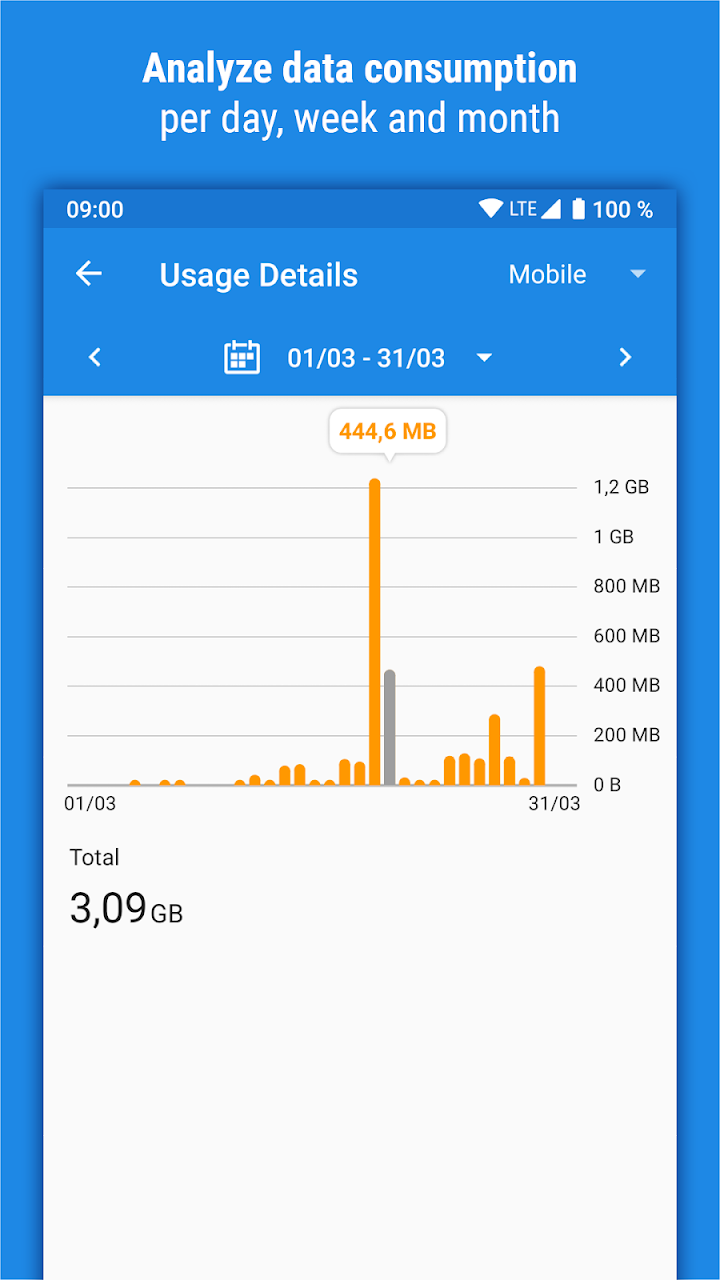
Traffic Monitor lets you define your billing cycle, starting date, and maximum allowance, then track usage over weekly, monthly, or 30-day periods. It measures overall data use and app-by-app use, and it separates data used abroad so roaming charges are easier to follow. That makes it useful if you want a clearer view than a typical system meter provides.
- Gets: speed tests, coverage maps, roaming counters, and data usage by app.
- Watch for: coverage maps are only available for select countries.
- Install: Android 5.0 or later, universal APK, 5.2 MB.
Trade-offs: the app does not list any permissions, which keeps the install light, but it also means there is no mention of sync, cloud backup, account sign-in, or team features. If you want shared dashboards or cross-device history, this app does not advertise those options.
It fits people who want a technical view of mobile performance without ads or purchases. The app has been available since 2010 and was last updated on 2026-11-09.
What's new
Version 13.6.4 · Nov 12, 2026
- Hi friends of Traffic Monitor!
- This release includes several minor stability improvements under the hood.
- Your Traffic Monitor team.
APK information
- Version
- 13.6.4
- Package
- com.radioopt.widget
- Category
- Productivity
- Size
- 5 MB
- Min Android
- 5.0
- Architecture
- universal
Older versions
-
Traffic Monitor & 4G/5G Speed 13.6.4Nov 12, 2026Latest downloadAPK
Traffic Monitor & 4G/5G Speed FAQ
Does Traffic Monitor & 4G/5G Speed sync across devices?expand_more
No sync or cloud backup features are listed. The app focuses on local speed tests, coverage, and usage tracking on the device.
Does Traffic Monitor & 4G/5G Speed support teams?expand_more
No team or collaboration features are described. It is set up as a personal network and data monitor.
Who develops Traffic Monitor & 4G/5G Speed?expand_more
Treconite Apps develops Traffic Monitor & 4G/5G Speed.
How do I install the Traffic Monitor & 4G/5G Speed APK file?expand_more
Download the APK and install it on an Android device running 5.0 or later. The file is universal and about 5.2 MB.
Can Traffic Monitor & 4G/5G Speed track roaming data?expand_more
Yes. It detects foreign networks when you are abroad and shows dedicated roaming counters, with roaming data shown separately in usage tracking.