- 0.0star0 reviews
- 5K+Downloads
- 3 MBAPK size
- EveryoneRated for Everyone
- API 16+Android
check_circleOriginal APK from Gyro Mobile · Updated Nov 11, 2026
No threats found
0 / — antivirus engines flagged this file
Original signature
First seen — Gyro Mobile
Unmodified APK
Same file the developer published — no mods
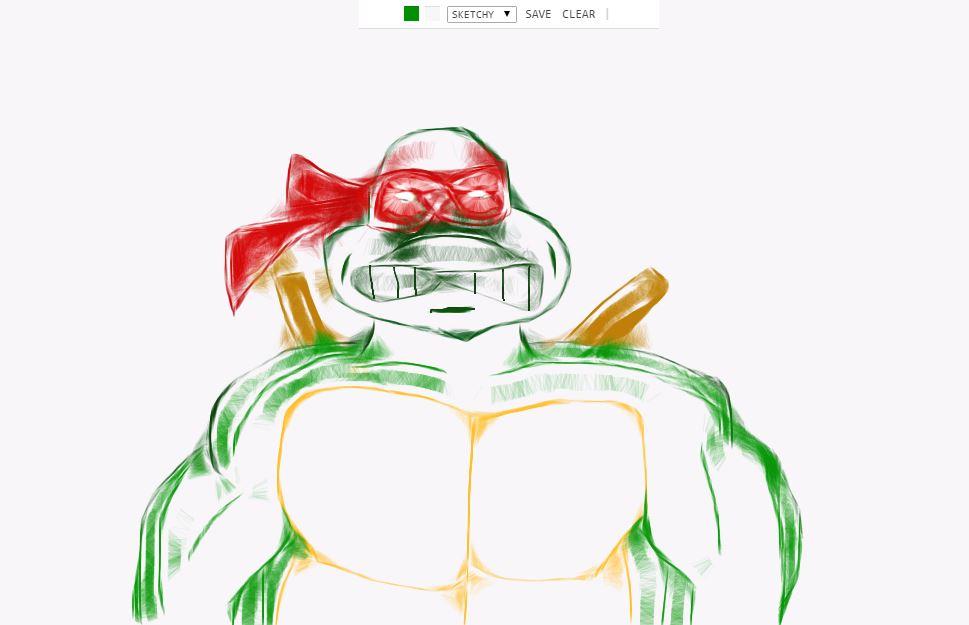
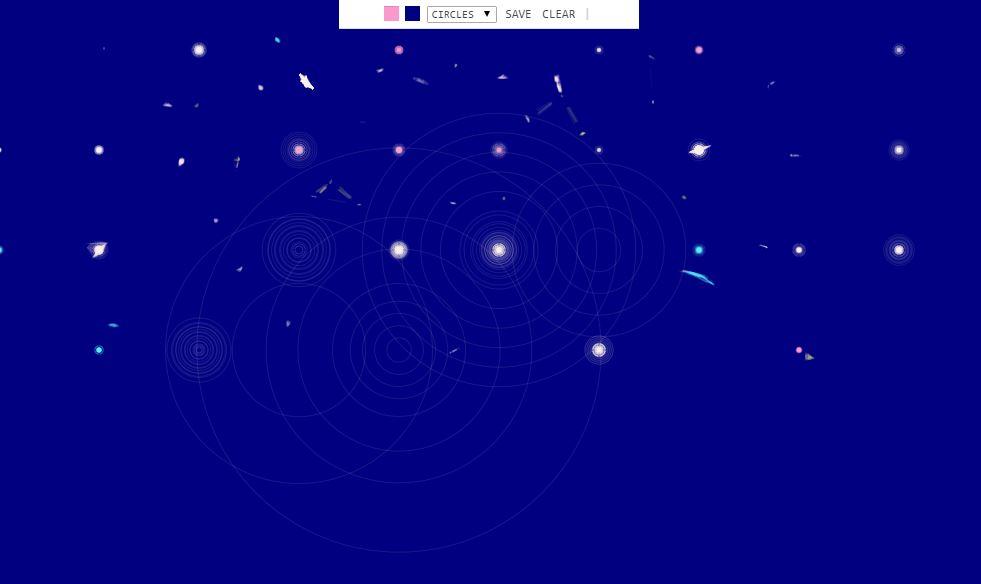
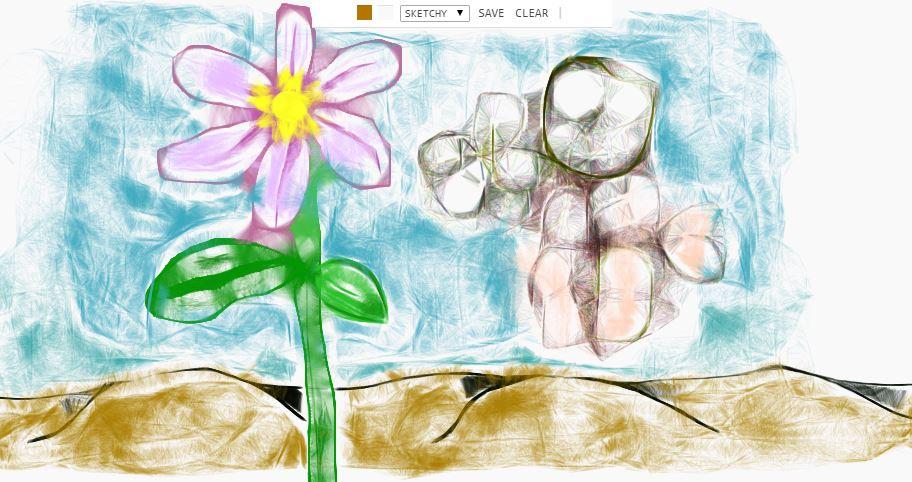
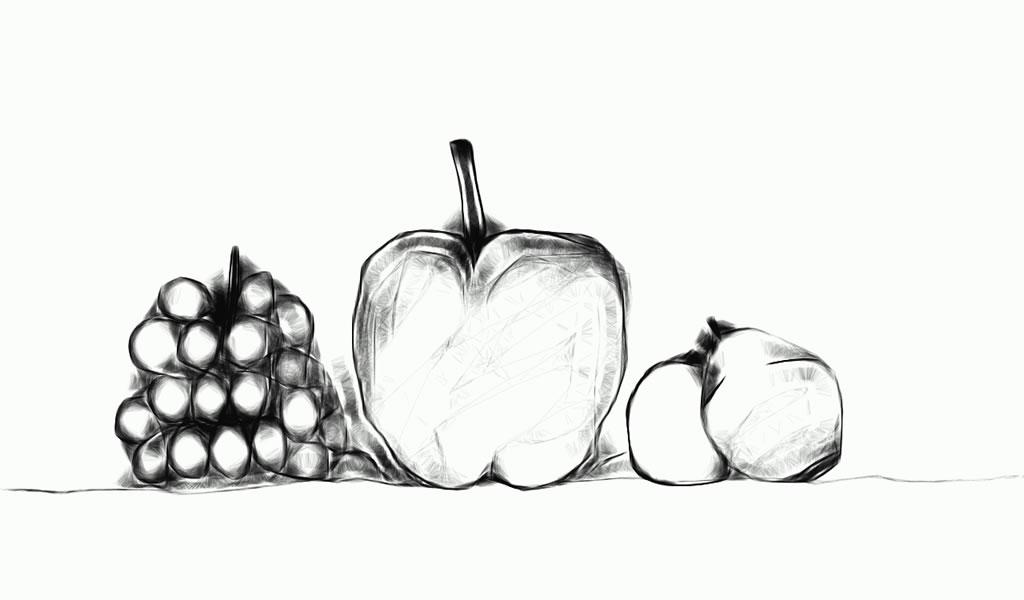
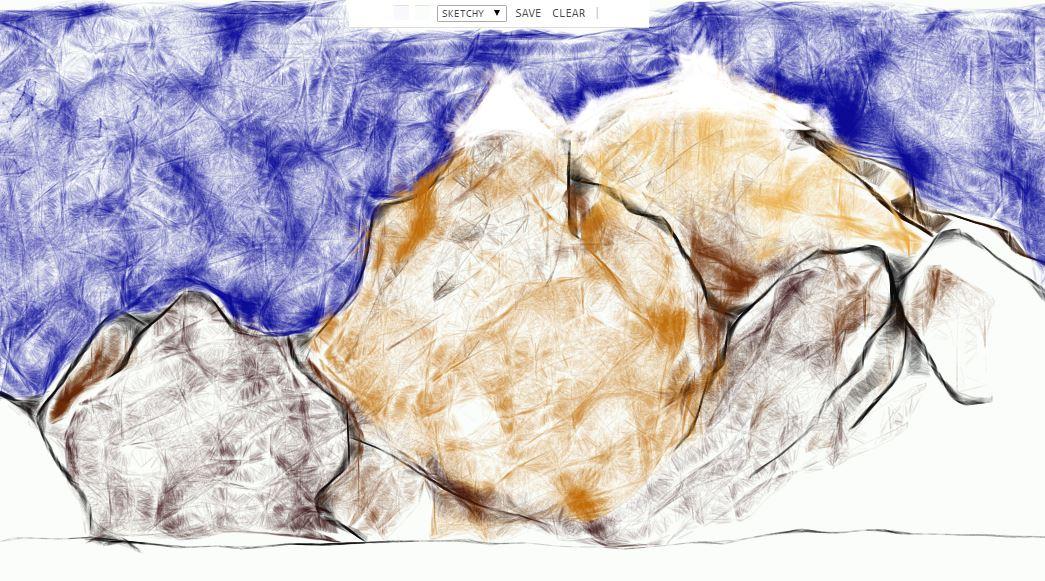
Ultimate Sketchpad screenshots
6 images · tap to enlarge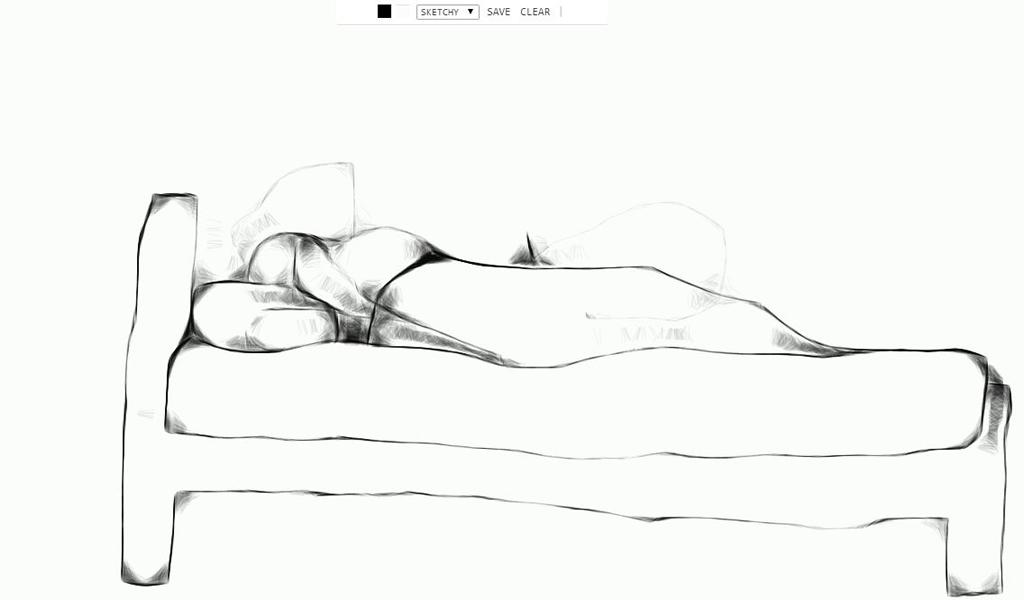
About this app
Looking for a simple drawing app? notable Sketchpad gives you stroke options, unlimited color choices, shading tools, and canvas controls in a free APK. It works with a stylus or fingertip, and the app keeps things open with no ads, no in-app purchases, and no permissions requested.
- Stroke options — Choose from stroke styles such as Sketchy, Chrome, Simple, Web, and Fur.
- Color wheel — Pick almost any stroke color with the built-in color wheel selector.
- Shading control — Shading options and speed-based stroke pressure changes help shape each line.
- Stylus support — The app works with both a stylus and your fingertip.
- Save or clear — Save your work or clear the canvas when you want to start over.
First look at the canvas tools
notable Sketchpad opens with a simple drawing setup and a long list of stroke choices. The app includes Sketchy, Chrome, Simple, Web, and Fur, along with shading options and stroke pressure changes that respond to stroke speed. That gives you more control over line style without adding extra menus.
The app also supports both stylus input and fingertip drawing. That makes it easy to switch between quick sketching and more detailed work on the same canvas.
Color and background controls
Color control is handled through an exclusive color wheel selector, and the app says stroke color can be changed to just about any color you want. Background color changes are also possible, so you can adjust the canvas before or after you start drawing.
For export and saving, the app lets you save your work or clear the canvas to begin again. The description does not list file formats or export options beyond saving, so those details are not shown here.
Simple use on a small APK
notable Sketchpad is free, with no ads and no in-app purchases. It also asks for no permissions. The APK file is 3.4 MB, comes as a universal build, and needs Android API 16 or later. The app was released on 2020-01-09 and last updated on 2021-11-04.
In use, the app feels direct. The tools are focused on drawing, and there are no account steps or purchase prompts to get in the way. That makes it easy to open, sketch, save, and clear the canvas without extra setup.
What could be better
There are no user ratings shown, so there is no review score to judge from. The app has 5K+ installs, but the store page does not show a rating distribution or comments to compare user experience. The current update notes only mention a compatibility update and a stability update.
For users who want a lightweight sketch app with stroke choices, color control, and no ads, notable Sketchpad is a straightforward option.
- Free use with no ads and no in-app purchases.
- Stroke styles include Sketchy, Chrome, Simple, Web, and Fur.
- Color wheel supports broad stroke color selection.
- Canvas control includes saving and clearing.
- Small APK at 3.4 MB for Android API 16+.
What's new
Version 2.0.7 · Nov 11, 2026
- Compatibility update
- Stability update
APK information
- Version
- 2.0.7
- Package
- com.mobile.gyro.dev64620.app61
- Category
- Art & Design
- Size
- 3 MB
- Min Android
- API 16
- Architecture
- universal
Older versions
-
Ultimate Sketchpad 2.0.7Nov 11, 2026Latest downloadAPK
Ultimate Sketchpad FAQ
Does Ultimate Sketchpad add a watermark?expand_more
The app description does not mention a watermark.
Does Ultimate Sketchpad work offline?expand_more
Offline use is not stated in the app details.
What permissions does Ultimate Sketchpad ask for?expand_more
No permissions are listed for this app.
Does Ultimate Sketchpad need an account?expand_more
No account requirement is mentioned.
What drawing tools does Ultimate Sketchpad include?expand_more
It includes stroke options such as Sketchy, Chrome, Simple, Web, and Fur, plus shading options and speed-based pressure changes.