
- 4.0star66,463 reviews
- 10M+Downloads
- 7 MBAPK size
- EveryoneRated for Everyone
- 5.0+Android
check_circleOriginal APK from Rhythm Software · Updated Nov 12, 2026
No threats found
0 / — antivirus engines flagged this file
Original signature
First seen — Rhythm Software
Unmodified APK
Same file the developer published — no mods
Uninstaller screenshots
5 images · tap to enlarge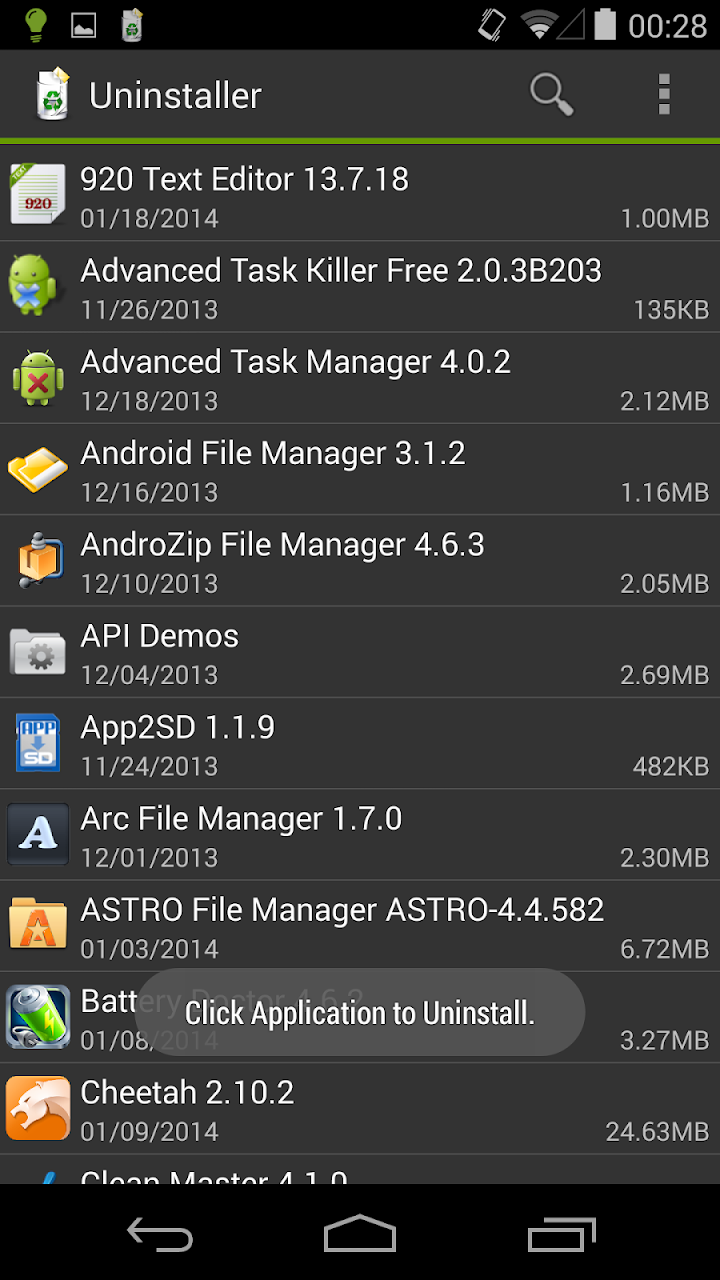
About this app
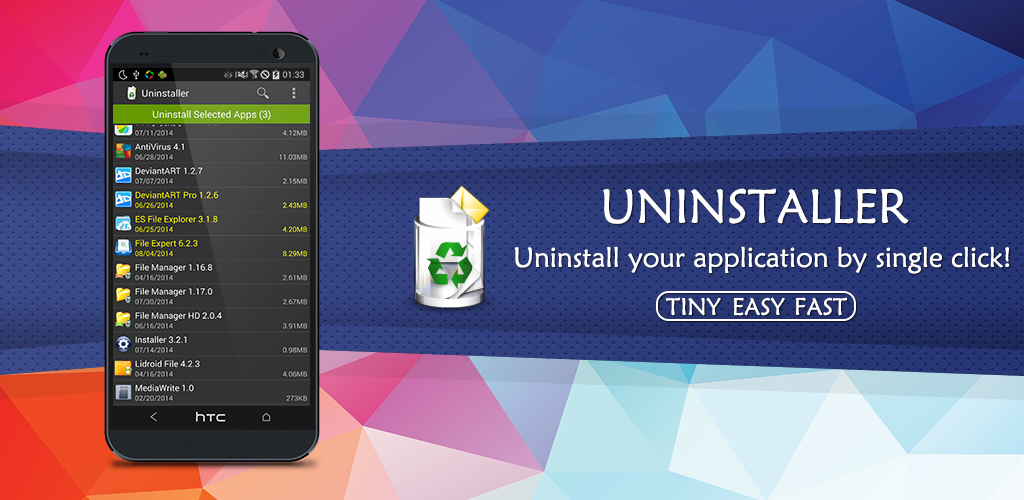
Need to remove apps quickly? Uninstaller is a simple Android tool for deleting apps one by one or in batches. It shows useful details such as version, install time, and size, and it can help you find apps by name or sort them different ways.
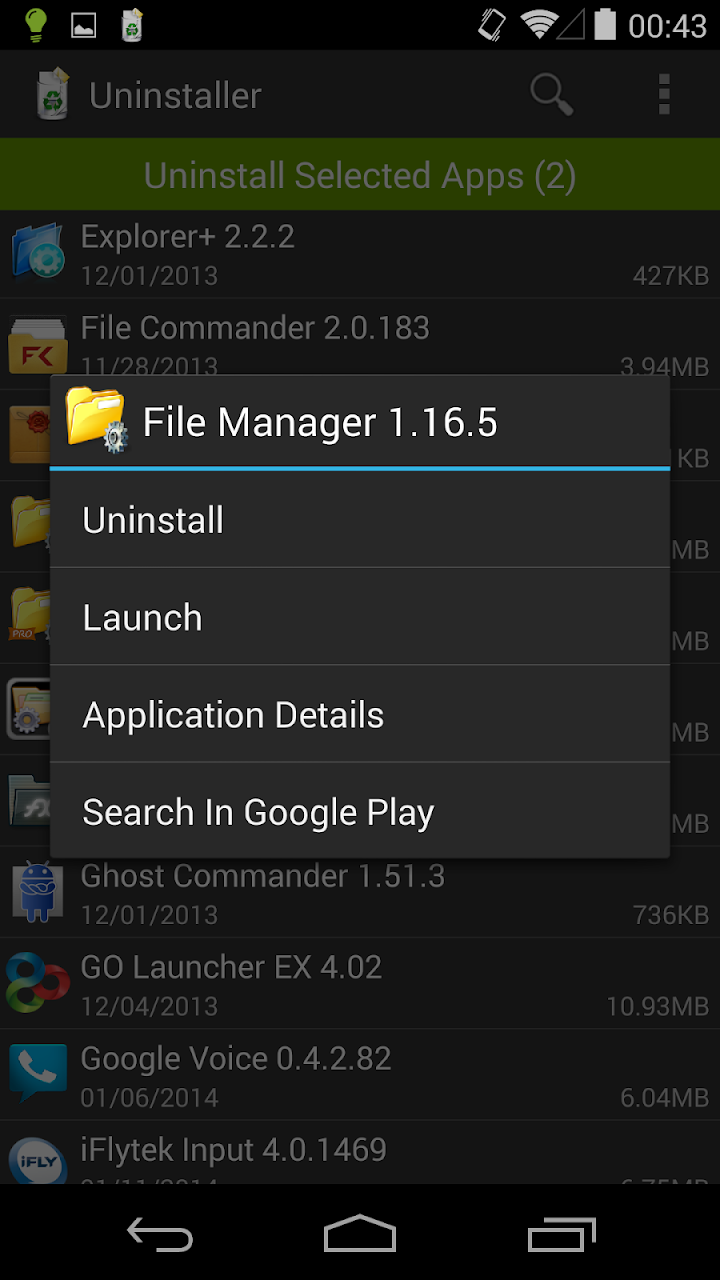
- Single-tap removal — Remove an app with one click when you want a quick cleanup.
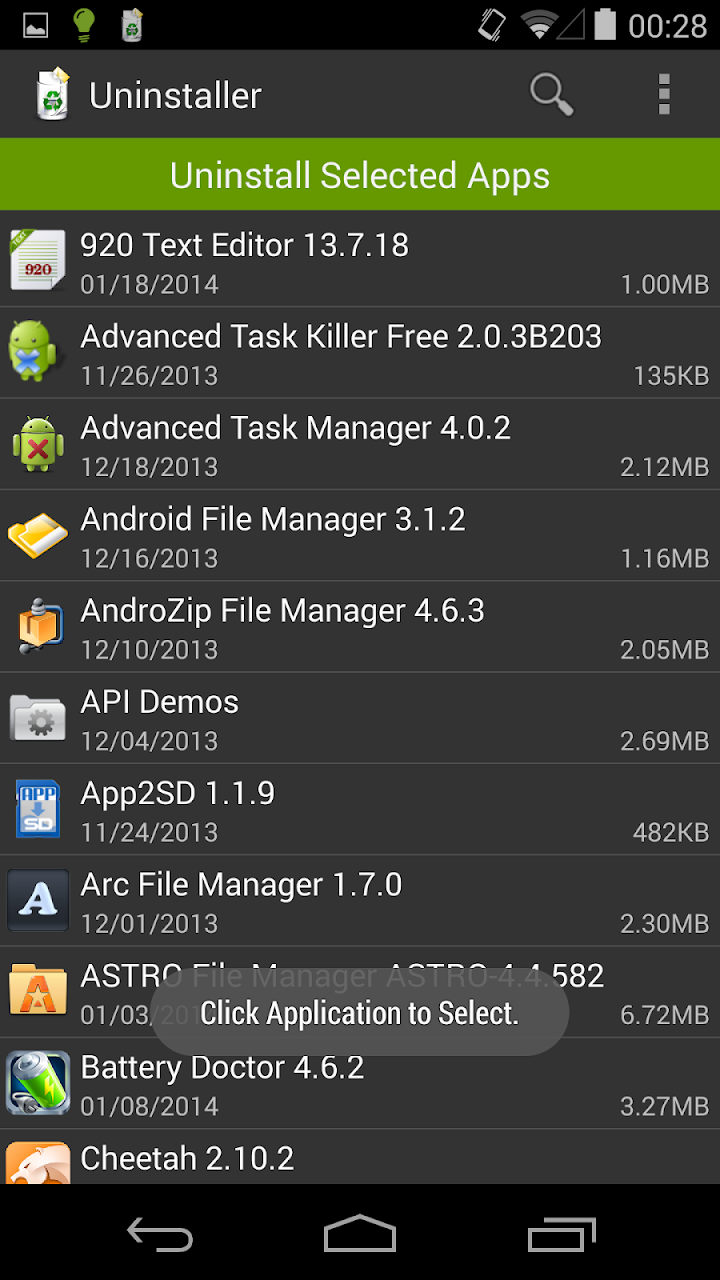
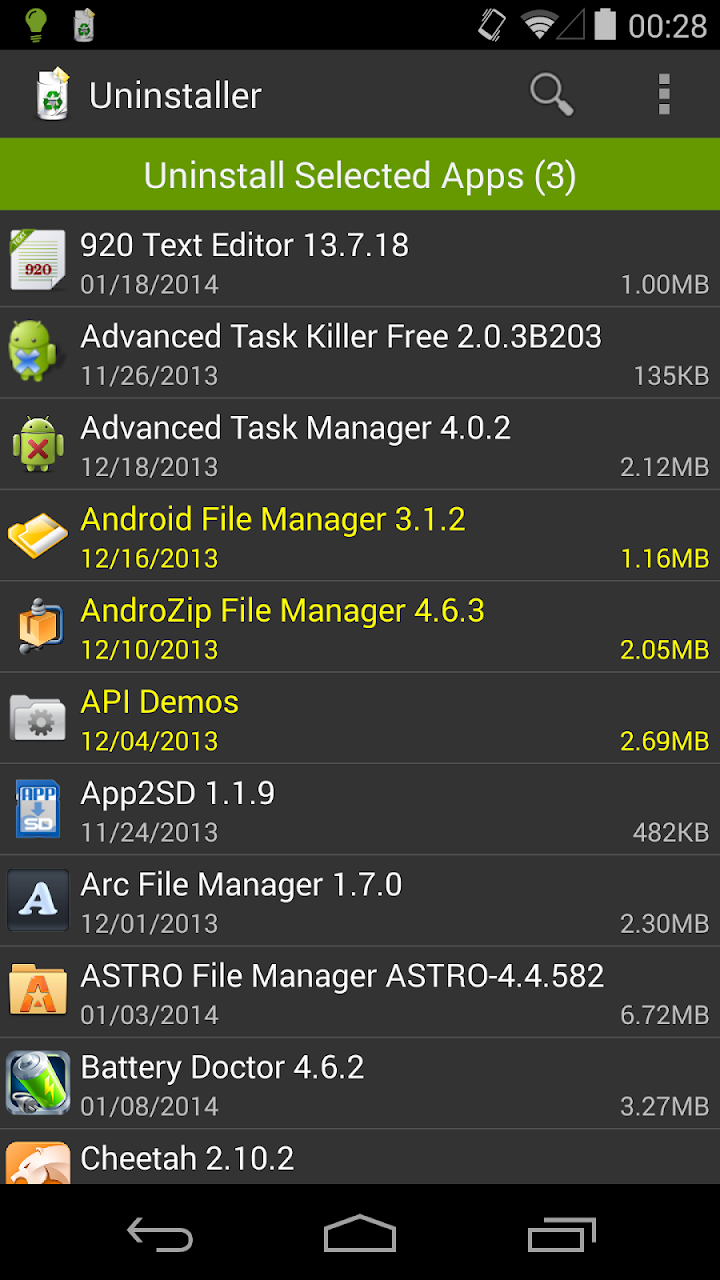
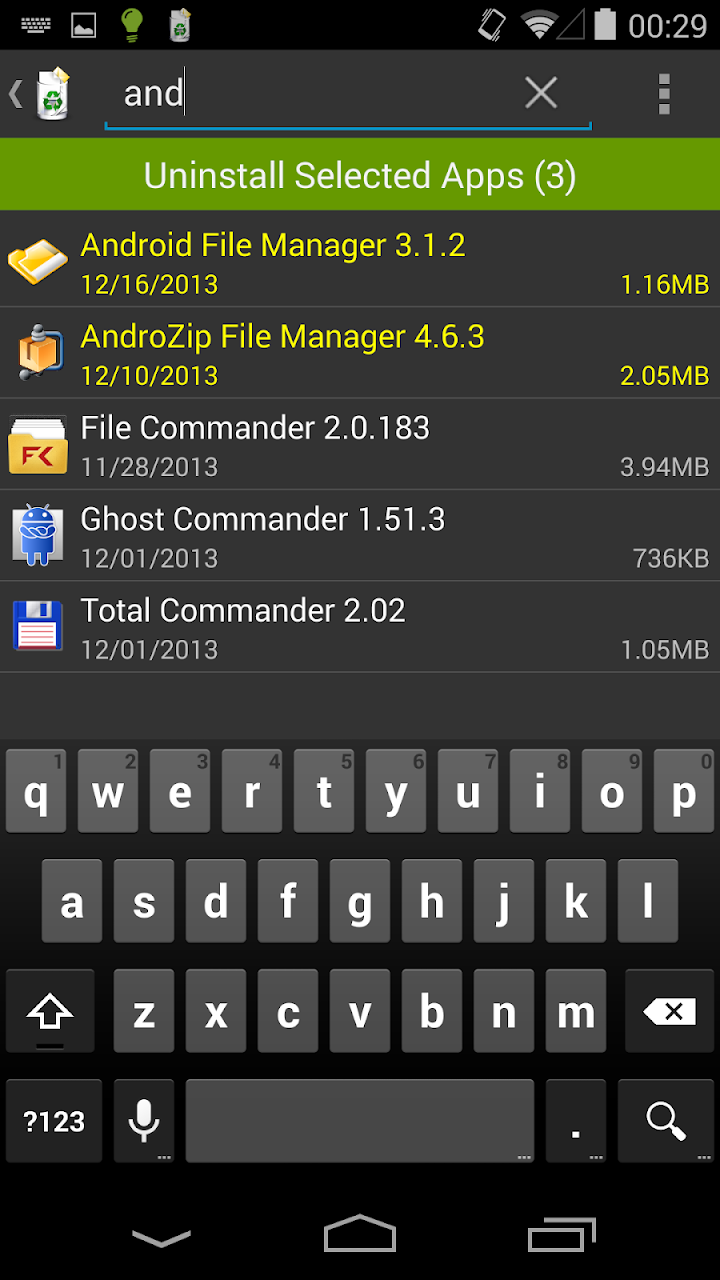
- Batch uninstall — Select more than one app and remove them together.
- App details shown — See each app’s name, version, install time, and size before uninstalling.
- Search by name — Type part of an app name to find it faster.
- Sort and filter — Use different sort modes and hide system apps that cannot be removed.
- Small app size — The app itself is very small and works on Android 5.0 and up.
Quick cleanup for people clearing space
If your phone is crowded with apps you no longer use, Uninstaller gives you a direct way to remove them. You can uninstall one app at a time or choose several and clear them together. Before you act, it shows the app name, version, installation time, and size, which makes it easier to decide what to keep.
For users who want less tapping
Uninstaller is built around a simple workflow: find an app, check its details, and remove it. Search by name helps when you already know what you want to delete, while the different sort modes help you browse by your preferred order. It is a good fit if you want an uninstall tool instead of digging through multiple settings screens.
For people comparing apps on the device
If you like to review apps before removing them, the extra details are useful. Apps moved to SD card are marked with a TF icon, and system apps are filtered out because they cannot be uninstalled with this tool. That keeps the list focused on apps you can actually remove.
What you get and what to watch for
- You get: single-click uninstall, batch uninstall, search, and sorting.
- You get: app details including version, install time, and size.
- You get: a very small APK, 7.1 MB, in universal format.
- Watch for: system apps cannot be uninstalled with this app.
- Watch for: the app contains ads and does not offer in-app purchases.
Compatibility and install notes
Uninstaller is free, contains ads, and asks for no permissions. It supports Android 5.0 and newer, and the current APK is 7.1 MB. The app was last updated on 2026-11-10.
What's new
Version 1.6.3 · Nov 12, 2026
- Support latest Android platform.
APK information
- Version
- 1.6.3
- Package
- com.rhythm.hexise.uninst
- Category
- Productivity
- Size
- 7 MB
- Min Android
- 5.0
- Architecture
- universal
Older versions
-
Uninstaller 1.6.3Nov 12, 2026Latest downloadAPK
Uninstaller FAQ
Does Uninstaller support teams?expand_more
It is a personal uninstall tool, not a team collaboration app.
Does Uninstaller sync across devices?expand_more
No sync feature is listed for this app.
Is Uninstaller available for older phones?expand_more
It supports Android 5.0 and up.
Which Android version does Uninstaller need?expand_more
Uninstaller needs Android 5.0 or later.
Can I remove several apps at once?expand_more
Yes. Uninstaller supports batch uninstall, so you can remove multiple apps together.