- 3.9star2,196 reviews
- 5M+Downloads
- 6 MBAPK size
- EveryoneRated for Everyone
- API 16+Android
check_circleOriginal APK from Bitty Apps · Updated Nov 10, 2026
No threats found
0 / — antivirus engines flagged this file
Original signature
First seen — Bitty Apps
Unmodified APK
Same file the developer published — no mods
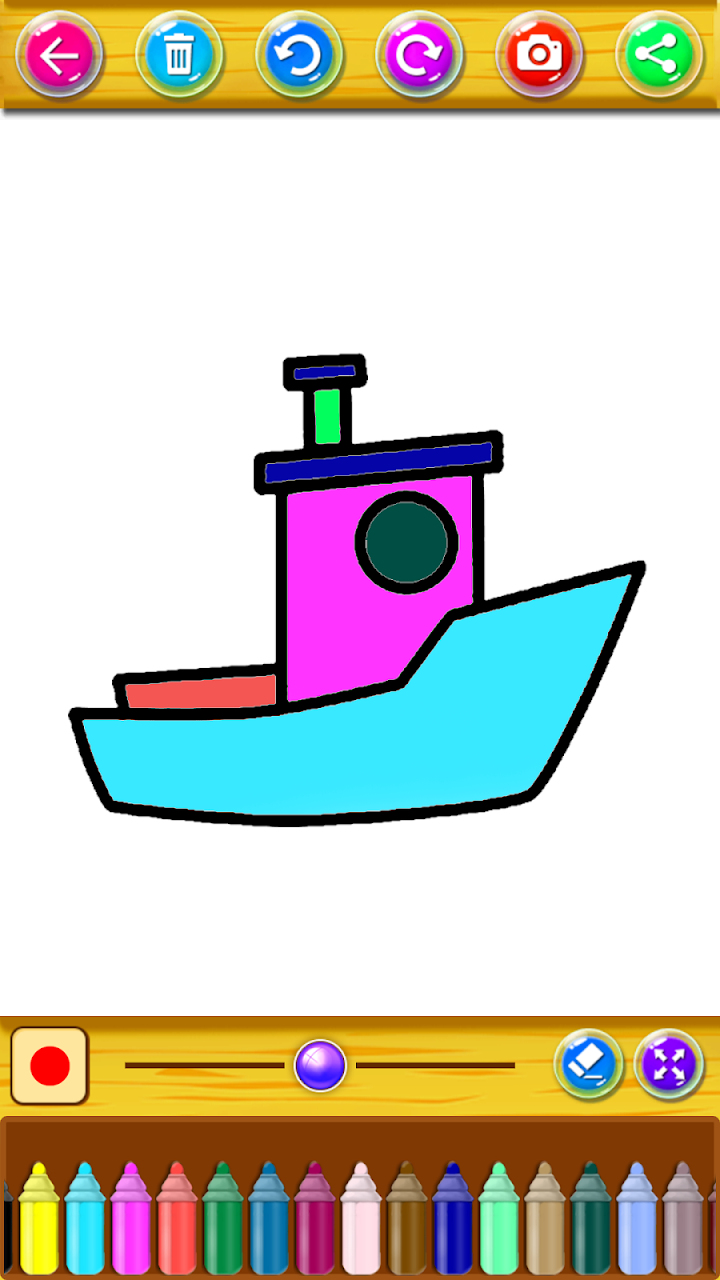
Vehicle Coloring &Drawing Book screenshots
8 images · tap to enlarge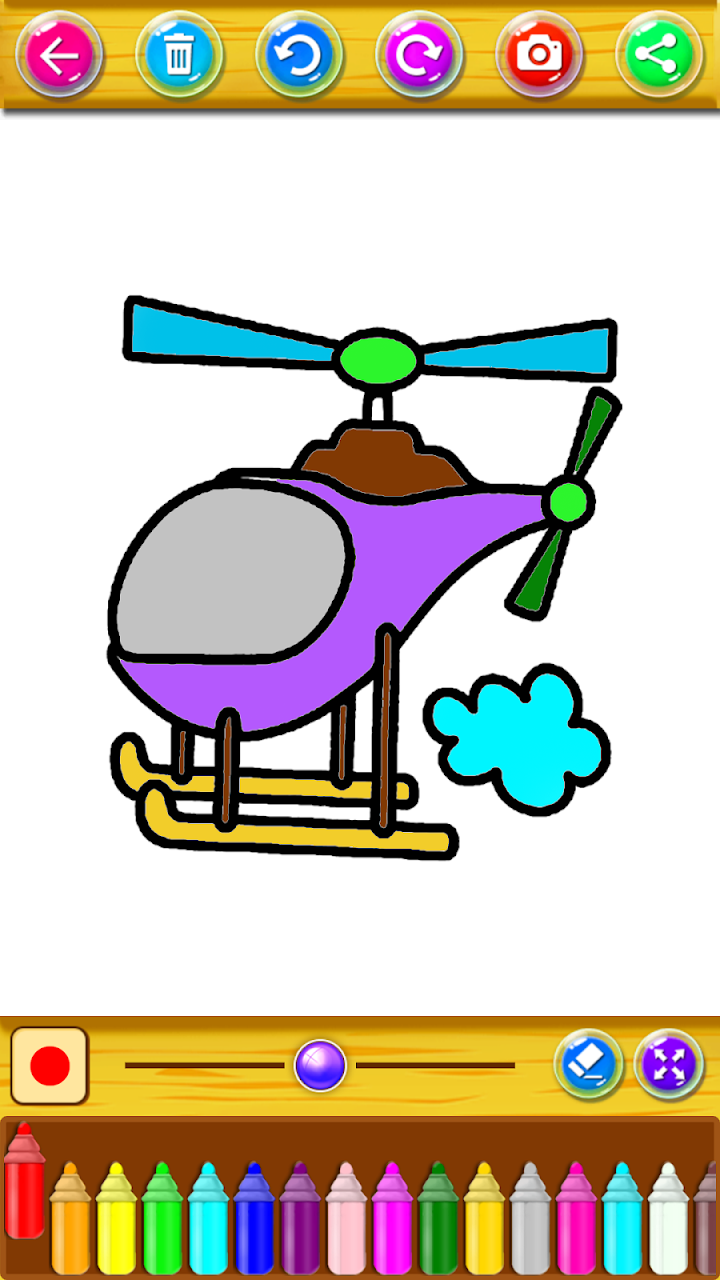
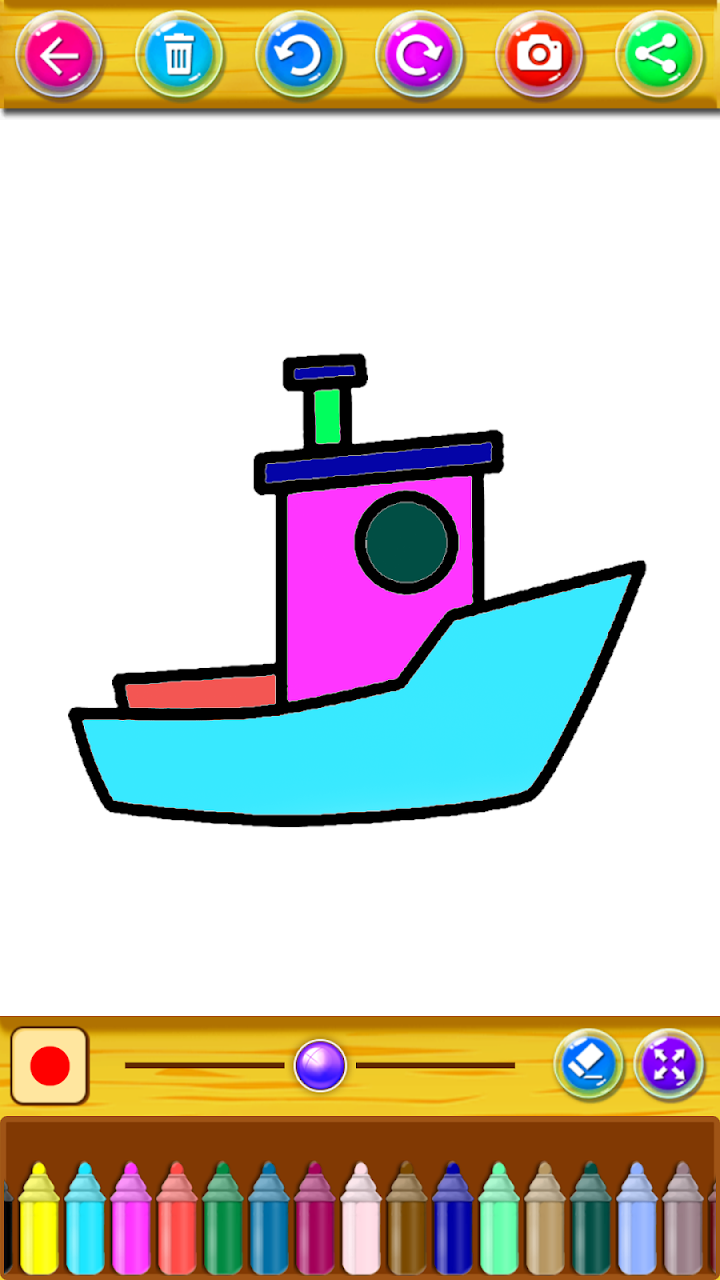
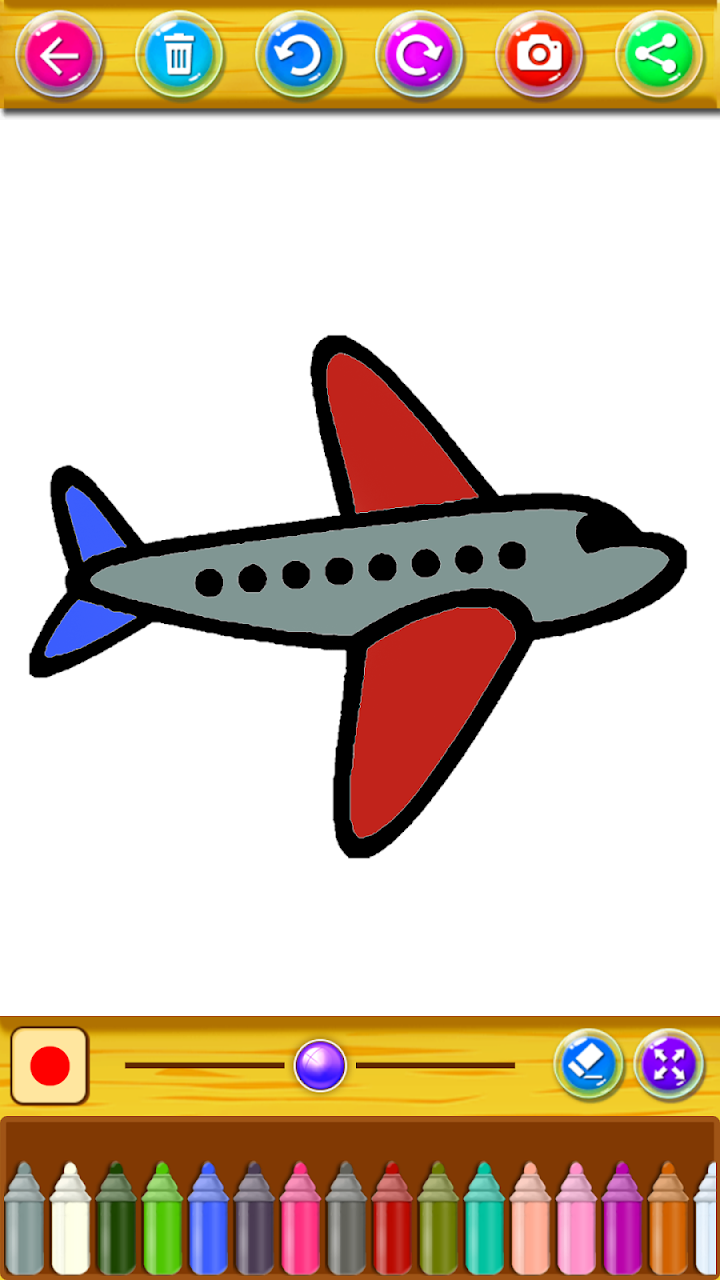
About this app
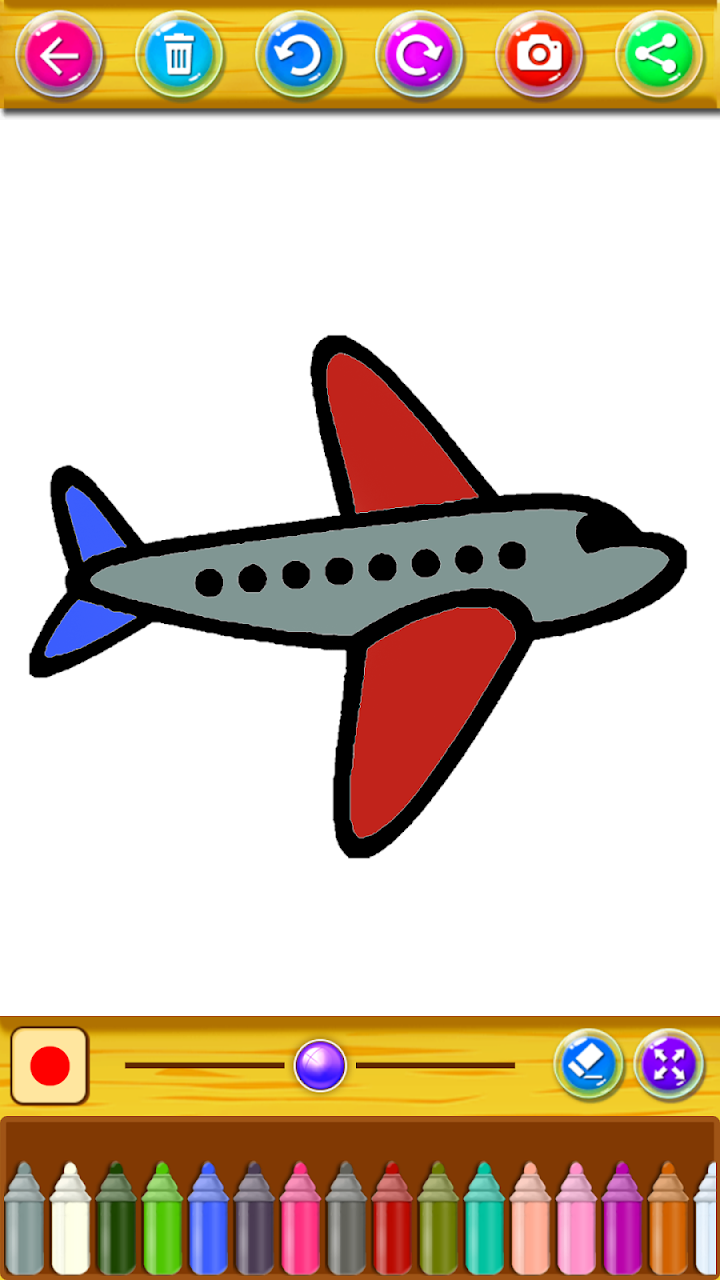
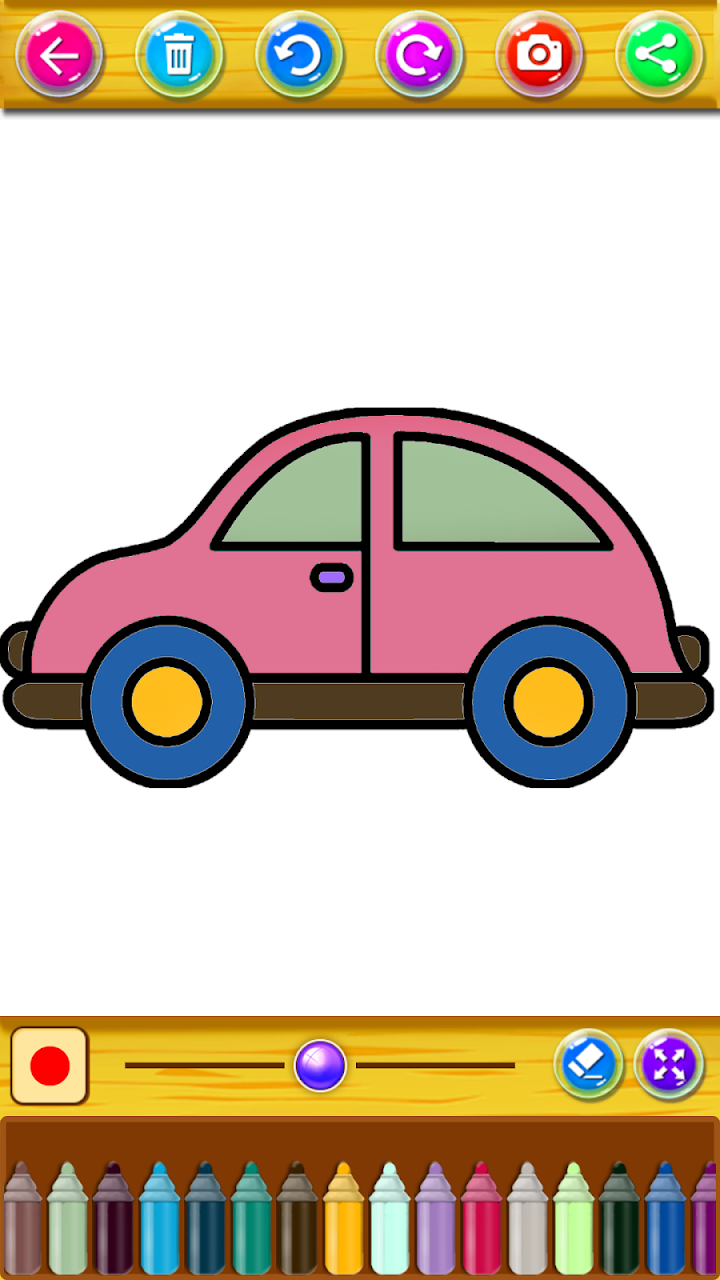
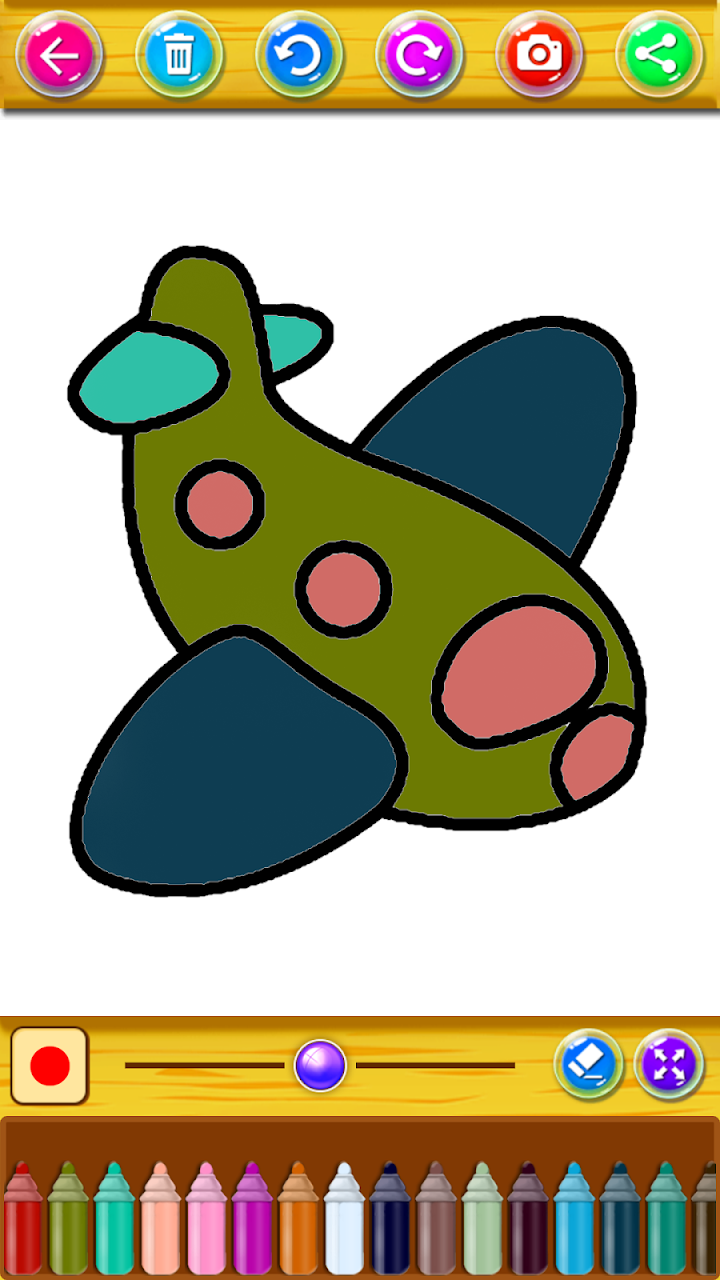
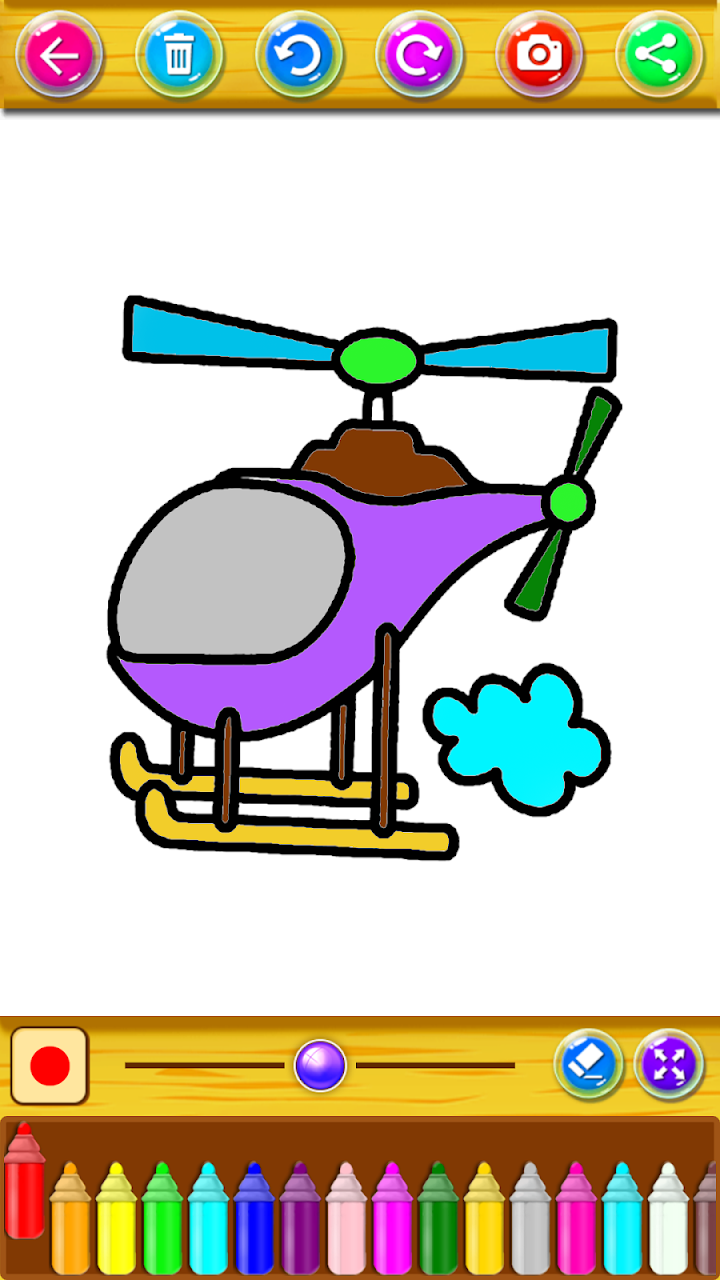
With 5M+ installs, Vehicle Coloring &Drawing Book gives you a simple coloring screen for drawing templates and vehicle-style pages. You pick a template, choose a pencil color, and tap or drag to fill gaps. It also lets you color outside the lines for backgrounds, then erase, save, or share when you are done.
- Template selection — Choose a drawing template before you start coloring.
- Pencil controls — Pick a color and change pencil size to suit the page.
- Tap and drag — Fill areas by tapping or dragging across each gap.
- Eraser tool — Remove unwanted color without starting over.
- Save and share — Store your finished artwork or share it from the app.
- Simple setup — It works on Android 16 and up and comes as a 6.2 MB APK.
Quick coloring on a small screen
Vehicle Coloring & Drawing Book opens to a straightforward drawing setup. You pick a template, select a pencil color, and start filling spaces with taps or drags. The app is built for quick sessions, so it fits a short break, a quiet evening, or a few minutes of coloring between other tasks.
The layout is simple enough for phones and tablets, and the pages are adapted for different screen resolutions. That makes the coloring area easy to use without hunting through menus.
Coloring vehicle pages step by step
The main task is coloring the templates on screen. You can fill each gap, color outside the drawing to make a background, and change pencil size when you want finer control. The app also includes different color styles to make the coloring feel closer to a real page.
If you make a mistake, the eraser tool is there to clean it up. There is no account setup or sign-in step listed, so you can get to the coloring screen right away.
Save artwork and keep going
When a page is finished, you can store your artwork or share it. That is useful if you want to keep a finished drawing or send it to someone else. The app does not mention filters or AI tools, so the focus stays on manual coloring and basic editing.
Installation is light: the app is an APK, 6.2 MB, and needs Android API 16 or newer.
What stands out and what does not
The app has a 3.9 rating from 2,197 ratings, with many more 5-star ratings than lower ones. It also has ads, which is the main friction you will notice while using it. There are no permissions listed, and there are no in-app purchases.
It is a practical pick if you want a free coloring app with simple tools and no extra setup. If you want advanced editing, filter effects, or AI features, this app does not list them.
APK information
- Version
- 1.0.12
- Package
- com.vehicledrawingbook.android
- Category
- Art & Design
- Size
- 6 MB
- Min Android
- API 16
- Architecture
- universal
Older versions
-
Vehicle Coloring &Drawing Book 1.0.12Nov 10, 2026Latest downloadAPK
Vehicle Coloring &Drawing Book FAQ
Does Vehicle Coloring &Drawing Book work offline?expand_more
The listing does not say whether it works offline.
Does Vehicle Coloring &Drawing Book add a watermark?expand_more
There is no watermark mentioned in the app details.
Is Vehicle Coloring &Drawing Book available for older phones?expand_more
Yes. It supports Android API 16 and up.
Does Vehicle Coloring &Drawing Book show ads?expand_more
Yes, the app contains ads.
Can I save or share my drawings in Vehicle Coloring &Drawing Book?expand_more
Yes. The app says you can share and store your artwork.