- 4.6star141,400 reviews
- 100M+Downloads
- 170 MBAPK size
- EveryoneRated for Everyone
- 10+Android
check_circleOriginal APK from Verizon Consumer Group · Updated Nov 12, 2026

No threats found
0 / — antivirus engines flagged this file
Original signature
First seen — Verizon Consumer Group
Unmodified APK
Same file the developer published — no mods
Verizon Protect screenshots
7 images · tap to enlarge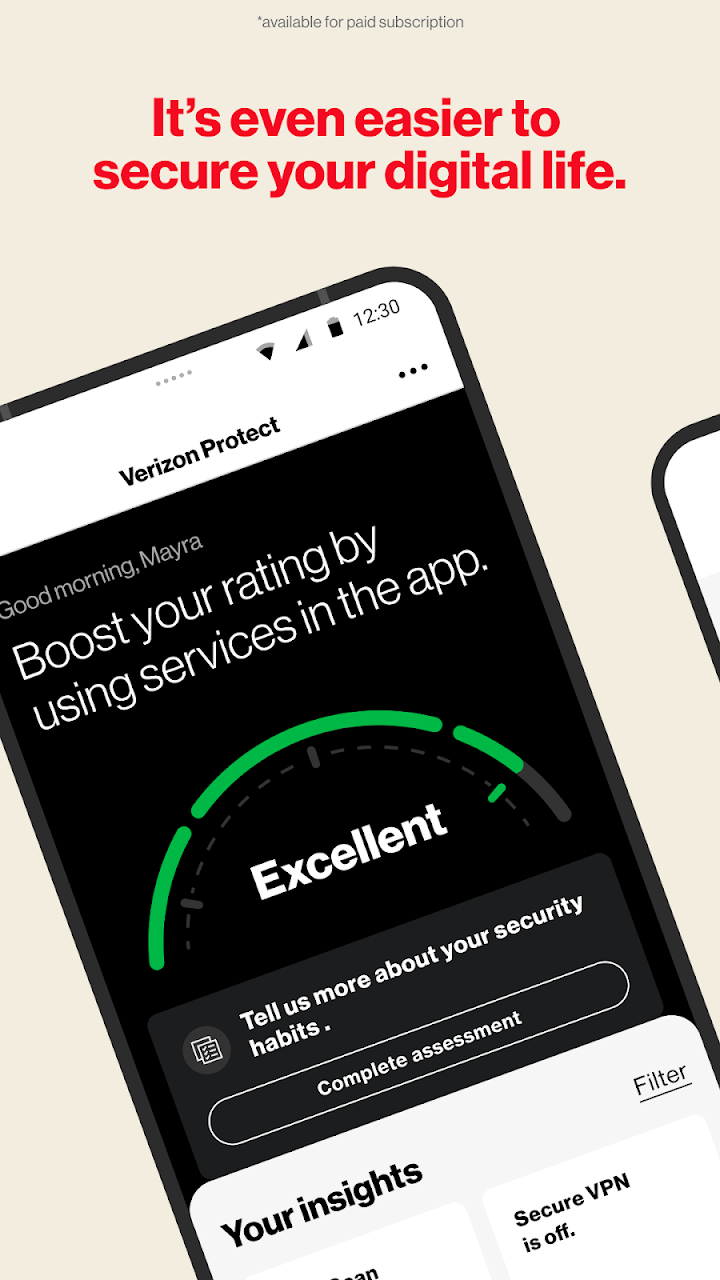
About this app
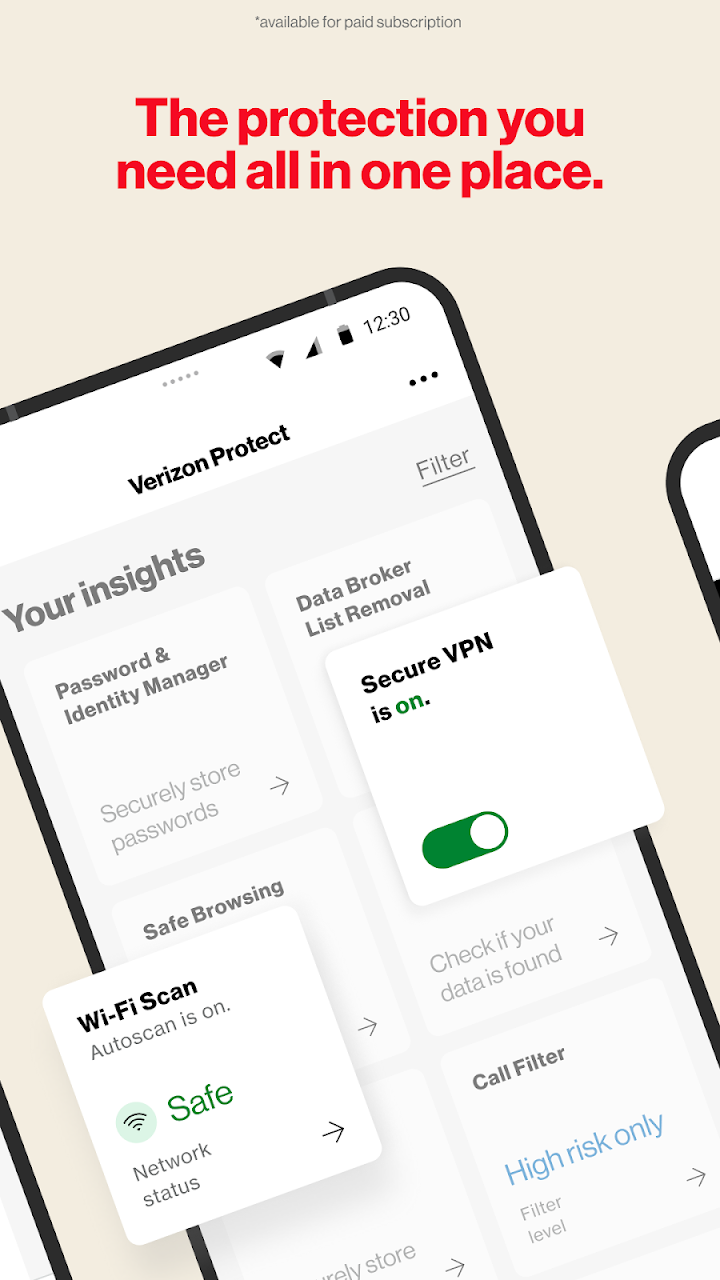
With 100M+ installs and a 4.6 rating, Verizon Protect brings device, data, and identity protection together in one app. It helps you check websites, scan for malware, review Wi‑Fi networks, and use identity tools like dark web monitoring and data broker removal. The app is free to download on Android.
- Safe Browsing Checks — The app can help flag risky websites when you enter a URL in a supported third-party browser.
- Malware Scanning — Scan photos, media, and other files on your device for viruses, malware, and suspicious software.
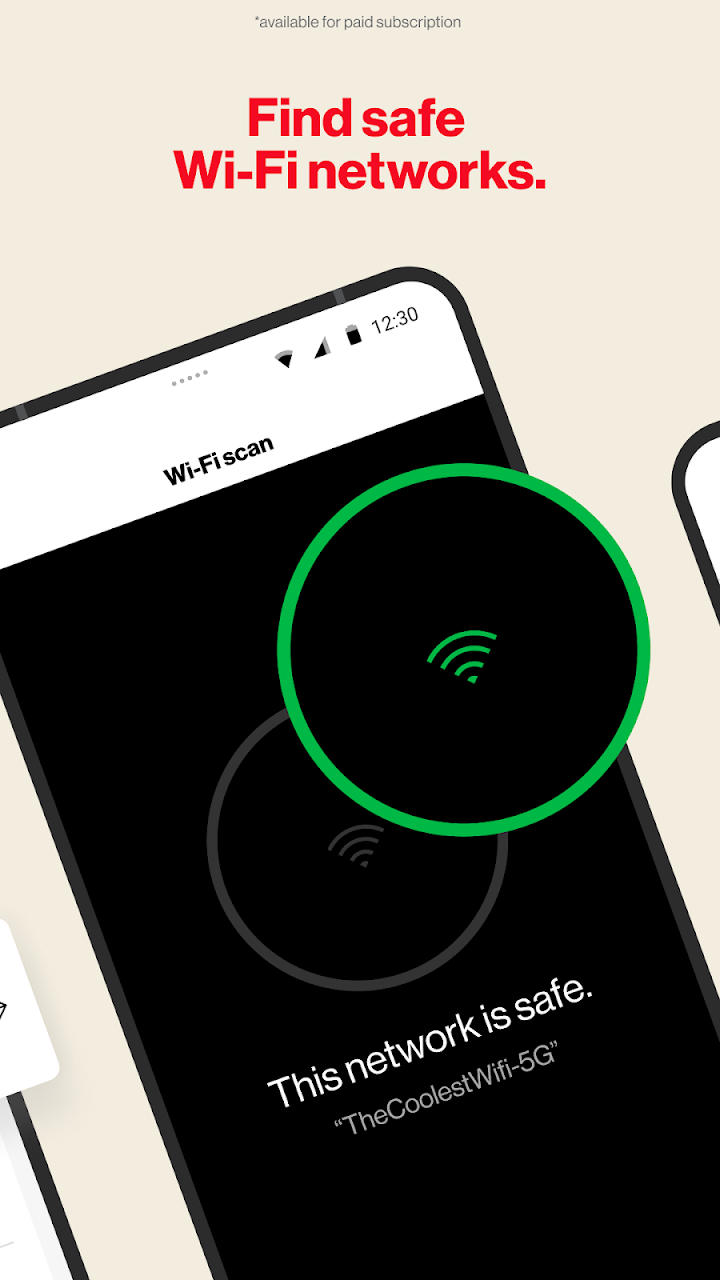
- Wi‑Fi Network Scan — Check whether a network is encrypted and safe before you connect, especially on public Wi‑Fi.
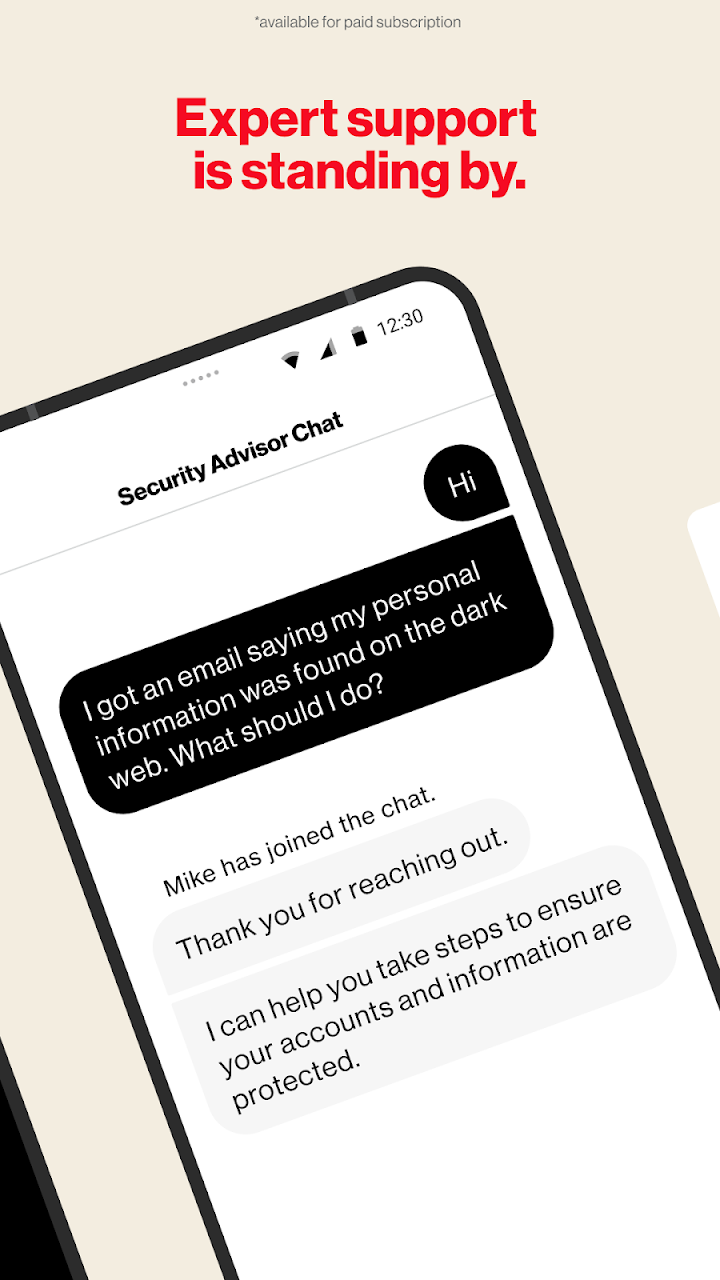
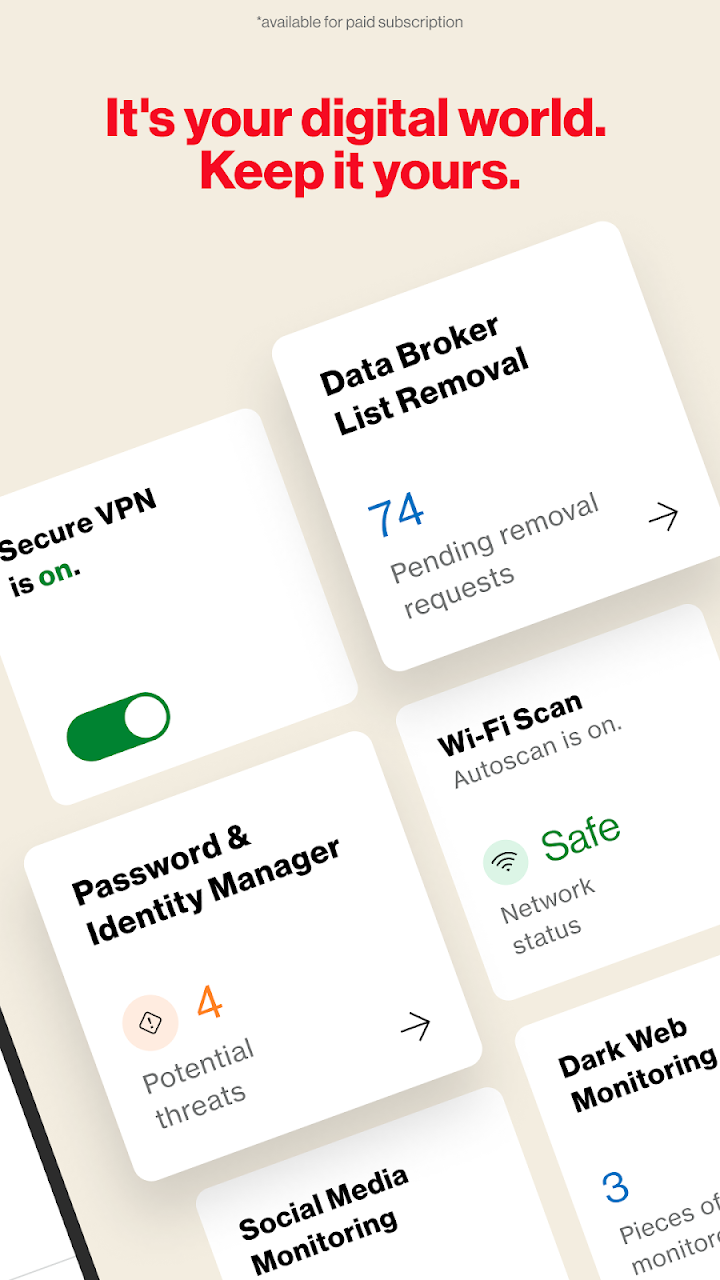
- Identity Protection Tools — Use dark web monitoring, data broker removal, and social media monitoring to help protect your identity.
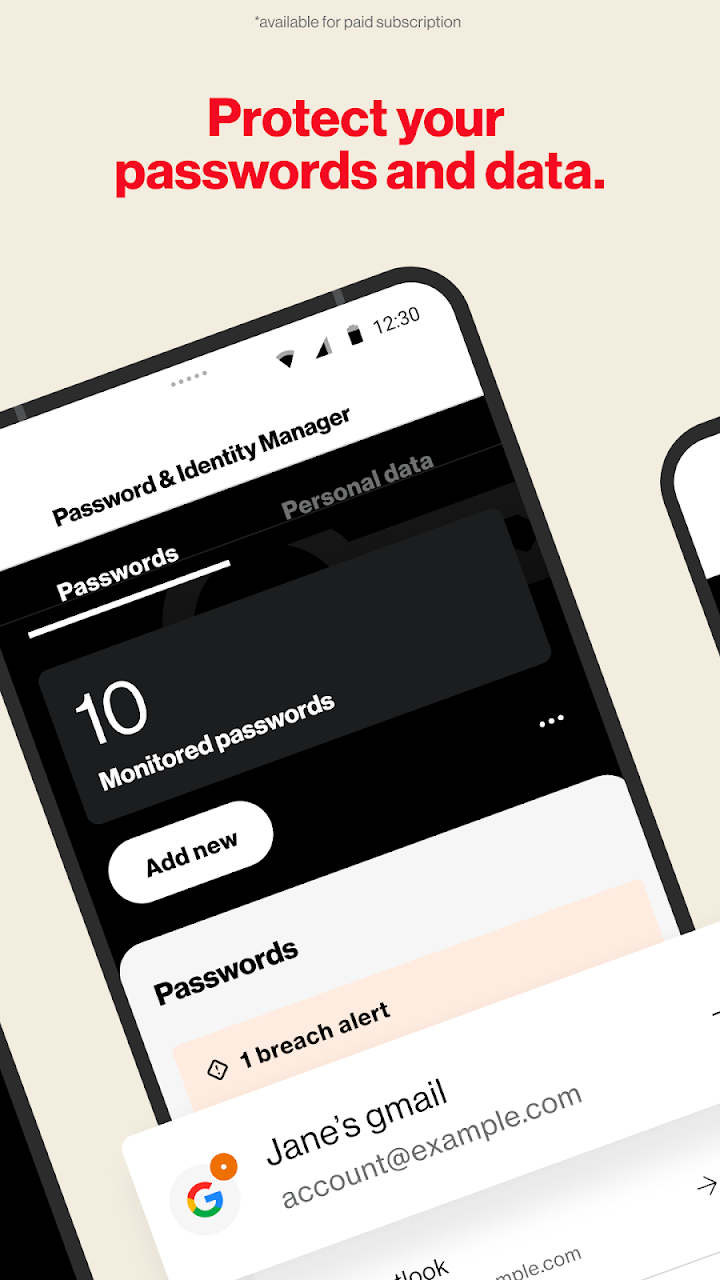
- Password Management — Create and autofill passwords across devices and operating systems with Identity Secure.
- Device Requirements — Verizon Protect is an APK for Android 10 and up, and the file size is 169.7 MB.
Check websites before you open them
Verizon Protect includes safe browsing tools that look for risky websites while you browse in third-party browsers. For example, if you enter a web address in another browser, the app can help warn you about potential threats before you continue.
This makes it easier to spot unsafe pages without needing to know anything technical.
Scan files and public Wi‑Fi
The malware scan looks through photos, media, and other files on your device for viruses, malware, and suspicious software. That can be useful after downloading a file or moving media onto your phone.
You can also use the Wi‑Fi scanner to check a network before joining it. If you are at a café or airport, it can help you see whether the connection is encrypted and safe.
Identity tools with account protection
Identity Secure adds tools for passwords, data broker removal, social media monitoring, locked storage, and restoration help. You can create and autofill passwords across devices and operating systems, which is helpful when signing in on a phone and then again on a computer.
The app also supports data broker list removal, so you can scan for personal information in online databases that sell and trade data. If you want to keep important files private, the Locked Folder uses a 6-digit PIN.
Premium services and install notes
Digital Secure Premium and Identity Secure require paid subscriptions, which can be added in the app or through My Verizon Online. Verizon Protect is free to download, comes as an APK, and works on Android 10 and later. The app file is 169.7 MB.
- Format: APK
- Android version: 10+
- File size: 169.7 MB
What's new
Version 9.3.0-30 · Nov 12, 2026
- Improved connectivity to maintain cellular data until you fully log into public Wi-Fi networks
- Easily import or export passkeys alongside your existing credentials
APK information
- Version
- 9.3.0-30
- Package
- com.securityandprivacy.android.verizon.vms
- Category
- Productivity
- Size
- 170 MB
- Min Android
- 10
- Architecture
- universal
Older versions
-
Verizon Protect 9.3.0-30Nov 12, 2026Latest downloadAPK
Verizon Protect FAQ
Can Verizon Protect be used offline?expand_more
Some tools, like local malware scanning, can work on your device, but features such as dark web monitoring and Wi‑Fi checks depend on network access.
Does Verizon Protect support teams?expand_more
No team or shared-workspace features are listed. The app is focused on personal device, data, and identity protection.
Does Verizon Protect work on tablets?expand_more
The app is listed for Android devices and requires Android 10 or later. Tablet support is not stated.
How do I update Verizon Protect from an APK?expand_more
Install the newer APK version over the current app on a device that meets the Android 10+ requirement. The current version is 9.3.0-30.
What does Verizon Protect help protect?expand_more
It helps with device security, safe browsing, Wi‑Fi checks, and identity protection tools such as dark web monitoring and data broker removal.