
- 4.8star72,479 reviews
- 1M+Downloads
- 87 MBAPK size
- TeenRated for Teen
- 10+Android
check_circleOriginal APK from ShengShu AI HK Limited · Updated Nov 9, 2026
No threats found
0 / 59 antivirus engines flagged this file
Original signature
First seen — ShengShu AI HK Limited
Unmodified APK
Same file the developer published — no mods
Vidu - AI Video Generator screenshots
8 images · tap to enlarge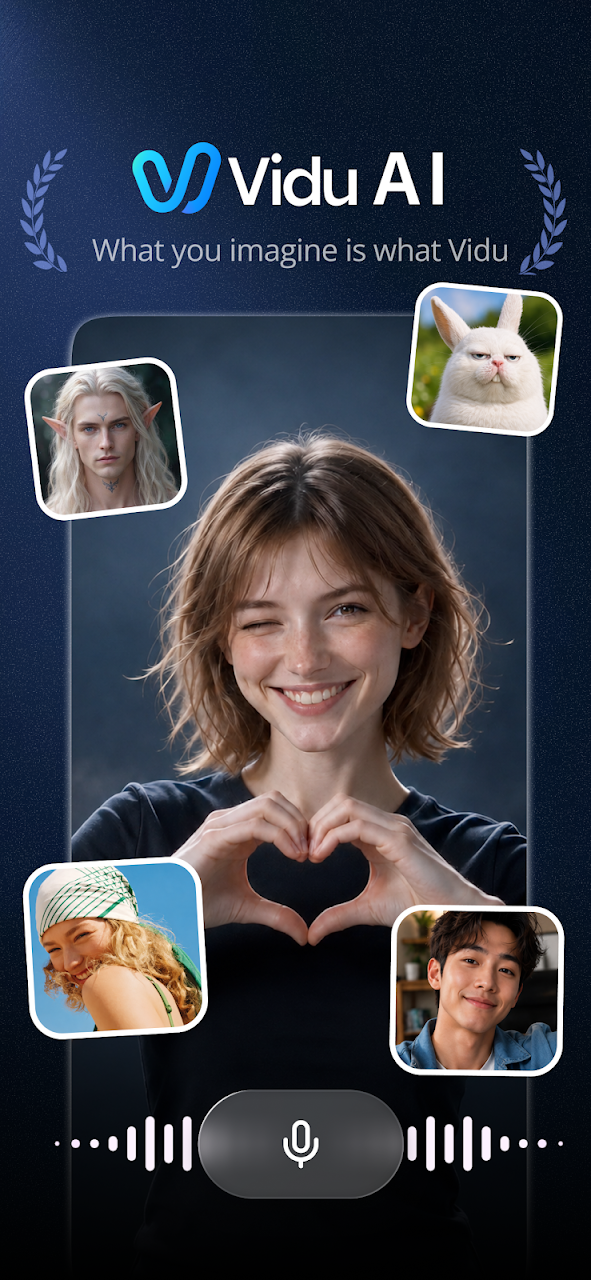
About this app
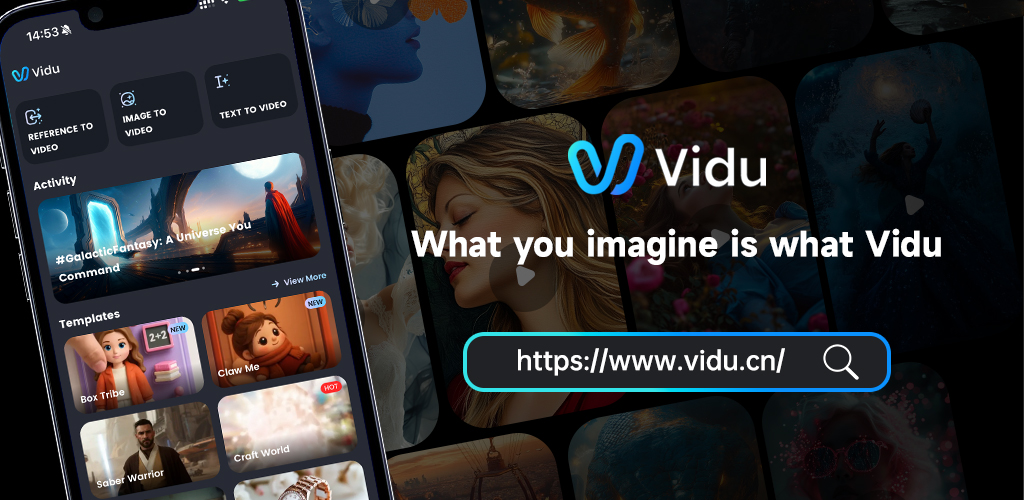
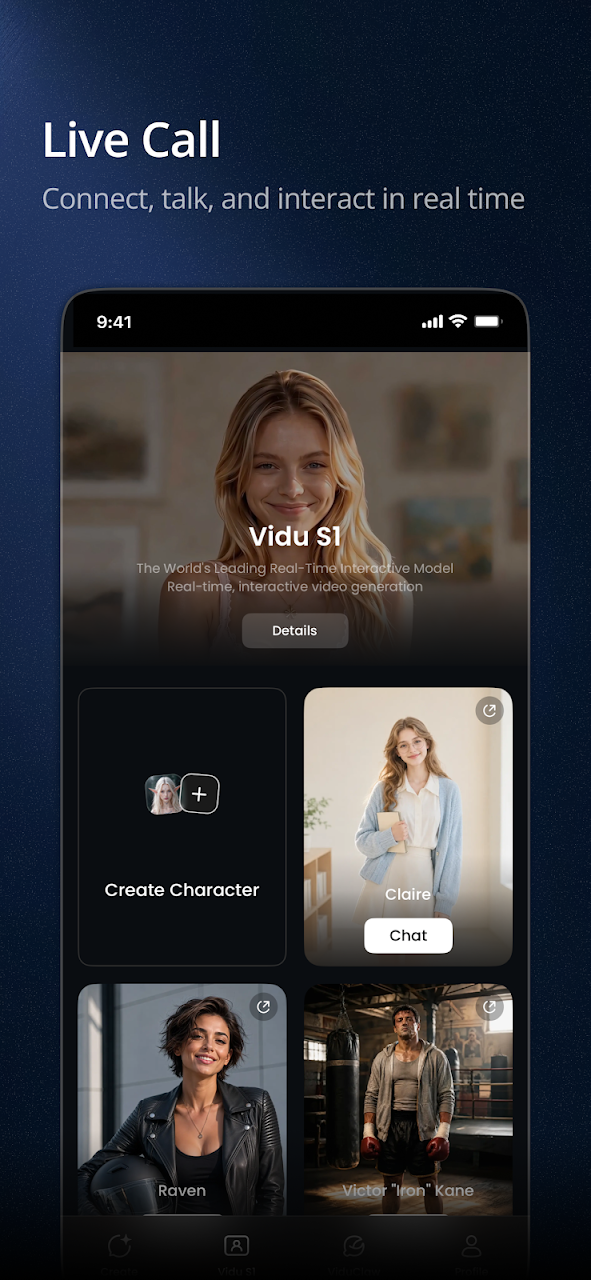
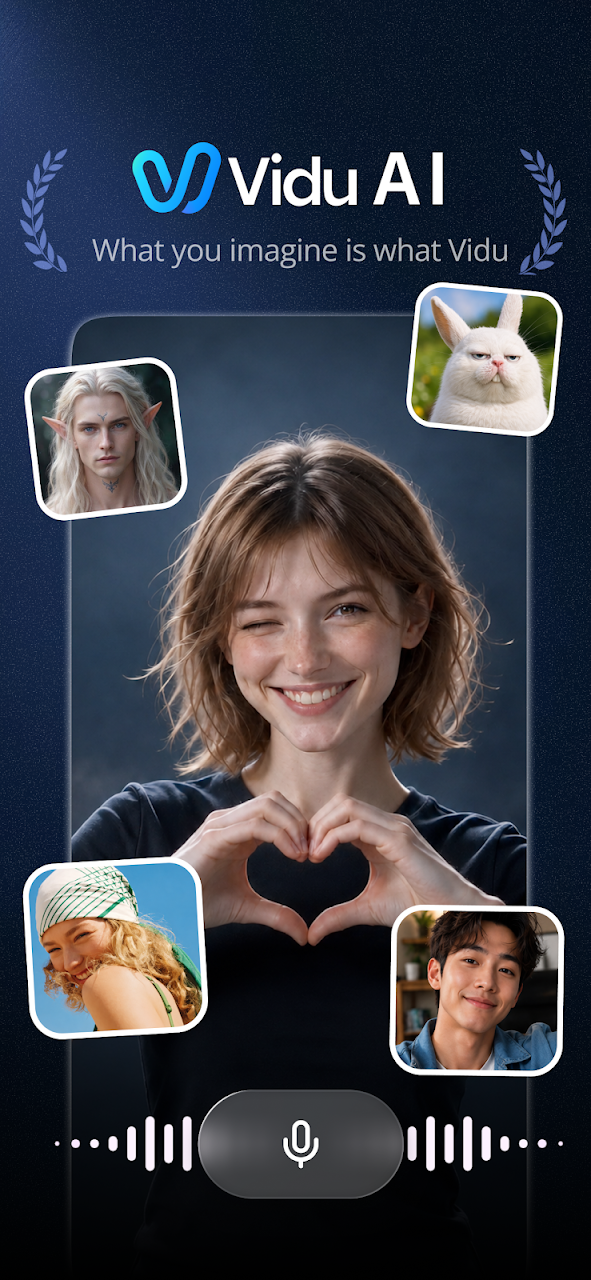
Need a fast way to make videos from an idea? Vidu - AI Video Generator turns text prompts into AI videos, adds matching audio, and lets you remix community ideas or use image references for style and characters. It runs on Android 10 and up, is 86.8 MB, comes as an XAPK, and targets creators who want quick video generation without manual editing.
- Text to video — Type an idea and Vidu generates a high-definition video with cinematic styling.
- Built-in audio — Videos can include background music, voiceovers, and sound effects matched to the scene.
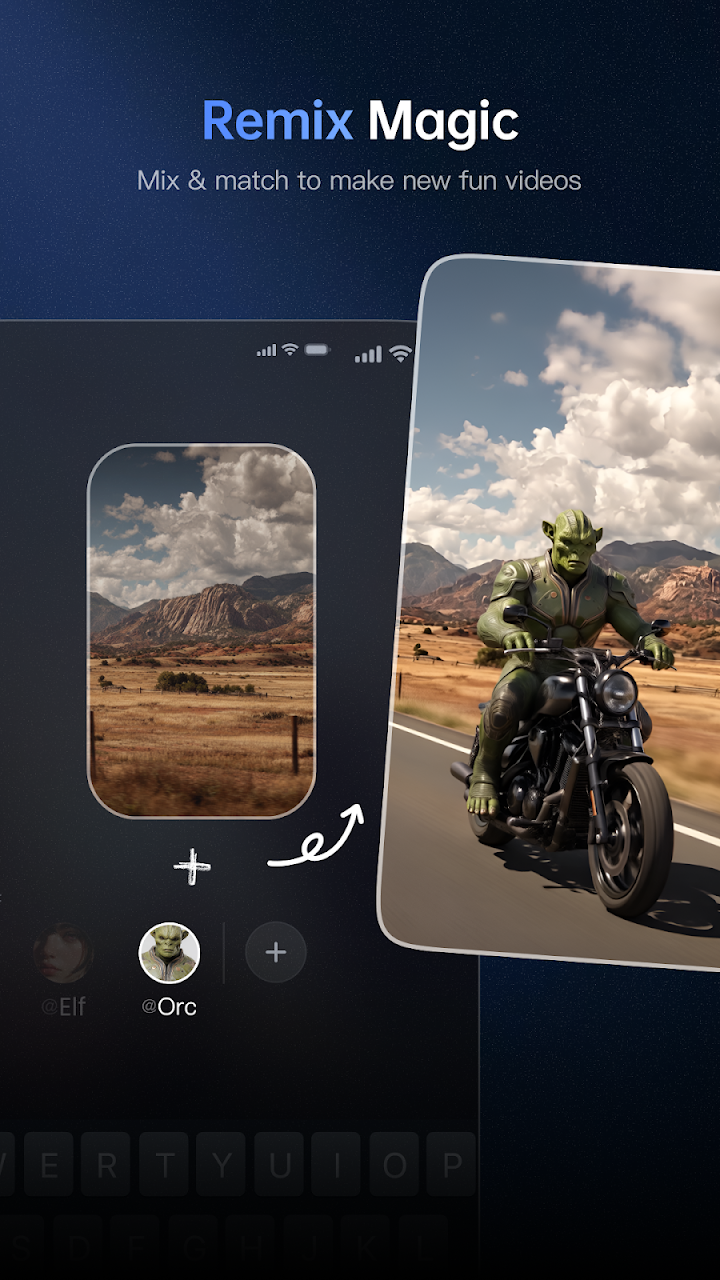
- Remix ideas — Use Remix to build on a community concept and generate your own version.
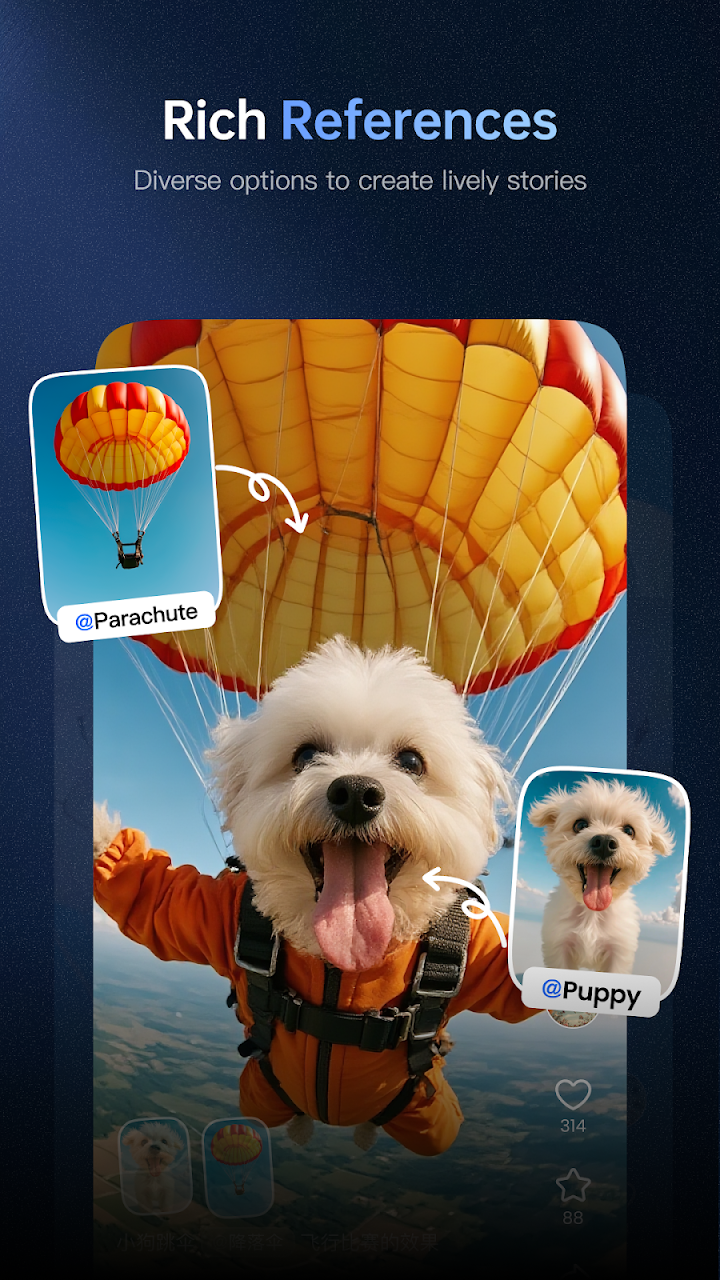
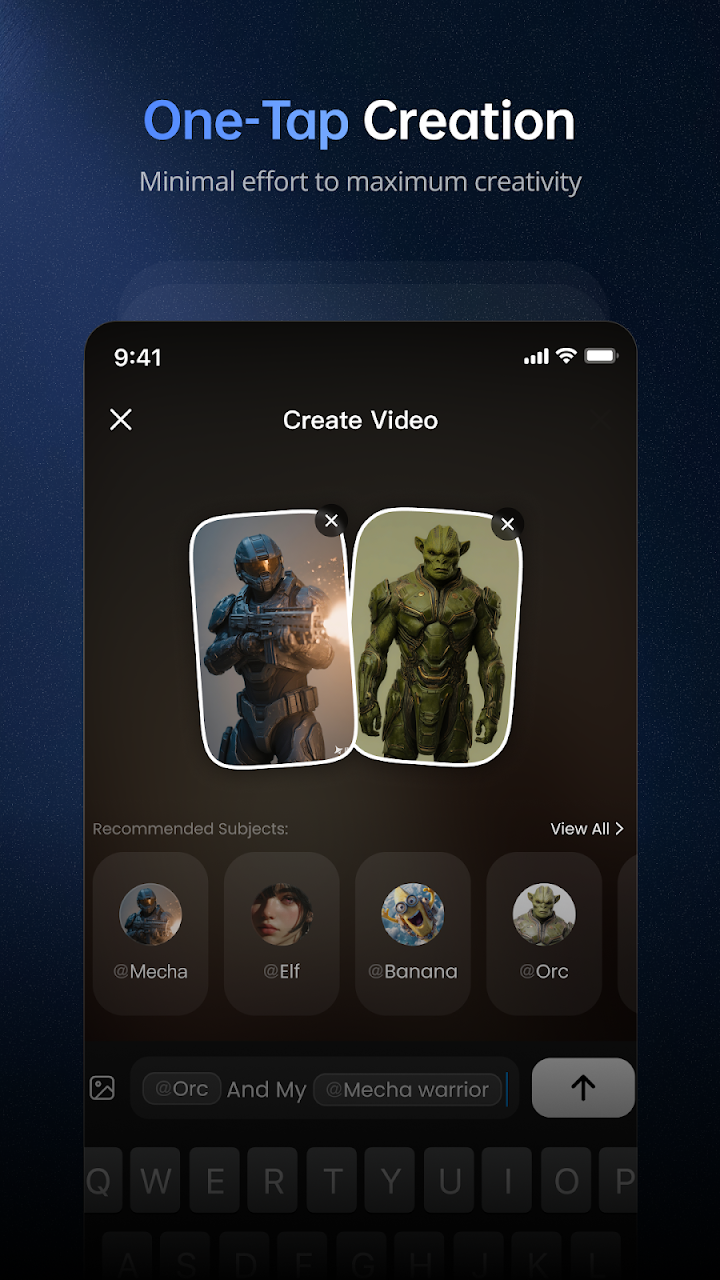
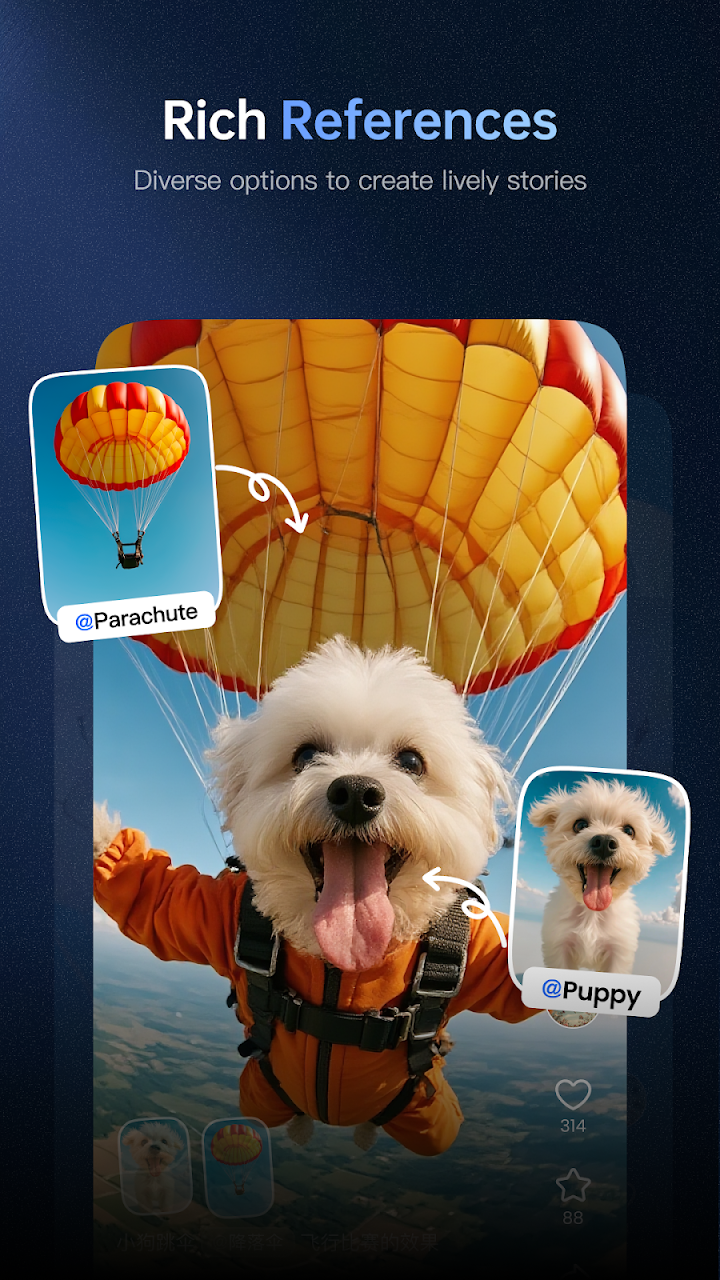
- Image references — Add an image as a reference to guide style, characters, or the overall look.
- Quick creation — The app is designed for one-click generation, so you can make videos without editing experience.
From prompt to video
Vidu is aimed at the common problem of turning a concept into a finished video without opening a full editor. Instead of assembling clips, timing audio, and matching effects by hand, you enter text and the app generates a video for you. That makes it useful when you need something shareable for social posts, short-form channels, or a quick concept preview.
Audio and visual output in one pass
The app does more than generate visuals. It can add background music, voiceovers, and sound effects automatically, which matters if you want a clip that feels complete right away. The store listing also describes HD output and cinematic quality, so the focus is on presentation rather than rough drafts.
Remix and reference controls
Vidu includes two tools that help steer the result. Remix lets you take an idea from the community and turn it into your own version, while Custom References lets you use an image to influence style, characters, or the visual direction. Those options give more control than plain text prompts alone.
What to expect on Android
The app is free, contains no ads, and does include in-app purchases. It requires Android 10 or later, is packaged as an XAPK, and the download size is 86.8 MB. Permissions include camera, microphone, storage access, network access, notifications, Bluetooth, and billing, so it is asking for more than a simple offline viewer would.
- You get: text-to-video generation, audio integration, Remix, and image references.
- Watch for: storage, camera, and microphone permissions; in-app purchases; no offline claim.
Who will get the most from it
If you make social content, test ideas quickly, or want a one-click way to produce AI videos, Vidu fits that workflow well. If you need manual editing tools or a local, offline video app, this is not positioned that way.
APK information
- Version
- 4.2.5
- Package
- com.vidu.oversea
- Category
- Art & Design
- Size
- 87 MB
- Min Android
- 10
- Architecture
- armeabi-v7a
Older versions
-
Vidu - AI Video Generator 4.2.5Nov 9, 2026Latest downloadAPK
Vidu - AI Video Generator FAQ
Does Vidu - AI Video Generator work offline?expand_more
The listing does not say it works offline. Its permissions and features point to an online video-generation app.
Can Vidu - AI Video Generator edit RAW photos?expand_more
No RAW photo editing feature is listed. The app focuses on generating videos from text and image references.
What permissions does Vidu - AI Video Generator ask for?expand_more
It asks for camera, microphone, storage, network, Bluetooth, notifications, and billing-related permissions, among others. Storage access includes read and write external storage.
Does Vidu - AI Video Generator work on tablets?expand_more
The listing does not specify tablet support. It requires Android 10 or later.
How much does Vidu - AI Video Generator cost?expand_more
The app is free to download. It also includes in-app purchases.