- 3.5star1,238 reviews
- 100K+Downloads
- 16 MBAPK size
- EveryoneRated for Everyone
- API 19+Android
check_circleOriginal APK from 武汉帧迹科技有限公司 · Updated Nov 10, 2026
No threats found
0 / — antivirus engines flagged this file
Original signature
First seen — 武汉帧迹科技有限公司
Unmodified APK
Same file the developer published — no mods
Word Clouds: word art designer screenshots
6 images · tap to enlarge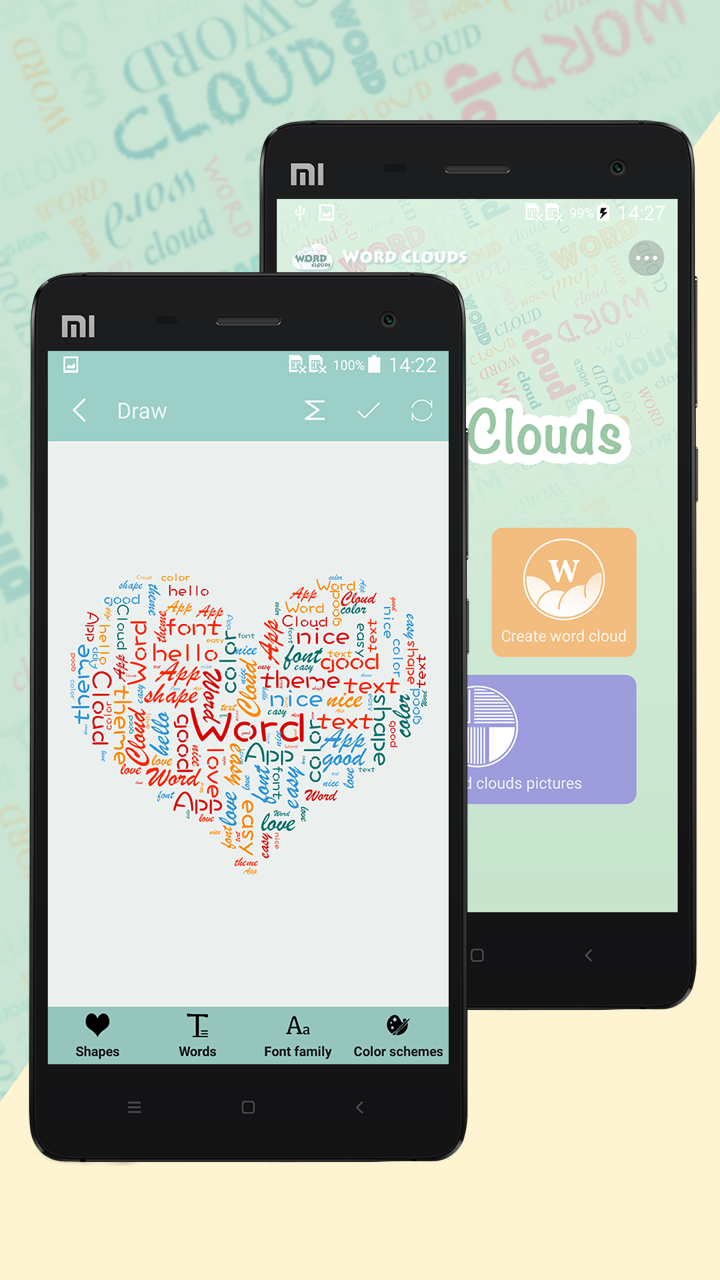
About this app
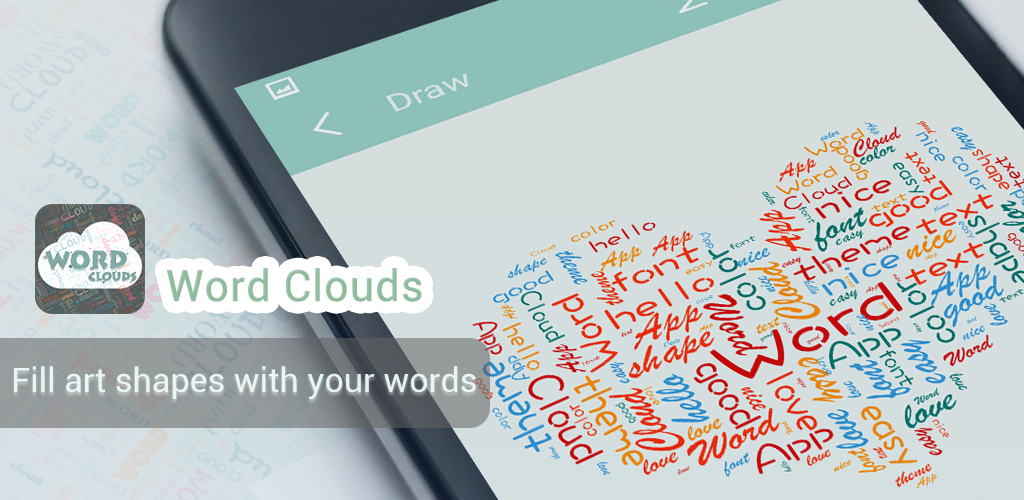
When you want to turn a short message, name, or idea into a shaped graphic, Word Clouds: word art designer gives you a simple starting point. It lets you arrange words into poster, contrast, or background layouts, then build the look with art shapes, fonts, and colors.
- Three layouts — Choose Poster, Contrast, or Background to control how your words are arranged in the finished image.
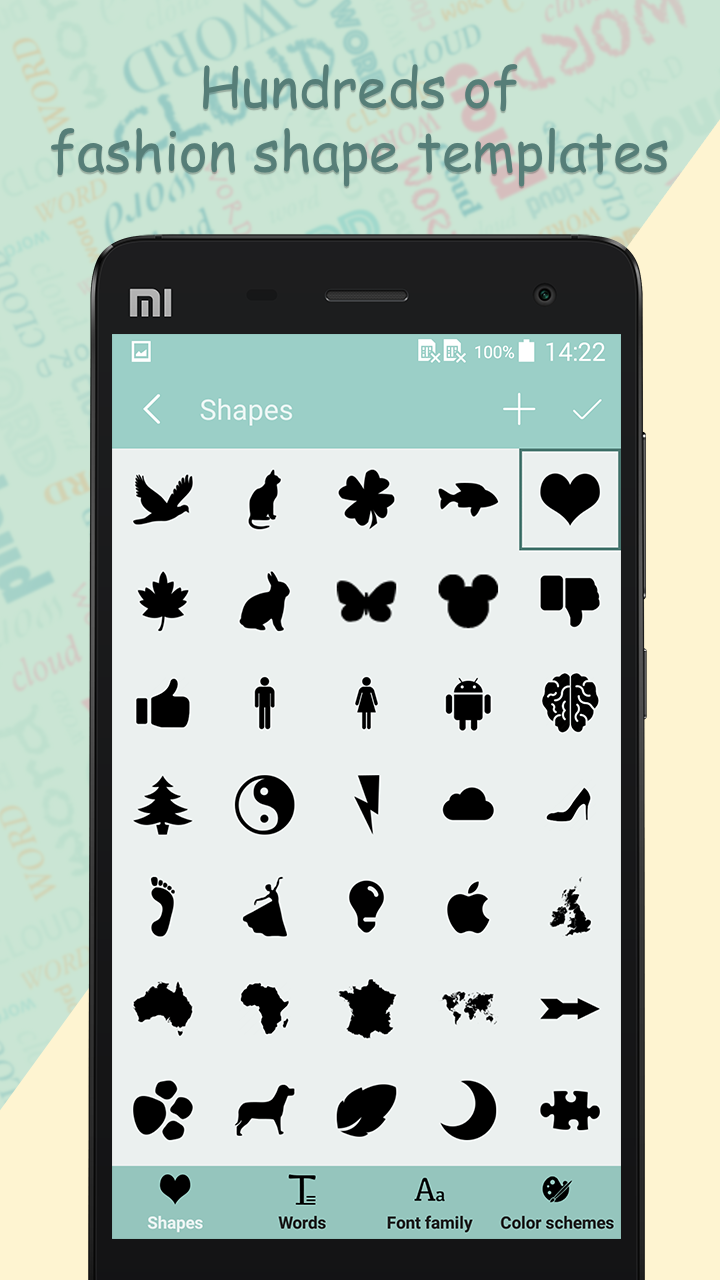
- Art shapes — Use hundreds of clean art shapes to fill with words.
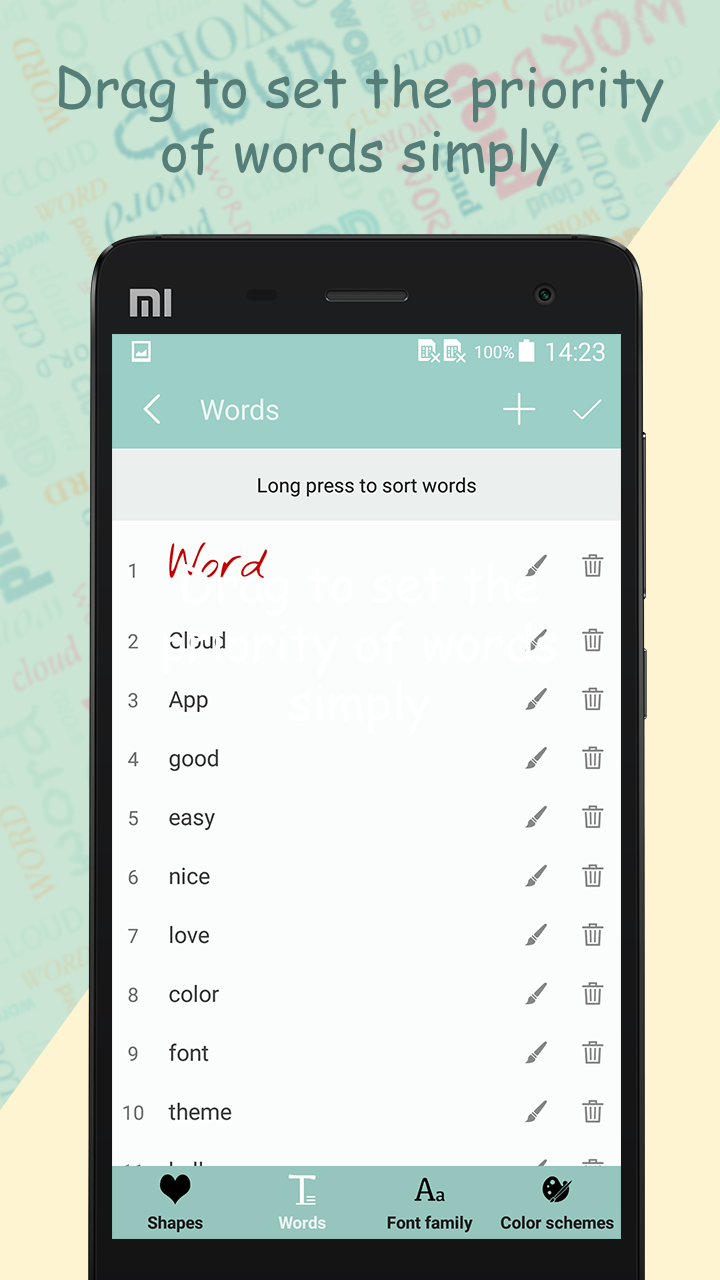
- Word priority — Drag words to set their priority and change how they appear in the design.
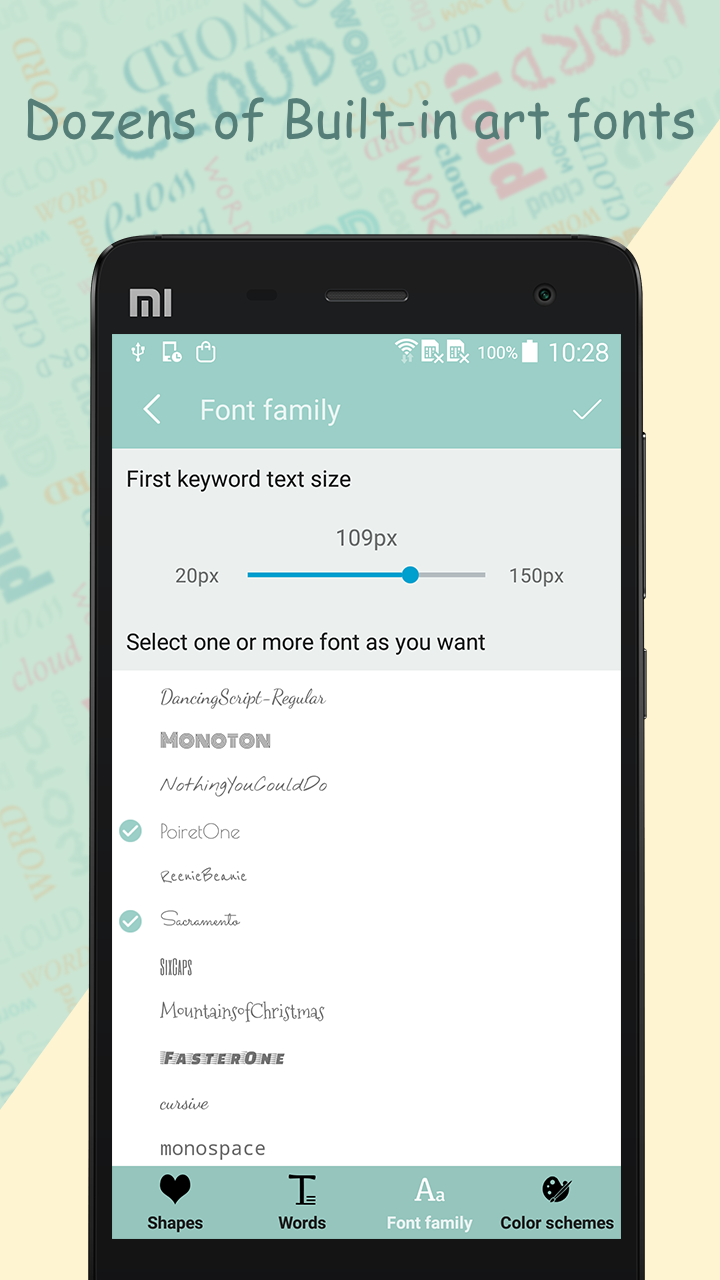
- Built-in fonts — Pick from dozens of built-in art fonts, including Chinese font support.
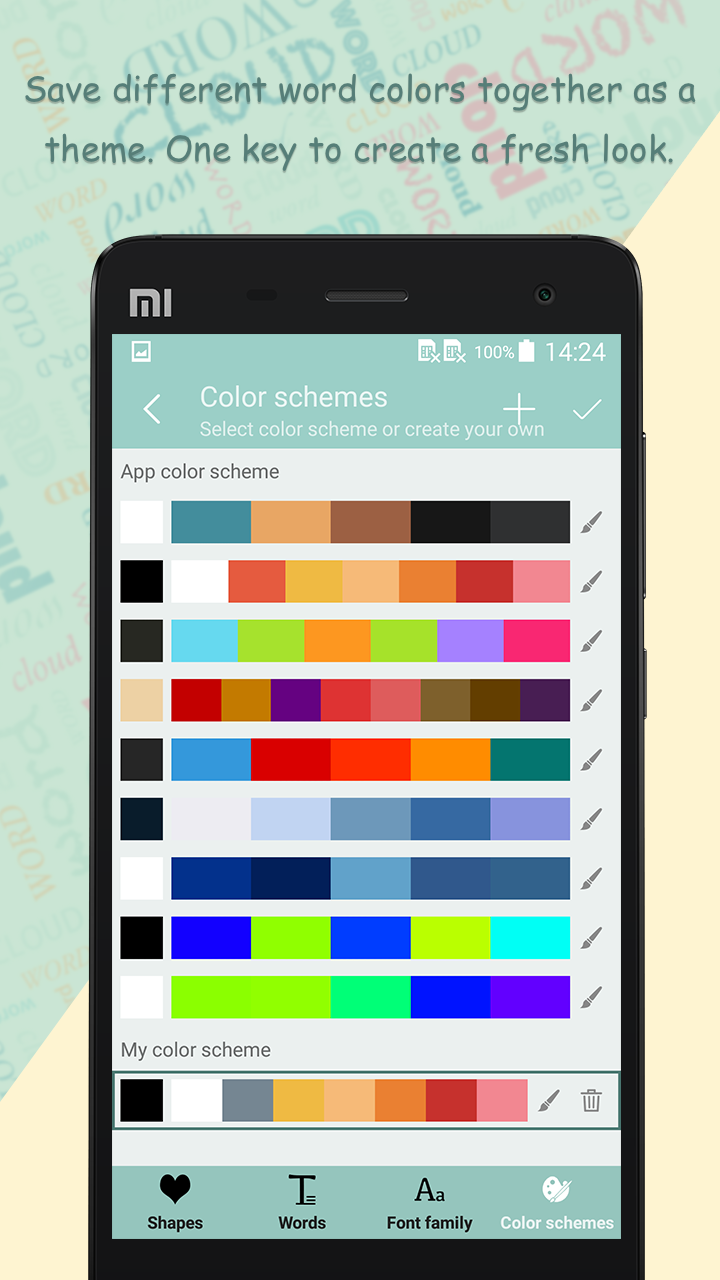
- Saved color themes — Save word colors as a theme and reuse the same look later with one tap.
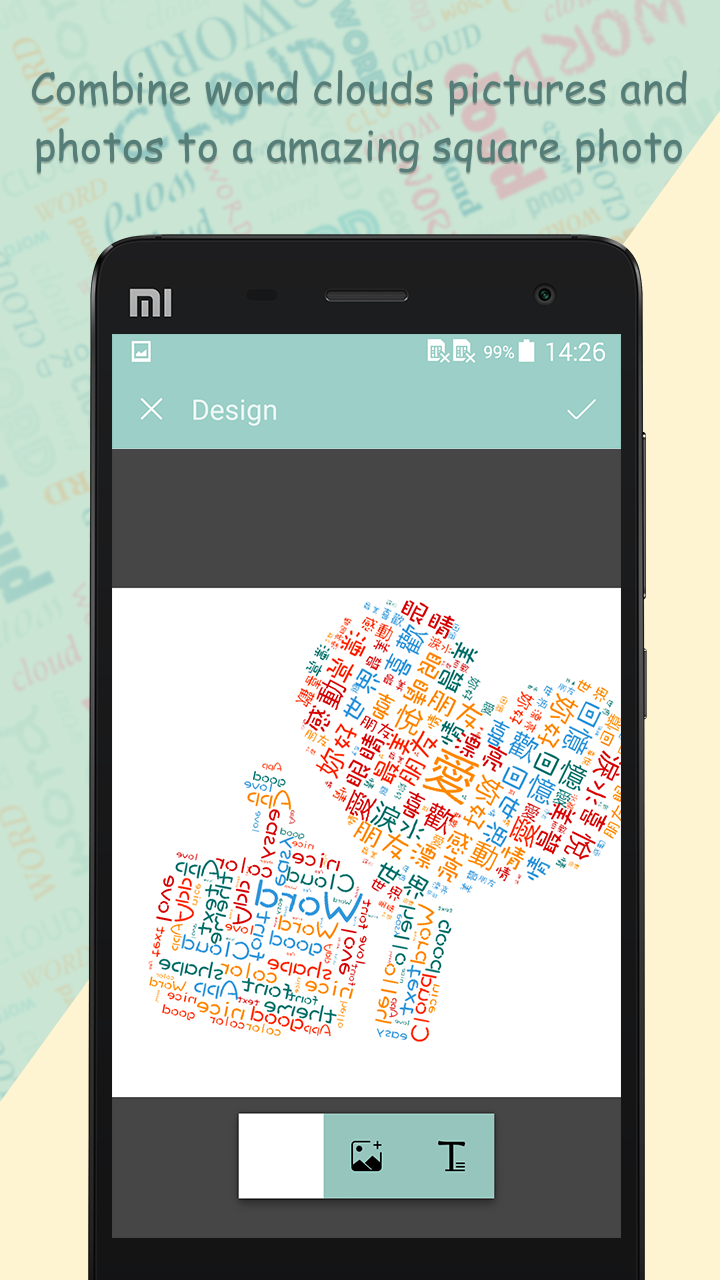
- Photo combinations — Combine word clouds with photos to make a square image for sharing.
First launch: choose a layout
On the first launch, the app presents a word-cloud workspace built around three layout modes: Poster, Contrast, and Background. Poster mode lowers the priority of words in sequence, while Contrast gives the first word the strongest emphasis. Background fills the chosen shape more evenly, which is the mode described for using the result as a background on a T-shirt logo.
Set words, fonts, and colors
Start by entering the words you want to use, then adjust how they sit in the design. You can drag to set word priority, pick from dozens of built-in art fonts, and save a group of colors as a theme for later use. The app also includes hundreds of art shapes, so the final image does not have to stay in a plain text block.
Practical design tips
- Use Poster when you want the words to step down in importance across the layout.
- Use Contrast when one word should stand out most clearly.
- Use Background when you want the words to fill a shape more evenly.
- Try the photo-combining option if you want a square image for sharing.
- Save a color theme once you find a combination you want to reuse.
Install details and requirements
The app is distributed as an APK file, sized at 16.5 MB, and it works on Android 19 and above. It is free, contains ads, and does not list in-app purchases. The package is universal.
Permissions and sharing notes
No permissions are listed for this app. The description also points to sharing finished square pictures with friends on Instagram, Facebook, and other platforms.
APK information
- Version
- 1.23.7
- Package
- com.mvtrail.wordclouds
- Category
- Art & Design
- Size
- 16 MB
- Min Android
- API 19
- Architecture
- universal
Older versions
-
Word Clouds: word art designer 1.23.7Nov 10, 2026Latest downloadAPK
Word Clouds: word art designer FAQ
Can Word Clouds: word art designer edit RAW photos?expand_more
The app description does not mention RAW photo editing. It does mention combining word clouds with photos to make a square picture.
Does Word Clouds: word art designer work offline?expand_more
The app description does not say whether it works offline. Its listed features focus on word layouts, fonts, colors, and shapes.
What permissions does Word Clouds: word art designer ask for?expand_more
No permissions are listed for this app.
What is the difference between the APK and the Play Store version of Word Clouds: word art designer?expand_more
This page covers the APK file for the app. The provided details do not list any difference from a Play Store version.
Can I save word colors as a theme?expand_more
Yes. The app includes a feature to save different word colors together as a theme and create a fresh look with one key.