
- 4.3star201,767 reviews
- 10M+Downloads
- 157 MBAPK size
- Mature 17+Rated for Mature 17+
- 7.0+Android
check_circleOriginal APK from Automattic, Inc · Updated Nov 12, 2026
No threats found
0 / — antivirus engines flagged this file
Original signature
First seen — Automattic, Inc
Unmodified APK
Same file the developer published — no mods
WordPress – Website Builder screenshots
8 images · tap to enlarge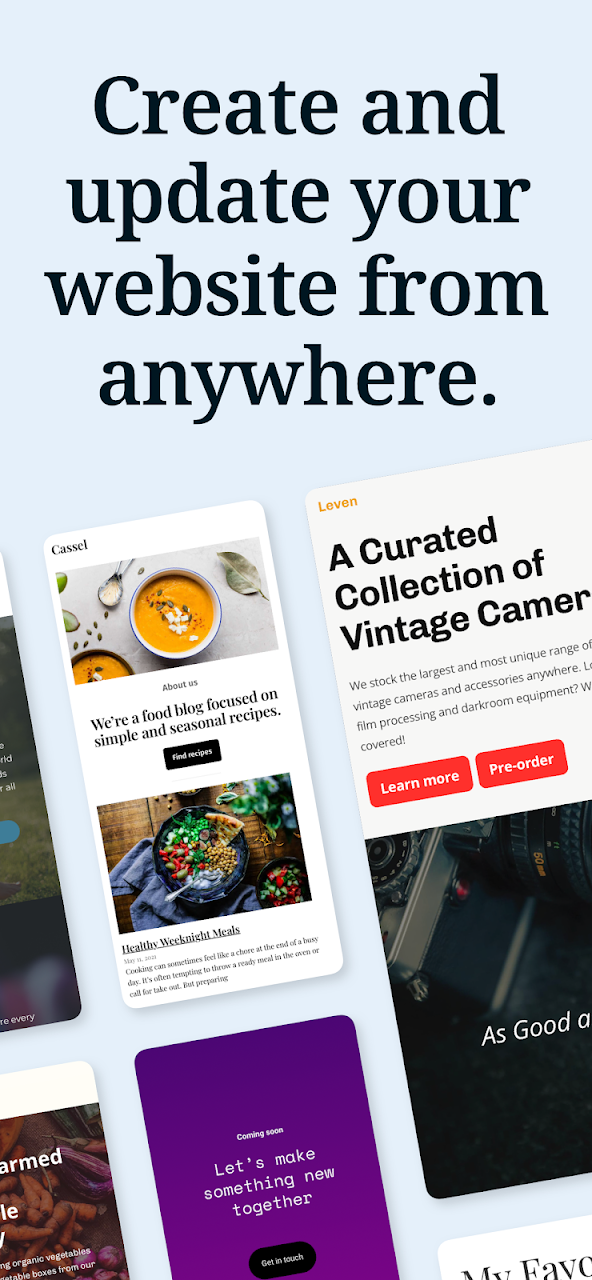
About this app
On a train ride or between meetings, WordPress lets you open your site, draft a post, and check how it’s doing without waiting to get back to a computer. It combines website building, publishing, stats, comments, and reader tools in one app, so you can keep a blog or site moving from your phone.
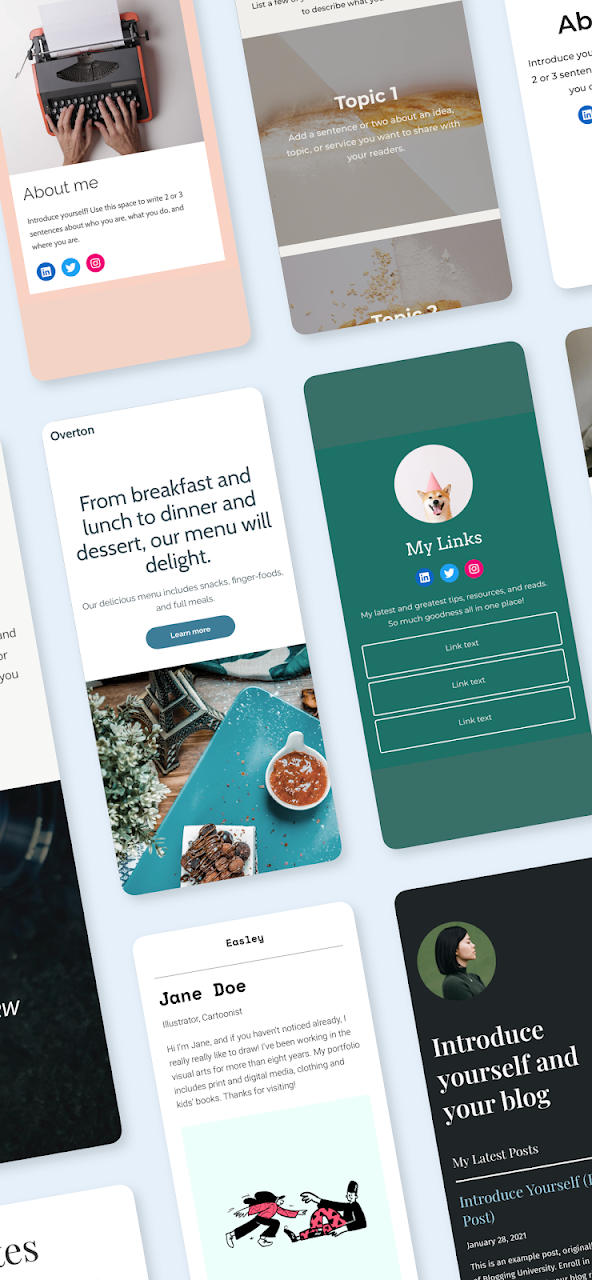
- Build Your Site — Choose a WordPress theme and customize photos, colors, and fonts to shape the look of your site.
- Draft And Schedule — Write posts and pages, save them as drafts, or schedule them to publish later.
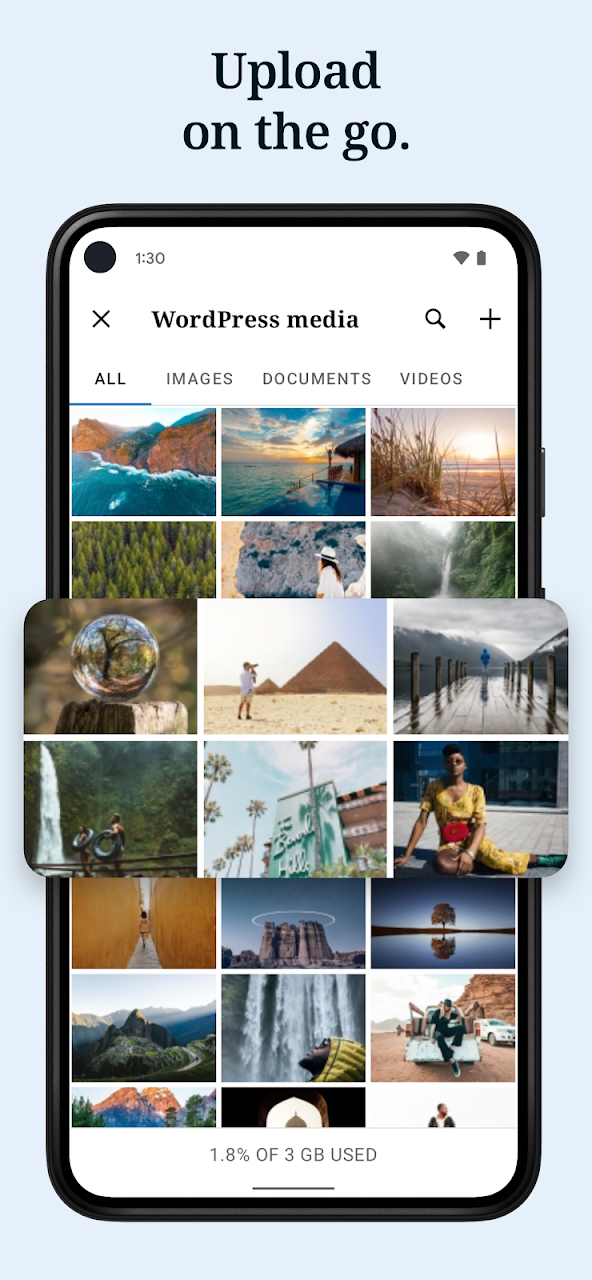
- Add Media Fast — Pull in photos and video from your camera or albums, or use the in-app free-to-use photo collection.
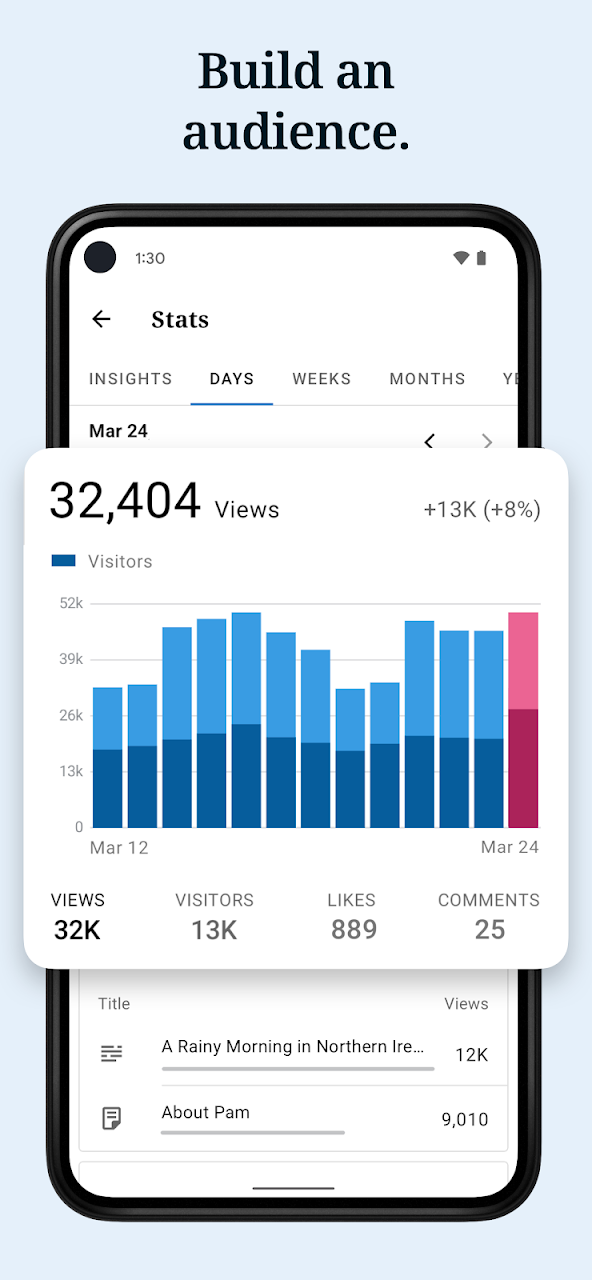
- Track Site Stats — Check real-time activity and review daily, weekly, monthly, and yearly insights for your posts and pages.
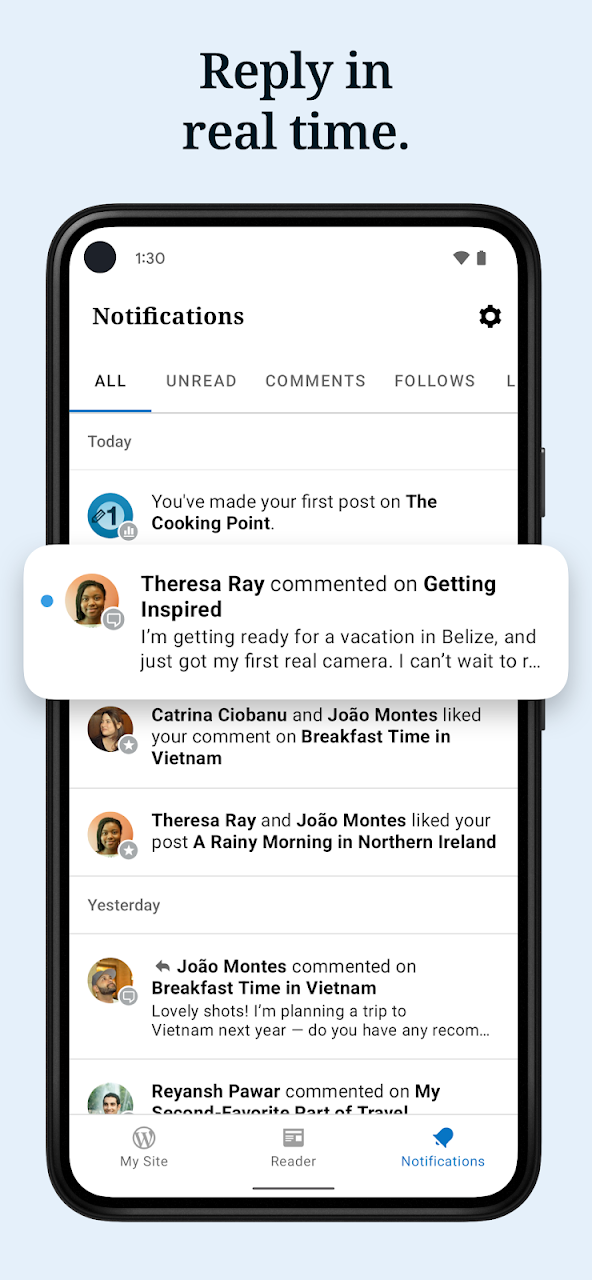
- Manage Reader Activity — See comments, likes, and new followers in notifications, then reply to keep conversations going.
- Share To Social — Set up automated sharing for new posts and add social sharing buttons so visitors can pass them along.
When a post needs to go out now
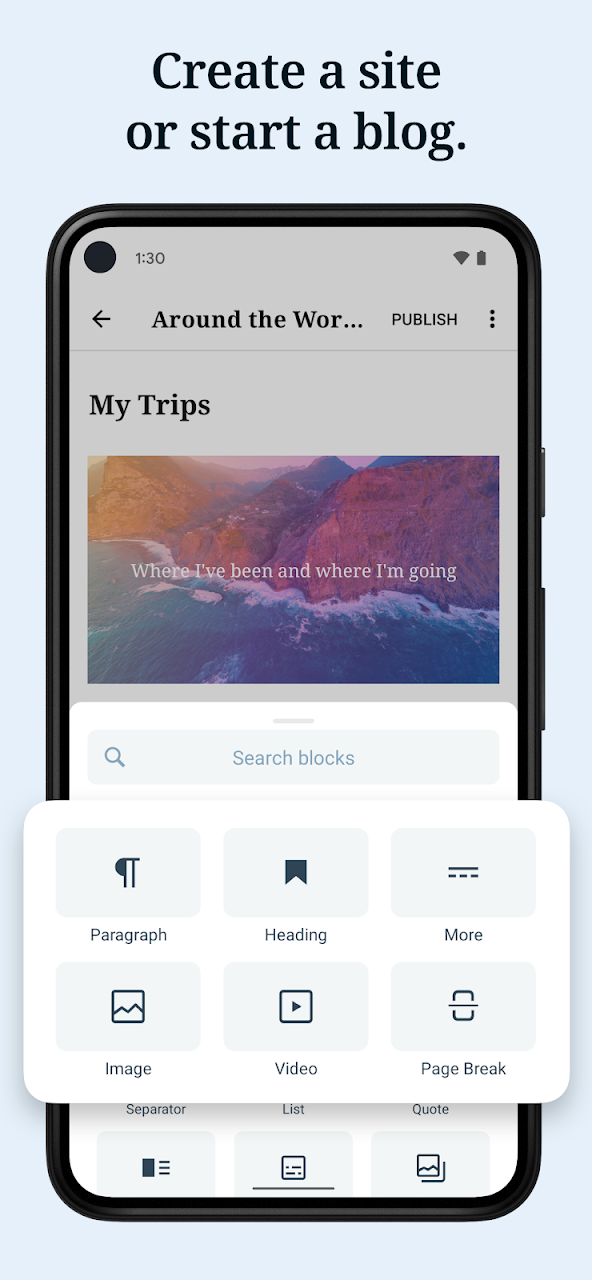
WordPress fits the moments when you are away from your desk but still need to keep a website active. You can open the editor, write an update, add photos or video, and publish from the same app. Drafts help when you are not ready to post yet, and scheduling keeps content moving even on busy days.
Build a site, not just a post
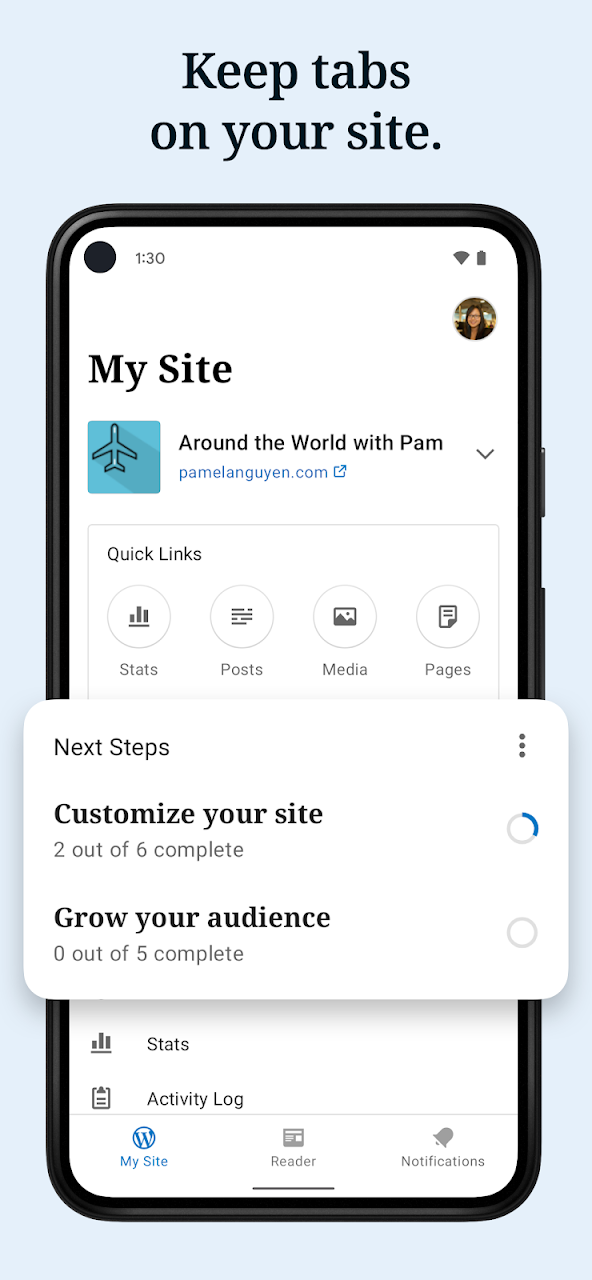
The app is set up for both blogging and website building. You can start with a WordPress theme, then adjust the look with photos, colors, and fonts. Built-in Quick Start tips walk through setup basics, which is useful when you are setting up a new site and want to get through the first steps without hunting around.
Publish, share, and watch reactions
After publishing, the app keeps the follow-up work close at hand. Notifications show comments, likes, and new followers, and you can reply to comments as they come in. Automated sharing can send new posts to social media, while social sharing buttons let visitors share your posts with their own networks.
Stats and Reader in one place
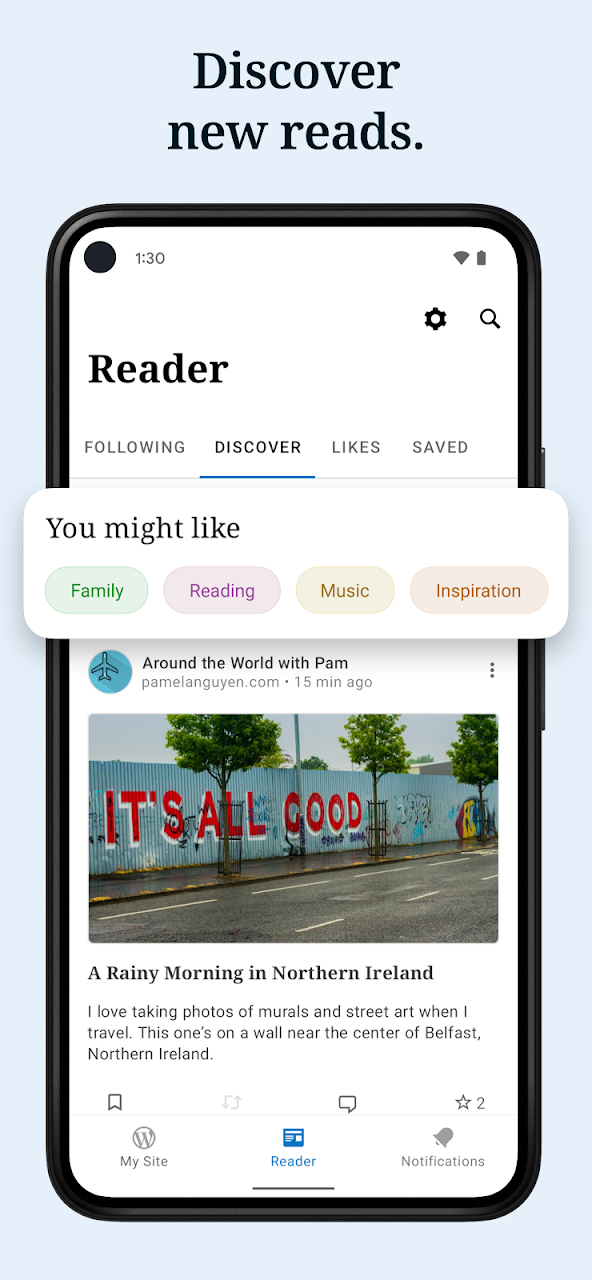
When you want to see what is getting attention, the stats screen shows real-time activity plus daily, weekly, monthly, and yearly insights. The Reader lets you browse topics by tag, follow authors and organizations, and save posts for later. This makes it easier to move from publishing your own work to finding ideas from others.
What to expect on install
WordPress is free, does not show ads, and does not list in-app purchases. It requires Android 7.0 or later, comes as an APK, and the file size is 157.2 MB. The app is made by Automattic, Inc, and you will need an account-based workflow to create, publish, and manage your site.
It works well for people who want to keep a blog, news feed, or small website updated from a phone. It is also useful if you want stats, comment management, and publishing tools in one place instead of switching between separate apps.
APK information
- Version
- 25.1
- Package
- org.wordpress.android
- Category
- Productivity
- Size
- 157 MB
- Min Android
- 7.0
- Architecture
- universal
Older versions
-
WordPress – Website Builder 25.1Nov 12, 2026Latest downloadAPK
WordPress – Website Builder FAQ
Does WordPress – Website Builder support teams?expand_more
The app description focuses on individual site and blog management, with publishing, stats, notifications, and comments. It does not describe team collaboration features.
Can WordPress – Website Builder be used offline?expand_more
Offline use is not described. The listed features center on publishing, stats, notifications, and Reader tools.
Who develops WordPress – Website Builder?expand_more
WordPress – Website Builder is developed by Automattic, Inc.
Does WordPress – Website Builder show ads?expand_more
No. The app listing says it does not contain ads.
Can I schedule posts in WordPress – Website Builder?expand_more
Yes. You can save ideas as drafts or schedule posts for the future from the editor.