
WPS Office-PDF, Word, Sheet
WPS SOFTWARE PTE. LTD.- 4.3star6,022,968 reviews
- 500M+Downloads
- 217 MBAPK size
- EveryoneRated for Everyone
- API 32+Android
check_circleOriginal APK from WPS SOFTWARE PTE. LTD. · Updated Nov 12, 2026
No threats found
0 / — antivirus engines flagged this file
Original signature
First seen — WPS SOFTWARE PTE. LTD.
Unmodified APK
Same file the developer published — no mods
WPS Office-PDF, Word, Sheet screenshots
8 images · tap to enlarge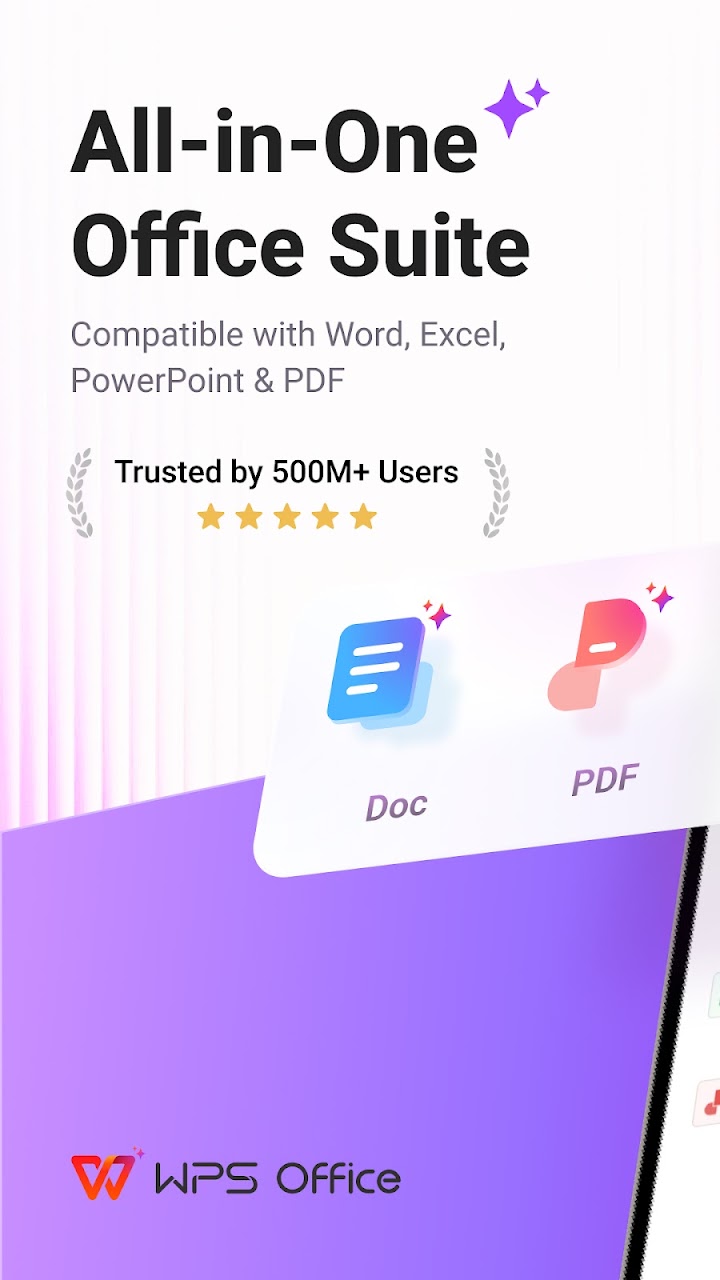
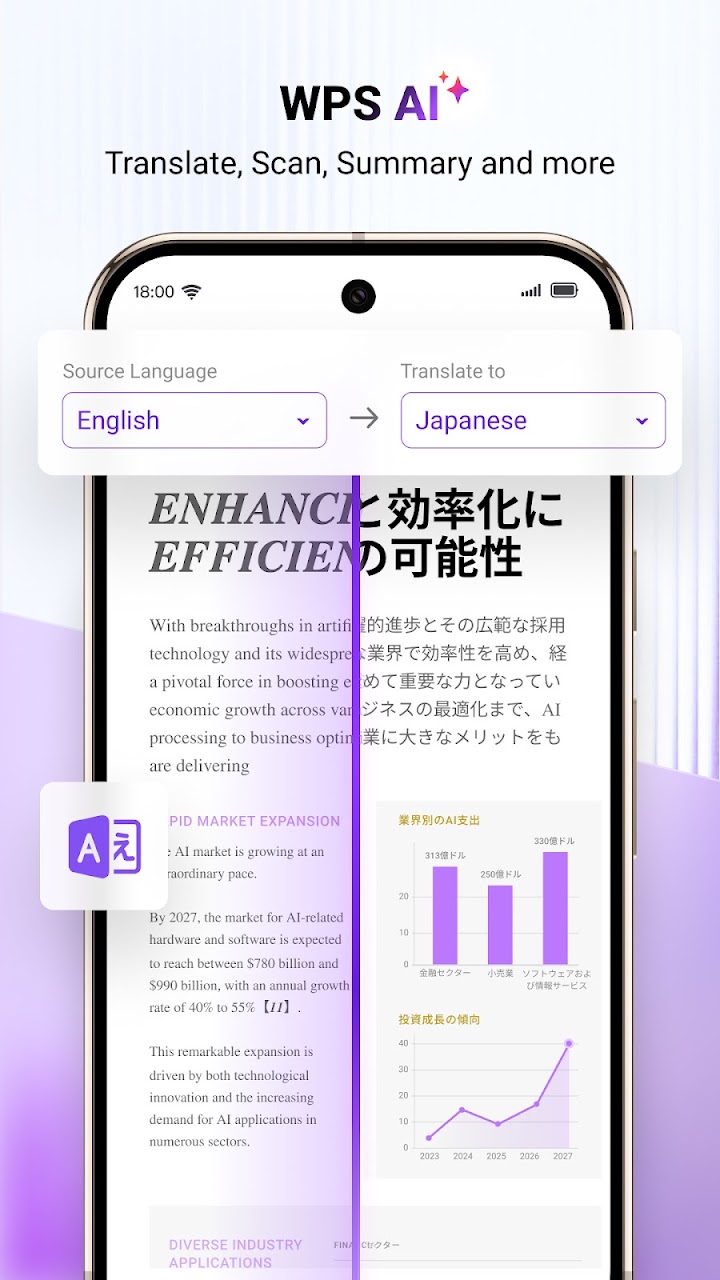
About this app
With 500M+ installs, WPS Office-PDF, Word, Sheet brings document editing, PDF tools, scanning, and cloud sync into one Android app. It is built for people who need to read, revise, convert, and share office files on a phone or tablet without switching between separate apps.
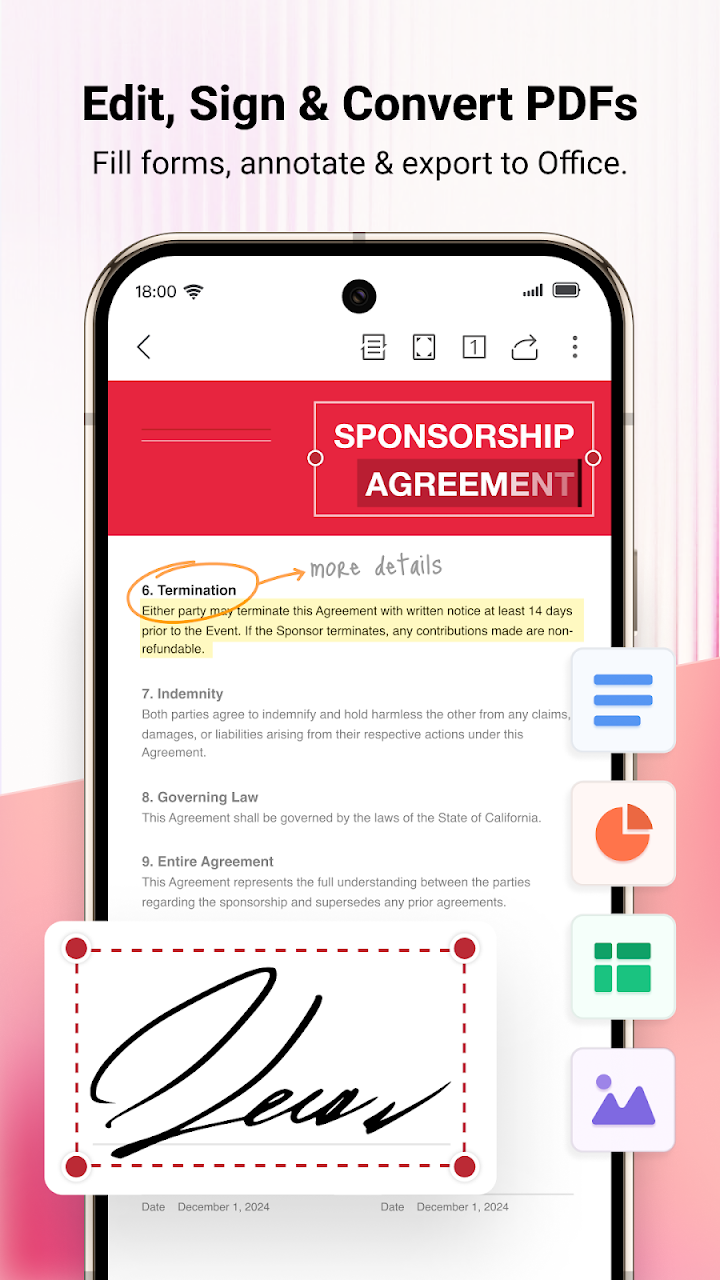
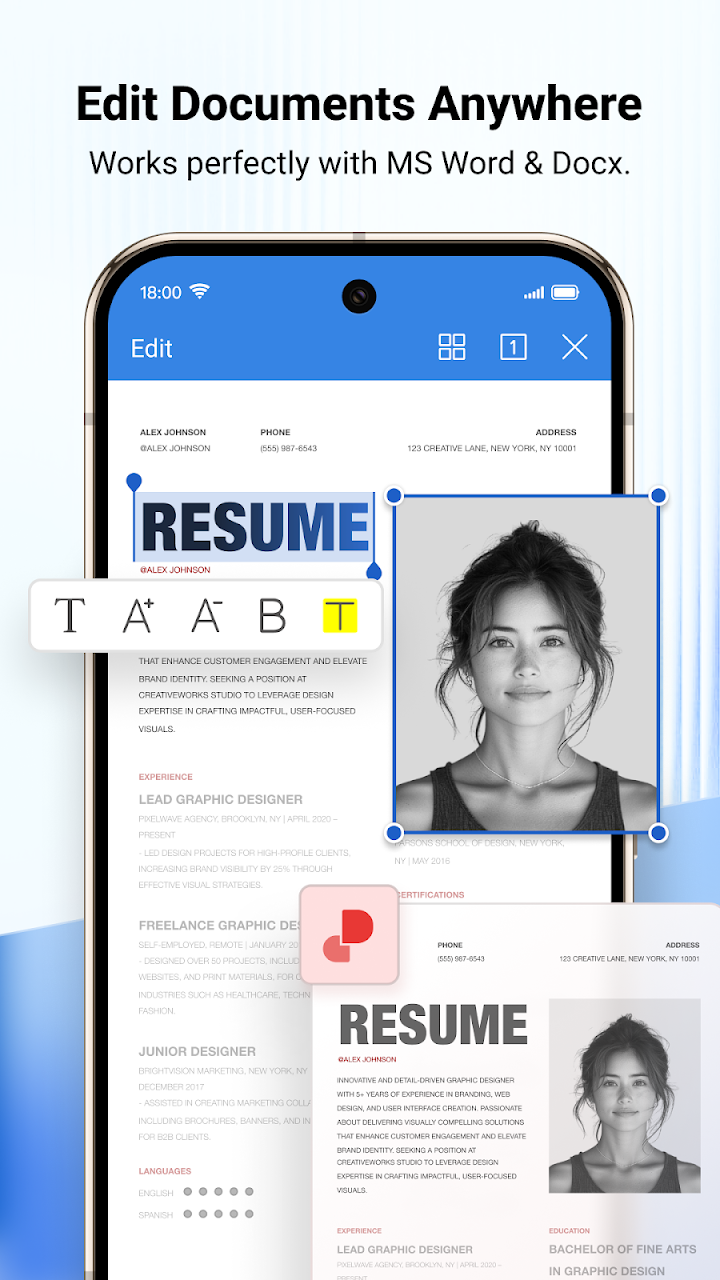
- PDF editing tools — Open, read, annotate, merge, split, and edit PDF files, including page changes, signatures, and watermarks.
- Word and sheet files — Create and revise Word documents, spreadsheets, and presentations in formats like DOC, Excel, and PPT.
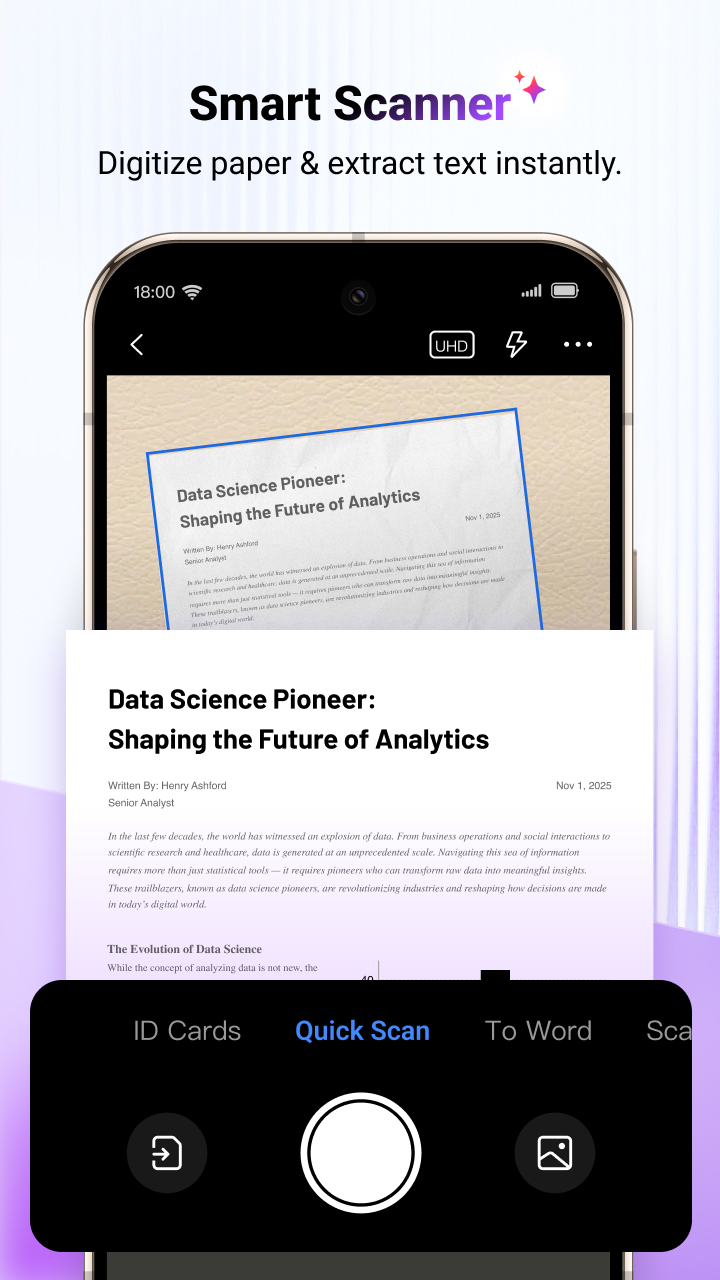
- Scan with OCR — Scan paper documents to PDF and use OCR to extract text from receipts, notes, and contracts.
- File conversion — Convert Word to PDF, PDF to Word, and images or scans into PDF files.
- Cloud sync — Store files in the cloud, sync across mobile, PC, and Mac, and share documents for collaboration.
- AI writing help — Use writing assistance, document summaries, and analysis tools for faster drafting and review.
One app for office files
When you need to open a PDF, fix a Word file, check a spreadsheet, and review slides, bouncing between apps can slow you down. WPS Office-PDF, Word, Sheet puts those tasks in one place, so you can work on documents, forms, and presentations from the same screen.
It is a free app with ads and in-app purchases, and it installs as an APK file. The app requires Android 12L or later and has a file size of 217.2 MB.
PDF work, reading, and editing
WPS Office includes tools for everyday PDF tasks as well as deeper edits. You can open and read PDFs, add highlights, comments, and notes, adjust pages, and make changes to PDF text. It also supports merging, splitting, signing, and adding watermarks, which makes it useful when a simple reader is not enough.
Documents, spreadsheets, and slides
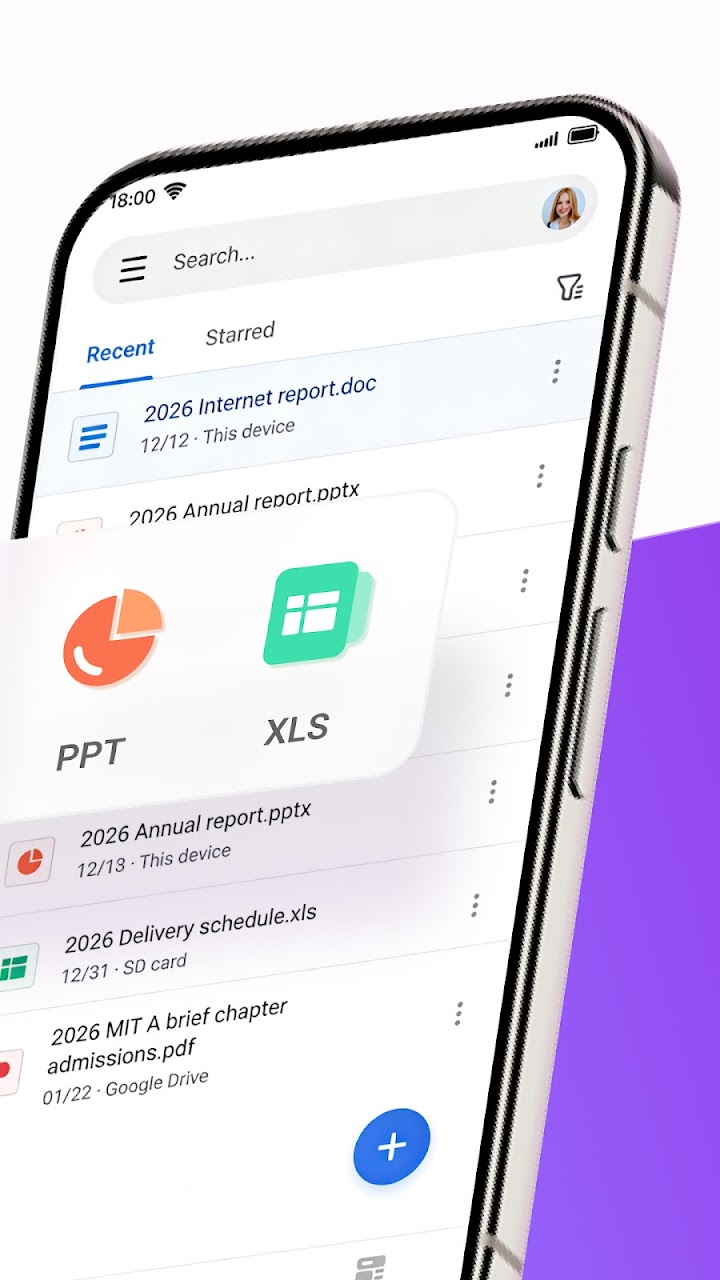
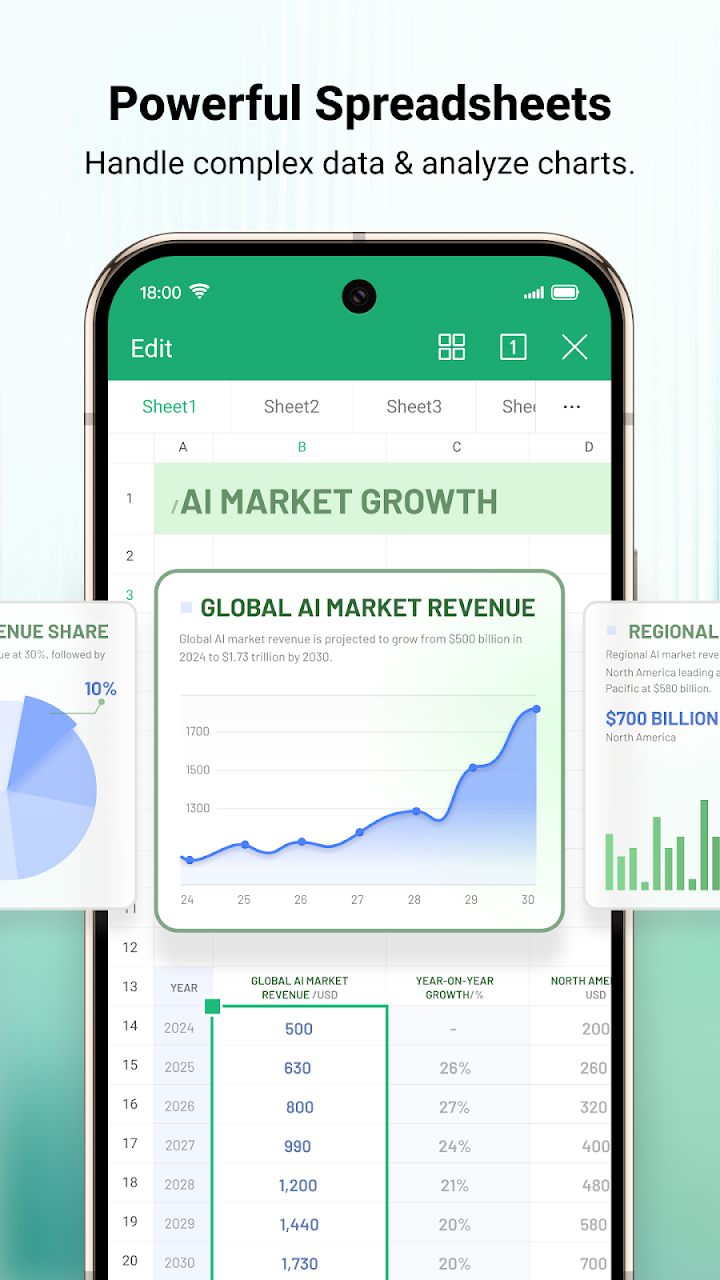
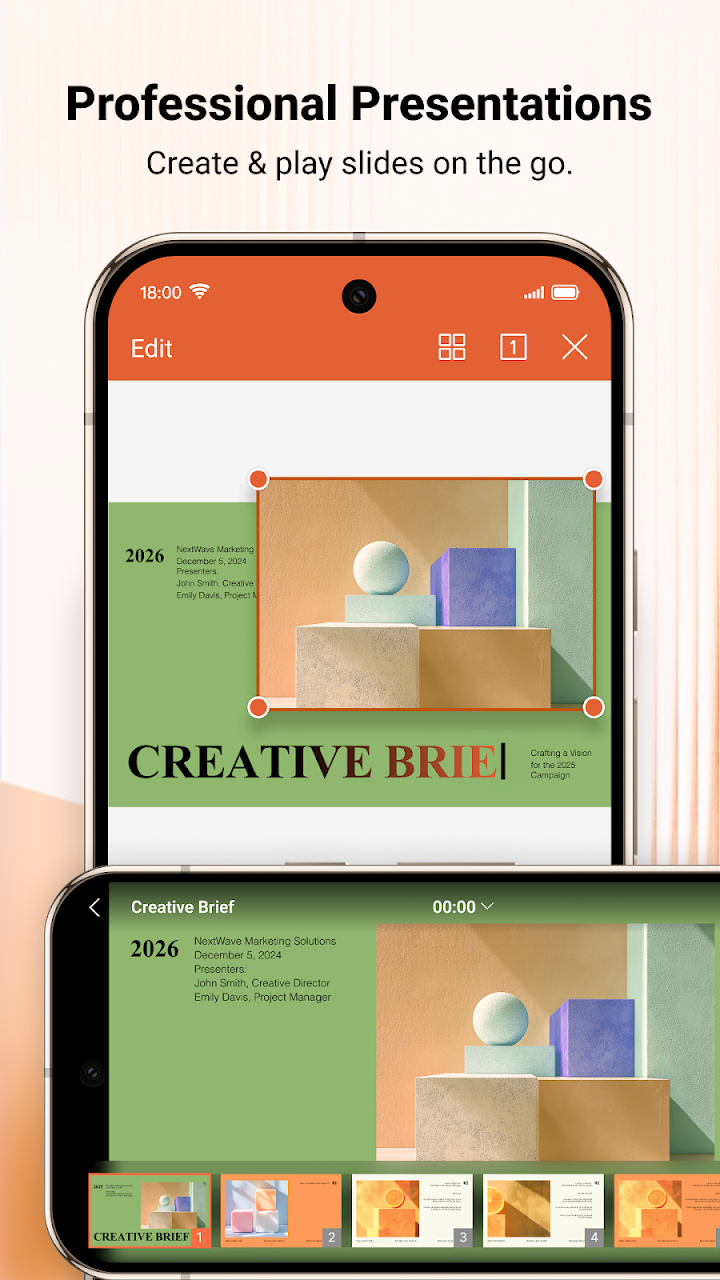
Beyond PDF files, the app can create, edit, and read Word documents, spreadsheets, and PowerPoint presentations. That means you can revise text, work with tables and formulas, and view slides without leaving the app. It is also designed to open files made by other office tools, which helps when you receive documents from different sources.
Scan, convert, and share
Built-in scanning tools let you turn paper pages into PDF files, and OCR can extract text from scans. The app also supports conversion between common file types, including Word to PDF and PDF to Word, plus image-to-PDF and text-to-PDF workflows. Cloud storage and file sharing make it easier to move documents across mobile, PC, and Mac.
- What you get: PDF editing, document creation, scanning, OCR, conversion, and cloud sync.
- What to watch for: Ads, in-app purchases, and a fairly large download size.
Limits to know before installing
WPS Office-PDF, Word, Sheet is broad in scope, but it is not a lightweight app. If you want the smallest possible office tool, the 217.2 MB download may matter. It also asks for Android 12L or later, so older devices are not supported. The app does support collaboration and real-time sharing through cloud features, but the details of any account sign-in are not listed here.
For people who want one Android app to handle PDFs, office files, scanning, and syncing across devices, WPS Office is a practical choice. It fits students, office workers, and anyone who regularly edits documents on the go.
What's new
Version 26.11.0 · Nov 12, 2026
- Cross-Device Editing Improvements: Optimised the PC guidance flow to help users seamlessly switch to WPS Office desktop and continue editing documents
- Bug fixes and stability improvements
APK information
- Version
- 26.11.0
- Package
- cn.wps.moffice_eng
- Category
- Productivity
- Size
- 217 MB
- Min Android
- API 32
- Architecture
- universal
Older versions
-
WPS Office-PDF, Word, Sheet 26.11.0Nov 12, 2026Latest downloadAPK
WPS Office-PDF, Word, Sheet FAQ
Can WPS Office-PDF, Word, Sheet be used offline?expand_more
The app can open and edit documents on your device, but offline use is not specifically described. Cloud features are also available for syncing and sharing.
Does WPS Office-PDF, Word, Sheet support teams?expand_more
Yes. It includes cloud sharing and real-time collaboration for working on documents with others.
Does WPS Office-PDF, Word, Sheet need an account?expand_more
An account requirement is not stated. The app does support cloud storage, syncing, and sharing across devices.
Does WPS Office-PDF, Word, Sheet have in-app purchases?expand_more
Yes. The app is free to download, but it contains ads and offers in-app purchases.
Can WPS Office-PDF, Word, Sheet scan documents to PDF?expand_more
Yes. It includes document scanning tools that can save scans as PDF files, and OCR can extract text from them.