- 1.6star284 reviews
- 100K+Downloads
- 1 MBAPK size
- EveryoneRated for Everyone
- API 14+Android
check_circleOriginal APK from UlmDesign · Updated Nov 10, 2026
No threats found
0 / — antivirus engines flagged this file
Original signature
First seen — UlmDesign
Unmodified APK
Same file the developer published — no mods
Your Graphic Designer screenshots
8 images · tap to enlarge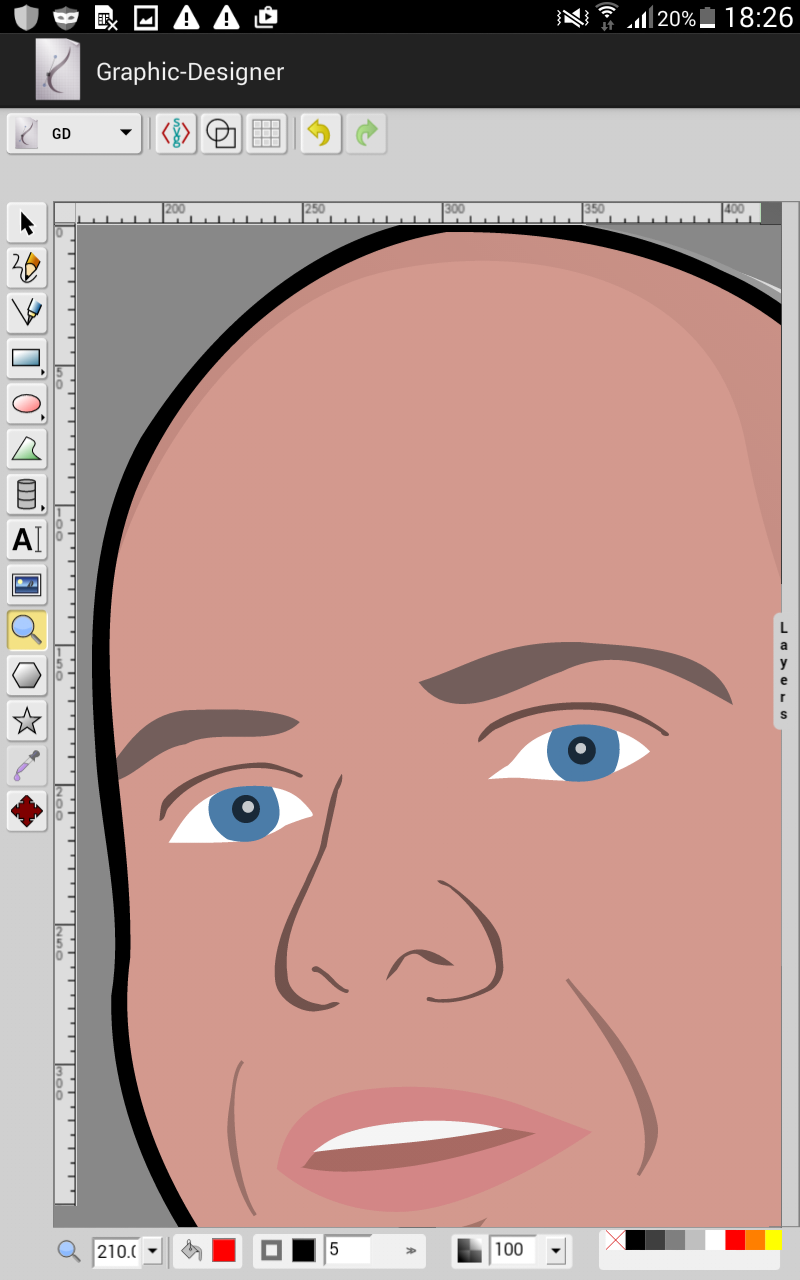
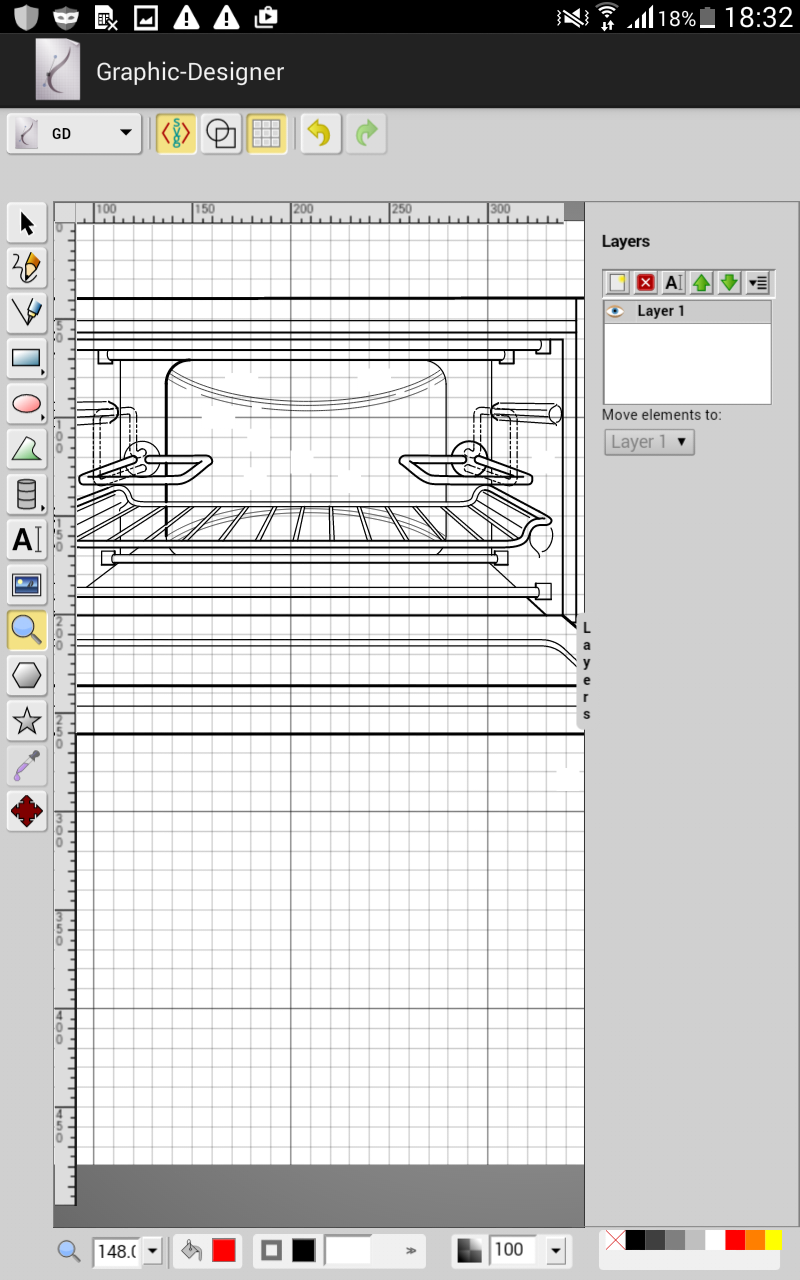
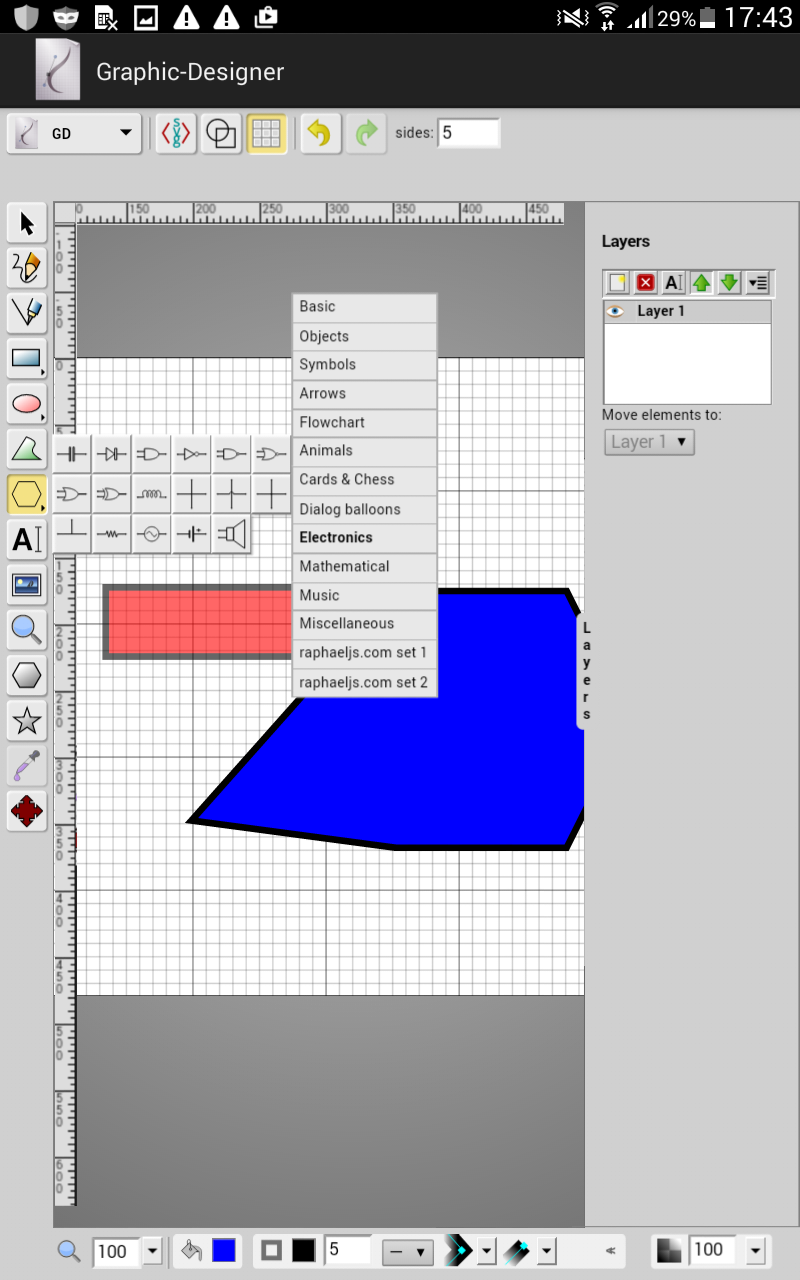
About this app
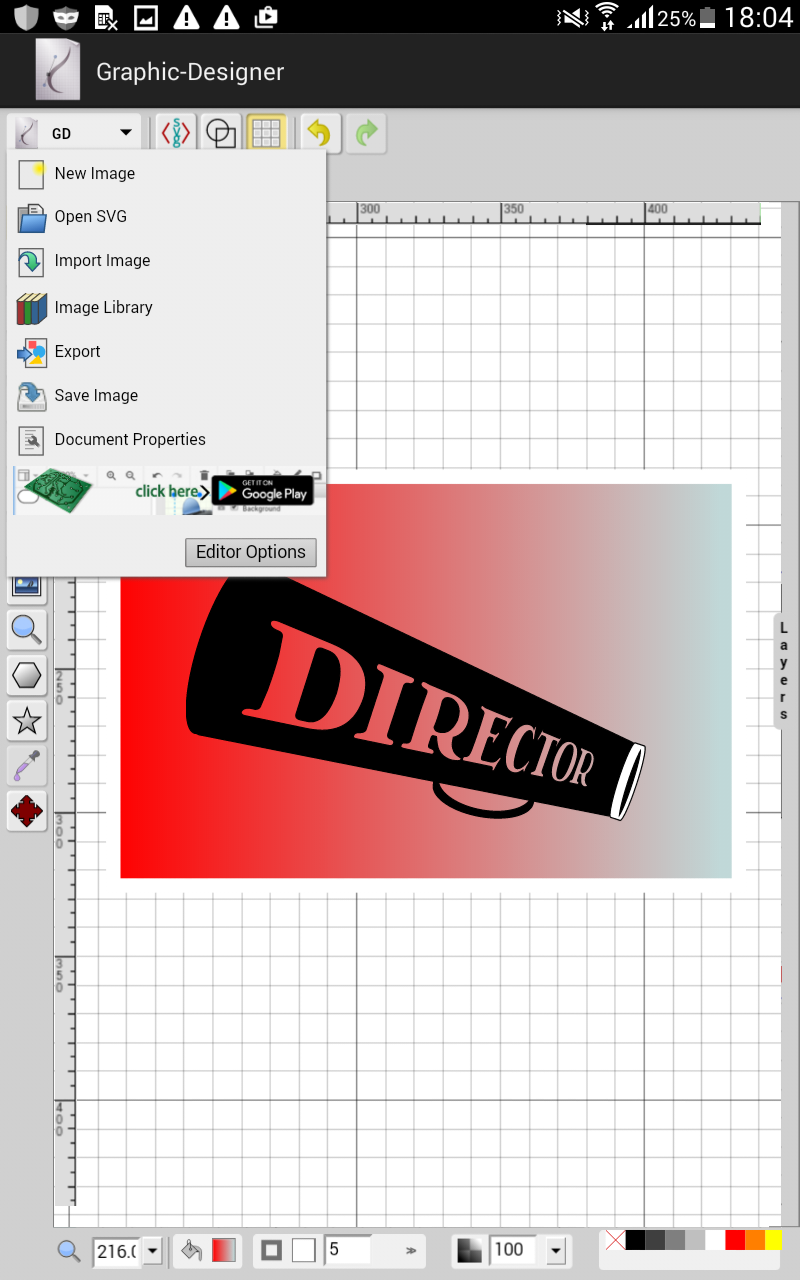
Draw vectors, SVGs, and diagrams on your phone with free-hand tools, shape editing, and export options. Your Graphic Designer keeps the workflow practical: open a file, sketch, adjust paths, move objects, and save to SVG, PNG, or PDF. It also includes a sheet lock tool for drawing without the canvas shifting.
- Free-hand drawing — Sketch with free-hand paths, then smooth and edit them with path tools.
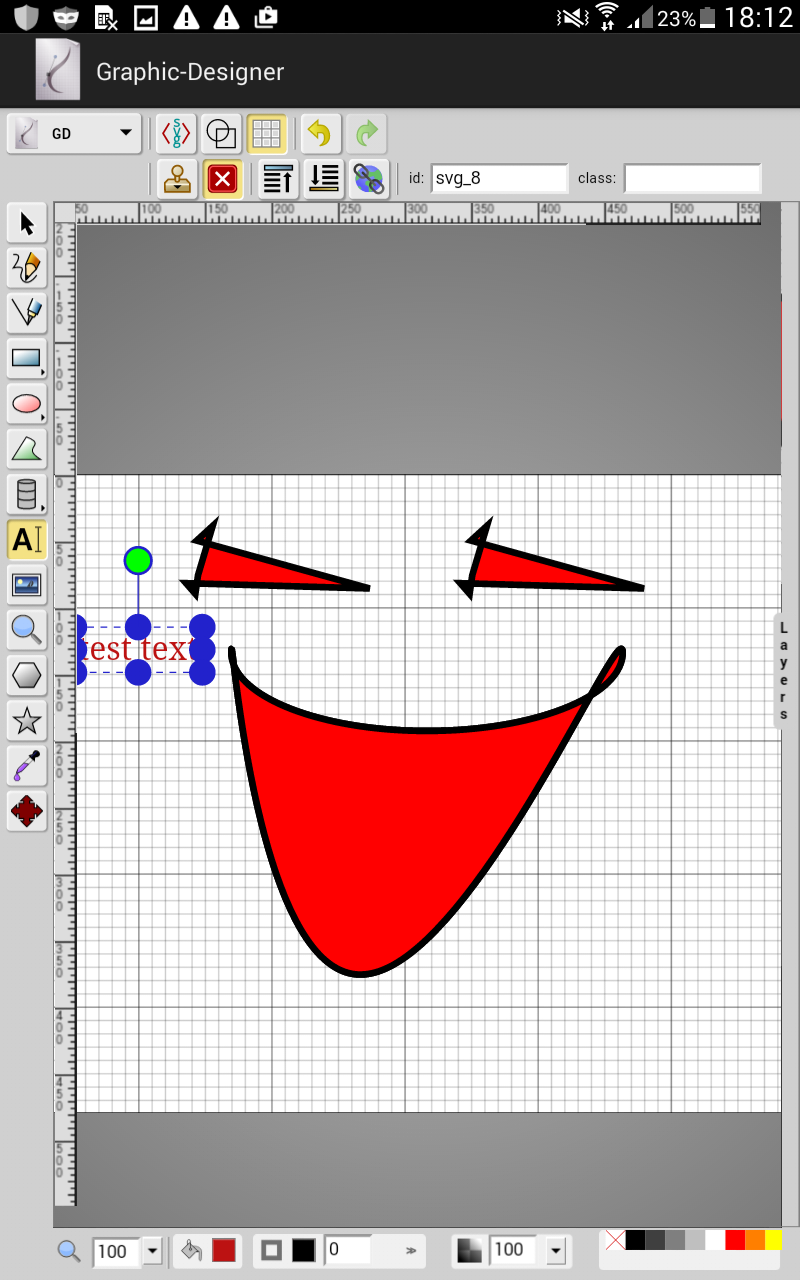
- Shape tools — Add lines, rectangles, circles, polygons, text, arrows, and connector lines.
- Edit objects — Select, move, resize, rotate, group, ungroup, align, and duplicate layers.
- SVG workflow — Open local files, import SVG, view and edit SVG source, and save to SVG.
- Export options — Export your work as PNG or PDF when you need a shareable file.
- Simple canvas control — Lock the drawing sheet from the toolbar to stop the stage from moving while you draw.
Draw, edit, and save in one place
Your Graphic Designer is a vector editor for Android that fits into quick sketching sessions and longer diagram work. Open it when you want to draw a shape, edit an SVG, or build a simple layout with text and connectors. The app supports free-hand drawing, stylable text, raster images, layers, and a wireframe mode.
It is a free APK app, 1.1 MB in size, and it runs on Android API 14 and up. Ads are included. There are no in-app purchases listed.
Tasks you can do on the canvas
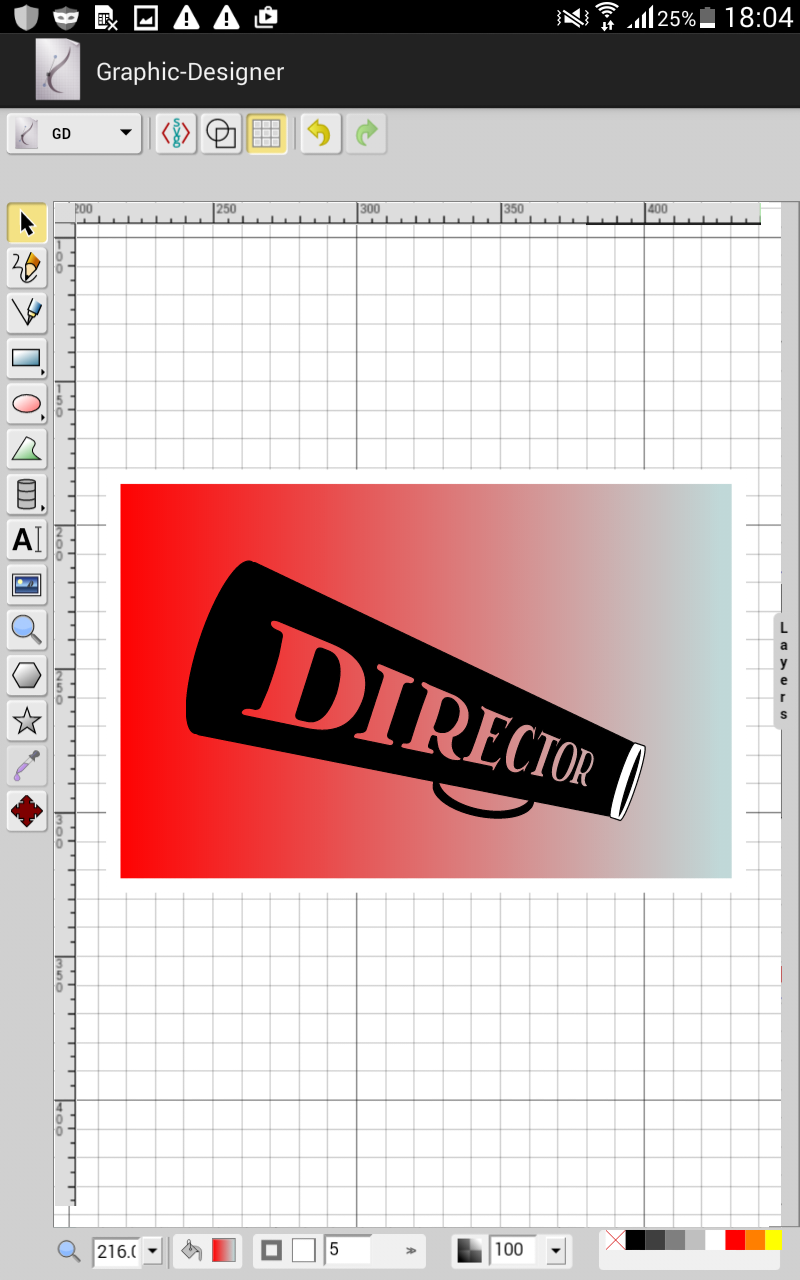
The app handles common drawing jobs with a direct tool set. You can create lines, rectangles, ellipses, polygons, curved paths, and connector arrows. You can also select objects, move them, resize them, rotate them, and edit sub-paths or multiple path segments.
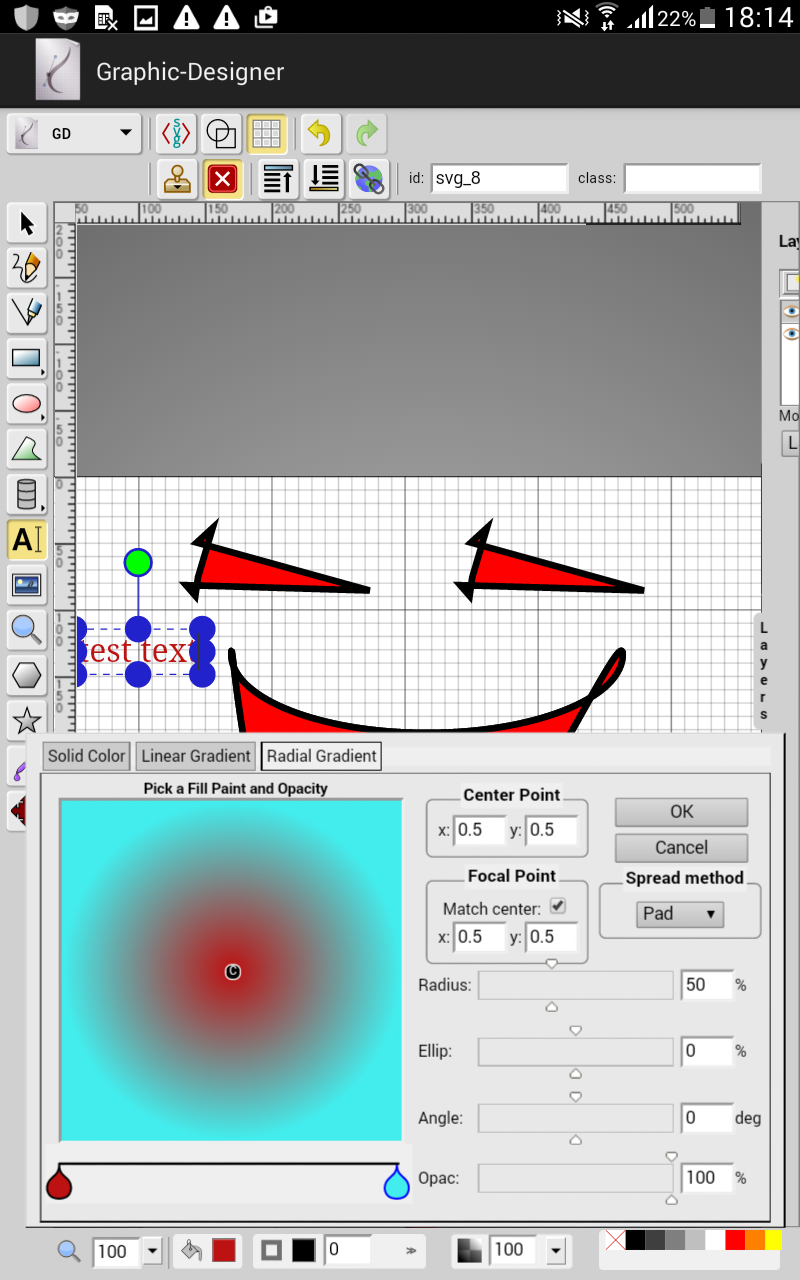
- Use the eye-dropper, gradient picker, and radial gradients for color work.
- Group and ungroup items, then align them on the canvas.
- Turn shapes into paths when you need finer control.
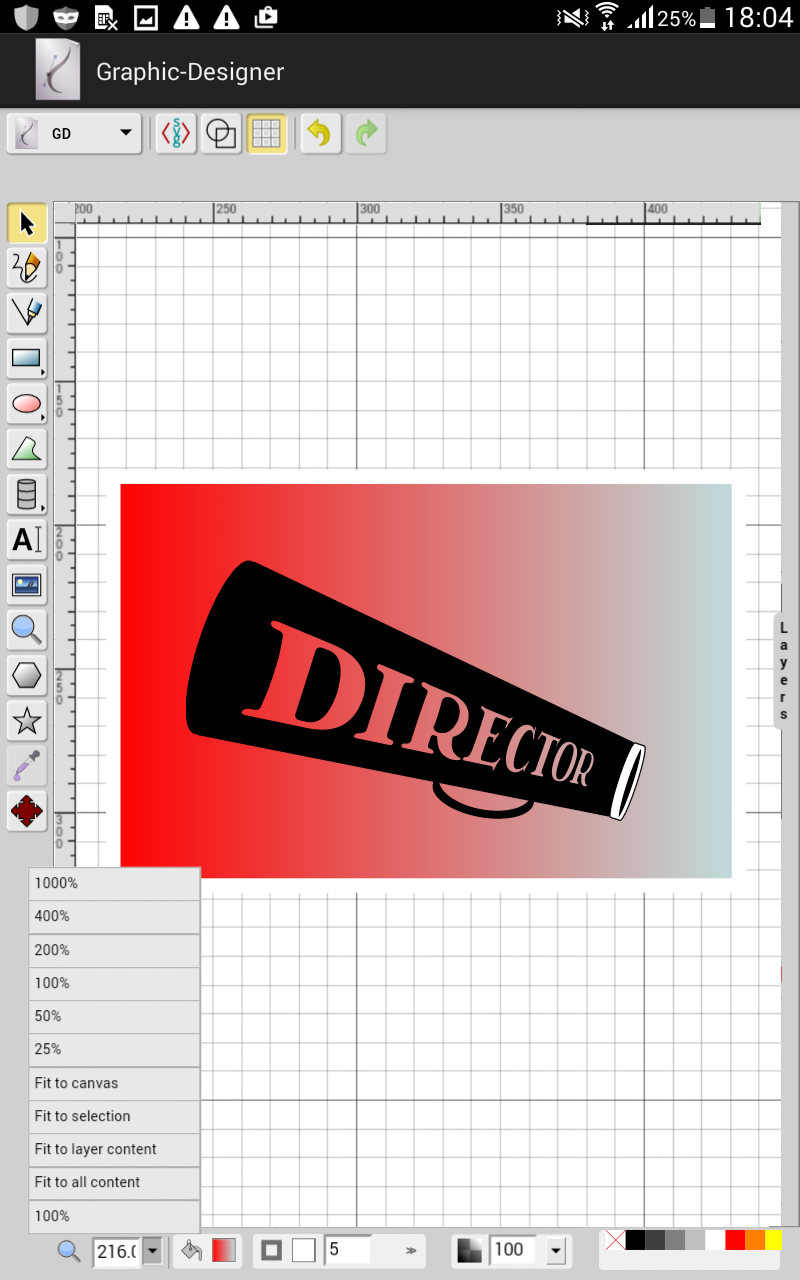
- Use gridlines and snap to grid for cleaner layout work.
SVG files and layers
This app is built around SVG editing, so it suits users who want more than a simple paint tool. You can import SVG files, view and edit SVG source, merge layers, duplicate layers, and work with in-group editing. It also supports foreign markup such as MathML, which sets it apart from simpler sketch apps.
Daily use and friction
In a normal day, you might open the app to adjust a logo, sketch a diagram, or save a draft for later. The main toolbar includes a lock command with a cross icon for stopping the canvas from shifting during drawing. Some phones may not show every folder in the native file system, so the app suggests using Files by Google to view saved files.
How it compares
Compared with ibis Paint X or Sketchbook, this app leans toward SVG and vector editing rather than brush-heavy illustration. Compared with Adobe Express, it is more focused on direct shape work and source-level SVG editing. Compared with Floor Plan Creator, it is broader for general vector graphics, but less specialized for floor plans. PENUP is more about sharing, while this app is built for editing.
Localization is available in many languages, including English, Español, Français, Deutsch, 日本語, Русский, and 简体中文.
What's new
Version 2.4.9 · Nov 10, 2026
- Release 2.4.9 (25.05.2023)
- Fixed the open and import button flaw. Now they respectively perform the operations of opening an svg file and importing images from your phone's storage
APK information
- Version
- 2.4.9
- Package
- com.ulm.designer
- Category
- Art & Design
- Size
- 1 MB
- Min Android
- API 14
- Architecture
- universal
Older versions
-
Your Graphic Designer 2.4.9Nov 10, 2026Latest downloadAPK
Your Graphic Designer FAQ
Does Your Graphic Designer add a watermark?expand_more
The app description does not mention a watermark.
Can Your Graphic Designer edit RAW photos?expand_more
No RAW photo editing is listed. The app focuses on vector graphics, SVG, shapes, and imported raster images.
How do I update Your Graphic Designer from an APK?expand_more
Install the newer APK over the existing app version if your device allows it. The app version listed here is 2.4.9.
Does Your Graphic Designer work offline?expand_more
The app supports open local files, but offline use is not stated directly.
Can I lock the canvas while drawing?expand_more
Yes. The toolbar includes a lock command with a cross icon to keep the drawing sheet from moving.