- 3.7star3,469 reviews
- 500K+Downloads
- 11 MBAPK size
- EveryoneRated for Everyone
- 7.0+Android
check_circleOriginal APK from PSOFT MOBILE · Updated Nov 10, 2026
No threats found
0 / — antivirus engines flagged this file
Original signature
First seen — PSOFT MOBILE
Unmodified APK
Same file the developer published — no mods
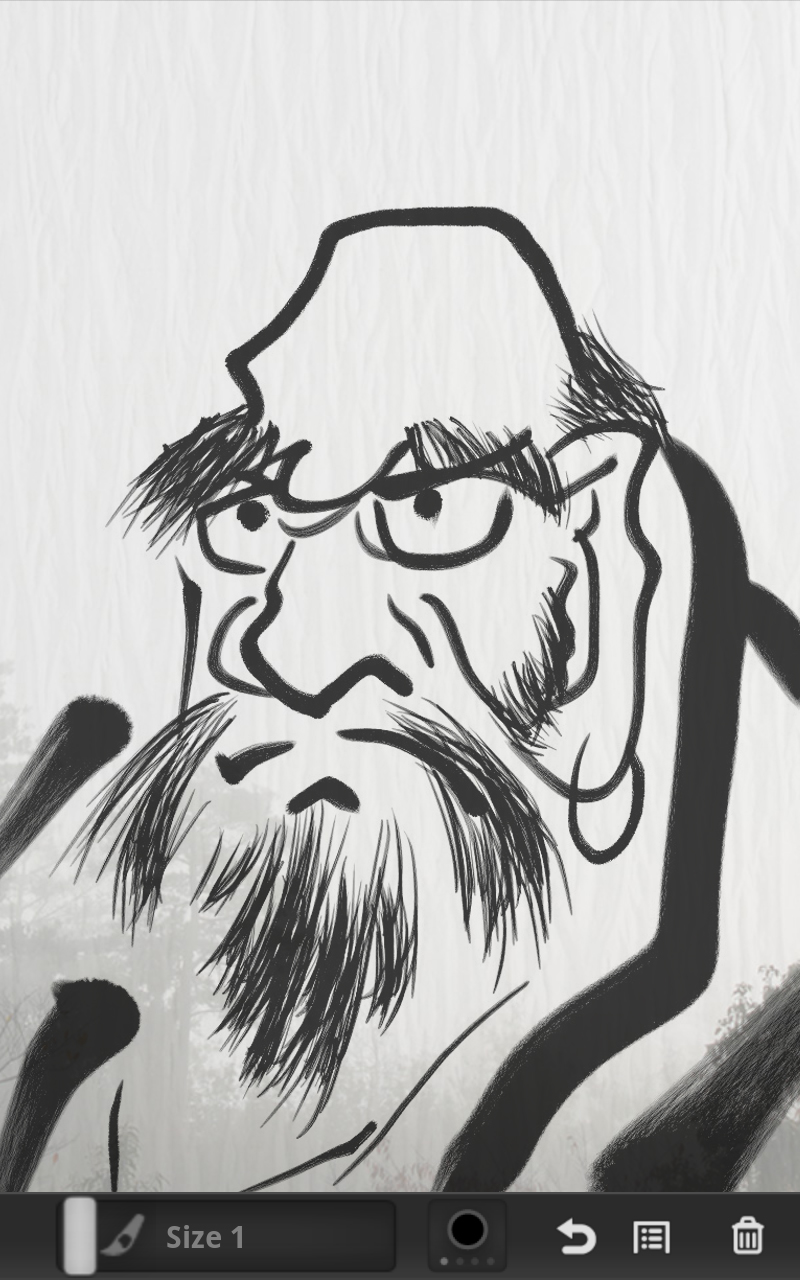
Zen Brush screenshots
8 images · tap to enlarge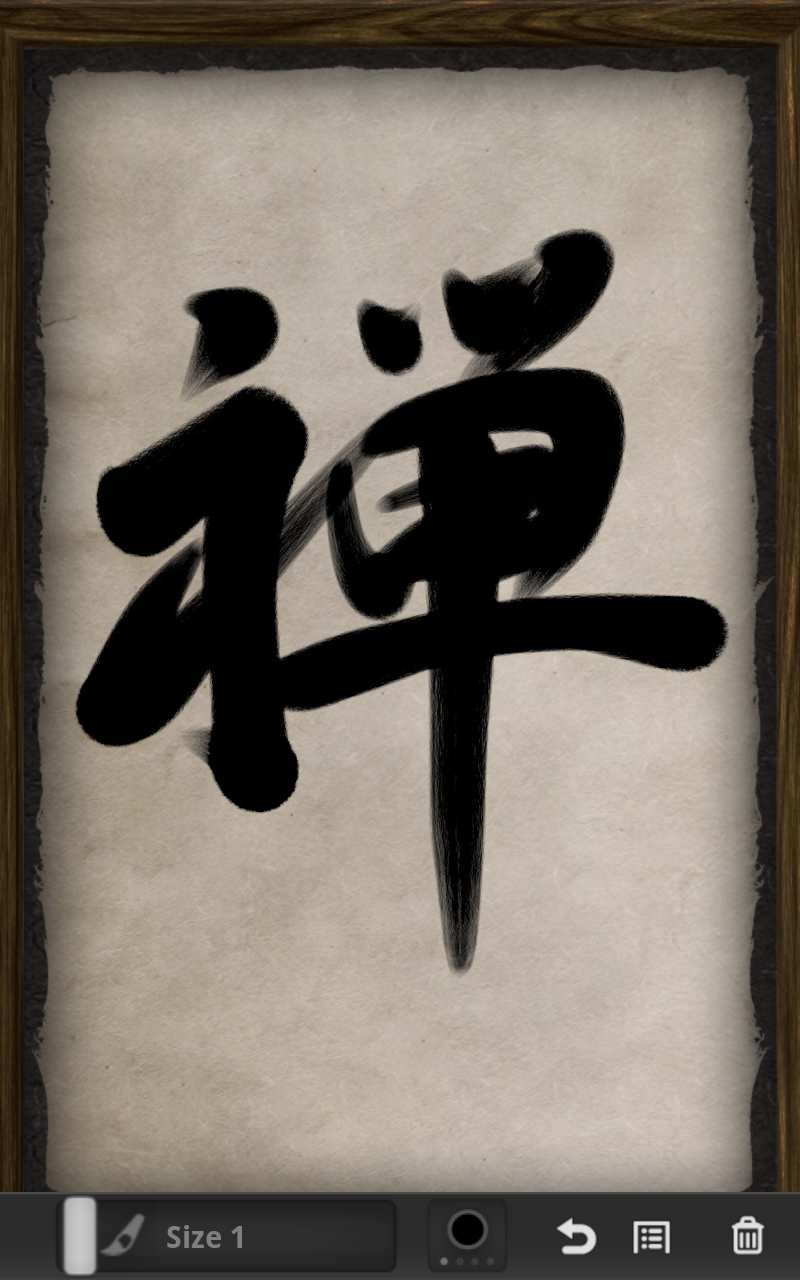
About this app
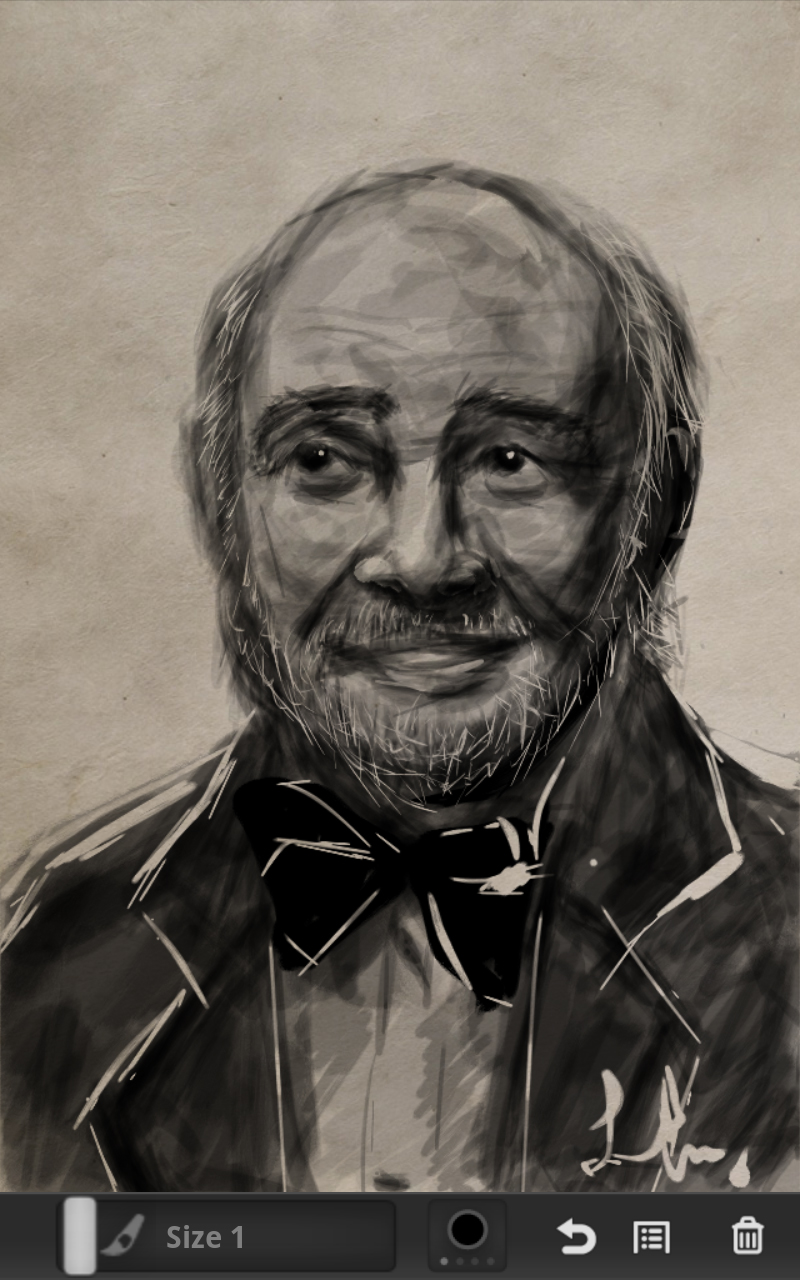
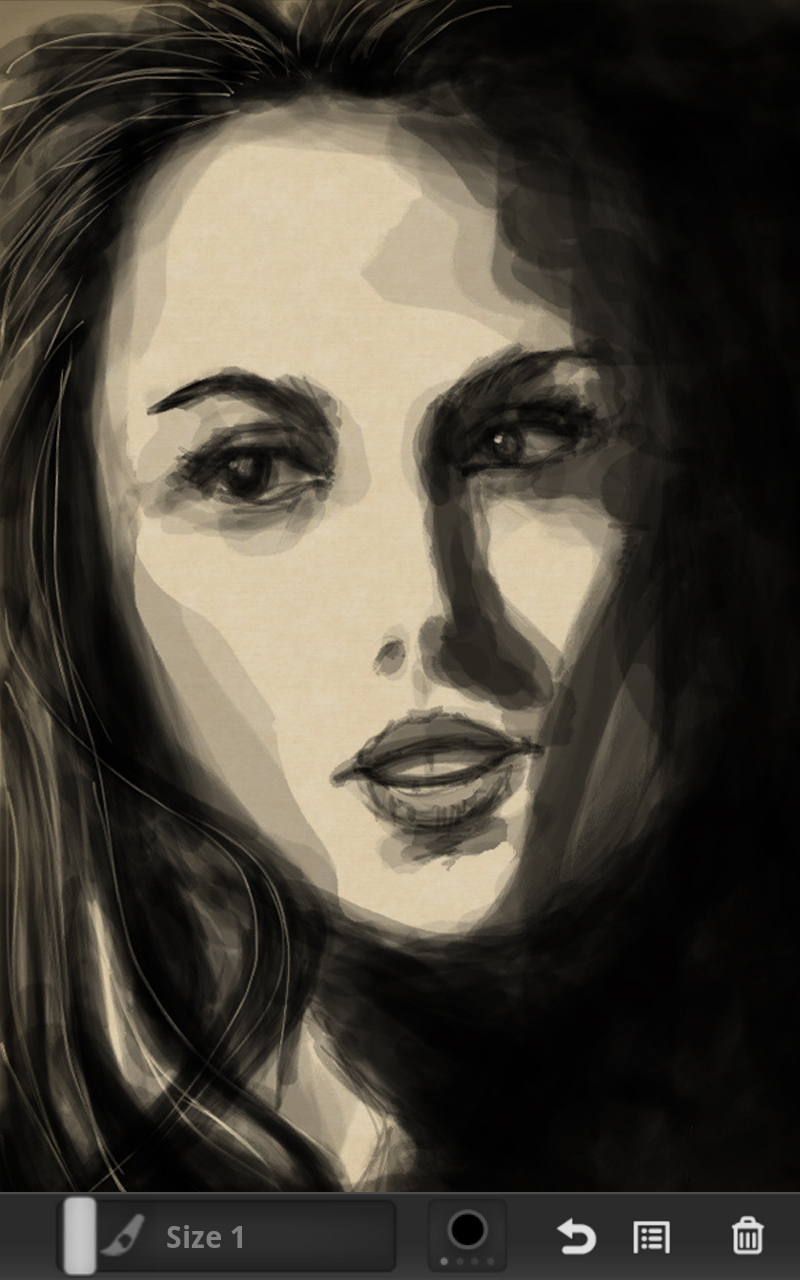
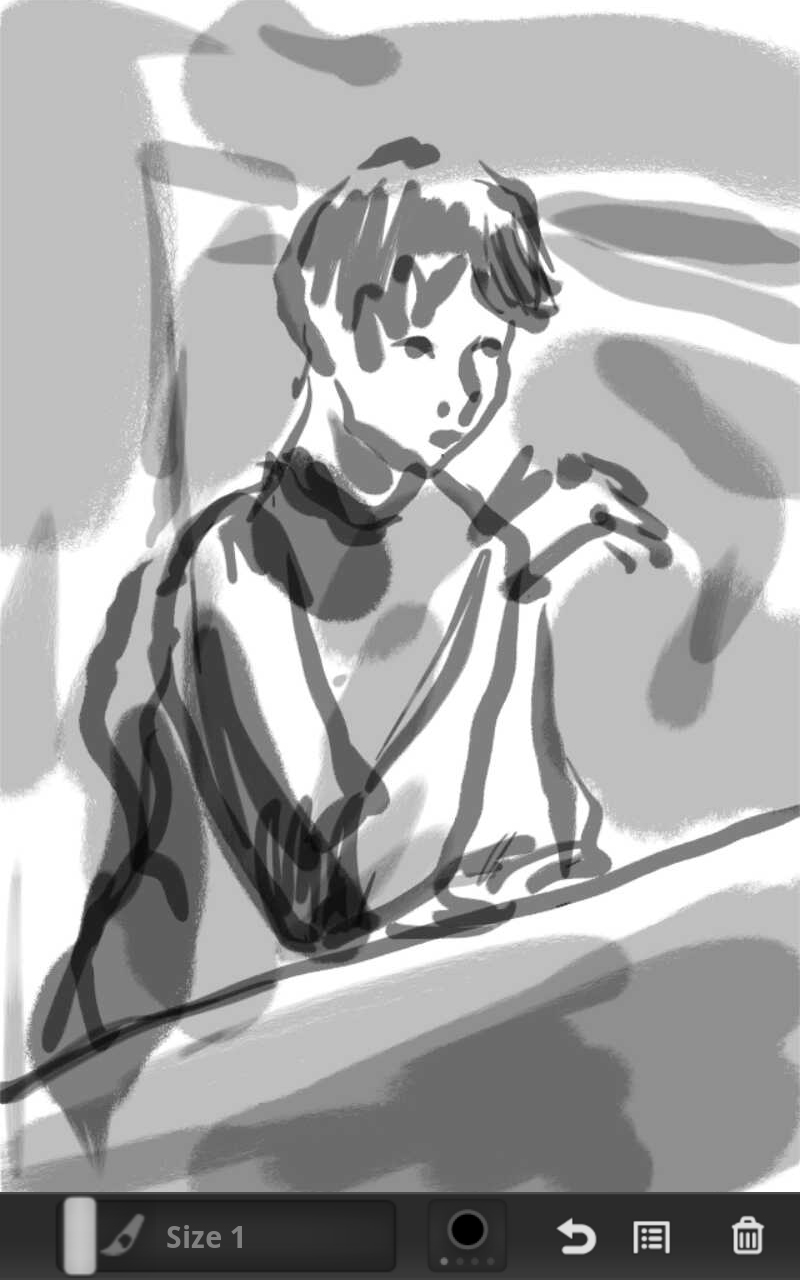
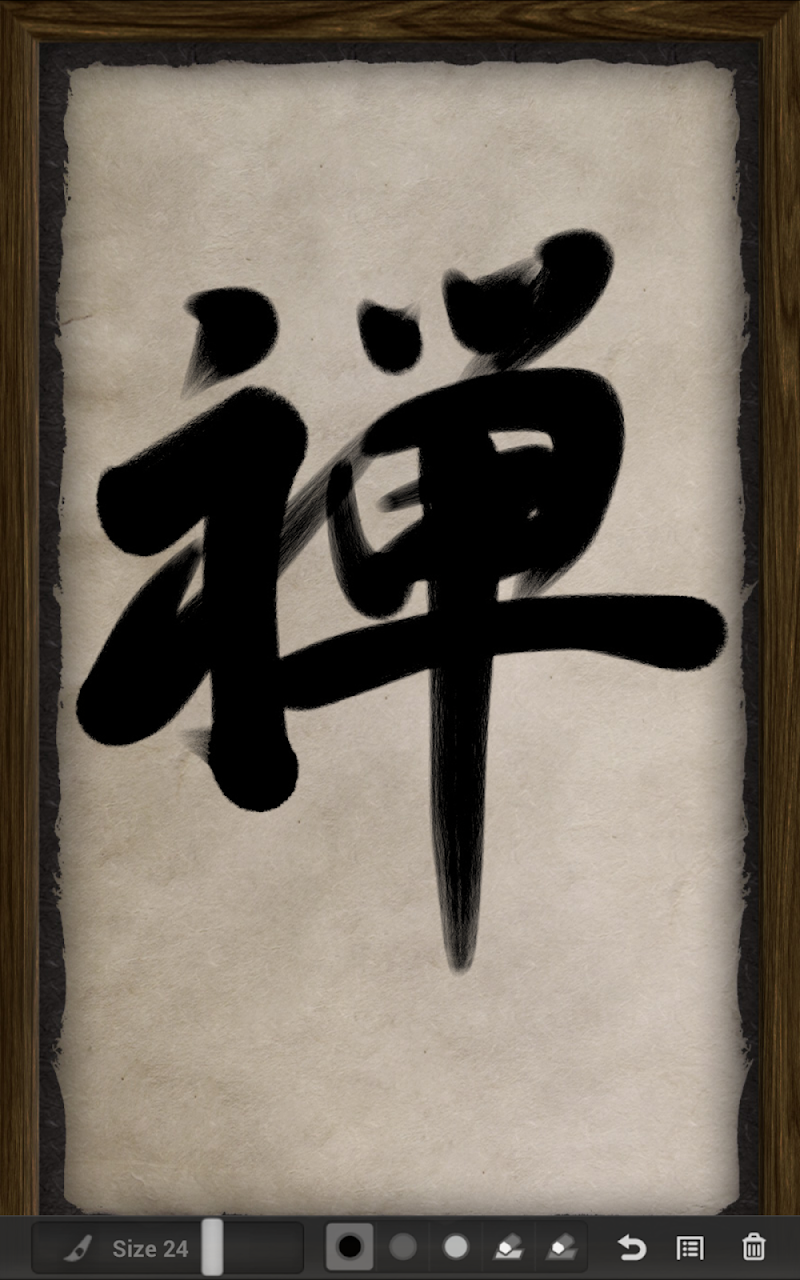
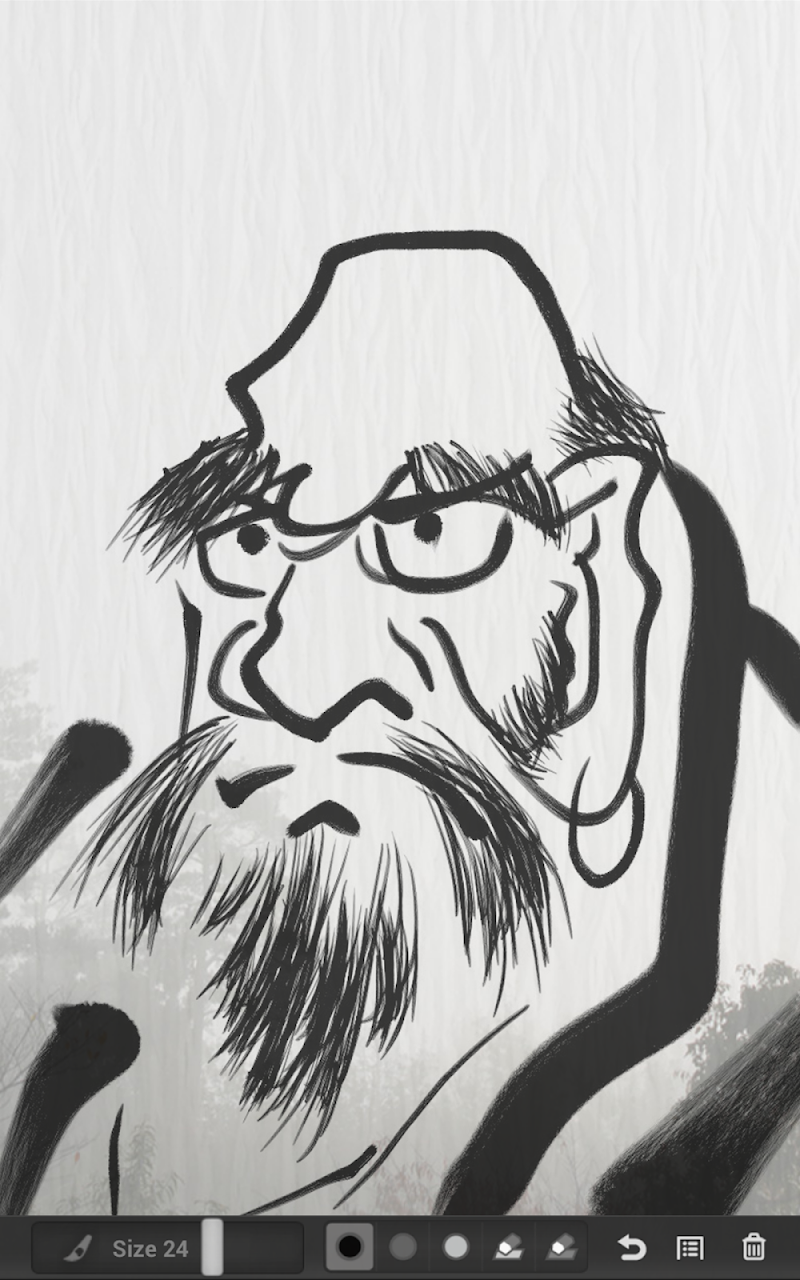
Looking for an ink brush app? Zen Brush lets you write and paint with a realistic brush feel, background templates, and basic editing tools. It supports stylus pressure on supported devices. The free version is ad supported and applies a watermark to saved and shared images.
- Realistic ink brush — Write and paint with a brush designed to feel like real ink.
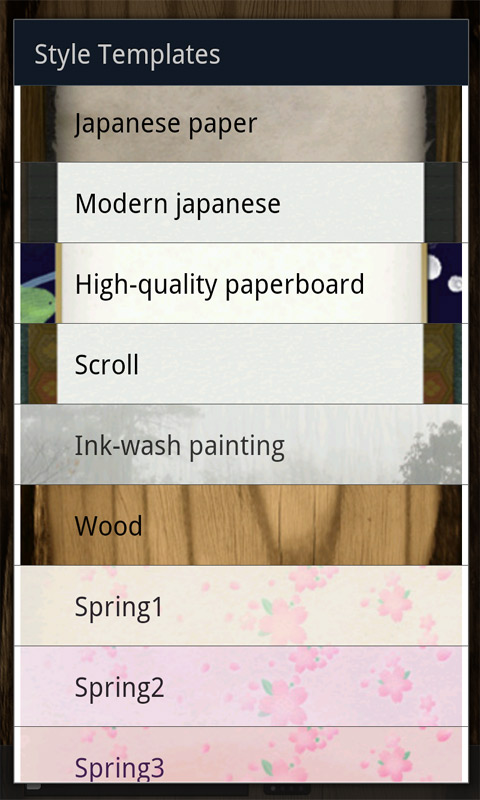
- 62 templates — Choose from 62 background style templates in the full version, with 2 free options.
- Brush controls — Adjust brush size and pick from 3 ink shades.
- Simple editing — Use the eraser tool and undo once in the full version.
- Save and share — Save pictures as photos and share them with other apps.
- Stylus pressure — Pressure input works on supported devices and styluses.
Ink brush drawing on Android
Zen Brush is the Android version of PSOFT MOBILE’s ink brush app. It focuses on writing and painting with a brush that keeps the texture of real ink. The app is free, supports ads, and includes in-app purchases for the full version. It needs Android 7.0 or later, comes as a universal APK, and the file size is 11.4 MB.
Templates, brush size, and ink shades
The app gives you a small set of editing controls instead of a full drawing suite. You can change brush size, use 3 ink shades, and erase parts of a work. The full version includes 62 background style templates, while the free version includes 2. That makes it more focused than apps like ibis Paint X or Sketchbook, which are built around broader drawing toolsets.
- Brush size slider for changing stroke width.
- Three ink shades for different tones.
- Eraser tool for cleanup.
- Undo once in the full version.
Saving, sharing, and watermarks
Zen Brush can save pictures as photos and share them through other apps such as Twitter, Facebook, and Email. The free version adds a watermark to saved and shared images. The full version removes ads, removes watermarks, and enables undo/redo. If you want a simple export workflow, Zen Brush is direct. If you want a larger social drawing community, PENUP may suit that need better.
Device support and storage access
The app uses storage permission to save your work on the device’s SD card. It also uses network communication for ads in the free version and for Google Play billing when buying the full version. PSOFT MOBILE notes that some devices may have problems restoring the current image after leaving and returning to the app, so testing the free version first is practical before upgrading.
Stylus pressure is supported on compatible devices and styluses. That makes Zen Brush useful for users who want brush feel and pressure input without extra drawing features.
What's new
Version 1.36_GP · Nov 10, 2026
- This update requires Android 7.0 or newer.
- Updated Google libraries used by the app.
APK information
- Version
- 1.36_GP
- Package
- jp.co.psoft.zenbrushfree
- Category
- Art & Design
- Size
- 11 MB
- Min Android
- 7.0
- Architecture
- universal
Older versions
-
Zen Brush 1.36_GPNov 10, 2026Latest downloadAPK
Zen Brush FAQ
Does Zen Brush add a watermark?expand_more
Yes. The free version applies a watermark to saved and shared images. The full version does not.
Does Zen Brush work offline?expand_more
The app can be used for drawing and saving work on the device. The free version also uses network communication for ads, and the full version uses it for Google Play billing.
How big is the Zen Brush download?expand_more
The APK size is 11.4 MB.
Is Zen Brush free to use?expand_more
Yes. Zen Brush is free, but the free version is ad supported and includes in-app purchases for the full version.
Does Zen Brush support stylus pressure?expand_more
Yes. It supports stylus pressure on supported devices and styluses.