
- 3.5star34 reviews
- 500M+Downloads
- 166 MBAPK size
- EveryoneRated for Everyone
- 12+Android
check_circleOriginal APK from Transsion Holdings · Updated Nov 12, 2026

No threats found
0 / — antivirus engines flagged this file
Original signature
First seen — Transsion Holdings
Unmodified APK
Same file the developer published — no mods
AI Gallery screenshots
4 images · tap to enlarge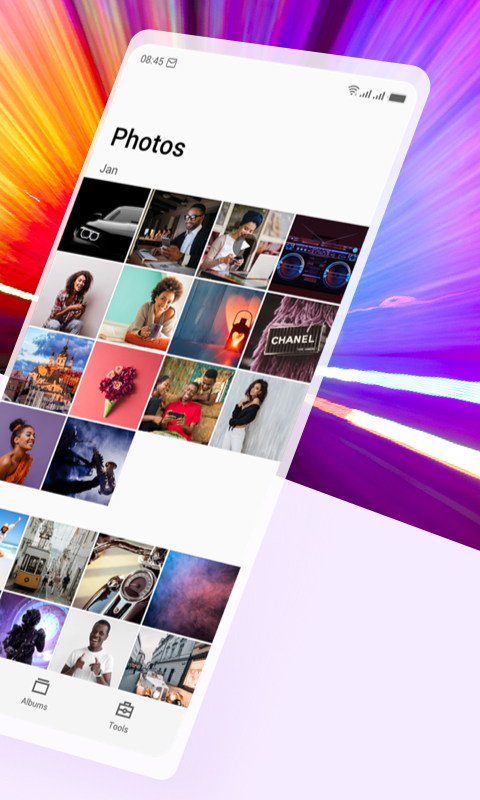
About this app
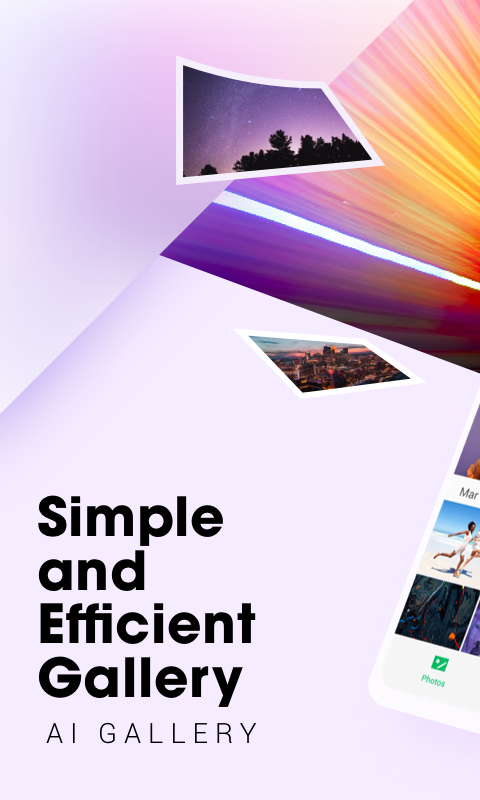
If your phone is full of photos, AI Gallery helps sort albums, edit pictures, and clear out blurry or duplicate shots. It also includes photo compression, dark mode, slideshow, and private albums on Tecno and Infinix phones. Compared with Google Photos or Samsung Gallery, it focuses on local gallery tools rather than cloud features.
- Album sorting — The app reorganizes the homepage and classifies albums so photos are easier to find.
- Photo cleanup — It can identify dark, blurry, and duplicate photos so you can remove files that take space.
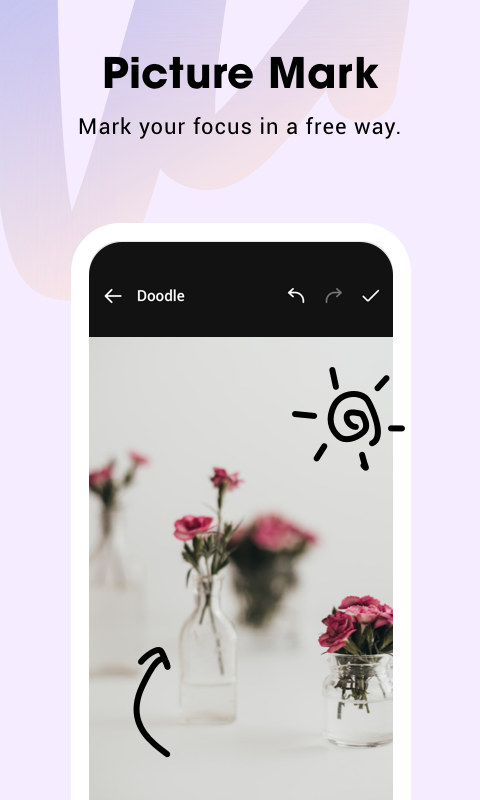
- Picture editing — AI Gallery includes editing tools plus picture mark options, mosaics, and free cropping.
- Compression tool — It compresses pictures with an advanced algorithm while aiming to keep quality unchanged.
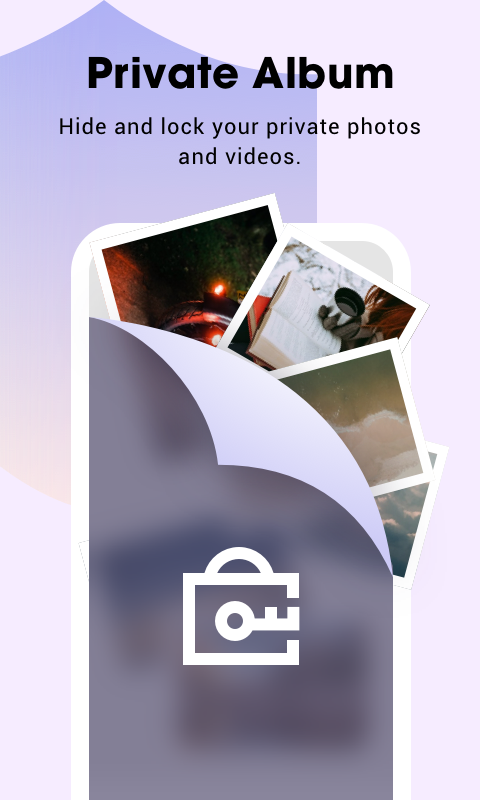
- Private albums — On Tecno and Infinix phones, some pictures can be hidden with a password.
- Sharing and display — You can start slideshows, zoom with gestures, view details, and share images to social media.
Photo management built around the gallery
AI Gallery is aimed at people who want to work directly with photos already on the device. It puts album classification, homepage organization, and quick access to selected photos ahead of cloud-first features. That makes it different from Google Photos, while Samsung Gallery may suit users looking for a device gallery tied more closely to Samsung phones.
The app is free, comes as an APK file, and supports Android 12 and up. The package size is 165.6 MB.
Editing, marking, and puzzle templates
For image editing, AI Gallery includes picture editing tools and a separate picture mark feature. You can add mosaics and crop freely, which gives it more hands-on editing than a basic viewer. It also offers multi-template puzzles for making photo collages with different layouts.
- Picture editing for general adjustments.
- Picture Mark for mosaics and free cropping.
- Multi-template puzzles for custom photo layouts.
Cleanup and compression tools
The app goes beyond browsing by adding cleanup and compression functions. It can flag too-dark, blurry, and duplicate photos, then compress images to save storage space. The recent update also adds private albums on Tecno and Infinix phones, plus a new UI design and a picture compression feature that uses an advanced algorithm without quality loss.
There are no in-app purchases and no ads listed, so the experience is simpler than many gallery or editor apps that rely on monetization. If you want more social editing effects, apps such as B612 AI Photo&Video Editor may fit better; if you want a straightforward gallery with storage tools, AI Gallery stays closer to that task.
Sharing, slideshow, and wallpaper tools
AI Gallery also includes darker display mode, picture slideshow, easy sharing to social media or anywhere else, photo and video details, wallpaper setting, and gesture zoom. Those options make it useful as a daily gallery app rather than only a cleanup tool.
Its Play summary describes it as simple and fast without ads, and its rating is 3.5 from 34 ratings, with 500M+ installs.
What's new
Version 15.0.3.054 · Nov 12, 2026
- New UI appearance and two new features!
- 1. New UI design upgrade.
- 2. Picture compress. With advanced algorithm, compress the memory space cost of pictures without quality loss, which can help you save more memory space for your phone.
- 3. Private albums. You can hide some pictures with password, to prevent others from seeing them.(Only provide on Tecno and Infinix phones)
- 4. Picture Mark: You can mark pictures freely in pictures, add mosaics and freely crop them.
- 5. About Page.
APK information
- Version
- 15.0.3.054
- Package
- com.gallery20
- Category
- Photography
- Size
- 166 MB
- Min Android
- 12
- Architecture
- universal
Older versions
-
AI Gallery 15.0.3.054Nov 12, 2026Latest downloadAPK
AI Gallery FAQ
Does AI Gallery work offline?expand_more
The app focuses on local gallery functions such as albums, editing, cleanup, and compression. The listing does not say that it needs an internet connection.
Does AI Gallery add a watermark?expand_more
The listing does not mention watermarks for exported or edited images. It does mention picture mark tools, mosaics, and cropping.
Who develops AI Gallery?expand_more
AI Gallery is developed by Transsion Holdings.
Does AI Gallery show ads?expand_more
No ads are listed for AI Gallery, and the Play summary describes it as simple and fast without ads.
Can AI Gallery hide photos with a password?expand_more
Yes, private albums are included for Tecno and Infinix phones, and they can hide some pictures with a password.