
- 4.4star54,294,269 reviews
- 10B+Downloads
- 57 MBAPK size
- EveryoneRated for Everyone
- API 19+Android
check_circleOriginal APK from Google LLC · Updated Nov 10, 2026
No threats found
0 / — antivirus engines flagged this file
Original signature
First seen — Google LLC
Unmodified APK
Same file the developer published — no mods
Google Photos screenshots
8 images · tap to enlarge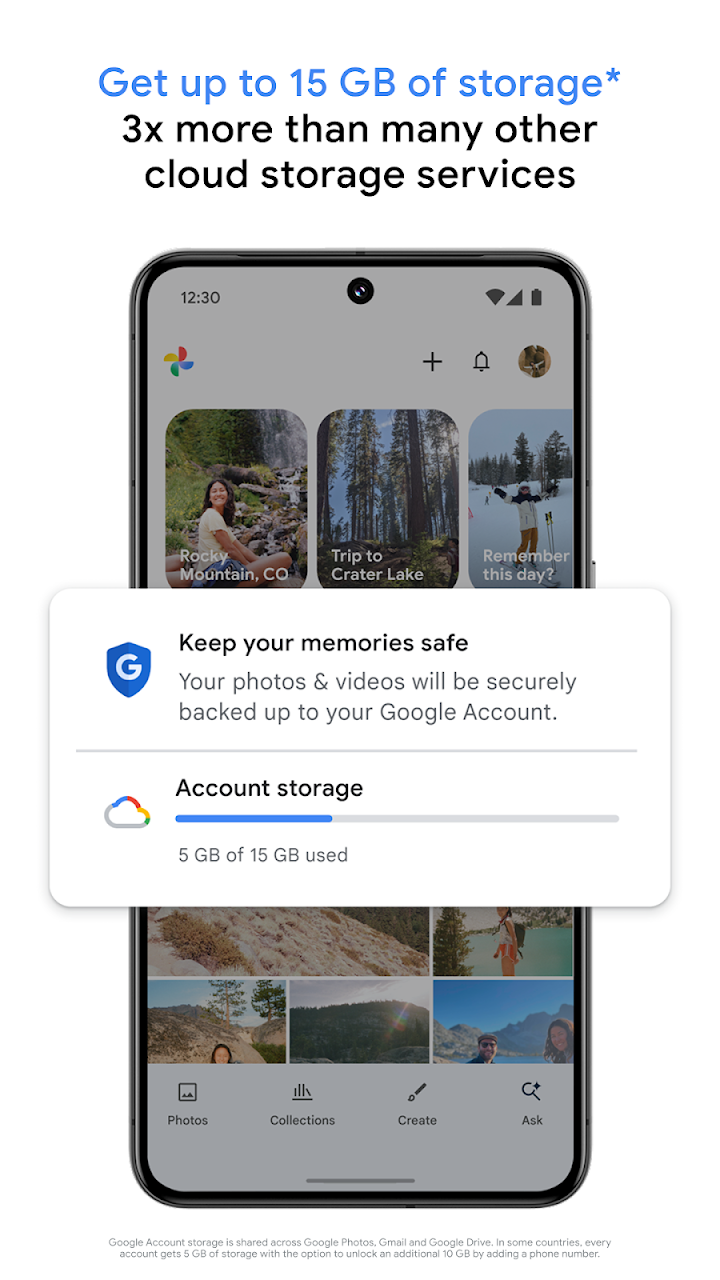
About this app
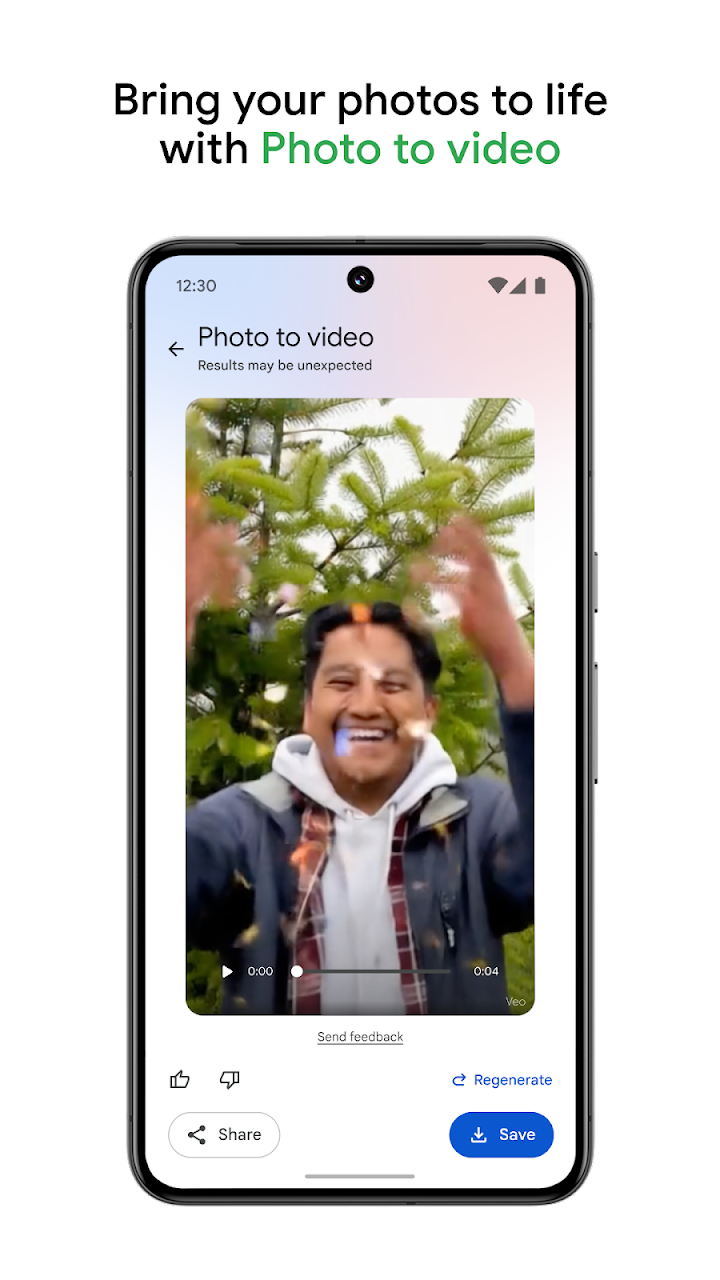
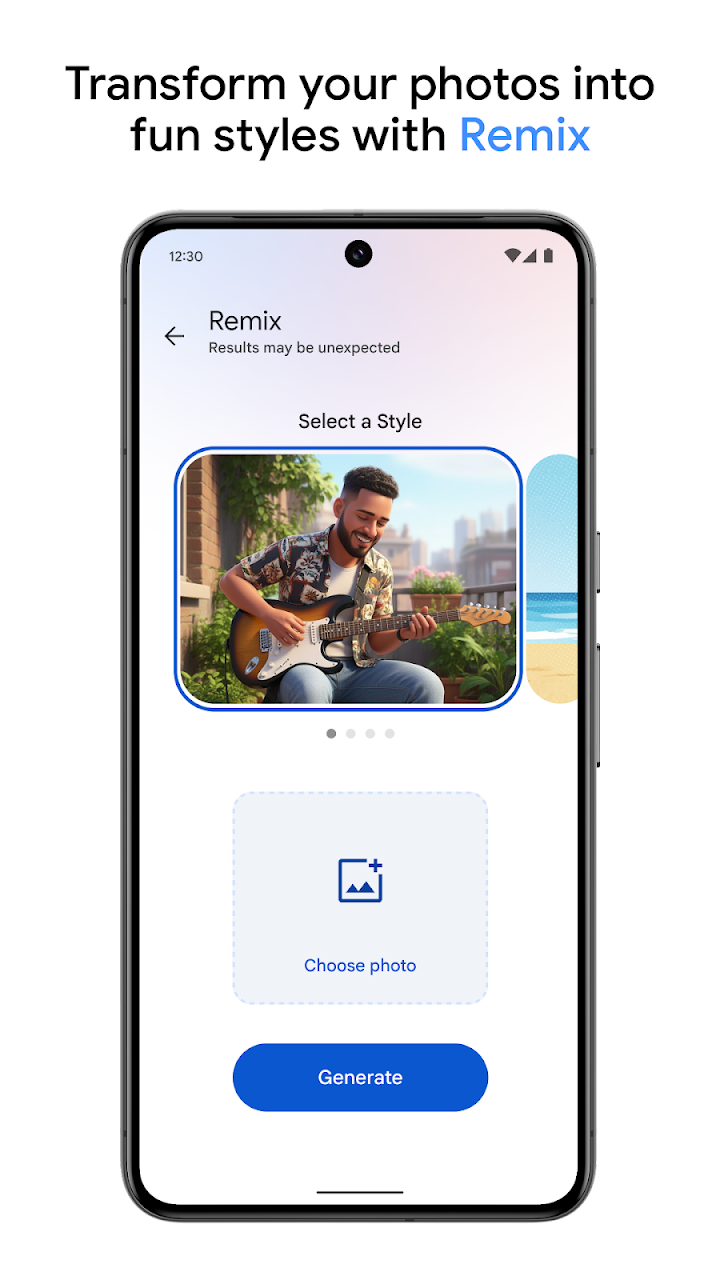
Google LLC makes Google Photos for storing, organizing, editing, and sharing photos and videos. It keeps memories in one place with cloud backup, natural language search, and AI editing tools. Compared with simple gallery apps, it adds Google AI features, while other photo editors may focus more on effects than storage and backup.
- Cloud backup — Store photos and videos in Google account storage and back them up across devices.
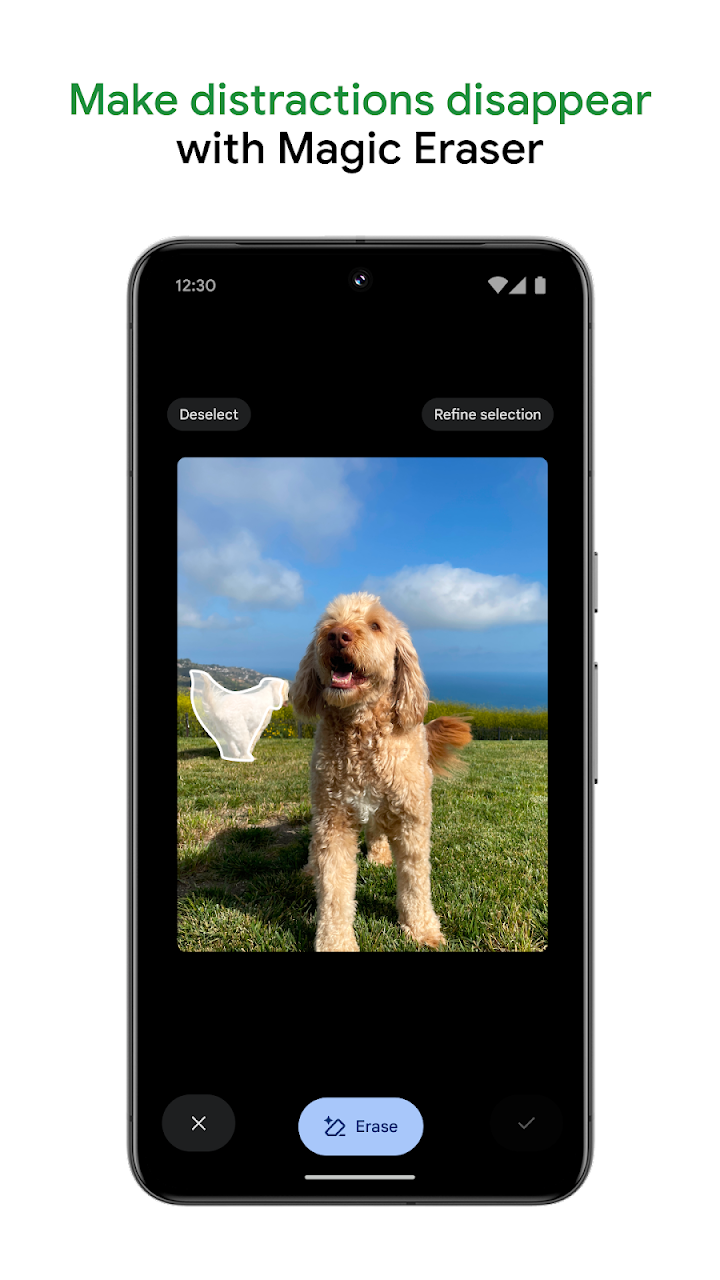
- AI editing — Use Magic Eraser, Unblur, and Portrait Light for quick edits in a few taps.
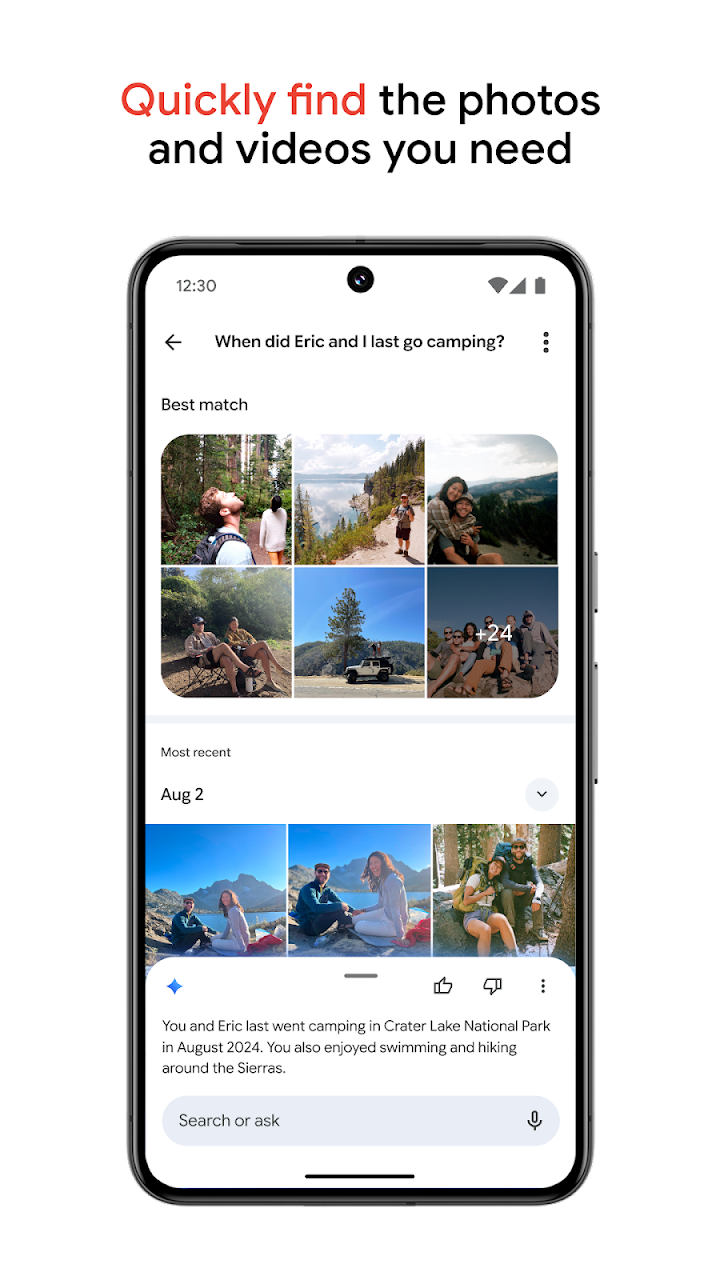
- Natural search — Find images by describing scenes, people, places, or actions in plain words.
- Auto organization — Sort duplicates, similar photos, screenshots, documents, and albums into tidy groups.
- Locked folder — Keep sensitive photos and videos in a folder protected by your device screen lock.
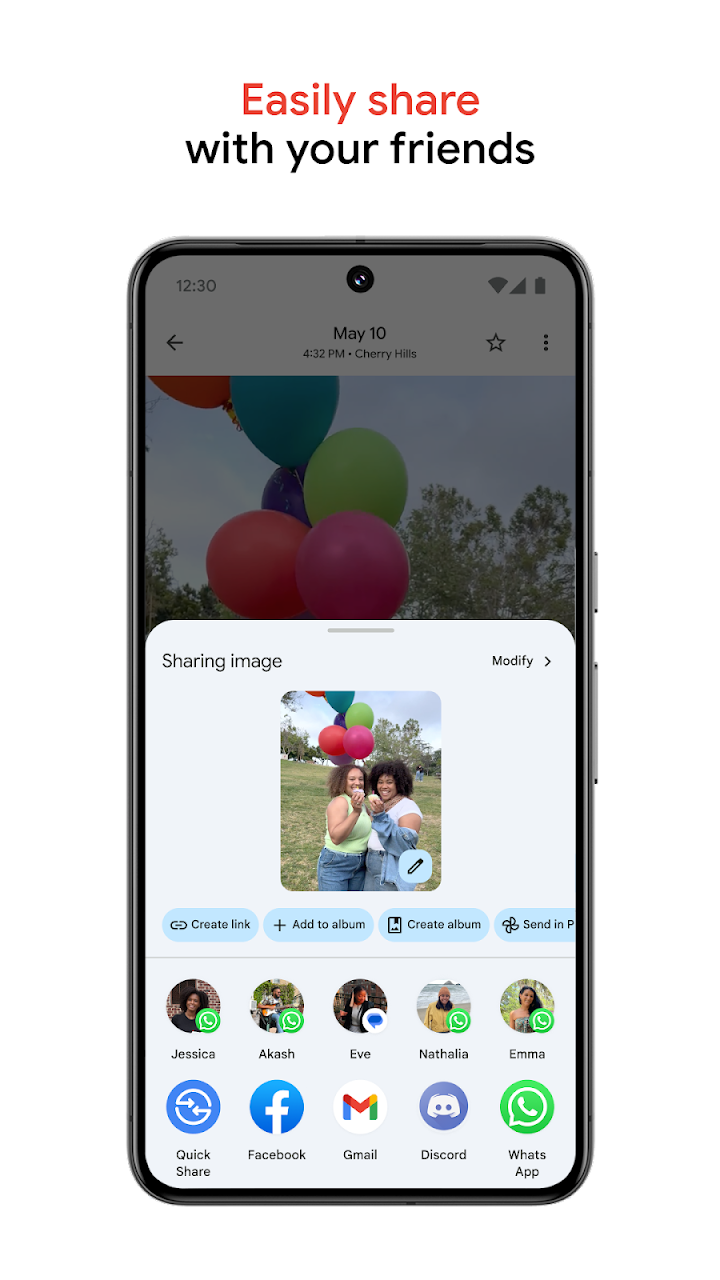
- Easy sharing — Share photos, videos, and albums with contacts even if they do not use Google Photos.
Google AI for photos and videos
Google Photos uses Google AI to handle everyday photo tasks. It can remove distractions with Magic Eraser, sharpen blurry shots with Unblur, and adjust lighting with Portrait Light. That makes it different from many gallery apps, which mainly show your camera roll. It is also more storage-focused than many editor apps, which may offer filters but not backup or search across devices.
Search that uses plain words
You do not need to sort everything by hand to find a picture later. Google Photos supports descriptive searches such as a person laughing, a lake scene, or someone painting in a backyard. That is useful when you want to find a memory faster than scrolling through a long gallery. If you mainly want effects and filters, another editor may fit better; if you want search and storage together, this app is built for that.
Organization and storage
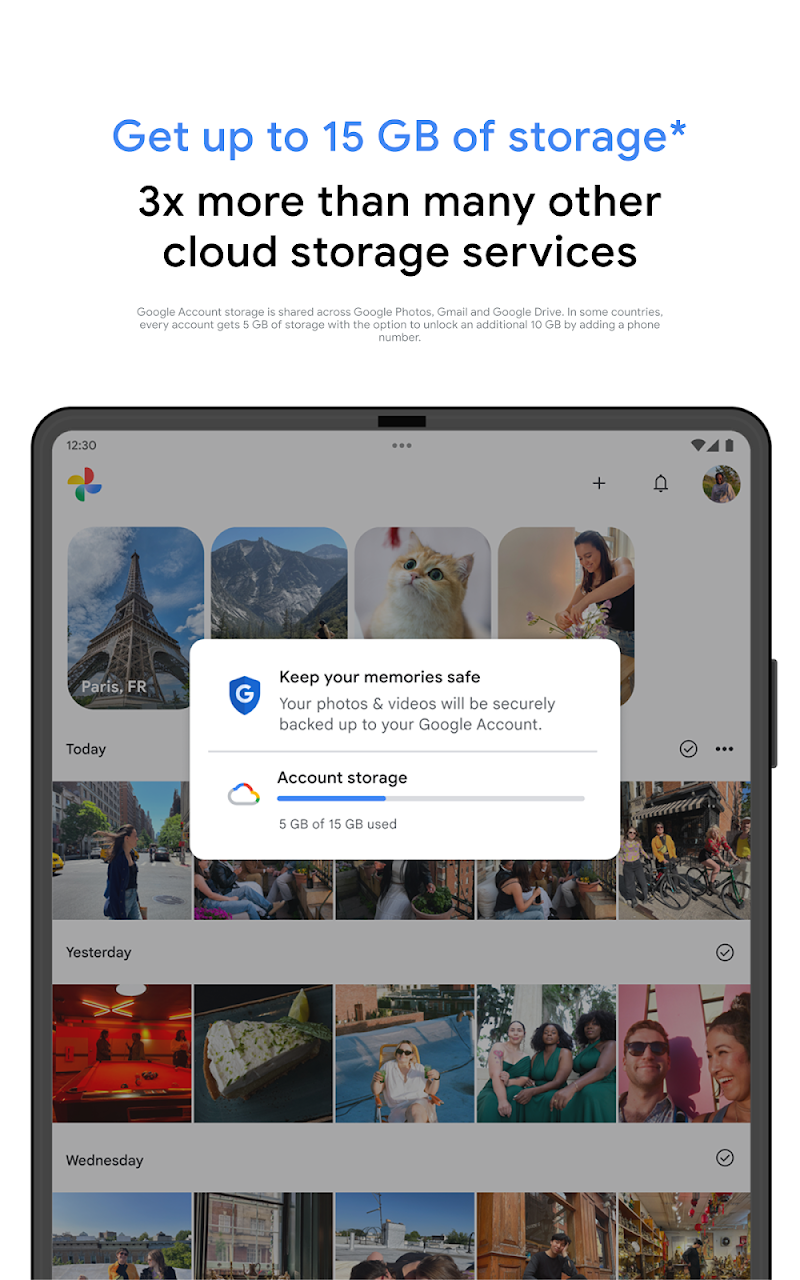
The app helps keep a gallery orderly by grouping duplicates and similar photos into stacks. It also creates folders for screenshots and documents, and it supports custom albums and daily camera roll organization. Backed-up items can be removed from the device to free space. Google account storage is shared across Google Photos, Gmail, and Google Drive, and the app is available as a universal APK for Android 4.4 and up, with a 56.9 MB download size.
Sharing and privacy tools
Photos, videos, and albums can be shared with contacts even if they do not use Google Photos. A locked folder is available for sensitive items, protected by your device screen lock. The app also says your memories are protected while stored or shared. For prints, it can turn photos into books, prints, and canvas wall art in supported regions.
- Free app: No price is listed for download.
- Ads: Contains no ads.
- Purchases: No in-app purchases.
- Rating: 4.4 from 54,252,438 ratings.
APK information
- Version
- 4.13.0.240385459
- Package
- com.google.android.apps.photos
- Category
- Photography
- Size
- 57 MB
- Min Android
- API 19
- Architecture
- universal
Older versions
-
Google Photos 4.13.0.240385459Nov 10, 2026Latest downloadAPK
Google Photos FAQ
Can Google Photos edit RAW photos?expand_more
The listed editing tools are Magic Eraser, Unblur, and Portrait Light. RAW photo support is not specified here.
Does Google Photos work offline?expand_more
The app description focuses on cloud backup, search, editing, and sharing. Offline use is not specified here.
How big is the Google Photos download?expand_more
The APK size is 56.9 MB.
What permissions does Google Photos ask for?expand_more
No permissions are listed for this APK.
Can I share photos with people who do not use Google Photos?expand_more
Yes. You can share photos, videos, and albums with any of your contacts, even if they do not use Google Photos.