
- 3.8star384 reviews
- 1B+Downloads
- 51 MBAPK size
- EveryoneRated for Everyone
- 11+Android
check_circleOriginal APK from Samsung Electronics Co., Ltd. · Updated Nov 11, 2026

No threats found
0 / — antivirus engines flagged this file
Original signature
First seen — Samsung Electronics Co., Ltd.
Unmodified APK
Same file the developer published — no mods
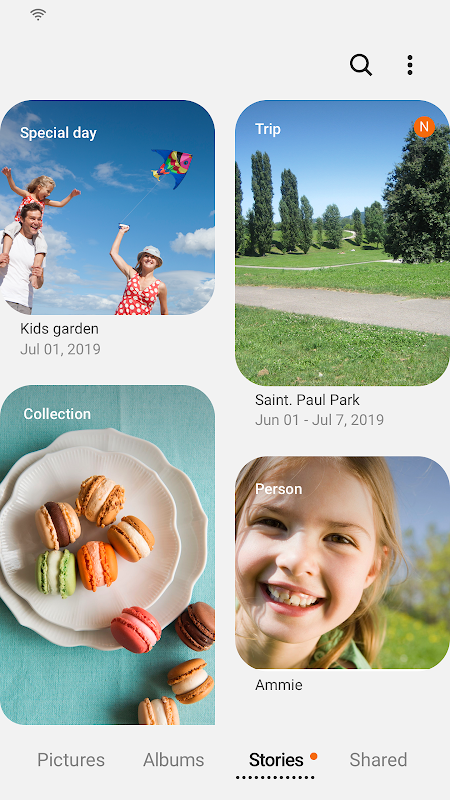
Samsung Gallery screenshots
5 images · tap to enlarge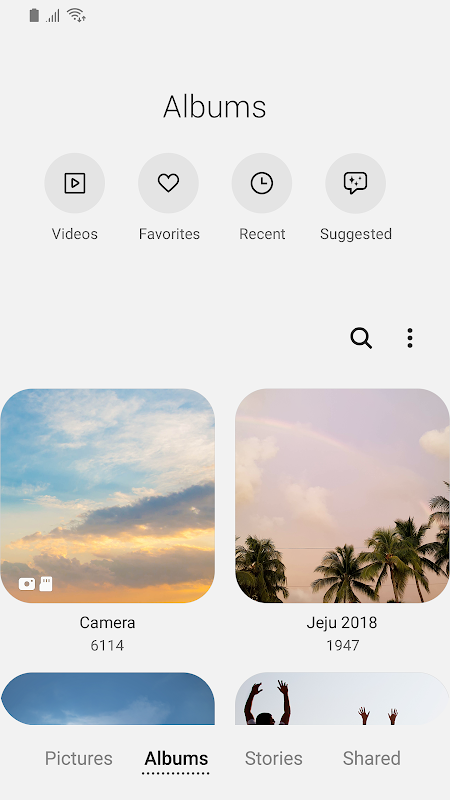
About this app
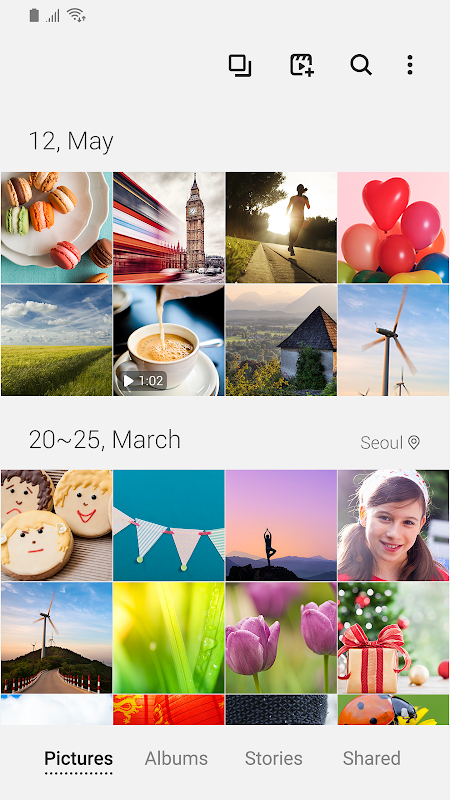
When you want to open a photo, check a video, or edit a file on a Galaxy phone, Samsung Gallery puts those tools in one place. It is made for image and video viewing, supports cloud sync with the same account, and uses storage access to save, load, edit, and delete media.
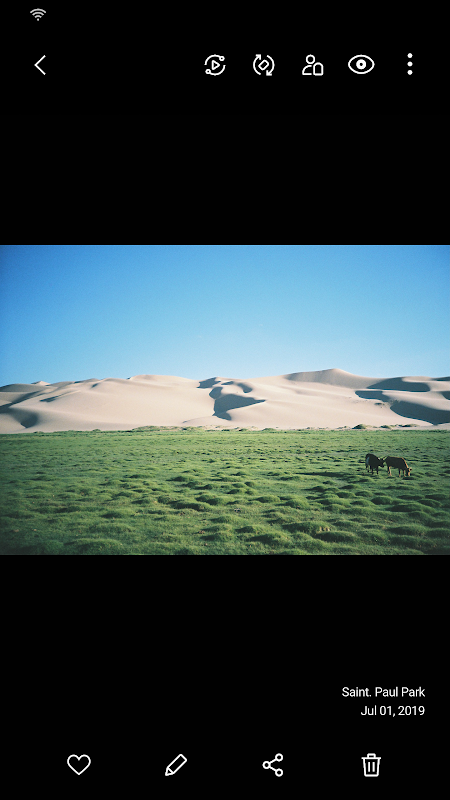
- Photo and video viewing — Open images and videos in a gallery made for Galaxy devices.
- Cloud sync support — Use the same Samsung account to access your media through cloud sync.
- Storage access — Storage permission is used to save, load, edit, and delete pictures and videos.
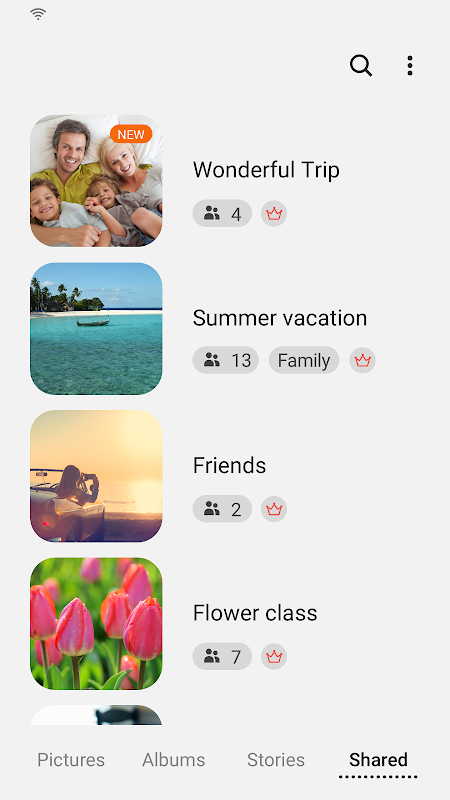
- Story sharing changes — The latest release ends Story sharing and removes shared stories.
- Search shortcuts — You can open Search by touching and holding the app icon.
Made for Galaxy media viewing
Samsung Gallery is designed for viewing photos and videos on Galaxy devices. Compared with general gallery apps like Google Photos or Gallery, it focuses on Samsung’s own viewing experience and on features tied to a Samsung account. It is a free app with no ads or in-app purchases, and it is rated for Everyone.
Simple viewing and file control
If you mainly want to open media quickly and keep it organized, this app keeps the basics close at hand. It supports saving, loading, editing, and deleting pictures and videos through storage access. The app package is an APK, the file size is 50.6 MB, and it requires Android 11 or later.
- Required storage permission: needed for picture and video file actions.
- Optional permissions: telephone, contacts, and locations for Samsung Cloud, People name tags, and location editing.
Cloud sync and account use
Samsung Gallery can work with cloud sync when you sign in with the same account, so your images and videos can be enjoyed across devices where Samsung Gallery is installed. This makes it different from editors such as B612 AI Photo&Video Editor or Remini - AI Photo Enhancer, which focus more on editing than on gallery viewing and device-to-device access.
Recent update changes
The current version is 15.7.02.0 and was last updated on 2026-04-15. This release ends the Story sharing service, so shared stories will be removed, while unshared stories will stay. It also adds Story cover image editing, lets you view details by swiping up on the detail screen, and lets you open Search by touching and holding the app icon.
If you want a Samsung gallery app that centers on viewing, simple media management, and Samsung account sync, this APK is the version to download.
What's new
Version 15.7.02.0 · Nov 11, 2026
- Story sharing service termination
- As the Story sharing service has been terminated, all shared stories will be removed. (Unshared stories will not be removed.)
- Story cover image editing
- You can view details by swiping up on the detail view screen.
- You can open the Search menu by touching and holding the Gallery app icon.
APK information
- Version
- 15.7.02.0
- Package
- com.sec.android.gallery3d
- Category
- Photography
- Size
- 51 MB
- Min Android
- 11
- Architecture
- universal
Older versions
-
Samsung Gallery 15.7.02.0Nov 11, 2026Latest downloadAPK
Samsung Gallery FAQ
Does Samsung Gallery work offline?expand_more
The app can be used for viewing photos and videos on the device. Cloud sync needs signing in with the same account.
Can Samsung Gallery edit RAW photos?expand_more
The provided details do not mention RAW photo editing.
Is Samsung Gallery available for older phones?expand_more
It requires Android 11 or later, so it is not for devices below that version.
How do I update Samsung Gallery from an APK?expand_more
Download the newer APK version and install it over the existing app. The current version listed here is 15.7.02.0.
Does Samsung Gallery support cloud sync?expand_more
Yes. You can enjoy your images and videos through cloud sync after signing in with the same account, if Samsung Gallery is installed.