- 4.0star7,145,154 reviews
- 500M+Downloads
- 61 MBAPK size
- EveryoneRated for Everyone
- API 18+Android
check_circleOriginal APK from SNOW Corporation · Updated Nov 12, 2026

No threats found
0 / — antivirus engines flagged this file
Original signature
First seen — SNOW Corporation
Unmodified APK
Same file the developer published — no mods
B612 AI Photo&Video Editor screenshots
8 images · tap to enlarge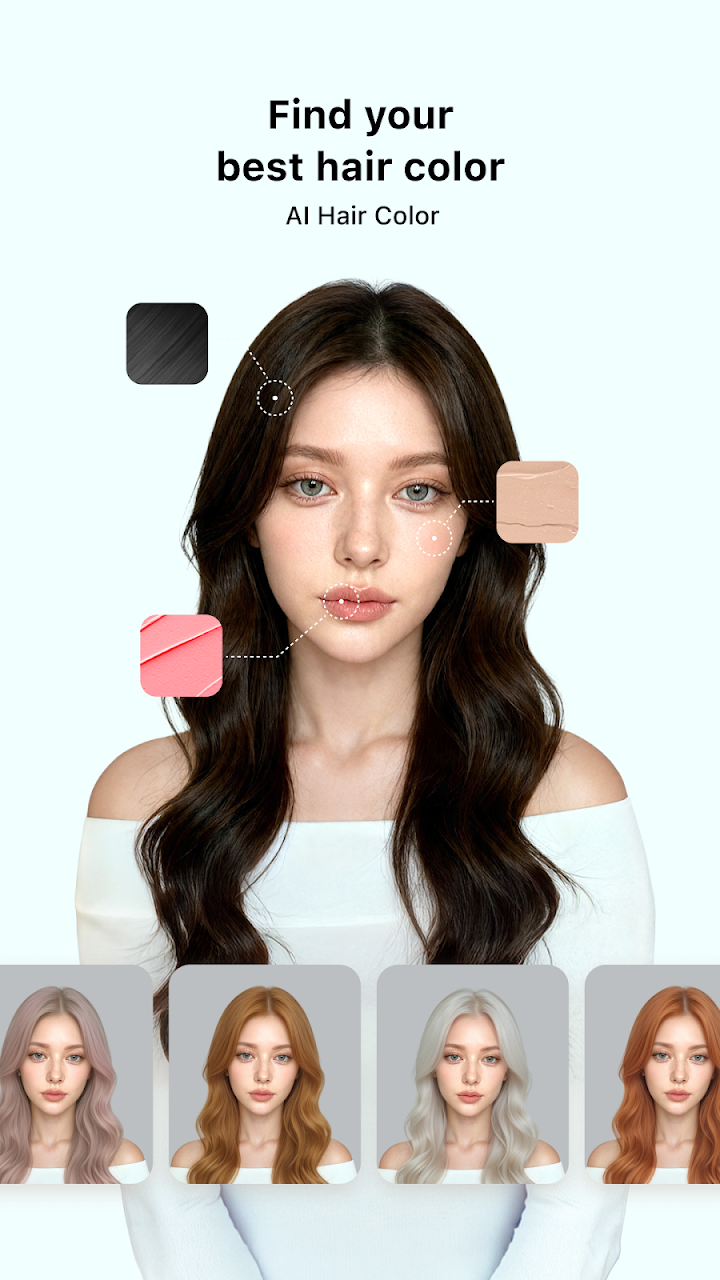
About this app
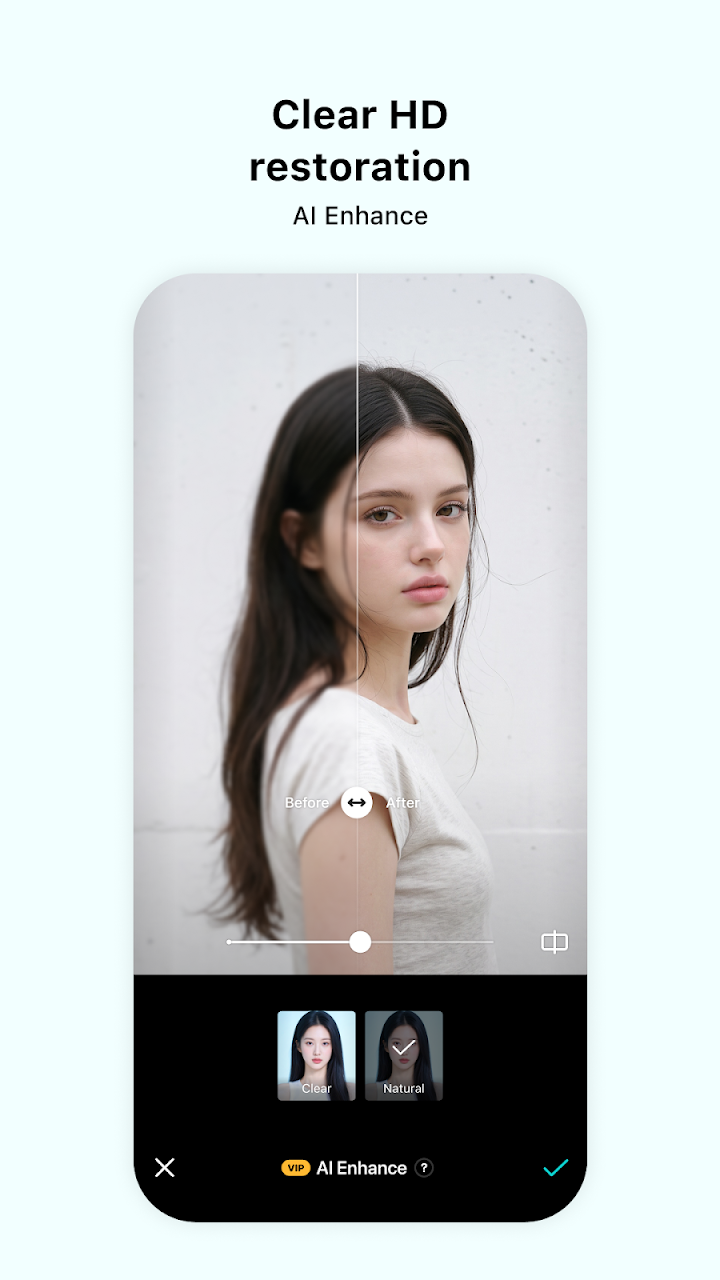
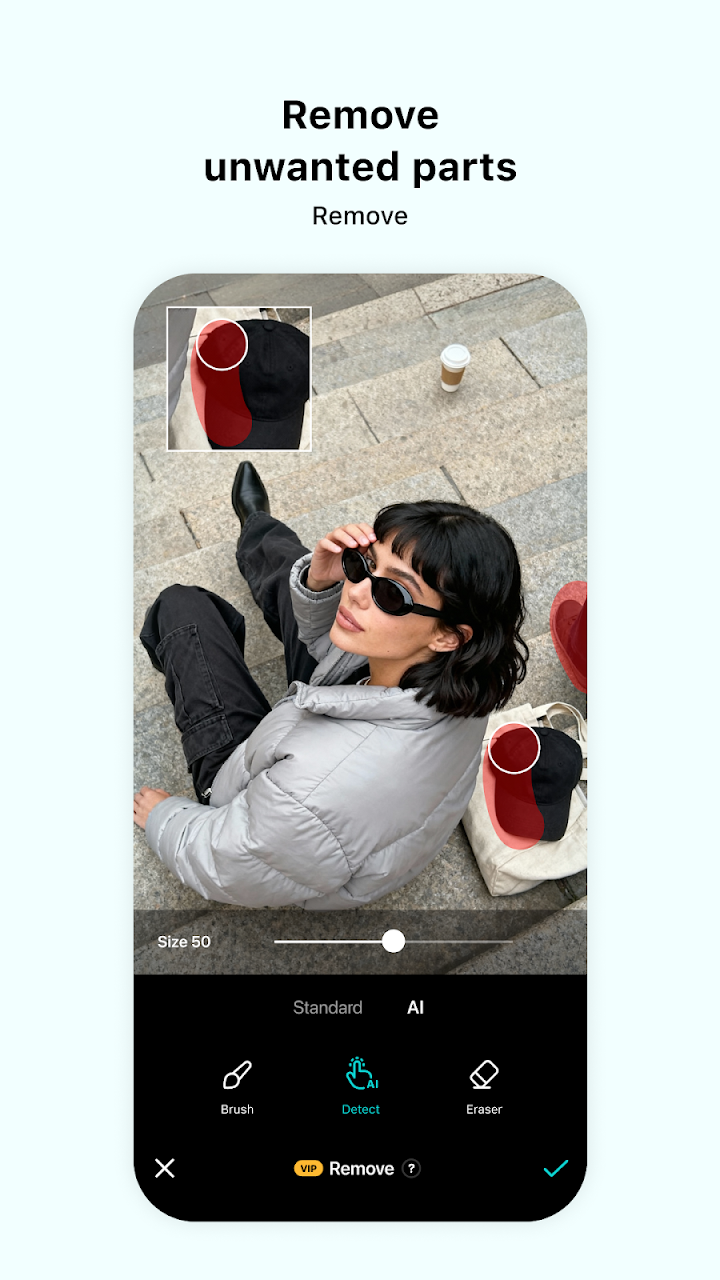
B612 AI Photo&Video Editor stands out as an all-in-one camera and editor for moments that need quick capture and polished results. On a train ride, at a night event, or when you want a cleaner selfie, it combines real-time filters, beauty tools, and video editing in one app with daily updated effects and stickers.
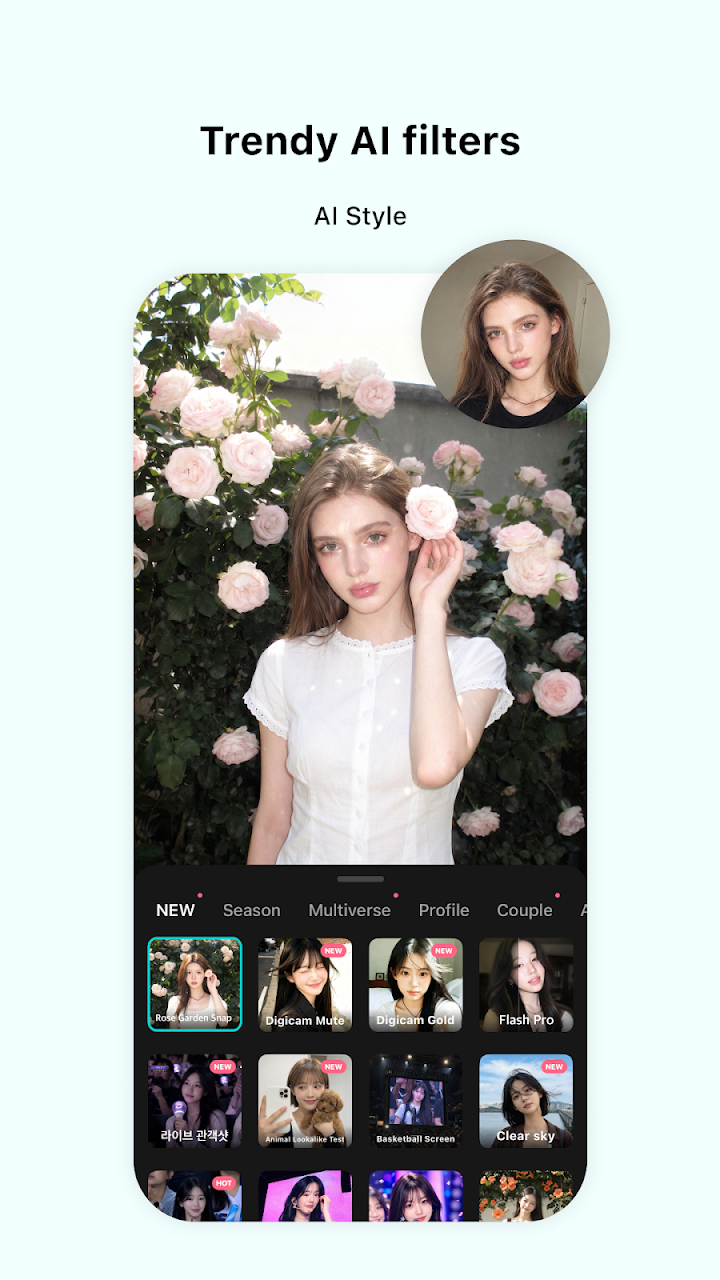
- Daily AR effects — Use updated AR effects and seasonal filters while shooting in real time.
- Custom filters — Create a filter in a few taps and share it with friends.
- Smart beauty tools — Get face-shape recommendations and adjust beauty and makeup styles.
- Video editing music — Edit clips with trendy effects and more than 500 music options.
- Advanced color tools — Use curves, split tone, and HSL for detailed color editing.
- Sticker and text tools — Add stickers and text, or make custom stickers for your photos.
When a photo needs work fast
Some moments do not leave time for switching between a camera app and a separate editor. B612 AI Photo&Video Editor brings capture and editing together, so you can take a selfie, apply a filter, and tidy it up before sharing. It is available as a 60.8 MB APK for Android 18 and up.
Filters, beauty, and AR while you shoot
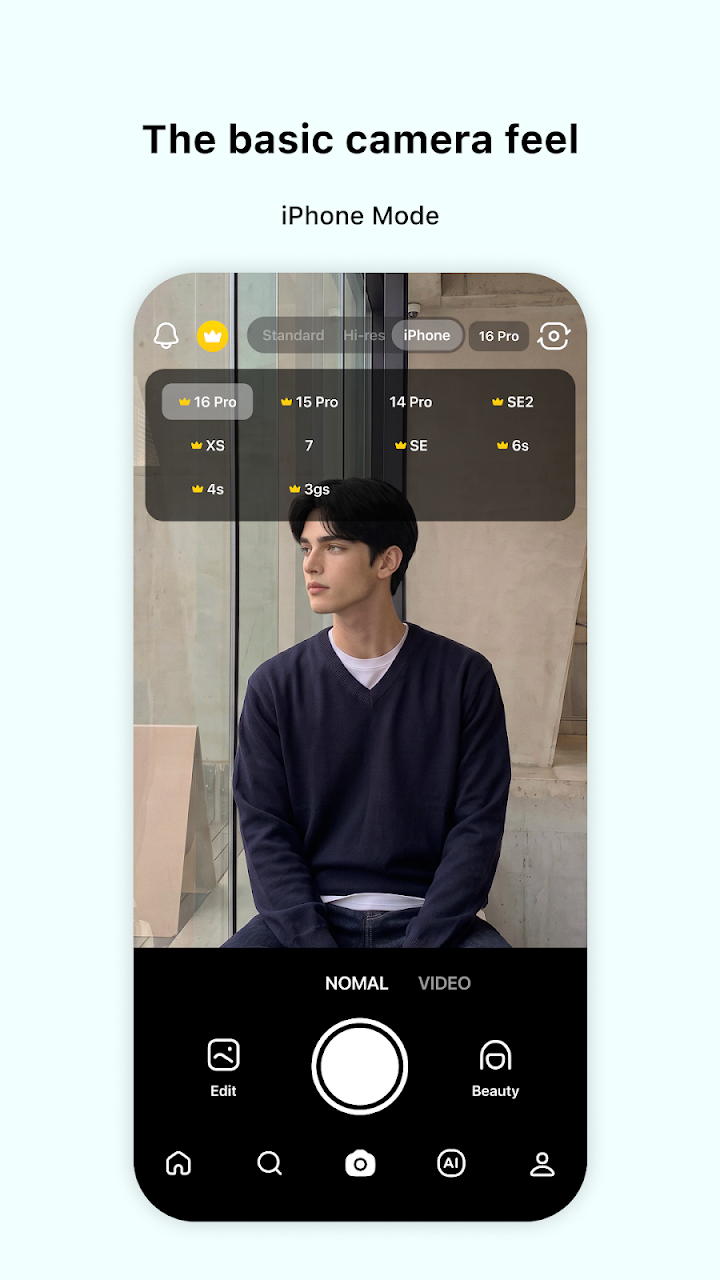
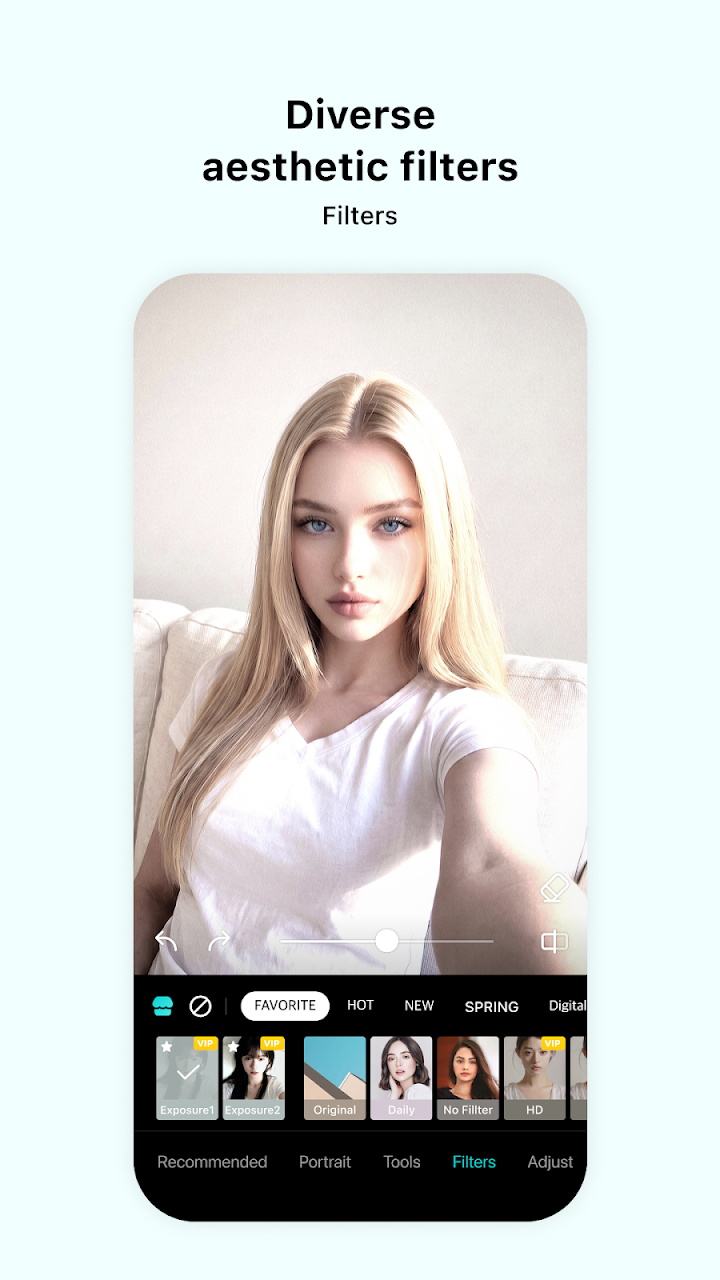
The camera includes real-time filters and beauty effects, plus daily updated AR effects and seasonal exclusive filters. If you are trying to match a look before posting, Smart Beauty suggests options for your face shape, and AR Makeup lets you adjust natural or trend-driven makeup styles.
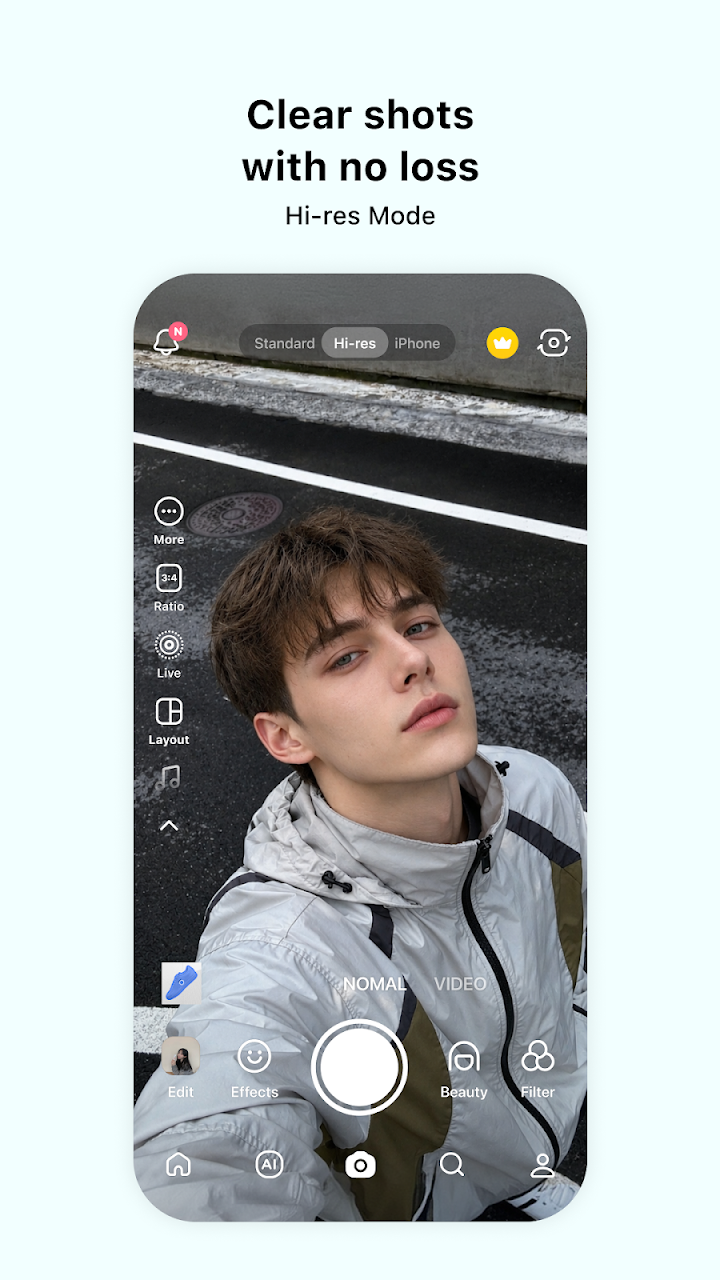
For low light or a moving scene, high-resolution mode and night mode help you capture more clearly. Gif Bounce also lets you turn a moment into a GIF, which is useful when you want to save a quick reaction instead of a still image.
Editing tools for photos and videos
After shooting, the app offers basic and professional-grade tools in one place. You can change the mood with retro or modern filters, fine-tune color with curves, split tone, and HSL, and finish portraits with beauty effects, body edits, and hair color styling.
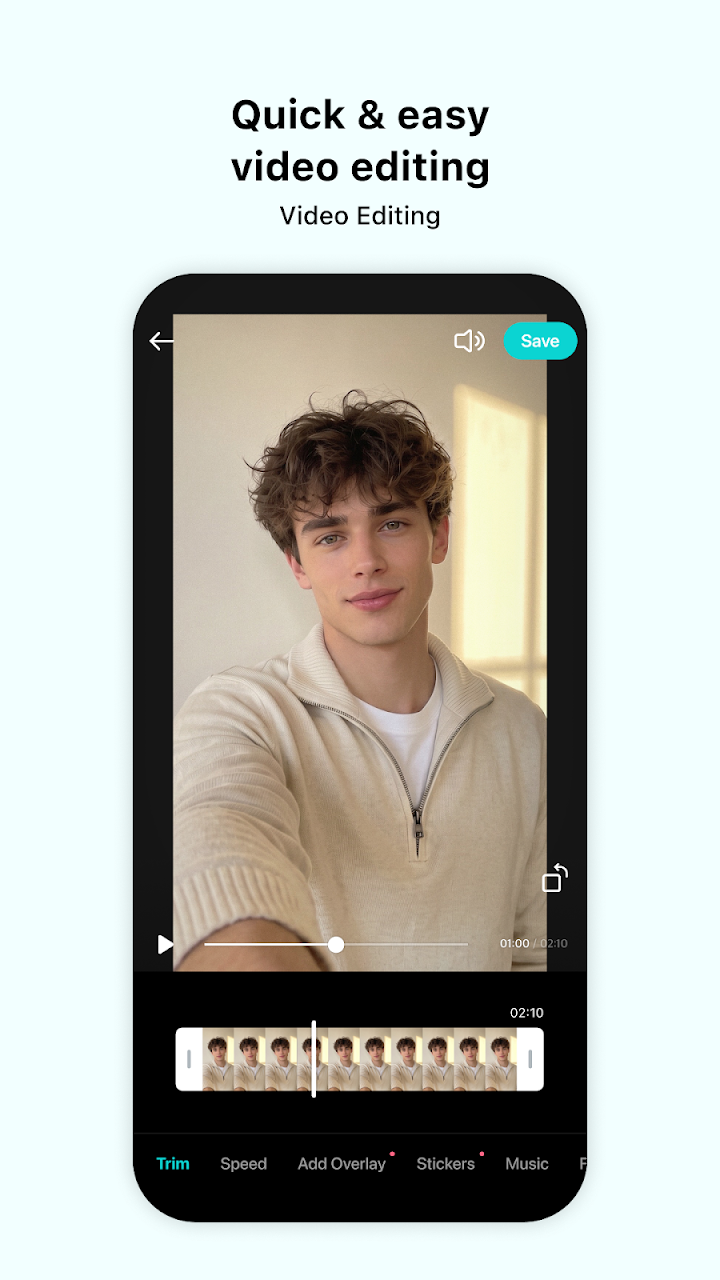
Video editing is built in as well, with trendy effects and music choices. You can also extract a sound source from your own video, then use it as custom audio for another edit.
- Crop and resize for social sharing
- Add borders, stickers, and text
- Create custom stickers for later use
What to keep in mind
The app focuses on editing and camera features, so it does not list RAW photo editing in its feature set. It is free to download, does not contain ads, and does include in-app purchases. If you want a single app for shooting, beautifying, and editing without moving files between tools, this setup is practical.
Shared filters and creator tools
You can also create your own filter and share it with friends, even if you are new to filter creation. B612 includes creator-made filters too, which gives you more styles to try when you want a different look for portraits, travel shots, or short clips.
It suits people who want quick camera tools, daily filter updates, and flexible editing in one app. If you often post from your phone and want both photo and video options, B612 AI Photo&Video Editor covers that workflow well.
APK information
- Version
- 8.4.7
- Package
- com.linecorp.b612.android
- Category
- Photography
- Size
- 61 MB
- Min Android
- API 18
- Architecture
- universal
Older versions
-
B612 AI Photo&Video Editor 8.4.7Nov 12, 2026Latest downloadAPK
B612 AI Photo&Video Editor FAQ
Can B612 AI Photo&Video Editor edit RAW photos?expand_more
RAW photo editing is not listed among its features. The app focuses on filters, beauty tools, and photo and video editing.
Does B612 AI Photo&Video Editor work offline?expand_more
Offline use is not specified. The app does offer camera, filter, and editing tools, but connectivity needs are not stated.
Can I install B612 AI Photo&Video Editor without Google Play?expand_more
Yes, it is available as an APK file. The file format listed is APK.
Which Android version does B612 AI Photo&Video Editor need?expand_more
It needs Android 18 or higher.
Can I make my own filter in B612 AI Photo&Video Editor?expand_more
Yes. You can create your own filter and share it with friends, and the app says filters can be completed with just a few touches.