
- 4.2star660,384 reviews
- 1B+Downloads
- 0 MBAPK size
- EveryoneRated for Everyone
- 8.0+Android
check_circleOriginal APK from Google LLC · Updated Nov 10, 2026
No threats found
0 / — antivirus engines flagged this file
Original signature
First seen — Google LLC
Unmodified APK
Same file the developer published — no mods
Gallery screenshots
4 images · tap to enlarge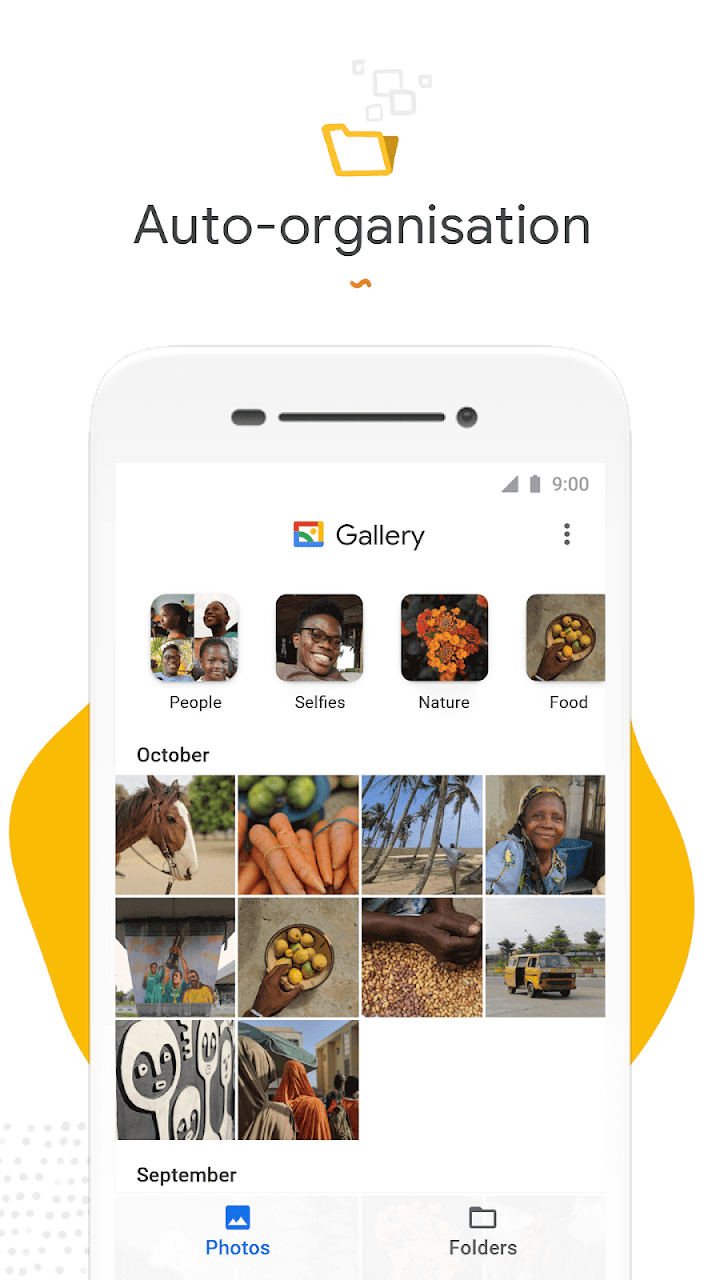
About this app
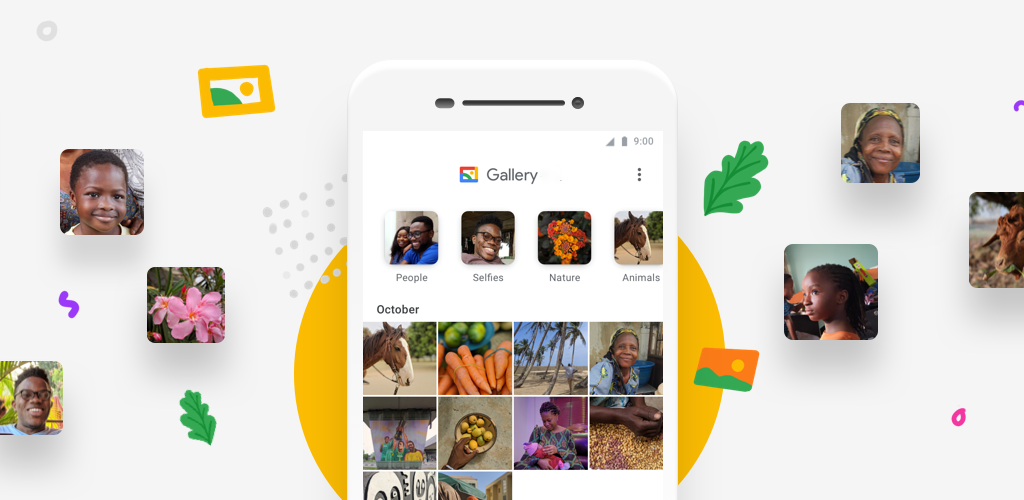
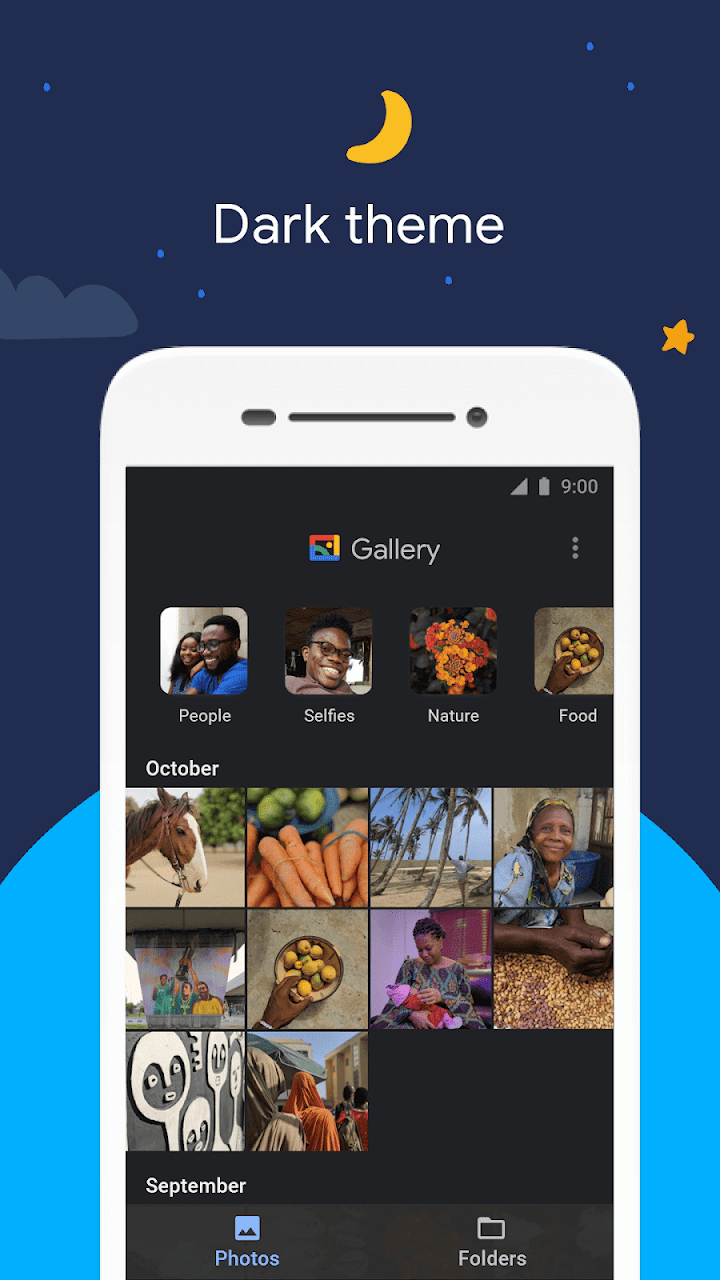
Find photos faster with automatic sorting and a lightweight gallery that works offline. Gallery groups your photos by people, selfies, nature, animals, documents, videos, and movies, and it includes one-tap auto-enhance plus folder and SD card support. It is free, has no ads, and asks for no permissions.
- Auto organization — Photos are grouped overnight into people, selfies, nature, animals, documents, videos, and movies.
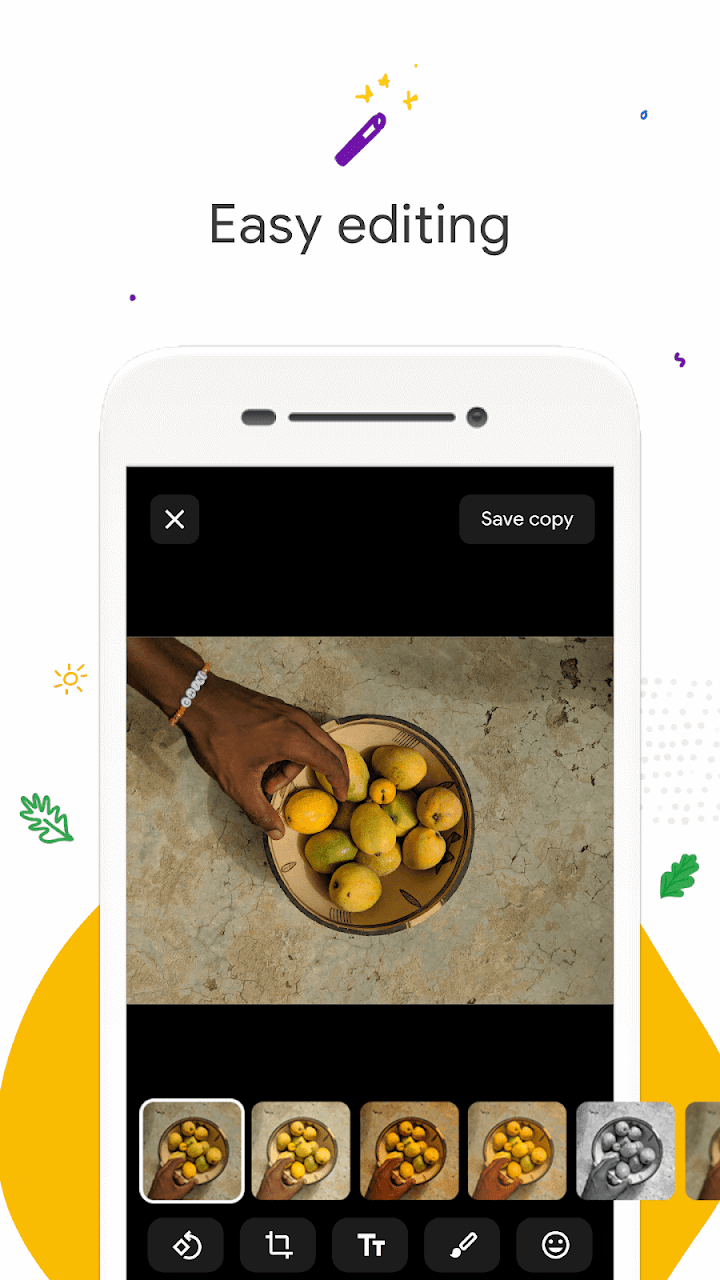
- One-tap enhancement — Use auto-enhance to adjust photos quickly inside the app.
- Folder control — Organize photos with folders and move files to and from SD cards.
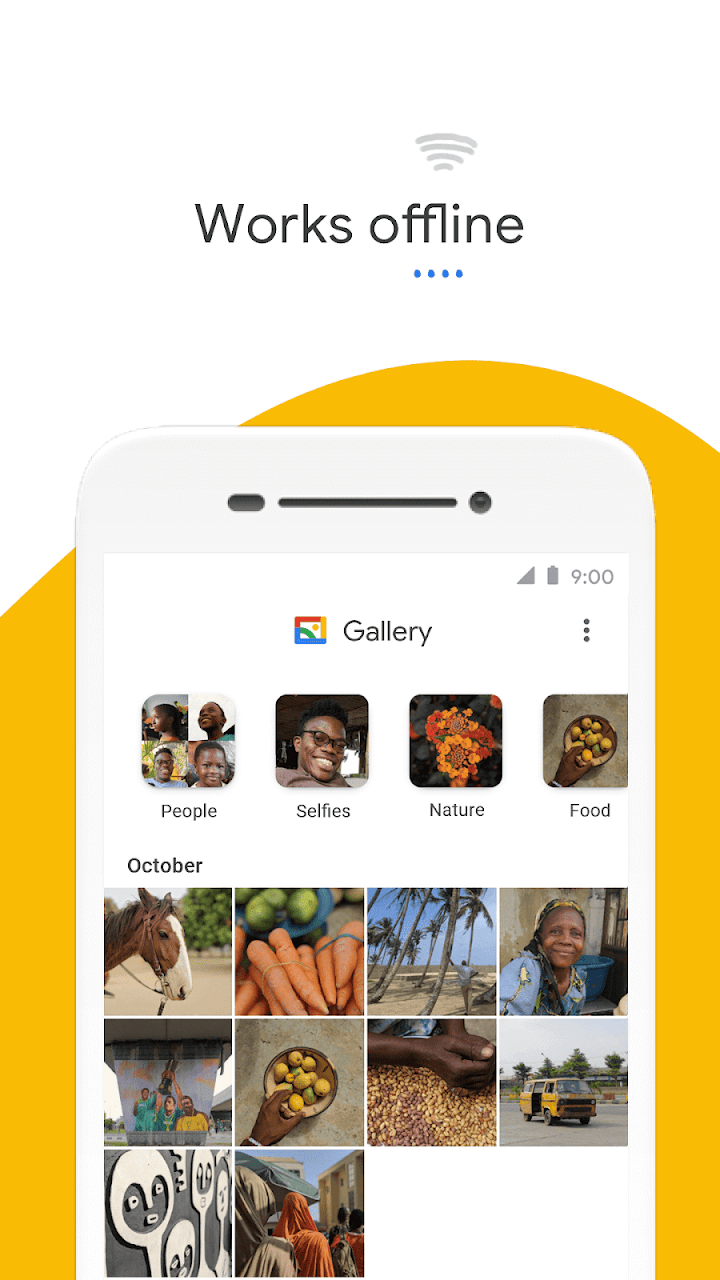
- Offline use — Manage and store photos and videos without an internet connection.
- Small app size — The app is built to use less memory and leave more space for your own media.
Current release and setup
Gallery is currently at version 1.9.2.712403868 release. It is an APK file, sized at 0.1 MB, and it needs Android 8.0 or later. There are no listed permissions, so it does not ask for storage access here. The app is free, with no ads and no in-app purchases.
Automatic sorting for photo libraries
Gallery is built for people who want a quicker way to find images and videos. Each night it organizes your library into useful groups, including people, selfies, nature, animals, documents, videos, and movies. That makes it easier to return to a specific photo without scrolling through everything.
- Gets: automatic grouping, offline access, folders, SD card support
- Watch for: no listed RAW editing tools and no recent changelog notes
Simple editing and file handling
The app includes basic editing tools such as auto-enhance, which applies a one-tap adjustment to photos. It also supports folders, so you can arrange images your own way instead of relying only on automatic albums. If you use removable storage, Gallery can view, copy, and transfer files to and from SD cards.
Lightweight and offline
Gallery is designed to use less memory and stay small, so it leaves more room for your own photos and videos. It works offline, which helps when you want to browse or manage media without using mobile data. The app’s clean setup makes it a straightforward replacement for a heavier gallery app.
Compatibility and file details
This release is marked as universal and comes as an APK. If you want a gallery app that focuses on sorting, quick editing, and offline use, Gallery keeps the feature set narrow and practical. It is rated 4.2 from 655,629 ratings and has 1B+ installs.
APK information
- Version
- 1.9.2.712403868 release
- Package
- com.google.android.apps.photosgo
- Category
- Photography
- Size
- 0 MB
- Min Android
- 8.0
- Architecture
- universal
Older versions
-
Gallery 1.9.2.712403868 releaseNov 10, 2026Latest downloadAPK
Gallery FAQ
Does Gallery work offline?expand_more
Yes. Gallery is optimized to work offline so you can manage and store photos and videos without using data.
Can Gallery edit RAW photos?expand_more
The listed editing feature is auto-enhance. RAW editing is not mentioned.
Can I install Gallery without Google Play?expand_more
The app is available as an APK file. The listing does not describe other install methods.
Is this Gallery APK the original file?expand_more
It is the Google LLC release of Gallery listed as an APK.
What photo organization does Gallery use?expand_more
Gallery automatically groups photos by people, selfies, nature, animals, documents, videos, and movies.