
- 4.0star37,286 reviews
- 100M+Downloads
- 22 MBAPK size
- EveryoneRated for Everyone
- 14+Android
check_circleOriginal APK from Samsung Electronics Co., Ltd. · Updated Nov 12, 2026
No threats found
0 / — antivirus engines flagged this file
Original signature
First seen — Samsung Electronics Co., Ltd.
Unmodified APK
Same file the developer published — no mods
Daily Board screenshots
8 images · tap to enlarge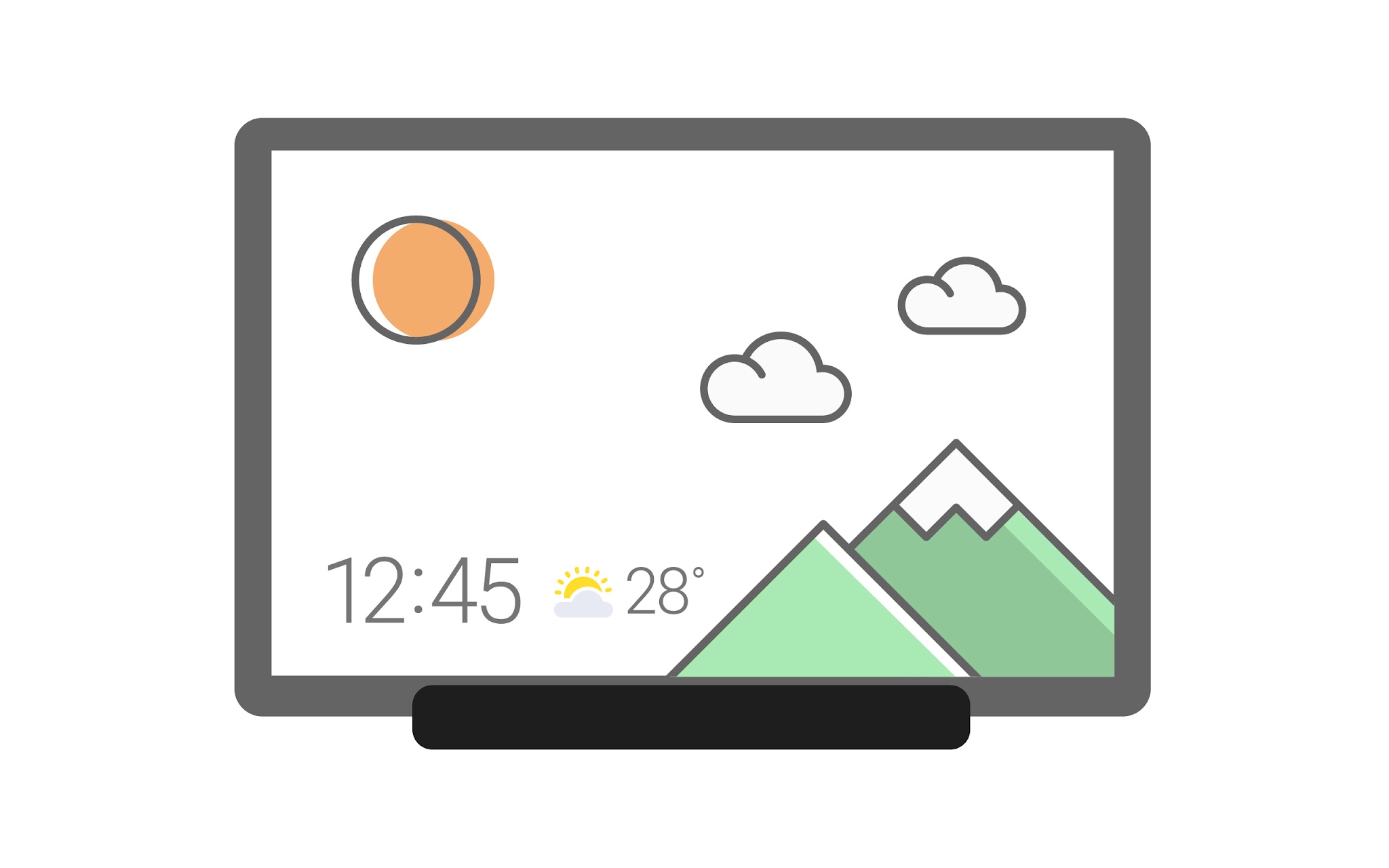
About this app
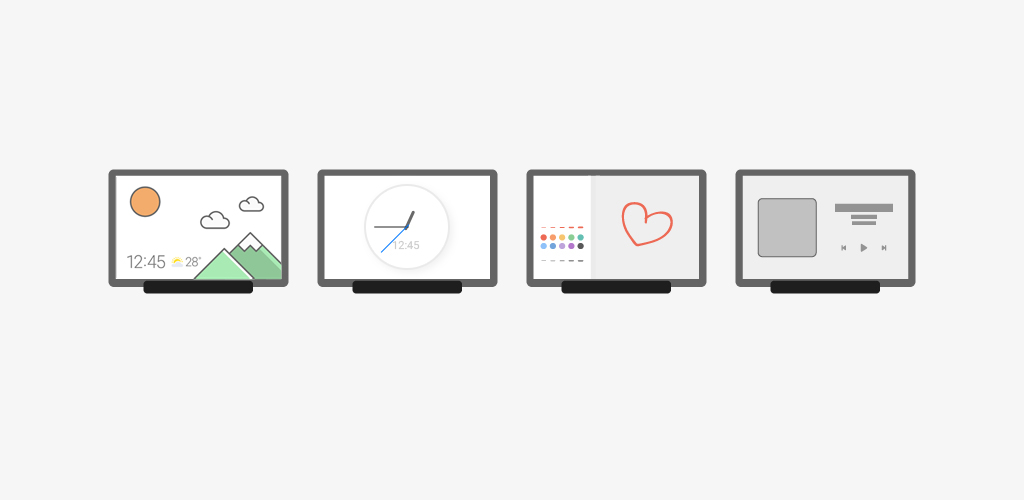
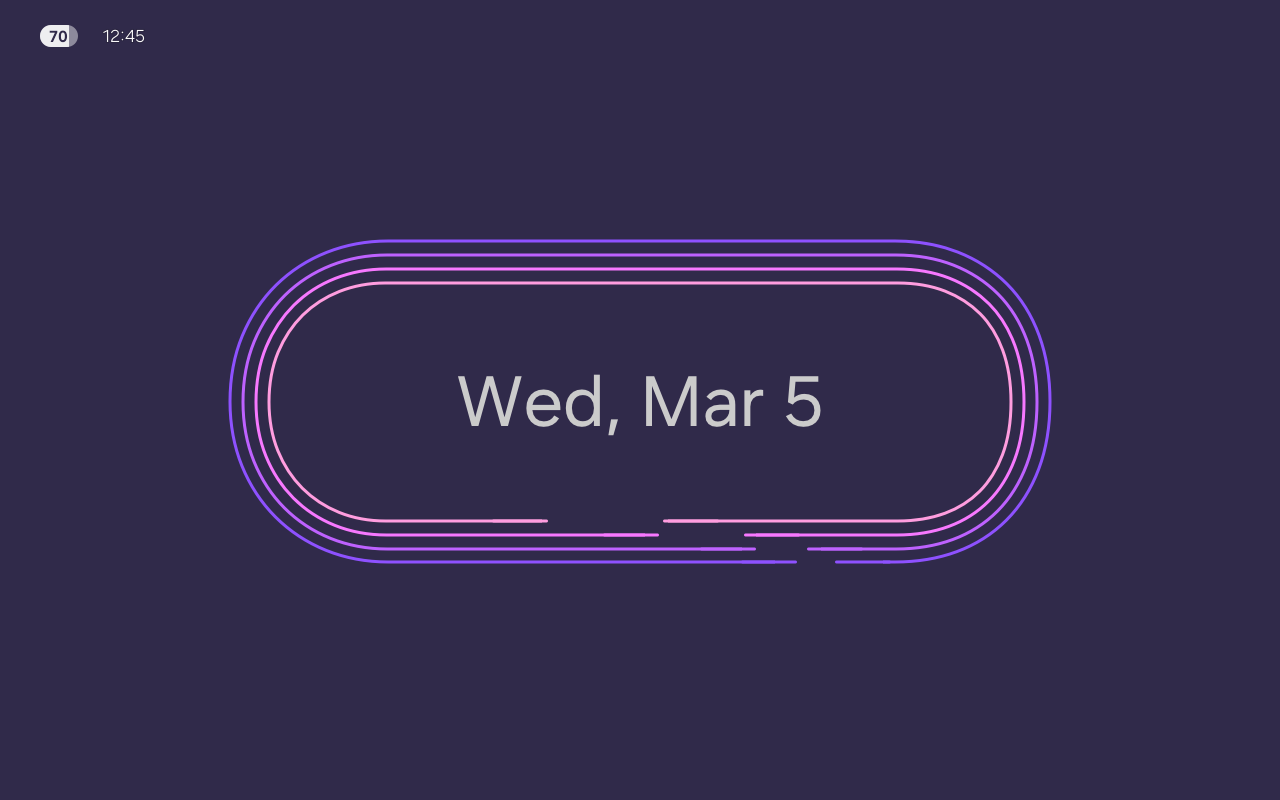
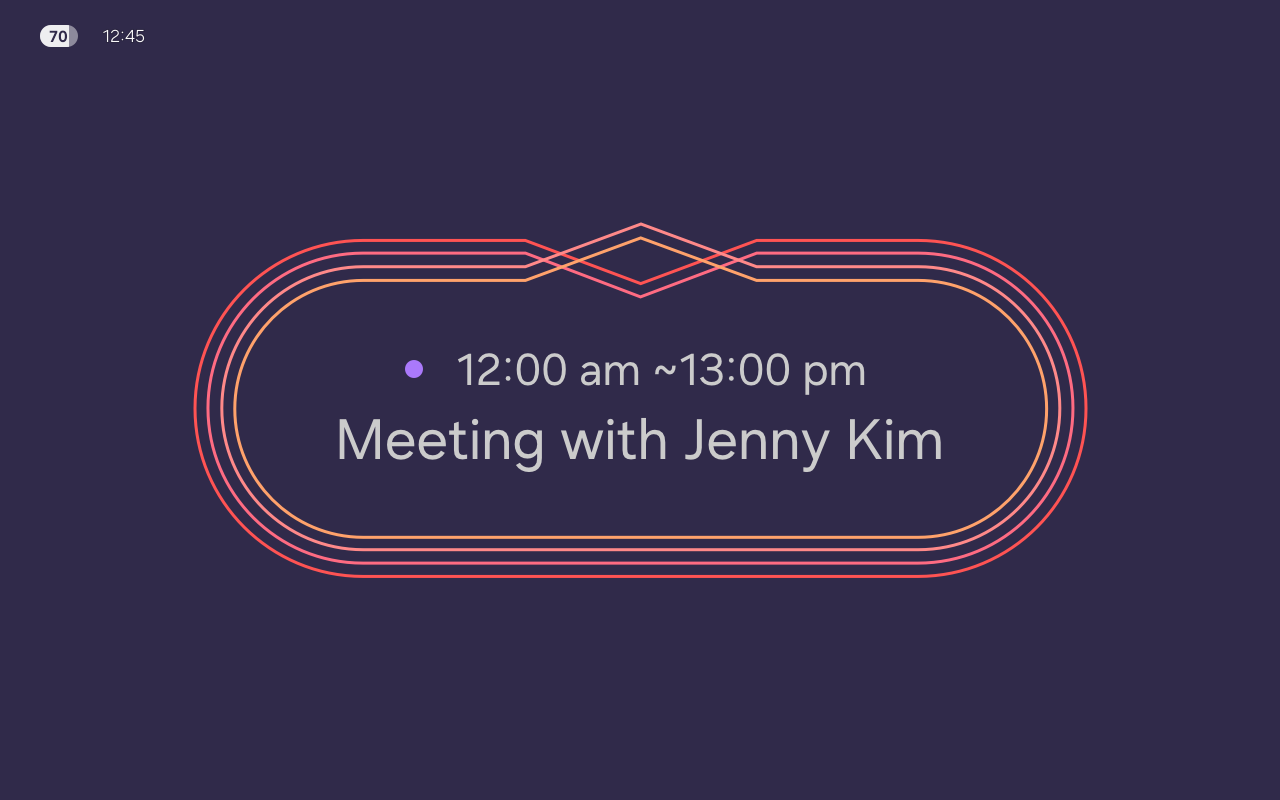
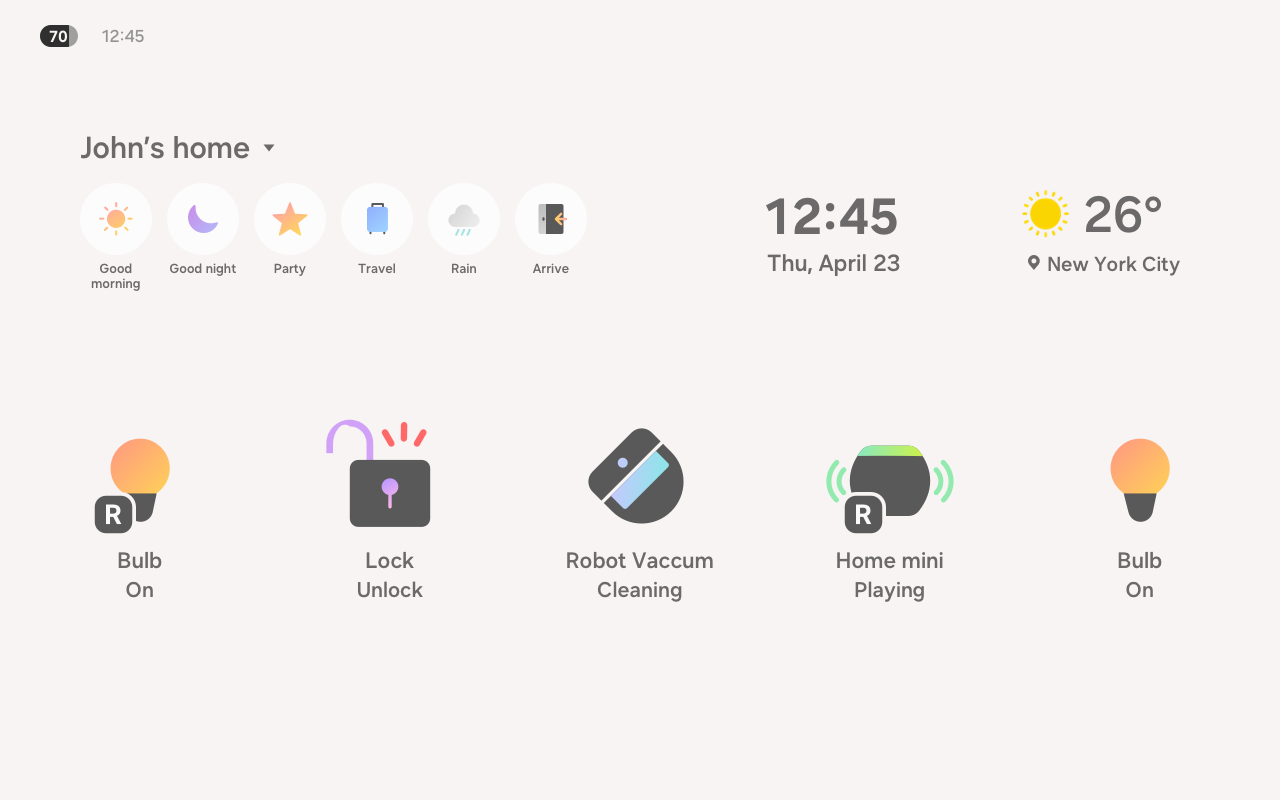
Daily Board keeps useful details visible while your tablet is charging. It shows time, weather, calendar items, photos, memos, music controls, and SmartThings status in one place. The app is free, has no ads or in-app purchases, and is rated 4.0 by users, though it only works on Android 14 and up.
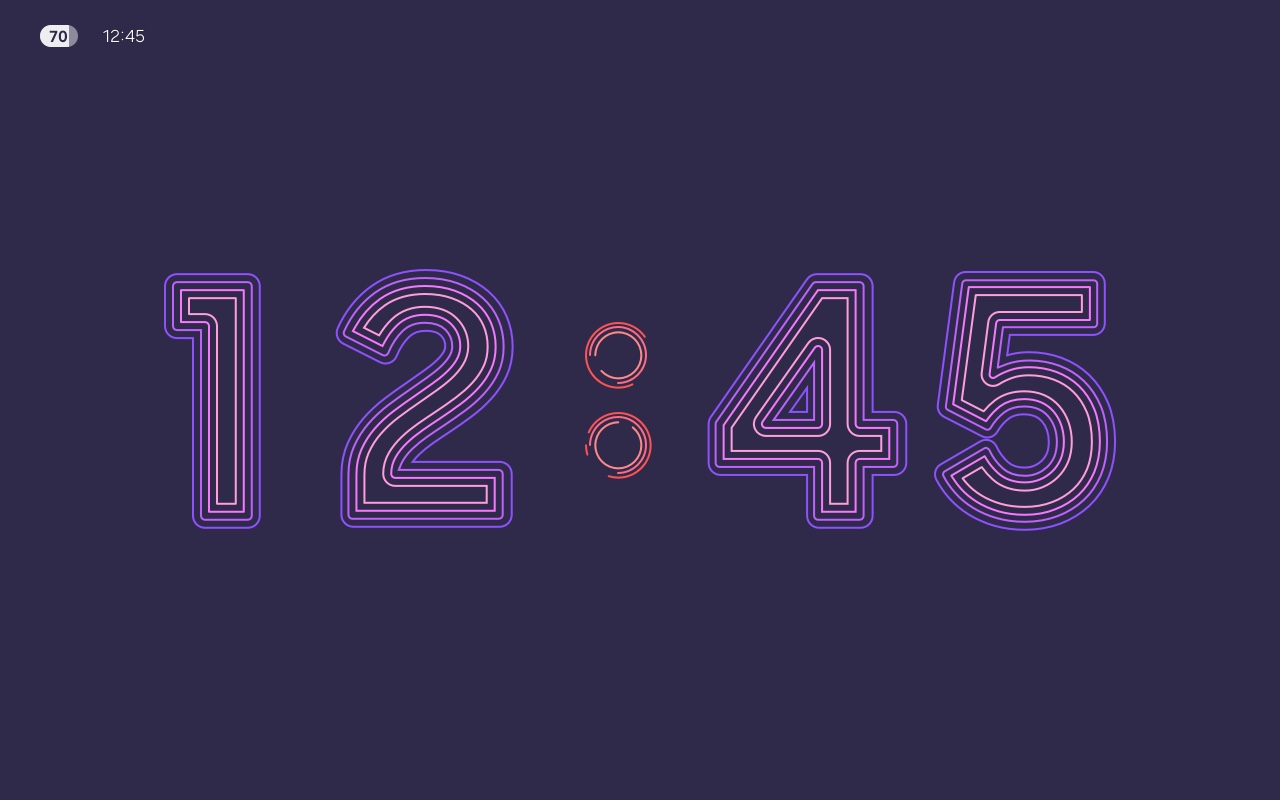
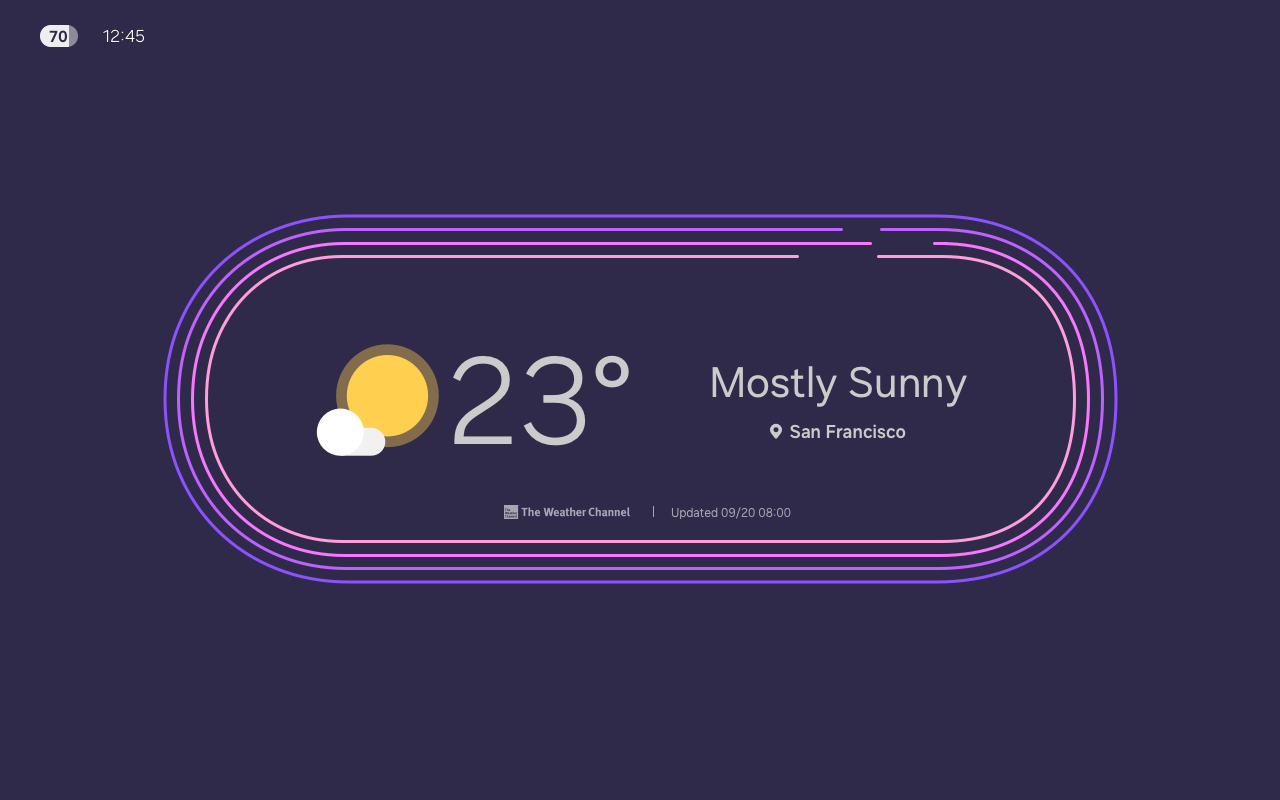
- Always-on display — Shows time, weather, and calendar details in a layout you can set to suit the screen.
- Photo slideshow — Displays albums from Samsung Gallery and shared photos, plus images you add yourself.
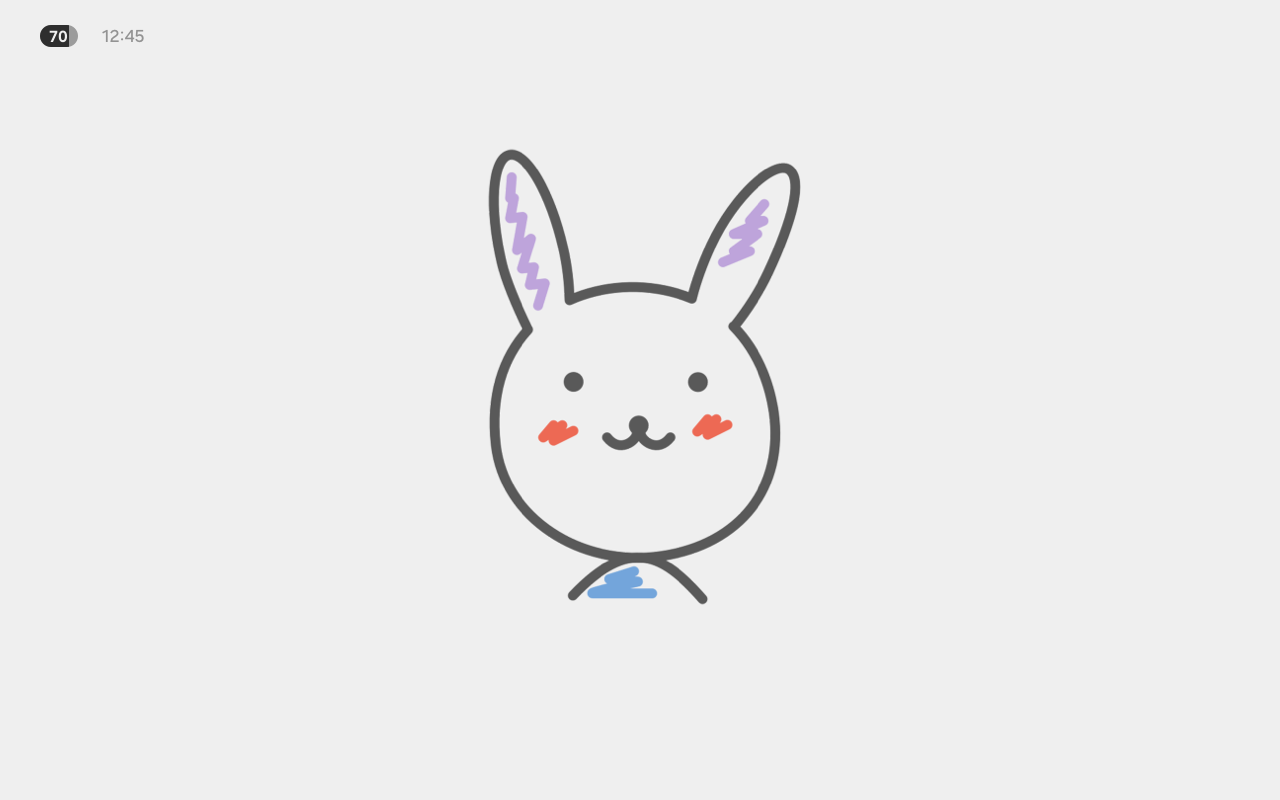
- Memo board — Lets you post to-do lists, family memos, and drawings that others can check later.
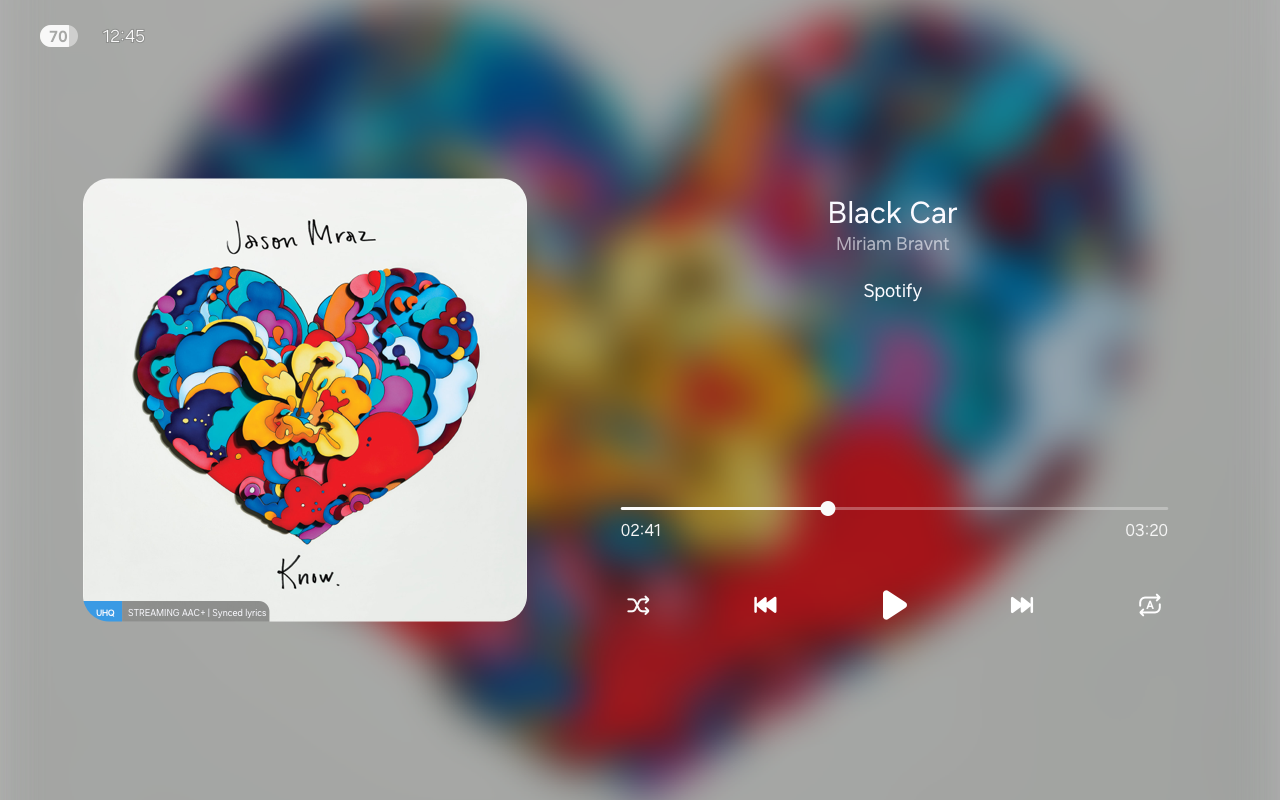
- Music controls — Includes Play, Pause, and Skip controls for music playing on the device.
- SmartThings panel — Shows registered SmartThings devices and lets you control them from the board.
- Night theme — Includes a night theme to help reduce glare in darker rooms.
Built for charging time
Daily Board is meant for moments when a tablet is plugged in. Instead of a blank charging screen, it keeps time, weather, calendar items, photos, memos, music controls, and SmartThings status visible. The result is more like a shared household display than a simple lock screen.
It is free, with no ads and no in-app purchases. The APK is 21.6 MB, uses the universal build, and requires Android 14 or later.
Photos, notes, and controls
The app’s strongest point is how many everyday tasks it gathers in one place. You can browse Samsung Gallery albums, show photos shared by friends and family, add your own images, and keep family notes or to-do lists on screen. Music playback controls and SmartThings device control round out the setup.
- Gets: time, weather, calendar, photo slideshow, memo board, music controls, SmartThings
- Watch for: it is designed for charging use, and the quick launch icon depends on the navigation bar style
What stands out in use
The layout can be set in the shape you want, and the app tries to keep the date and weather readable from a distance. A night theme is included for lower-glare viewing. That makes it practical for a kitchen counter, desk, or bedside table, especially if you want a screen that stays useful while the tablet is plugged in.
Daily Board does ask for notification permission, and the app notes that a Samsung account is used for integrating shared photos through Samsung Experience Service. There are no ads or purchases to account for, but the app is not a light install in terms of compatibility: Android 14 is the minimum.
How it compares with simpler displays
Compared with a basic clock or photo frame app, Daily Board covers more ground. It combines household reminders, media controls, and connected-device status in one interface. If you only want one function, it may feel broader than necessary. If you want a charging screen that can handle several jobs at once, it is more complete than a single-purpose alternative.
APK information
- Version
- 15.1.01.3
- Package
- com.samsung.android.homemode
- Category
- Lifestyle
- Size
- 22 MB
- Min Android
- 14
- Architecture
- universal
Older versions
-
Daily Board 15.1.01.3Nov 12, 2026Latest downloadAPK
Daily Board FAQ
Can I make my Daily Board profile private?expand_more
The provided details do not describe profile privacy controls. They do note that shared photos can be viewed through Samsung Experience Service.
Do I need an account for Daily Board?expand_more
The app notes integration with Samsung Experience Service for shared photos, which suggests a Samsung account may be involved for that part. It does not spell out a separate Daily Board account.
Can I install Daily Board without Google Play?expand_more
The app is distributed as an APK file, so it can be installed outside Google Play if you have the file and a compatible device. It requires Android 14 or later.
What changed in the latest Daily Board version?expand_more
No recent changes are listed for the latest version.
What can Daily Board show while charging?expand_more
It can show time, weather, calendar items, photos, memos, music controls, and SmartThings device status while the tablet is charging.