
- 3.6star54,829 reviews
- 100M+Downloads
- 4 MBAPK size
- EveryoneRated for Everyone
- API 19+Android
check_circleOriginal APK from Google LLC · Updated Nov 12, 2026

No threats found
0 / — antivirus engines flagged this file
Original signature
First seen — Google LLC
Unmodified APK
Same file the developer published — no mods
Android Device Policy screenshots
4 images · tap to enlarge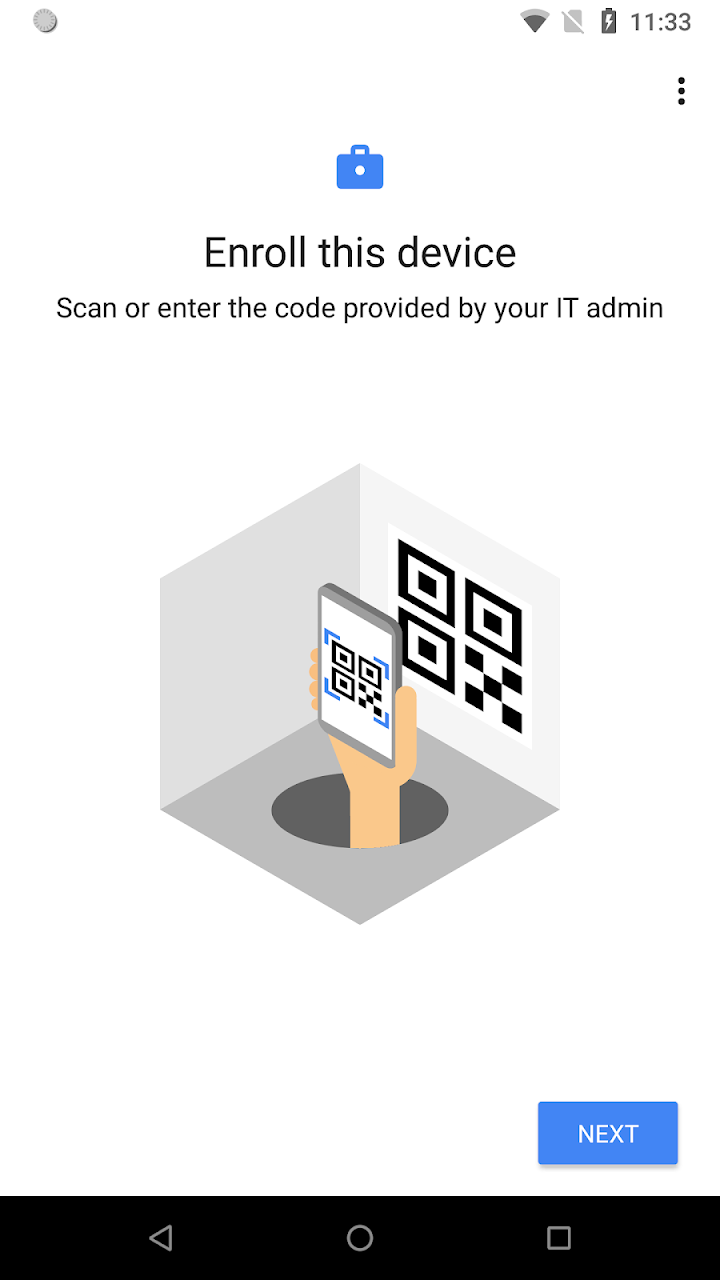
About this app
Use Android Device Policy to enroll a device and reach your organization’s apps and resources under your IT admin’s security rules. The app is free, has no ads or in-app purchases, and is built for managed work use rather than a general consumer toolkit. It comes from Google LLC and supports Android 19 and up.
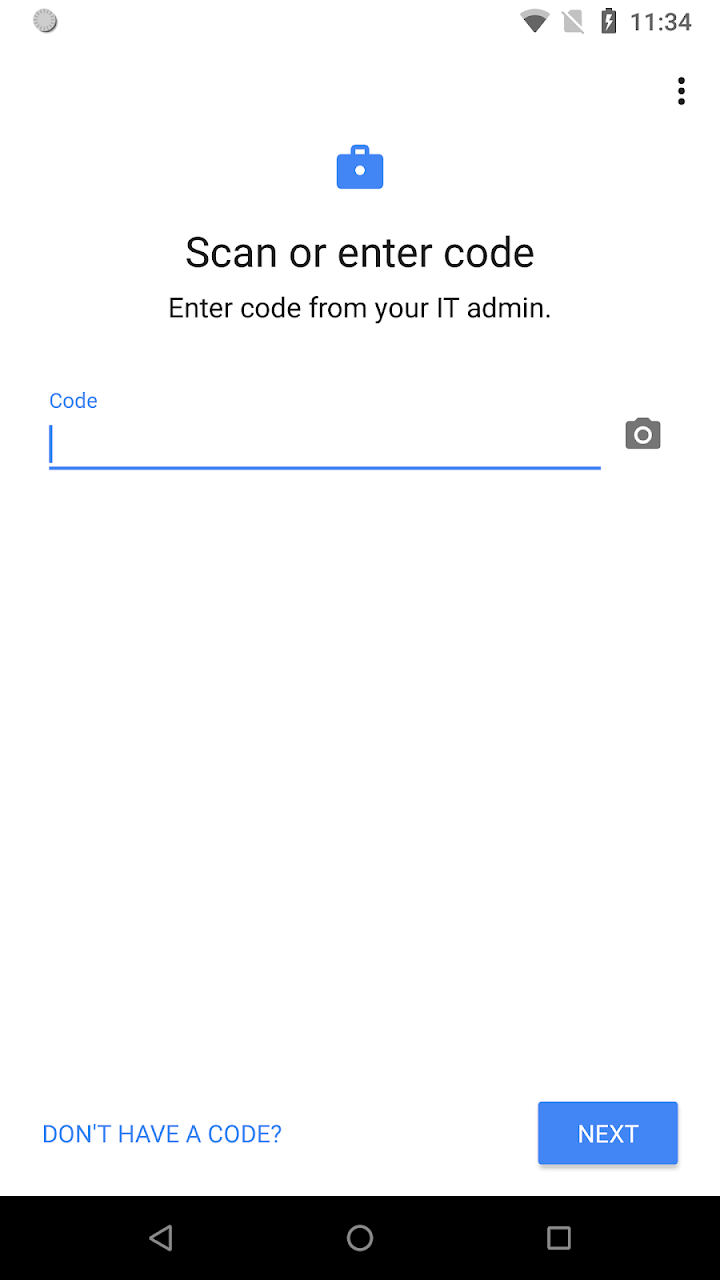
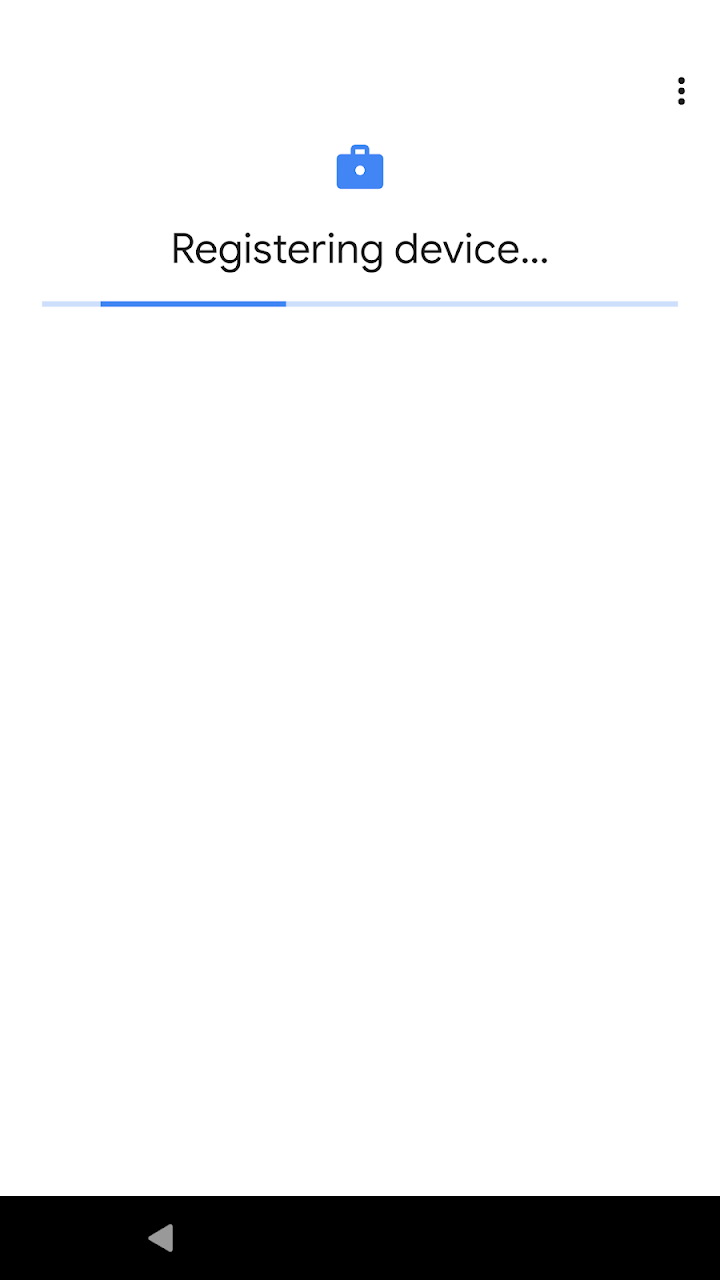
- Easy enrollment — Set up a managed device for your organization with the app’s enrollment flow.
- Managed Play access — Open managed Google Play so approved work apps can be installed and used.
- Work resources — Reach organization email and other work resources on the device.
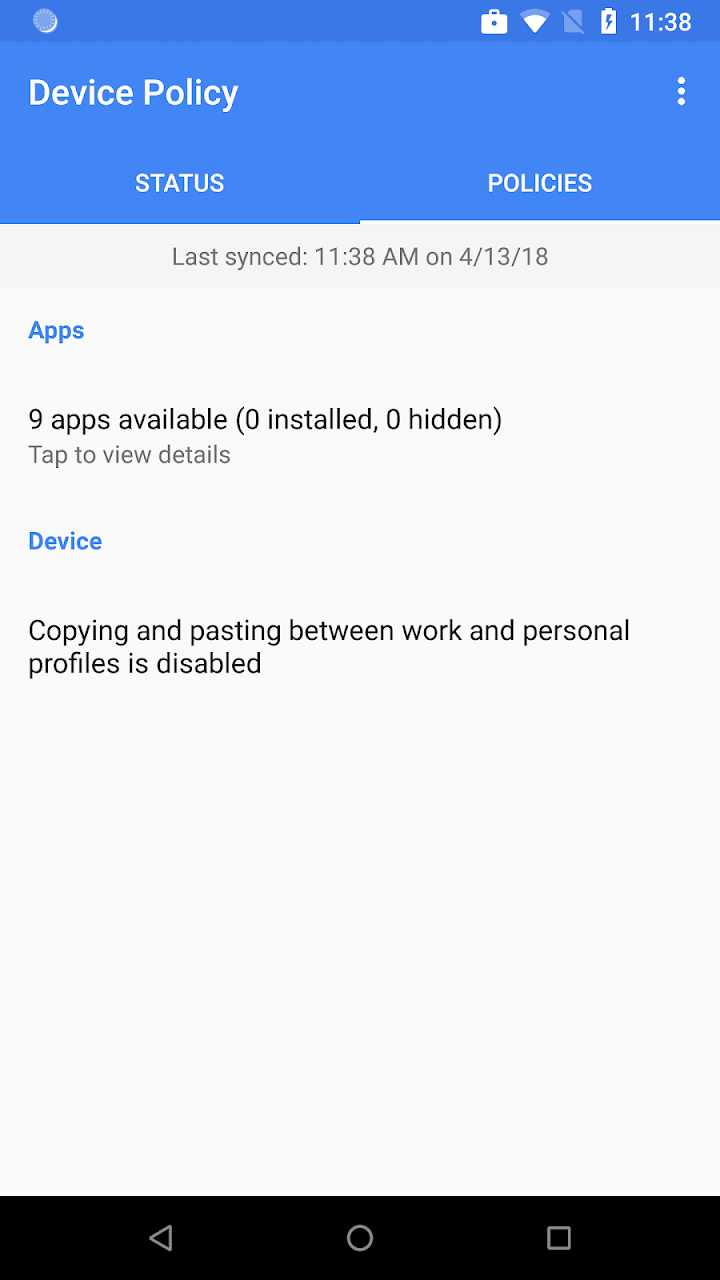
- Policy control — Your IT admin can manage security settings and policies through Android Device Policy.
- Optional scanning — Camera access can be used for QR-code enrollment, but it is optional.
Current release and setup needs
The current version is 09.85.13.Q. No changelog details are listed for this release, so the main decision point is still whether you need a managed-device app for your organization. Android Device Policy is a small APK at 4.4 MB, and it works on Android API 19 and later.
Because this app is tied to workplace management, the setup is more specific than a typical tools app. It is designed to connect your device to your organization’s policies, apps, and resources rather than to act as a standalone utility.
What it does on a managed device
Android Device Policy helps your IT admin keep organizational data secure by applying security policies and settings to the device. In use, that means it can provide enrollment, access to managed Google Play, and access to email and other work resources. For developers, it also pairs with the Android Management API for device management.
The app is free, and there are no ads or in-app purchases. That makes the cost simple, but the tradeoff is that it is not meant for general personal use; it is useful when your employer or school uses Android Enterprise management.
- Gets: managed enrollment, work app access, and organization resources
- Gets: no ads and no in-app purchases
- Watch for: permission requests tied to work setup and device registration
- Watch for: this is a managed-device tool, not a consumer launcher or cleanup app
Permissions, account access, and compatibility
The app may ask for Camera for QR enrollment, Contacts to add your work account for managed Google Play, Phone to register the device and report identifiers, and Location to check Wi‑Fi options when needed by IT policy. You can opt out of optional permission requests and still use the app.
It is rated for Everyone and has 100M+ installs, with a 3.6 rating from 54,829 ratings. If your device and organization already use Android Enterprise, Android Device Policy is the part that connects the phone or tablet to that managed setup.
APK information
- Version
- 09.85.13.Q
- Package
- com.google.android.apps.work.clouddpc
- Category
- Tools
- Size
- 4 MB
- Min Android
- API 19
- Architecture
- universal
Older versions
-
Android Device Policy 09.85.13.QNov 12, 2026Latest downloadAPK
Android Device Policy FAQ
Does Android Device Policy drain the battery?expand_more
The app’s listing does not give battery-use details. It is a small 4.4 MB app, but battery impact is not specified.
Why does Android Device Policy need these permissions?expand_more
Camera can be used for QR code enrollment, Contacts is used to add your work account for managed Google Play, Phone is used for device registration, and Location is used to check Wi‑Fi options when needed by IT policy.
Who develops Android Device Policy?expand_more
Google LLC develops Android Device Policy.
What is the difference between the APK and the Play Store version of Android Device Policy?expand_more
The APK format is listed here as the app file type, and the app is also available on Google Play. The core app details shown are the same: free, no ads, and no in-app purchases.
What does Android Device Policy do for work devices?expand_more
It lets your IT admin manage security policies and settings, while giving you access to managed Google Play, email, and work resources.