- 3.6star8,778 reviews
- 500M+Downloads
- 11 MBAPK size
- EveryoneRated for Everyone
- API 16+Android
check_circleOriginal APK from Google LLC · Updated Nov 12, 2026
No threats found
0 / — antivirus engines flagged this file
Original signature
First seen — Google LLC
Unmodified APK
Same file the developer published — no mods
Android TV Remote Service screenshots
8 images · tap to enlarge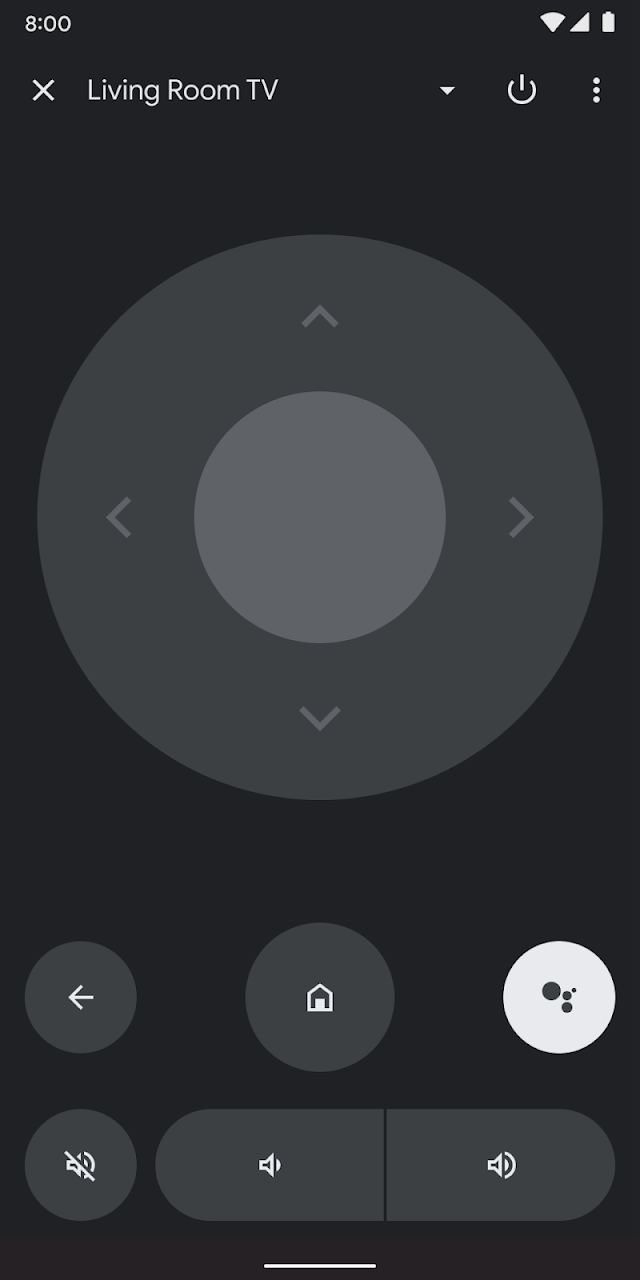
About this app
Need a remote for Android TV? Android TV Remote Service lets your phone or tablet act as a virtual remote, with d-pad and touchpad controls, voice search, and keyboard input. It works with Android TV devices, connects over the same network or Bluetooth, and is free with no ads.
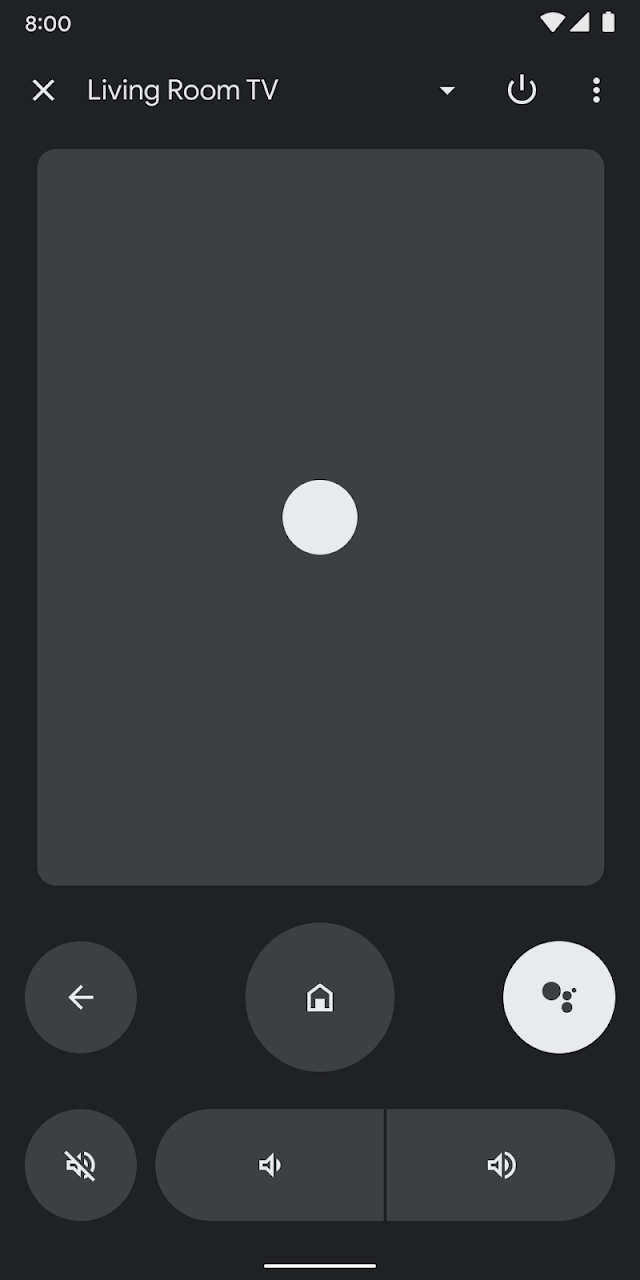
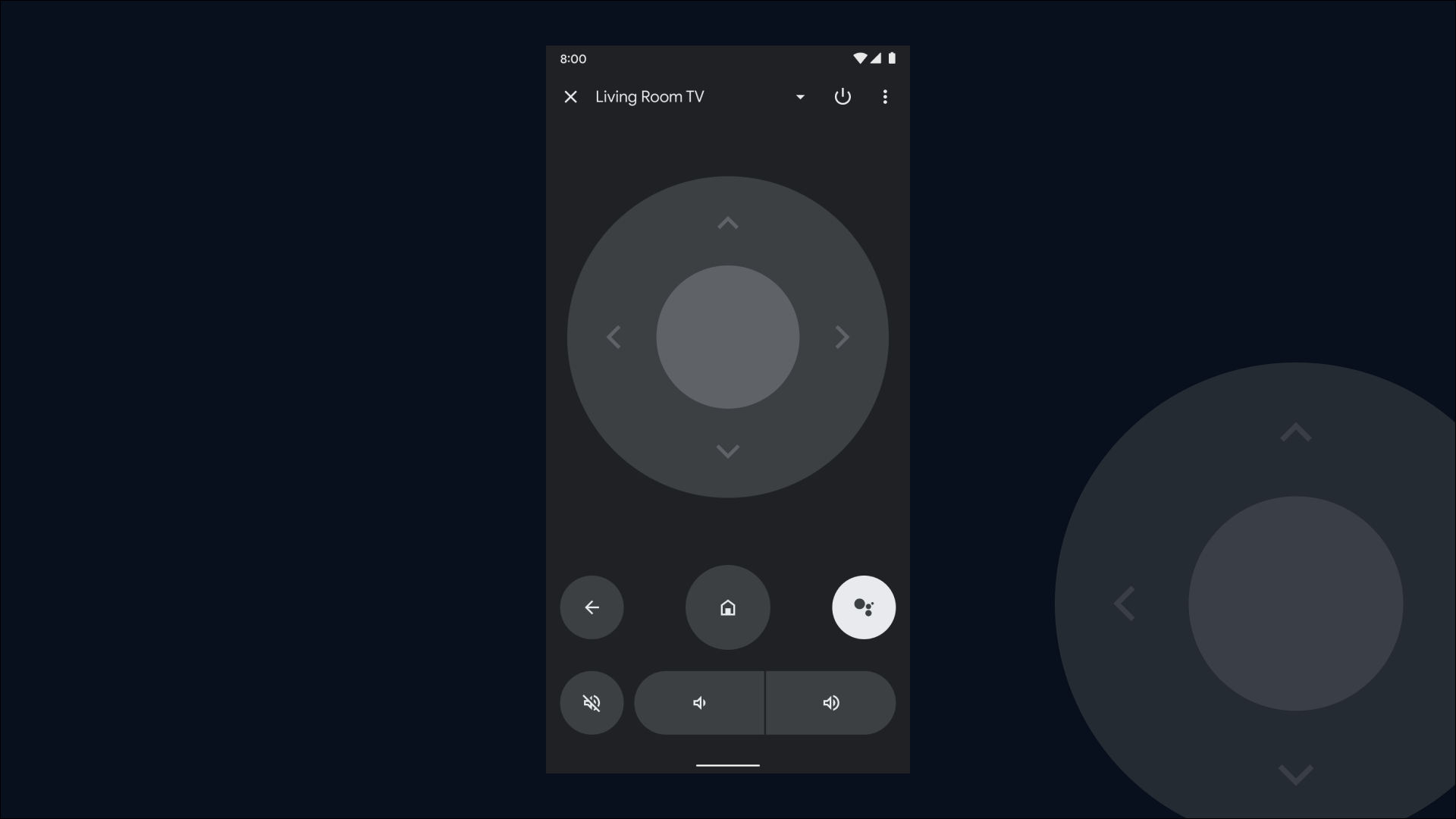
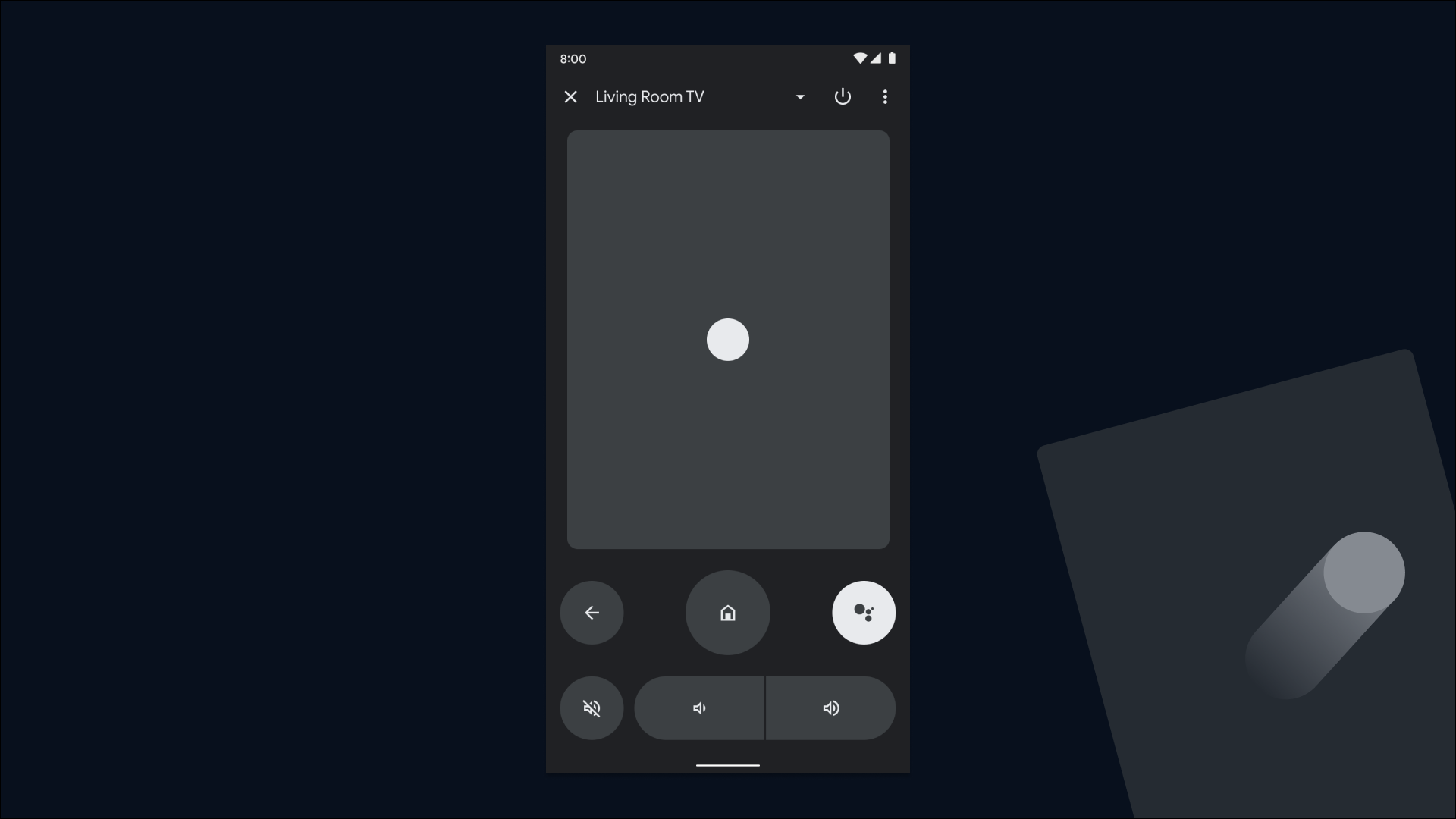
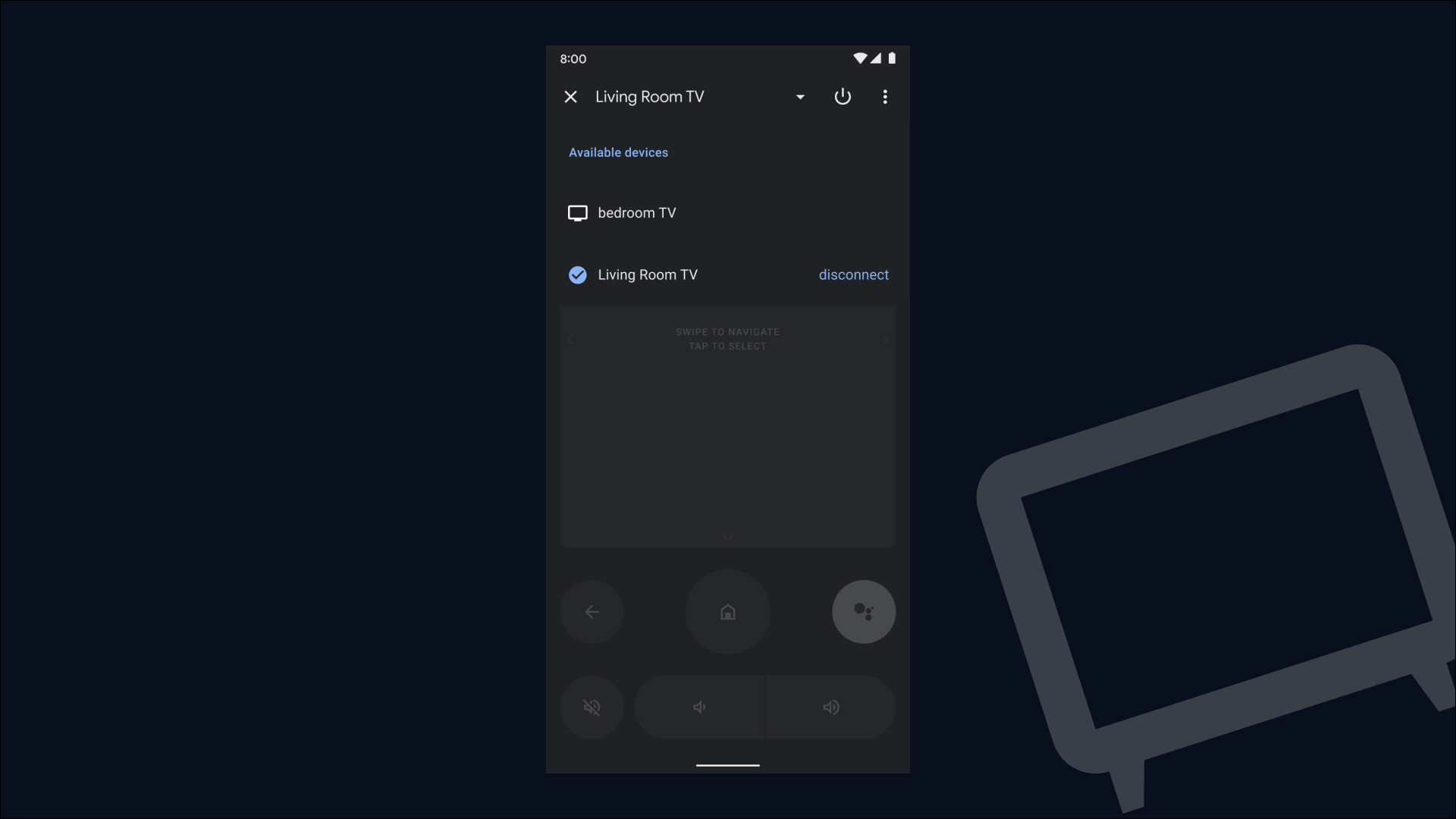
- D-pad and touchpad — Switch between directional controls and a touchpad to move through Android TV menus and apps.
- Voice search — Tap the mic to start a voice search from your phone or tablet.
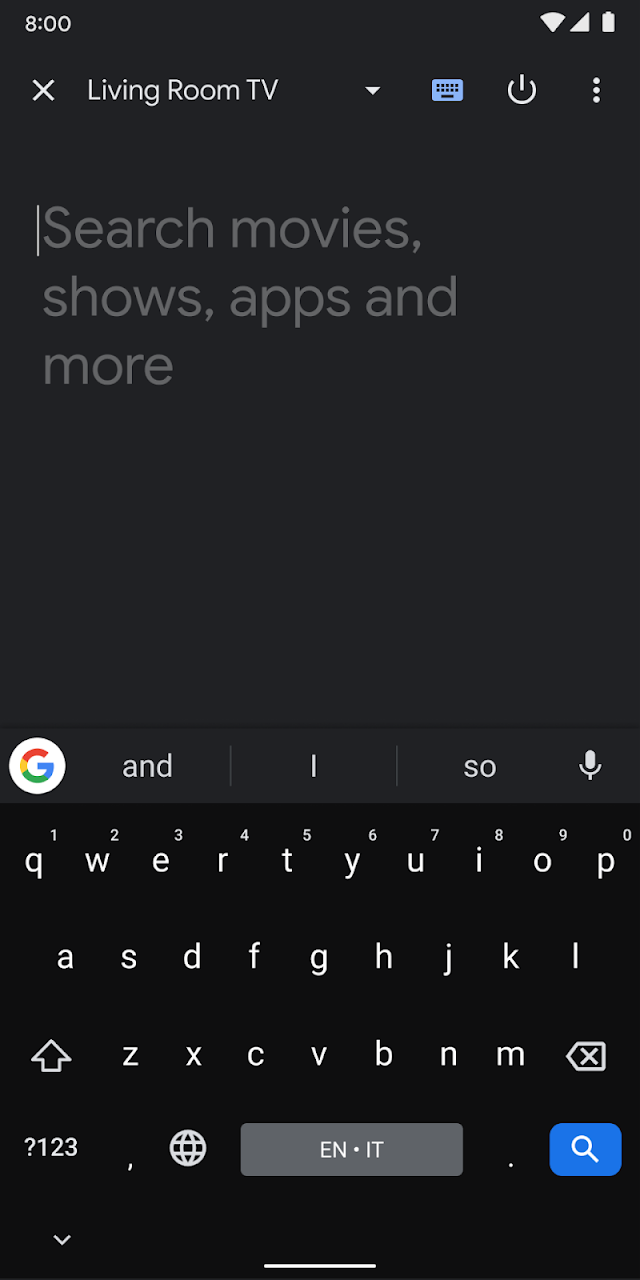
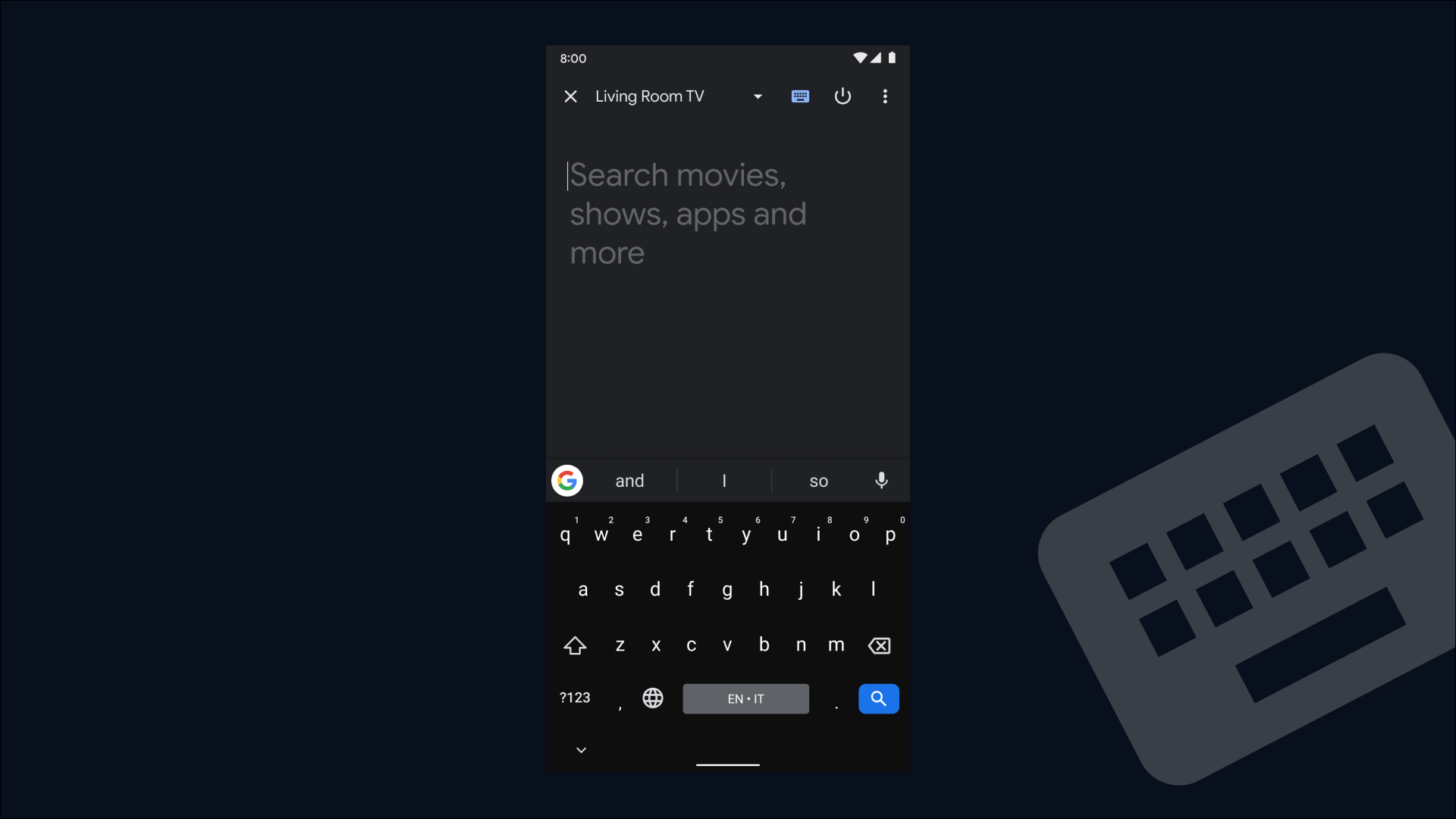
- Keyboard input — Use your device keyboard to enter text on Android TV more quickly than with a standard remote.
- Android TV support — The service works with all Android TV devices.
- Free and ad-free — The app is free, contains no ads, and has no in-app purchases.
First launch on Android TV
On first use, Android TV Remote Service is there to turn your Android phone or tablet into a remote for Android TV. The app supports both d-pad and touchpad modes, so you can choose the control style that fits the task. It also lets you tap the mic for voice search or type with the keyboard when text entry is easier.
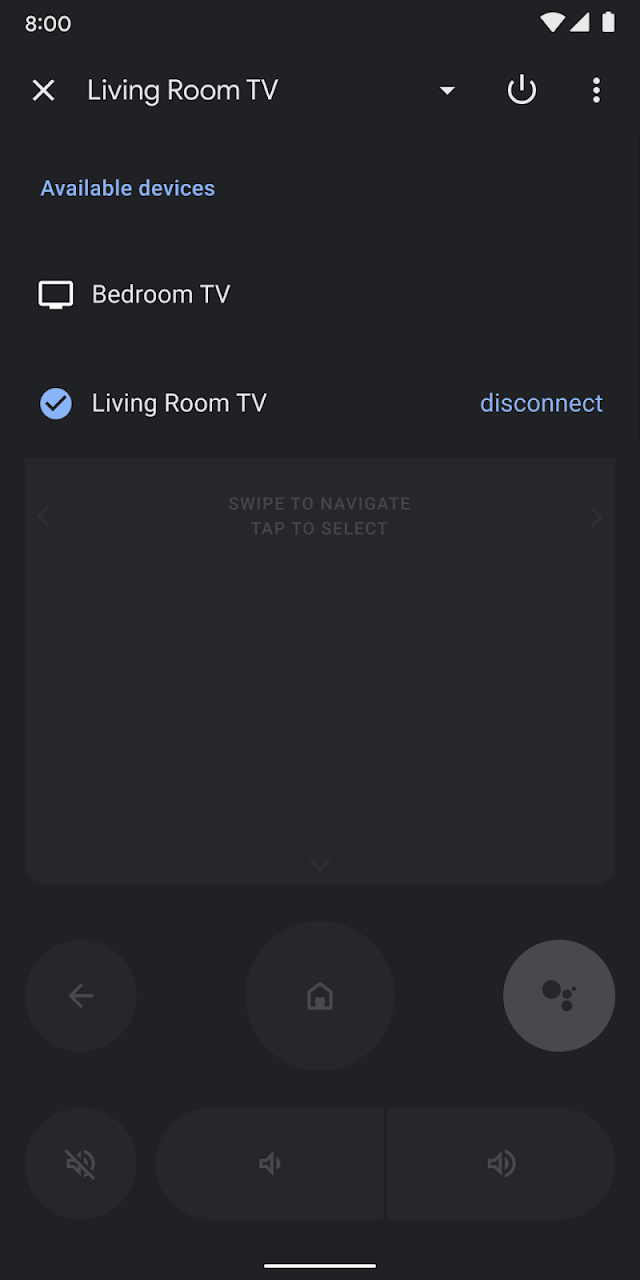
To get started, your phone or tablet should be on the same network as your Android TV device, or you can find the TV over Bluetooth.
Set up the connection
The setup is straightforward: connect your Android phone or tablet to the same network as your Android TV device, or pair through Bluetooth. Once connected, the service can handle navigation, search, and text input from your mobile device.
If you switch between browsing menus and entering text often, the keyboard and touchpad modes are the most practical parts to learn first.
Practical use on day one
- Use d-pad mode for simple menu navigation and moving focus around Android TV.
- Switch to touchpad mode when you want faster cursor-style control.
- Use voice search when typing would take longer.
- Enter text with the keyboard for searches and sign-ins on Android TV.
- Expect broad compatibility because the service works with all Android TV devices.
Install size and compatibility
This APK is 10.6 MB and comes in universal APK format. It requires Android 4.1 or later, so older devices can still install it if they meet that minimum version. The app is free, has no ads, and does not include in-app purchases.
Permissions and storage
No permissions are listed for this app. Storage use is modest for an APK of this size, and there is no sign of ad-related clutter or in-app purchase prompts. The app was released in 2017 and was last updated on 2026-10-16.
APK information
- Version
- 94569.99990.300.1599.11015
- Package
- com.google.android.tv.remote.service
- Category
- Tools
- Size
- 11 MB
- Min Android
- API 16
- Architecture
- universal
Older versions
-
Android TV Remote Service 94569.99990.300.1599.11015Nov 12, 2026Latest downloadAPK
Android TV Remote Service FAQ
Why does Android TV Remote Service need these permissions?expand_more
No permissions are listed for this app.
Does Android TV Remote Service drain the battery?expand_more
Battery impact is not specified. The APK size is 10.6 MB, and no permissions are listed.
Does Android TV Remote Service work on tablets?expand_more
Yes. It is designed for Android phones or tablets to control Android TV.
Is this Android TV Remote Service APK the original file?expand_more
This page is for the APK of Android TV Remote Service by Google LLC.
What Android TV devices does it support?expand_more
It works with all Android TV devices.