- 3.4star872 reviews
- 100K+Downloads
- 2 MBAPK size
- EveryoneRated for Everyone
- API 15+Android
check_circleOriginal APK from Quarzo Apps · Updated Nov 10, 2026
No threats found
0 / — antivirus engines flagged this file
Original signature
First seen — Quarzo Apps
Unmodified APK
Same file the developer published — no mods
ASCII Text Art screenshots
8 images · tap to enlarge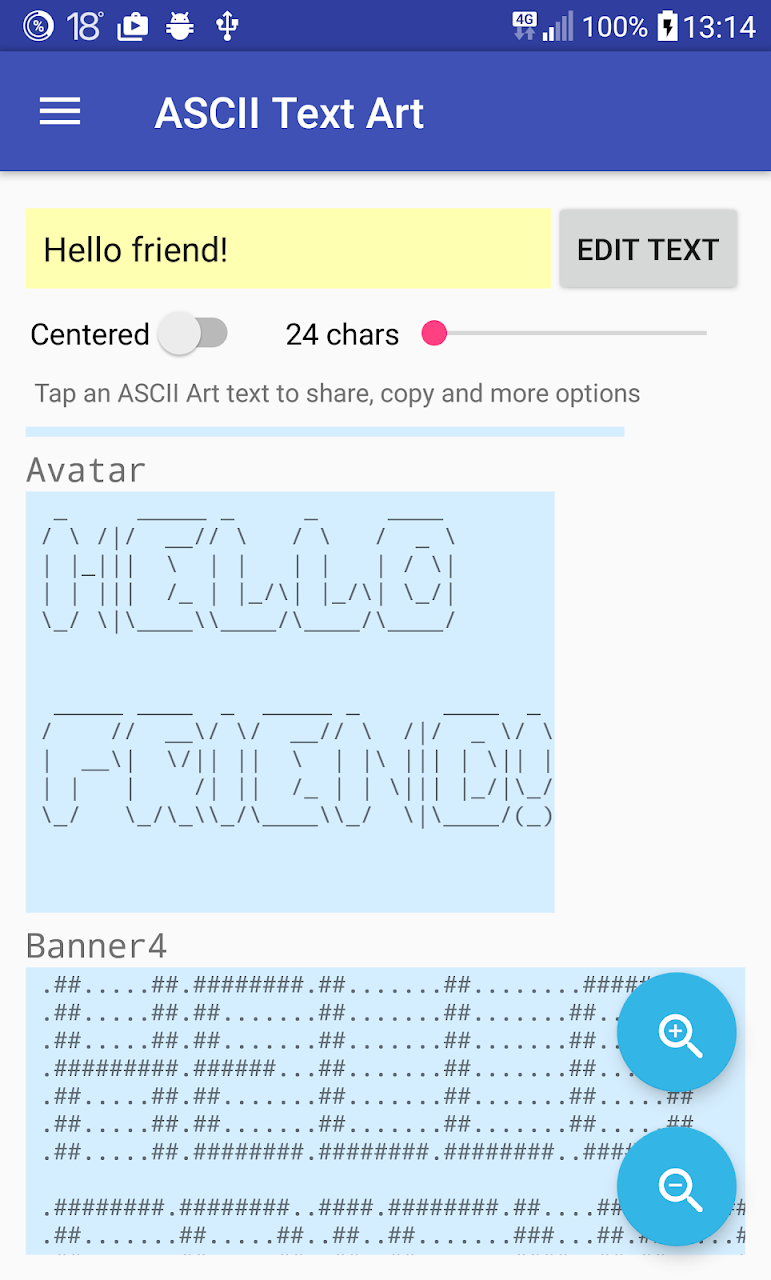
About this app
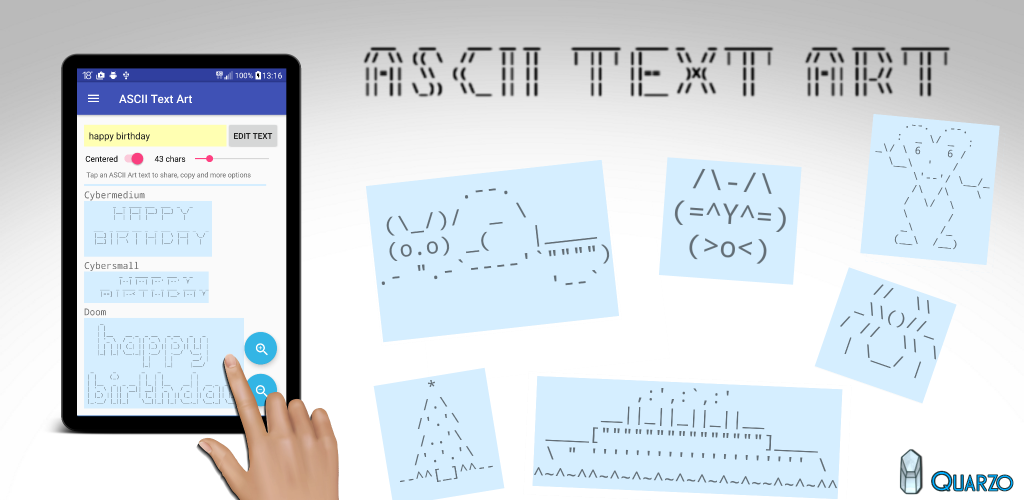
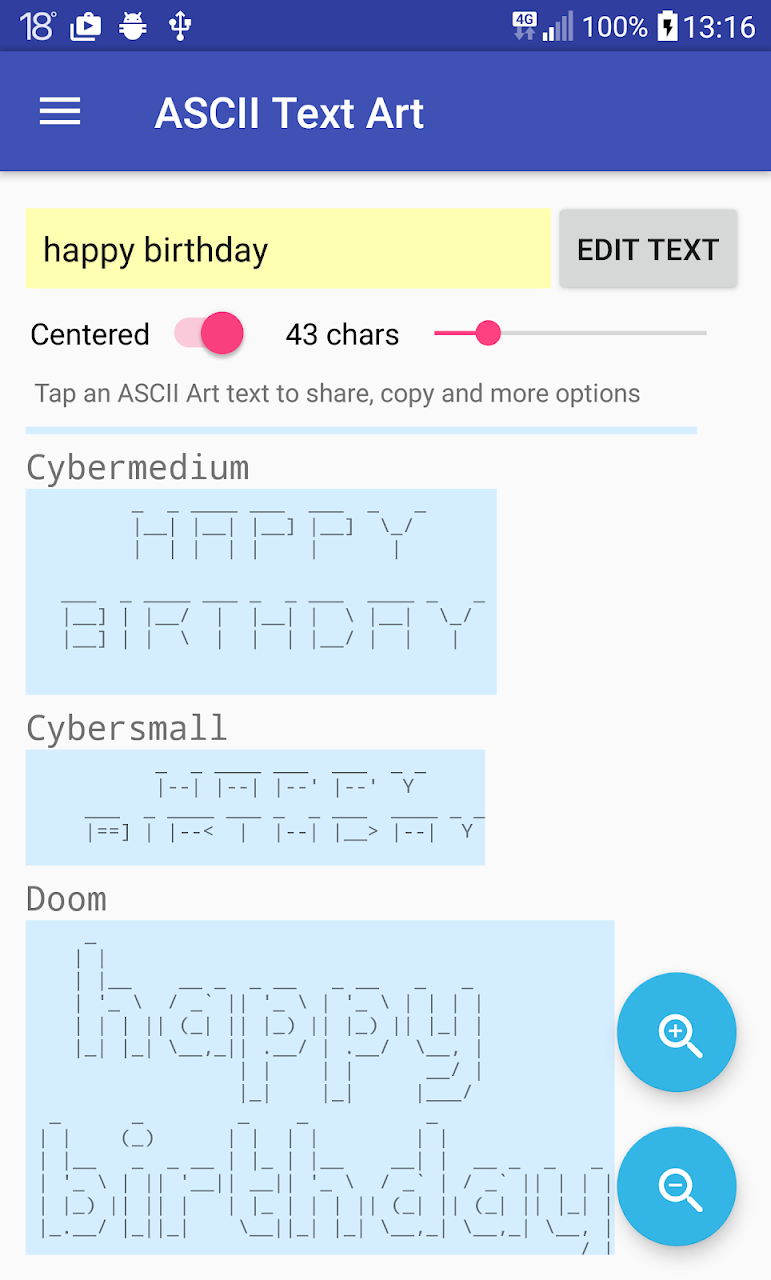
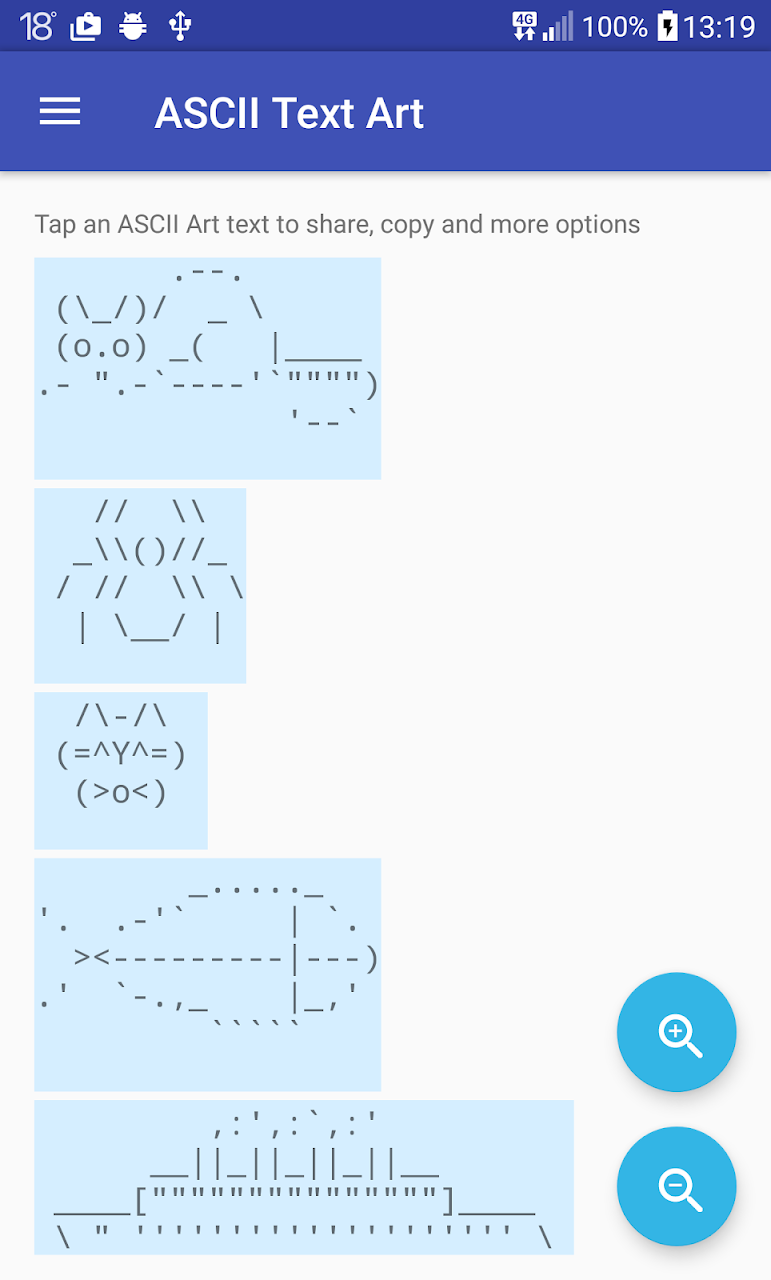
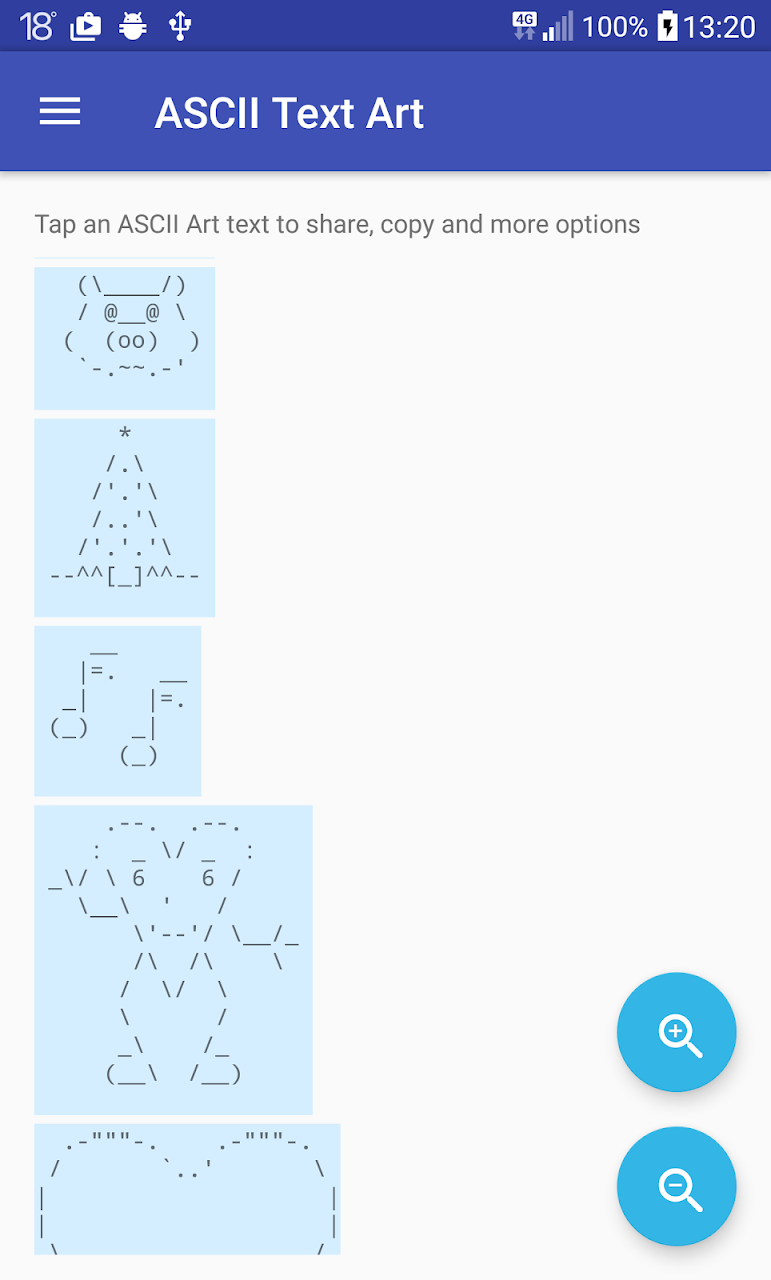
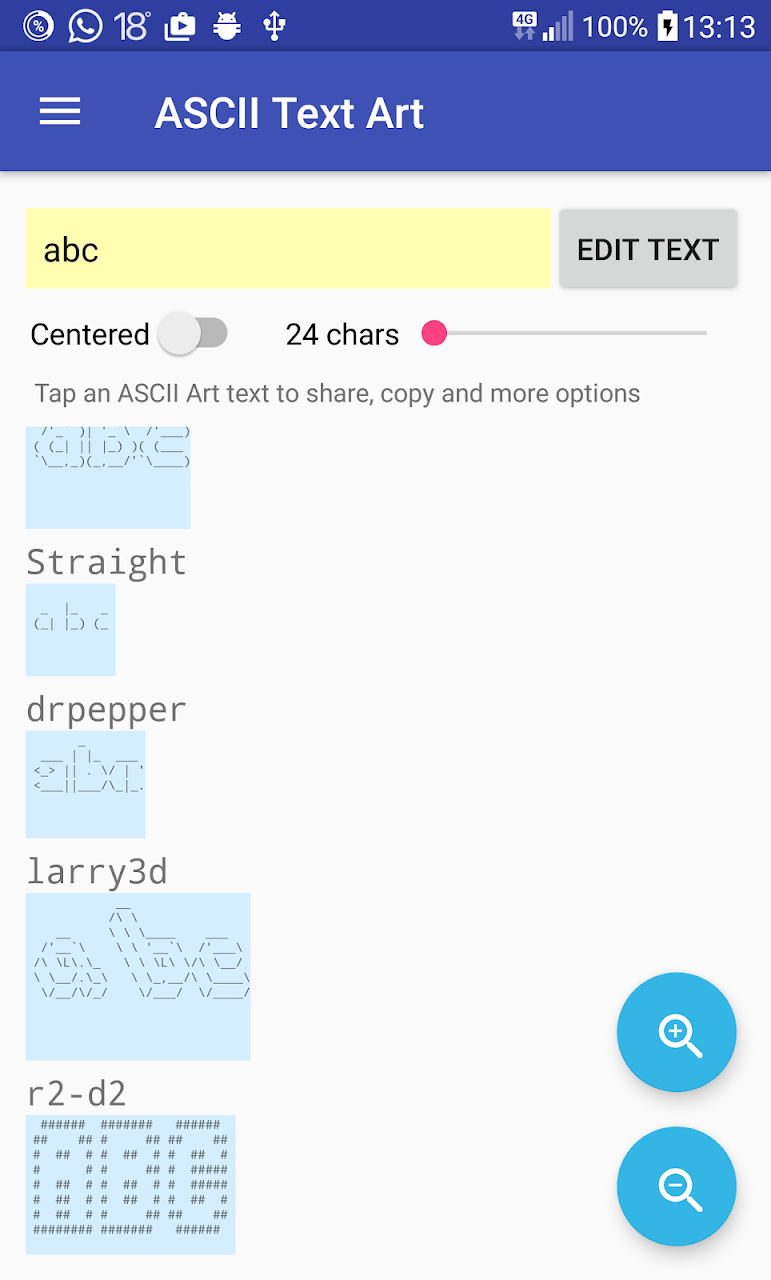
Quarzo Apps made ASCII Text Art for turning text into banner-style ASCII and drawing-style character art. It separates the work into ASCII Text and ASCII Art, so you can either build text banners or make images from characters. The app is free, shows no ads, and asks for no permissions.
- Two work areas — Use ASCII Text for banners and ASCII Art for character drawings.
- Figlet fonts — The app uses Figlet-style fonts to shape text into ASCII designs.
- Fixed-width output — It is built around fixed-width fonts so the characters line up cleanly.
- No ads — The app does not display ads.
- Free install — You can download and use it at no cost, with no in-app purchases.
First launch: two places to start
When you open ASCII Text Art, the app is organized around two sections: ASCII Text for building text banners and ASCII Art for character-based drawings. That split makes it easier to decide whether you want decorative lettering or a more visual design. It is a lightweight APK at 1.8 MB, works on Android 15 and up, and is offered as a universal build.
What to set up before you create
The main setup choice is the font style behind the result. The app relies on fixed-width fonts, so spacing matters: characters need to line up evenly for the design to read well. If you are used to image editors such as ibis Paint X, Sketchbook, or Adobe Express, this app is much narrower in scope. It is focused on ASCII output rather than layered painting, photo editing, or broader design tools.
- You get: ASCII text banners and ASCII character art.
- You get: Figlet fonts and fixed-width alignment.
- Watch for: No photo editing, RAW support, or capture tools are described.
- Watch for: The app is simple rather than feature-heavy.
Practical tips for cleaner results
Start with short text if you want a banner that stays readable, then try longer lines once you are comfortable with the spacing. Since the output depends on fixed-width fonts, text that looks good in a proportional font may not line up correctly here. The app is free and ad-free, so there is no subscription layer to manage and no in-app purchase path to unlock basic use.
Requirements and permissions
ASCII Text Art is rated Everyone, has 100K+ installs, and carries a 3.4 rating from 872 ratings. It requires no permissions, and the listing does not mention any account sign-in. That makes the tradeoff simple: you get a focused ASCII creator in exchange for a narrow toolset, with no ads and no purchase prompts.
APK information
- Version
- 1.0.5
- Package
- com.quarzoapps.asciitextart
- Category
- Art & Design
- Size
- 2 MB
- Min Android
- API 15
- Architecture
- universal
Older versions
-
ASCII Text Art 1.0.5Nov 10, 2026Latest downloadAPK
ASCII Text Art FAQ
Does ASCII Text Art add a watermark?expand_more
No watermark is mentioned. The app is described as free and ad-free.
Can ASCII Text Art edit RAW photos?expand_more
No. The app is for ASCII text banners and character drawings, not photo editing.
Who develops ASCII Text Art?expand_more
Quarzo Apps develops ASCII Text Art.
Does ASCII Text Art work offline?expand_more
Offline use is not stated. The listing only says the app is free and shows no ads.
How do I make banners in ASCII Text Art?expand_more
Use the ASCII Text section, which is meant for building text banners with Figlet fonts.