- 4.0star75,158 reviews
- 10M+Downloads
- 6 MBAPK size
- EveryoneRated for Everyone
- API 14+Android
check_circleOriginal APK from Quarzo Apps · Updated Nov 10, 2026
No threats found
0 / — antivirus engines flagged this file
Original signature
First seen — Quarzo Apps
Unmodified APK
Same file the developer published — no mods
TextArt: Cool Text creator screenshots
8 images · tap to enlarge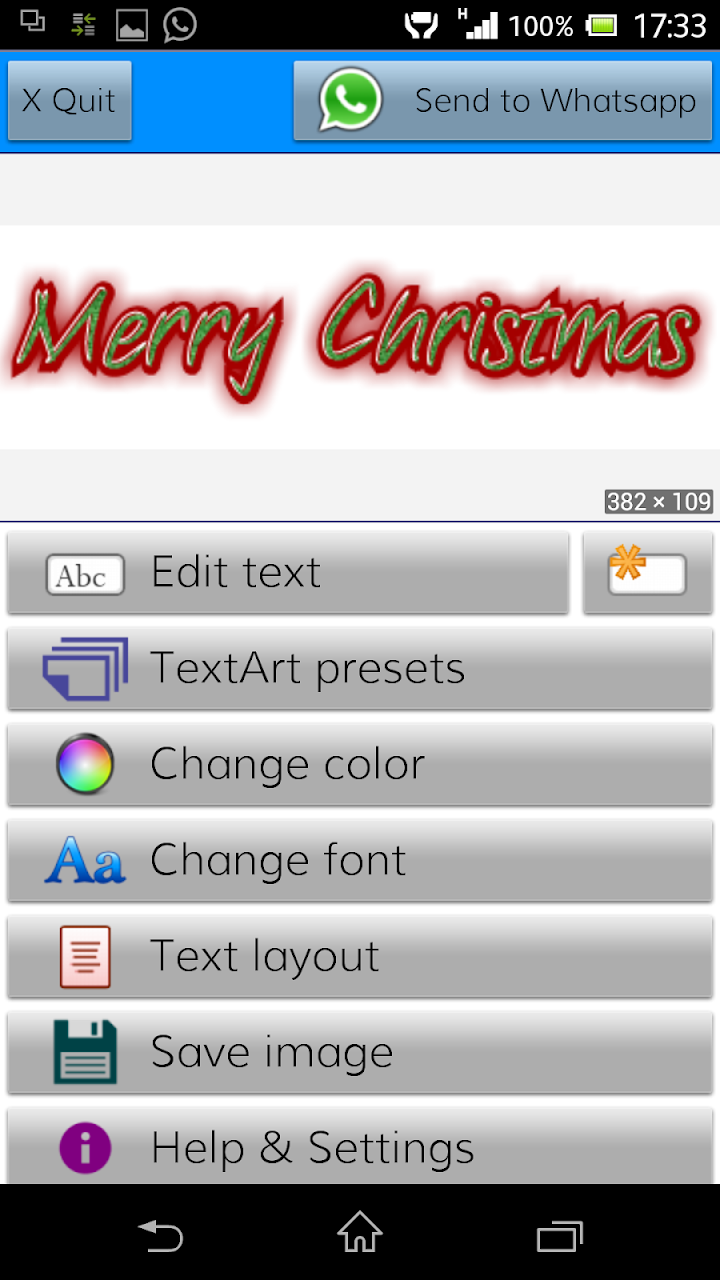
About this app
Need a quick way to turn text into shareable images? TextArt: Cool Text creator lets you build text designs with preset styles, custom fonts, background textures, and layout controls, then export them as optimized image files for chat apps and social platforms. It is a simple editor rather than a drawing suite, so it fits users who want text-based graphics without extra complexity.
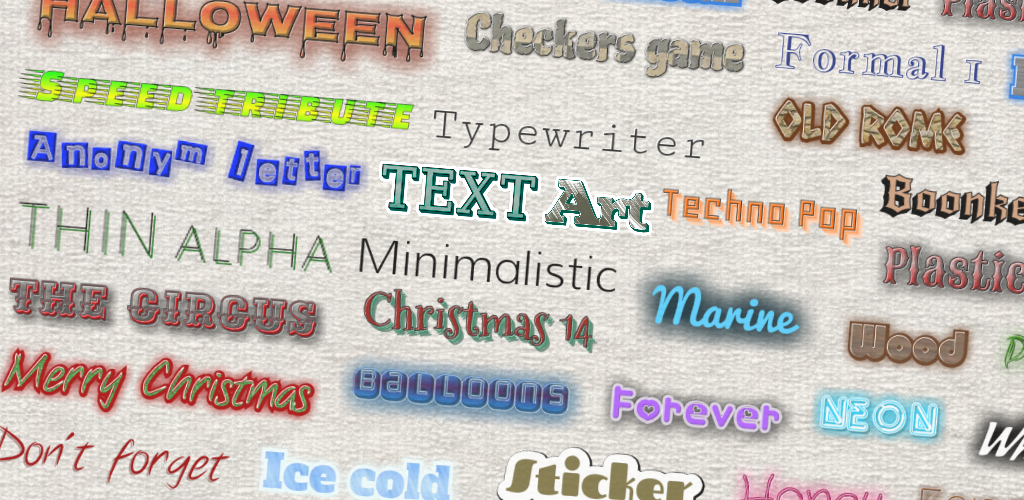
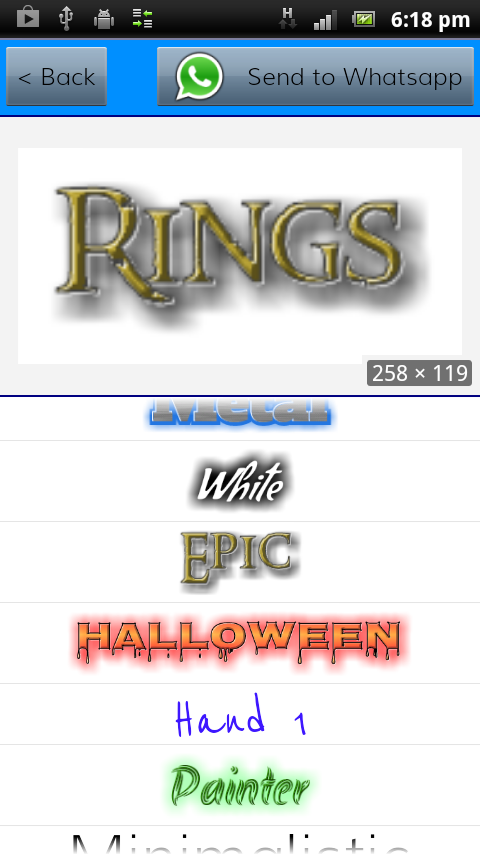
- Preset text designs — Start with a preset style, then adjust the text and appearance to match your message.
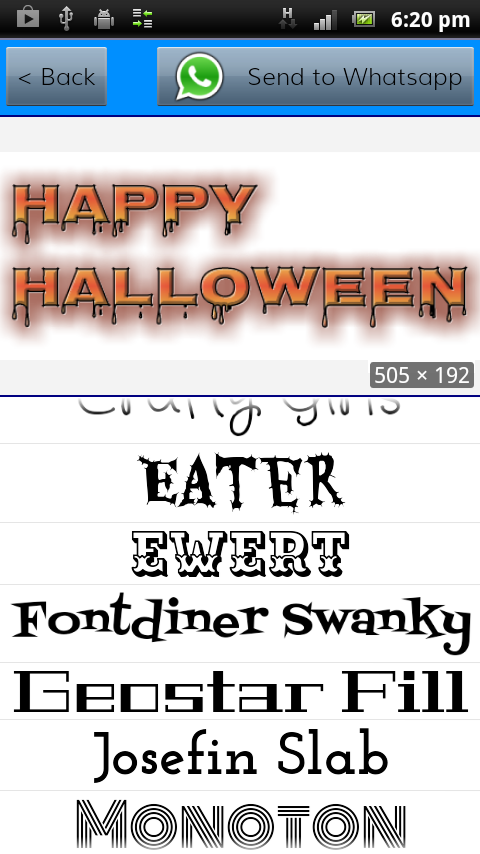
- Font customization — Choose from the included fonts or add your own .ttf and .otf files.
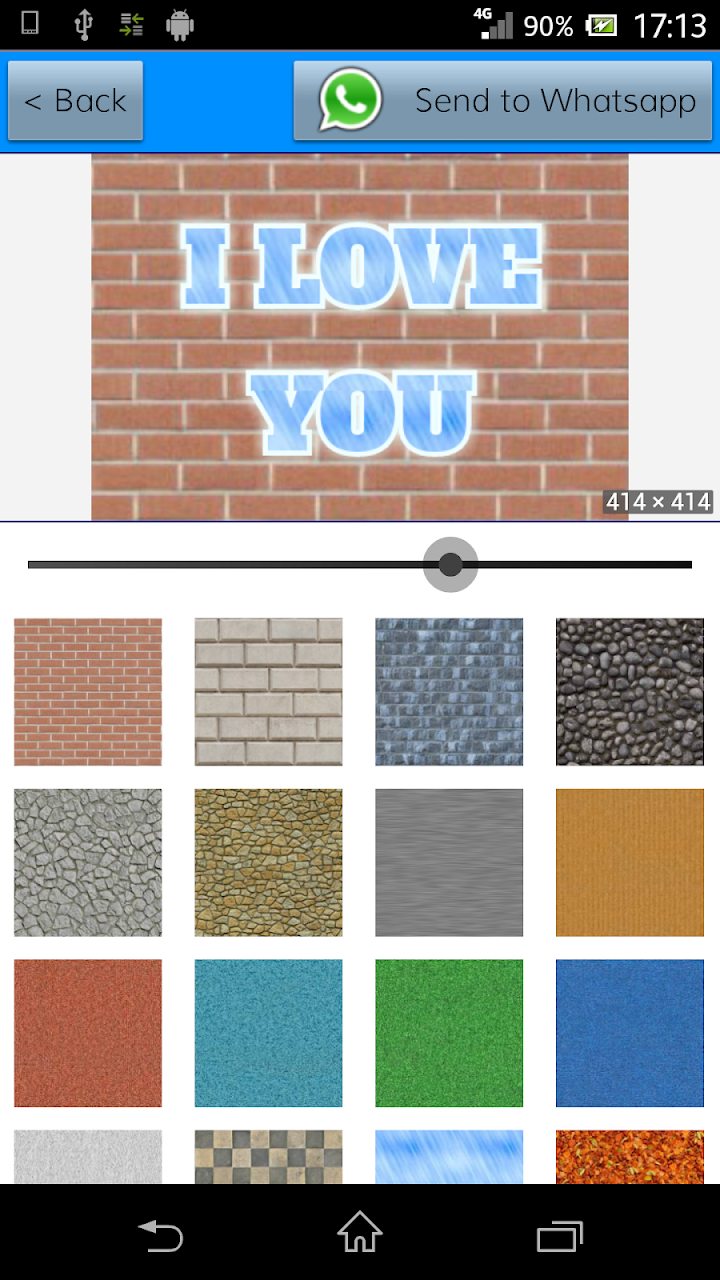
- Background options — Use built-in textures, a solid color, or a custom image background.
- Image export — Save creations as optimized .jpg or .png images with the resulting pixel size shown.
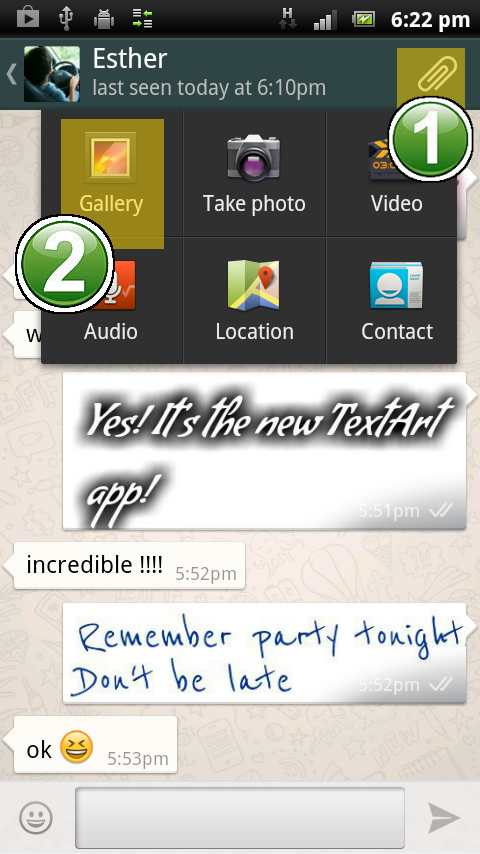
- Share to chats — Send the finished image through WhatsApp, Telegram, Twitter, WeChat, Line, Talk, ChatON, or other apps.
- Layout controls — Change margins, aspect ratio, alignment, and break-line settings.
Text made for sharing
TextArt: Cool Text creator focuses on one job: turning typed words into image-based designs that can be shared in chat apps and social networks. Compared with drawing apps such as ibis Paint X, Sketchbook, or Infinite Painter, it is narrower in scope and easier to approach when you only need styled text. It also differs from Adobe Express: AI Photo, Video, which covers broader content types rather than this text-first workflow.
Design controls without a drawing canvas
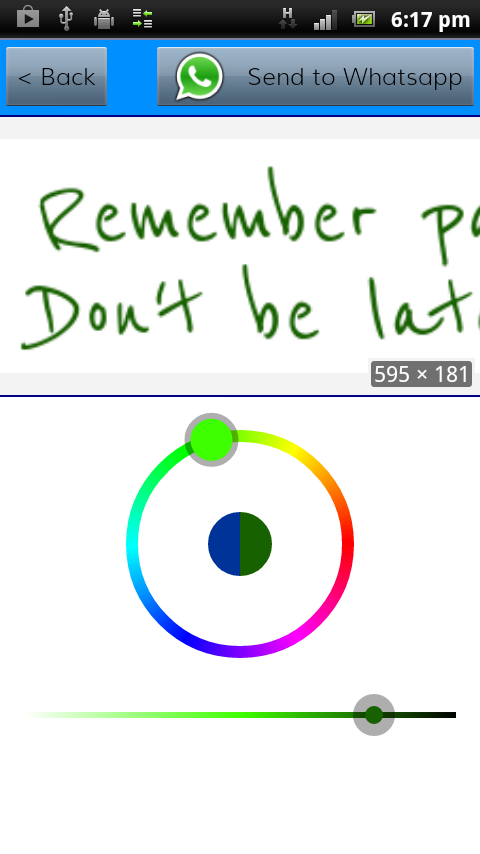
You begin by entering text, then choosing a preset design and refining it with font, color, background, and layout changes. The preview supports pinch-to-zoom and drag, and double-clicking the preview opens text editing. That makes the app feel direct, with fewer steps than a full graphics editor.
- Gets: preset styles, font choices, custom font support, textures, transparent backgrounds, and image export.
- Watch for: ads, in-app purchases, and a text-only workflow rather than photo editing tools.
Exported as image files
The app saves output as optimized .jpg or .png images, and it shows the size in pixels for the final result. That is useful if you want square images for profile photos or a transparent background for reuse. It runs on Android 4.0 (API 14) and comes as a 6.4 MB APK.
Built for chat apps
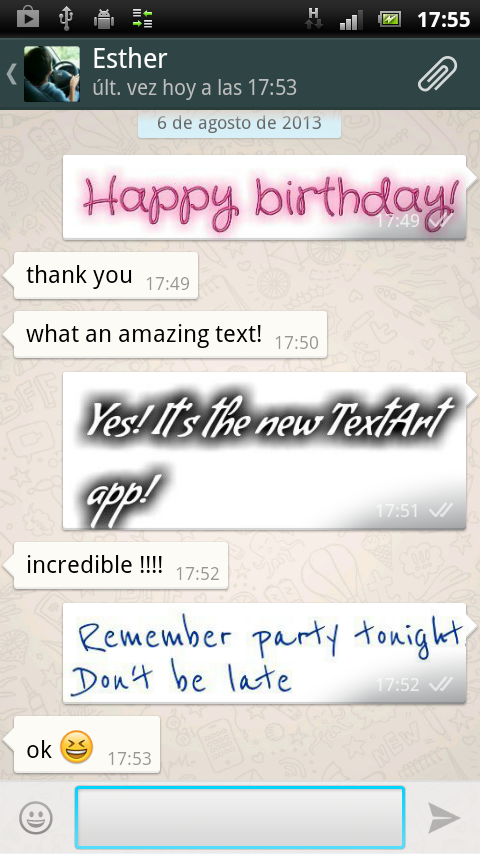
Sharing is central here. TextArt is set up to send designs to WhatsApp, Telegram, WeChat, Line, Talk, ChatON, Twitter, and other chat applications as images, so the output is ready for messaging rather than layered editing. For people who mainly want a fast text graphic, that can be simpler than moving through larger design tools.
Cost and permissions
The app is free, supported by advertising, and includes in-app purchases. It requests access to the internet for ad banners and external memory to save and share created images. No account requirement is listed.
What's new
Version 1.2.1 · Nov 10, 2026
- ◉ Support for Android 10
- ◉ Bugfixes and minor improvements
APK information
- Version
- 1.2.1
- Package
- com.jdpapps.textt1
- Category
- Art & Design
- Size
- 6 MB
- Min Android
- API 14
- Architecture
- universal
Older versions
-
TextArt: Cool Text creator 1.2.1Nov 10, 2026Latest downloadAPK
TextArt: Cool Text creator FAQ
Can TextArt: Cool Text creator edit RAW photos?expand_more
No. The app is focused on creating stylized text images, not editing RAW photos.
Does TextArt: Cool Text creator work offline?expand_more
The app includes internet access for advertising banners. Its text creation tools are centered on local image creation and saving.
Which Android version does TextArt: Cool Text creator need?expand_more
It needs Android 4.0 (API 14) or higher.
Can I install TextArt: Cool Text creator without Google Play?expand_more
The app is distributed as an APK file. It is not described here as requiring a Google Play account for use.
Can TextArt: Cool Text creator use custom fonts?expand_more
Yes. It supports custom .ttf and .otf font files placed in a fonts folder inside the TextArt folder.