
- 4.1star5,915,553 reviews
- 500M+Downloads
- 43 MBAPK size
- EveryoneRated for Everyone
- API 19+Android
check_circleOriginal APK from Bending Spoons · Updated Nov 12, 2026
No threats found
0 / — antivirus engines flagged this file
Original signature
First seen — Bending Spoons
Unmodified APK
Same file the developer published — no mods
Remini - AI Photo Enhancer screenshots
8 images · tap to enlarge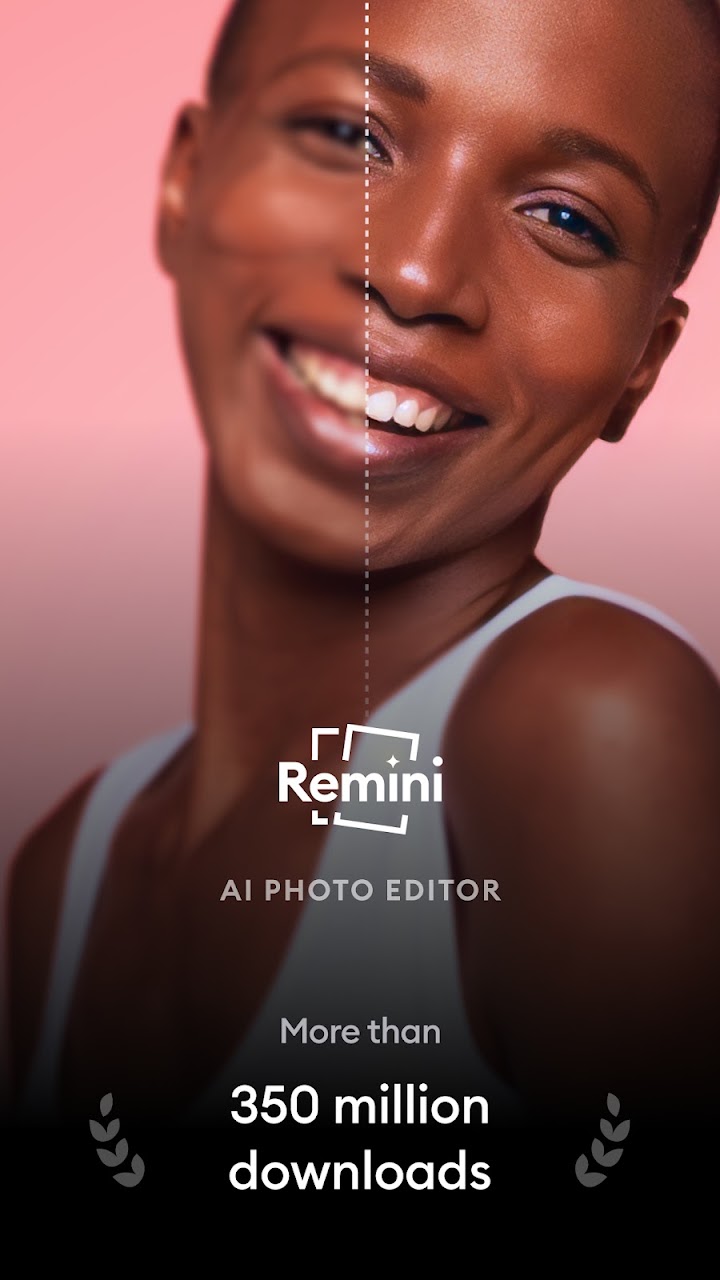


About this app
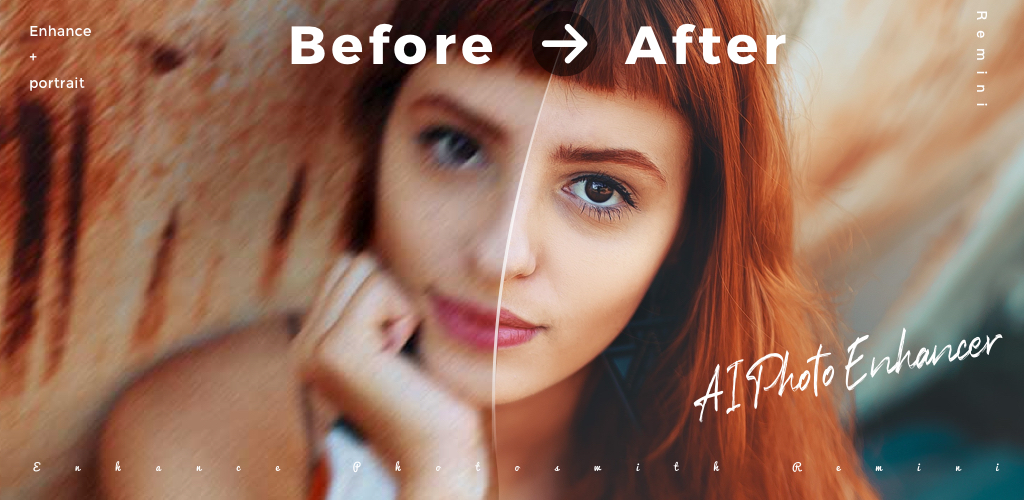
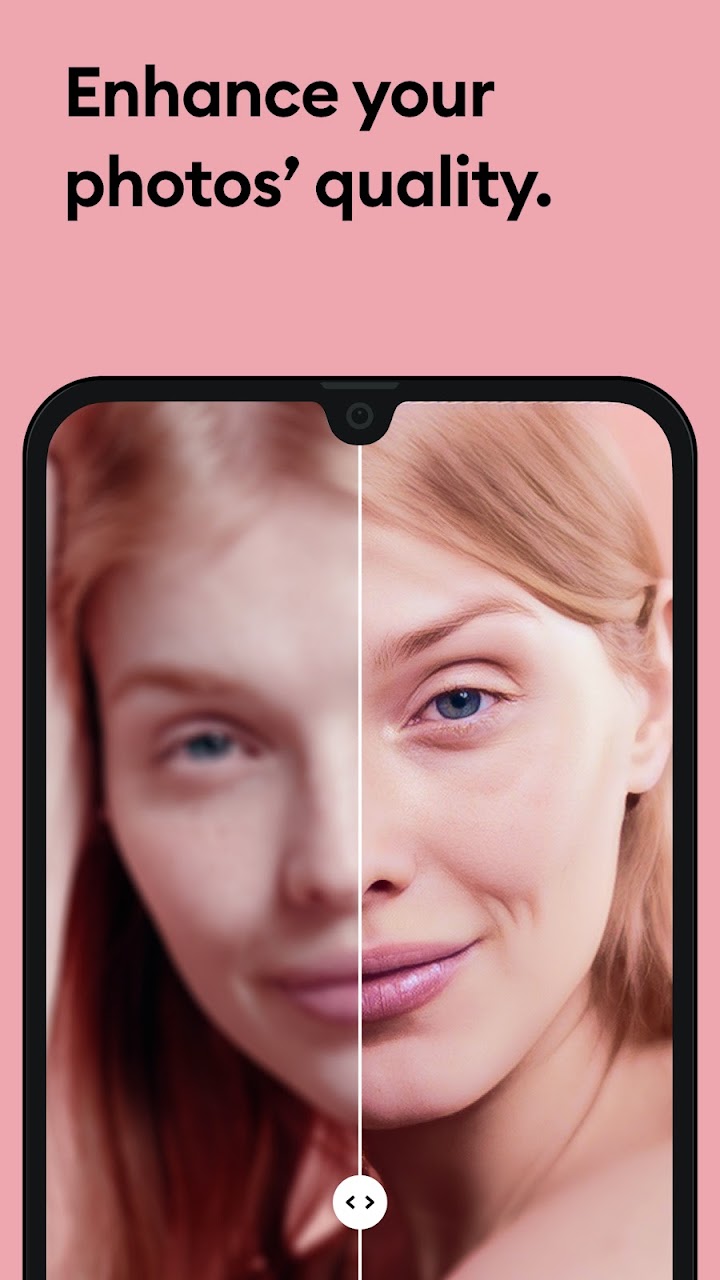
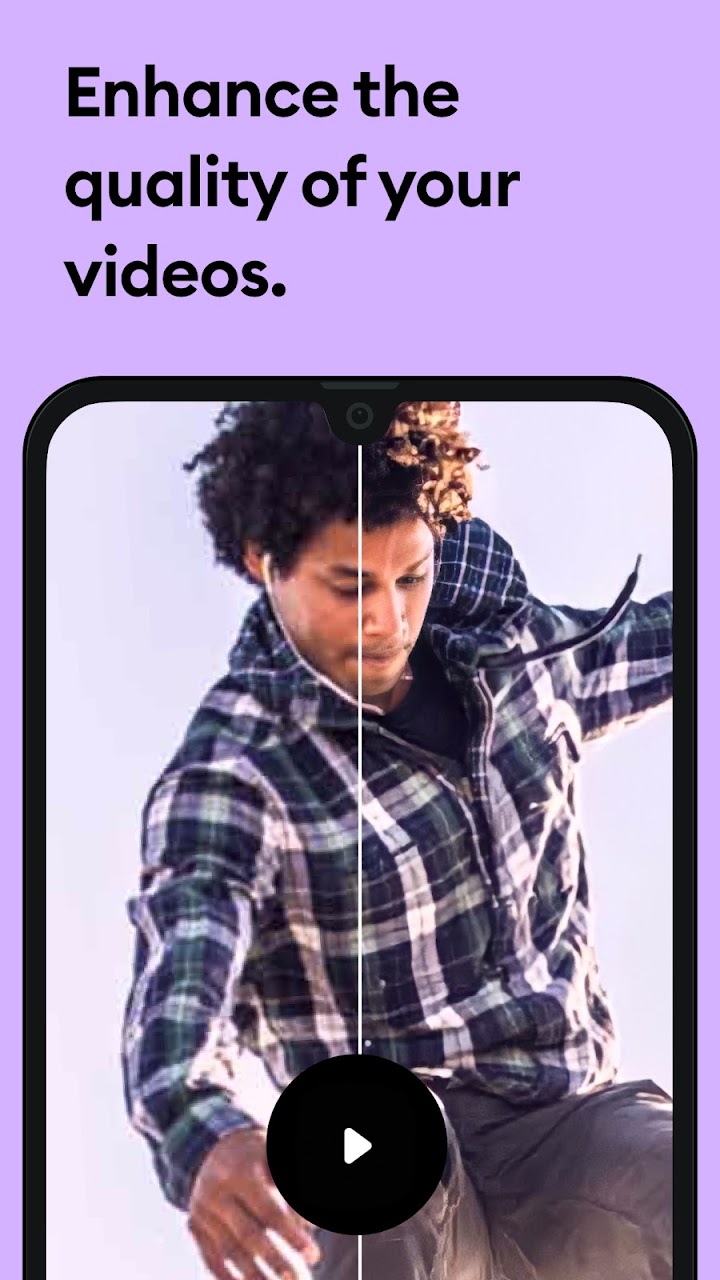
Looking for a quick way to fix old photos? Remini - AI Photo Enhancer uses AI to sharpen, unblur, and restore damaged images, including portraits, selfies, and vintage camera shots. It is free to download, but it includes ads and optional in-app purchases for premium access.
- One-tap enhancement — The app focuses on a simple workflow: select a photo and let AI improve blur, detail, and quality.
- Restore old photos — It is designed to repair scratched, pixelated, blurred, and damaged pictures, including family photos.
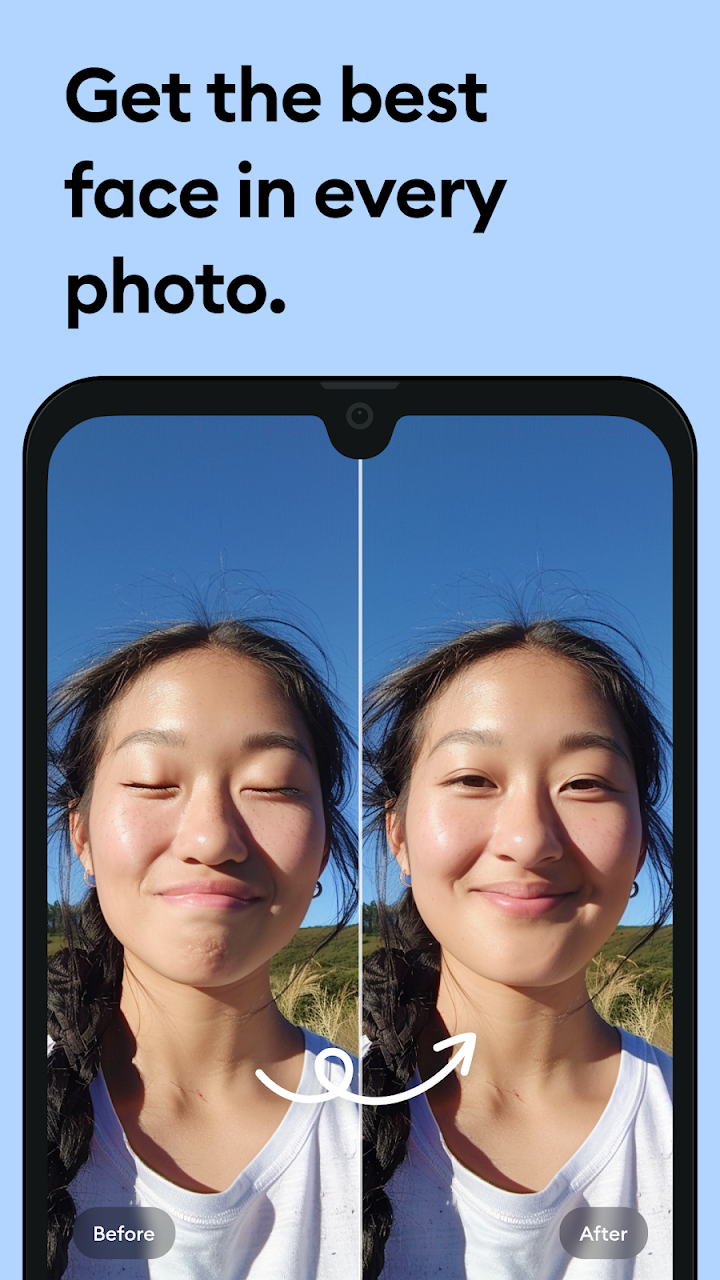
- Portrait detail focus — Remini highlights face details in portraits, selfies, and group photos when turning them into HD.
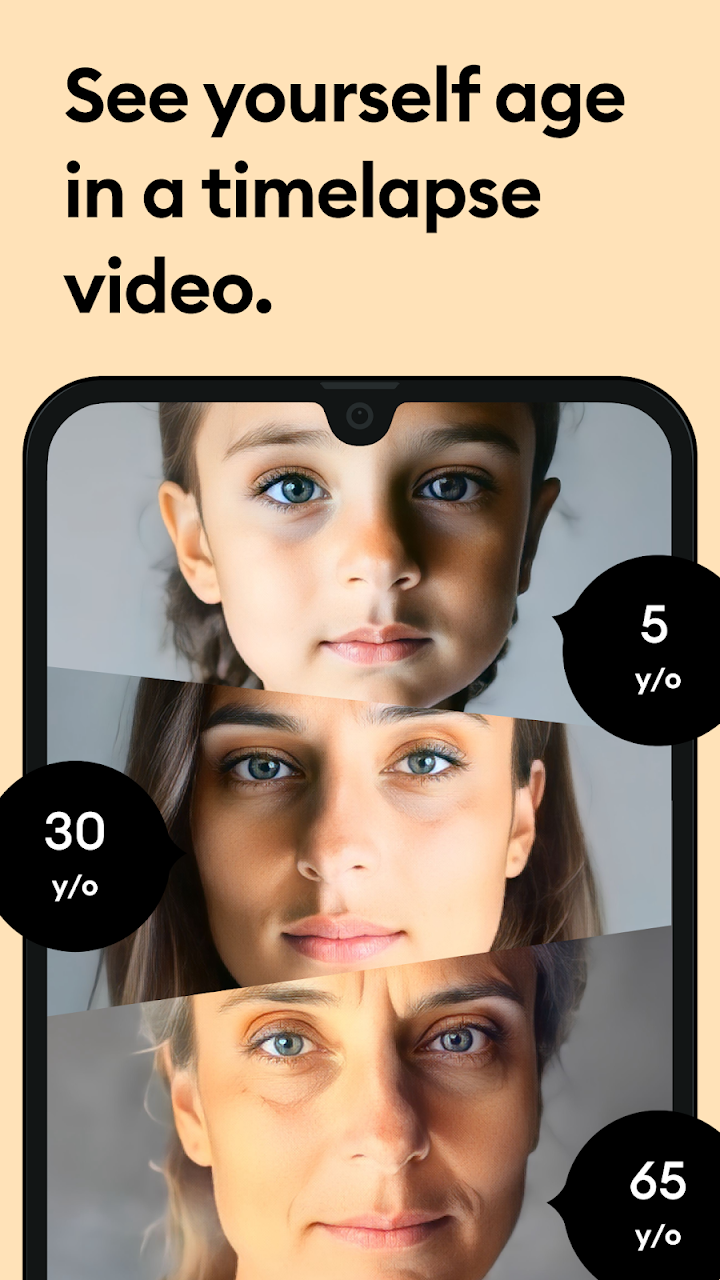
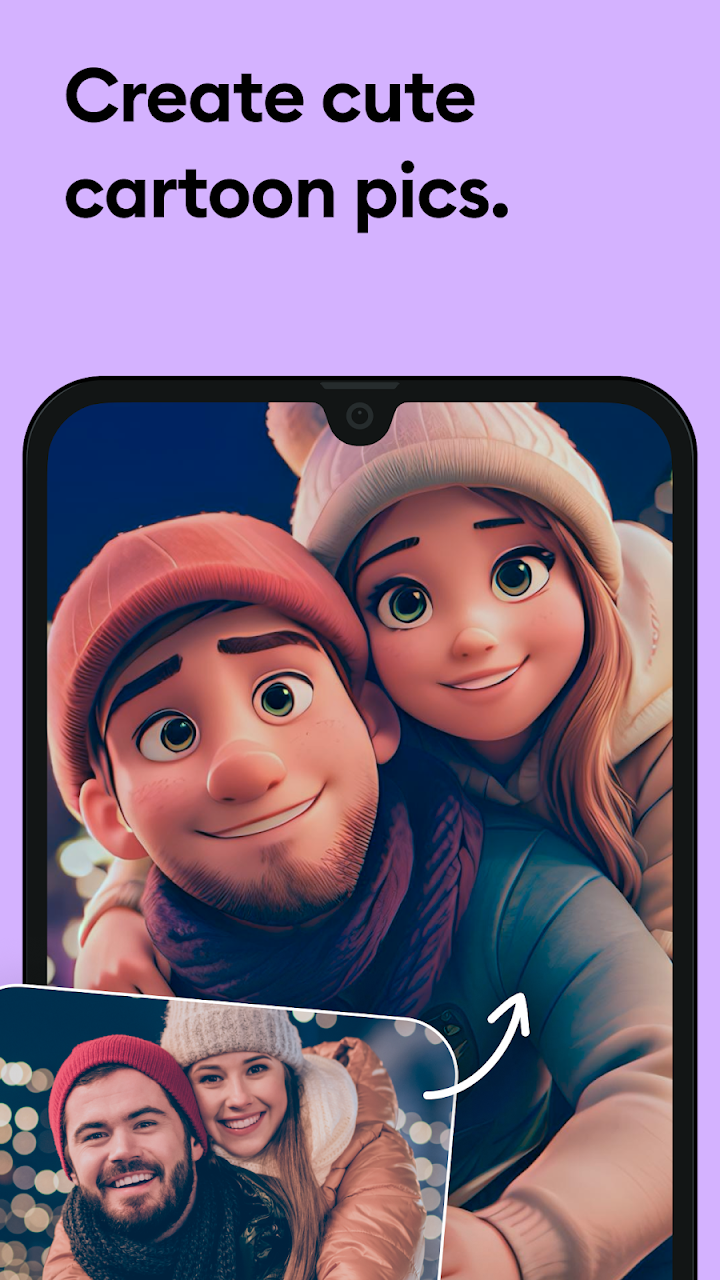
- AI Photos creation — You can generate AI Photos of yourself in addition to restoring existing images.
- Wide language support — The app is available in English, Hindi, Japanese, Korean, Portuguese, Russian, Simplified and Traditional Chinese, Spanish, and Thai.
- Free with limits — The app is free, but it contains ads and offers weekly and yearly subscriptions for unlimited premium access.
What the current release offers
There is no listed change log for this version, so the main question is what the app does today. Remini - AI Photo Enhancer centers on quick AI restoration: it can unblur, sharpen, and improve photos that are old, low quality, scratched, or damaged. It also supports AI Photos, which gives it a second use beyond repair work.
Restoring photos without much setup
The app is built around a straightforward process rather than manual editing tools. That makes it easier to approach than a full editor if your goal is to improve a single image quickly. It is especially aimed at portraits, selfies, and group pictures, where face details matter, but it also covers vintage camera shots and other out-of-focus images.
- You get: AI enhancement for blurry, pixelated, and damaged photos.
- You get: AI Photos generation alongside restoration tools.
- Watch for: Ads in the free app and optional subscriptions for unlimited premium features.
- Watch for: No listed permissions, so there is no storage access request shown here.
Quality, cost, and compatibility
Remini is free to install, with in-app purchases and subscriptions available on weekly and yearly plans. The app has a 4.1 rating from 5,908,437 ratings and 500M+ installs, which suggests broad use, though the review spread includes a large number of lower ratings as well. It comes as a universal APK, is 42.6 MB, and needs Android 7 or later; versions older than Android 7 may not support the most recent updates.
How it compares with a typical gallery app
Compared with standard gallery tools, Remini is more specialized. A basic gallery app usually organizes and views photos, while this app is focused on AI restoration and enhancement. If you want to repair old pictures or create polished AI Photos, that narrower focus may be useful. If you mainly need browsing, album management, or general editing, a gallery app may cover more of your daily photo workflow.
APK information
- Version
- 1.7.0
- Package
- com.bigwinepot.nwdn.international
- Category
- Photography
- Size
- 43 MB
- Min Android
- API 19
- Architecture
- universal
Older versions
-
Remini - AI Photo Enhancer 1.7.0Nov 12, 2026Latest downloadAPK
Remini - AI Photo Enhancer FAQ
Does Remini - AI Photo Enhancer work offline?expand_more
That is not stated here. The app description does not say whether restoration or AI Photos require an internet connection.
Does Remini - AI Photo Enhancer add a watermark?expand_more
That is not stated here. The app description does not mention watermarks on exported photos.
Which Android version does Remini - AI Photo Enhancer need?expand_more
It needs Android 7 or later. Versions older than Android 7 may not support the most recent updates.
Does Remini - AI Photo Enhancer show ads?expand_more
Yes. The app contains ads, and it also offers in-app purchases.
What can Remini - AI Photo Enhancer fix?expand_more
It is designed to improve blurry, pixelated, old, scratched, and damaged photos. It also sharpens out-of-focus images and can enhance portraits, selfies, and group photos.