Baby Pics
BURLEIGH CREATIVE YAZILIM VE BİLİŞİM LTD. ŞTİ.- 4.5star52,676 reviews
- 5M+Downloads
- 93 MBAPK size
- EveryoneRated for Everyone
- 6.0+Android
check_circleOriginal APK from BURLEIGH CREATIVE YAZILIM VE BİLİŞİM LTD. ŞTİ. · Updated Nov 12, 2026
No threats found
0 / — antivirus engines flagged this file
Original signature
First seen — BURLEIGH CREATIVE YAZILIM VE BİLİŞİM LTD. ŞTİ.
Unmodified APK
Same file the developer published — no mods
Baby Pics screenshots
8 images · tap to enlarge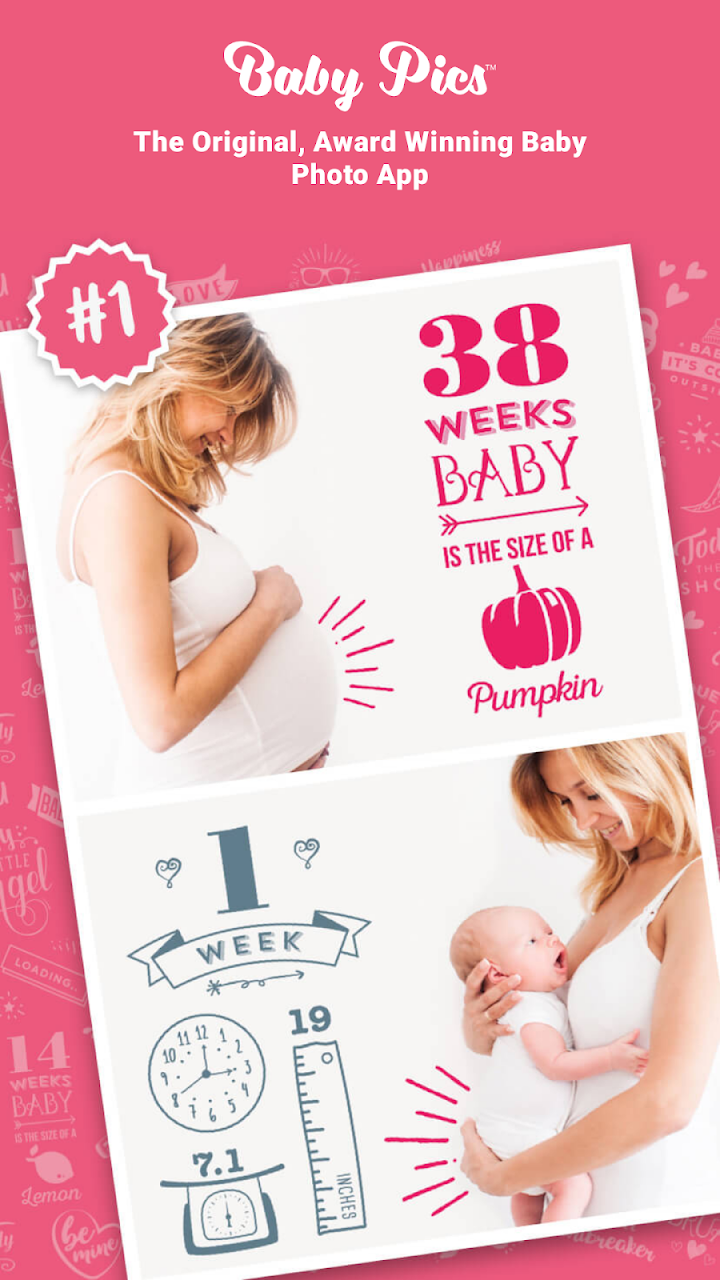
About this app
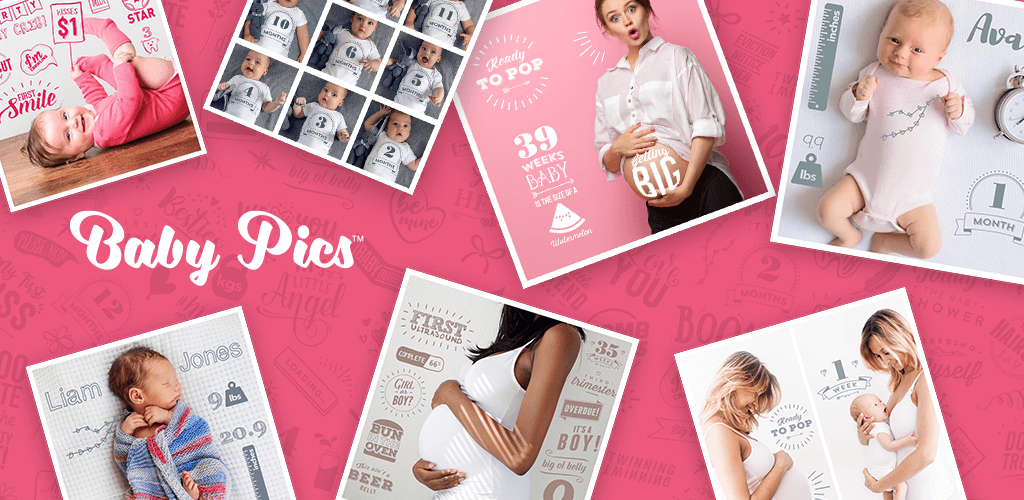
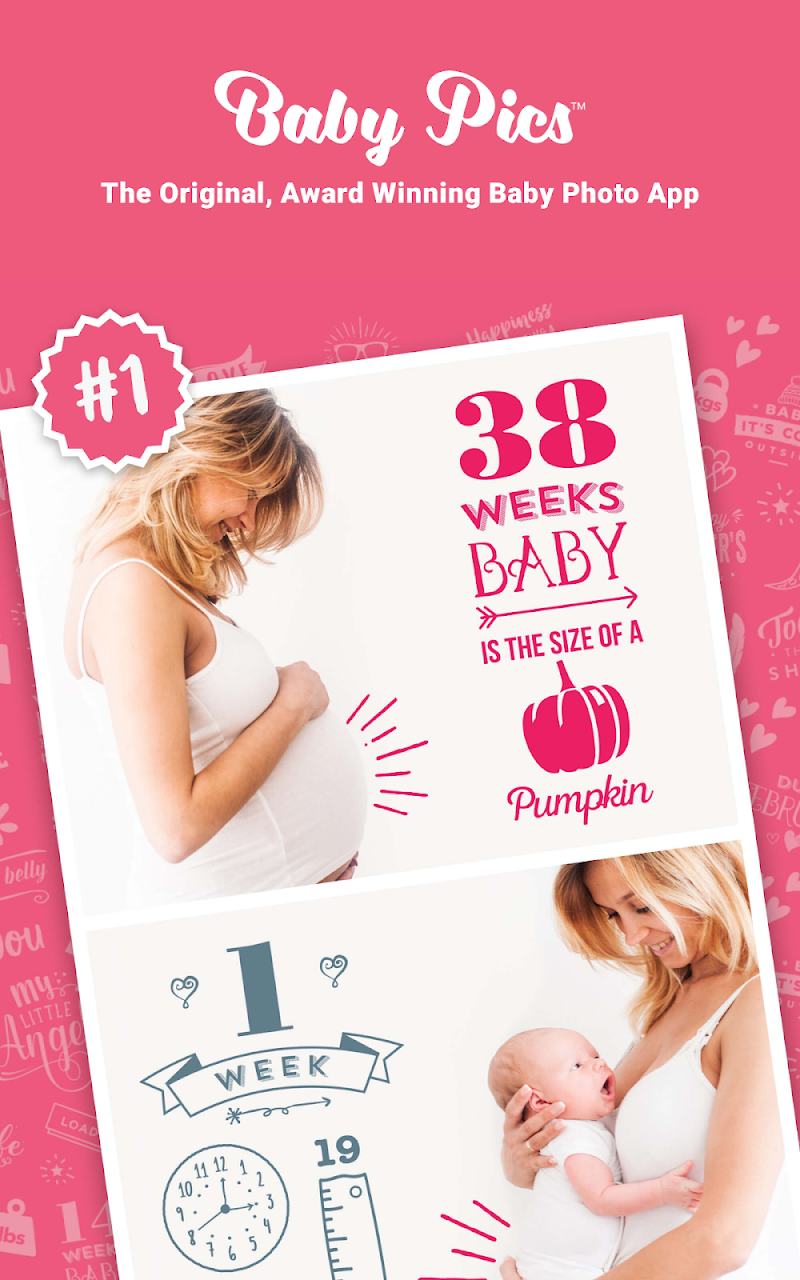
Looking for a simple way to save milestone photos? Baby Pics is a photography app for pregnancy, baby, and big kid moments, with artwork overlays, custom text, and filters. It is free to download, includes in-app purchases, and does not show ads. The app has been on Android since 2016 and is rated for Everyone.
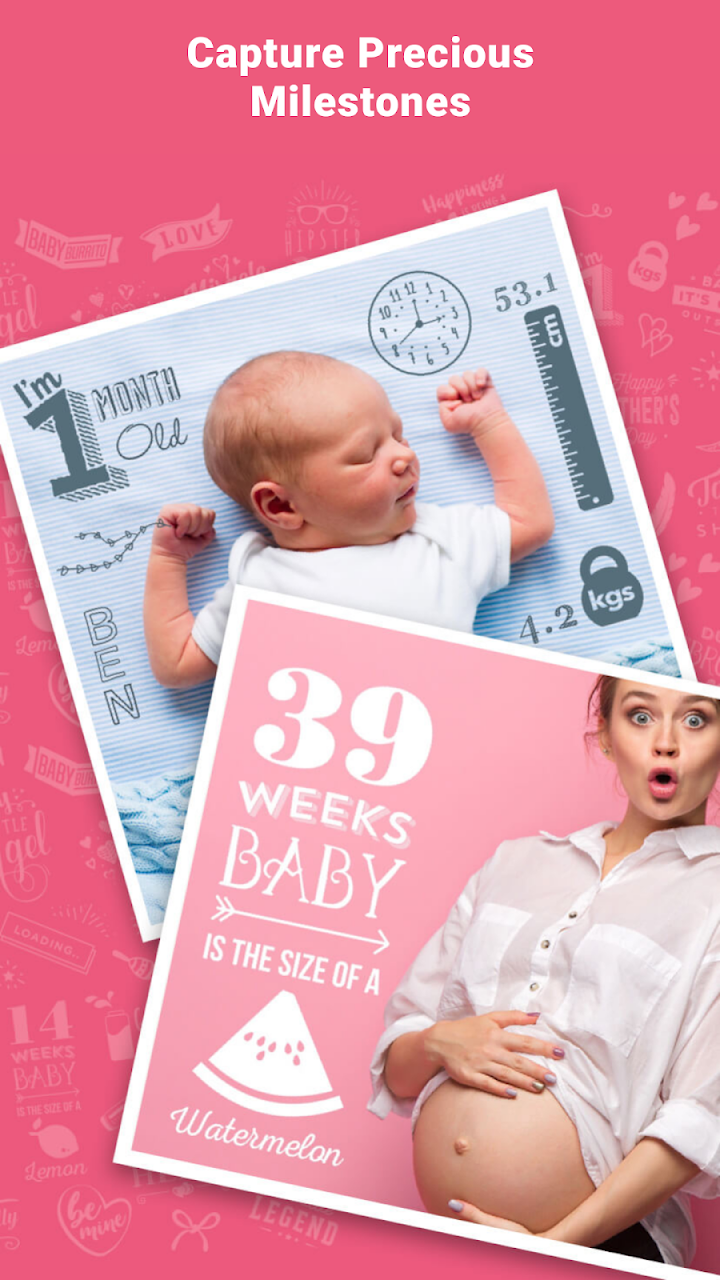
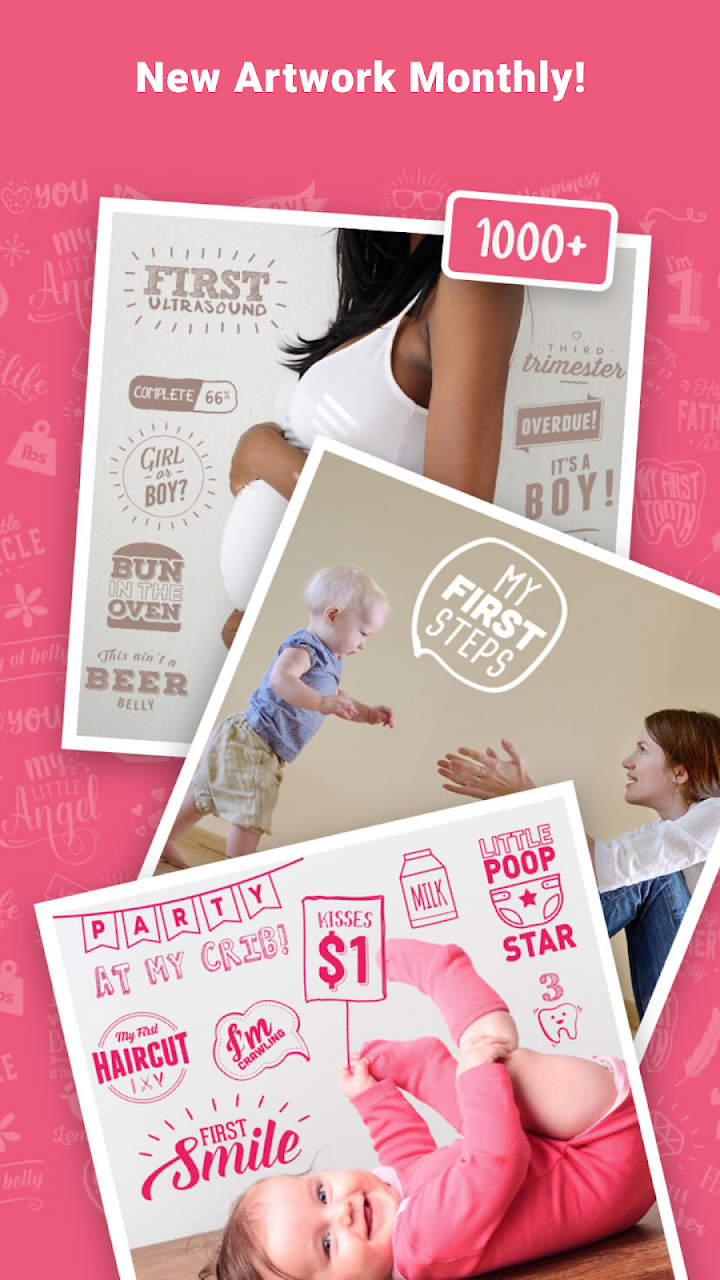
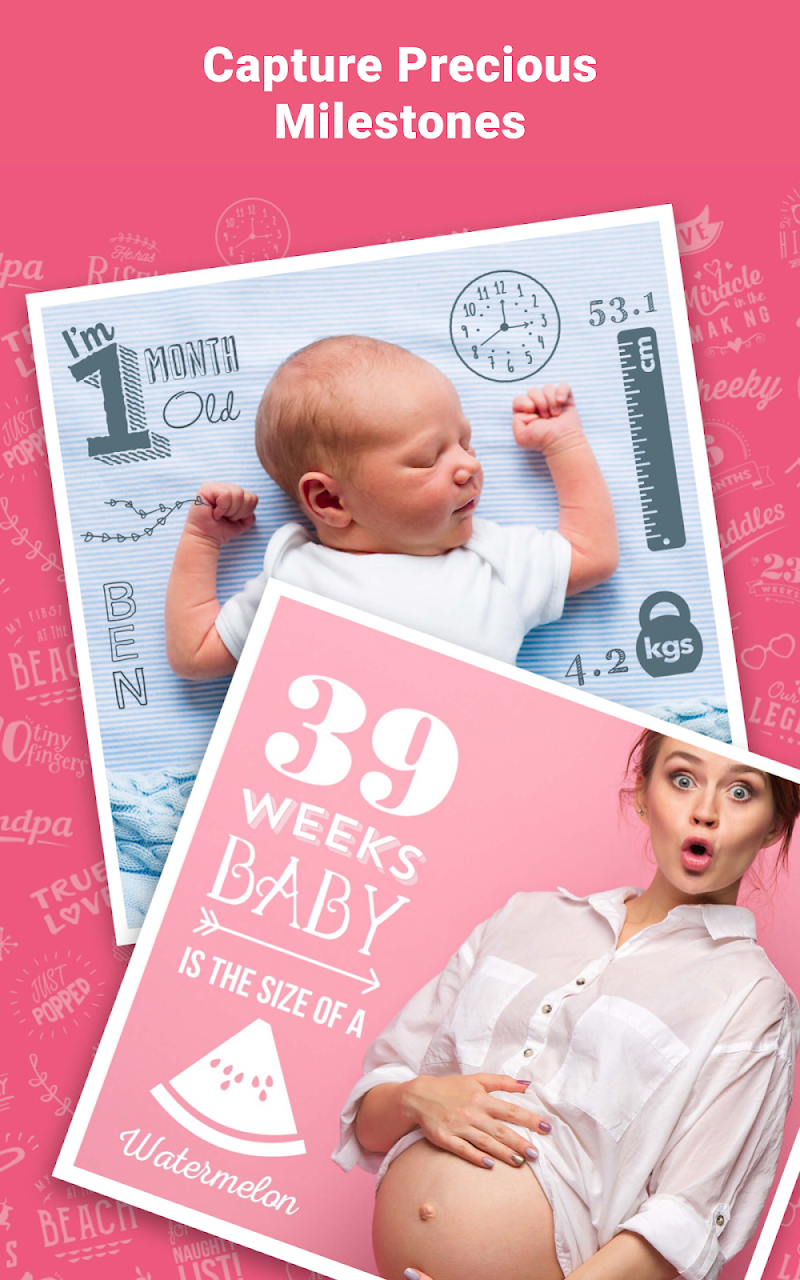
- Milestone artwork — Use more than 1,000 artwork overlays for pregnancy, baby, and big kid moments.
- Personalized text — Add names, dates, measurements, and notes with the app’s typography options.
- Filters included — Apply filters to give your milestone photo a more polished look.
- Simple sharing — Save your edited photo and share it through social media, text, or email.
- Built for milestones — The artwork set covers dates, firsts, pregnancy, holidays, announcements, daily moments, humor, big kids, friends and family, and doodles.
First launch and setup
Baby Pics opens as a straightforward photo editor for milestone moments. You can take a new photo or pick one from your camera roll, then add artwork and text before saving or sharing. The app is free, has no ads, and includes in-app purchases. It installs as an APK and needs Android 6.0 or later; the file size is 92.6 MB.
Artwork, text, and filters
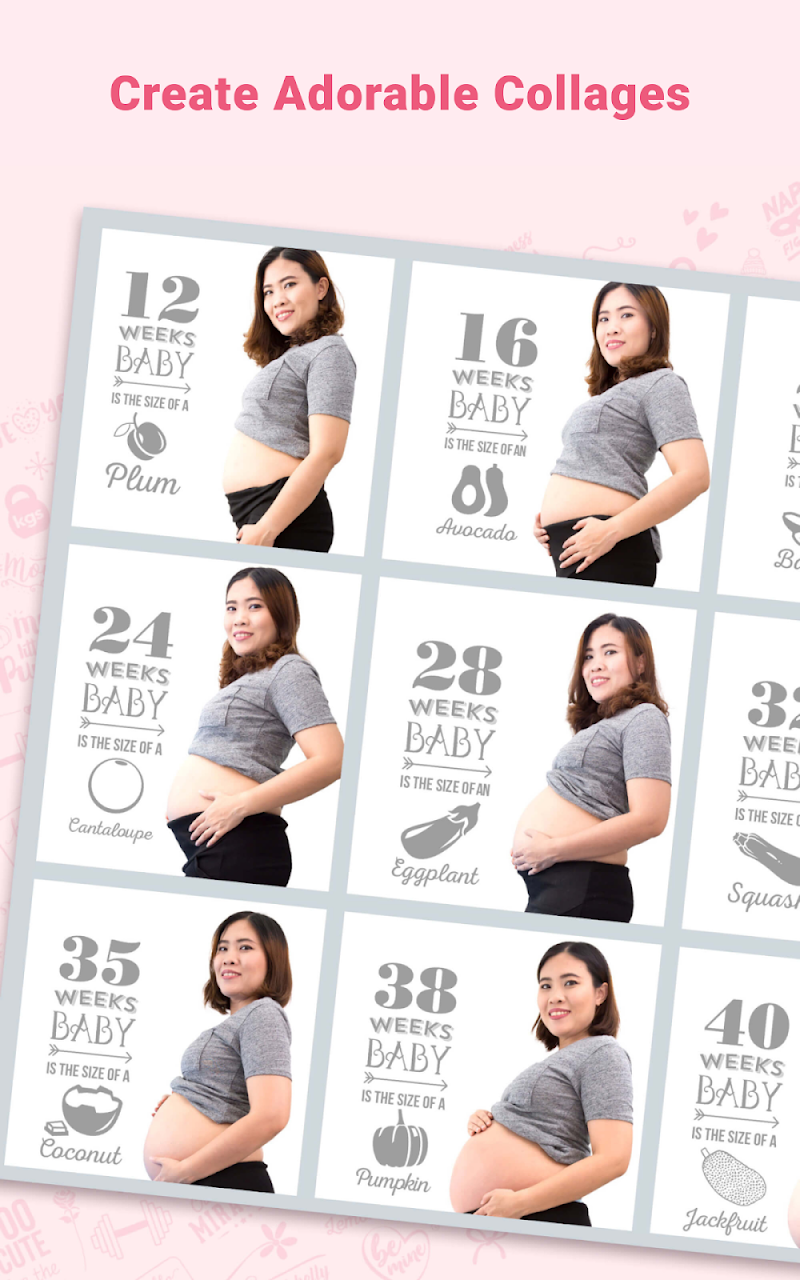
The app centers on overlaying your photo with themed artwork and a short caption. There are 1,000+ artwork overlays, plus typography options for names, measurements, dates, and little notes. Filters are also available if you want to adjust the look before you export.
- You get: milestone artwork, personalized text, filters, and quick sharing.
- Watch for: some artwork is listed as unlockable, so not every design is available right away.
Sharing and export
Once your edit is done, Baby Pics lets you save the image and send it by social media, text, or email. The app description does not mention video tools or cloud backup, so it reads as a photo-first editor rather than a full gallery replacement.
Practical tips for day one
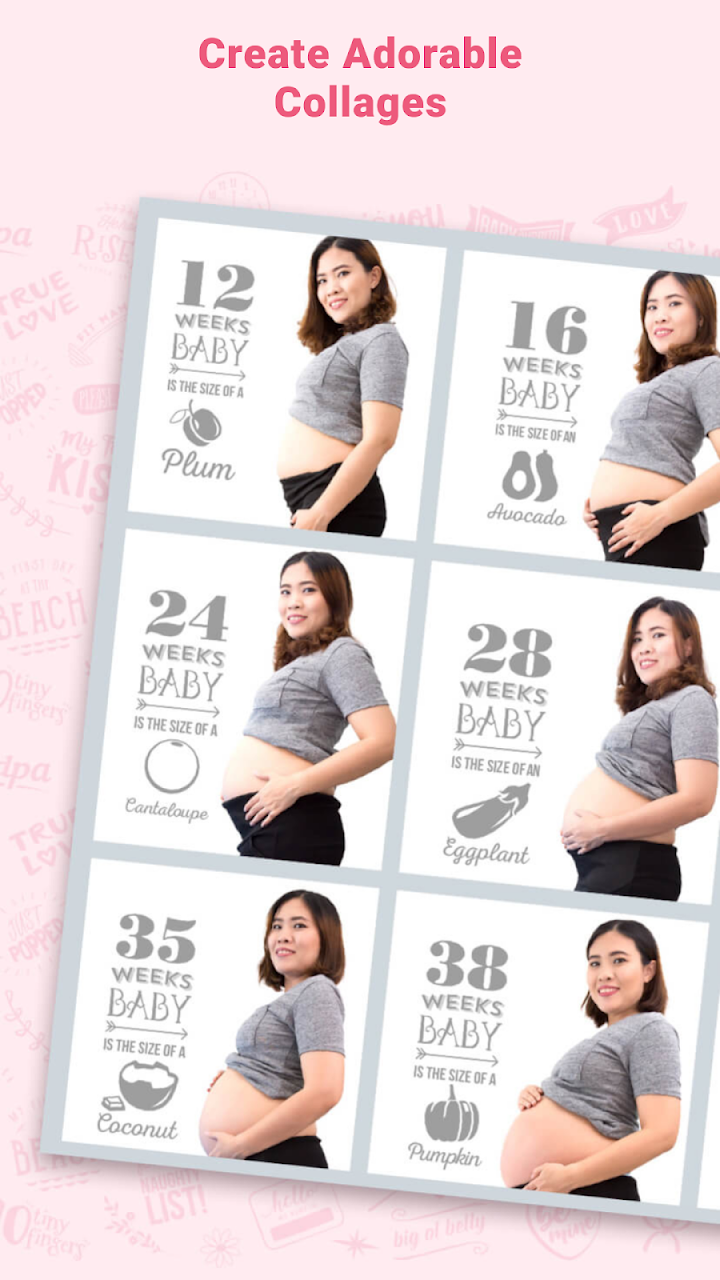
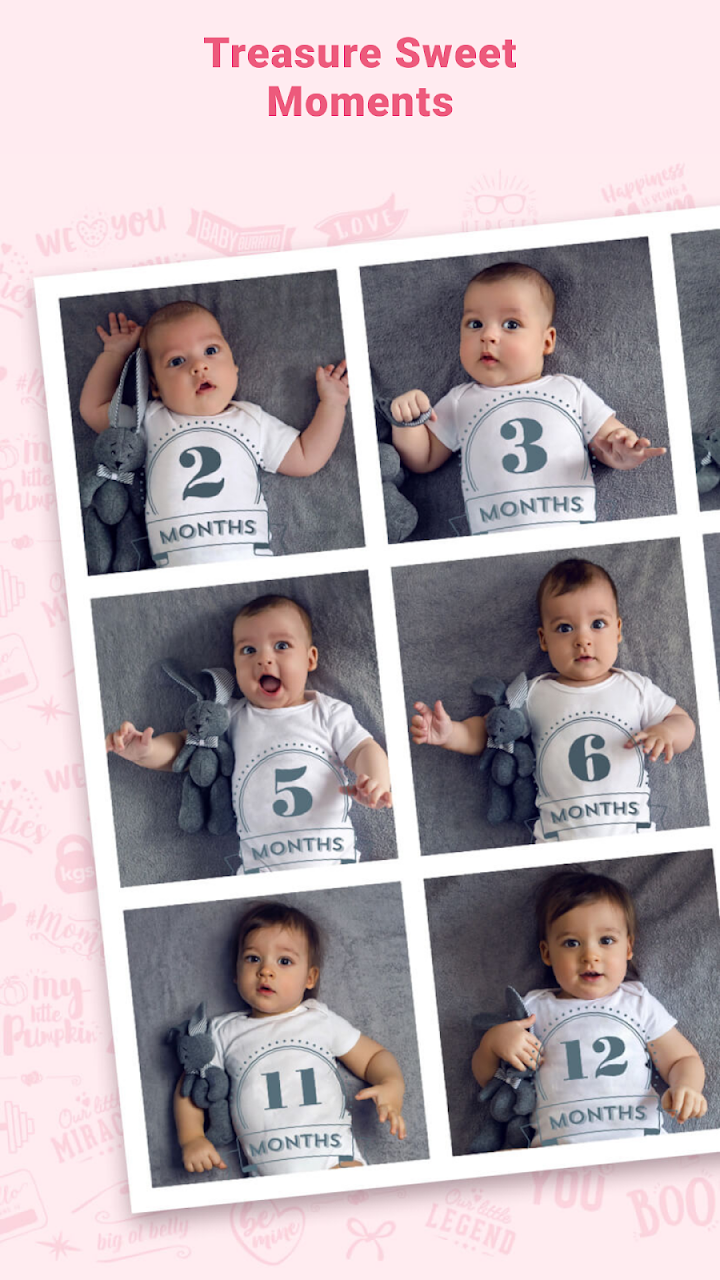
Start by choosing one clear moment: a bump photo, a first smile, or a first day at school shot. Then keep the edit simple so the artwork and text stay readable. If you want consistency, use the same style of overlay for a series of photos, such as weekly pregnancy updates or monthly baby milestones.
Requirements and permissions
Baby Pics lists no permissions, so it does not ask for any access in the Play listing. That makes the install feel light on requests, though it still needs storage space for the app itself and for the photos you save.
APK information
- Version
- 3.1.13
- Package
- com.burleighlabs.babypics
- Category
- Photography
- Size
- 93 MB
- Min Android
- 6.0
- Architecture
- universal
Older versions
-
Baby Pics 3.1.13Nov 12, 2026Latest downloadAPK
Baby Pics FAQ
Does Baby Pics work offline?expand_more
The listing does not say whether it works offline. It does let you edit photos already on your device and then save or share them.
Does Baby Pics add a watermark?expand_more
The app description does not mention a watermark. It focuses on artwork overlays, personalized text, and filters.
How do I install the Baby Pics APK file?expand_more
Download the APK, then install it on a device running Android 6.0 or later. The app file size is 92.6 MB.
What permissions does Baby Pics ask for?expand_more
The Play listing shows no permissions. No specific access requests are listed.
What kinds of milestone categories does Baby Pics include?expand_more
It includes categories such as dates, firsts, pregnancy, holidays, announcements, daily moments, humor, big kids, friends and family, and doodles.