
- 3.9star18,136 reviews
- 10M+Downloads
- 7 MBAPK size
- EveryoneRated for Everyone
- API 14+Android
check_circleOriginal APK from AppTrendz Studio · Updated Nov 12, 2026
No threats found
0 / — antivirus engines flagged this file
Original signature
First seen — AppTrendz Studio
Unmodified APK
Same file the developer published — no mods
Background Remover - AI Editor screenshots
8 images · tap to enlarge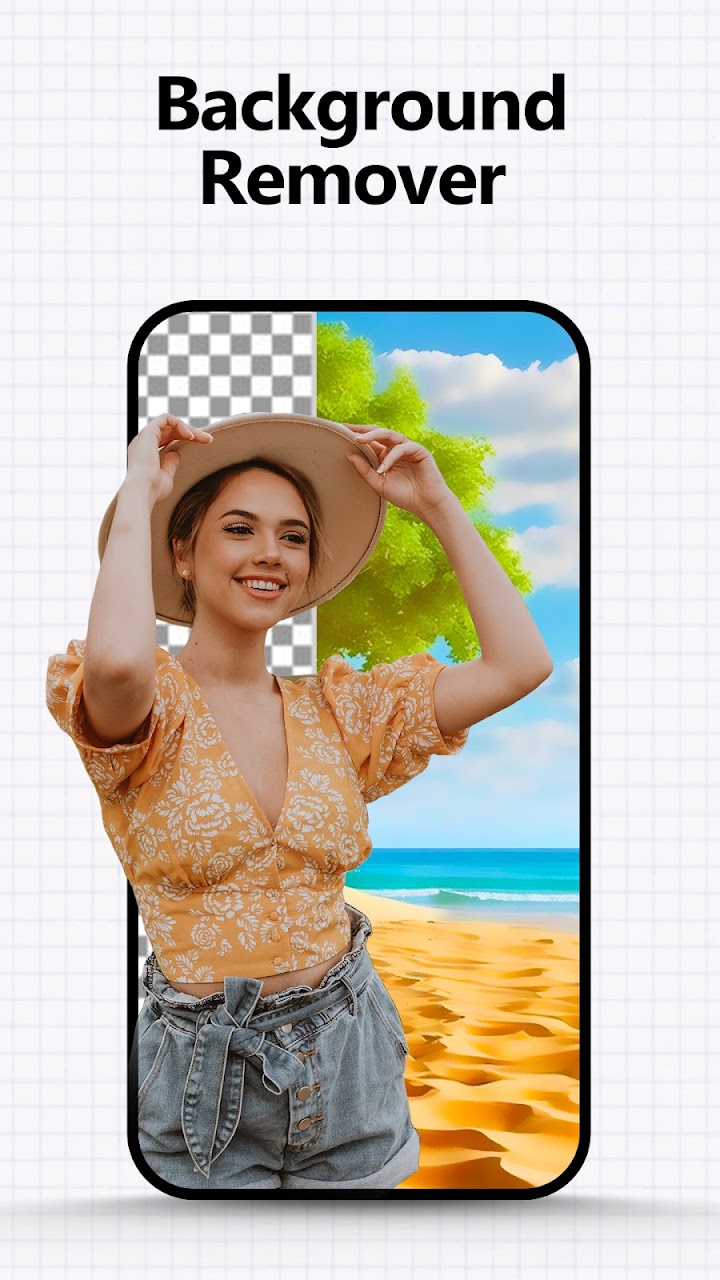
About this app
Remove backgrounds quickly, then turn the same photo into a cleaner cutout, a PNG, or a new scene. Background Remover - AI Editor focuses on AI edge detection, background replacement, filters, stickers, and text, so the usual editing steps stay in one place. It is free to use, with ads and optional in-app purchases.
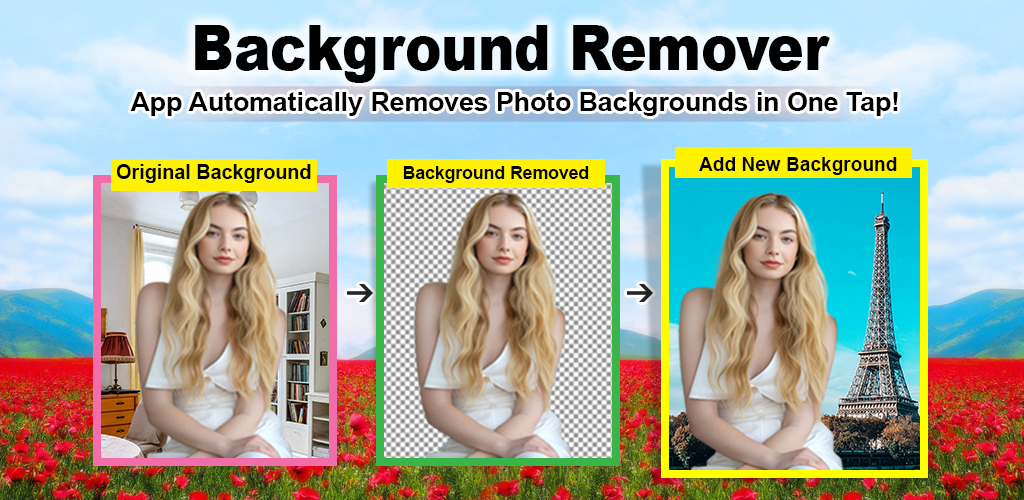
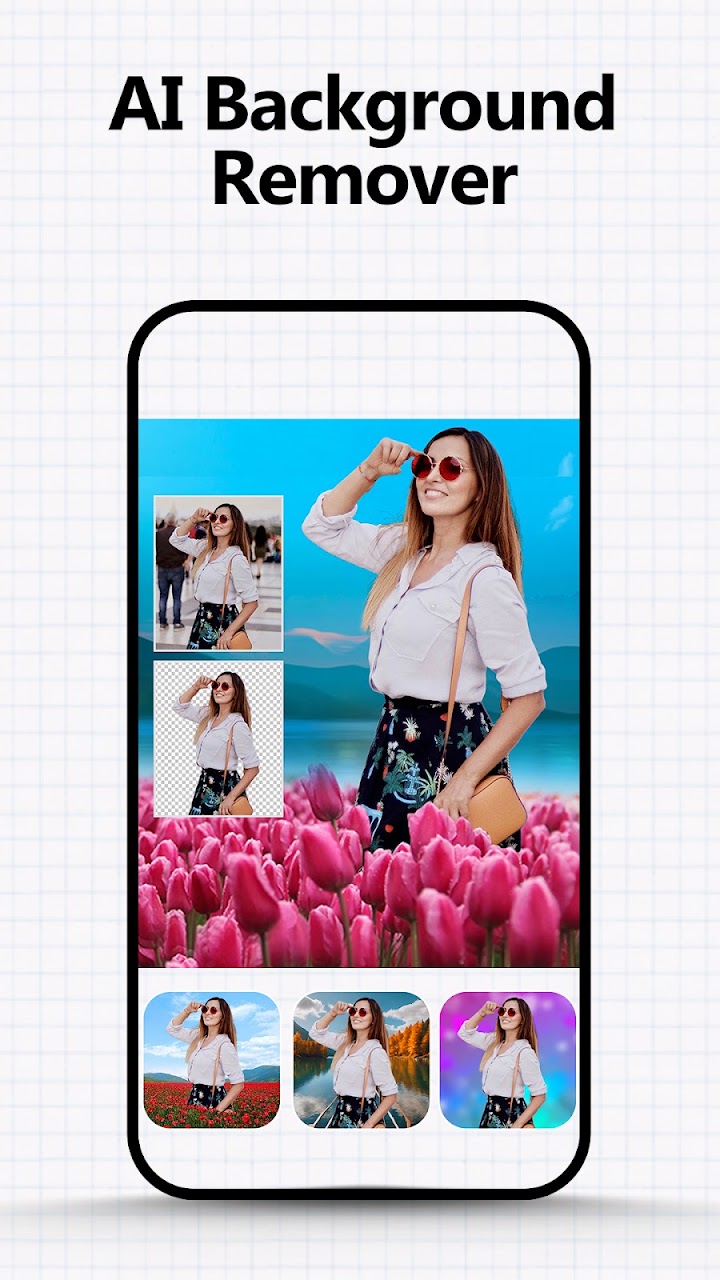
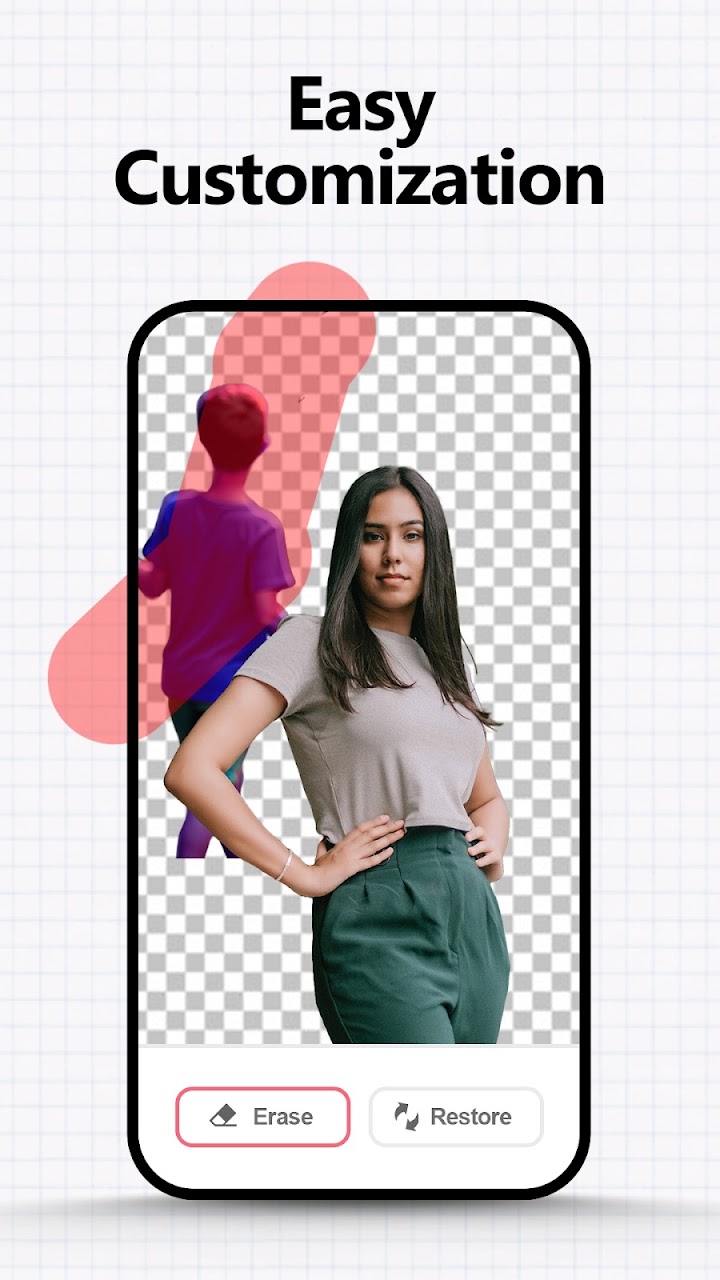
- AI cutout tools — The app detects edges automatically to remove photo backgrounds with more precise cutouts.
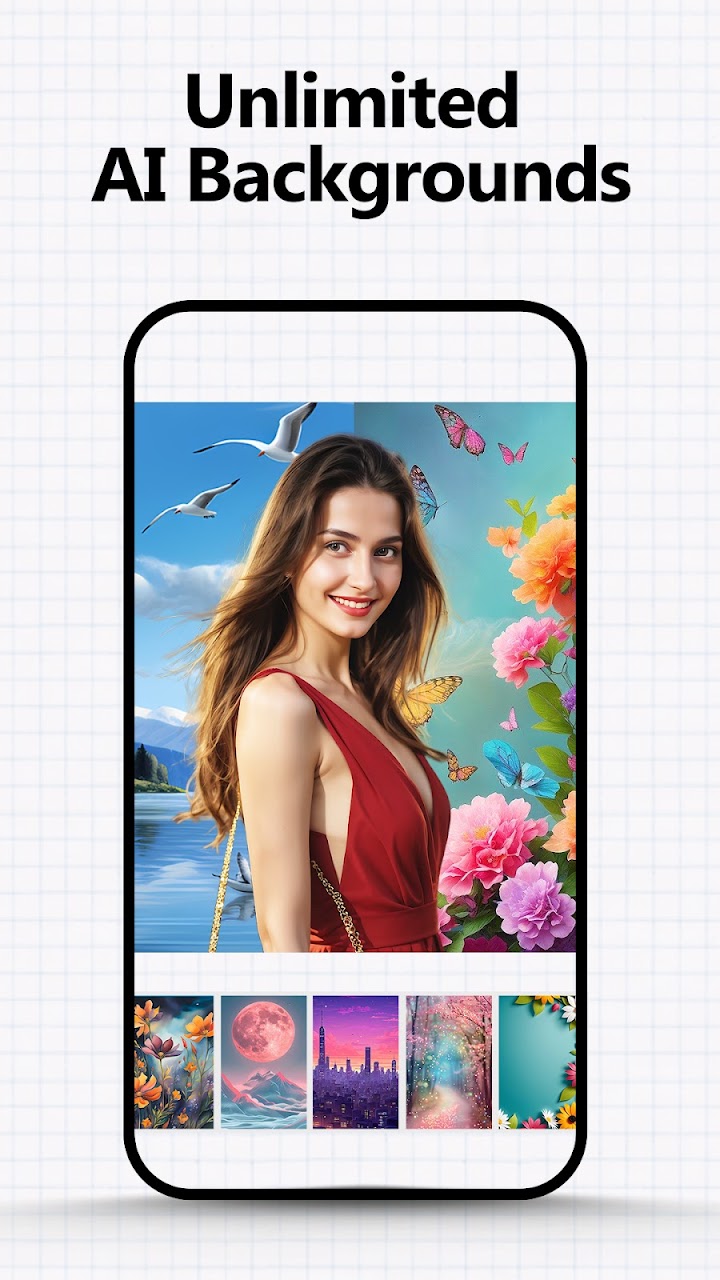
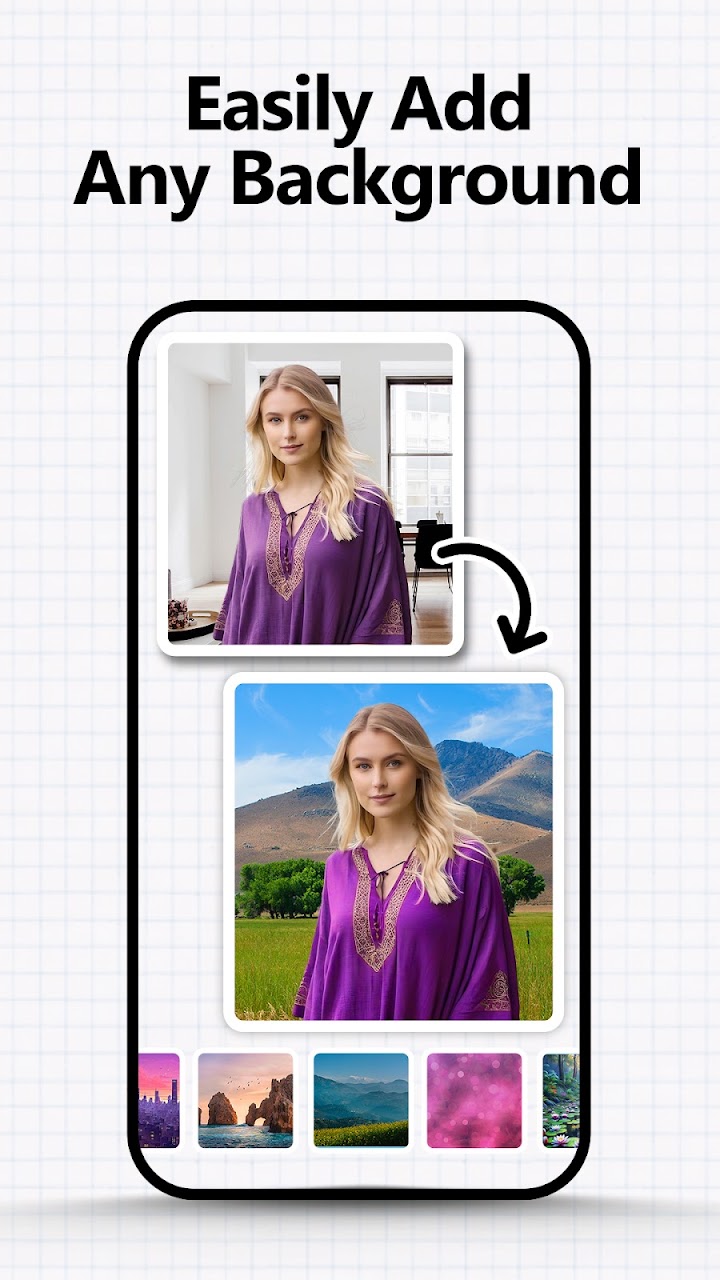
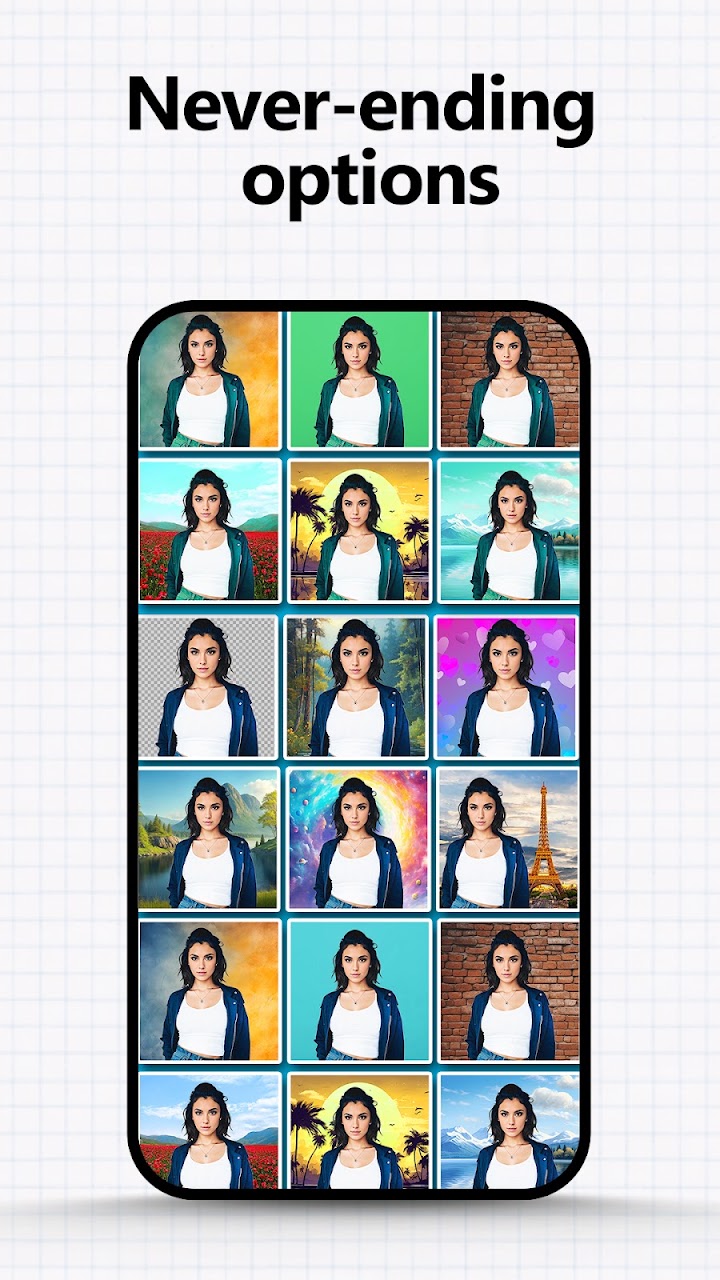
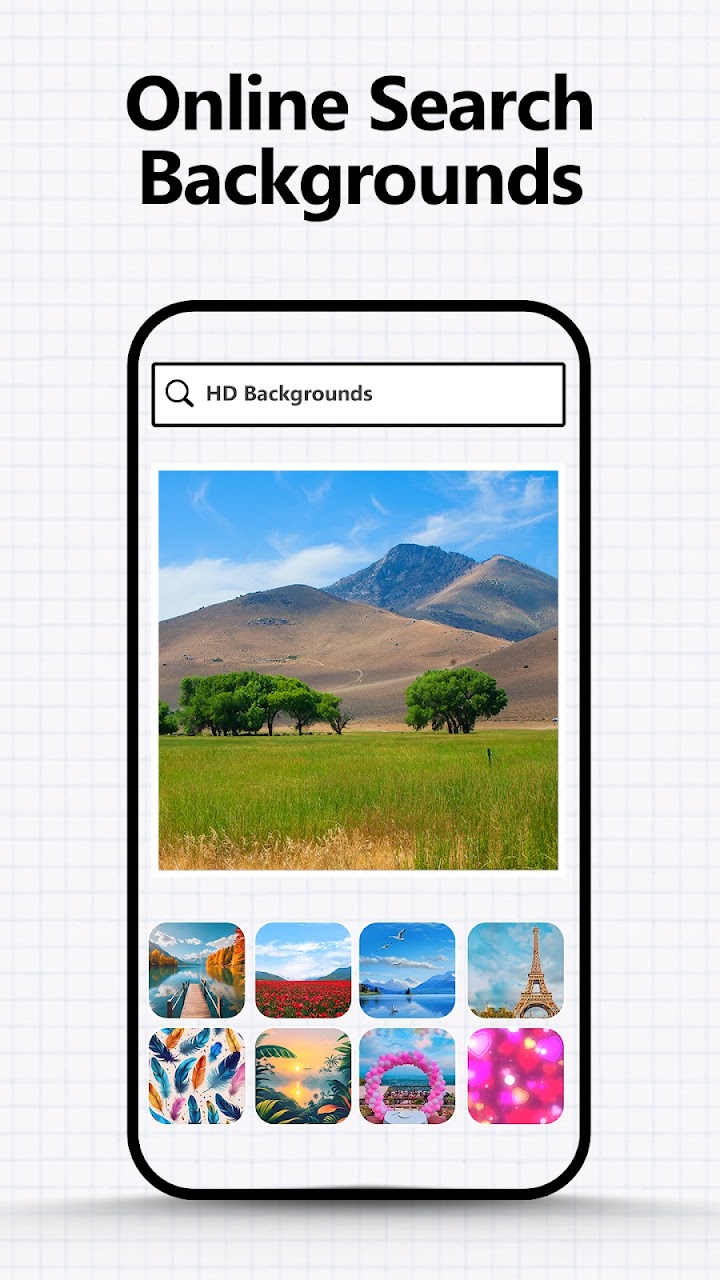
- Background replacement — Swap in solid colors, custom uploads, or one of the built-in 4K and HD backgrounds.
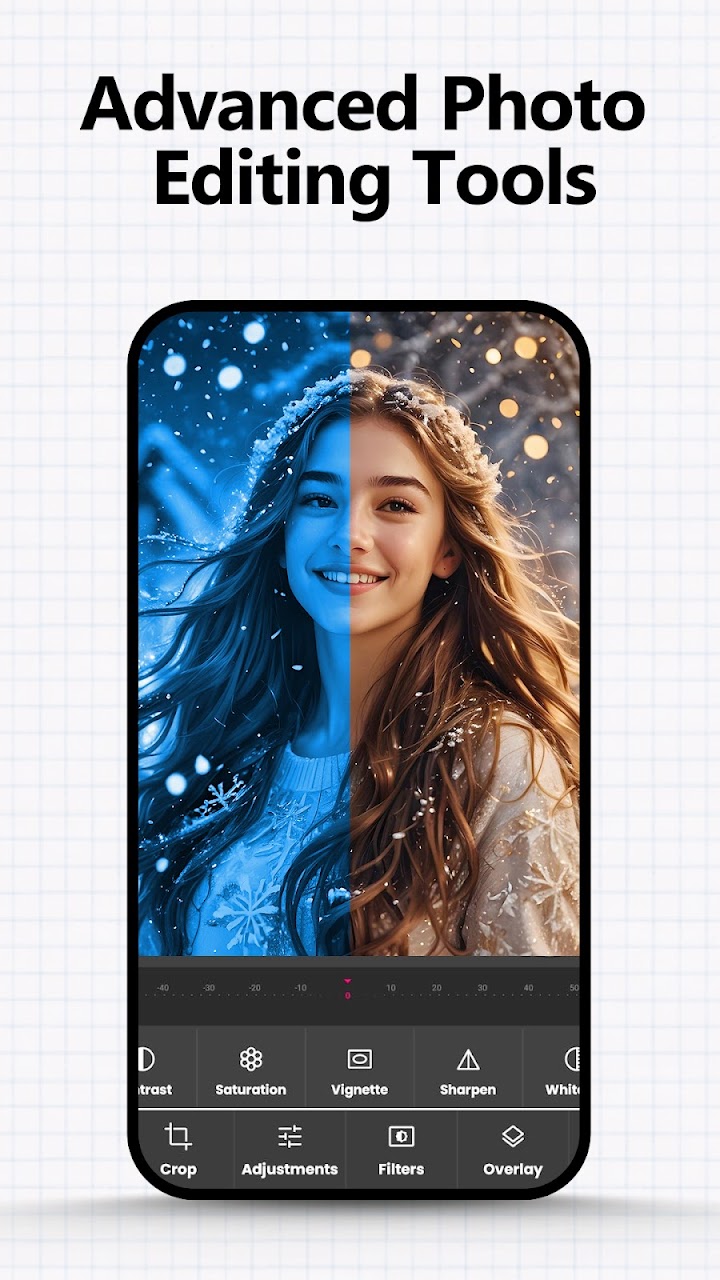
- Filters and adjustments — Use filters plus brightness, contrast, and saturation controls to tune the finished image.
- Sticker and text edits — Add text and stickers to PNG or JPG images without leaving the editor.
- Transparent PNG export — Save transparent PNGs for thumbnails, product images, websites, or social posts.
Removing and replacing photo backgrounds
Background Remover - AI Editor is built around a simple job: open a photo, remove the background, and decide what comes next. The app uses AI tools to detect edges and erase unwanted areas, which is useful when you want a clean cutout for a profile image, a product shot, or a thumbnail. It also supports cut and paste editing for combining pieces from different images.
Editing the result before export
After the background is cleared, the editor adds the usual finishing tools. You can crop, apply filters, place stickers, and add text to PNG or JPG images. There are also adjustment controls for brightness, contrast, and saturation, which helps when a cutout needs to blend better with a new backdrop.
Using 800+ backgrounds and custom uploads
If you do not want transparency, the app lets you replace the background with a color, a pre-made image, or your own upload. The background library includes more than 800 HD and 4K options across themes such as nature, abstract, and urban. That makes it practical for ID-style photos, social posts, and YouTube thumbnails.
Files, permissions, and install details
The app is free, includes ads, and offers in-app purchases for premium tools. No permissions are listed, so there is no stated access to storage, camera, or other device features in the package details. It comes as a universal APK, sized at 7.3 MB, and supports Android from API 14.
- Export options: transparent PNGs, edited JPGs, and images with custom backgrounds.
- Everyday use: quick touch-ups for profile photos, thumbnails, product images, and social posts.
- Editor extras: frames for nature, wedding, birthday, and studio looks.
APK information
- Version
- 1.0.18
- Package
- com.apptrends.nature.photo.editor.background.changer.eraser.nature.photo.frames
- Category
- Photography
- Size
- 7 MB
- Min Android
- API 14
- Architecture
- universal
Older versions
-
Background Remover - AI Editor 1.0.18Nov 12, 2026Latest downloadAPK
Background Remover - AI Editor FAQ
Can Background Remover - AI Editor edit RAW photos?expand_more
RAW photo support is not listed. The app description mentions PNG and JPG editing, but not RAW files.
Does Background Remover - AI Editor work offline?expand_more
Offline use is not stated. The description does mention searching online for more background options.
Does Background Remover - AI Editor show ads?expand_more
Yes. The app is marked as containing ads, and it also offers in-app purchases.
What is the difference between the APK and the Play Store version of Background Remover - AI Editor?expand_more
The APK details here list a universal 7.3 MB package for Android API 14 and up. The Play Store listing also shows the same app name, version 1.0.18, and the same feature set.
Can I make transparent PNGs with Background Remover - AI Editor?expand_more
Yes. The app supports transparent PNG export for use on social media, websites, and product showcases.