- 3.6star262 reviews
- 100K+Downloads
- 5 MBAPK size
- EveryoneRated for Everyone
- API 16+Android
check_circleOriginal APK from Galaxy Launcher · Updated Nov 11, 2026
No threats found
0 / — antivirus engines flagged this file
Original signature
First seen — Galaxy Launcher
Unmodified APK
Same file the developer published — no mods
Blur Background Photo Editor screenshots
8 images · tap to enlarge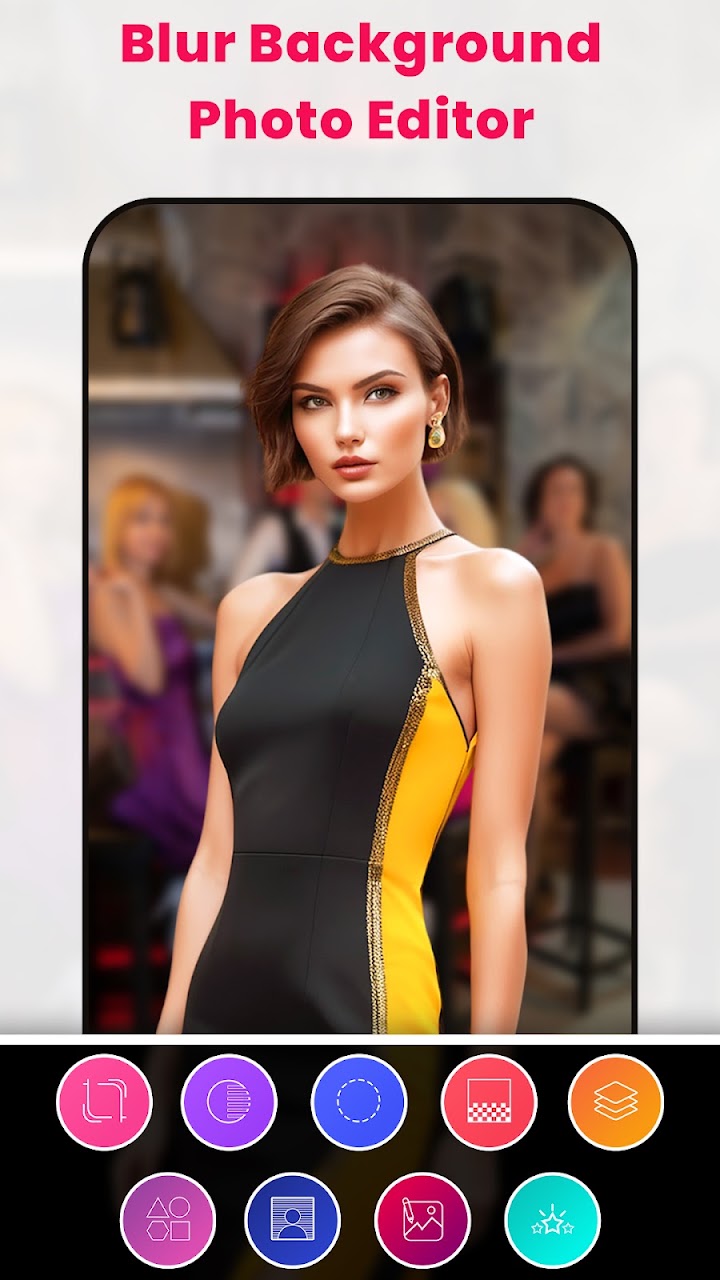
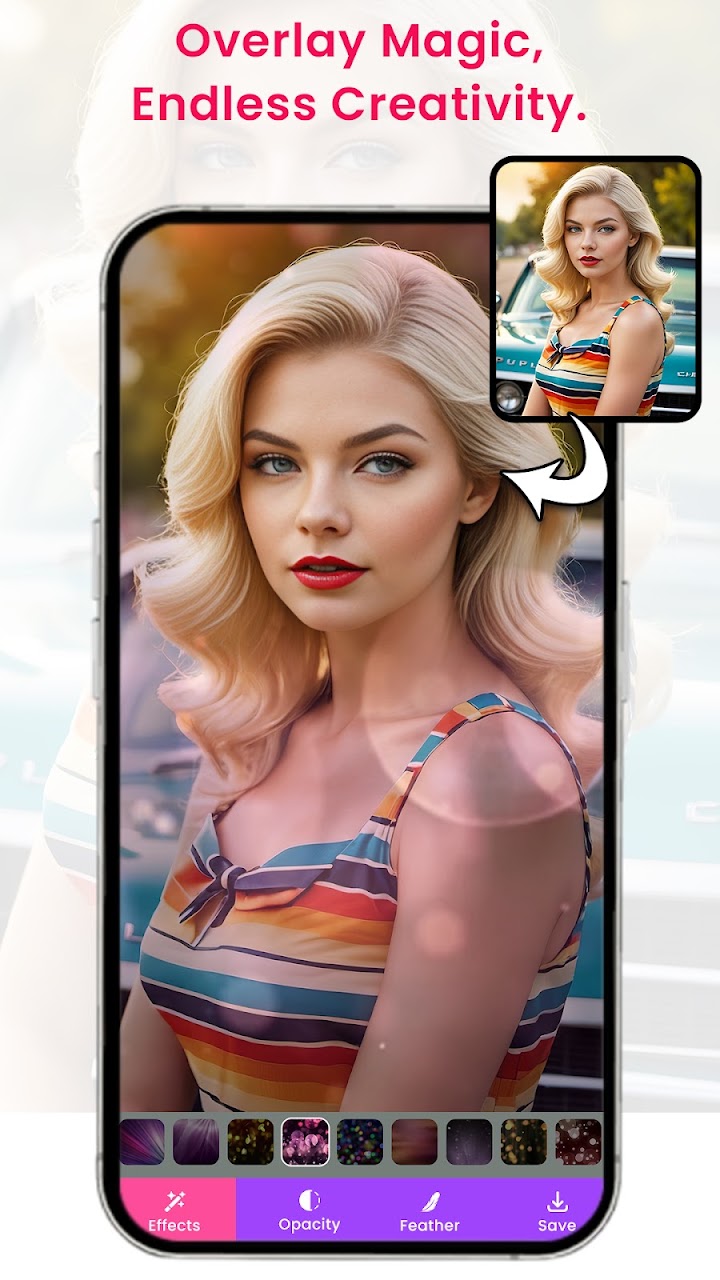
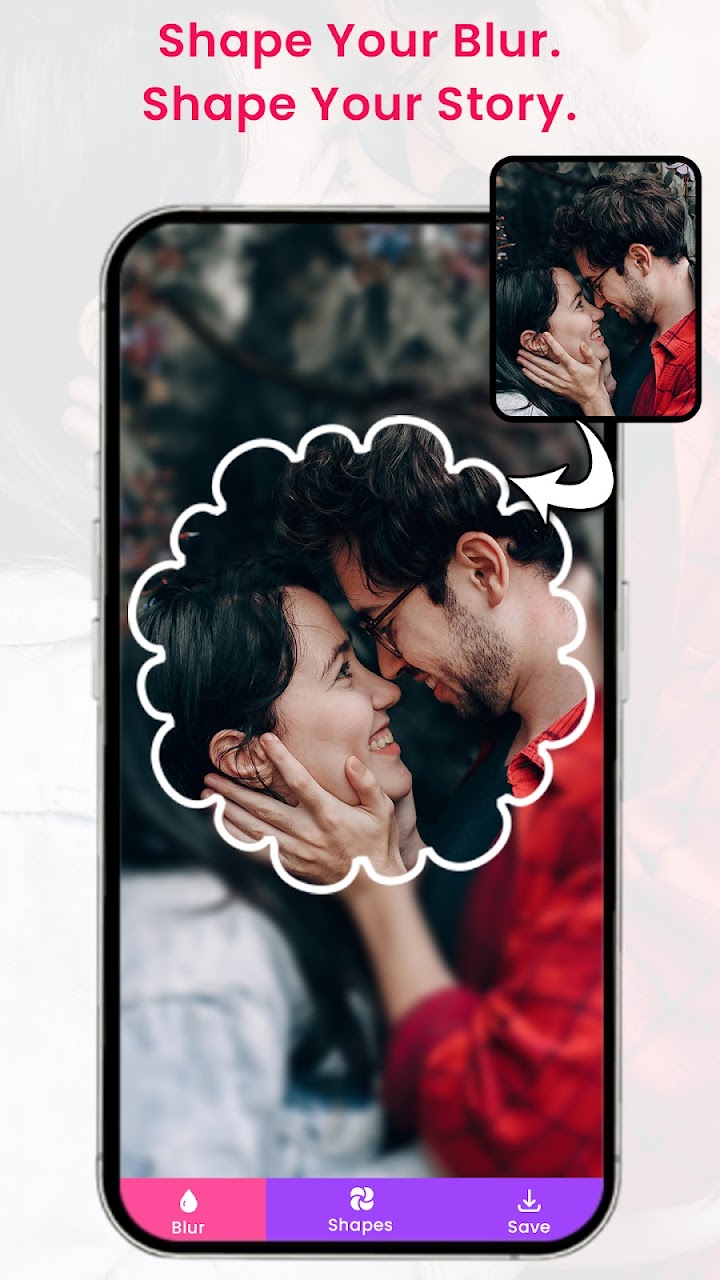
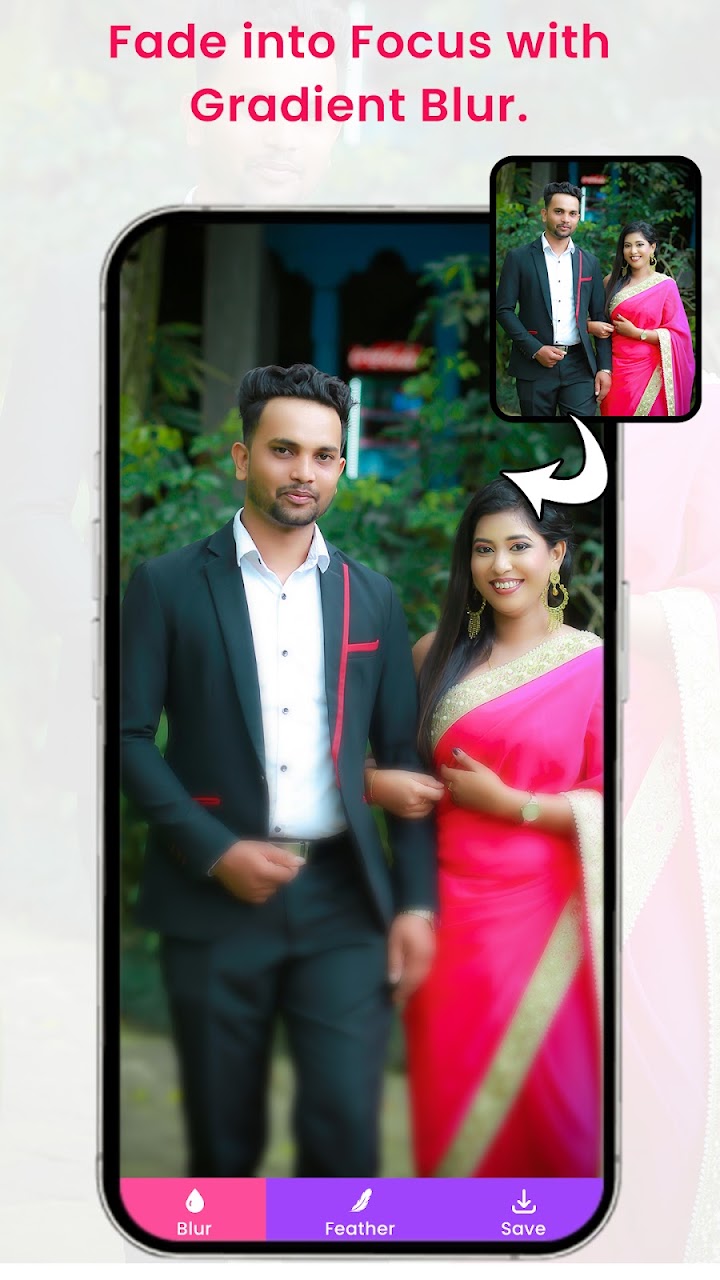
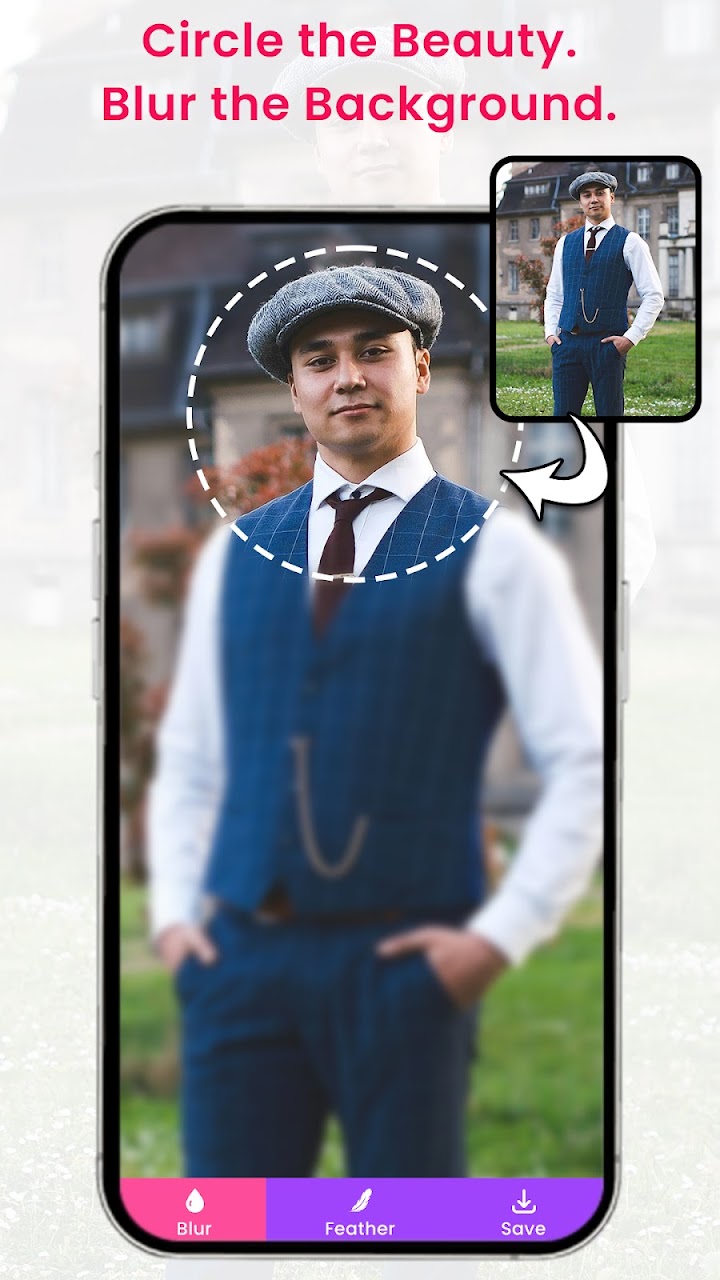
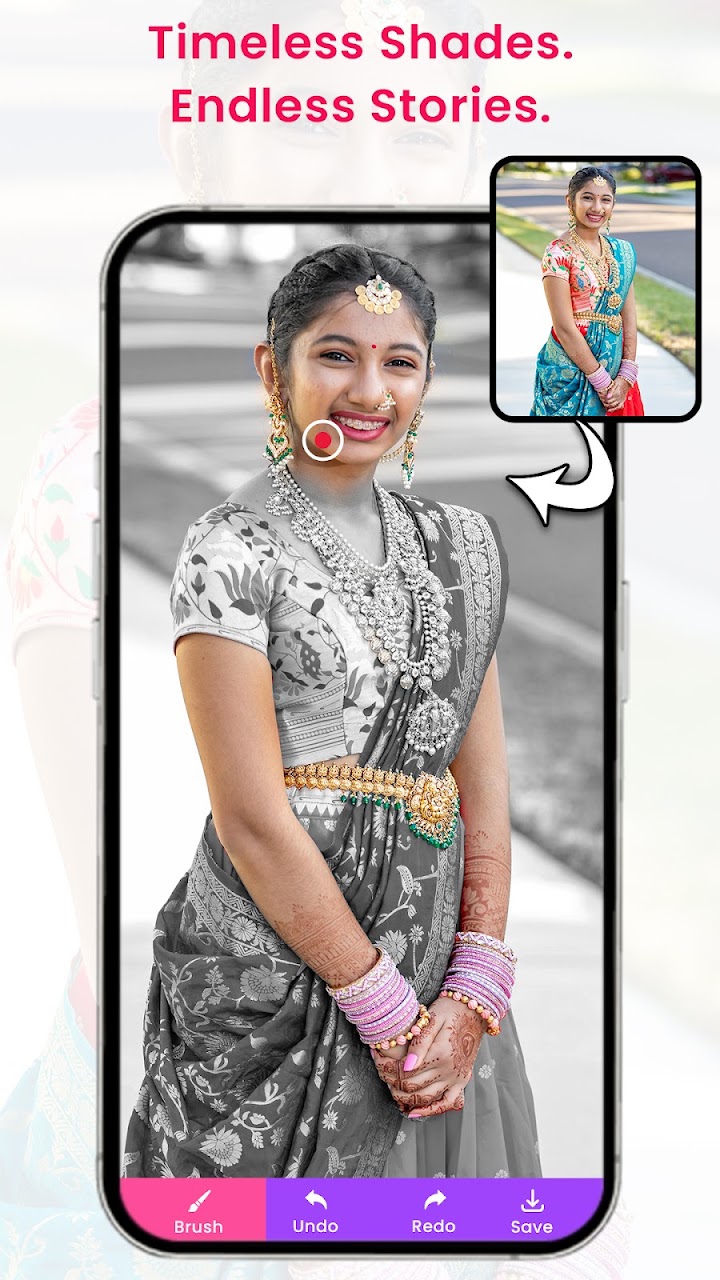
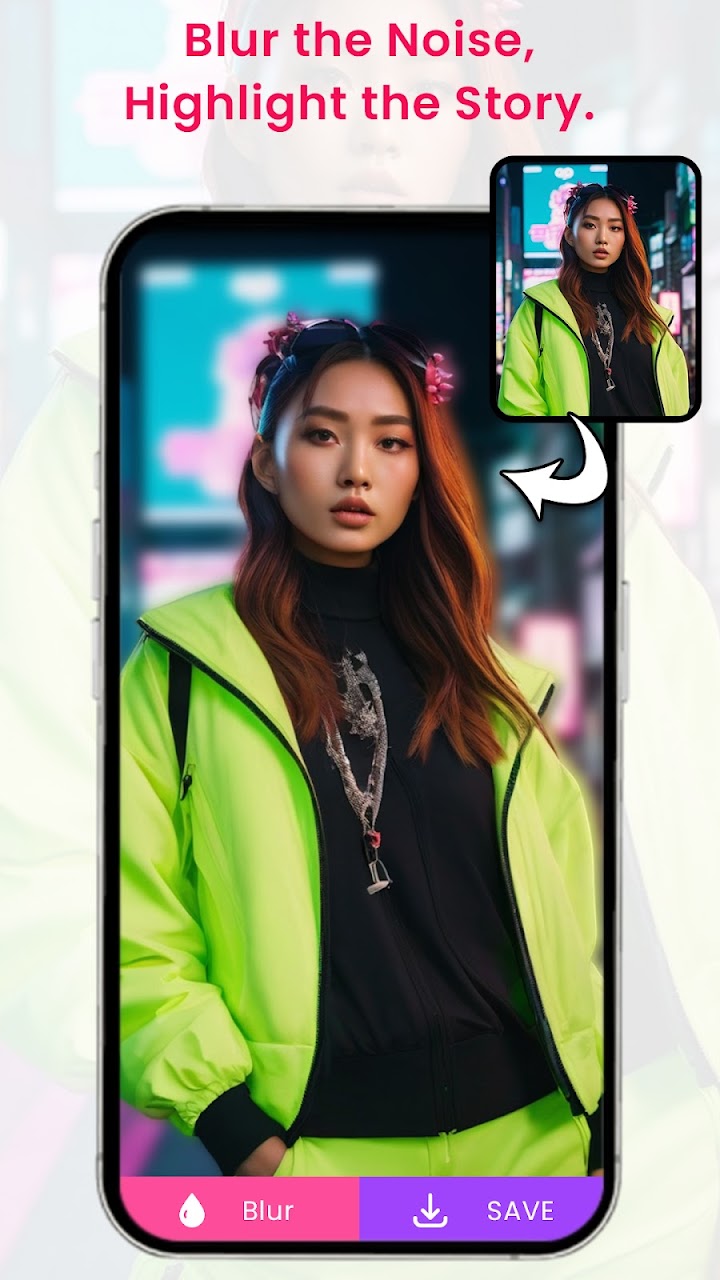
About this app
Galaxy Launcher’s Blur Background Photo Editor is made for turning ordinary photos into cleaner portrait-style images. It focuses on background blur, depth effects, and bokeh so your subject stands out more clearly. The app is free, shows ads, and keeps setup simple with no permissions listed.
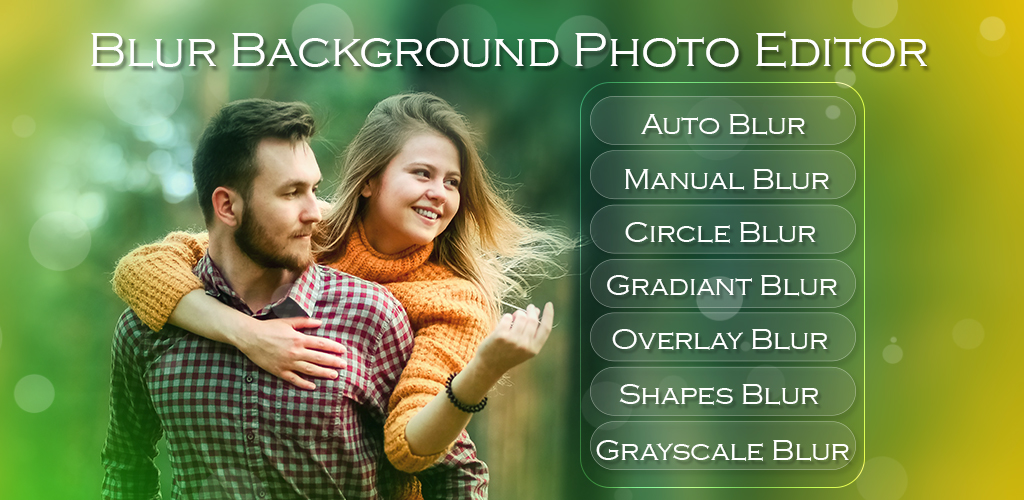
- Background blur tools — Blur the area behind your subject to reduce distractions and shift attention to the main part of the photo.
- Bokeh effects — Add bokeh-style highlights and adjust their look to give photos a softer, more cinematic feel.
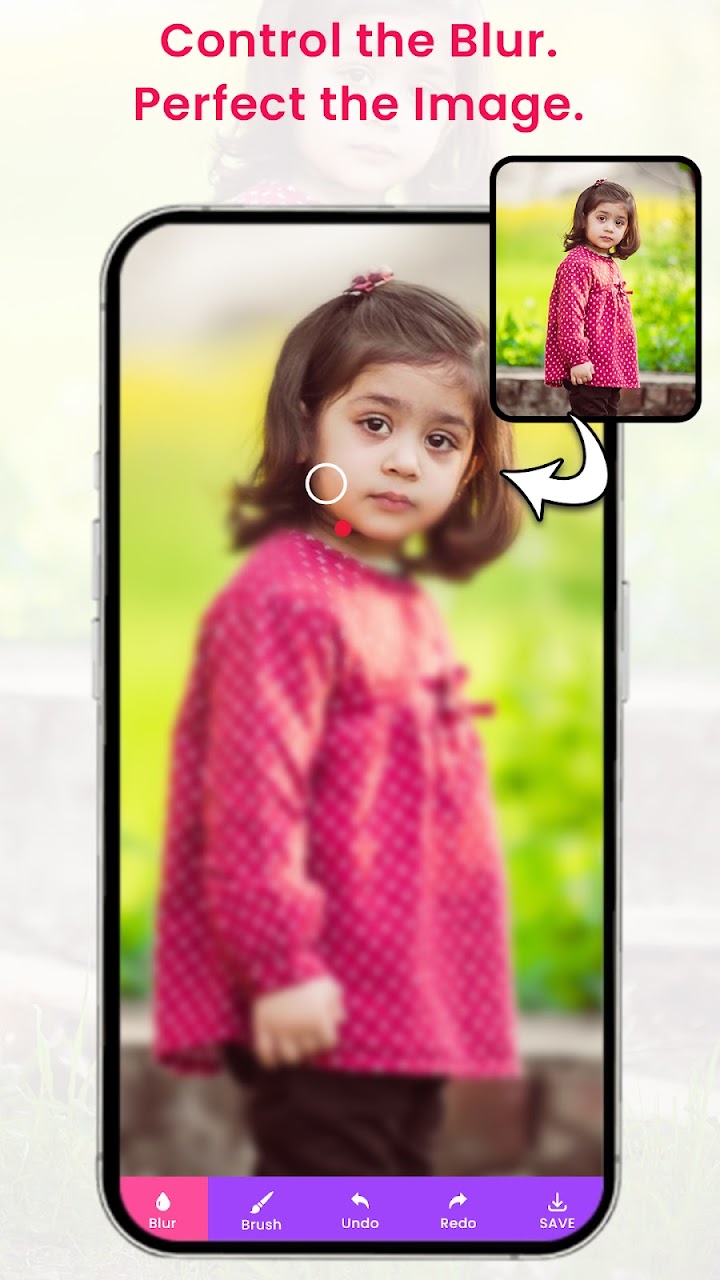
- Depth control — Use depth-of-field editing to make the subject sharper while the background fades away.
- Background replacement — Swap dull backdrops for different scenes or textures when you want a different look.
- Portrait retouching — Refine portrait photos with tools aimed at cleaner, more focused results.
First look at the editing style
Blur Background Photo Editor keeps its focus on one job: separating your subject from the background. The app offers blur, defocus, portrait, and bokeh tools, so it suits people who want a straightforward way to make portraits look tidier without learning a full photo editor.
Tools for blur and depth
The app includes background blur, focus-and-blur controls, depth-of-field editing, and a soft-focus effect. That gives you a few different ways to shape the look of a photo, whether you want a subtle blur or a stronger portrait-style result. It also includes a background changer for replacing the scene behind your subject.
What feels helpful, and what to expect
The recent update mentions improved blur quality, faster image processing, better edge detection, bug fixes, and small UI changes. Those updates point to a smoother editing experience, especially when you are trying to keep the subject cleanly separated from the background.
- Gets you: blur, bokeh, depth, and background change tools.
- Gets you: a free app rated 3.6 from 262 ratings.
- Watch for: ads in the free version.
- Watch for: no in-app purchases listed, so the app stays simple on pricing.
- Watch for: no permissions are listed.
Install details and device fit
The app is available as an APK, is 5.1 MB in size, and needs Android API 16 or later. That makes it usable on older phones, and the small file size may appeal if you want a light install. It has been available since 2017 and was last updated on 2026-03-27.
Should you try it?
If you want a beginner-friendly editor for background blur and portrait-style effects, this app covers the basics clearly. It is less about full photo editing and more about making subjects stand out, so it fits users who mainly want blur, depth, and bokeh tools in one place.
What's new
Version 2.2 · Nov 11, 2026
- ✨ Improved blur quality & performance
- 🔄 Faster image processing
- 🎯 Enhanced edge detection for perfect background separation
- 🐞 Bug fixes & stability improvements
- ⚙️ Minor UI optimizations for smoother editing experience
APK information
- Version
- 2.2
- Package
- best.blurbackground.DSLReffect
- Category
- Art & Design
- Size
- 5 MB
- Min Android
- API 16
- Architecture
- universal
Older versions
-
Blur Background Photo Editor 2.2Nov 11, 2026Latest downloadAPK
Blur Background Photo Editor FAQ
Can Blur Background Photo Editor edit RAW photos?expand_more
That is not listed among the app’s features. The description focuses on blur, bokeh, depth, and background editing tools.
Does Blur Background Photo Editor work offline?expand_more
Offline use is not stated. The app listing does not say whether an internet connection is needed.
What permissions does Blur Background Photo Editor ask for?expand_more
No permissions are listed for this app. The permission list is empty in the app details provided.
Is Blur Background Photo Editor available for older phones?expand_more
Yes. It needs Android API 16 or later, so it can run on older devices that meet that requirement.
Does Blur Background Photo Editor change photo backgrounds?expand_more
Yes. It includes a photo background changer for replacing dull backgrounds with different scenes or textures.