- 0.0star0 reviews
- 10K+Downloads
- 11 MBAPK size
- EveryoneRated for Everyone
- API 14+Android
check_circleOriginal APK from Galaxy Launcher · Updated Nov 10, 2026
No threats found
0 / — antivirus engines flagged this file
Original signature
First seen — Galaxy Launcher
Unmodified APK
Same file the developer published — no mods
Love Photo Collage Maker screenshots
8 images · tap to enlarge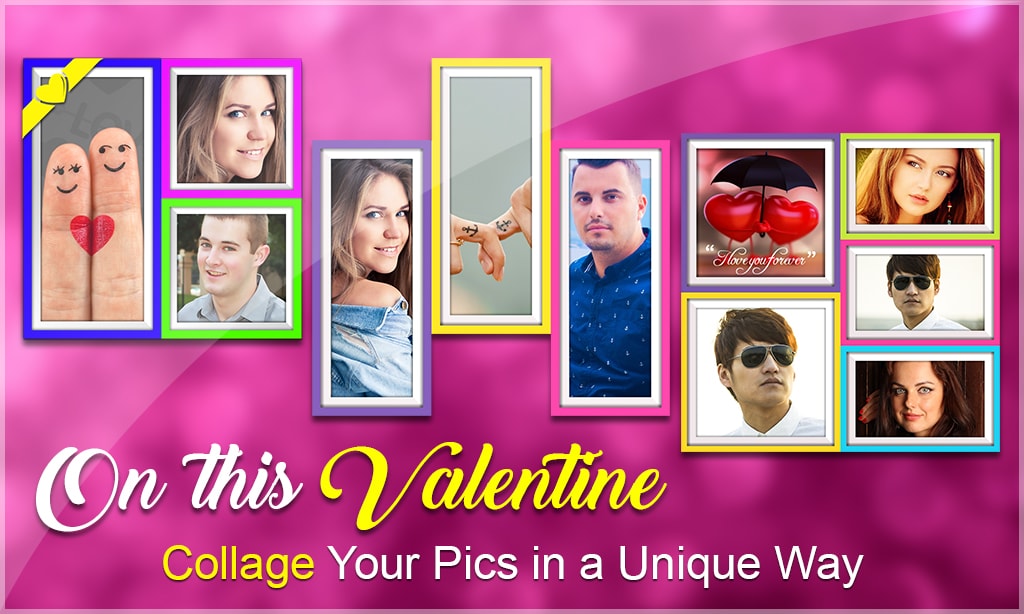
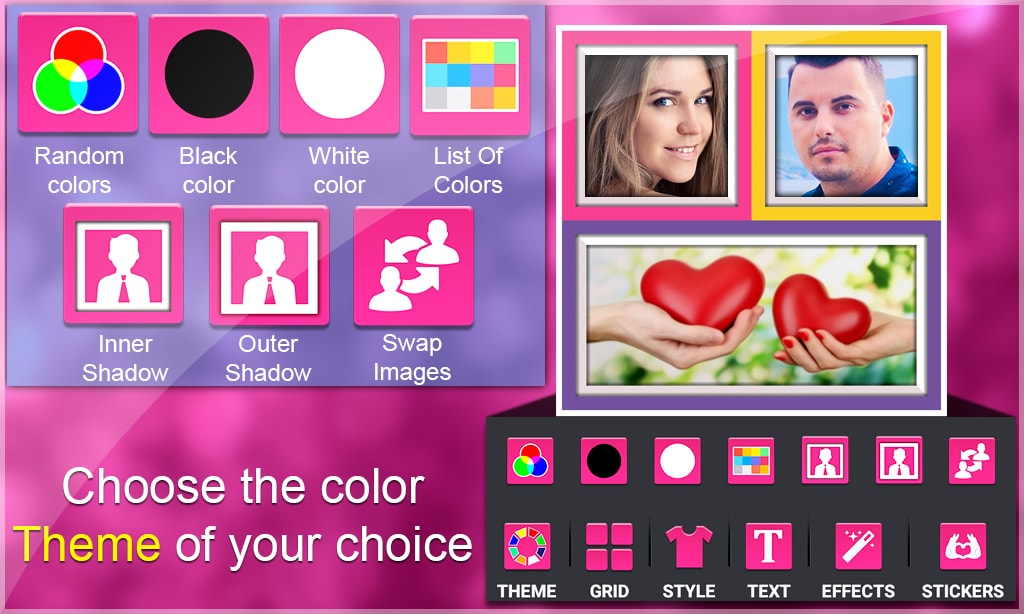
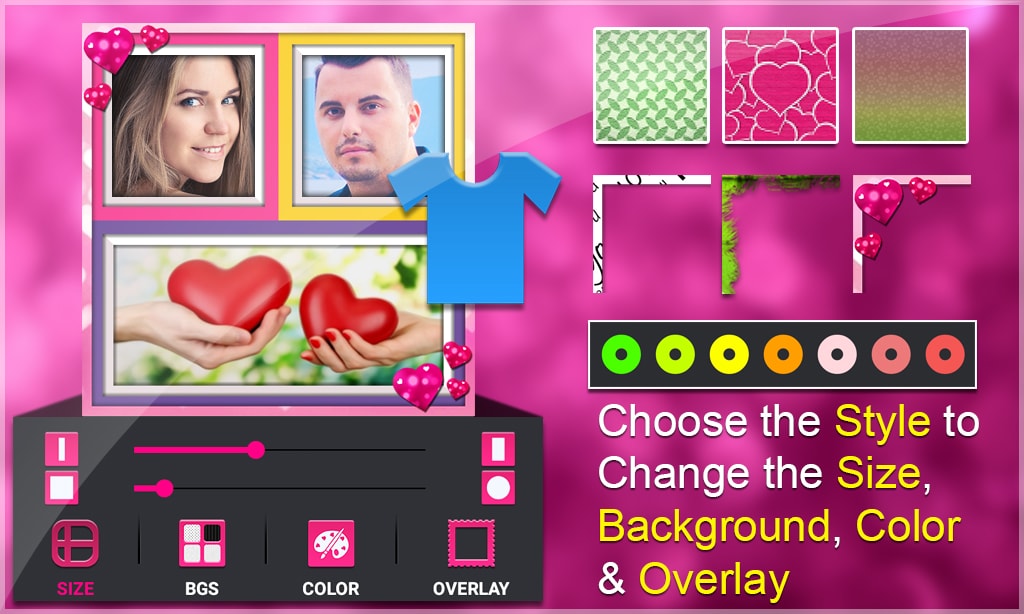
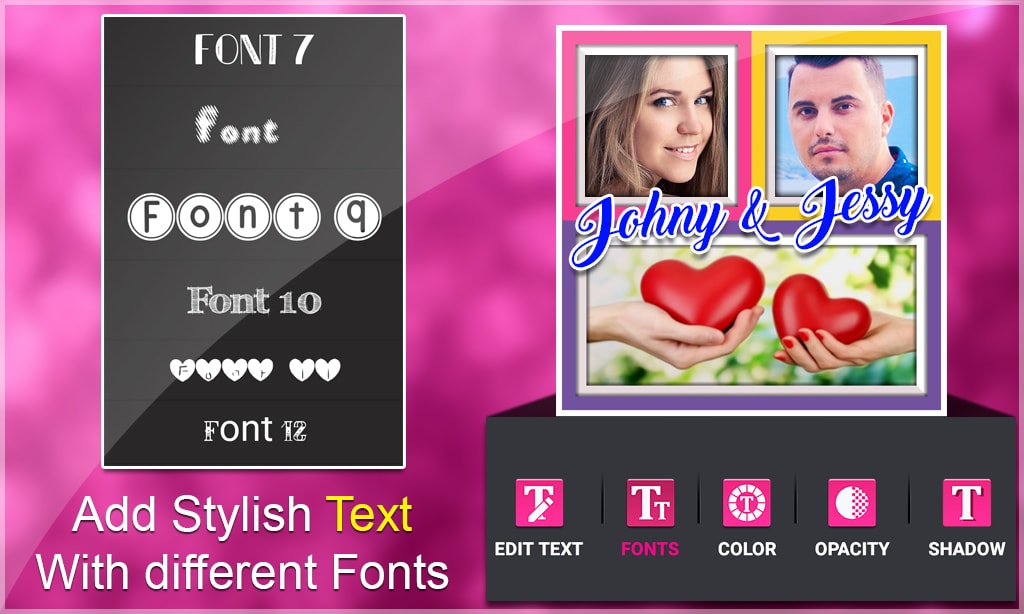
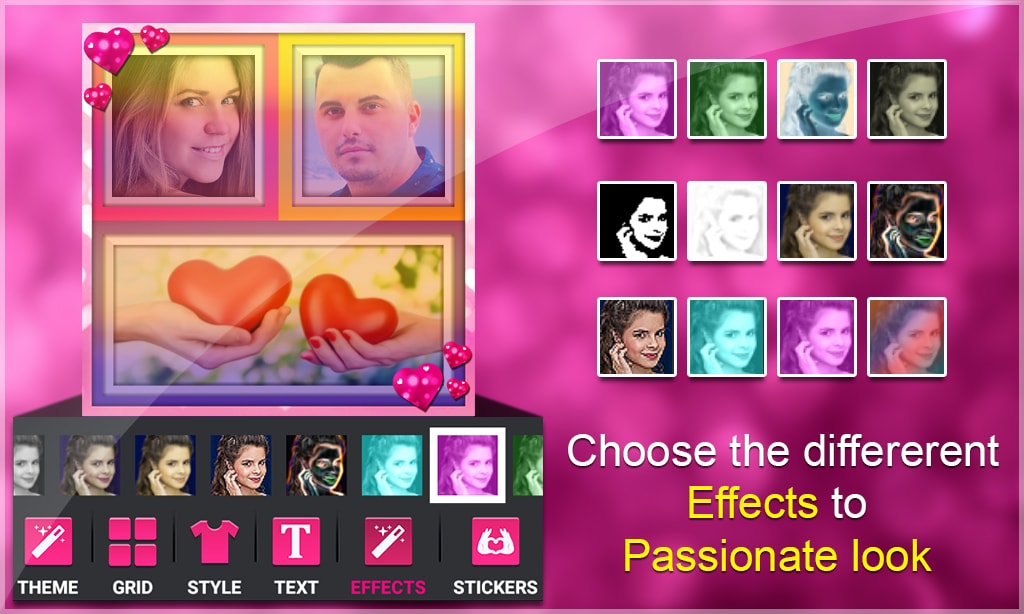
About this app
Love Photo Collage Maker helps you turn a pile of photos into collages, story posts, and simple edits in one app. On a long train ride or while sorting holiday shots, you can pick from many layouts, add text or stickers, and use AI cutout to swap backgrounds. It is free, ad-supported, and keeps permissions to a minimum.
- Up to 100 Photos — Build collages with as many as 100 photos in one layout.
- AI Cutout Tool — Replace backgrounds with themed options in a single tap.
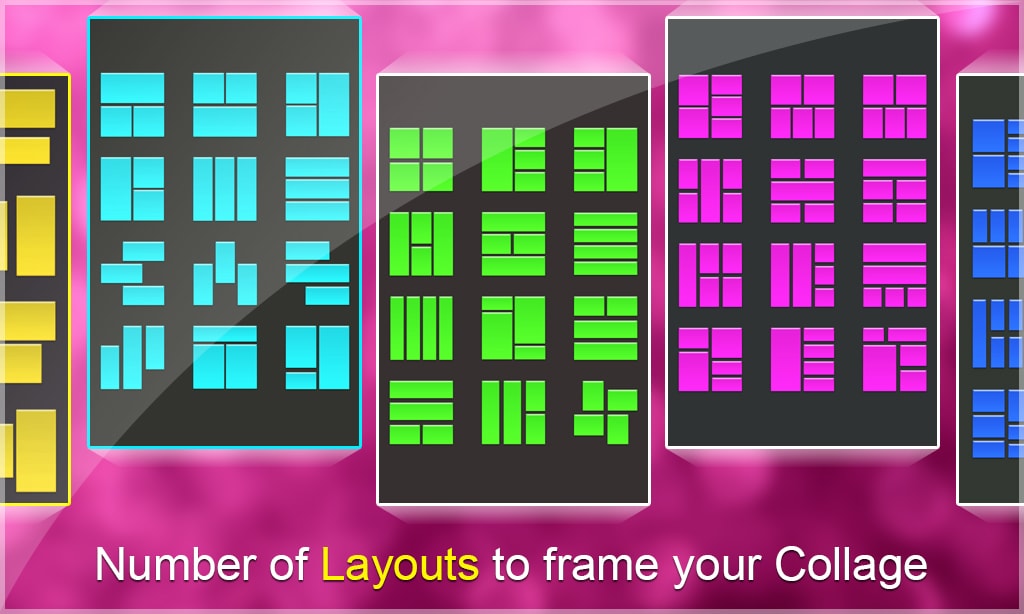
- Many Layouts — Choose from hundreds of collage grids, frames, and layouts.
- Story Templates — Use 100+ styled templates for film, magazine, and ripped-paper looks.
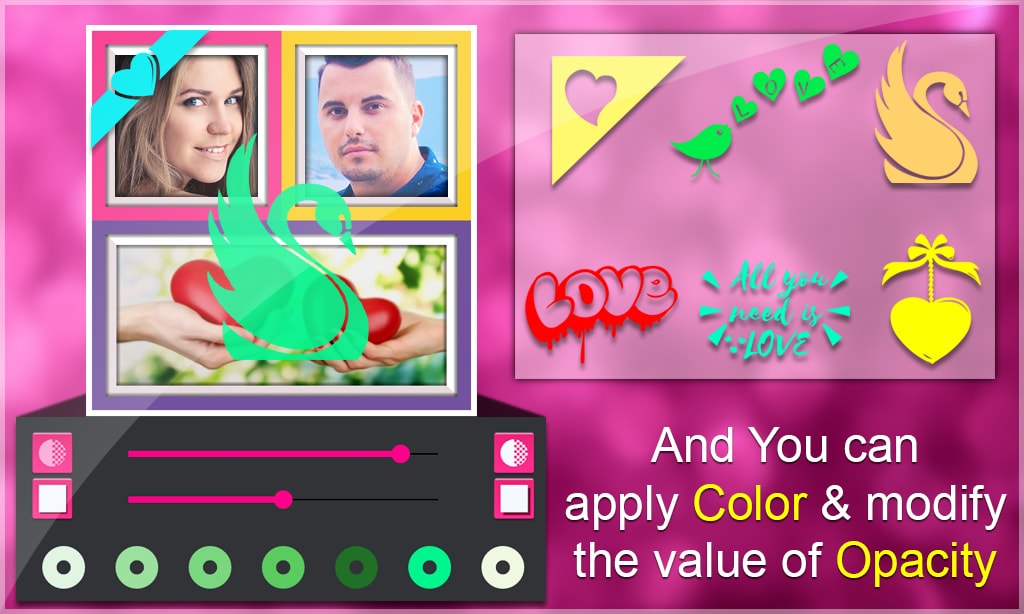
- Flexible Editing — Adjust ratio, borders, filters, text, stickers, doodles, flips, and rotations.
- Instagram Fit — Make square and other ratio-based posts for feeds and stories.
First look at the collage tools
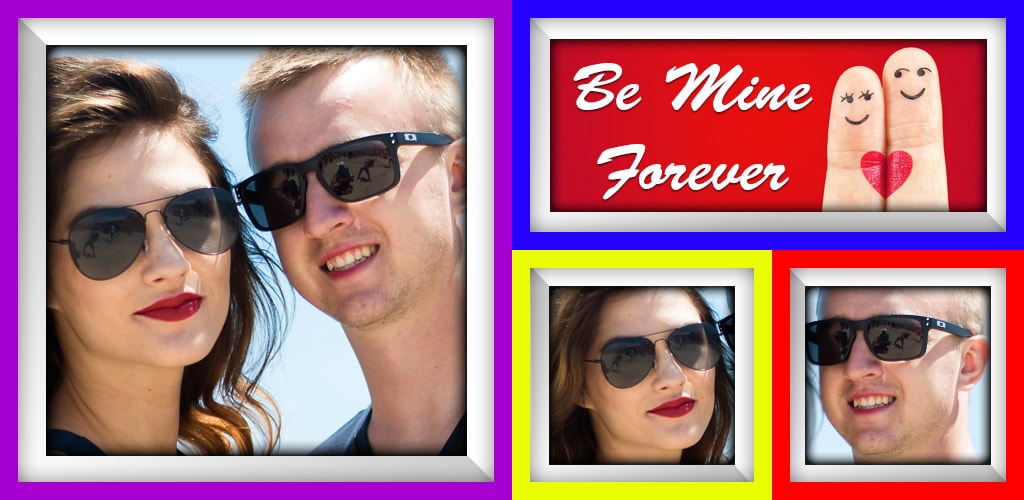
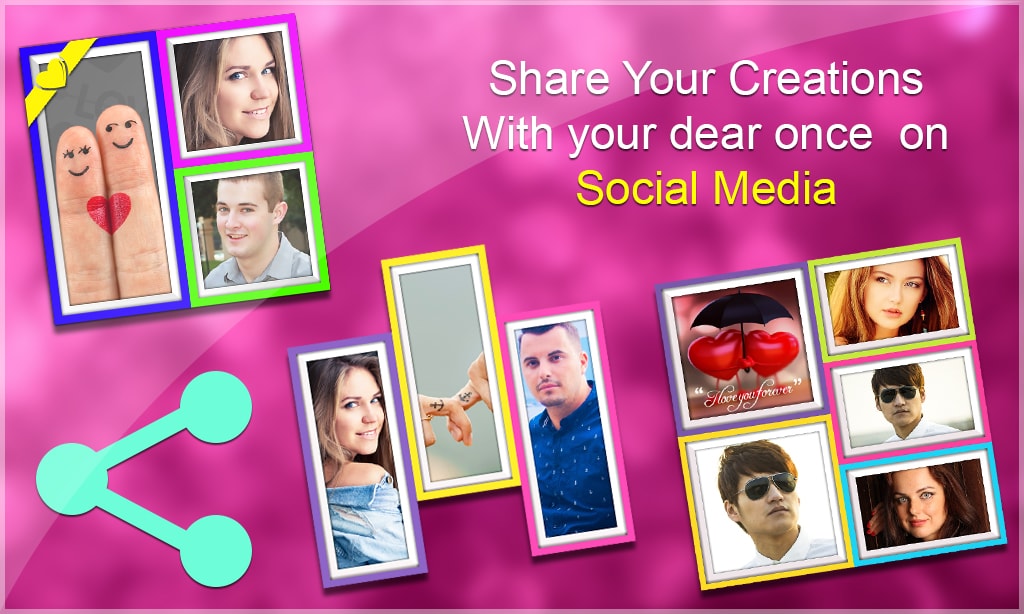
Love Photo Collage Maker opens with a clear focus on combining photos quickly. If you are editing on the move, the app gives you grids, freestyle layouts, and story templates without pushing you into a complicated workflow. You can start with a few images or build a larger collage with up to 100 photos, then refine the result with borders, backgrounds, and text.
AI cutout and photo edits
The app includes AI cutout for background replacement, which is useful when you want a cleaner subject for a post or product shot. It also includes standard editing tools such as crop, filters, stickers, text, doodles, flips, and rotations. That makes it more than a simple collage tool, although the store listing does not mention export formats or output quality details.
What you get, and what to watch for
- Gets: collage grids, freestyle scrapbooks, story templates, and Instagram-friendly ratios.
- Gets: AI cutout background replacement and a broad set of editing tools.
- Watch for: ads, since the app is free and contains advertisements.
- Watch for: no in-app purchases are listed, so the app relies on the free, ad-supported model.
Install details and device fit
The app is an APK, sized at 11.5 MB, and it works on Android devices running API 14 or later. It does not list any permissions, so there is no stated request for storage access or other device access in the app listing. That keeps setup straightforward compared with some photo apps that ask for more at install time.
How it compares in daily use
Against typical art and design apps, Love Photo Collage Maker is aimed more at quick collage-making and social posts than at deep photo editing. If you want a compact app for arranging memories, adding decorative touches, and making story-ready layouts, it covers the basics well. If you need advanced editing details or export specifications, those are not spelled out here.
APK information
- Version
- 1.4
- Package
- love.lovecollagephotoframe.lovecollage.loveframes
- Category
- Art & Design
- Size
- 11 MB
- Min Android
- API 14
- Architecture
- universal
Older versions
-
Love Photo Collage Maker 1.4Nov 10, 2026Latest downloadAPK
Love Photo Collage Maker FAQ
Can Love Photo Collage Maker edit RAW photos?expand_more
The listing does not say that it supports RAW photo editing. It describes collage, background replacement, and standard photo editing tools instead.
Does Love Photo Collage Maker add a watermark?expand_more
The app description does not mention watermarks. There is no stated watermark policy in the listing.
Can I install Love Photo Collage Maker without Google Play?expand_more
Yes. The app is listed as an APK, so it can be installed outside Google Play if you have the file.
Is Love Photo Collage Maker available for older phones?expand_more
It requires Android API 14 or later, so it can run on older devices that meet that minimum.
How many photos can I use in one collage?expand_more
You can combine up to 100 photos in a single collage. The app also offers many layouts and grid options.